Presentation Remote Controller
Photo album internet projector
Projetado para iPhone, iPad
R$ 6,90 · Compras no app
- Classificação etária4+
- CategoriaNegócios
- Desenvolvedorkobunachou ozawa
- IdiomasInglêse mais 8
- Tamanho1,5 MB
Leva à página oficial na App Store
O Download.org não hospeda nenhum arquivo de Presentation Remote Controller. O botão abre a página do app na App Store, onde kobunachou ozawa o publica. Página verificada pela última vez em 20/11/2026.
Capturas de tela


Sobre
O desenvolvedor não forneceu este texto no seu idioma.
“Presentation Remote Controller” is a wireless remote control app that allows you to navigate photo and PDF slides via the internet.
~Key Features~
-Break Through Bluetooth Limits:
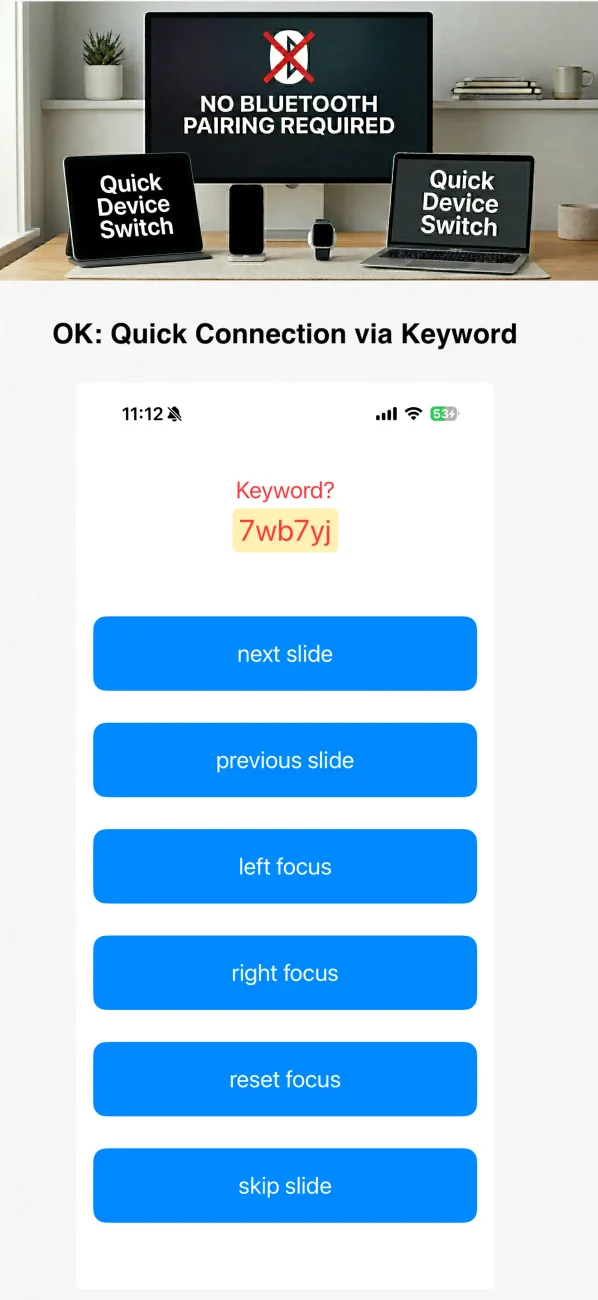
No tedious pairing required. Easily achieve setups impossible with standard Bluetooth, such as remotely operating an iPad directly from an Apple Watch via the internet.
-Control Any Device (No Apple ID Match Required):
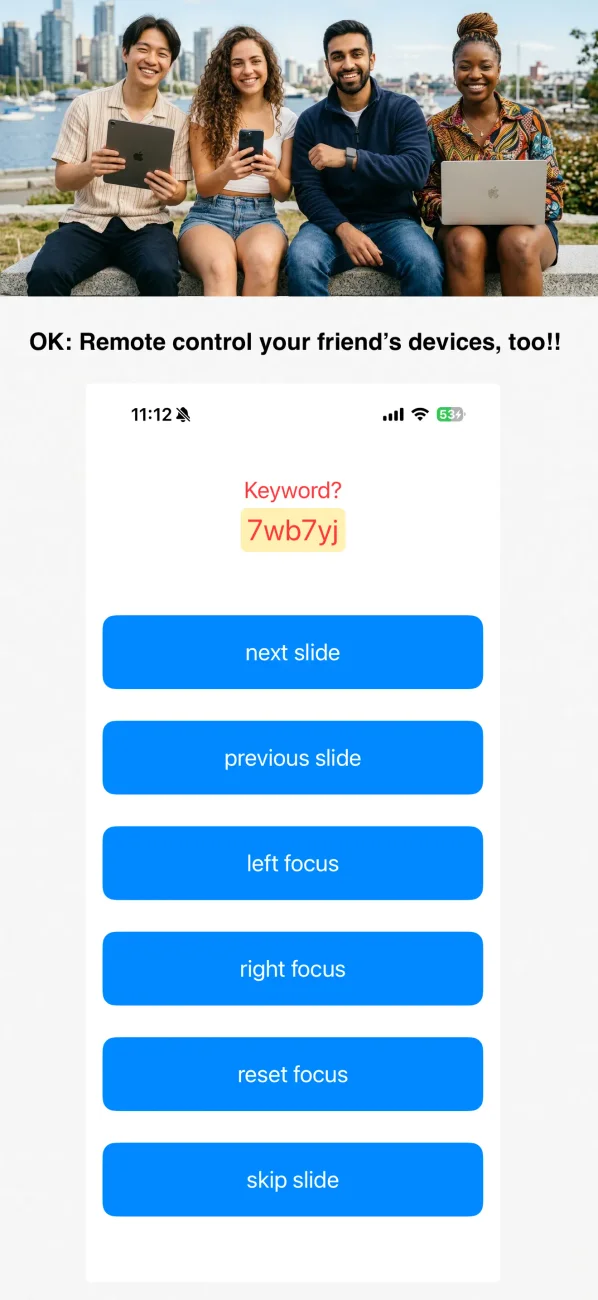
There is no need for iCloud syncing or matching Apple IDs. You can even remotely control a friend’s device simply by sharing your unique keyword.
-Turn Any Device into a Projector with Our Free App:
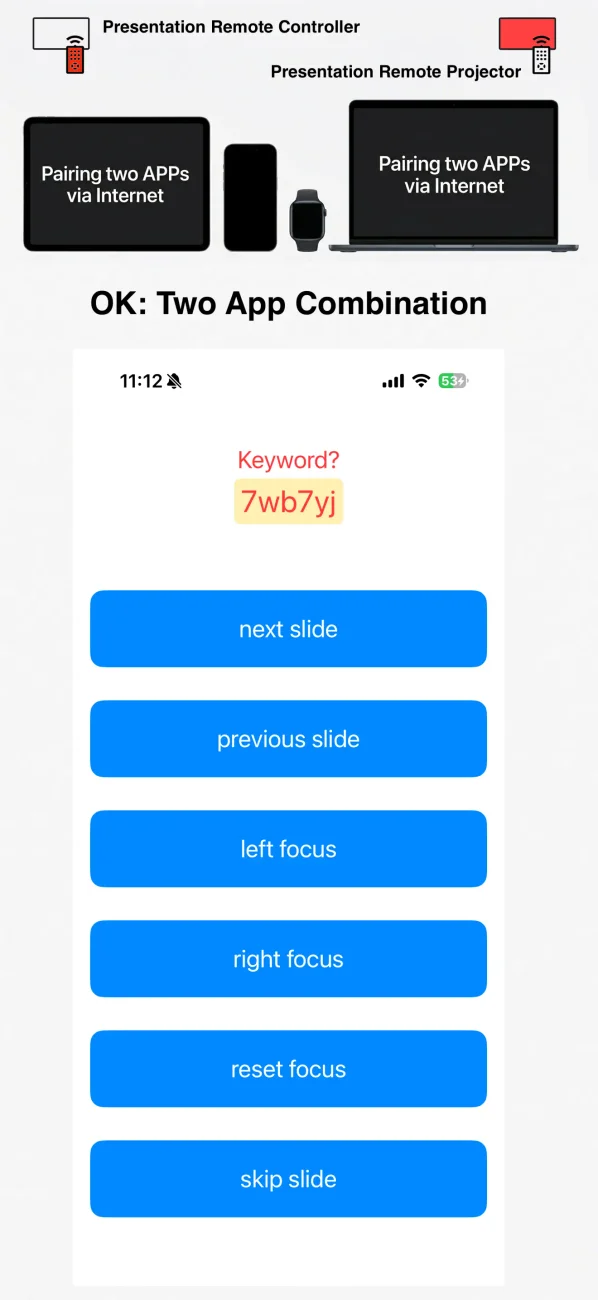
By installing the free companion app (“Presentation Remote Projector”), you can remotely control iPhones, iPads, and even PCs like Apple Silicon Macs (within the iOS app environment).
~ Setup Guide (Connecting Two Apps) ~
1 “Presentation Remote Controller” automatically generates a 6-digit keyword upon launch.
2 Enter that 6-digit keyword into “Presentation Remote Projector”.
3 Tap the "+" button at the top to import your presentation slides from Photos or iCloud.
4 Confirm that the slides (with multiple pages) are correctly displayed.
5 Ensure you are connected to the internet and tap the antenna button in the top-right corner.
6 Return to “Presentation Remote Controller” and press the "Next" button to navigate the slides.
7 Once the remote session is finished, tap the antenna button again to end the connection.
*Steps 2–5 and step 7 are performed within the companion app, “Presentation Remote Projector”.
- Video
Search for our website: "Shin APP Tech"
(User Guide: https://shin-app.tech/en)
Presentation Remote Controller for another device
Subscription:
1 month auto-renewable subscription
*A paid subscription is required to access all features.
Privacy Policy:
https://shin-app.tech/en/privacy-policy
Terms of Use:
https://www.apple.com/legal/internet-services/itunes/dev/stdeula/
Novidades
Versão 4.6 · 10/07/2026
-bugs fixed
Privacidade do app
O que kobunachou ozawa declara na App Store sobre como este app lida com os dados.
-
Dados não coletados
O desenvolvedor não coleta nenhum dado deste app.
As práticas de privacidade podem variar, por exemplo, com base nos recursos que você usa ou na sua idade.
Informações
- Vendedor
- kobunachou ozawa
- Categoria
- Negócios
- Versão
- 4.6
- Atualizado
- 10/07/2026
- Lançamento
- 27/03/2018
- Tamanho
- 1,5 MB
- Requer
- iOS 26.2 ou posterior
- Classificação etária
- 4+
- Preço
- R$ 6,90
- Compras no app
- Sim
- Idiomas
- Inglês, Francês, Alemão, Italiano, Japonês, Coreano, Chinês simplificado, Espanhol, Chinês tradicional
- Copyright
- © Shin APP Tech
Você também pode gostar
-
 Call CheckerNegócios
-
 Double browser Pro 2 in 1navegação rápida e segura
-
 Date & Time Calculator(9 in 1)Negócios
-
 My Toll Free Number + Fax, VMNegócios
-
 Percentages CalculatorNegócios
-
 P-TimerNegócios
-
 Wallet Digital Business CardNegócios
-
 ProviderJobsNegócios
-
 Mileage: Business Trip TrackerNegócios
-
 CameraVisionNegócios