Presentation Remote Controller
Photo album internet projector
iPhone, iPad için tasarlandı
₺49,99 · Uygulama içi satın alma
- Yaş sınırı4+
- Kategoriİş
- Geliştiricikobunachou ozawa
- Dillerİngilizce+ 8 dil daha
- Boyut1,5 MB
Resmi App Store sayfasına bağlanır
Download.org, Presentation Remote Controller için hiçbir dosya barındırmaz. Düğme, uygulamanın App Store üzerindeki sayfasını açar; uygulamayı orada kobunachou ozawa yayınlar. Sayfanın son kontrolü: 20.11.2026.
Ekran görüntüleri


Hakkında
Geliştirici bu metni dilinizde sunmamış.
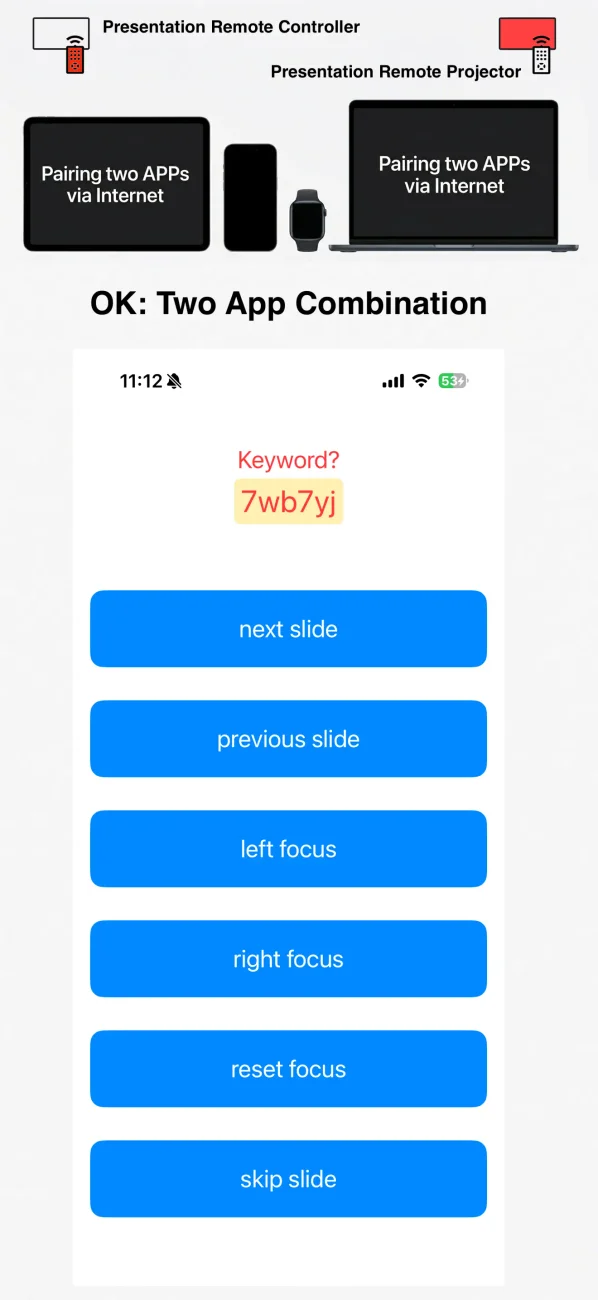
“Presentation Remote Controller” is a wireless remote control app that allows you to navigate photo and PDF slides via the internet.
~Key Features~
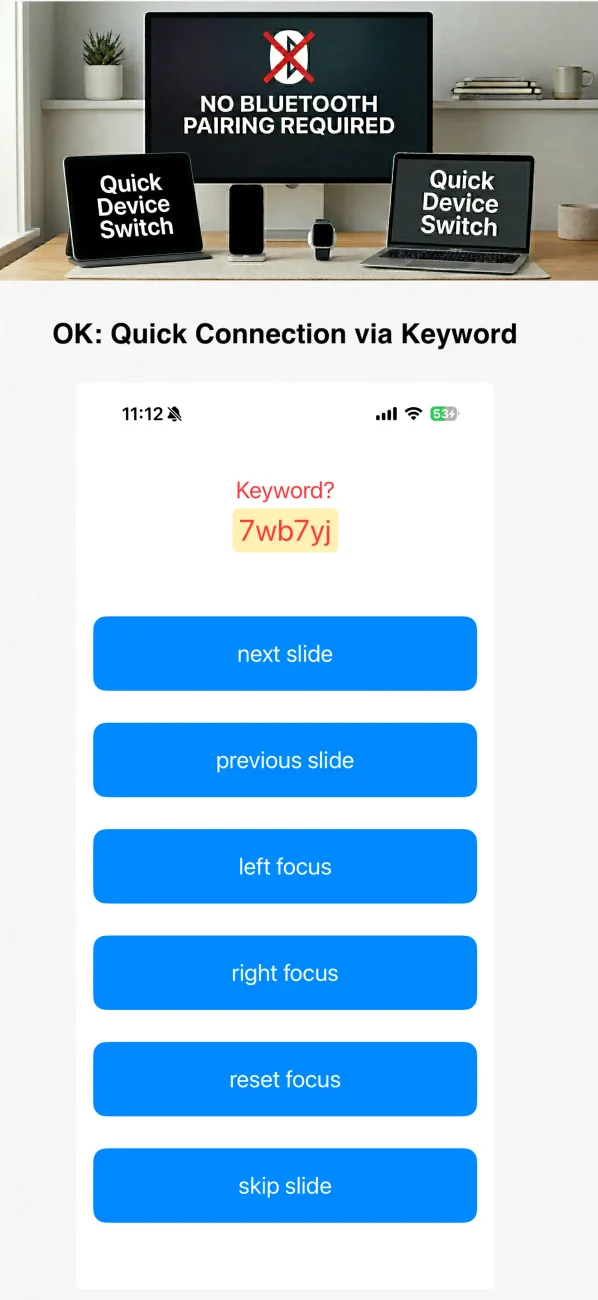
-Break Through Bluetooth Limits:
No tedious pairing required. Easily achieve setups impossible with standard Bluetooth, such as remotely operating an iPad directly from an Apple Watch via the internet.
-Control Any Device (No Apple ID Match Required):
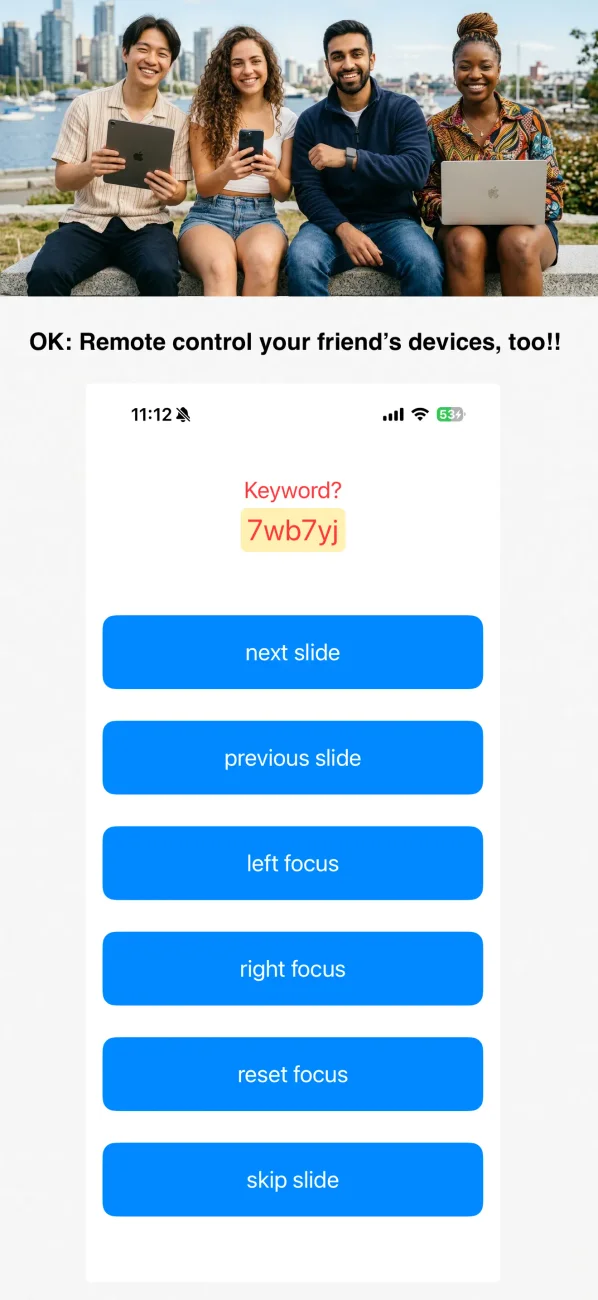
There is no need for iCloud syncing or matching Apple IDs. You can even remotely control a friend’s device simply by sharing your unique keyword.
-Turn Any Device into a Projector with Our Free App:
By installing the free companion app (“Presentation Remote Projector”), you can remotely control iPhones, iPads, and even PCs like Apple Silicon Macs (within the iOS app environment).
~ Setup Guide (Connecting Two Apps) ~
1 “Presentation Remote Controller” automatically generates a 6-digit keyword upon launch.
2 Enter that 6-digit keyword into “Presentation Remote Projector”.
3 Tap the "+" button at the top to import your presentation slides from Photos or iCloud.
4 Confirm that the slides (with multiple pages) are correctly displayed.
5 Ensure you are connected to the internet and tap the antenna button in the top-right corner.
6 Return to “Presentation Remote Controller” and press the "Next" button to navigate the slides.
7 Once the remote session is finished, tap the antenna button again to end the connection.
*Steps 2–5 and step 7 are performed within the companion app, “Presentation Remote Projector”.
- Video
Search for our website: "Shin APP Tech"
(User Guide: https://shin-app.tech/en)
Presentation Remote Controller for another device
Subscription:
1 month auto-renewable subscription
*A paid subscription is required to access all features.
Privacy Policy:
https://shin-app.tech/en/privacy-policy
Terms of Use:
https://www.apple.com/legal/internet-services/itunes/dev/stdeula/
Yenilikler
Sürüm 4.6 · 10.07.2026
-bugs fixed
Uygulama gizliliği
Bu uygulamanın verileri nasıl işlediği hakkında kobunachou ozawa tarafından App Store üzerinde yapılan beyan.
-
Veri toplanmıyor
Geliştirici bu uygulamadan hiçbir veri toplamıyor.
Gizlilik uygulamaları, örneğin kullandığınız özelliklere veya yaşınıza göre değişiklik gösterebilir.
Bilgiler
- Satıcı
- kobunachou ozawa
- Kategori
- İş
- Sürüm
- 4.6
- Güncellendi
- 10.07.2026
- Yayın tarihi
- 27.03.2018
- Boyut
- 1,5 MB
- Gereksinim
- iOS 26.2 veya sonrası
- Yaş sınırı
- 4+
- Fiyat
- ₺49,99
- Uygulama içi satın alma
- Evet
- Diller
- İngilizce, Fransızca, Almanca, İtalyanca, Japonca, Korece, Basitleştirilmiş Çince, İspanyolca, Geleneksel Çince
- Telif hakkı
- © Shin APP Tech