
PresentSync: Slide Remote
Presentation Clicker & Pointer
Projetado para iPhone, iPad
Grátis · Compras no app
- Classificação etária4+
- CategoriaProdutividade
- Desenvolvedor戈 谢
- IdiomasInglêse mais 4
- Tamanho3,2 MB
Leva à página oficial na App Store
O Download.org não hospeda nenhum arquivo de PresentSync: Slide Remote. O botão abre a página do app na App Store, onde 戈 谢 o publica. Página verificada pela última vez em 28/11/2026.
Capturas de tela
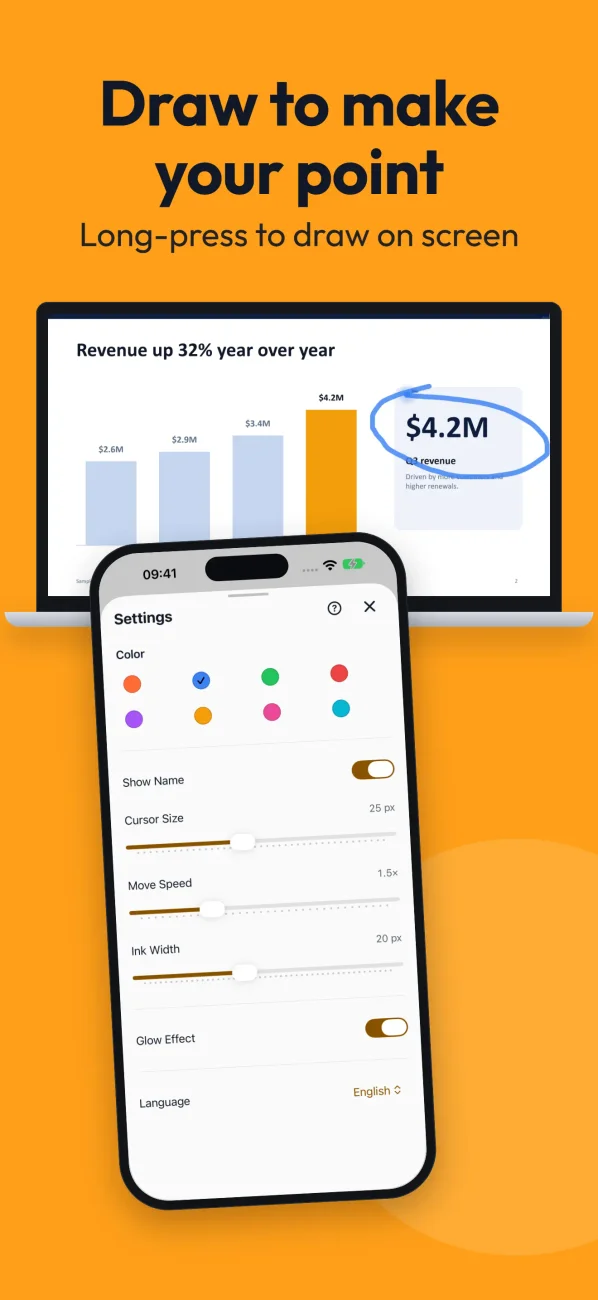
Sobre
O desenvolvedor não forneceu este texto no seu idioma.
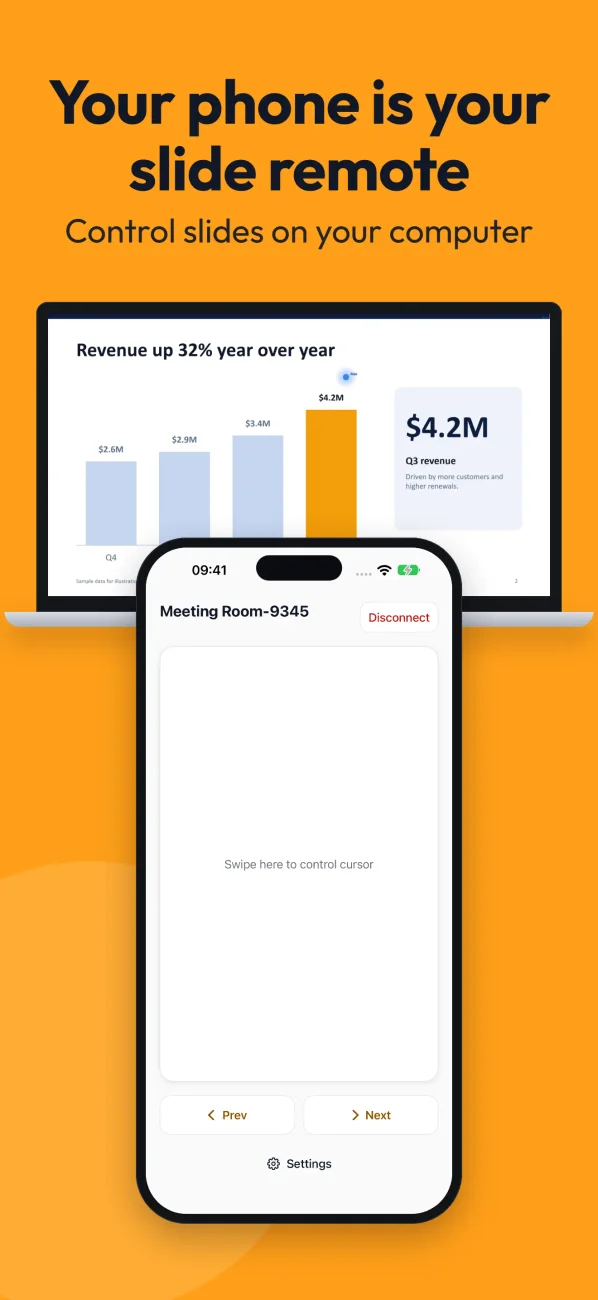
PresentSync turns your iPhone or iPad into a presentation remote for your Windows PC or Mac. Change slides, point on the big screen and draw temporary lines, all from your phone, over the room's Wi‑Fi. No clicker, no USB receiver.
Use your phone as a slide clicker and a virtual laser pointer for presentations, classes and meetings.
WHAT YOU CAN DO
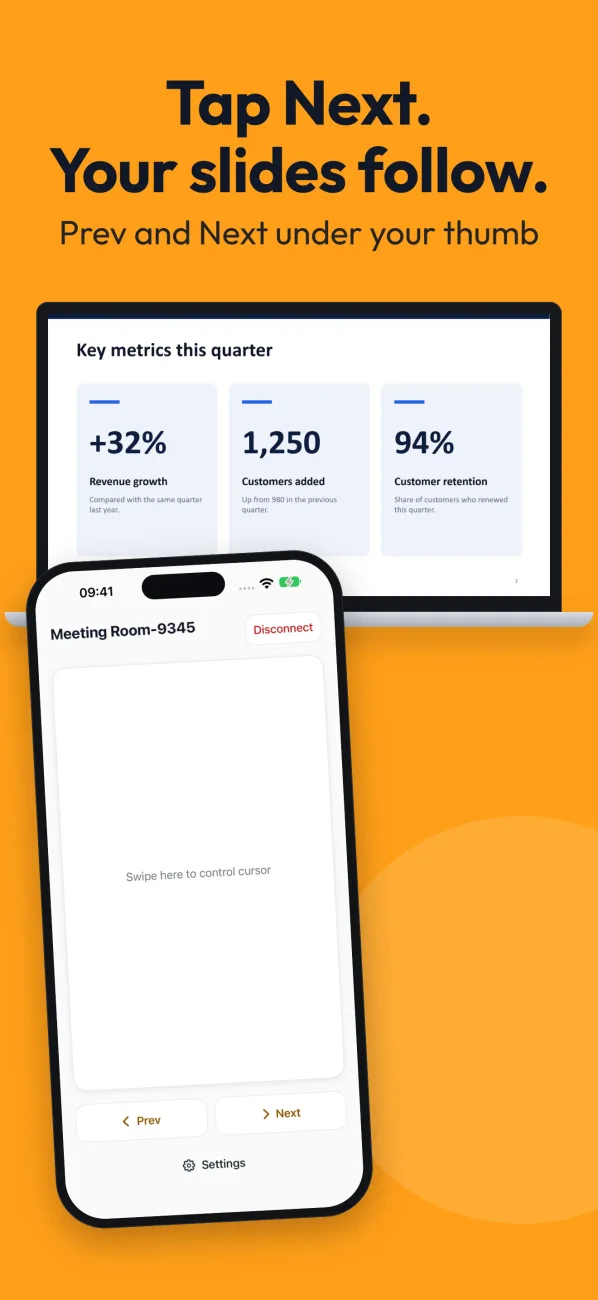
• Next and previous slide with a tap or swipe.
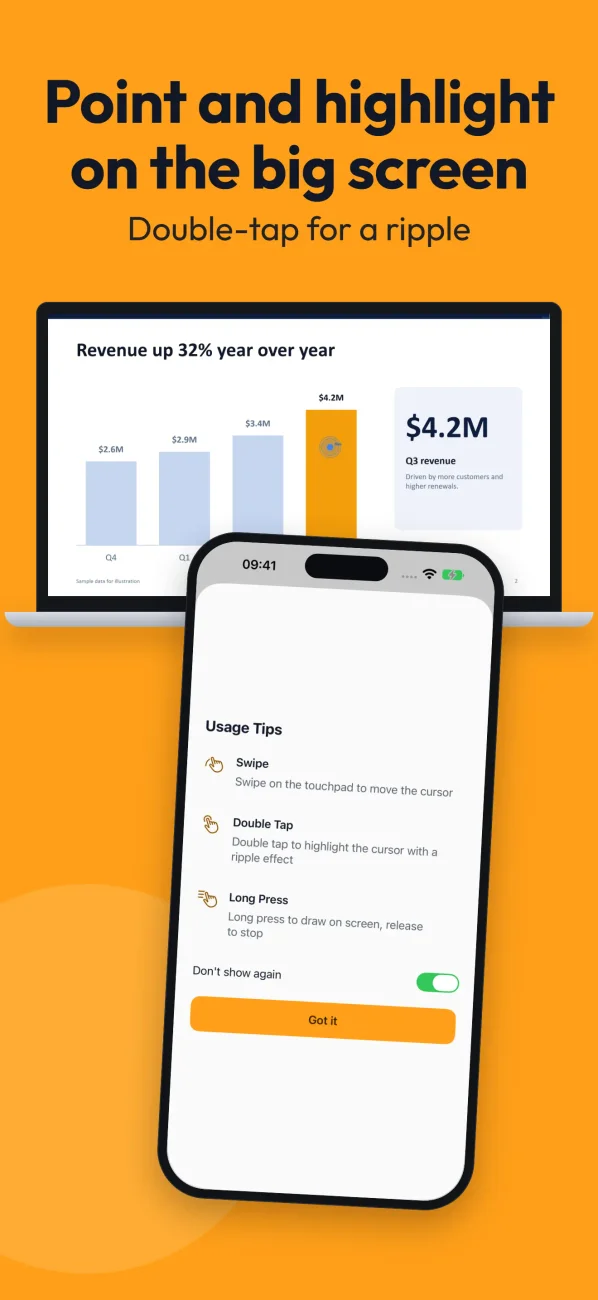
• Move a large on‑screen pointer by dragging on your phone.
• Press and hold to draw a line that fades after a few seconds. It is a temporary highlight, not a saved annotation.
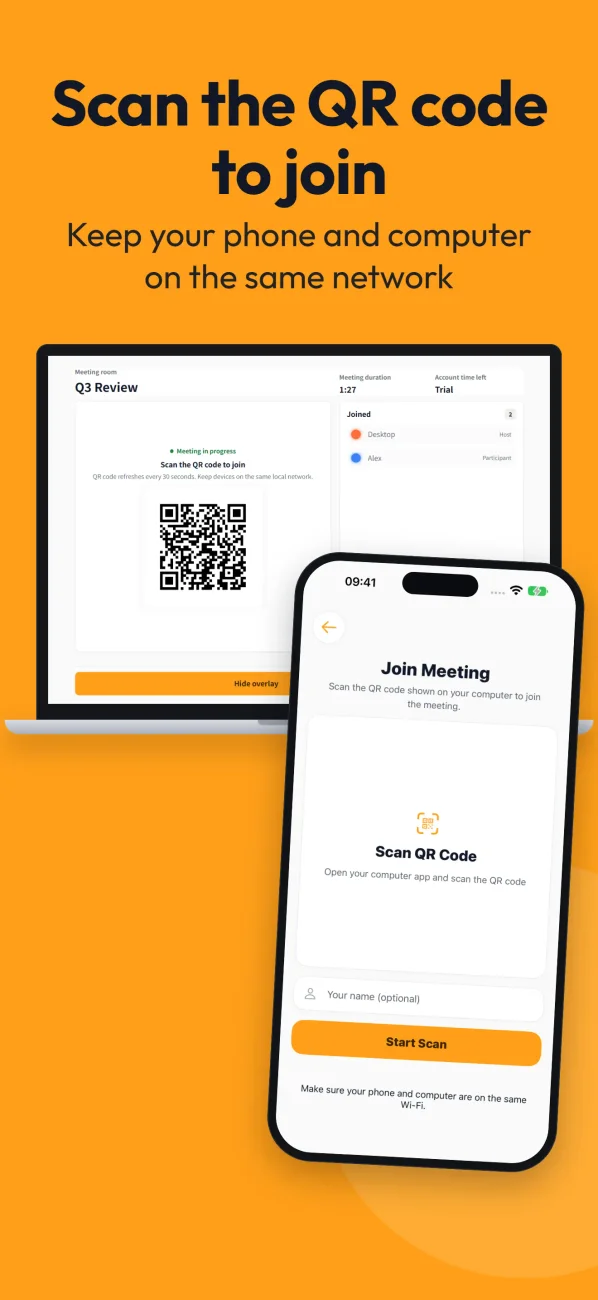
• Let others join the meeting by scanning a QR code; each person gets a named pointer.
WORKS WITH YOUR SLIDES
PresentSync sends slide commands to the computer, so it works with slideshow software that advances with the keyboard: PowerPoint, Keynote, Google Slides, WPS Office, PDF presentations and more. The pointer and lines appear on the computer screen, not as a laser.
HOW IT WORKS
1. Install the free PresentSync desktop app on the Windows PC or Mac connected to the projector or screen.
2. Sign in on your phone, then scan the QR code on the computer.
3. Start a meeting and present. Phone and computer need to be on the same Wi‑Fi network.
WHO IT IS FOR
Teachers and lecturers, corporate trainers, meeting hosts, students giving talks, and anyone who presents from a laptop and wants to walk away from the keyboard.
PLANS
The free plan lets you host one meeting at a time with up to 5 connected phones and up to 30 minutes of hosting per day. Personal removes the time limit. Pro adds two meetings at once and up to 10 connected phones. Plans and prices are shown on the App Store purchase screen; manage your account in the app.
A PresentSync desktop app is required to control the computer.
Privacy: https://presentsync.net/privacy.html
Terms: https://presentsync.net/terms.html
Novidades
Versão 1.1.8 · 26/11/2026
New iPad layout: pages use the wider screen, and the two slide buttons sit together at the bottom where your thumb rests. Every Personal and Pro plan now starts with a 7-day free trial for new subscribers; cancel anytime before it ends and you won't be charged. Invitation rewards have ended; rewards you already earned stay on your account. After you approve a computer sign-in, the app returns to the previous page by itself. Minor fixes.
Privacidade do app
O que 戈 谢 declara na App Store sobre como este app lida com os dados.
-
Dados vinculados a você
Podem ser coletados e vinculados à sua identidade.
- Compras
- Localização
- Informações de contato
- Conteúdo do usuário
- Identificadores
- Dados de uso
- Diagnóstico
As práticas de privacidade podem variar, por exemplo, com base nos recursos que você usa ou na sua idade.
Informações
- Vendedor
- 戈 谢
- Categoria
- Produtividade
- Versão
- 1.1.8
- Atualizado
- 26/11/2026
- Lançamento
- 29/04/2026
- Tamanho
- 3,2 MB
- Requer
- iOS 16.0 ou posterior
- Classificação etária
- 4+
- Preço
- Grátis
- Compras no app
- Sim
- Idiomas
- Inglês, Japonês, Chinês simplificado, Espanhol, Chinês tradicional
- Copyright
- Copyright © 2026 GE XIE
Você também pode gostar
-
 小钱iSaveMoneyProdutividade
-
 ElvarOne: AI AgentProdutividade
-
 Presenter Remote: Slides & TVProdutividade
-
 Wireless PresenterProdutividade
-
 Control My Mac: Mouse remotoTrackpad e teclado: Mac e PC
-
 POP Cleaner: Clean Up iPhoneProdutividade
-
 Aquarium Tracker: AquárioControle, testes e cuidados
-
 Zip Extractor : Unzip FIleProdutividade
-
 Pocket AI — IA Offline PrivadaChat e Assistente sem Internet
-
 Nota AI:Meeting Recorder AgentProdutividade