
Swing Click
The Microtime Metronome
Projetado para iPhone, iPad, iPod touch
Grátis · Compras no app
- Classificação etária4+
- CategoriaMúsica
- DesenvolvedorLuke Barlow
- IdiomasInglês
- Tamanho6,9 MB
Leva à página oficial na App Store
O Download.org não hospeda nenhum arquivo de Swing Click. O botão abre a página do app na App Store, onde Luke Barlow o publica. Página verificada pela última vez em 14/11/2026.
Capturas de tela


Sobre
O desenvolvedor não forneceu este texto no seu idioma.
Swing Click Metronome is the first and only metronome that allows you to practise different degrees of swing, at any tempo. Take your time to the next level!
Many people have trouble hearing and understanding different timing feels, and we can get locked in to habits of timing, thinking we’re doing something that we’re not actually doing.
Swing Click allows you to freely set subdivisions in the beat, and slow the groove to a speed where you can really hear if you’re in or out, to build up from there.
- Train your internal clock:
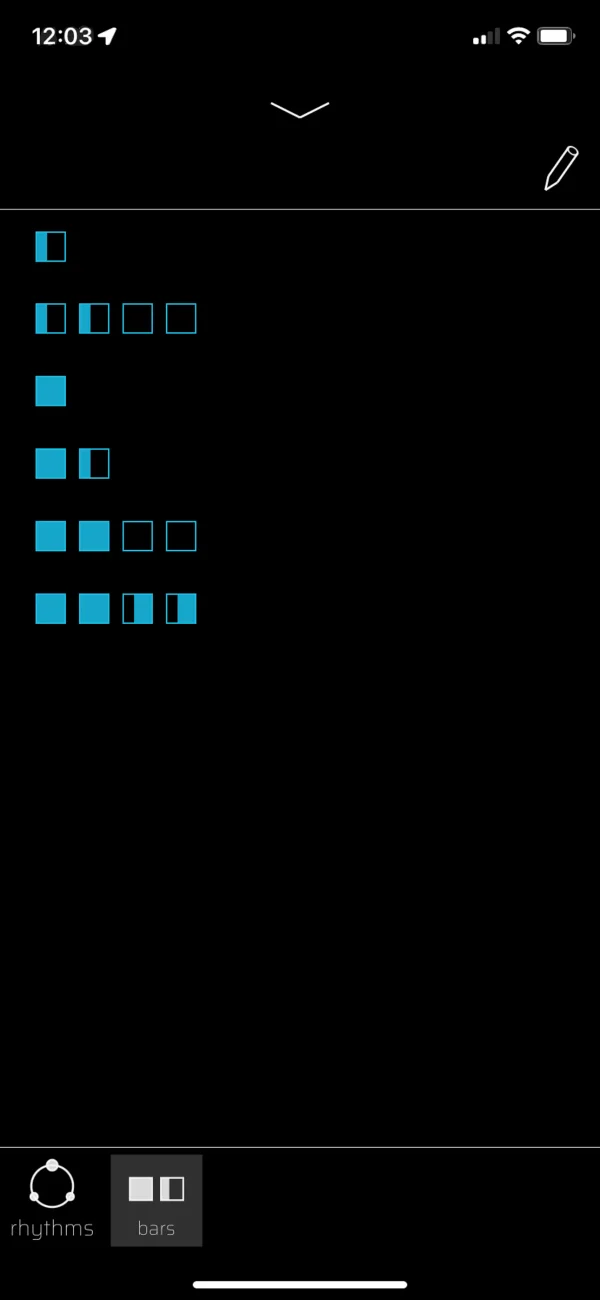
Make your own practise loops with bars of silence, just downbeats, or just off-beats
- Tempo:
10-400bpm range
Quick change from the main screen, plus three additional ways to change tempo:
Tap Tempo
Scroller
Keypad entry
- Presets:
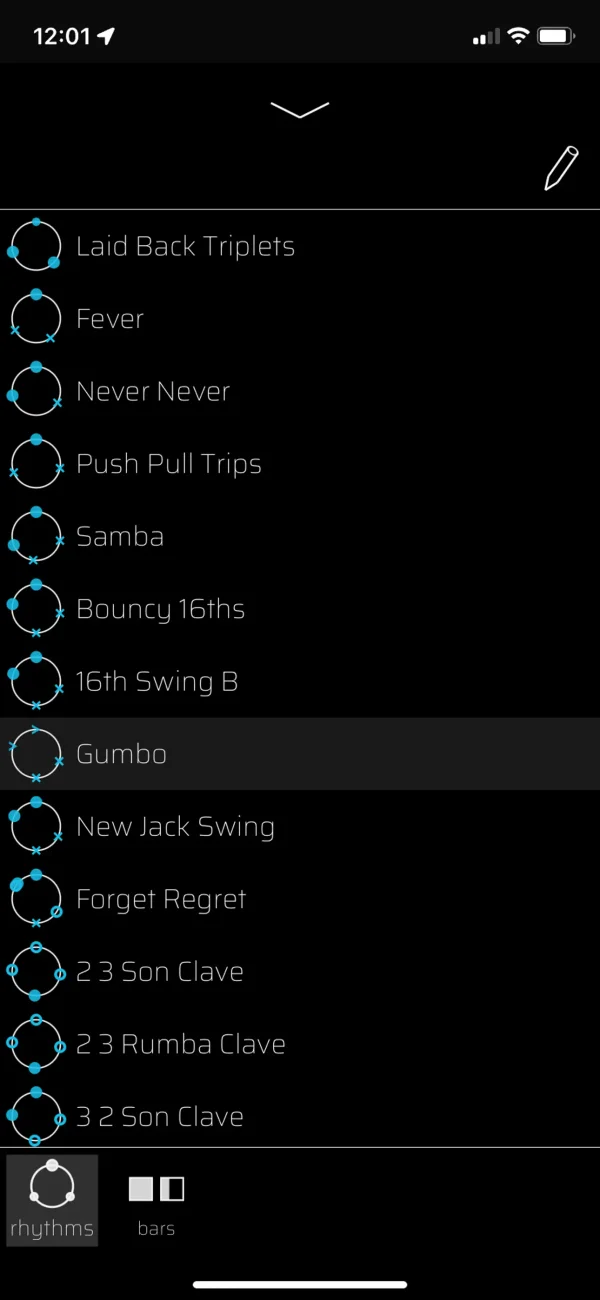
Save, edit and recall both grooves and bar sequences separately.
- Sounds:
Comes with a range of sounds to choose your favourite, as well as a variety of drum sounds for all musicians to play along to!
Swing Click Metronome allows a way of exploring and practising in a clear and methodical way, with the goal of then hearing & playing with the ideas in musical contexts. You can find timing placements that feel unfamiliar to you in order to be comfortable with all parts of the beat.
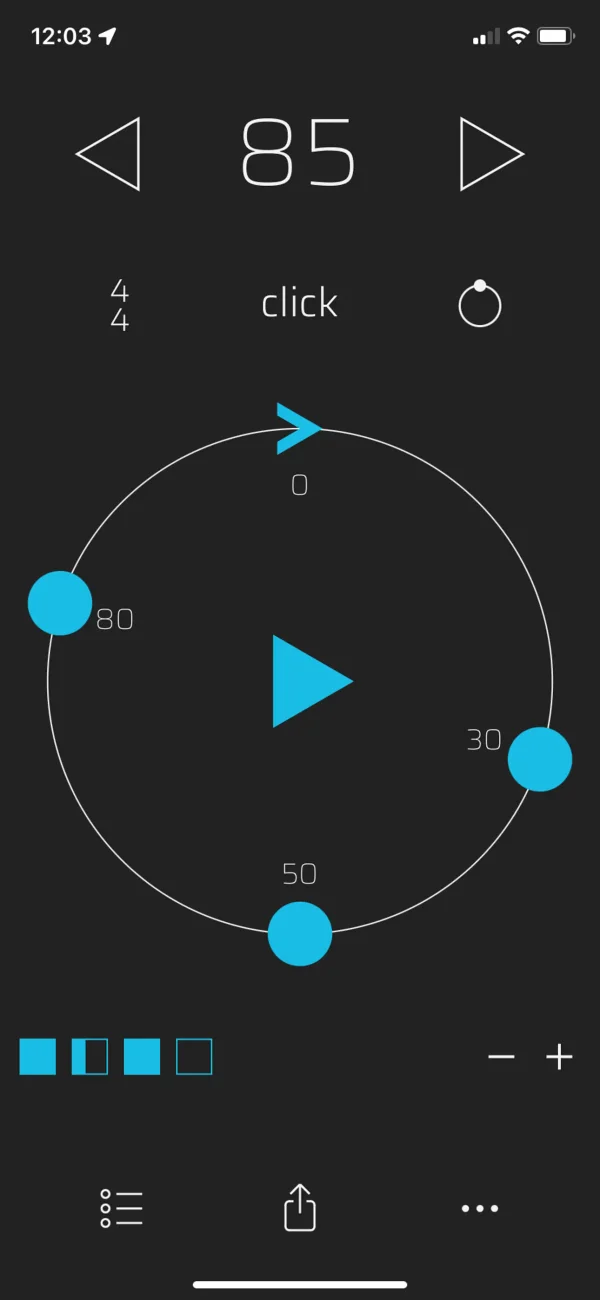
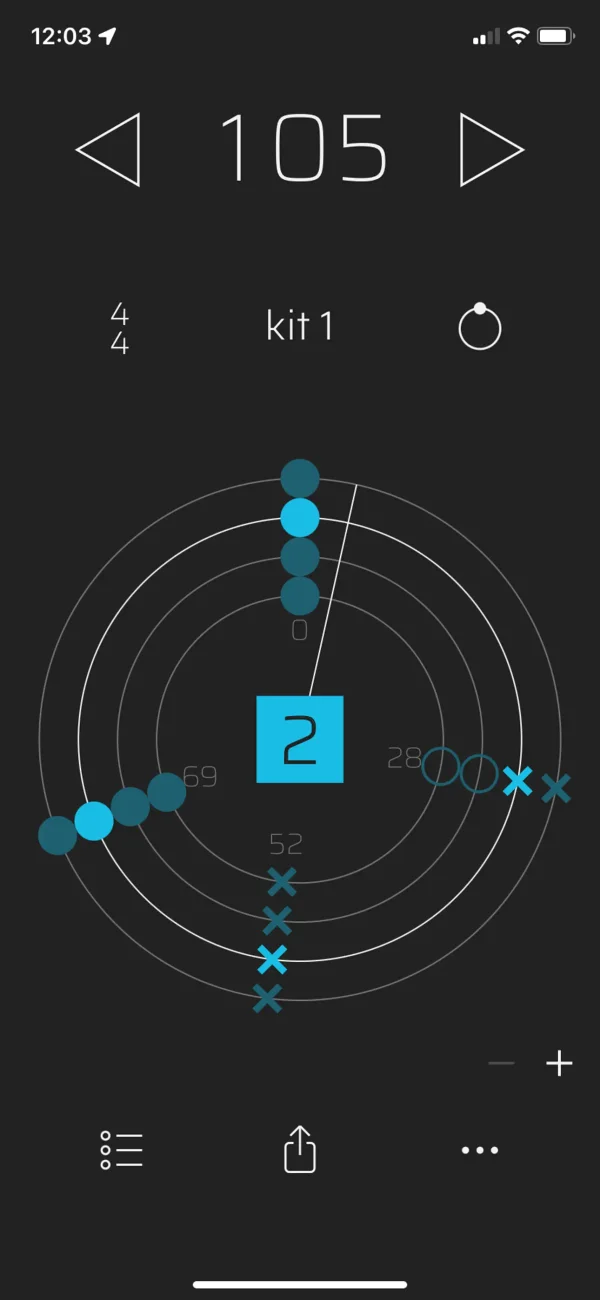
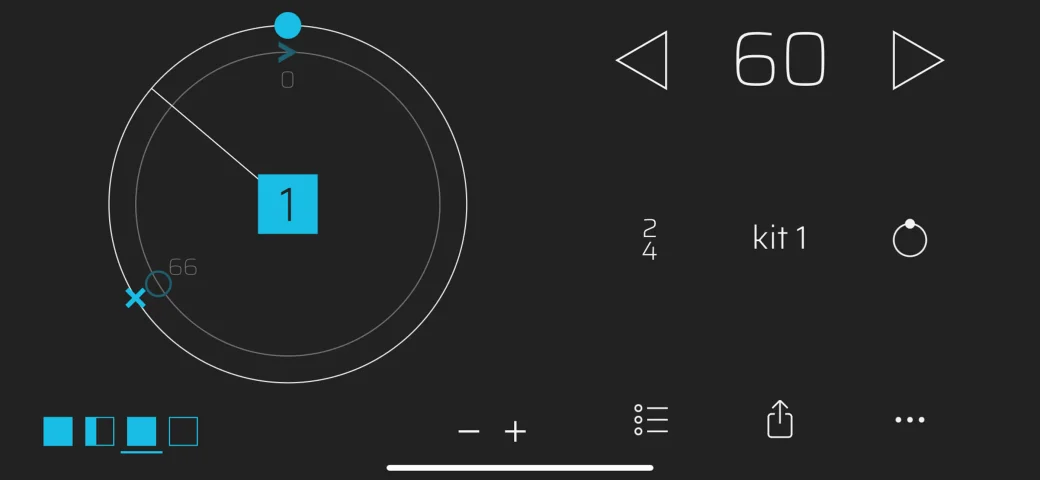
The circle represents one beat, with the downbeat at the top. Every time a beat goes by, we get back to the top of the circle.
By adding a ‘hit’, we can add an ‘offbeat’. If you were counting quavers/8th notes, this would be the ‘And’ of the beat.
The number next to each hit shows the percentage of how far it is through the beat. By moving it later (or earlier), you make it ‘swing’
You can add as many points as you like within the beat to make unique rhythms to practise, try some of the presets, and clear the whole beat at any time with the reset button.
For more info and tutorial videos, visit https://swingclickapp.com
Privacidade do app
O que Luke Barlow declara na App Store sobre como este app lida com os dados.
-
Dados não coletados
O desenvolvedor não coleta nenhum dado deste app.
As práticas de privacidade podem variar, por exemplo, com base nos recursos que você usa ou na sua idade.
Informações
- Vendedor
- Luke Barlow
- Categoria
- Música
- Versão
- 1.0
- Atualizado
- 12/03/2024
- Lançamento
- 12/03/2024
- Tamanho
- 6,9 MB
- Requer
- iOS 13.0 ou posterior
- Classificação etária
- 4+
- Preço
- Grátis
- Compras no app
- Sim
- Idiomas
- Inglês
- Copyright
- © 2024 The Feel Company
Você também pode gostar
-
 BeatBalanceMúsica
-
 Quartet 2 - Jazz StandardsMúsica
-
 Rhythm GeneratorMúsica
-
 Time Guru MetrônomoTreinador de ritmo e timing
-
 DrummitMúsica
-
 Drum Notes: bateria, percussãoPartituras e tablatura studio
-
 MusicPad – Music WritingWrite, compose & score music
-
 Complete Rhythm TrainerDomine o ritmo
-
 Tempo Metrônomo com RepertórioMúsica
-
 Metronomo Beat: Tap Tempo BpmRitmo, Batidas Metronome Beats