
Swing Click
The Microtime Metronome
Được thiết kế cho iPhone, iPad, iPod touch
Miễn phí · Mua hàng trong ứng dụng
- Độ tuổi4+
- Danh mụcNhạc
- Nhà phát triểnLuke Barlow
- Ngôn ngữTiếng Anh
- Kích thước6,9 MB
Liên kết đến trang App Store chính thức
Download.org không lưu trữ tệp nào của Swing Click. Nút này mở trang ứng dụng trên App Store, nơi Luke Barlow phát hành ứng dụng. Trang được kiểm tra lần cuối: 14/11/2026.
Ảnh chụp màn hình


Giới thiệu
Nhà phát triển chưa cung cấp nội dung này bằng ngôn ngữ của bạn.
Swing Click Metronome is the first and only metronome that allows you to practise different degrees of swing, at any tempo. Take your time to the next level!
Many people have trouble hearing and understanding different timing feels, and we can get locked in to habits of timing, thinking we’re doing something that we’re not actually doing.
Swing Click allows you to freely set subdivisions in the beat, and slow the groove to a speed where you can really hear if you’re in or out, to build up from there.
- Train your internal clock:
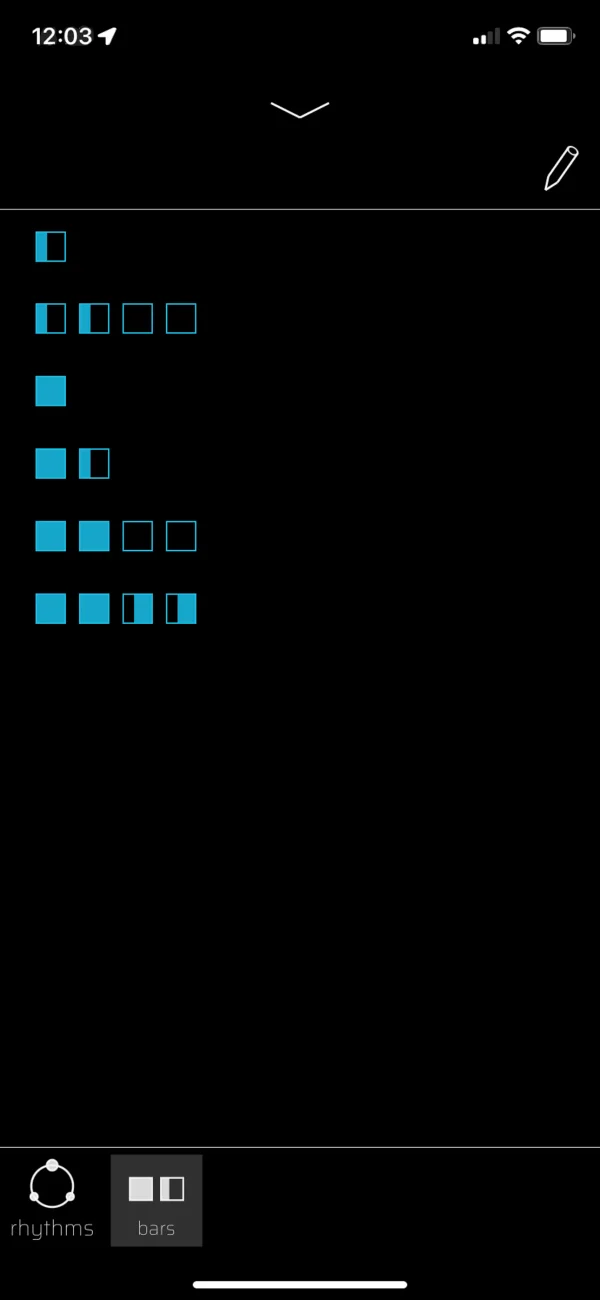
Make your own practise loops with bars of silence, just downbeats, or just off-beats
- Tempo:
10-400bpm range
Quick change from the main screen, plus three additional ways to change tempo:
Tap Tempo
Scroller
Keypad entry
- Presets:
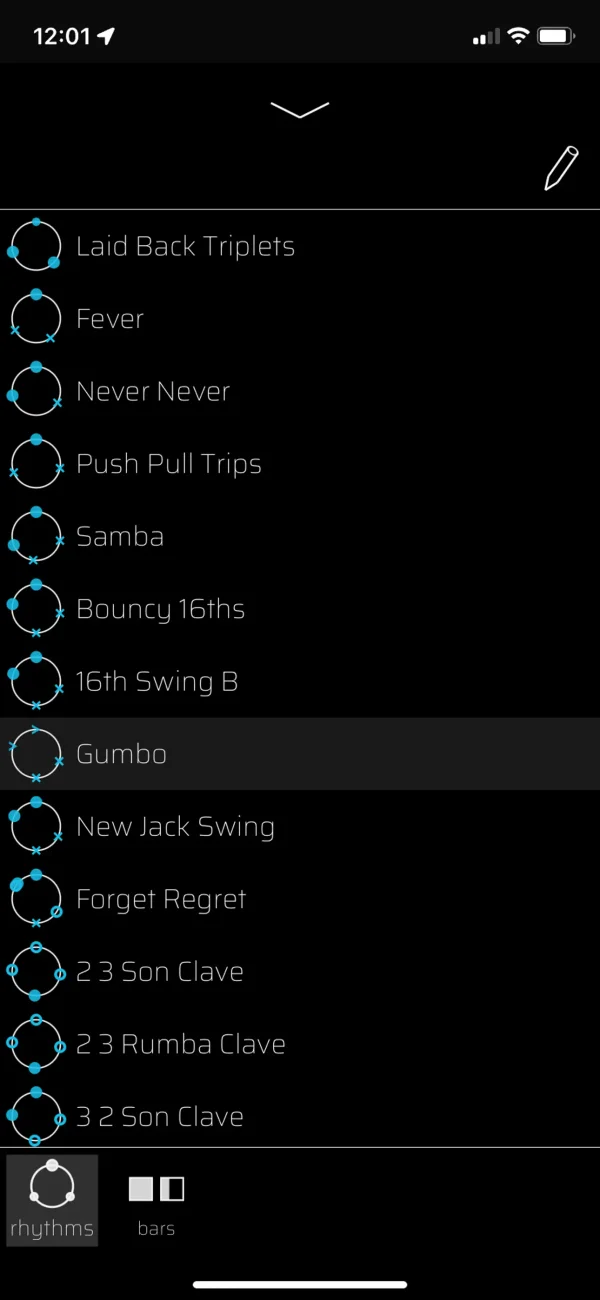
Save, edit and recall both grooves and bar sequences separately.
- Sounds:
Comes with a range of sounds to choose your favourite, as well as a variety of drum sounds for all musicians to play along to!
Swing Click Metronome allows a way of exploring and practising in a clear and methodical way, with the goal of then hearing & playing with the ideas in musical contexts. You can find timing placements that feel unfamiliar to you in order to be comfortable with all parts of the beat.
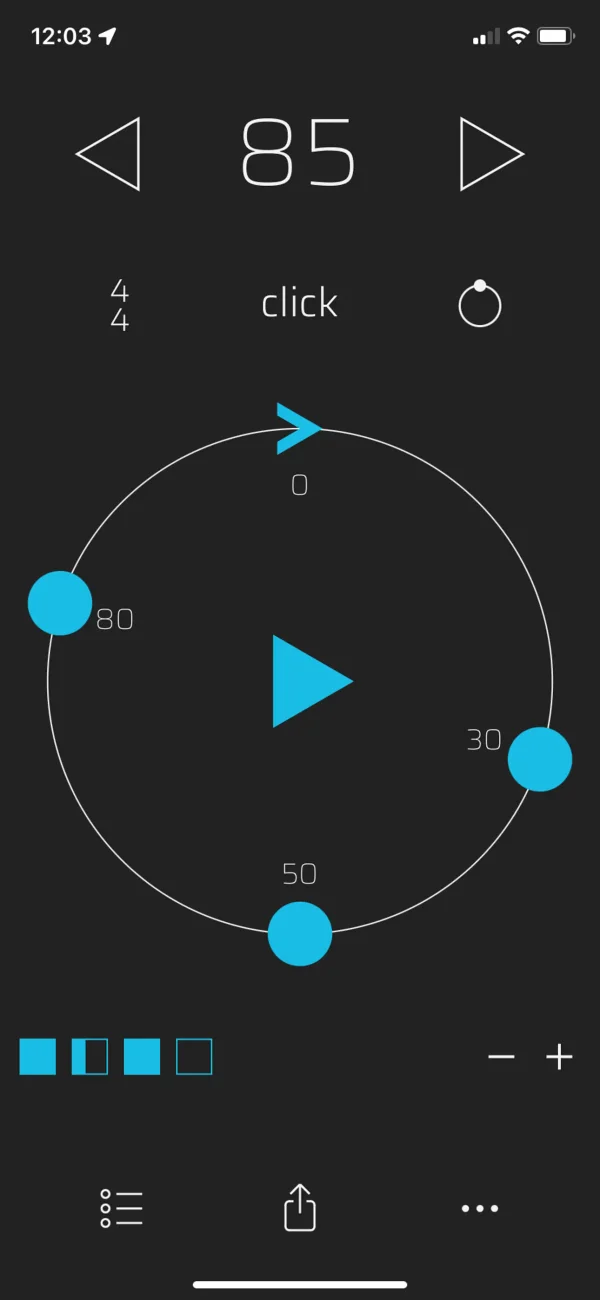
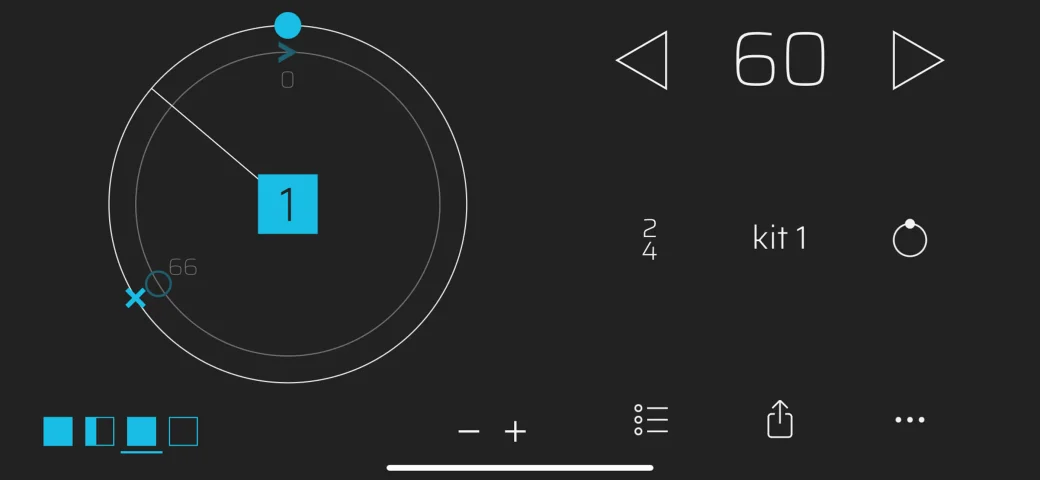
The circle represents one beat, with the downbeat at the top. Every time a beat goes by, we get back to the top of the circle.
By adding a ‘hit’, we can add an ‘offbeat’. If you were counting quavers/8th notes, this would be the ‘And’ of the beat.
The number next to each hit shows the percentage of how far it is through the beat. By moving it later (or earlier), you make it ‘swing’
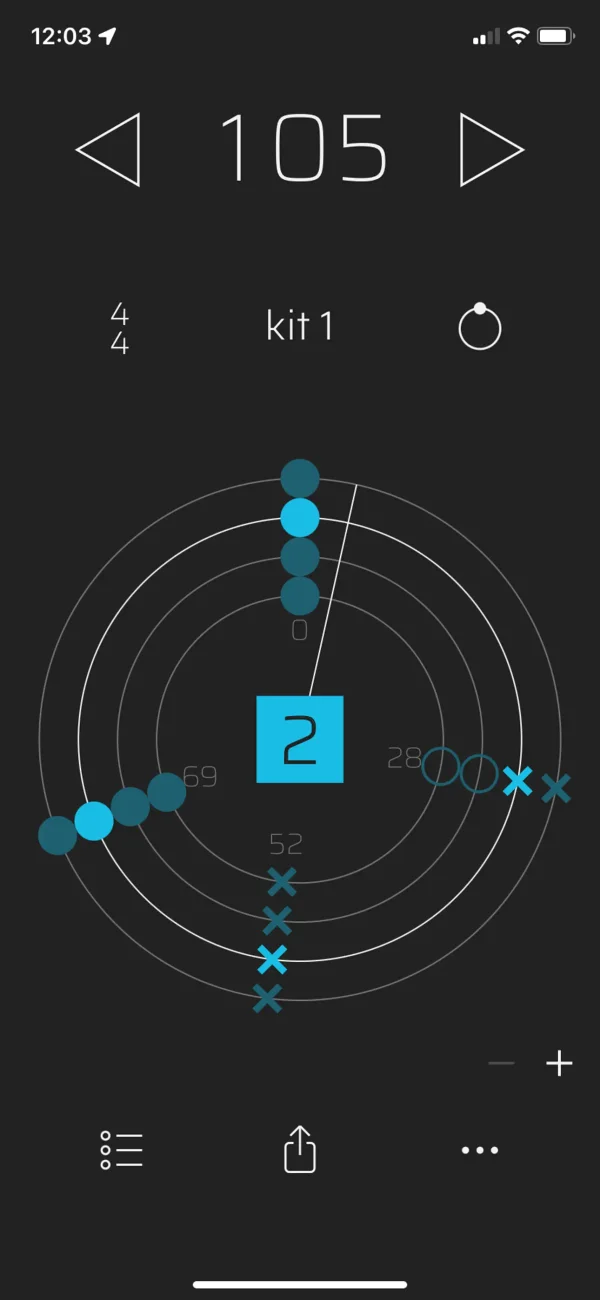
You can add as many points as you like within the beat to make unique rhythms to practise, try some of the presets, and clear the whole beat at any time with the reset button.
For more info and tutorial videos, visit https://swingclickapp.com
Quyền riêng tư của ứng dụng
Những gì Luke Barlow khai báo trên App Store về cách ứng dụng này xử lý dữ liệu.
-
Dữ liệu không được thu thập
Nhà phát triển không thu thập bất kỳ dữ liệu nào từ ứng dụng này.
Phương thức đảm bảo quyền riêng tư có thể khác nhau, chẳng hạn như tuỳ theo các tính năng bạn sử dụng hoặc độ tuổi của bạn.
Thông tin
- Người bán
- Luke Barlow
- Danh mục
- Nhạc
- Phiên bản
- 1.0
- Cập nhật
- 12/03/2024
- Phát hành
- 12/03/2024
- Kích thước
- 6,9 MB
- Yêu cầu
- iOS 13.0 trở lên
- Độ tuổi
- 4+
- Giá
- Miễn phí
- Mua hàng trong ứng dụng
- Có
- Ngôn ngữ
- Tiếng Anh
- Bản quyền
- © 2024 The Feel Company