- Classificação etária4+
- CategoriaPara desenvolvedores
- DesenvolvedorDat Ngo Quoc
- IdiomasInglêse mais 4
- Tamanho90,0 MB
Leva à página oficial na App Store
O Download.org não hospeda nenhum arquivo de TablePro. O botão abre a página do app na App Store, onde Dat Ngo Quoc o publica. Página verificada pela última vez em 24/11/2026.
Capturas de tela
Sobre
O desenvolvedor não forneceu este texto no seu idioma.
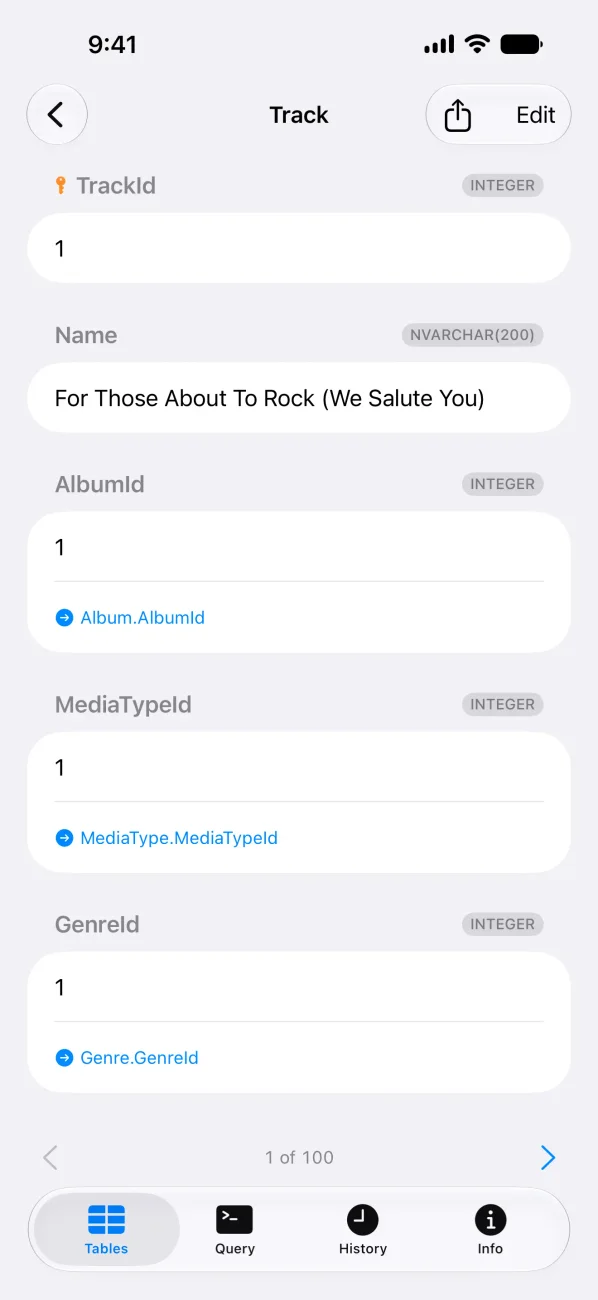
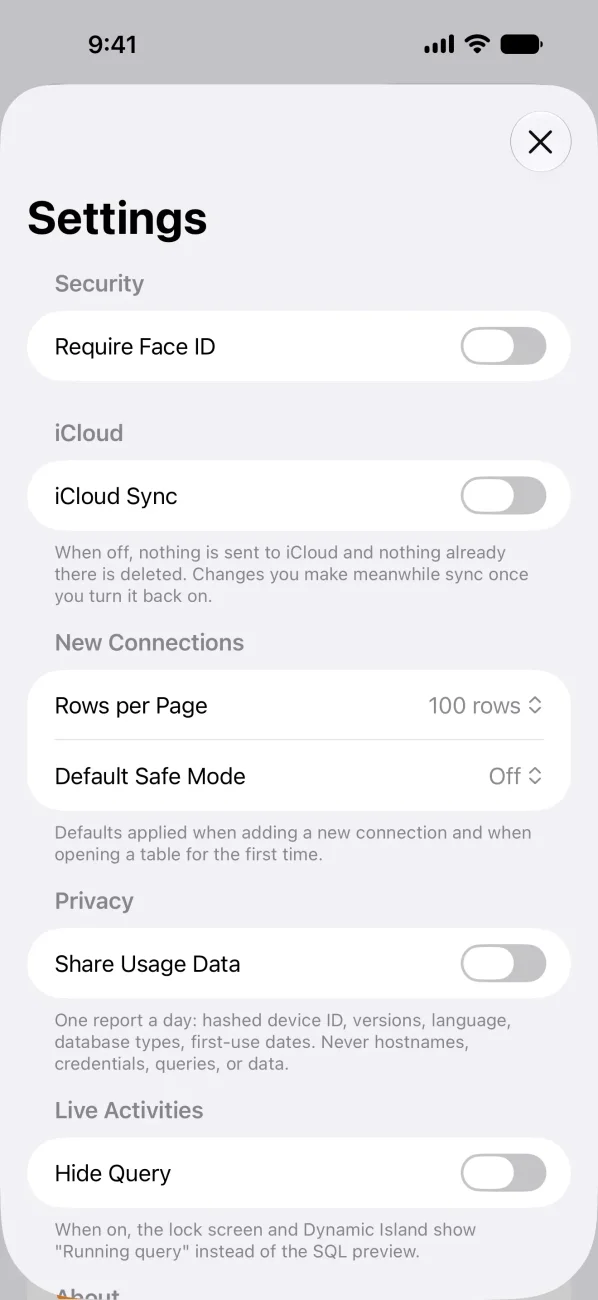
TablePro is a native database client for iPhone and iPad. Browse tables, run queries, edit rows, and move data in and out as files, using the same connections you use in TablePro on the Mac.
DATABASES
- MySQL and MariaDB
- PostgreSQL
- Microsoft SQL Server
- Oracle
- MongoDB
- ClickHouse
- Redis
- SQLite and DuckDB files on your device
- TiDB and OceanBase
- Amazon Redshift connections synced from the Mac
- Cloudflare D1, with the database picked from your account's list
BROWSE
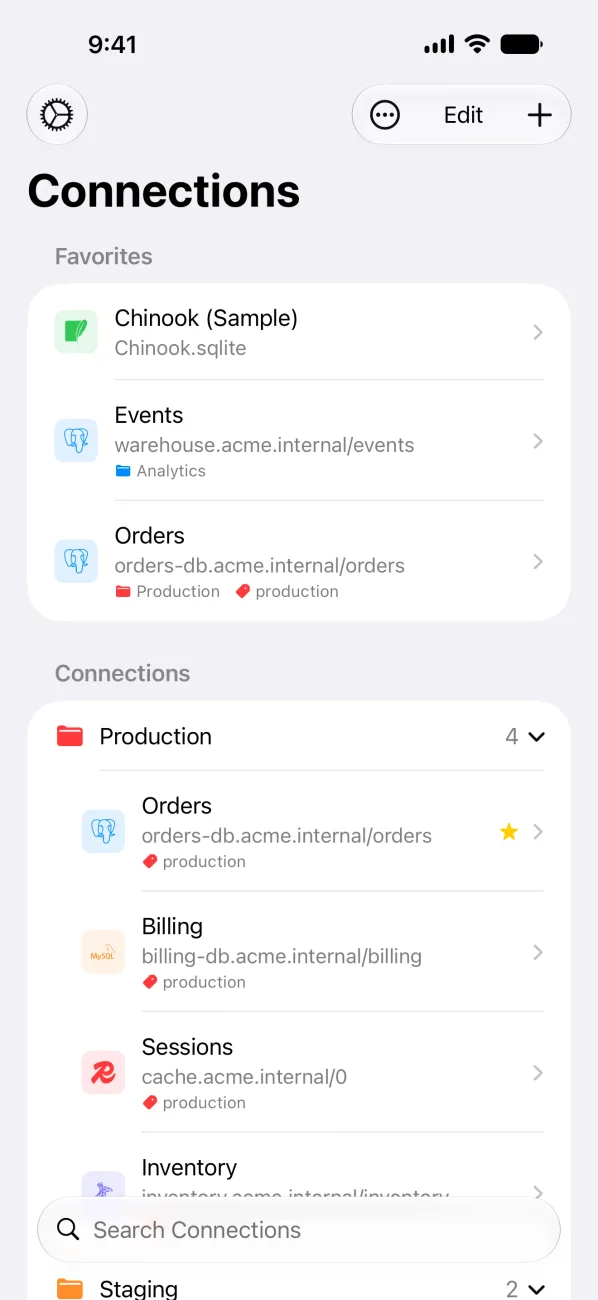
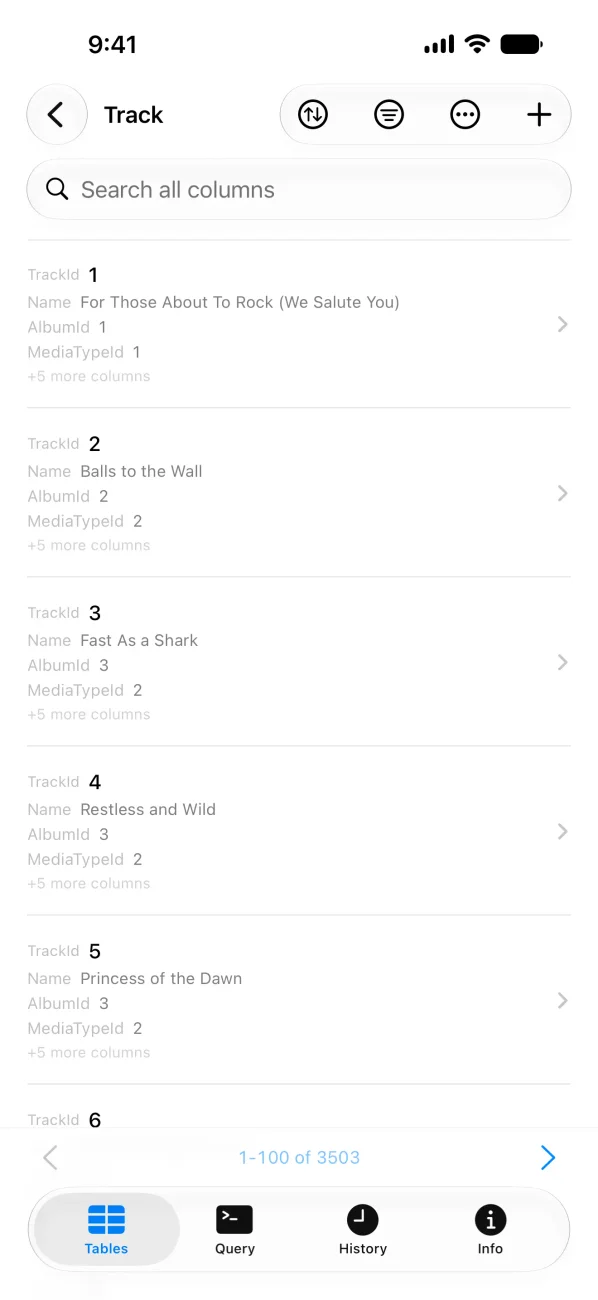
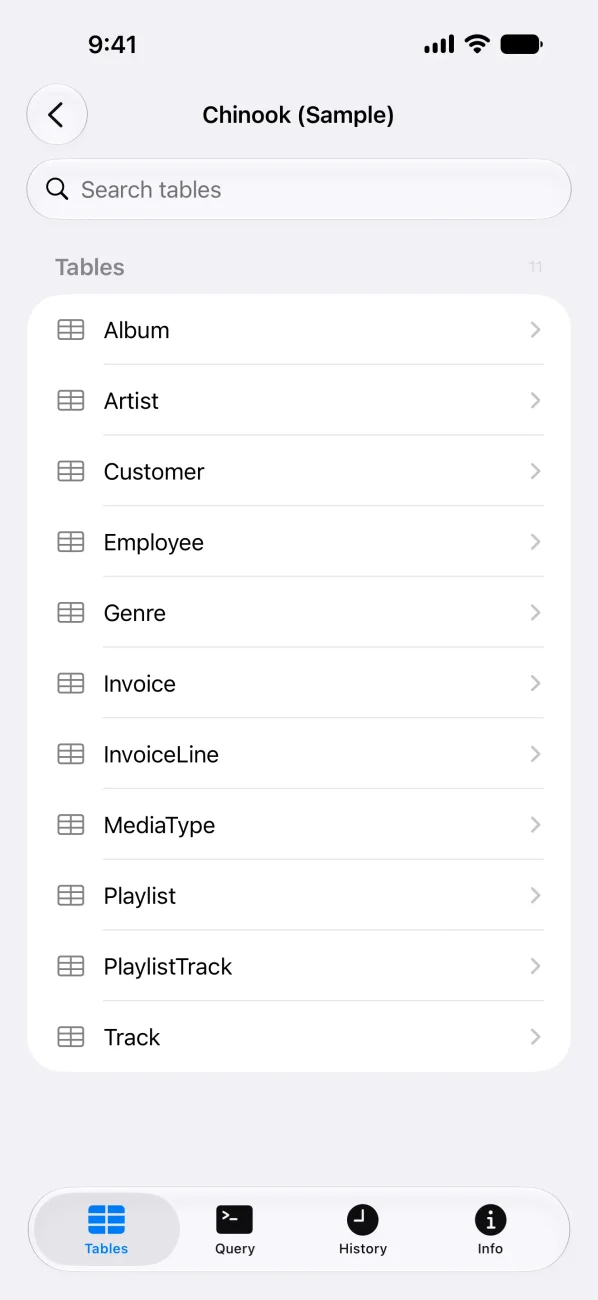
- Search tables and page through rows, 50 to 500 at a time
- Sort by any column, search text columns, and stack filters with AND or OR
- Show rows and query results as cards or as a grid with a pinned header and key column
- Tap a foreign key to preview the row it points to, then open it
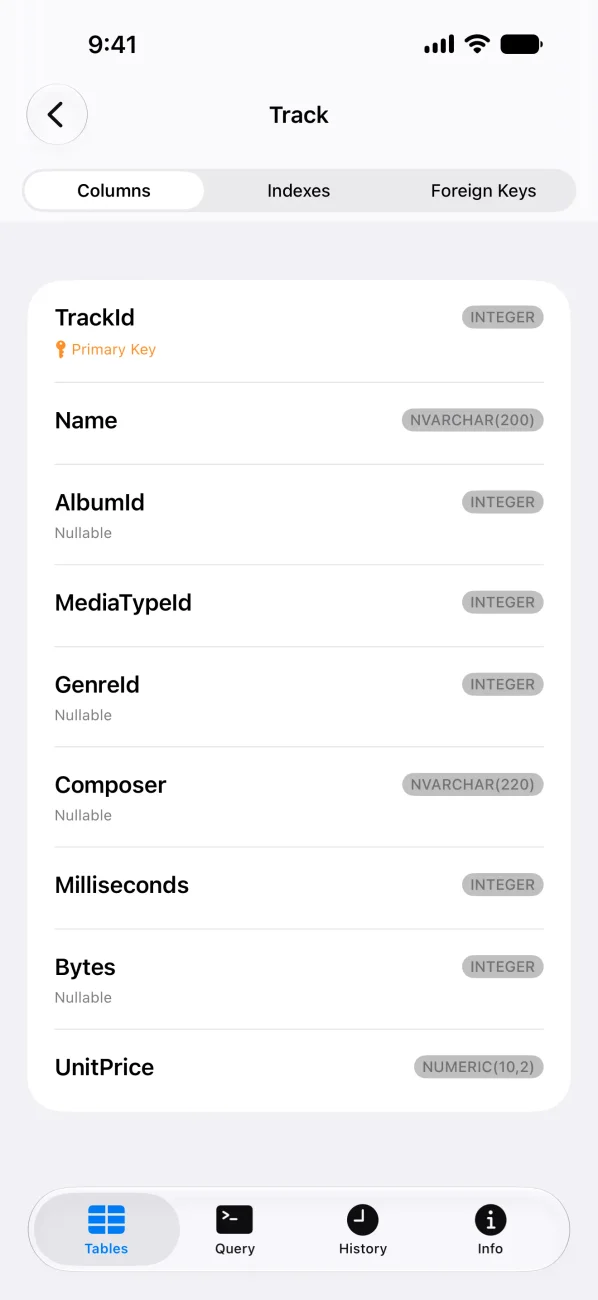
- See the columns, indexes and foreign keys of any table
- On iPad, the table list sits beside the open table
EDIT
- Open a row full screen, change values, set NULL and save
- View and edit JSON values
- Insert and delete rows, truncate or drop a table
- Select several rows to copy, export or delete them
- Every save, insert and delete runs in a transaction
- An open transaction shows on every tab, with Commit and Roll Back
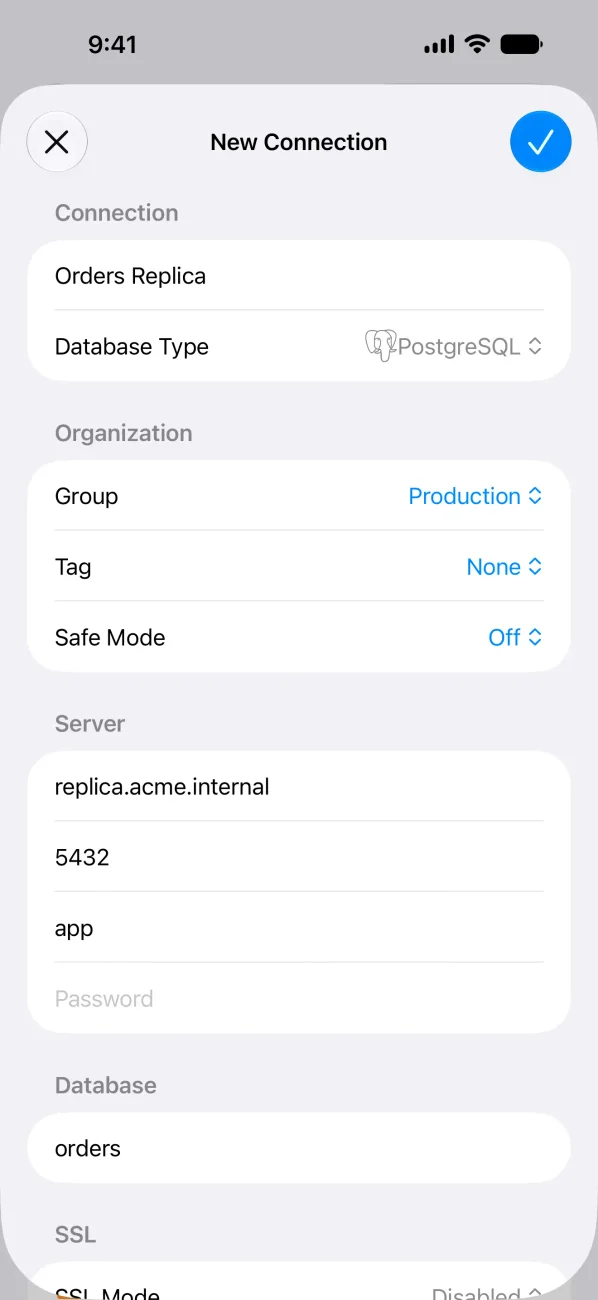
- Safe mode for each connection: Off, Confirm Writes or Read-Only
QUERY
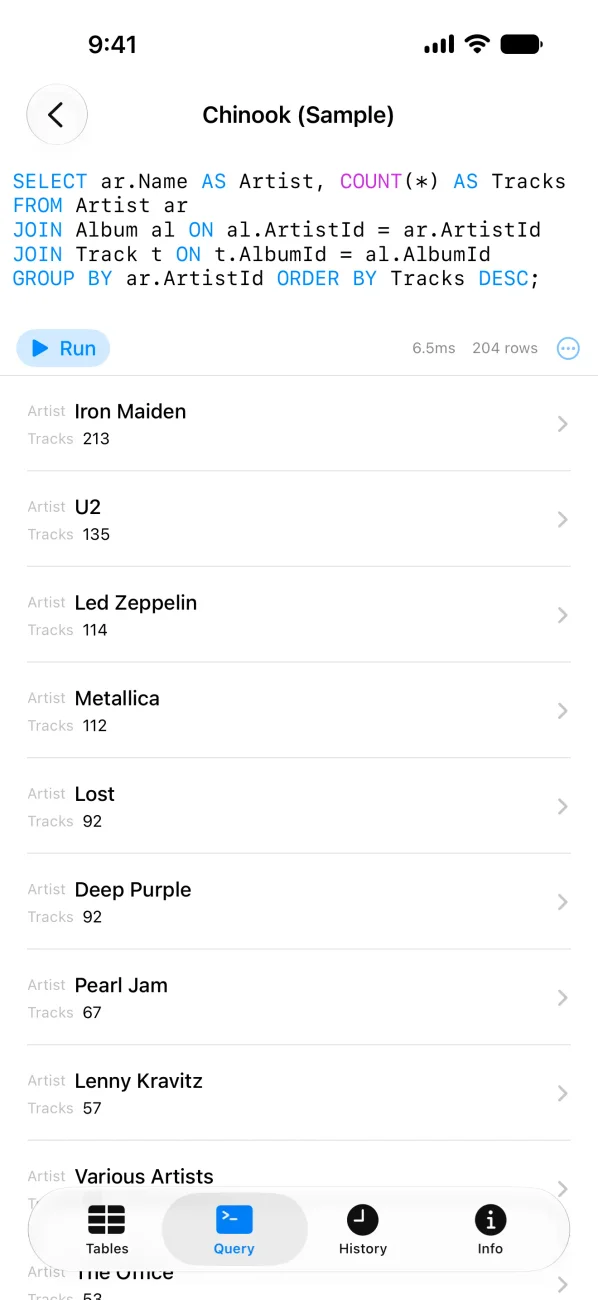
- SQL editor with syntax highlighting
- Suggestions for tables, columns and keywords as you type
- Run the statement at the cursor or the whole script, and stop it while it runs
- Saved queries, synced with your Mac
- Query history for each connection
- Follow a running query in a Live Activity on the Lock Screen and in the Dynamic Island
IMPORT AND EXPORT
- Export a table, a query result, selected rows or a whole database to a file
- Export as CSV, JSON, SQL, Excel or Markdown, with Gzip if you want it
- Import CSV, JSON and Excel files into an existing table or a new one
- Match file columns to table columns by name or by position
- Run a SQL file against a connection
- Share the exported file, or open a file from Files in TablePro
- Copy rows as JSON, CSV or SQL INSERT statements
CONNECT SECURELY
- SSH tunnels with a password, a private key or keyboard-interactive sign-in, with host key checks
- SSH jump hosts and two-factor codes
- SSL with CA and client certificates
- Sign in with AWS IAM or Google Cloud IAM instead of a stored password
- Passwords and private keys kept in the Keychain
- Lock the app with Face ID, Touch ID or Optic ID
WORKS WITH YOUR MAC
- iCloud sync of connections, groups, tags and saved queries with TablePro for Mac, off until you turn it on
- Changes from your other devices arrive within seconds
- Password sync through iCloud Keychain, off by default
- Continue an open connection on another device with Handoff
- Import connections from a .tablepro file through Files or AirDrop
ORGANIZE
- Favorites, recent connections, groups and tags
- Custom icons for connections and groups
- A Quick Connect widget for your Home Screen
- Shortcuts and Siri actions to open a connection or add rows to a table
TRY IT FIRST
Open the built-in Chinook sample database to browse, query and edit without setting up a server.
PRIVACY
Usage data is off unless you turn it on, and it never includes hostnames, usernames, passwords, queries or data.
Novidades
Versão 1.2.0 · 23/11/2026
- Export tables, query results, selected rows or a whole database to a file.
- Import CSV, JSON and XLSX files into a table, and run SQL files.
- Select several rows to export, copy or delete them.
- Tables show their rows before the row count finishes, and sorting no longer counts again.
- PostgreSQL, MySQL, MariaDB and TiDB connections open straight into the database you last used.
- Changes from your other devices arrive within seconds over iCloud.
- The app starts faster, and large results use less memory.
- Read-Only runs PostgreSQL, MySQL and MariaDB queries in a read-only transaction.
- Stop and query timeouts no longer leave a MySQL statement running on the server.
- Text over 4 KB can be read, edited and copied in full.
- One unreadable connection, group or tag no longer empties the connection list.
- The iPad app on a Mac no longer crashes when a connection opens.
Privacidade do app
O que Dat Ngo Quoc declara na App Store sobre como este app lida com os dados.
-
Dados não vinculados a você
Podem ser coletados, mas não são vinculados à sua identidade.
- Identificadores
- Dados de uso
As práticas de privacidade podem variar, por exemplo, com base nos recursos que você usa ou na sua idade.
Informações
- Vendedor
- Dat Ngo Quoc
- Categoria
- Para desenvolvedores
- Versão
- 1.2.0
- Atualizado
- 23/11/2026
- Lançamento
- 22/09/2026
- Tamanho
- 90,0 MB
- Requer
- iOS 18.0 ou posterior
- Classificação etária
- 4+
- Preço
- Grátis
- Idiomas
- Inglês, Coreano, Chinês simplificado, Chinês tradicional, vietnamita
- Copyright
- © 2026 TablePro
Você também pode gostar
-
 SQLite Editor & DB ViewerPara desenvolvedores
-
 DualMac: VNC Remote DesktopPara desenvolvedores
-
 Termini - SSH ClientTerminal Remoto e Servidores
-
 HTTPS Capture Traffic DecryptPara desenvolvedores
-
 rootshell: Local Terminal, SSHPara desenvolvedores
-
 TablePlus - Database ClientPara desenvolvedores
-
 MySQL Mobile ClientPara desenvolvedores
-
 PostgreSQL ClientPara desenvolvedores
-
 SQLPro Studio: SQL DatabasePara desenvolvedores
-
 SQLiteFlow - SQLite EditorPara desenvolvedores