- Altersfreigabe4+
- KategorieEntwickler-Tools
- EntwicklerDat Ngo Quoc
- SprachenEnglisch+ 4 weitere
- Größe83,4 MB
Verlinkt auf die offizielle App Store-Seite
Download.org hostet keine Datei von TablePro. Die Schaltfläche öffnet die App-Seite bei App Store, wo Dat Ngo Quoc die App veröffentlicht. Eintrag zuletzt geprüft am 12.11.2026.
Screenshots
Info
Der Entwickler hat diesen Text nicht in Ihrer Sprache bereitgestellt.
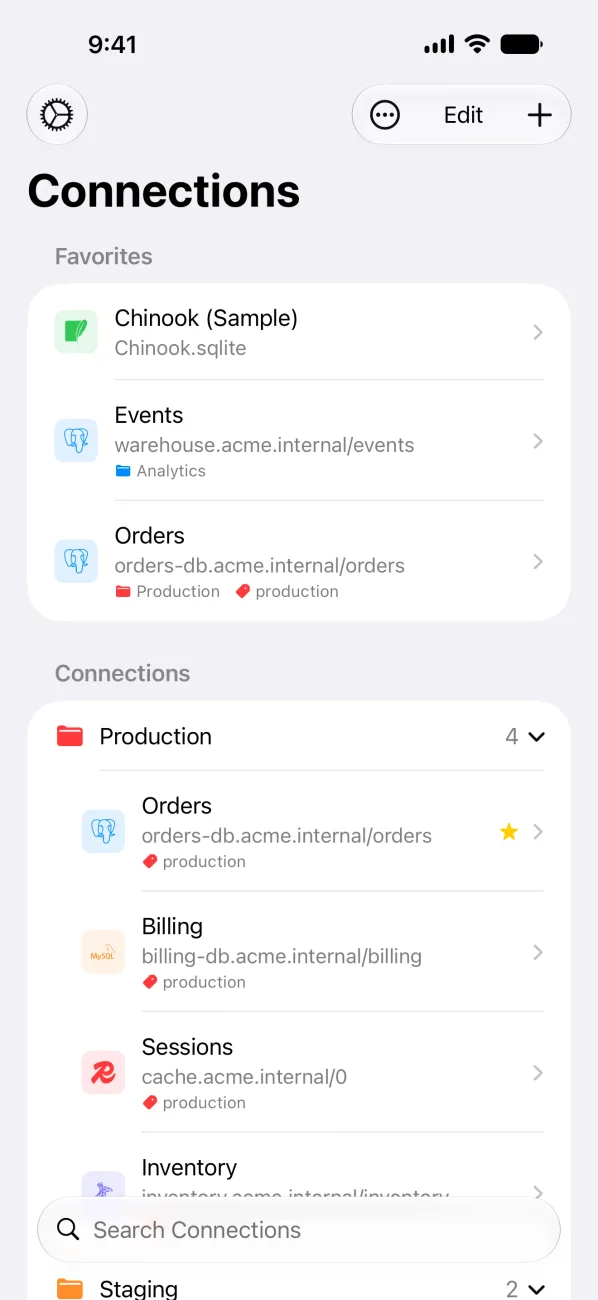
TablePro is a native database client for iPhone and iPad. Browse tables, run queries and edit rows, using the same connections you use in TablePro on the Mac.
DATABASES
- MySQL and MariaDB
- PostgreSQL
- Microsoft SQL Server
- Oracle
- MongoDB
- ClickHouse
- Redis
- SQLite and DuckDB files on your device
- TiDB and OceanBase
- Amazon Redshift connections synced from the Mac
- Cloudflare D1, with the database picked from your account's list
BROWSE
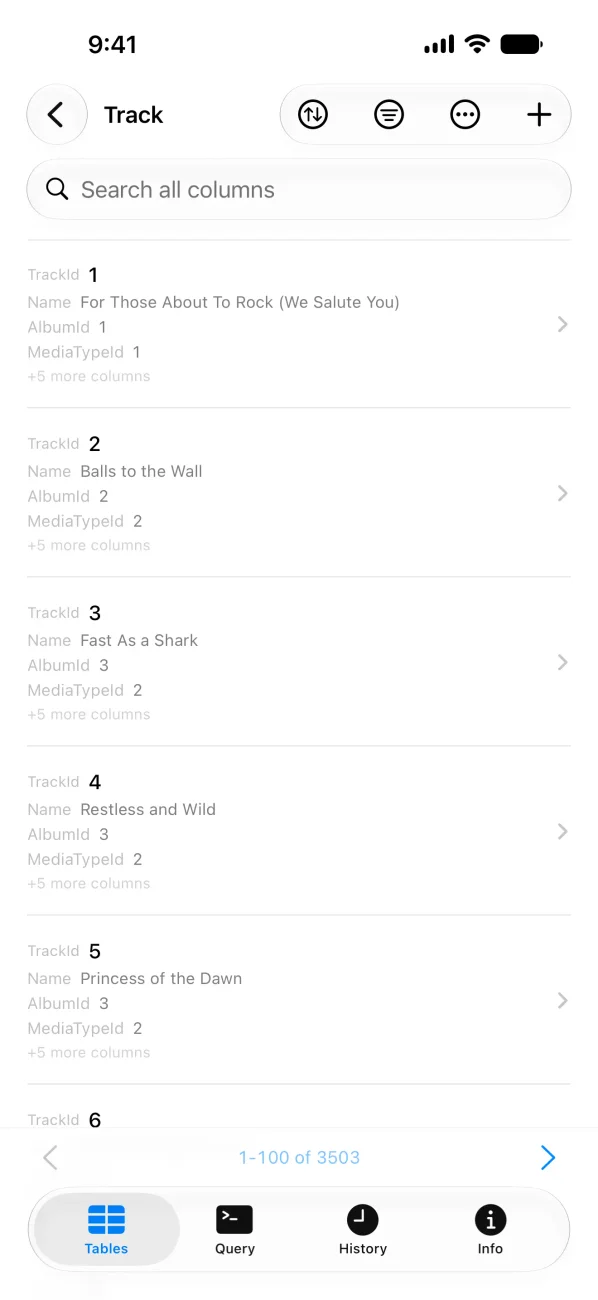
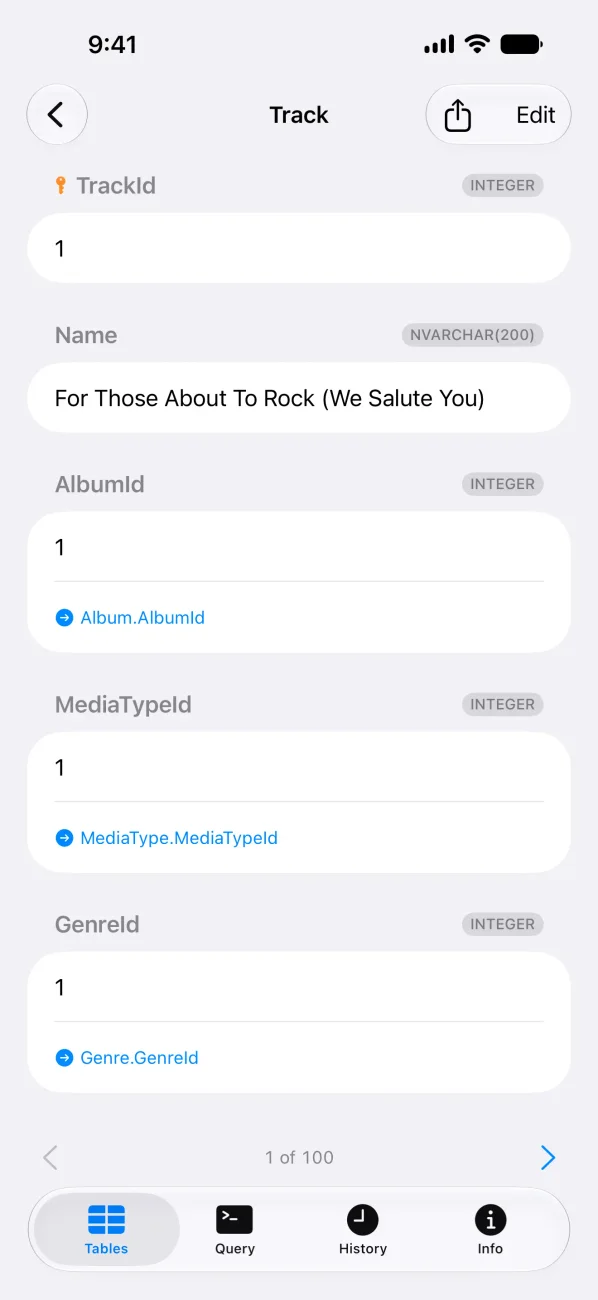
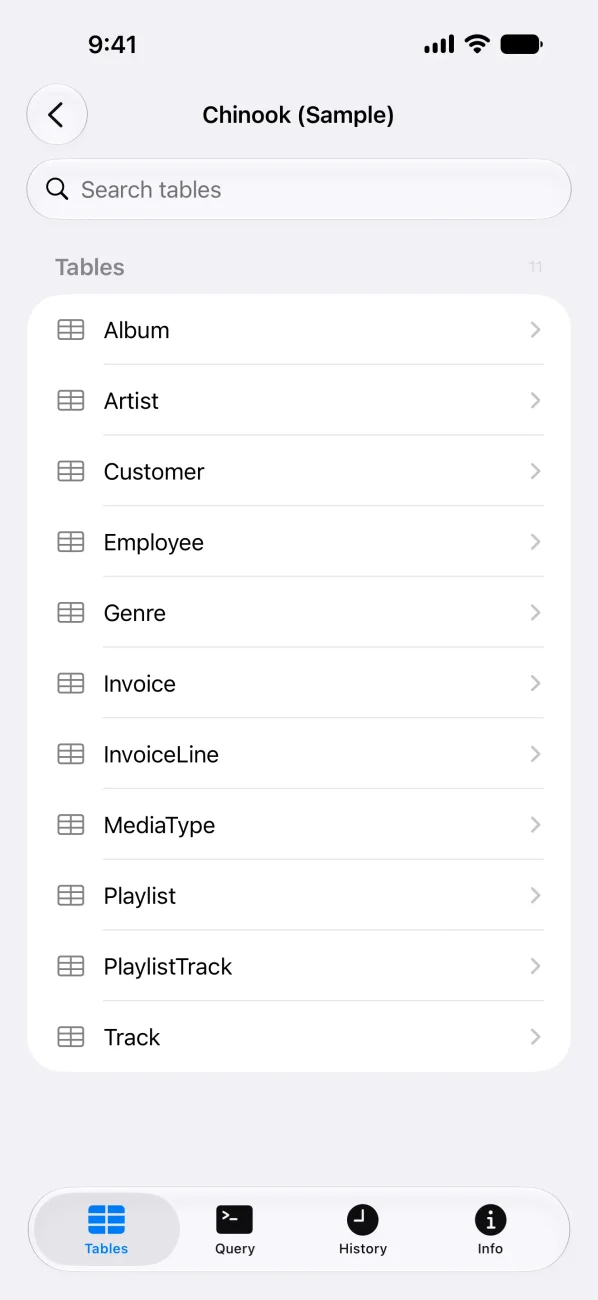
- Search tables and page through rows, 50 to 500 at a time
- Sort by any column, search text columns, and stack filters with AND or OR
- Show rows and query results as cards or as a grid with a pinned header and key column
- Tap a foreign key to preview the row it points to, then open it
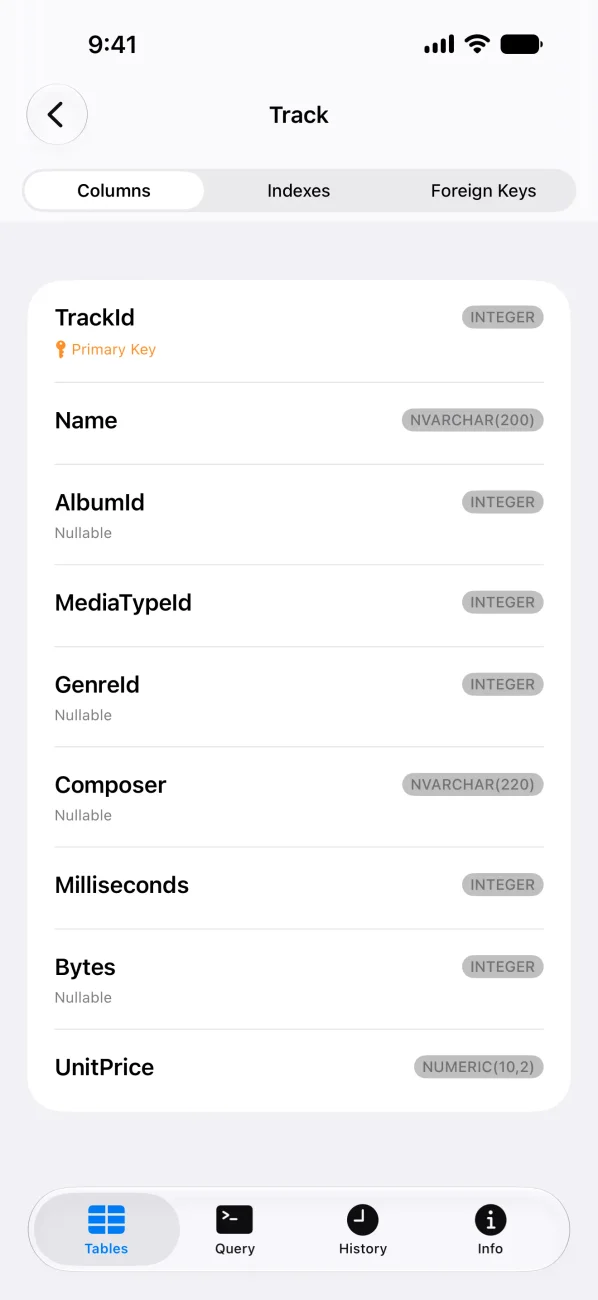
- See the columns, indexes and foreign keys of any table
- On iPad, the table list sits beside the open table
EDIT
- Open a row full screen, change values, set NULL and save
- View and edit JSON values
- Insert and delete rows, truncate or drop a table
- Every save, insert and delete runs in a transaction
- An open transaction shows on every tab, with Commit and Roll Back
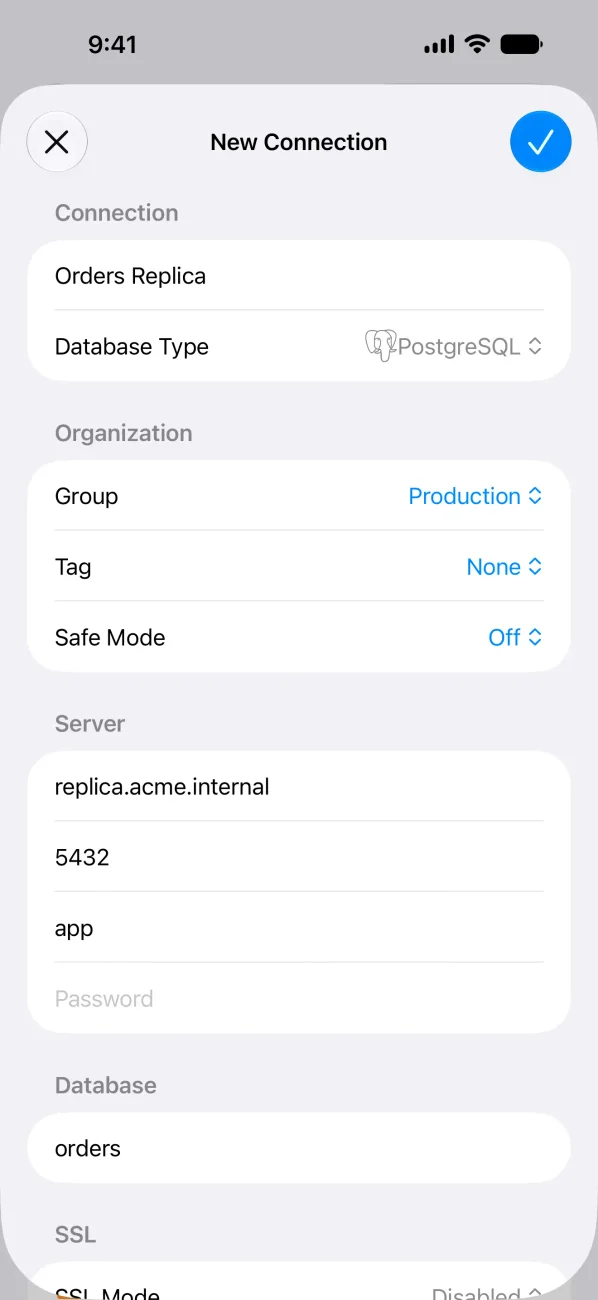
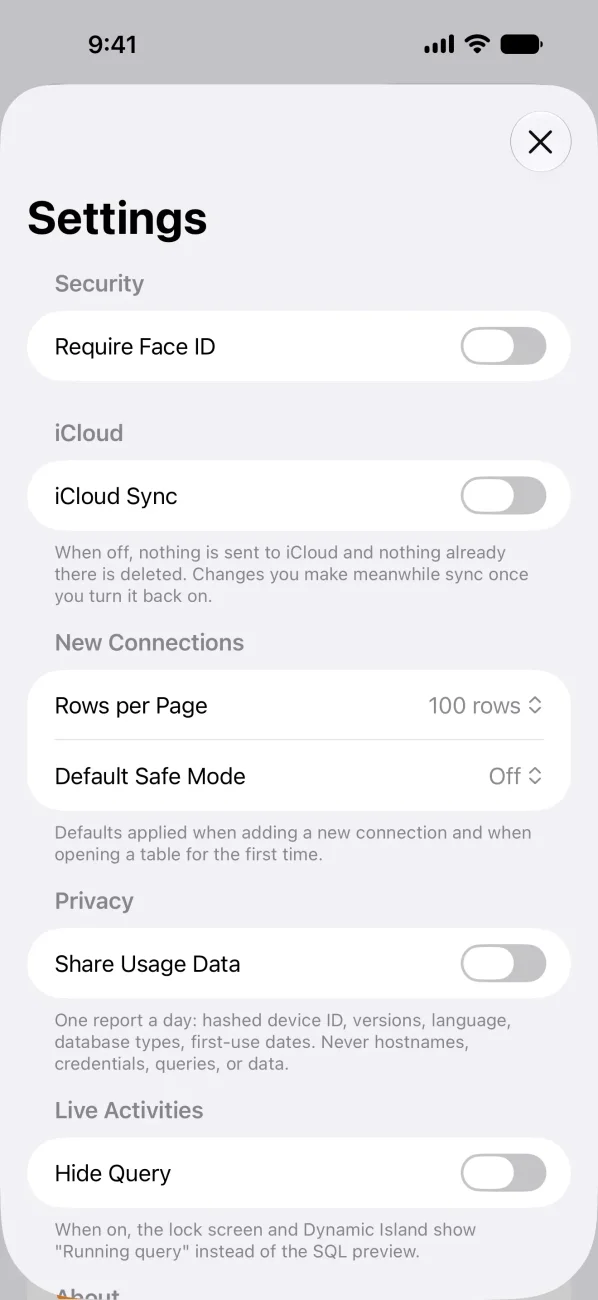
- Safe mode for each connection: Off, Confirm Writes or Read-Only
QUERY
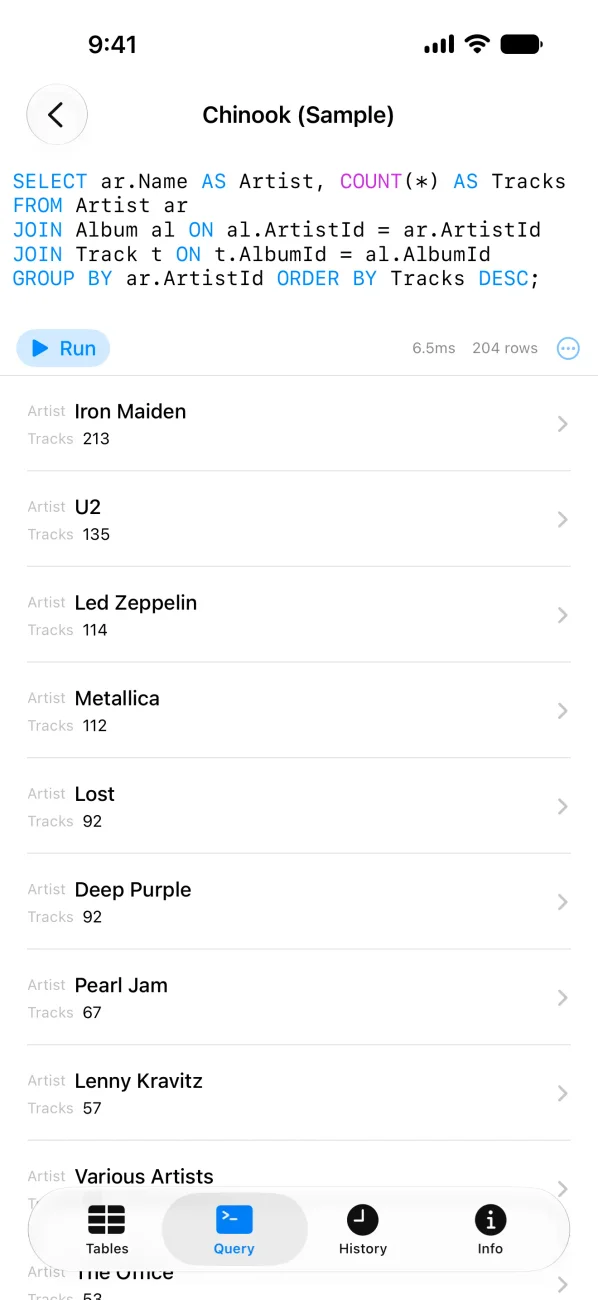
- SQL editor with syntax highlighting
- Suggestions for tables, columns and keywords as you type
- Run the statement at the cursor or the whole script, and stop it while it runs
- Saved queries, synced with your Mac
- Copy or export results as JSON, CSV or SQL INSERT statements
- Query history for each connection
- Follow a running query in a Live Activity on the Lock Screen and in the Dynamic Island
CONNECT SECURELY
- SSH tunnels with a password, a private key or keyboard-interactive sign-in, with host key checks
- SSH jump hosts and two-factor codes
- SSL with CA and client certificates
- Sign in with AWS IAM or Google Cloud IAM instead of a stored password
- Passwords and private keys kept in the Keychain
- Lock the app with Face ID, Touch ID or Optic ID
WORKS WITH YOUR MAC
- iCloud sync of connections, groups, tags and saved queries with TablePro for Mac, off until you turn it on
- Password sync through iCloud Keychain, off by default
- Continue an open connection on another device with Handoff
- Import connections from a .tablepro file through Files or AirDrop
ORGANIZE
- Favorites, recent connections, groups and tags
- Custom icons for connections and groups
- A Quick Connect widget for your Home Screen
- Shortcuts and Siri actions to open a connection or add rows to a table
TRY IT FIRST
Open the built-in Chinook sample database to browse, query and edit without setting up a server.
PRIVACY
Usage data is off unless you turn it on, and it never includes hostnames, usernames, passwords, queries or data.
Neue Funktionen
Version 1.1.2 · 03.11.2026
- Cloudflare D1 connections, with the database picked from your account's list.
- Table rows and query results show as a grid with a pinned header and key column, beside the cards. Switch in the More menu.
- A lost connection keeps reconnecting instead of stopping after one failed try.
- DuckDB files open with DuckDB 2.0.
- Truncate Table on SQLite no longer fails with a syntax error.
- A connection switched to SQLite or DuckDB no longer opens the SSH tunnel it had before.
- A malformed server reply no longer crashes the app.
- Security fixes.
App-Datenschutz
Was Dat Ngo Quoc im App Store zum Umgang dieser App mit Daten angibt.
-
Nicht mit Ihnen verknüpfte Daten
Können erfasst werden, sind aber nicht mit Ihrer Identität verknüpft.
- Kennungen
- Nutzungsdaten
Die Datenschutzpraktiken können variieren, zum Beispiel je nach den von Ihnen verwendeten Funktionen oder Ihrem Alter.
Informationen
- Anbieter
- Dat Ngo Quoc
- Kategorie
- Entwickler-Tools
- Version
- 1.1.2
- Aktualisiert
- 03.11.2026
- Veröffentlicht
- 22.09.2026
- Größe
- 83,4 MB
- Erfordert
- iOS 18.0 oder neuer
- Altersfreigabe
- 4+
- Preis
- Kostenlos
- Sprachen
- Englisch, Koreanisch, Vereinf. Chinesisch, Tradit. Chinesisch, Vietnamesisch
- Copyright
- © 2026 TablePro
Das könnte Ihnen auch gefallen
-
 SQLite Editor & DB ViewerEntwickler-Tools
-
 DualMac: VNC Remote DesktopFernzugriff auf Macs vom iPad
-
 Termini - SSH ClientEntwickler-Tools
-
 HTTPS Capture Traffic DecryptWeb API Debug & Packet Sniffer
-
 rootshell: Local Terminal, SSHVPN over SSH and tssh
-
 TablePlus - Database ClientEntwickler-Tools
-
 MySQL Mobile ClientEntwickler-Tools
-
 PostgreSQL ClientEntwickler-Tools
-
 SQLPro Studio: SQL DatabaseEntwickler-Tools
-
 SQLiteFlow - SQLite EditorEntwickler-Tools