
AnyViewer Remote Desktop
Freeware to control pc safely
iPhone, iPad, iPod touch için tasarlandı
Ücretsiz
- Yaş sınırı4+
- KategoriYardımcılar
- GeliştiriciAOMEI International Network Limited
- Dillerİngilizce+ 7 dil daha
- Boyut59,3 MB
Resmi App Store sayfasına bağlanır
Download.org, AnyViewer Remote Desktop için hiçbir dosya barındırmaz. Düğme, uygulamanın App Store üzerindeki sayfasını açar; uygulamayı orada AOMEI International Network Limited yayınlar. Sayfanın son kontrolü: 30.11.2026.
Ekran görüntüleri
Hakkında
Geliştirici bu metni dilinizde sunmamış.
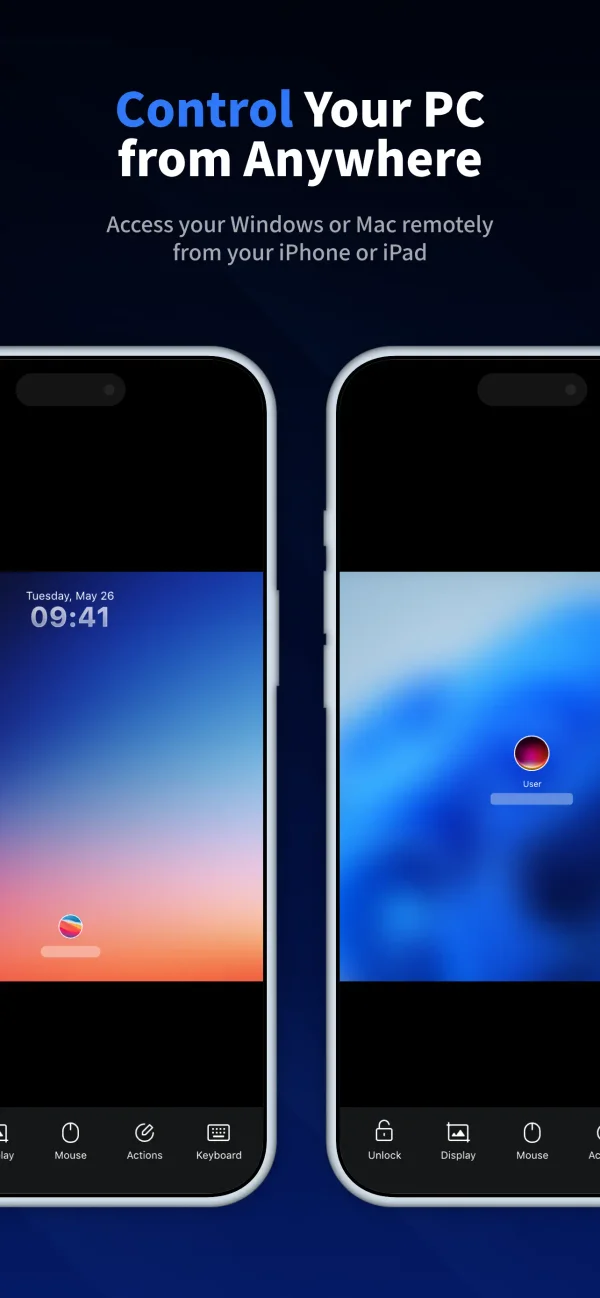
AnyViewer is a free remote access and remote support app for iPhone and iPad, with no ads, no time limits, and no mobile feature restrictions. Use it to access Windows PC and Mac, and other systems for mobile devices, view iOS device screens, share screens, transfer files to a PC or Mac, and provide remote assistance from anywhere.
Whether you need to connect to your office computer, help a family member with a phone problem, support a customer remotely, or manage devices while away from your desk, AnyViewer makes remote connection simple, fast, and secure.
FREE MOBILE REMOTE ACCESS
AnyViewer mobile is free to use with no ads, no time limits, and no mobile feature restrictions. You can access computers, support mobile devices, share screens, and transfer files from your iPhone or iPad without interruptions.
REMOTE ACCESS FOR PC AND MAC
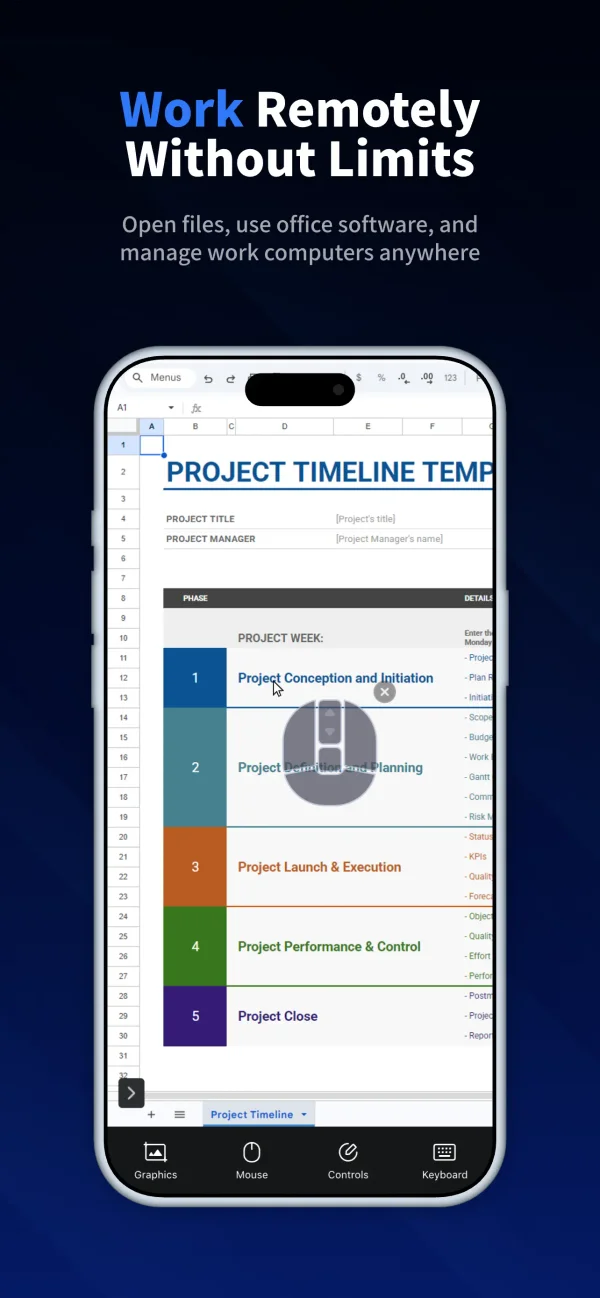
Need to open files on your office computer? Want to use desktop software while traveling? Need to manage a home or work computer from your iPhone or iPad?
With AnyViewer, you can remotely access Windows PCs and Macs from your mobile device, so you can work, check information, open documents, and manage your computer whenever you need.
You can:
• Access remote desktops anytime
• Control a PC or Mac from iPhone or iPad
• Open documents and desktop applications remotely
• Manage work or personal computers away from your desk
• Stay productive while traveling or working remotely
REMOTE SUPPORT FOR MOBILE DEVICES
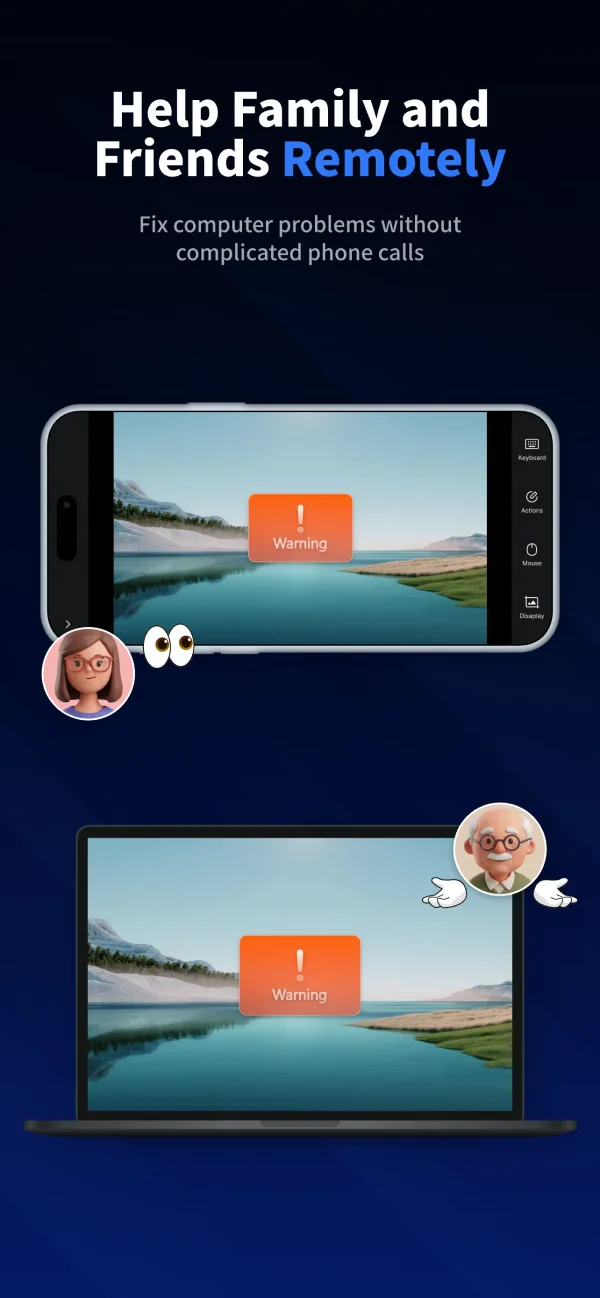
AnyViewer also helps when you need to support someone on a mobile device. Instead of explaining every step over a call, you can provide remote assistance more directly and efficiently.
You can remotely control mobile devices of other systems through iPhone or iPad, view the iOS device screen, and guide users to solve problems.
Use AnyViewer to help:
• Family members with phone issues
• Parents or older relatives who need step-by-step support
• Friends who need help with device settings
• Customers who need remote technical assistance
• Team members who need quick troubleshooting
SCREEN SHARING, REMOTE DISPLAY, AND MULTI-MONITOR SUPPORT
Screen sharing makes it easier to understand what is happening on another device. You can view the remote screen, guide the other person, and solve problems faster.
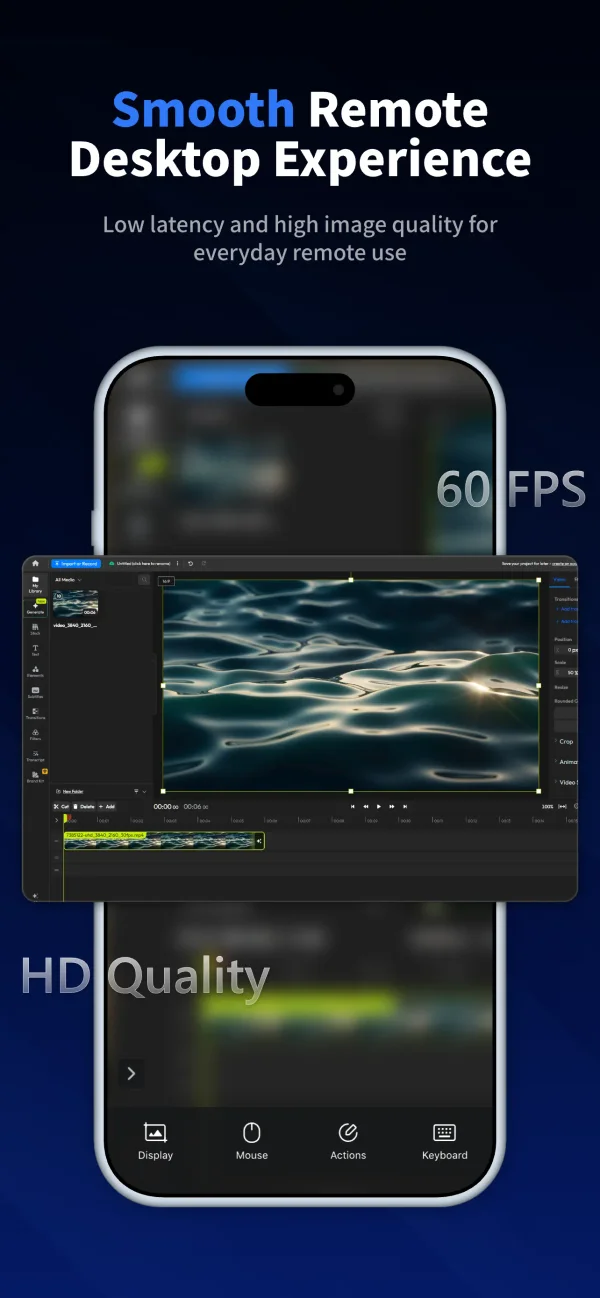
AnyViewer supports multi-monitor remote control for supported computers, so you can switch between remote screens when controlling a device with multiple displays.
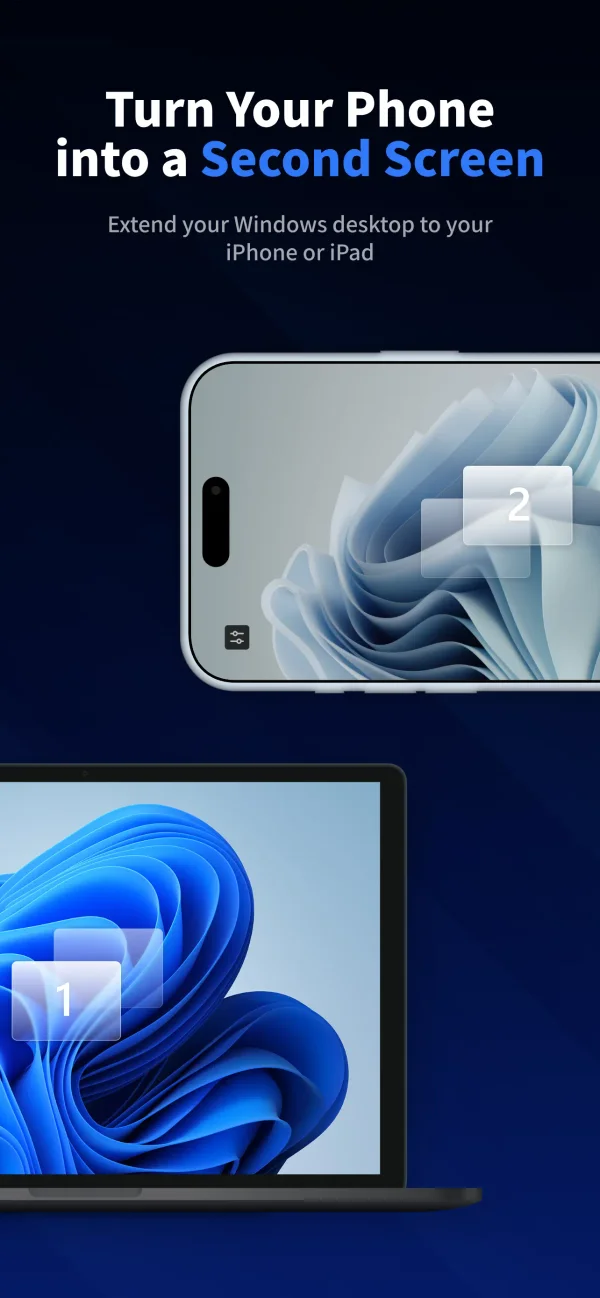
You can also mirror your phone screen to a Windows PC or Mac. When using a Windows PC, your iPhone or iPad can also work as an extended screen or mirrored screen, giving you a portable second-display option when you need more screen space.
FILE TRANSFER TO PC OR MAC
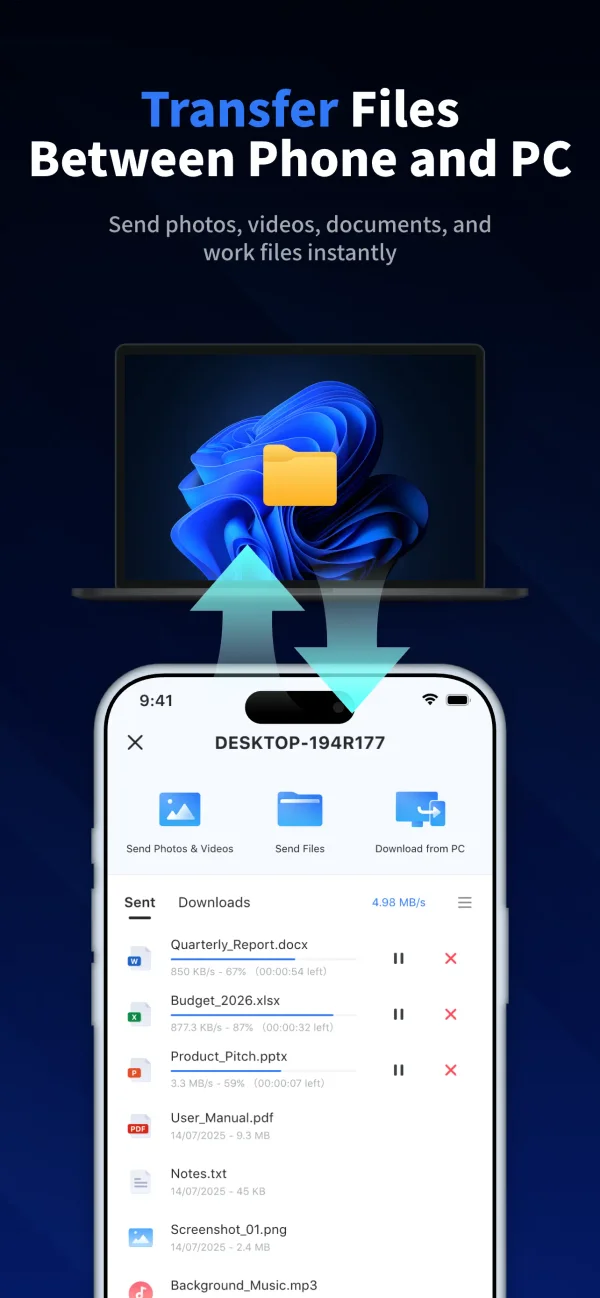
Transfer files from your mobile device to a Windows PC or Mac without cables or third-party cloud storage. Send photos, videos, documents, and work files whenever you need them.
SECURE, STABLE, AND EASY TO USE
AnyViewer is designed for secure remote access, remote control, screen sharing, file transfer, and remote support. Remote sessions are encrypted to help keep your connections private and safe.
No complicated setup. Reliable remote access whenever you need it.
Download AnyViewer and use your iPhone or iPad to access computers, support mobile devices, transfer files, share screens, and stay connected from anywhere.
Yenilikler
Sürüm 5.0.0 · 28.11.2026
1.Enhanced: Upgraded the remote control engine for a higher direct connection success rate between devices, lower latency, and clearer, smoother visuals;
2.Fixed some known issues.
Uygulama gizliliği
Bu uygulamanın verileri nasıl işlediği hakkında AOMEI International Network Limited tarafından App Store üzerinde yapılan beyan.
-
Sizinle ilişkilendirilmeyen veriler
Toplanabilir ancak kimliğinizle ilişkilendirilmez.
- Tanılama
Gizlilik uygulamaları, örneğin kullandığınız özelliklere veya yaşınıza göre değişiklik gösterebilir.
Bilgiler
- Satıcı
- AOMEI International Network Limited
- Kategori
- Yardımcılar
- Sürüm
- 5.0.0
- Güncellendi
- 28.11.2026
- Yayın tarihi
- 13.01.2022
- Boyut
- 59,3 MB
- Gereksinim
- iOS 13.0 veya sonrası
- Yaş sınırı
- 4+
- Fiyat
- Ücretsiz
- Diller
- İngilizce, Fransızca, Almanca, İtalyanca, Japonca, Basitleştirilmiş Çince, İspanyolca, Geleneksel Çince
- Telif hakkı
- © 2025 AnyViewer. All rights reserved.
Bunları da beğenebilirsiniz
-
 RustDesk Remote DesktopYardımcılar
-
 Remote Desktop ManagerYardımcılar
-
 AirMirror - Remote SupportYardımcılar
-
 Screens 5: VNC MasaüstüHızlı ve güvenli erişim
-
 AnyDesk Uzak MasaüstüHer yerden uzaktan erişim
-
 AirDroid Remote SupportYardımcılar
-
 HopToDeskYardımcılar
-
 AirDroid Cast-screen mirroringYardımcılar
-
 Screen Mirroring: LetsViewYardımcılar
-
 Customer App - Zoho AssistYardımcılar