
Screen Mirroring: LetsView
Cast Screen & Stream Audio
iPhone, iPad, Mac, iPod touch için tasarlandı
Ücretsiz · Uygulama içi satın alma
- Yaş sınırı4+
- KategoriYardımcılar
- GeliştiriciWangxu Technology Co., Ltd
- Dillerİngilizce+ 7 dil daha
- Boyut118,9 MB
Resmi App Store sayfasına bağlanır
Download.org, Screen Mirroring: LetsView için hiçbir dosya barındırmaz. Düğme, uygulamanın App Store üzerindeki sayfasını açar; uygulamayı orada Wangxu Technology Co., Ltd yayınlar. Sayfanın son kontrolü: 23.11.2026.
Ekran görüntüleri
Hakkında
Geliştirici bu metni dilinizde sunmamış.
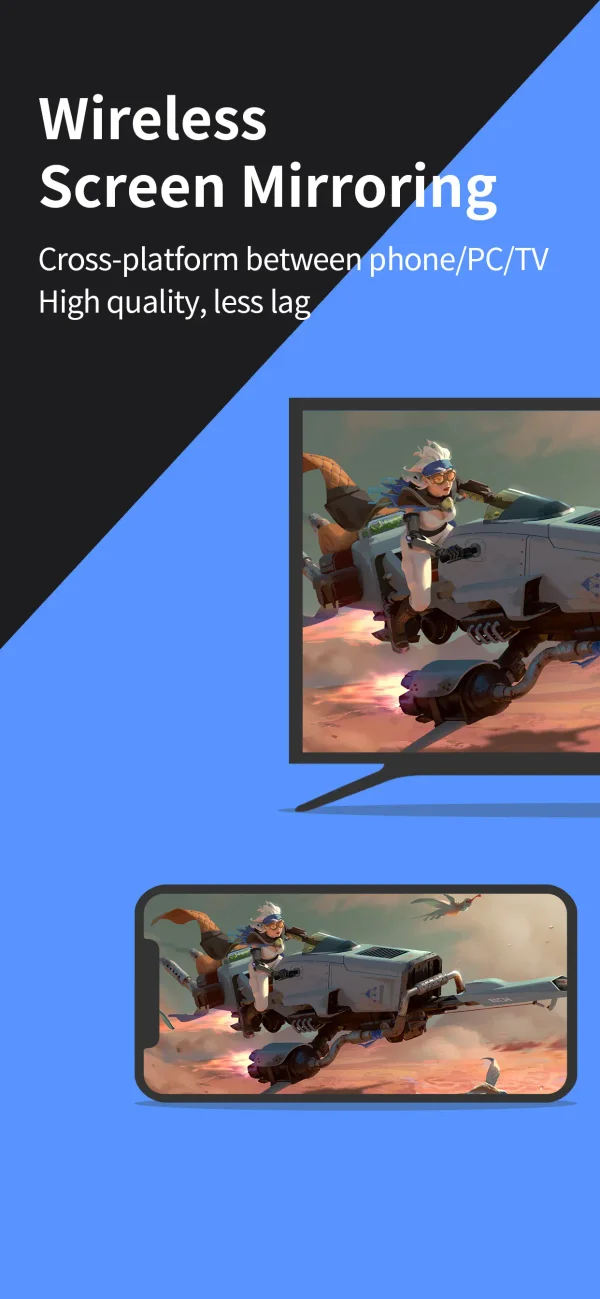
Looking for high-quality and free screen mirroring app? Look no further than LetsView! Easily mirror or cast your phone, tablet, or computer screen to your TV, PC, or Mac. With LetsView, you'll have endless possibilities for communication and entertainment in your daily life.
Key Features:
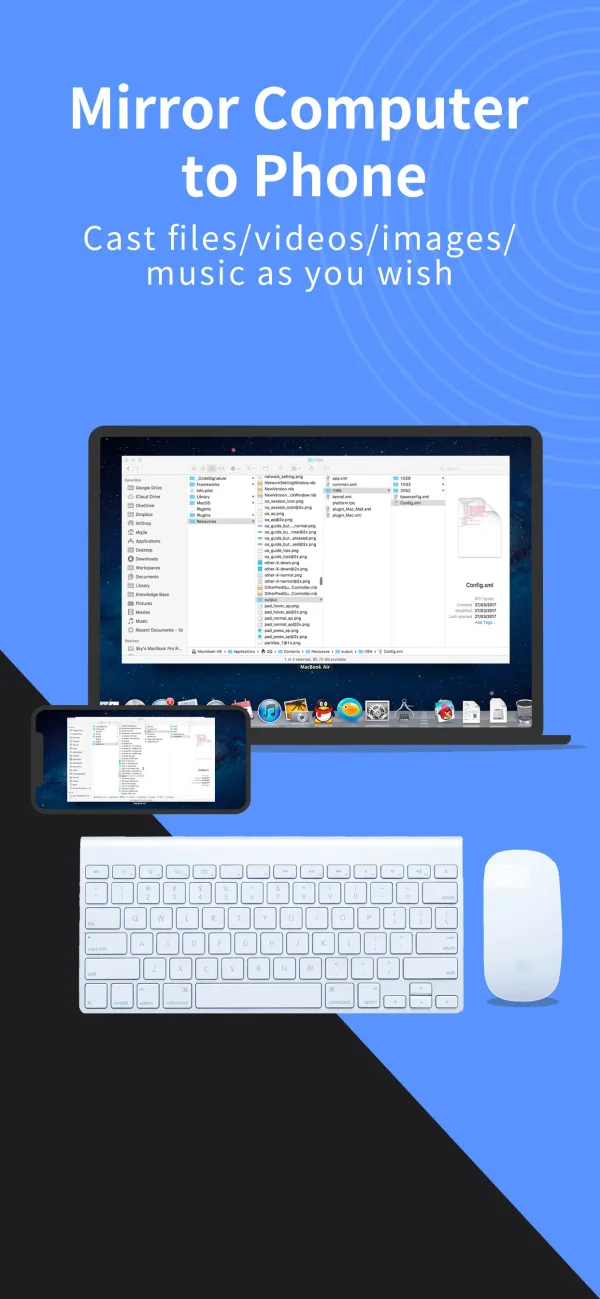
*Screen mirroring between mobile phones and PCs
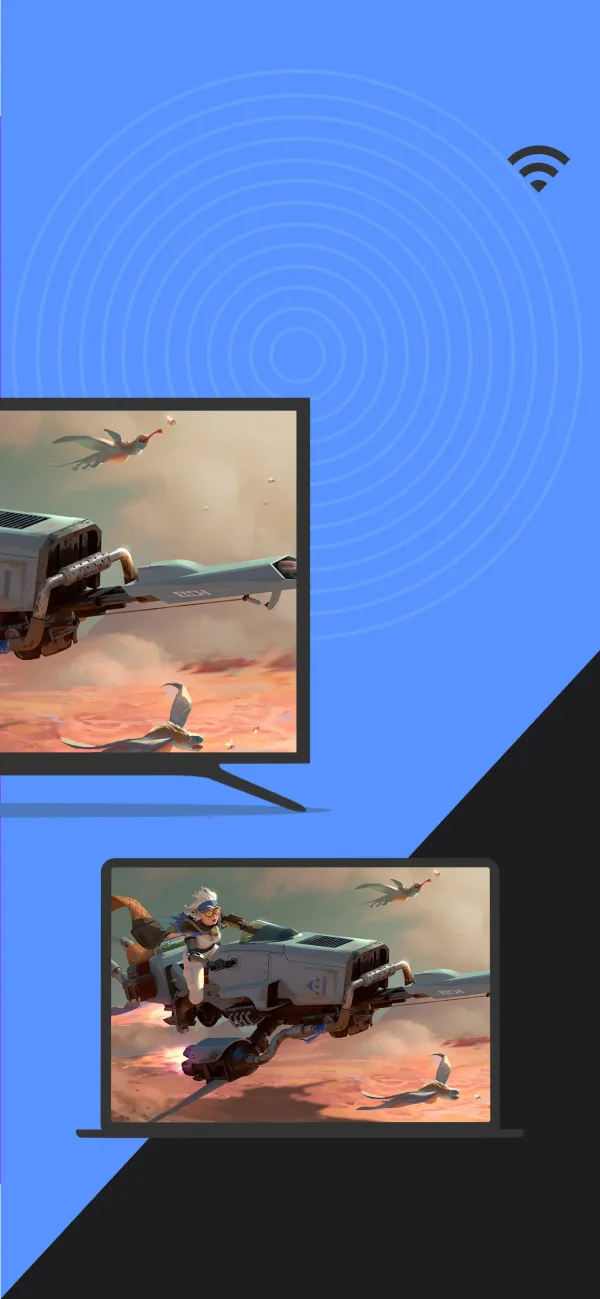
Mirror your phone screen to your Mac or Windows computer, enhance your favorite live stream viewing experience, or present content on a bigger screen without any limitations of your phone's screen size. You can even cast your phone screen to multiple devices.
*Control PC from a phone
Once your computer and smartphone are connected, the smartphone can act as a makeshift keyboard or mouse, allowing you full control over your computer screen with just your fingertips.
*Screen mirroring between mobile phone and TV
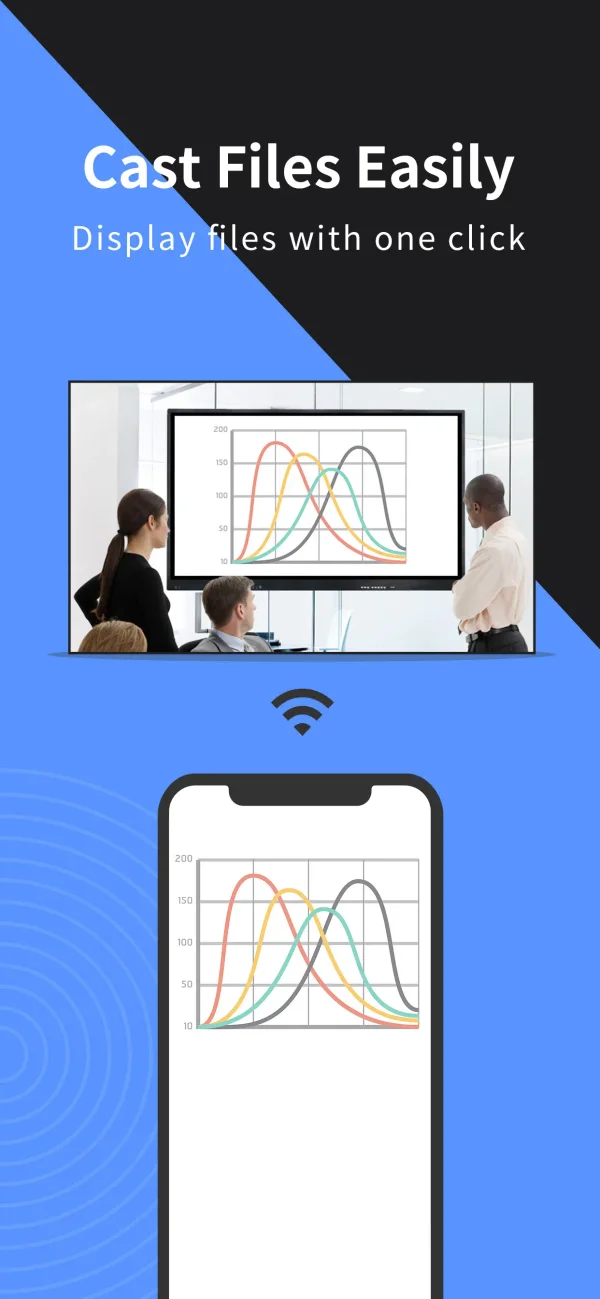
Whether you're watching a movie, watching a sporting event with the family, or giving a business presentation on TV, mirroring your phone's screen to a larger display has never been easier with LetsView. LetsView perfectly fit most of the TVs on the market.
*Screen mirroring between PC/tablet and TV
In addition to the mobile version, LetsView covers various platforms. Our desktop version also enables mirroring between PC to PC, and PC to TV.
*Extend screen
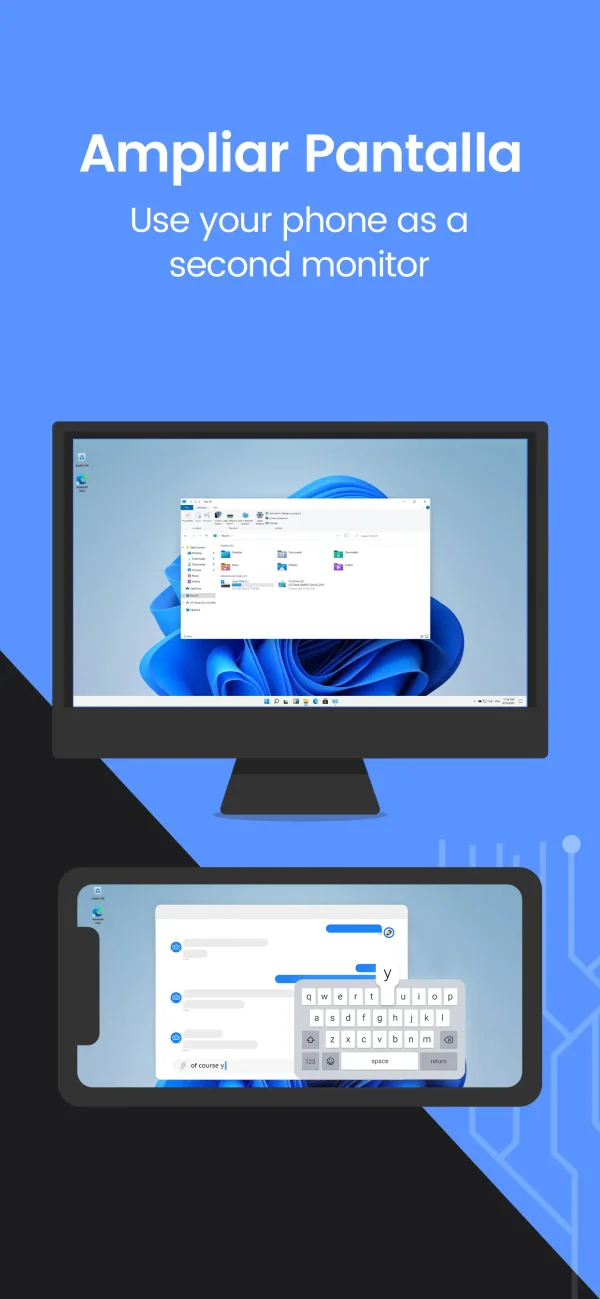
Turn your phone into a secondary monitor for your computer, allowing you to focus on main tasks on the primary screen while simultaneously handling auxiliary activities on your phone's screen, thus significantly boosting your productivity.
*Remote screen mirroring
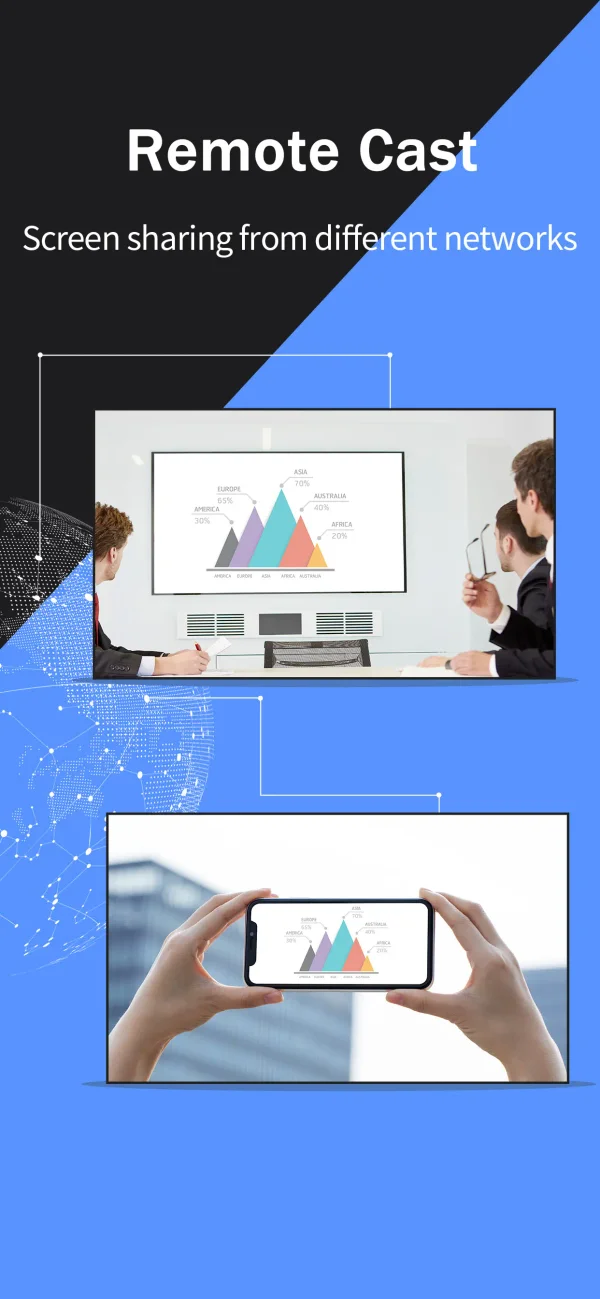
Screen mirroring is also possible when you are on a different network. The remote screen mirroring feature will help you cross the network, just enter the remote cast code, and the two devices will share the screen over a distance.
*Additional features
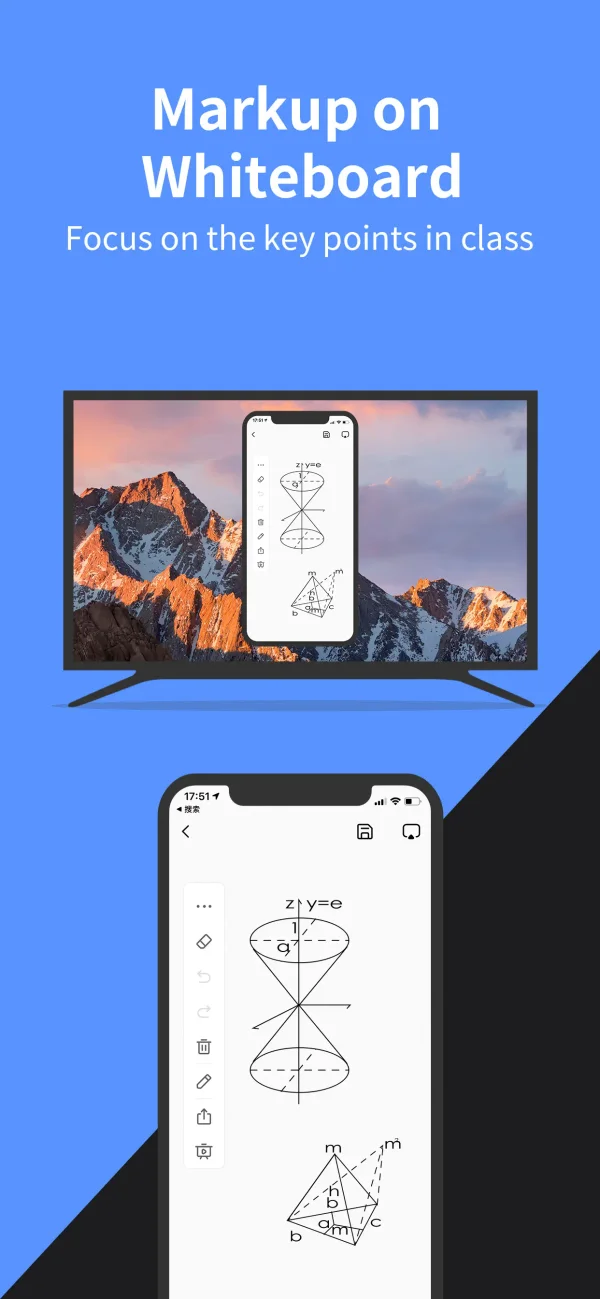
Drawing, whiteboard, document presentation, screen capture, and screen recording of a mobile phone screen are also available.
*Why LetsView?
● Ad-free.
● Uninterrupted and unlimited usage.
● HD screen mirroring.
● HD screen recording.
*Primary use cases:
1. Family Entertainment
Mirroring movies, games, photos, and more onto a larger screen for a better visual experience.
2. Business Presentations
Share your PC or mobile phone screen content onto a large screen for presentations or meetings, demonstrate your product to potential customers remotely.
3. Online teaching
Share the teacher's device screen and combine it with the whiteboard, enhancing the visual experience of your online classes.
4. Live stream gameplay
Broadcast gaming content on a big screen, share gameplay with followers, and keep wonderful moments.
*Easy to Connect:
Connecting your devices is easy with 3 available methods: direct connection, QR code connection, or passkey connection.
Ensure that all your devices are connected to the same Wi-Fi network, and your device will be automatically detected for easy connection. If your device isn't detected, simply scan the QR code or enter the passkey to establish the connection.
*Contact:
We appreciate all your feedback! Contact us at support@letsview.com or send feedback from Me > Feedback on the LetsView app for suggestions, comments, questions, or concerns.
Yenilikler
Sürüm 1.5.7 · 15.10.2026
1. Improved compatibility with iOS 27.
2. Refined the user experience for smoother, more intuitive use.
Uygulama gizliliği
Bu uygulamanın verileri nasıl işlediği hakkında Wangxu Technology Co., Ltd tarafından App Store üzerinde yapılan beyan.
-
Sizi izlemek için kullanılan veriler
Başka şirketlere ait uygulamalarda ve web sitelerinde sizi izlemek için kullanılabilir.
- Tanımlayıcılar
-
Sizinle ilişkilendirilmeyen veriler
Toplanabilir ancak kimliğinizle ilişkilendirilmez.
- Satın alımlar
- Konum
- Kullanıcı içeriği
- Tanımlayıcılar
Gizlilik uygulamaları, örneğin kullandığınız özelliklere veya yaşınıza göre değişiklik gösterebilir.
Bilgiler
- Satıcı
- Wangxu Technology Co., Ltd
- Kategori
- Yardımcılar
- Sürüm
- 1.5.7
- Güncellendi
- 15.10.2026
- Yayın tarihi
- 15.10.2019
- Boyut
- 118,9 MB
- Gereksinim
- iOS 15.0 veya sonrası
- Yaş sınırı
- 4+
- Fiyat
- Ücretsiz
- Uygulama içi satın alma
- Evet
- Diller
- İngilizce, Fransızca, Almanca, Japonca, Portekizce, Basitleştirilmiş Çince, İspanyolca, Geleneksel Çince
- Telif hakkı
- Copyright © 2026 Wangxu Technology Co. Ltd. All Rights Reserved.
Bunları da beğenebilirsiniz
-
 ApowerMirror- Screen MirroringYardımcılar
-
 AirDroid Cast-screen mirroringYardımcılar
-
 DoCast: TV Ekran YansıtmaAkıllı TV'ye kablosuz yayın
-
 Ekran Yansıtma - 1001 TVsSmart TV için ekran yansıtma
-
 iVCam WebcamYardımcılar
-
 DroidCam Webcam & OBS CameraTelefonu PC kamerası yapın!
-
 Ekran Yansıtma: Screen MirrorFotoğraf/video/IPTV yayınlayın
-
 Ekran Yansıtma:PigeonCastTV için Yayini & Yansit
-
 Replica:Cast için Ekran AynasıTelevizyon Yansıtma Çoğalt TV
-
 Screen Mirroring - TV CastYardımcılar