
- Yaş sınırı4+
- KategoriYardımcılar
- GeliştiriciSAND STUDIO CORPORATION LIMITED
- Dillerİngilizce+ 9 dil daha
- Boyut62,9 MB
Resmi App Store sayfasına bağlanır
Download.org, AirDroid Remote Support için hiçbir dosya barındırmaz. Düğme, uygulamanın App Store üzerindeki sayfasını açar; uygulamayı orada SAND STUDIO CORPORATION LIMITED yayınlar. Sayfanın son kontrolü: 17.11.2026.
Ekran görüntüleri


Hakkında
Geliştirici bu metni dilinizde sunmamış.
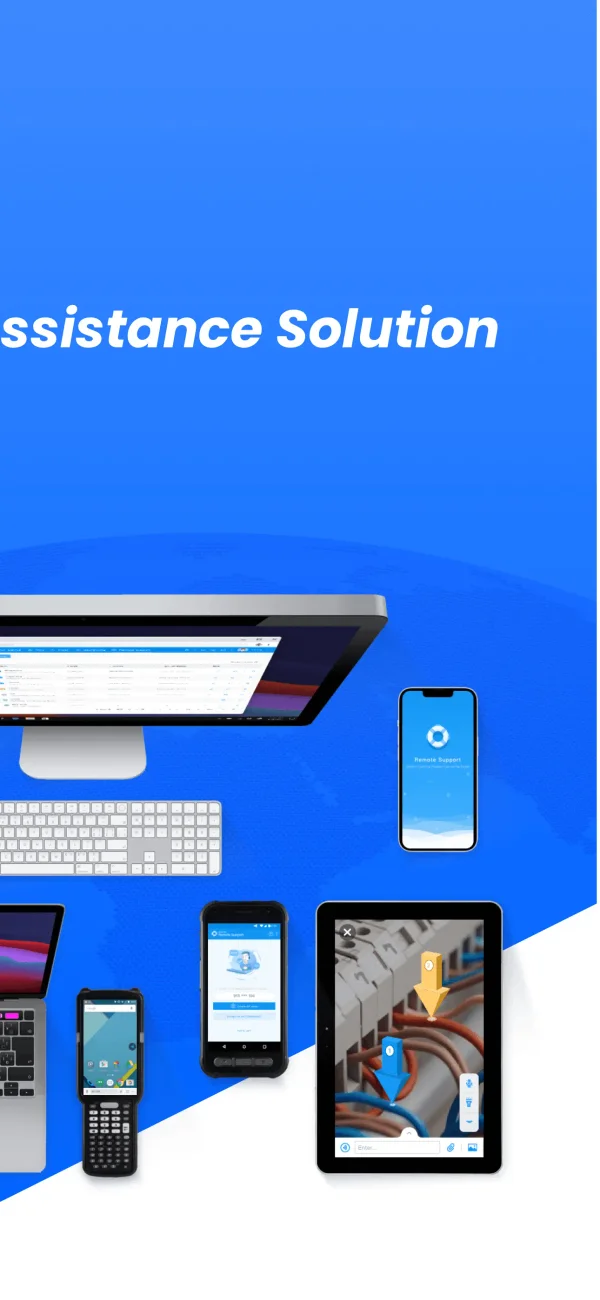
AirDroid Remote Support is an efficient solution for remote support and lightweight management.
You can provide remote assistance in an intuitive way with real-time screen sharing, voice call, text message, tutorial gesture, AR camera, etc. In addition, an intelligent remote monitoring and management solution is provided.
Key Features:
Remote Control: Directly control the remote device during the help session.
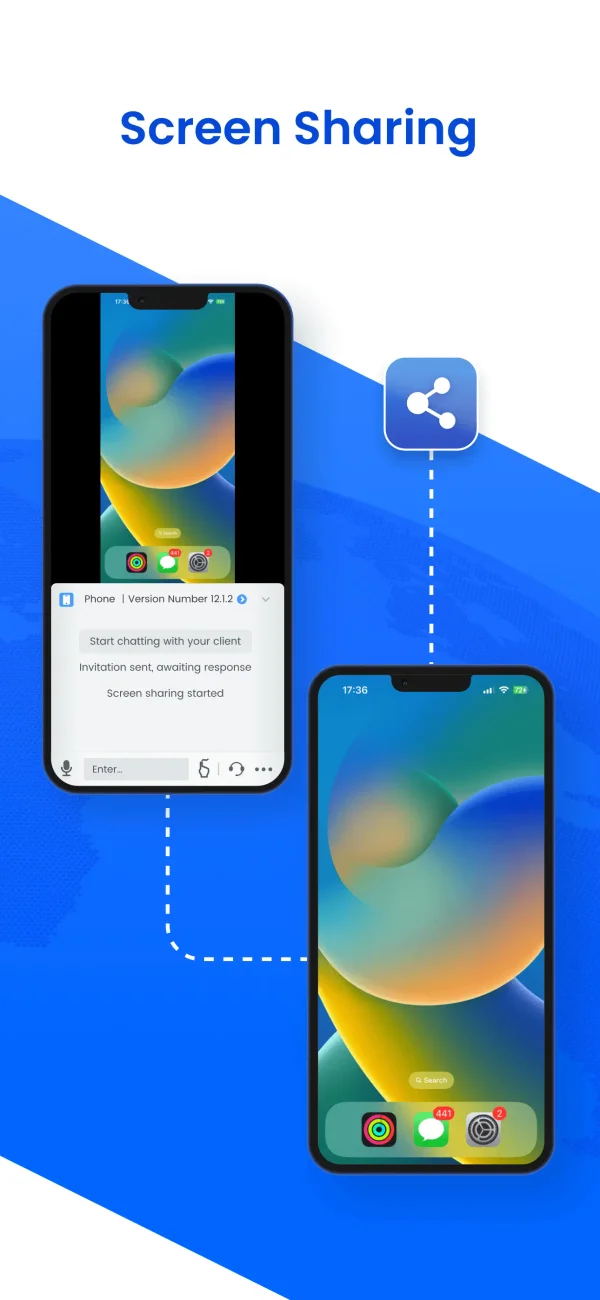
Real-time Screen Sharing: Share screen with your partner to see the issue together. Pause anytime to protect privacy and data security.
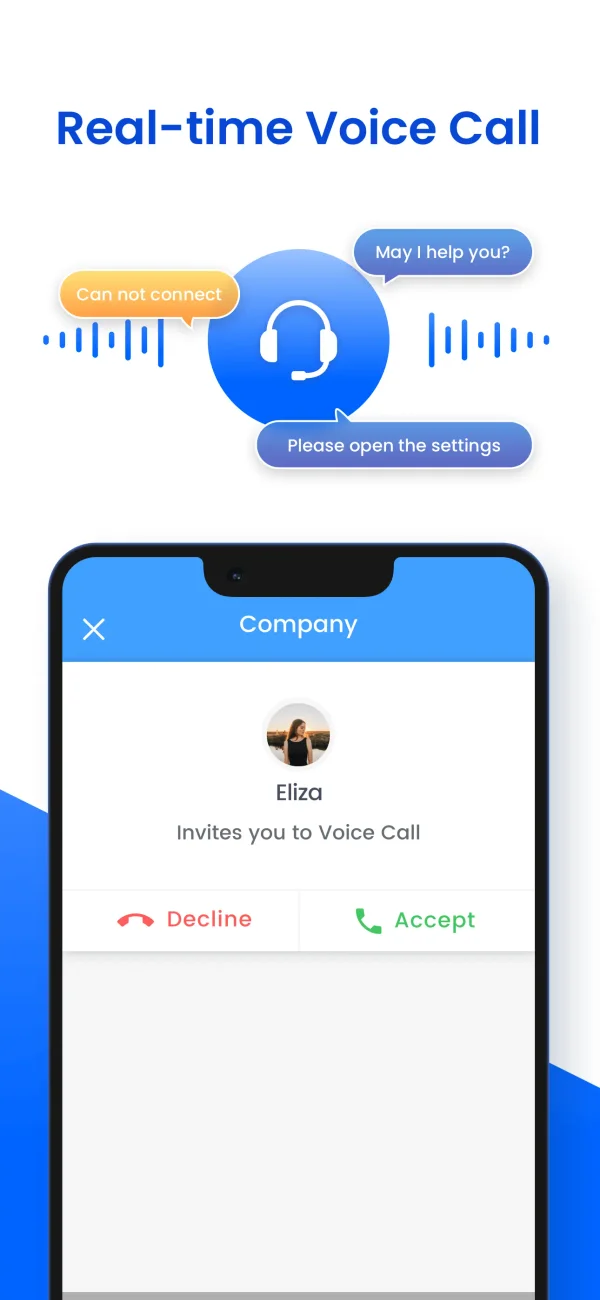
Live Chat: Discuss complex problem with voice call, can also sent voice and text messages.
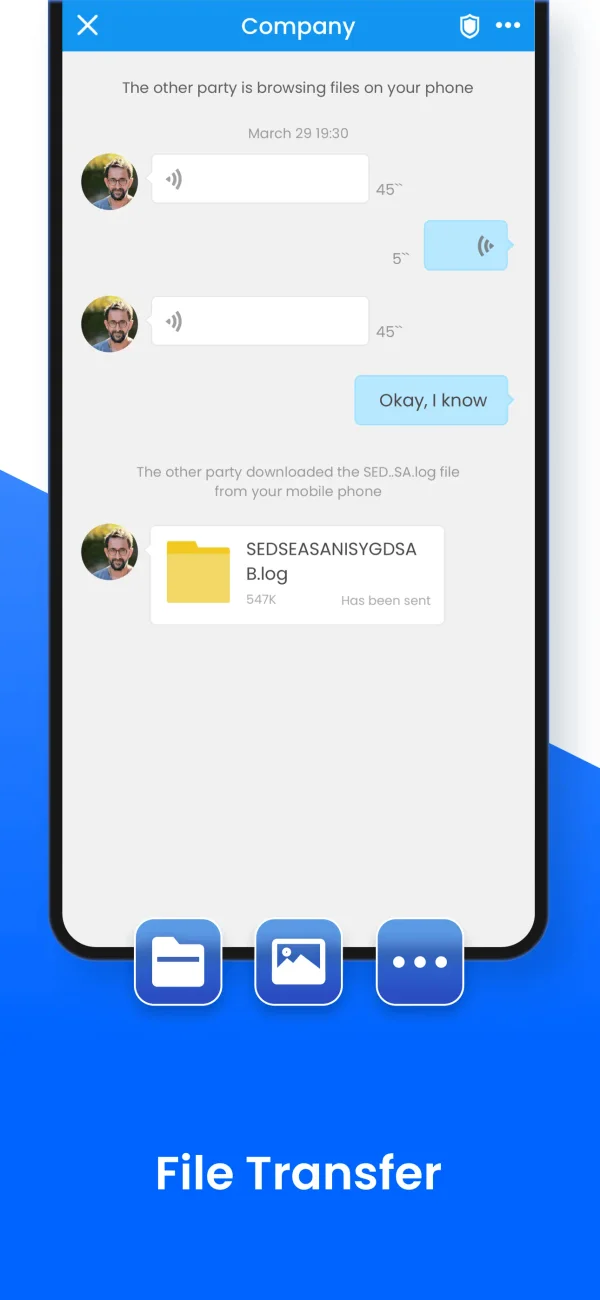
File Transfer: Able to send any required files through the chat window to give fast support.
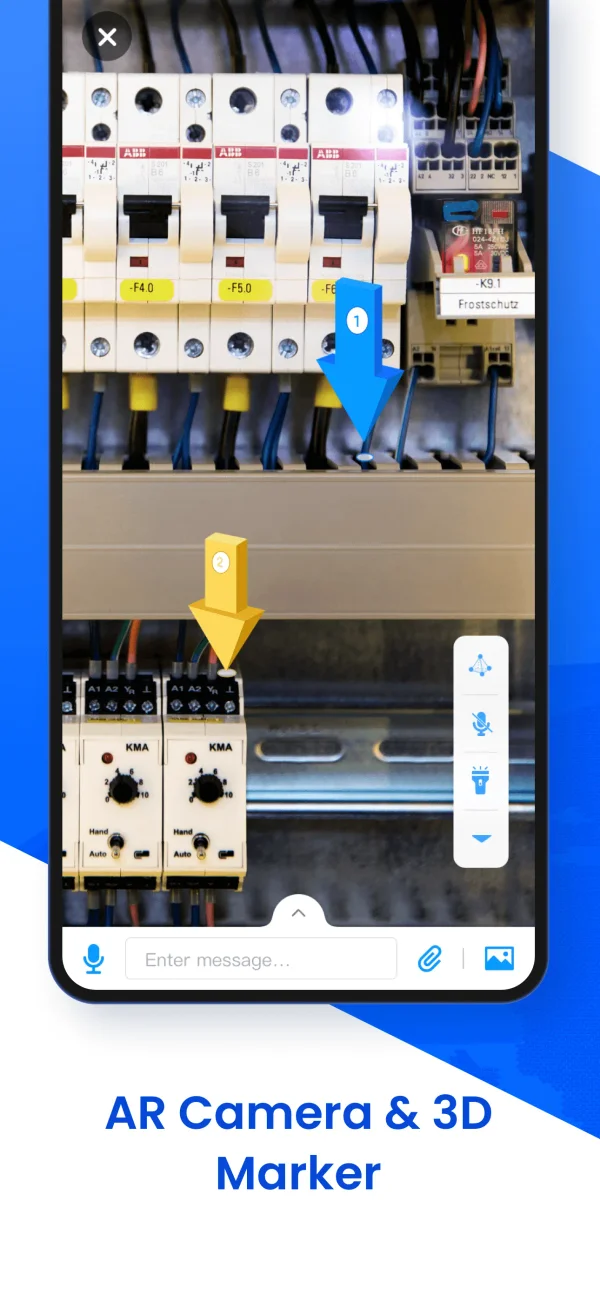
AR Camera & 3D Markers: Allows you to see through the remote device camera and place 3D markers onto real-world objects.
Permission & Device Management: Assign roles and permissions for support team members, monitor the status of devices on a list, and manage device groups.
Security & Privacy: Secure remote access with 256-bit AES and dynamic 9-digit codes. Disable or enforce functions to enhance security.
Quick Guide:
Business User:
1. Visit the official website (https://www.airdroid.com/remote-support-software/) and apply for a free trial.
2. Install AirDroid Business on the the supporter's Windows, macOS or mobile device where you wish to provide remote support.
3. Install AirDroid Remote Support on the supportee's iOS or Windows devices.
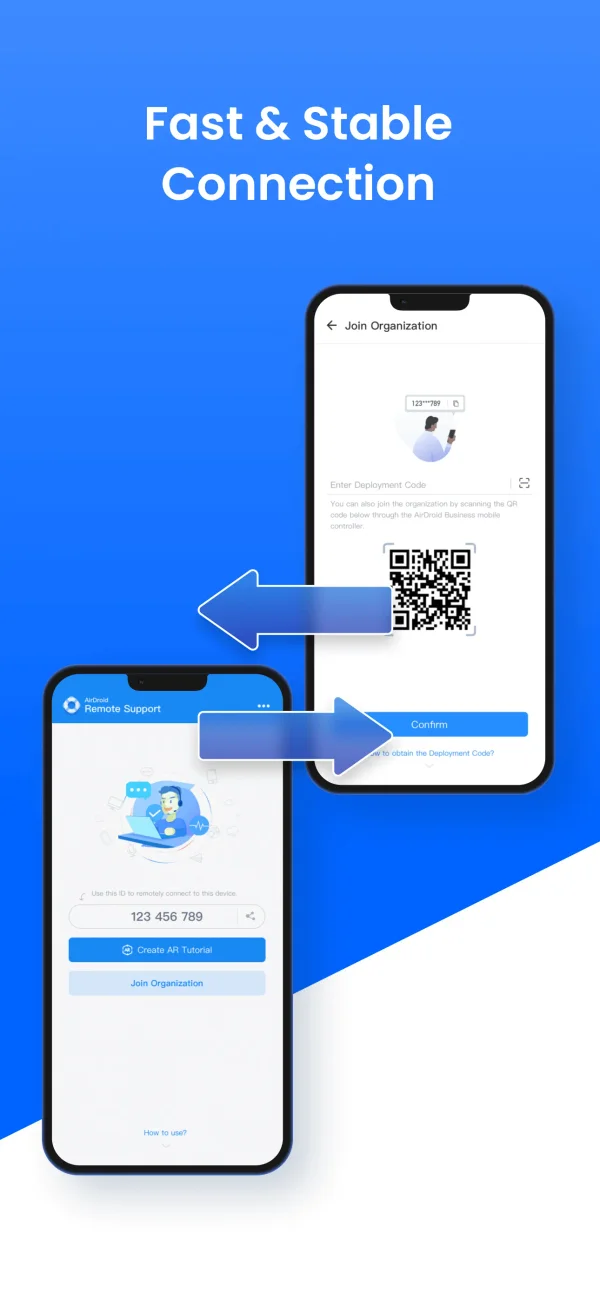
4. Initiate a support session with a 9-digit code or from the Device List.
Personal user:
1. Install AirMirror on the supporter's mobile device.
2. Install AirDroid Remote Support on the supportee's mobile device.
3. Get the 9-digit code showing in AirDroid Remote Support app.
4. Enter the 9-digital code in AirMirror and start your help session.
Yenilikler
Sürüm 1.2.1 · 15.05.2024
1. Expands remote access for Windows devices;
2. Other bug fixes and improvements.
Uygulama gizliliği
Bu uygulamanın verileri nasıl işlediği hakkında SAND STUDIO CORPORATION LIMITED tarafından App Store üzerinde yapılan beyan.
-
Sizinle ilişkilendirilmeyen veriler
Toplanabilir ancak kimliğinizle ilişkilendirilmez.
- Tanımlayıcılar
- Kullanım verileri
- Tanılama
Gizlilik uygulamaları, örneğin kullandığınız özelliklere veya yaşınıza göre değişiklik gösterebilir.
Bilgiler
- Satıcı
- SAND STUDIO CORPORATION LIMITED
- Kategori
- Yardımcılar
- Sürüm
- 1.2.1
- Güncellendi
- 15.05.2024
- Yayın tarihi
- 17.03.2020
- Boyut
- 62,9 MB
- Gereksinim
- iOS 12.0 veya sonrası
- Yaş sınırı
- 4+
- Fiyat
- Ücretsiz
- Diller
- İngilizce, Fransızca, Almanca, İtalyanca, Japonca, Portekizce, Rusça, Basitleştirilmiş Çince, İspanyolca, Geleneksel Çince
- Telif hakkı
- © 2024 Sand Studio.
Bunları da beğenebilirsiniz
-
 AnyViewer Remote DesktopYardımcılar
-
 HopToDeskYardımcılar
-
 向日葵客户端Yardımcılar
-
 RustDesk Remote DesktopYardımcılar
-
 Air File Share & Drop AppYardımcılar
-
 Remote Desktop ManagerYardımcılar
-
 Mobile Mouse Remote - CloudYardımcılar
-
 OSLinkYardımcılar
-
 Customer App - Zoho AssistYardımcılar
-
 AnyDesk Uzak MasaüstüHer yerden uzaktan erişim