Darkroom Assistant
Repeatable exposure & contrast
iPhone, iPad, iPod touch için tasarlandı
Ücretsiz · Uygulama içi satın alma
- Yaş sınırı4+
- KategoriFotoğraf ve Video
- GeliştiriciDistinction Photo LLC
- Dillerİngilizce
- Boyut54,4 MB
Resmi App Store sayfasına bağlanır
Download.org, Darkroom Assistant için hiçbir dosya barındırmaz. Düğme, uygulamanın App Store üzerindeki sayfasını açar; uygulamayı orada Distinction Photo LLC yayınlar. Sayfanın son kontrolü: 13.11.2026.
Ekran görüntüleri

Hakkında
Geliştirici bu metni dilinizde sunmamış.
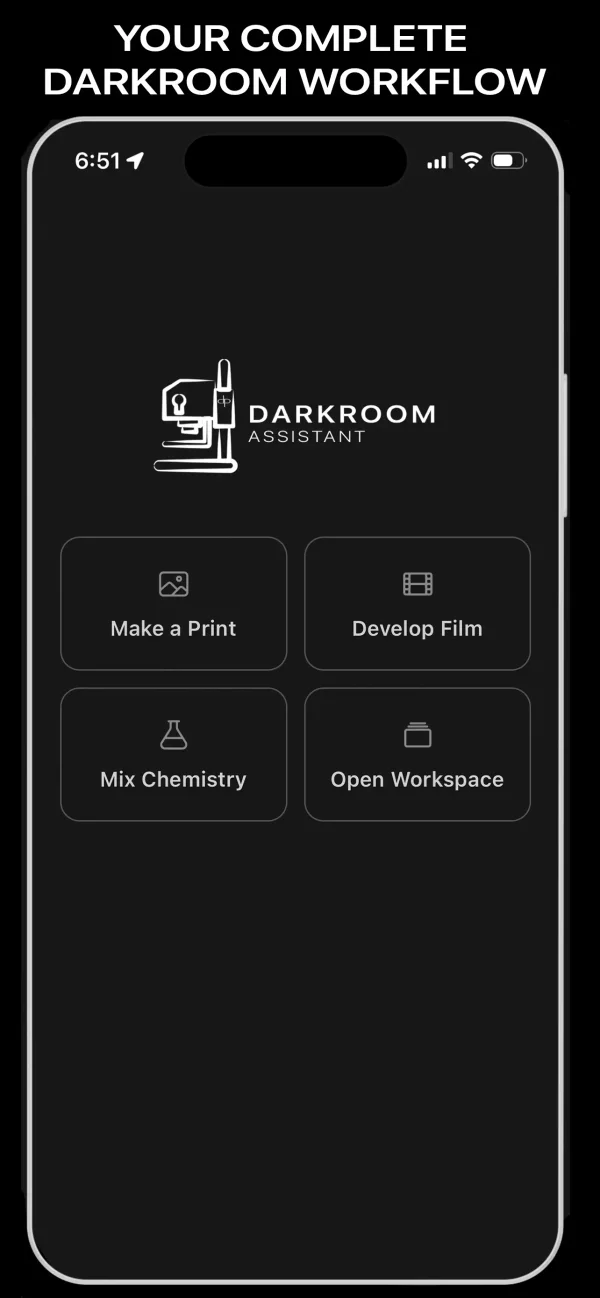
Make better darkroom prints—and preserve every decision that got you there.
Darkroom Assistant is a purpose-built workflow app for black-and-white darkroom printers. It connects what you see in the print to the exposure, dodging, burning, and sequencing needed to make the next one.
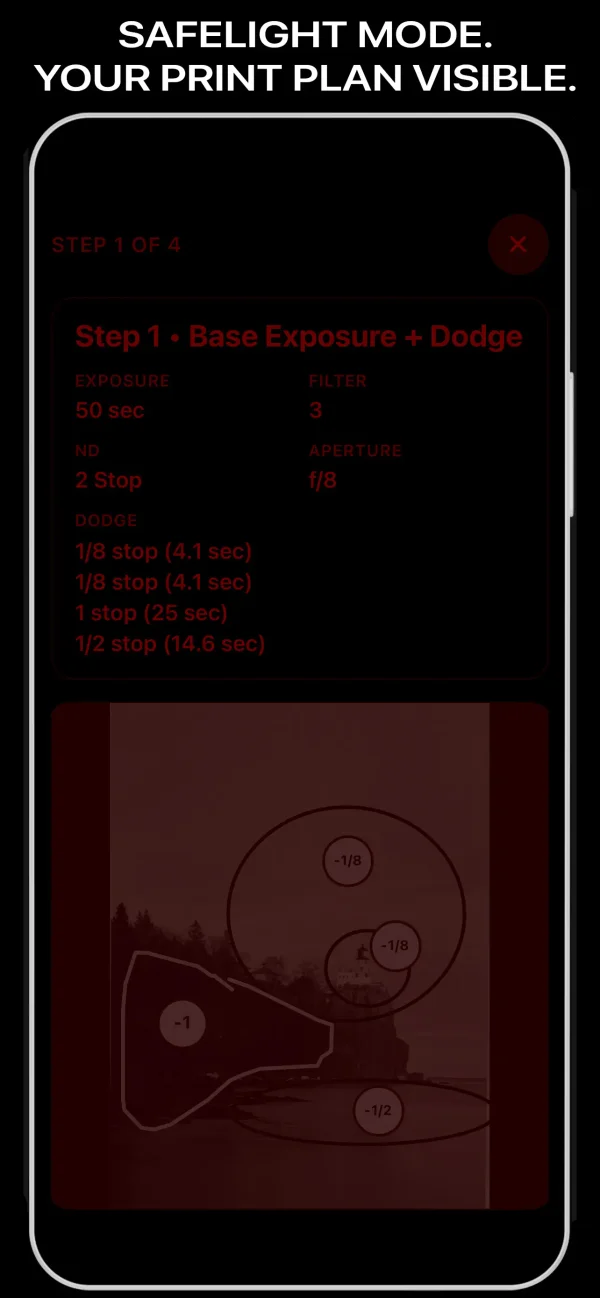
Map adjustments on the image, work in stops, and let Darkroom Assistant calculate the actual exposure times. You don’t need an expensive programmable f-stop timer to use an advanced f-stop printing workflow. Whether your timer counts in stops or only in seconds, the calculations, visual map, and printing sequence stay connected to the image.
If you have ever made a great print and struggled to recreate it, searched through scattered notes, or wasted paper rebuilding a previous result, Darkroom Assistant brings the complete printing process together.
It does not automate printing or replace your judgment. Your eye decides what the print needs. Darkroom Assistant translates that decision into the next exposure—and preserves the path when the session ends.
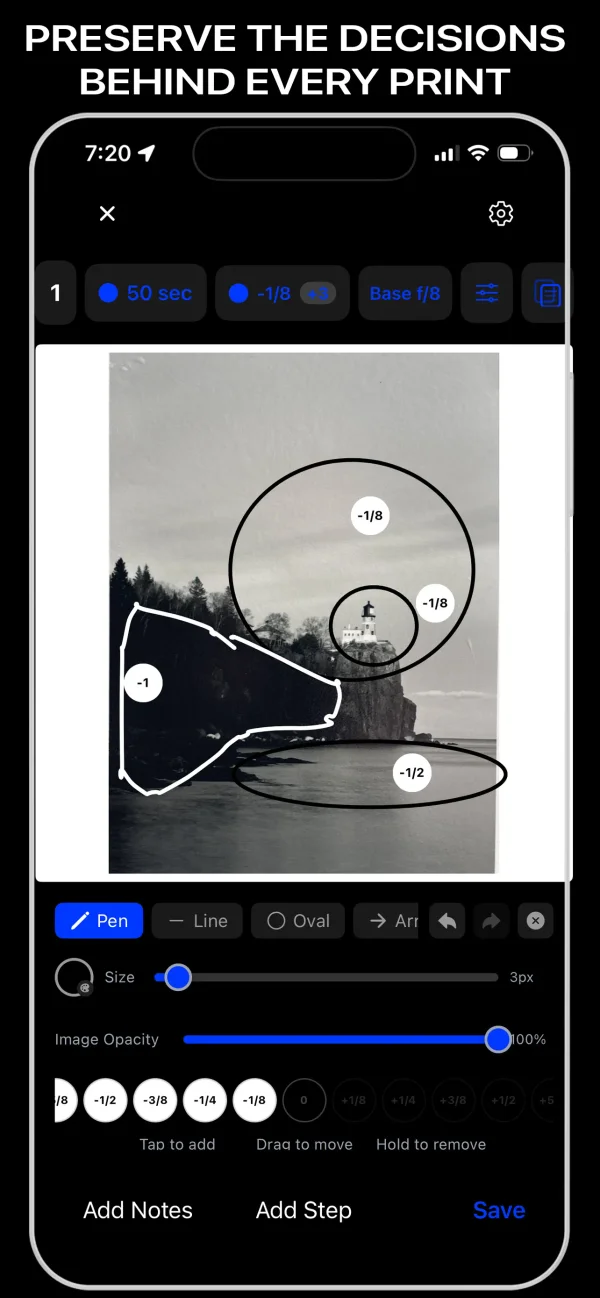
VISUAL DODGING AND BURNING
Map local adjustments on the print image instead of trying to connect handwritten times to remembered areas. Set the desired change in stops, and Darkroom Assistant calculates the corresponding dodge or burn times and organizes them into a clear printing sequence.
A programmable f-stop timer can count exposure in stops. Darkroom Assistant goes further by connecting each adjustment to the image, calculating the time for that operation, and preserving the reasoning behind the print.
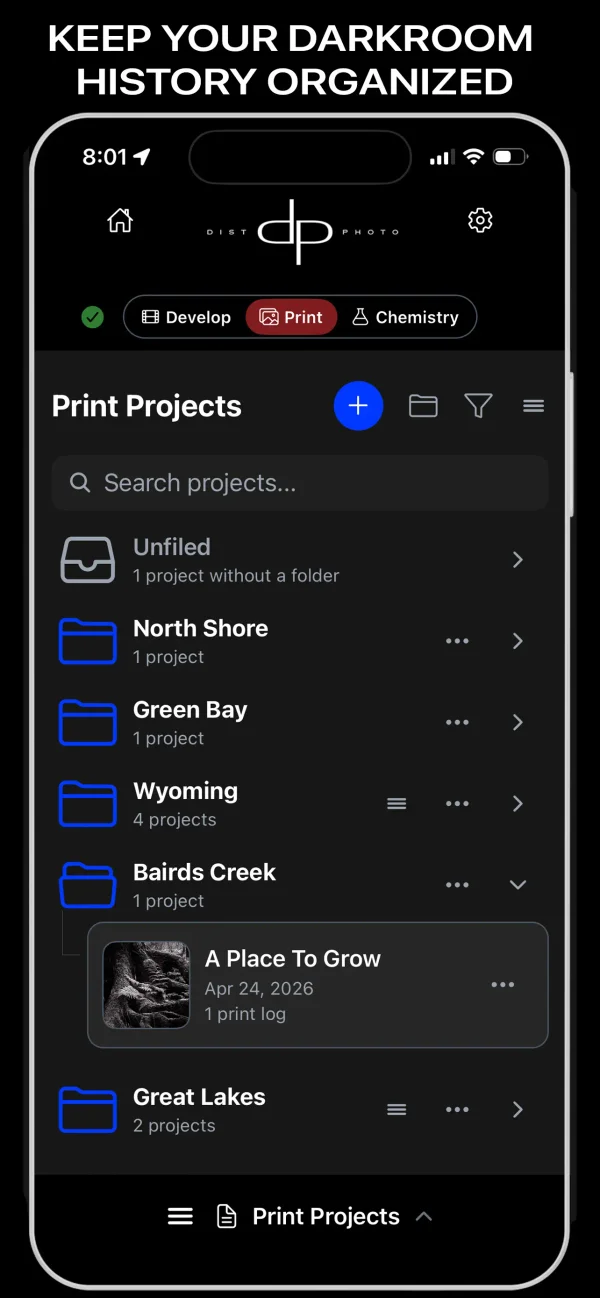
PRINT PROJECTS AND PRINT LOGS
Organize each image as a project and preserve the path from test strip to final print. Keep multiple interpretations together, compare them over time, and return later without reconstructing the session from memory.
Record paper, developer, filtration, exposure, contrast, notes, and the decisions made along the way. A short version note on the physical print can lead you back to the complete plan in Darkroom Assistant.
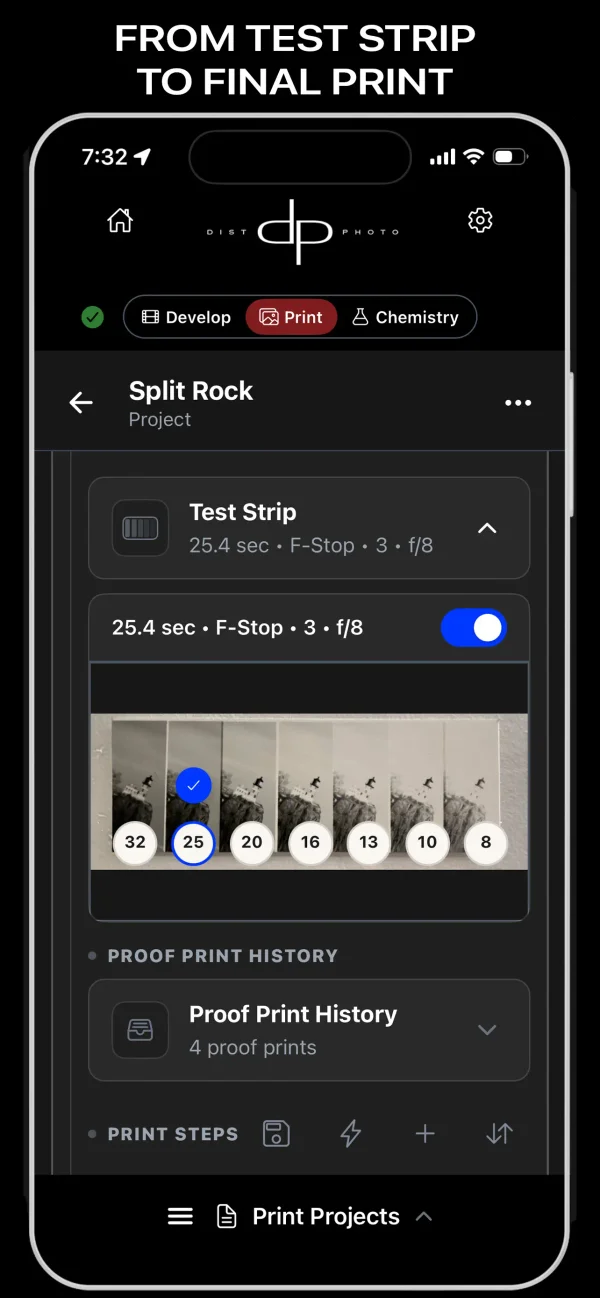
TEST STRIPS AND SPLIT-GRADE PRINTING
Build and document test-strip and split-grade workflows inside the app. Compare results, refine exposure and contrast, and carry your decisions forward without starting over.
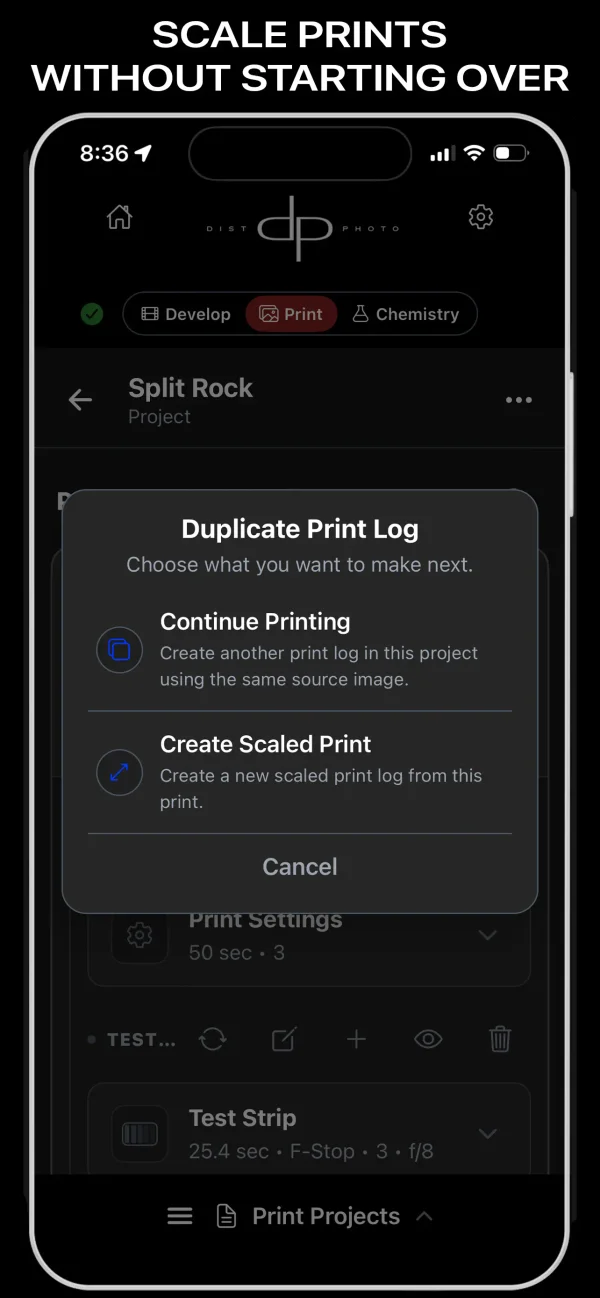
SCALE PRINTS WITHOUT STARTING OVER
When you change print dimensions, Darkroom Assistant can scale the exposure steps in the complete Print Log—not just the base exposure. Carry a successful plan into the new size and begin with a calculated starting point instead of rebuilding every exposure, dodge, and burn from scratch.
Additional calculators help with changes in exposure, aperture, filtration, neutral density, and print size.
DARKROOM TIMERS
Use focused, distraction-free timers designed for printing and film-development sessions.
FILM DEVELOPMENT
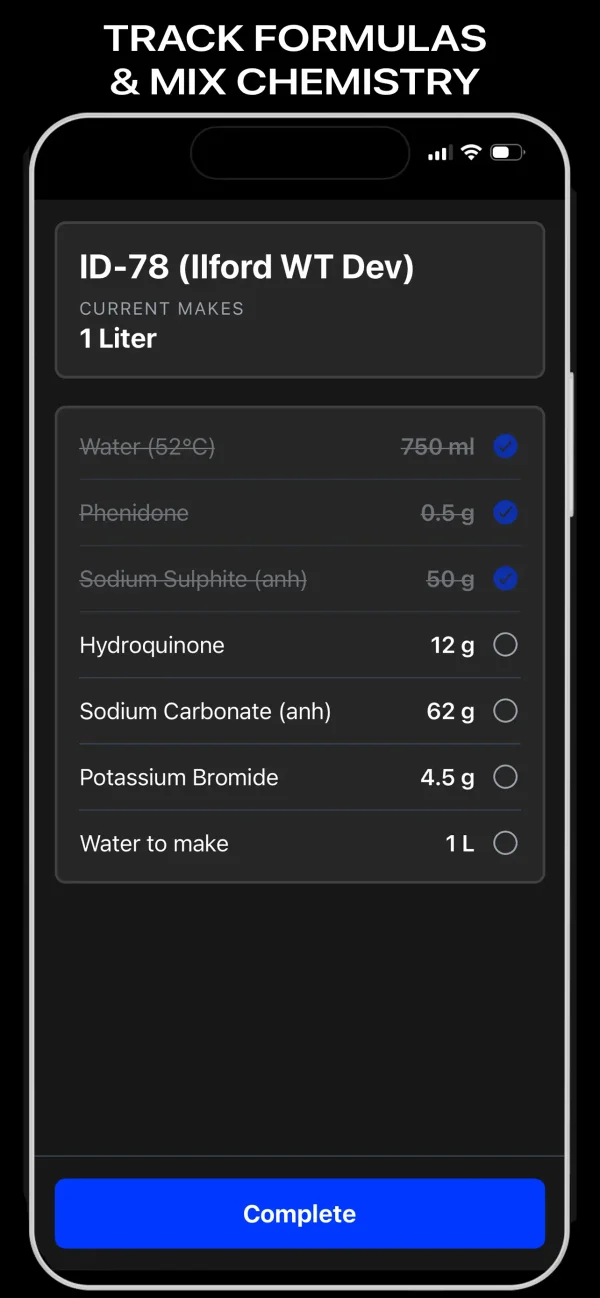
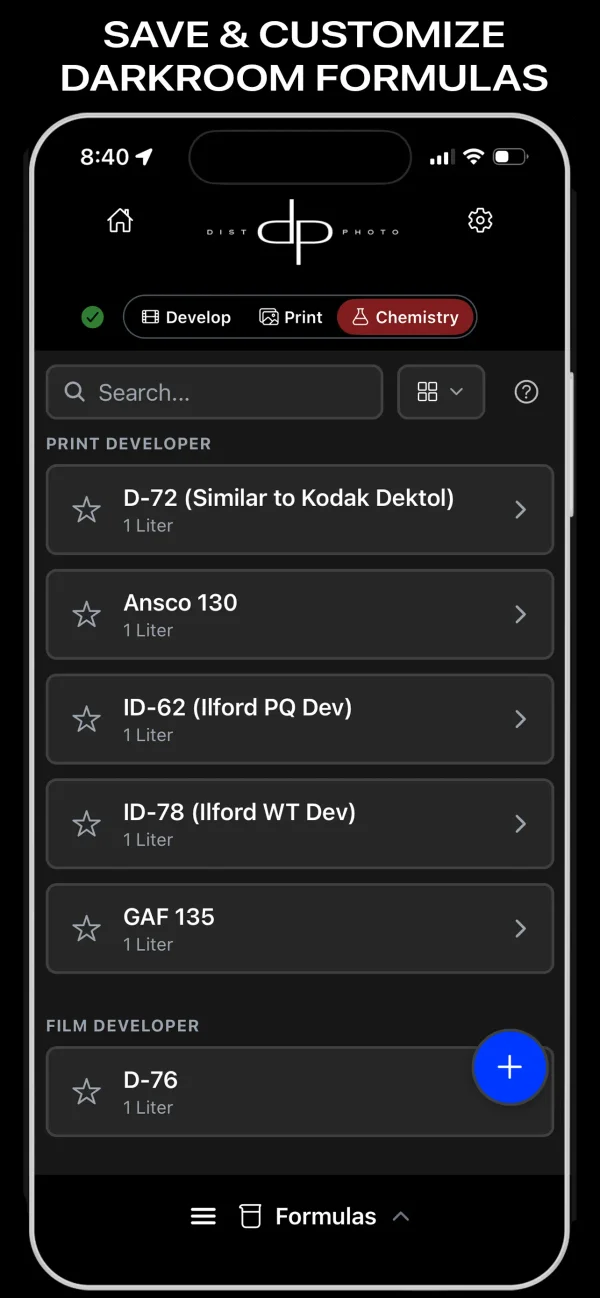
Create and run film-development workflows with organized formulas, timing, and session records alongside your printing tools.
BACKUP AND RESTORE
Protect your darkroom library with manual backup and restore.
LEARN AND GET SUPPORT
Use the video guide and subscriber community for help.
DARKROOM ASSISTANT HELPS YOU:
• Translate visual decisions into precise exposure steps
• Use an advanced f-stop workflow without an expensive programmable timer
• Plan dodging and burning without calculating every time in your head
• Scale complete printing plans when changing print size
• Reduce avoidable paper and chemistry waste
• Preserve successful prints and multiple interpretations
• Spend less time reconstructing old sessions
• Build a consistent, repeatable darkroom process
BUILT BY A DARKROOM PRINTER
Darkroom Assistant was created by a working darkroom printer with decades of hands-on experience. Its tools come from real workflows developed at the enlarger—not from an attempt to replace analog craft with automation.
Practical tools for photographers who care deeply about the craft.
Terms of Use: https://www.apple.com/legal/internet-services/itunes/dev/stdeula/
Yenilikler
Sürüm 1.0.4 · 05.09.2026
More control, better timing, and a smoother darkroom workflow. Customize agitation, ticking, countdown warnings, and completion cues for individual film and print development stages. Choose whether film timer ticking plays during agitation, continuously, or not at all. This update also includes a new countdown wheel, clearer stage setup guidance, more reliable audio and transitions, and improved timer restoration.
Uygulama gizliliği
Bu uygulamanın verileri nasıl işlediği hakkında Distinction Photo LLC tarafından App Store üzerinde yapılan beyan.
-
Veri toplanmıyor
Geliştirici bu uygulamadan hiçbir veri toplamıyor.
Gizlilik uygulamaları, örneğin kullandığınız özelliklere veya yaşınıza göre değişiklik gösterebilir.
Bilgiler
- Satıcı
- Distinction Photo LLC
- Kategori
- Fotoğraf ve Video
- Sürüm
- 1.0.4
- Güncellendi
- 05.09.2026
- Yayın tarihi
- 25.08.2026
- Boyut
- 54,4 MB
- Gereksinim
- iOS 15.1 veya sonrası
- Yaş sınırı
- 4+
- Fiyat
- Ücretsiz
- Uygulama içi satın alma
- Evet
- Diller
- İngilizce
- Telif hakkı
- © 2026 Matthew Koller
Bunları da beğenebilirsiniz
-
 Darkroom ToolkitFotoğraf ve Video
-
 Filter SimulationFotoğraf ve Video
-
 SlowLightMeterFotoğraf ve Video
-
 Frames: Analog Foto GünlükFilm Rulo ve Çekimleri Kaydet
-
 Film Logbook - Analog TrackerFotoğraf ve Video
-
 Reciprocity TimerFotoğraf ve Video
-
 Lightme - LogbookFotoğraf ve Video
-
 Massive Dev Chart TimerFotoğraf ve Video
-
 Develop! Film TimerFotoğraf ve Video
-
 FilmMeterFotoğraf ve Video