Darkroom Assistant
Repeatable exposure & contrast
Được thiết kế cho iPhone, iPad, iPod touch
Miễn phí · Mua hàng trong ứng dụng
- Độ tuổi4+
- Danh mụcẢnh & Video
- Nhà phát triểnDistinction Photo LLC
- Ngôn ngữTiếng Anh
- Kích thước60,2 MB
Liên kết đến trang App Store chính thức
Download.org không lưu trữ tệp nào của Darkroom Assistant. Nút này mở trang ứng dụng trên App Store, nơi Distinction Photo LLC phát hành ứng dụng. Trang được kiểm tra lần cuối: 29/11/2026.
Ảnh chụp màn hình

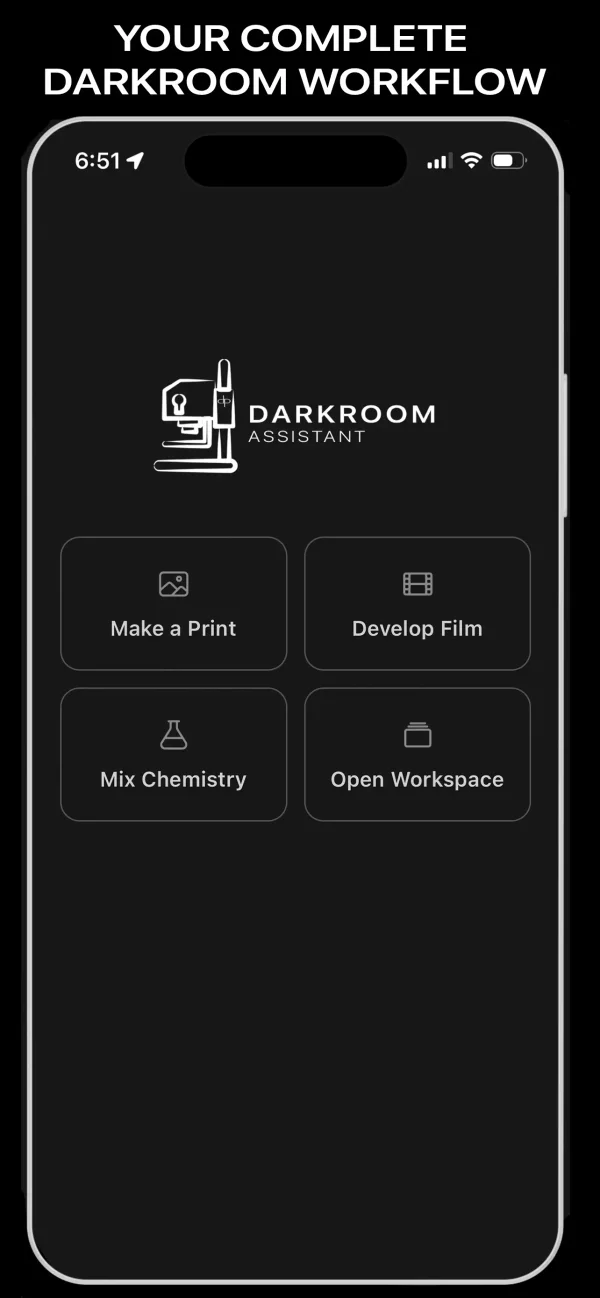
Giới thiệu
Nhà phát triển chưa cung cấp nội dung này bằng ngôn ngữ của bạn.
Make better darkroom prints—and preserve every decision that got you there.
Darkroom Assistant is a purpose-built workflow app for black-and-white darkroom printers. It connects what you see in the print to the exposure, dodging, burning, and sequencing needed to make the next one.
Map adjustments on the image, work in stops, and let Darkroom Assistant calculate the actual exposure times. You don’t need an expensive programmable f-stop timer to use an advanced f-stop printing workflow. Whether your timer counts in stops or only in seconds, the calculations, visual map, and printing sequence stay connected to the image.
If you have ever made a great print and struggled to recreate it, searched through scattered notes, or wasted paper rebuilding a previous result, Darkroom Assistant brings the complete printing process together.
It does not automate printing or replace your judgment. Your eye decides what the print needs. Darkroom Assistant translates that decision into the next exposure—and preserves the path when the session ends.
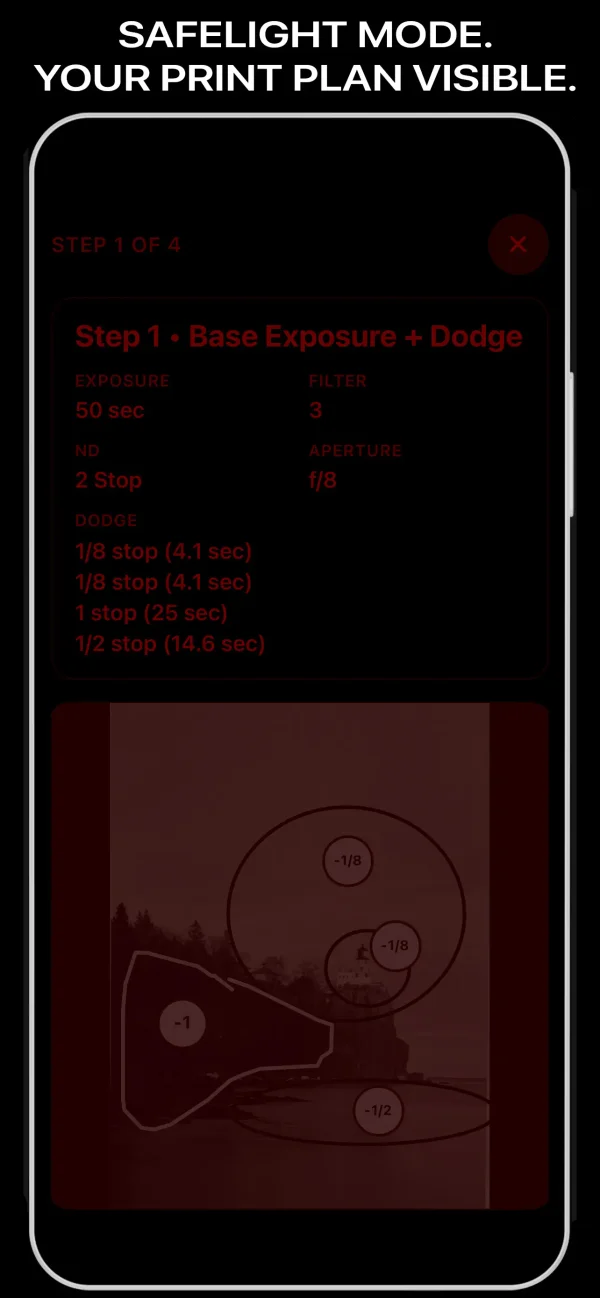
VISUAL DODGING AND BURNING
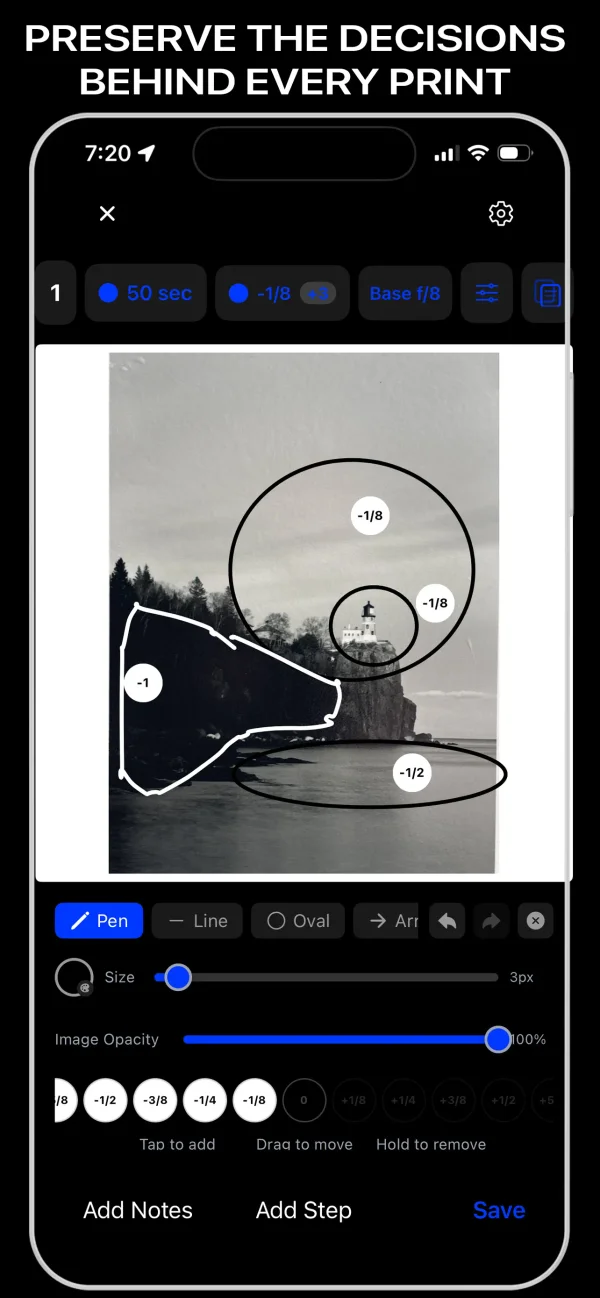
Map local adjustments on the print image instead of trying to connect handwritten times to remembered areas. Set the desired change in stops, and Darkroom Assistant calculates the corresponding dodge or burn times and organizes them into a clear printing sequence.
A programmable f-stop timer can count exposure in stops. Darkroom Assistant goes further by connecting each adjustment to the image, calculating the time for that operation, and preserving the reasoning behind the print.
PRINT PROJECTS AND PRINT LOGS
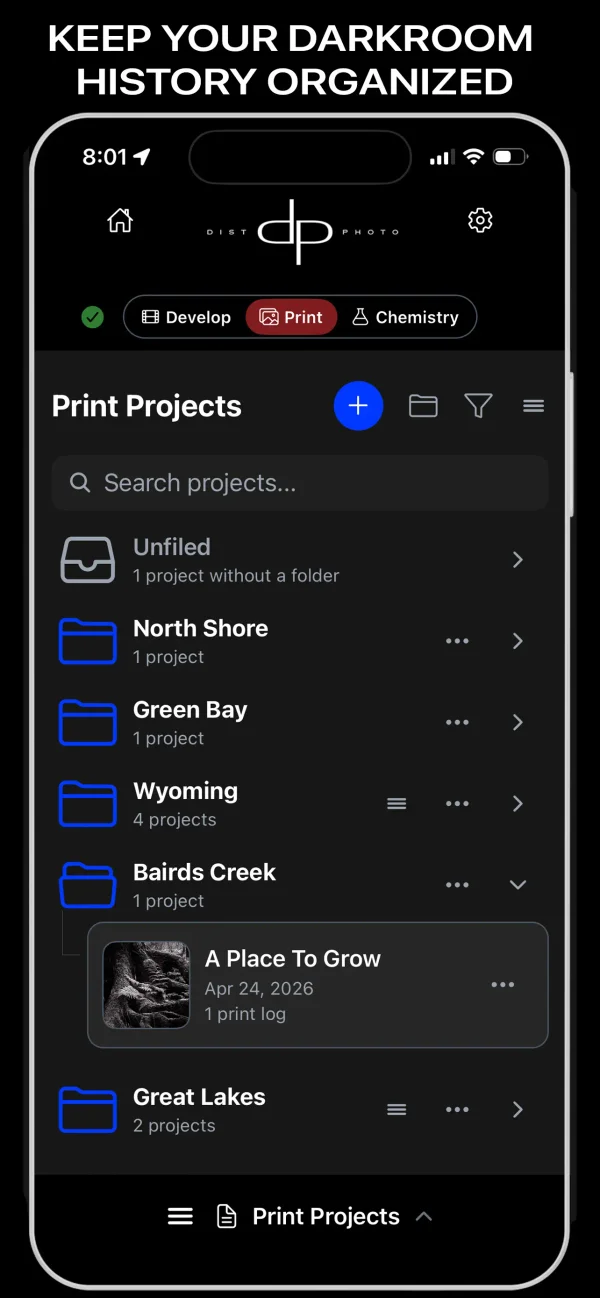
Organize each image as a project and preserve the path from test strip to final print. Keep multiple interpretations together, compare them over time, and return later without reconstructing the session from memory.
Record paper, developer, filtration, exposure, contrast, notes, and the decisions made along the way. A short version note on the physical print can lead you back to the complete plan in Darkroom Assistant.
TEST STRIPS AND SPLIT-GRADE PRINTING
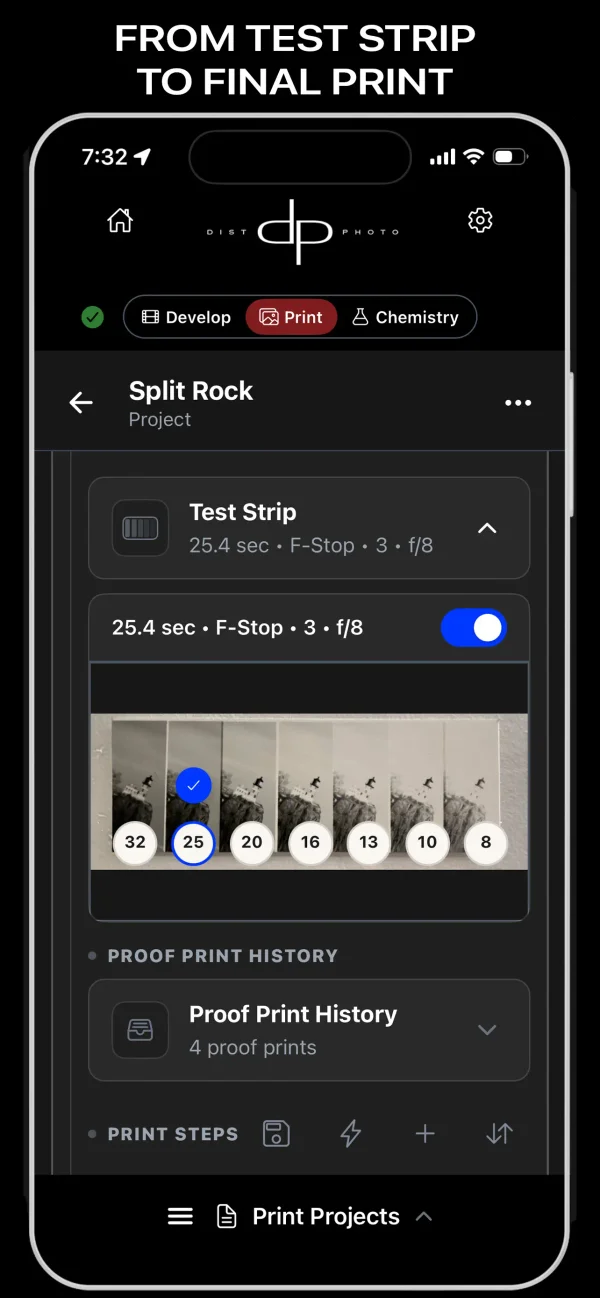
Build and document test-strip and split-grade workflows inside the app. Compare results, refine exposure and contrast, and carry your decisions forward without starting over.
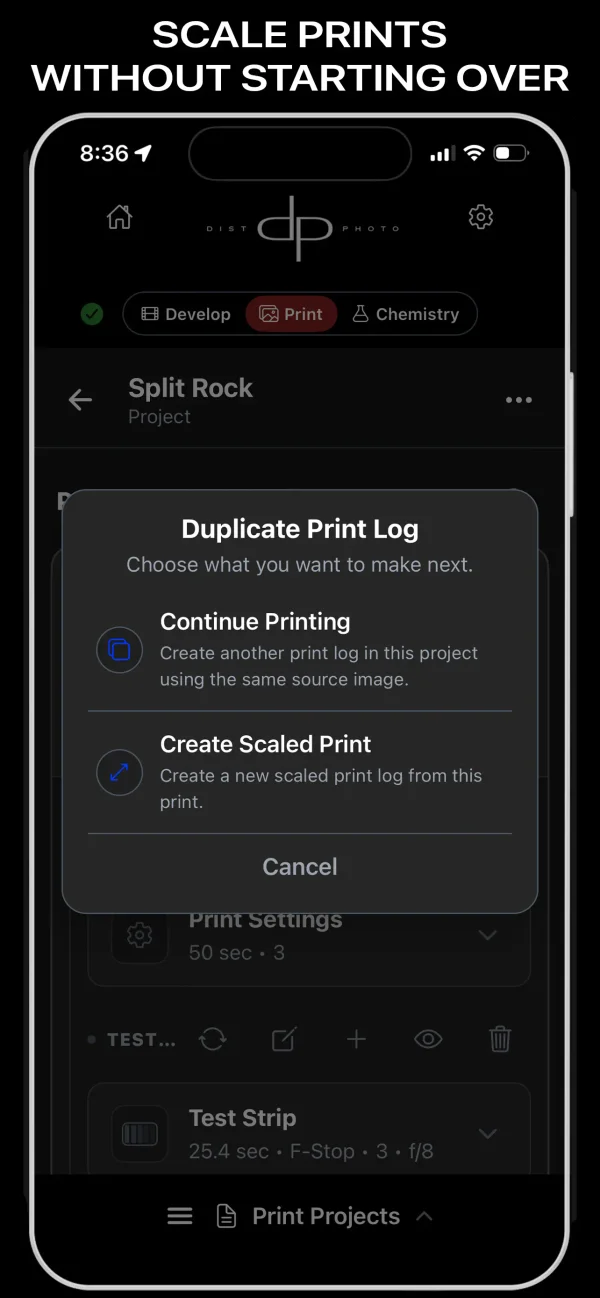
SCALE PRINTS WITHOUT STARTING OVER
When you change print dimensions, Darkroom Assistant can scale the exposure steps in the complete Print Log—not just the base exposure. Carry a successful plan into the new size and begin with a calculated starting point instead of rebuilding every exposure, dodge, and burn from scratch.
Additional calculators help with changes in exposure, aperture, filtration, neutral density, and print size.
DARKROOM TIMERS
Use focused, distraction-free timers designed for printing and film-development sessions.
FILM DEVELOPMENT
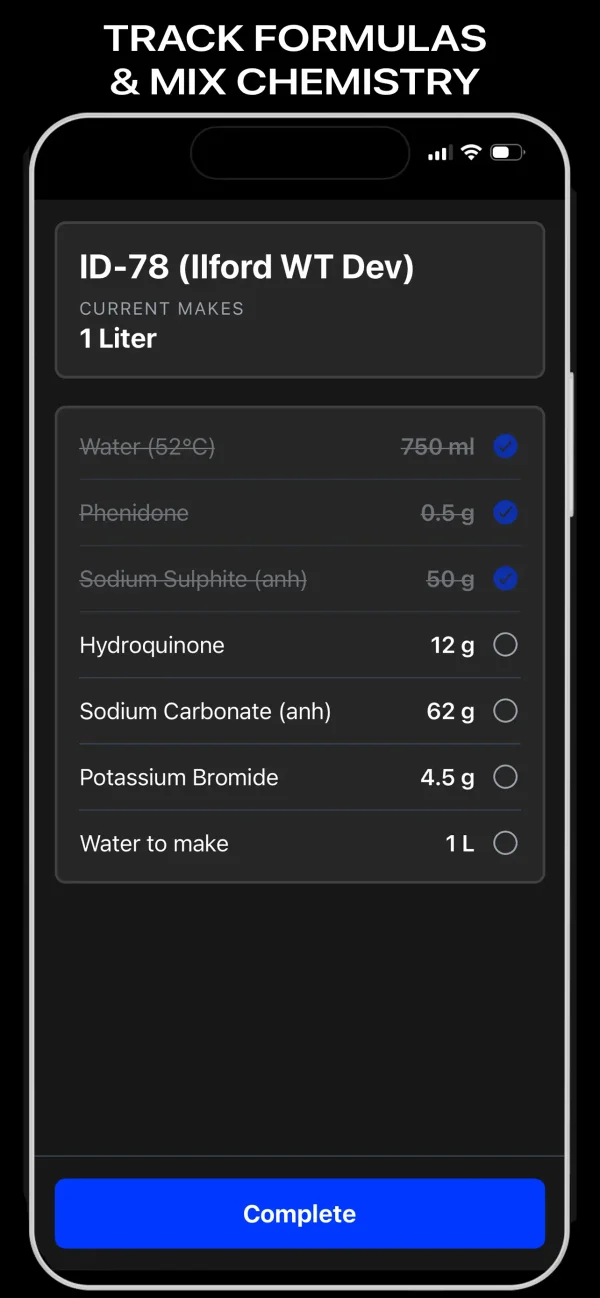
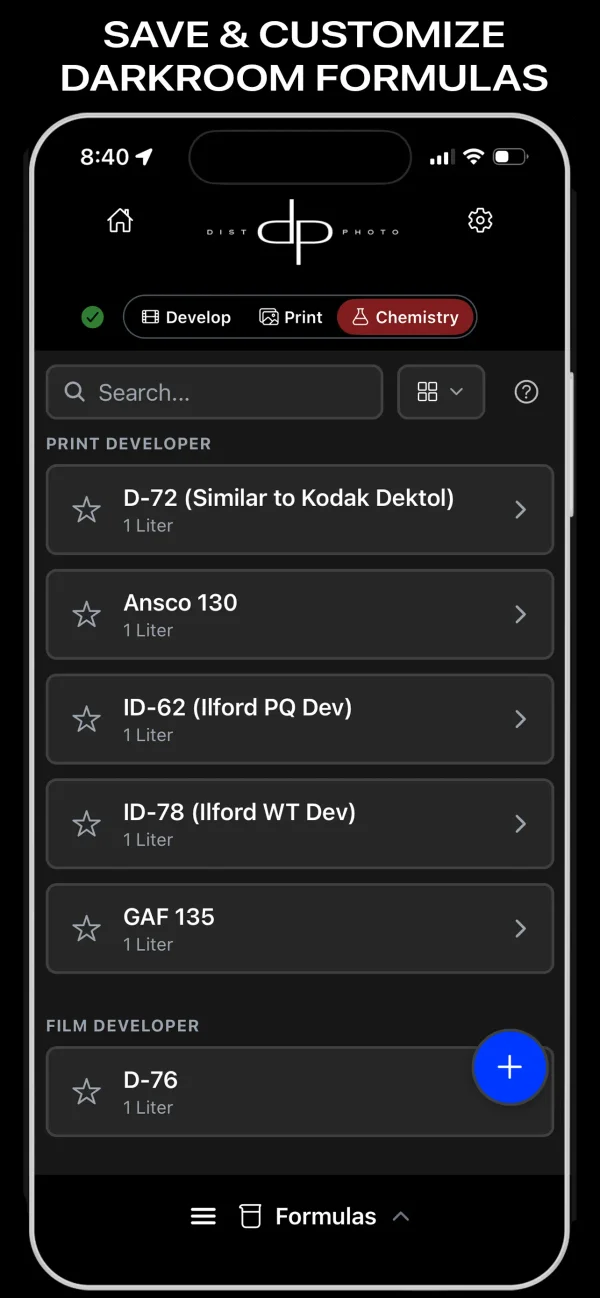
Create and run film-development workflows with organized formulas, timing, and session records alongside your printing tools.
BACKUP AND RESTORE
Protect your darkroom library with manual backup and restore.
LEARN AND GET SUPPORT
Use the video guide and subscriber community for help.
DARKROOM ASSISTANT HELPS YOU:
• Translate visual decisions into precise exposure steps
• Use an advanced f-stop workflow without an expensive programmable timer
• Plan dodging and burning without calculating every time in your head
• Scale complete printing plans when changing print size
• Reduce avoidable paper and chemistry waste
• Preserve successful prints and multiple interpretations
• Spend less time reconstructing old sessions
• Build a consistent, repeatable darkroom process
BUILT BY A DARKROOM PRINTER
Darkroom Assistant was created by a working darkroom printer with decades of hands-on experience. Its tools come from real workflows developed at the enlarger—not from an attempt to replace analog craft with automation.
Practical tools for photographers who care deeply about the craft.
Terms of Use: https://www.apple.com/legal/internet-services/itunes/dev/stdeula/
Có gì mới
Phiên bản 1.0.5 · 28/11/2026
• A smoother print step editor makes it easier to draw, move, and edit detailed print maps.
• New standalone Film Scanner: scan and adjust negatives, then save the finished images directly to Photos.
Quyền riêng tư của ứng dụng
Những gì Distinction Photo LLC khai báo trên App Store về cách ứng dụng này xử lý dữ liệu.
-
Dữ liệu không được thu thập
Nhà phát triển không thu thập bất kỳ dữ liệu nào từ ứng dụng này.
Phương thức đảm bảo quyền riêng tư có thể khác nhau, chẳng hạn như tuỳ theo các tính năng bạn sử dụng hoặc độ tuổi của bạn.
Thông tin
- Người bán
- Distinction Photo LLC
- Danh mục
- Ảnh & Video
- Phiên bản
- 1.0.5
- Cập nhật
- 28/11/2026
- Phát hành
- 25/08/2026
- Kích thước
- 60,2 MB
- Yêu cầu
- iOS 15.1 trở lên
- Độ tuổi
- 4+
- Giá
- Miễn phí
- Mua hàng trong ứng dụng
- Có
- Ngôn ngữ
- Tiếng Anh
- Bản quyền
- © 2026 Matthew Koller
Có thể bạn cũng thích
-
 Darkroom ToolkitẢnh & Video
-
 Filter SimulationẢnh & Video
-
 SlowLightMeterẢnh & Video
-
 Frames: Nhật Ký Ảnh PhimGhi Cuộn Phim & Ảnh Chụp
-
 Film Logbook - Analog TrackerẢnh & Video
-
 Reciprocity TimerẢnh & Video
-
 Lightme - LogbookẢnh & Video
-
 Massive Dev Chart TimerẢnh & Video
-
 Develop! Film TimerẢnh & Video
-
 FilmMeterẢnh & Video