
- Yaş sınırı4+
- KategoriYardımcılar
- GeliştiriciYasuko Shikiuchi
- Dillerİngilizce+ 1 dil daha
- Boyut12,0 MB
DeferDeck şu anda App Store üzerinde mevcut olmayabilir
Son kontrolümüzde mağaza sayfasına ulaşılamadı. Bağlantı yine de resmi App Store sayfasına gider.
Ekran görüntüleri

Hakkında
Geliştirici bu metni dilinizde sunmamış.
Organizing your photos has never been easier.
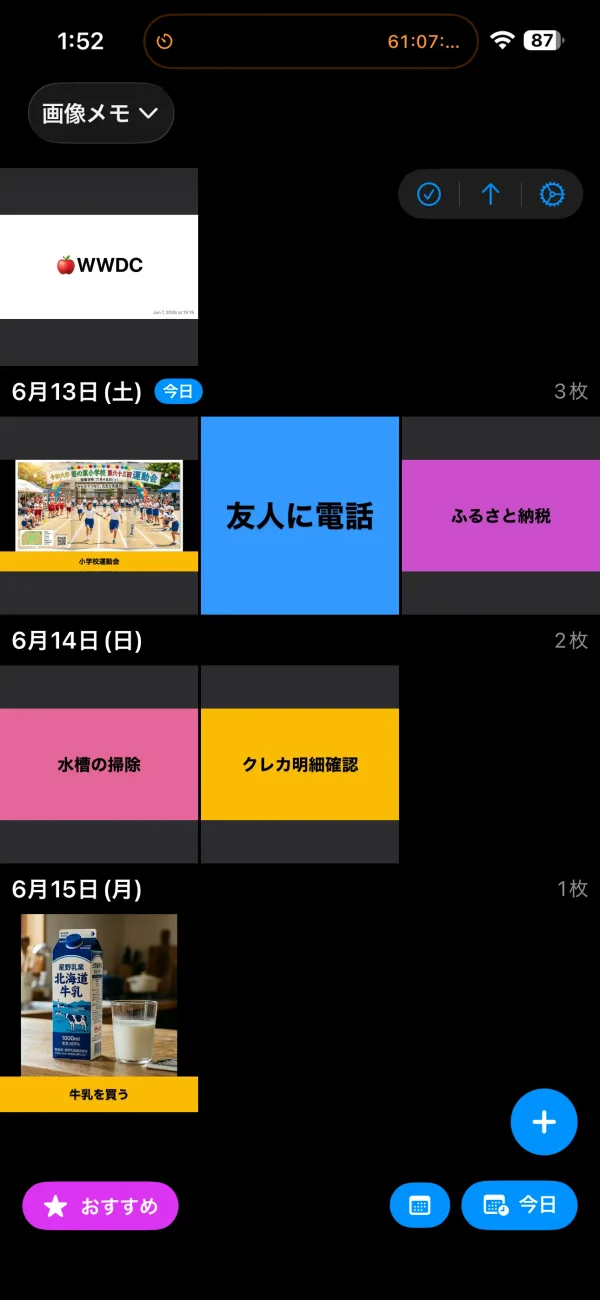
DeferDeck lays out your Photo Library albums in clean, date-by-date sections—your "deck"—so you can organize, browse, and even defer photos to the future, all in one simple place.
**What you can do**
Clear out screenshots in bulk
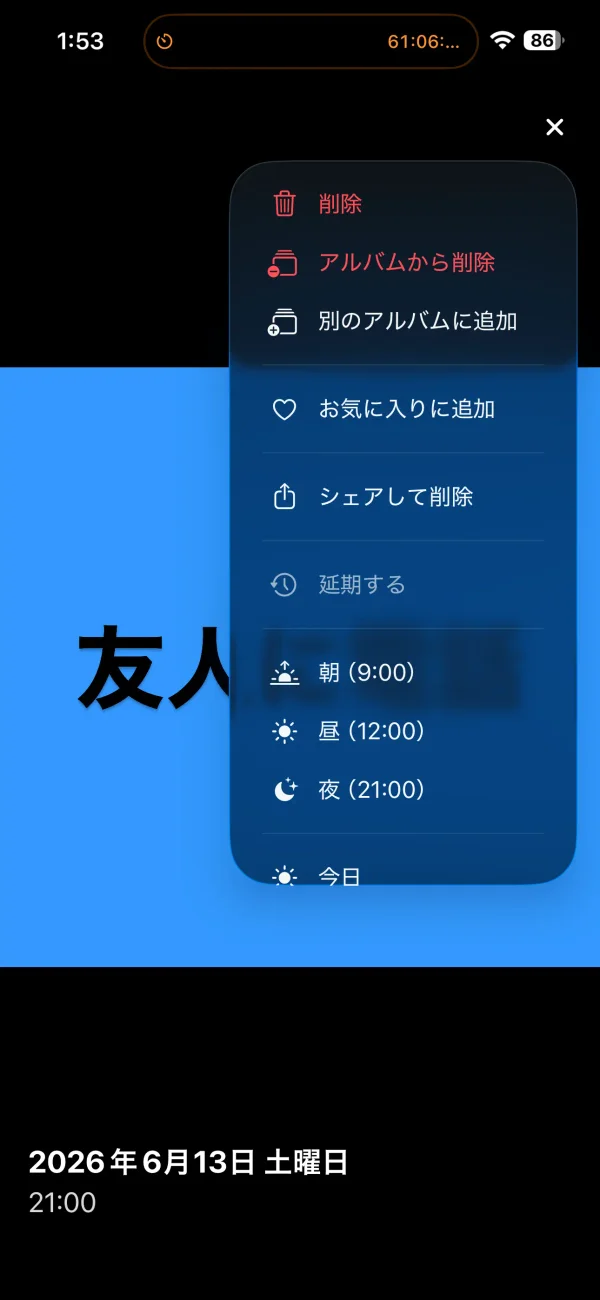
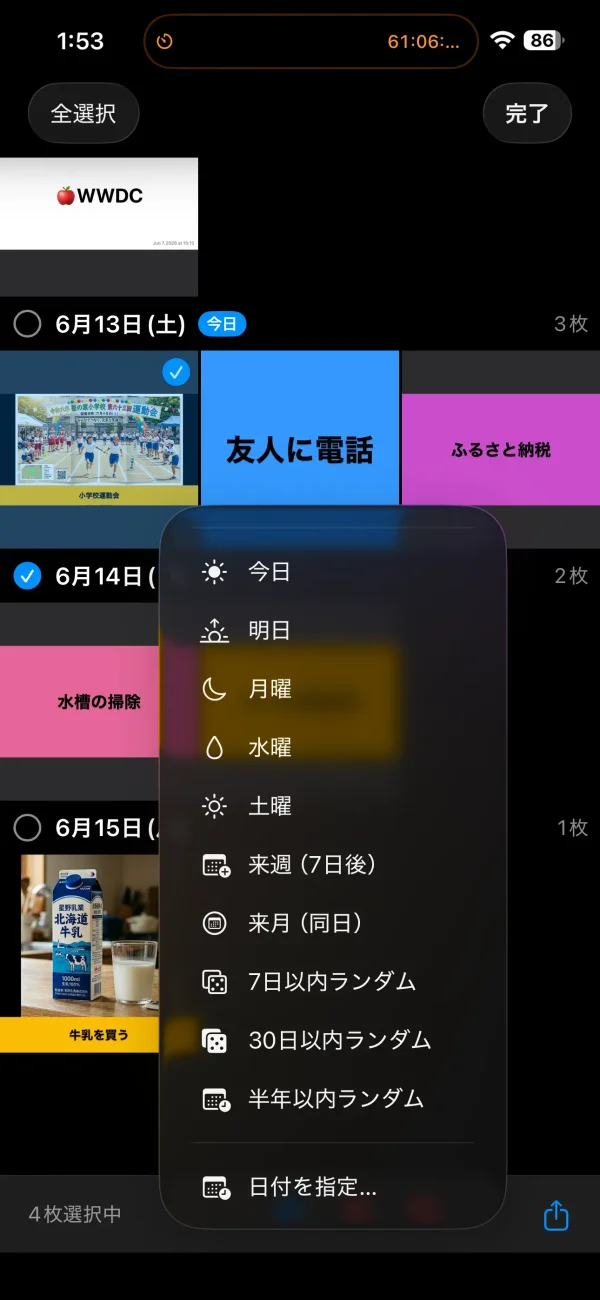
Select all those piled-up screenshots at once and delete them in a tap. Align several photos to the same date or move them into other albums together—no more one-by-one. Got a photo to send a friend? Share & Delete shares it and tidies up in a single step.
Turn images into reminders
A sale flyer, a school-event pamphlet, a concert announcement—just set a photo's date to the day it matters, and it'll quietly catch your eye every time you open Photos. Anything you'd rather handle later? Defer it to tomorrow, next Saturday, next month, a specific time of day, or even a random future date. Deferred by mistake? Undo it right after, straight from the toast.
Build daily routines
Add a photo to Routine and its date rolls forward to today automatically, every day—perfect for a medication note, a stretching routine, or anything you want in front of you daily. Check or remove routine photos anytime from Quick Access.
Copy text from screenshots
A Wi-Fi password, an order number, a URL—copy any text you spot in a screenshot straight from the detail view, no retyping required.
Create images with text
Tap the + button and choose Create Memo to turn a note into a photo. Add a label and it's automatically filed into a matching album, so it's easy to find later.
Relive your memories
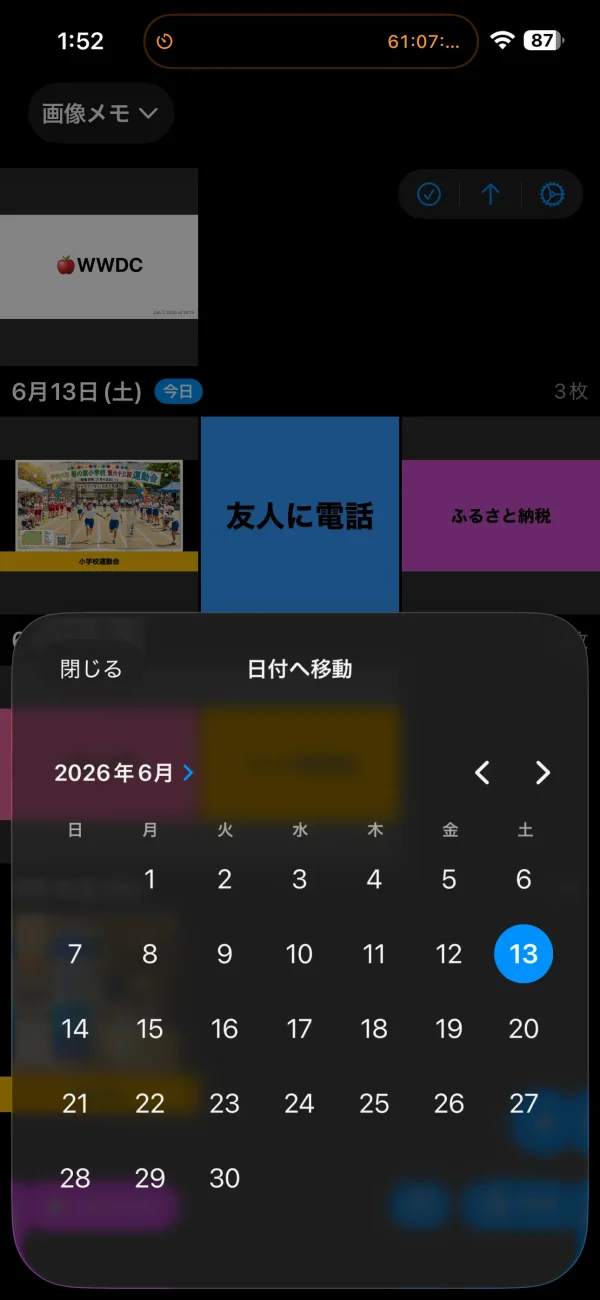
Open an album from a trip or a special day, choose a date, and jump straight to that day's photos. The moments you're looking for, right at your fingertips.
**Key features**
- Albums shown in date-by-date sections
- One-tap jump to any date
- Bulk select, delete, and add to albums
- Share & Delete—share and organize at once
- Batch-change or defer photo dates, with time-of-day and random options
- Undo a postpone right after you make it
- Routine photos roll forward to today automatically
- Copy text from screenshots in one tap
- Create text images, auto-filed by label
Yenilikler
Sürüm 1.0.22 · 21.10.2026
- Improved stability
Uygulama gizliliği
Bu uygulamanın verileri nasıl işlediği hakkında Yasuko Shikiuchi tarafından App Store üzerinde yapılan beyan.
-
Sizi izlemek için kullanılan veriler
Başka şirketlere ait uygulamalarda ve web sitelerinde sizi izlemek için kullanılabilir.
- Tanımlayıcılar
- Kullanım verileri
-
Sizinle ilişkilendirilen veriler
Toplanabilir ve kimliğinizle ilişkilendirilebilir.
- Tanımlayıcılar
-
Sizinle ilişkilendirilmeyen veriler
Toplanabilir ancak kimliğinizle ilişkilendirilmez.
- Kullanım verileri
- Tanılama
Gizlilik uygulamaları, örneğin kullandığınız özelliklere veya yaşınıza göre değişiklik gösterebilir.
Bilgiler
- Satıcı
- Yasuko Shikiuchi
- Kategori
- Yardımcılar
- Sürüm
- 1.0.22
- Güncellendi
- 21.10.2026
- Yayın tarihi
- 18.06.2026
- Boyut
- 12,0 MB
- Gereksinim
- iOS 18.0 veya sonrası
- Yaş sınırı
- 4+
- Diller
- İngilizce, Japonca
- Telif hakkı
- © yaas.jp 2026
Bunları da beğenebilirsiniz
-
 ScreenPenguin: Photo OrganizerYardımcılar
-
 New ToDo List & Tasks & PhotoYardımcılar
-
 ImageBlocker: Contents BlockerYardımcılar
-
 Wristwatch calendarYardımcılar
-
 Tagged Notes App - Tag PadYardımcılar
-
 Multi Counter - Yukarı aşağıSayaç oluştur yukarı aşağı say
-
 VisiMarks: Bookmark ManagerYardımcılar
-
 CIO 公式アプリYardımcılar
-
 EZ Sign(TM) NFCYardımcılar
-
 裁判官マップYardımcılar