- Yaş sınırı4+
- KategoriÜretkenlik
- GeliştiriciHIROFUMI MARUO
- DillerJaponca+ 1 dil daha
- Boyut9,1 MB
Resmi App Store sayfasına bağlanır
Download.org, DictationRec için hiçbir dosya barındırmaz. Düğme, uygulamanın App Store üzerindeki sayfasını açar; uygulamayı orada HIROFUMI MARUO yayınlar. Sayfanın son kontrolü: 12.11.2026.
Ekran görüntüleri


Hakkında
Geliştirici bu metni dilinizde sunmamış.
This app records dictation/meeting contents and simultaneously takes speech recognition of them and displays them sequentially.
You can share recognition results by email for instance.
Because the recognition engine is Apple's formal voice recognition engine that is available on iOS10, it supports different local languages in different countries including Japan.
Attention:
This app requires internet connection through WiFi or communication environment with carriers.
How to use is as follows.
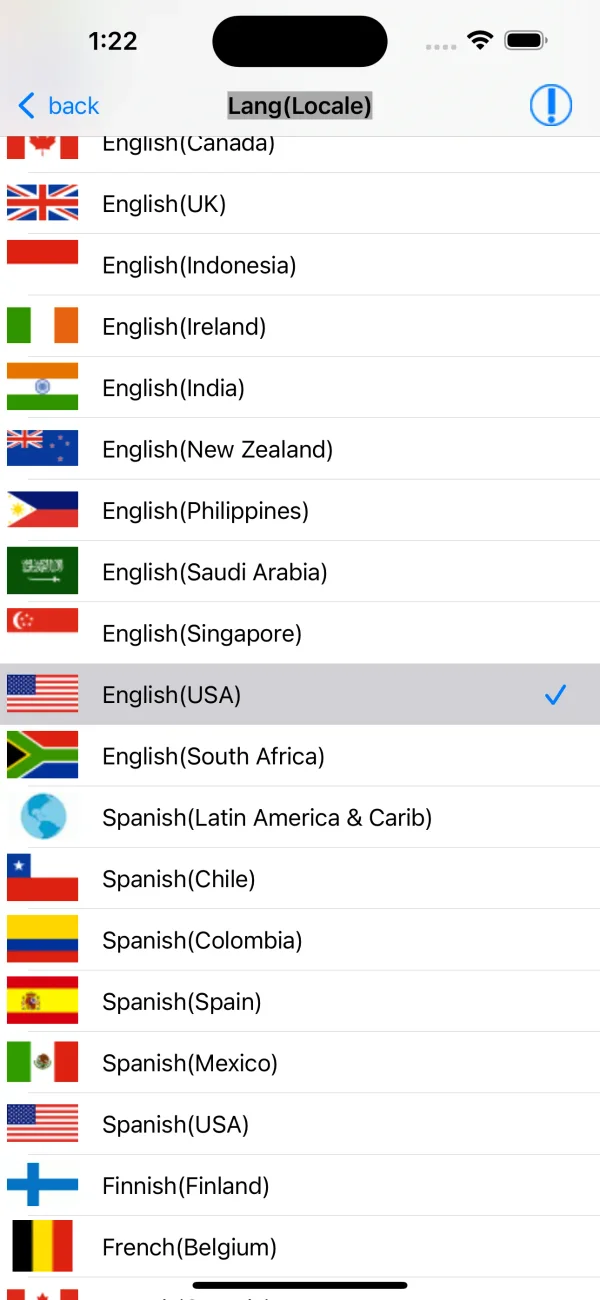
(1) Recognition language selection:
Speech recognition of the language corresponding to the locale of the terminal is possible immediately after startup it is.
Tap the "Settings" button on the upper right to move to the setting screen. By selecting any language from the language picker, speech recognition of that language becomes possible.
(2) Recognition mode selection:
There are two recognition modes, live mode and shift mode.It works in live mode at first. Tap the mode change switch to change the recognition mode.
(3) Live mode:
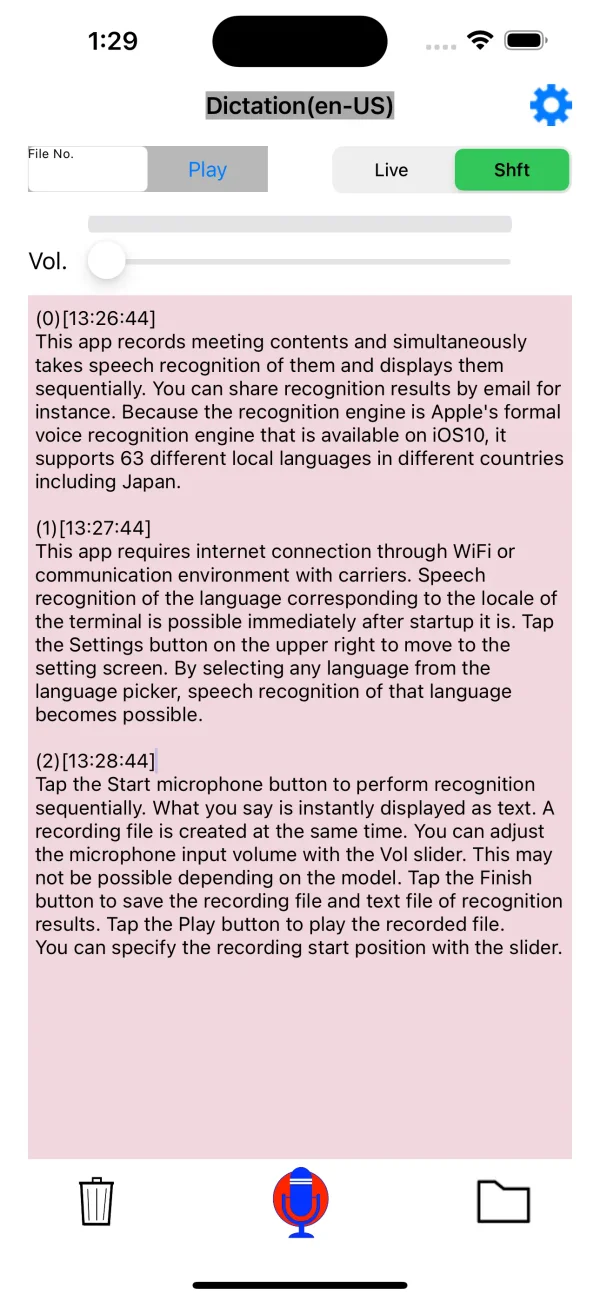
Tap the "Start microphone" button to perform recognition sequentially.
What you say is instantly displayed as text. A recording file is created at the same time.
You can adjust the microphone input volume with the Vol slider.
(This may not be possible depending on the model.)
Tap the "Finish" button to save the recording file and text file of recognition results.
Tap the "Play" button to play the recorded file.
You can specify the recording start position with the slider.
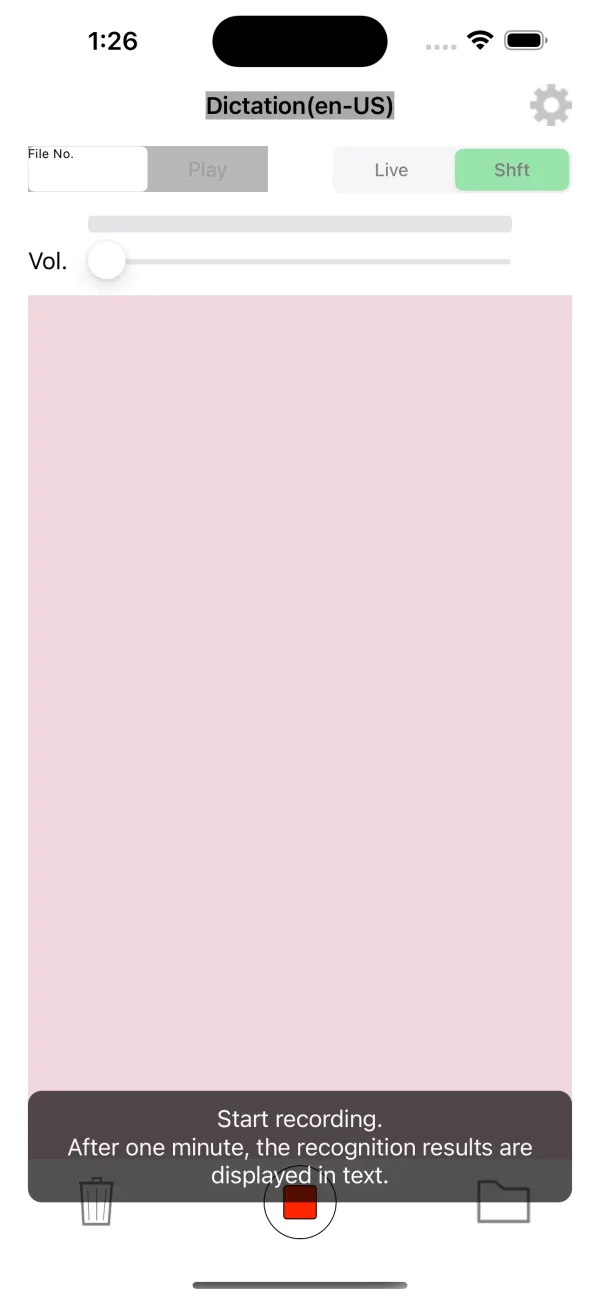
(4) Shift mode:
By tapping the "Start Microphone" button, a divided recording file is created at intervals of about 1 minute, and the contents of the file are recognized with a 1-minute delay and sequentially displayed as text.
When you tap the "Finish" button, the recording file for each minute and the text file of the recognition results are saved.
You can specify the file number and play the corresponding audio file from the speaker.
(5) Folder:
Tap the folder button to display a list of dictations/minutes created in the past. Tap any of them to view the final result of the dictation/minutes. Recording playback is also possible.
By tapping the "Share" button, you can share audio files and recognition result files by email, AirDrop, etc.
(6) Erase:
Tap the "Clear" button to clear the displayed text. It also deletes all the files that were divided and recorded in shift mode. After erasing, audio cannot be played back even if the file number is specified.
Yenilikler
Sürüm 1.7 · 01.07.2026
Slightly improved the display.
Uygulama gizliliği
Bu uygulamanın verileri nasıl işlediği hakkında HIROFUMI MARUO tarafından App Store üzerinde yapılan beyan.
-
Veri toplanmıyor
Geliştirici bu uygulamadan hiçbir veri toplamıyor.
Gizlilik uygulamaları, örneğin kullandığınız özelliklere veya yaşınıza göre değişiklik gösterebilir.
Bilgiler
- Satıcı
- HIROFUMI MARUO
- Kategori
- Üretkenlik
- Sürüm
- 1.7
- Güncellendi
- 01.07.2026
- Yayın tarihi
- 18.09.2016
- Boyut
- 9,1 MB
- Gereksinim
- iOS 12.0 veya sonrası
- Yaş sınırı
- 4+
- Fiyat
- ₺49,99
- Diller
- Japonca, İngilizce
- Telif hakkı
- © Since 2016, Carina Japan.
Bunları da beğenebilirsiniz
-
 LapNoteNot tutan kronometre
-
 PromptCraft(プロンプトクラフト)Üretkenlik
-
 PromptBuilder: AI PromptsÜretkenlik
-
 Transcribe on deviceÜretkenlik
-
 MeetingVoice: Meeting RecorderÜretkenlik
-
 Calendar Insights: İstatistikApple Takvim için istatistik
-
 Image Converter - jpg,png,heicÜretkenlik
-
 Simple Meeting MinutesÜretkenlik
-
 AI音声文字起こし-録音で会議の議事録を無限に自動文字起こしÜretkenlik