
- Yaş sınırı4+
- KategoriGrafik ve Tasarım
- Geliştiricikenta isomi
- Dillerİngilizce+ 8 dil daha
- Boyut7,4 MB
Resmi App Store sayfasına bağlanır
Download.org, Glyphiz için hiçbir dosya barındırmaz. Düğme, uygulamanın App Store üzerindeki sayfasını açar; uygulamayı orada kenta isomi yayınlar. Sayfanın son kontrolü: 20.11.2026.
Ekran görüntüleri


Hakkında
Geliştirici bu metni dilinizde sunmamış.
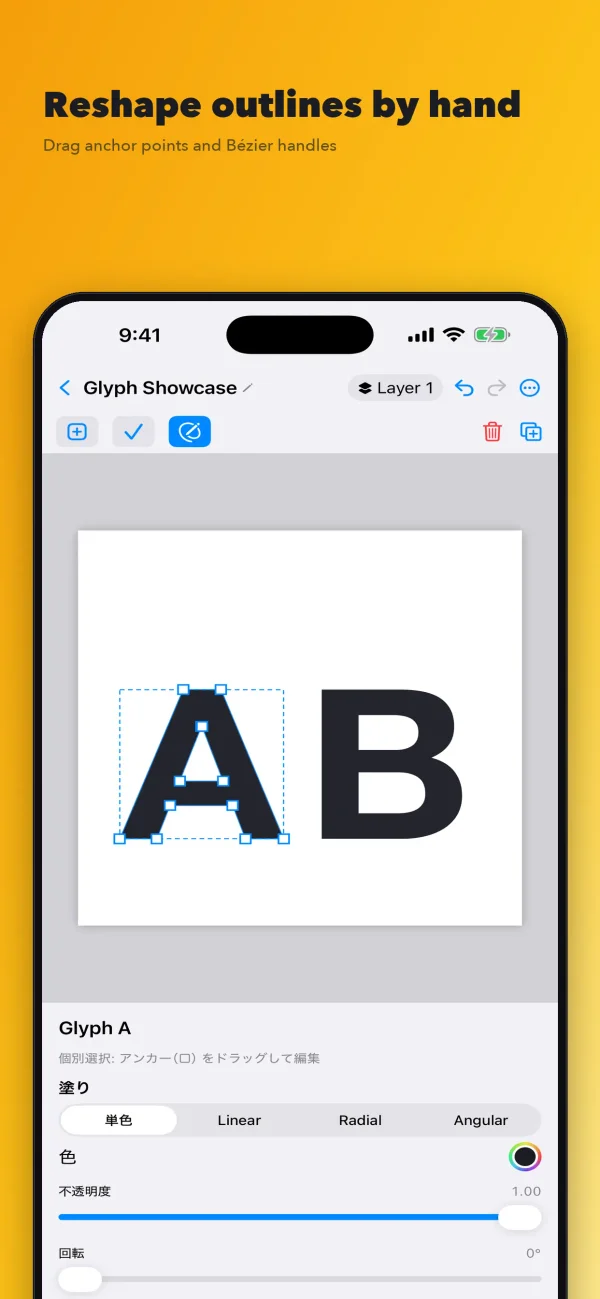
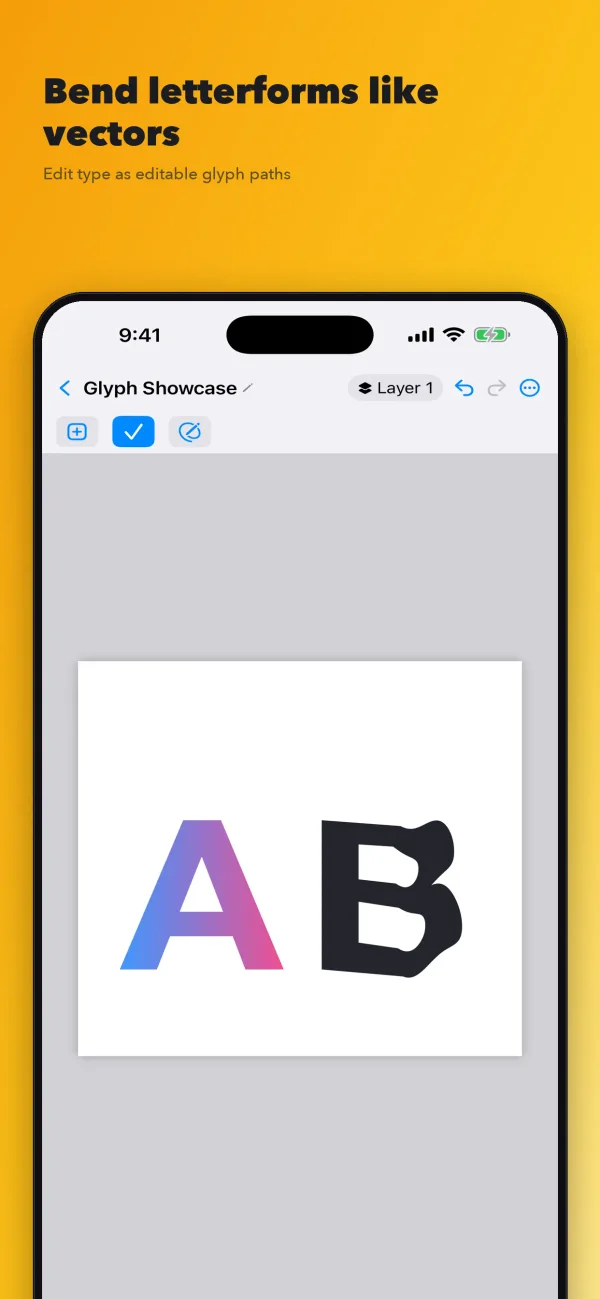
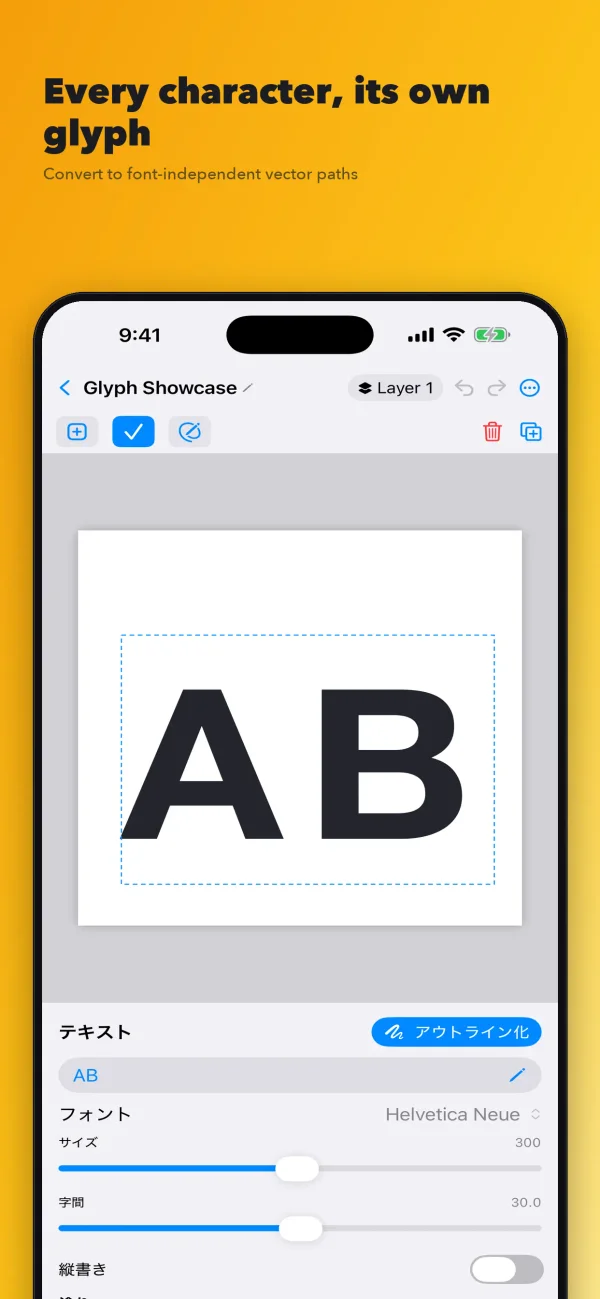
Glyphiz is a glyph editor for iPhone and iPad that treats the text you type as individual glyphs and lets you edit and deform the font outlines as vector paths. Beyond ordinary text entry, converting letters to outlines turns the letterforms themselves into free-form vector objects. It's built for design work where the shape of the type is the point — logos, headlines, posters, and title art for social media.
■ Text and Glyph, kept separate
Every character in a string is managed as its own object. Adjust font, size, tracking and vertical writing, then convert to outlines to get vector "Glyphs." From that point on the artwork no longer depends on the original font — it is rebuilt from the stored paths.
■ Edit Bézier paths directly
Drag anchor points and control handles to reshape a letter's outline. Add and remove anchors, and marquee-select a run of anchors to move them together.
■ Non-destructive deforms
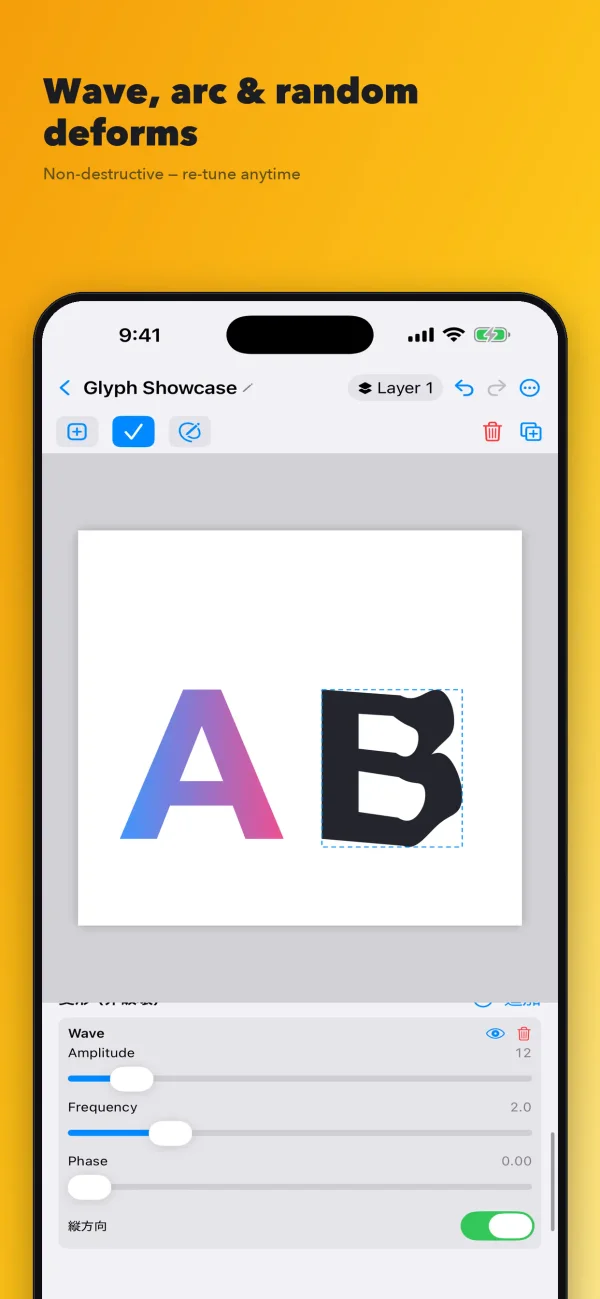
Wave, Arc and Random deforms are stored as parameters you can re-tune at any time. Random keeps its seed, so reopening a project reproduces exactly the same result. Move, scale, rotate and angle are non-destructive too.
■ Layers, canvas, background
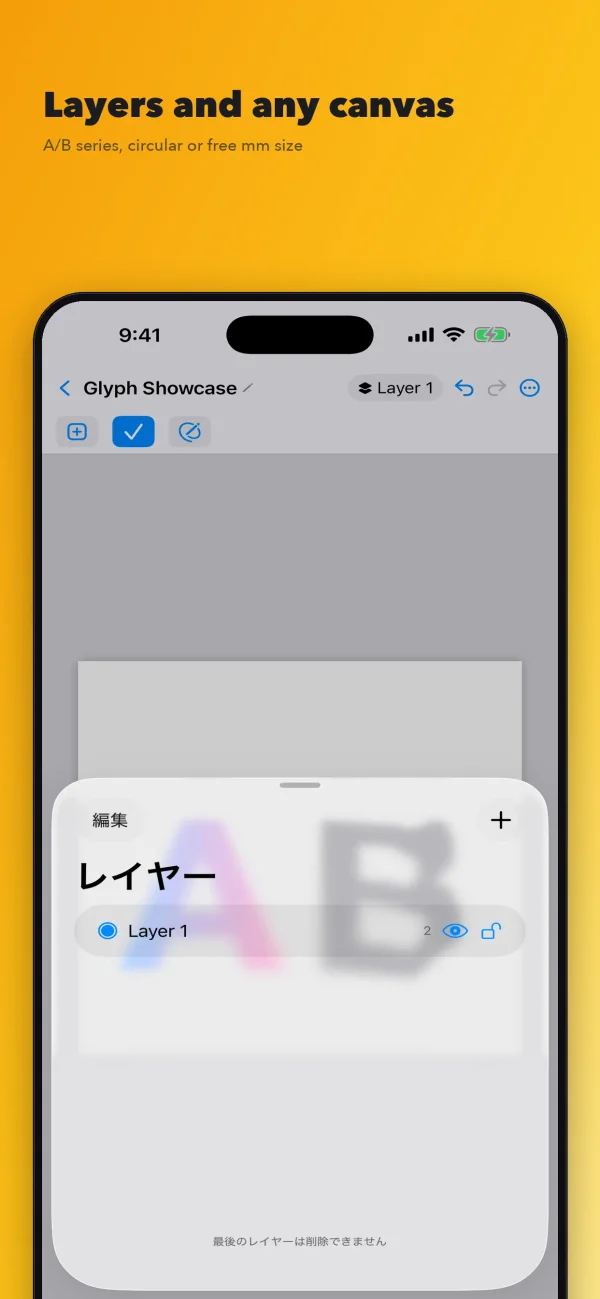
Add, delete, duplicate, reorder, show/hide and lock layers. Canvas presets cover A0–A7, B0–B7, circular, and a free size in millimetres. Backgrounds can be transparent, solid, gradient or image; transparent shows a checkerboard in the editor and exports as genuinely transparent PNG.
■ Color
Solid fills plus Linear, Radial and Angular gradients, with editable colors, positions and angle.
■ Placing images
Import a photo from your library and place it on the canvas. Move, scale and rotate it (Glyphiz does not edit the image itself — no color correction, cropping, and so on).
■ Export
- PNG (1x / 2x / 3x, transparency supported)
- JPG (1x / 2x / 3x)
- Vector PDF (glyphs are exported as paths, not rasterized — ideal for high-resolution print)
Projects are saved on device in the app's own ".glyphiz" format (JSON-based) and stay fully re-editable.
■ Gestures
One-finger drag to select and move, two-finger drag to pan the canvas, pinch to zoom, two-finger rotate to rotate, tap to select, long-press for a context menu. Undo / Redo included.
■ Privacy
No sign-in, no account. All project data is stored on your device and is never sent to an external server. The core editing features work offline.
Note: this app displays ads.
Yenilikler
Sürüm 1.0.5 · 09.10.2026
・Redesigned the text editing menu for better readability
・Other minor fixes
Uygulama gizliliği
Bu uygulamanın verileri nasıl işlediği hakkında kenta isomi tarafından App Store üzerinde yapılan beyan.
-
Sizi izlemek için kullanılan veriler
Başka şirketlere ait uygulamalarda ve web sitelerinde sizi izlemek için kullanılabilir.
- Tanılama
-
Sizinle ilişkilendirilmeyen veriler
Toplanabilir ancak kimliğinizle ilişkilendirilmez.
- Tanılama
Gizlilik uygulamaları, örneğin kullandığınız özelliklere veya yaşınıza göre değişiklik gösterebilir.
Bilgiler
- Satıcı
- kenta isomi
- Kategori
- Grafik ve Tasarım
- Sürüm
- 1.0.5
- Güncellendi
- 09.10.2026
- Yayın tarihi
- 07.09.2026
- Boyut
- 7,4 MB
- Gereksinim
- iOS 17.0 veya sonrası
- Yaş sınırı
- 4+
- Fiyat
- Ücretsiz
- Diller
- İngilizce, Fransızca, Almanca, İtalyanca, Japonca, Korece, Basitleştirilmiş Çince, İspanyolca, Geleneksel Çince
- Telif hakkı
- © kenta.isomi
Bunları da beğenebilirsiniz
-
 Letter LabsGrafik ve Tasarım
-
 Affont Pocket: Font MakerGrafik ve Tasarım
-
 HandLetter: Font & Card MakerGrafik ve Tasarım
-
 DearscriptGrafik ve Tasarım
-
 Layer PocketÇevrimdışı PSD katman editörü
-
 Megalith: Text Poster MakerGrafik ve Tasarım
-
Affont for iPad: Font MakerGrafik ve Tasarım
-
 Font Studio: Font EngineerGrafik ve Tasarım
-
 GlyphSnap AI: Photo to FontGrafik ve Tasarım
-
 JaMo - Font Design ToolGrafik ve Tasarım