
- Độ tuổi4+
- Danh mụcĐồ Họa & Thiết Kế
- Nhà phát triểnkenta isomi
- Ngôn ngữTiếng Anh+ 8 ngôn ngữ khác
- Kích thước7,4 MB
Liên kết đến trang App Store chính thức
Download.org không lưu trữ tệp nào của Glyphiz. Nút này mở trang ứng dụng trên App Store, nơi kenta isomi phát hành ứng dụng. Trang được kiểm tra lần cuối: 28/11/2026.
Ảnh chụp màn hình


Giới thiệu
Nhà phát triển chưa cung cấp nội dung này bằng ngôn ngữ của bạn.
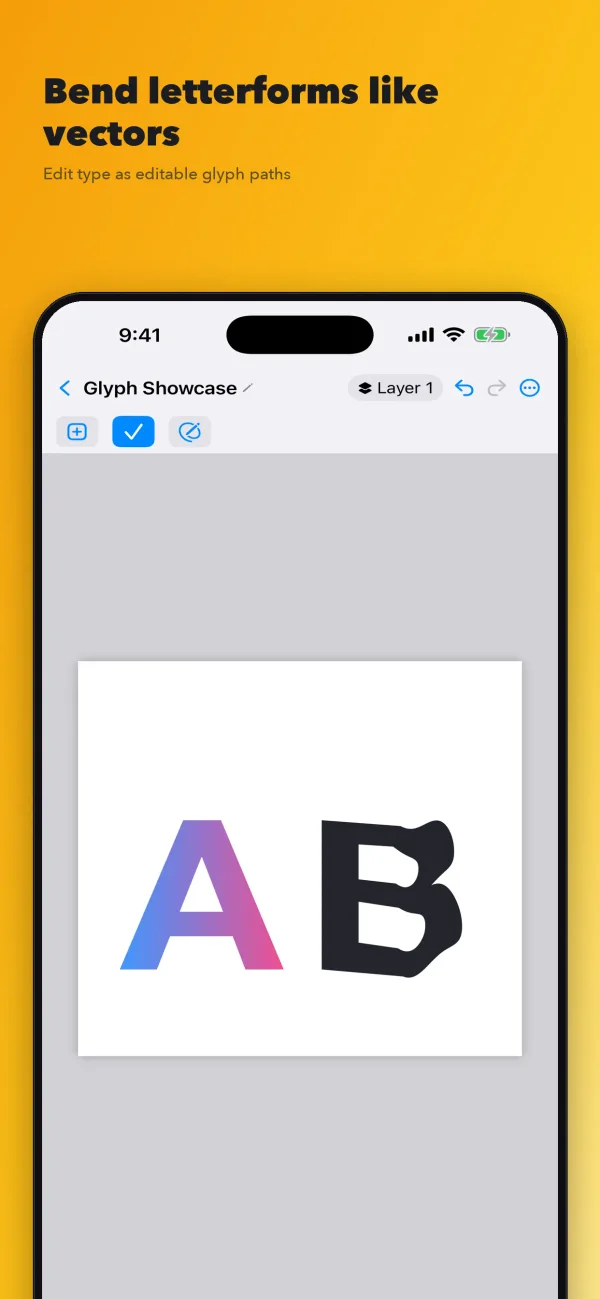
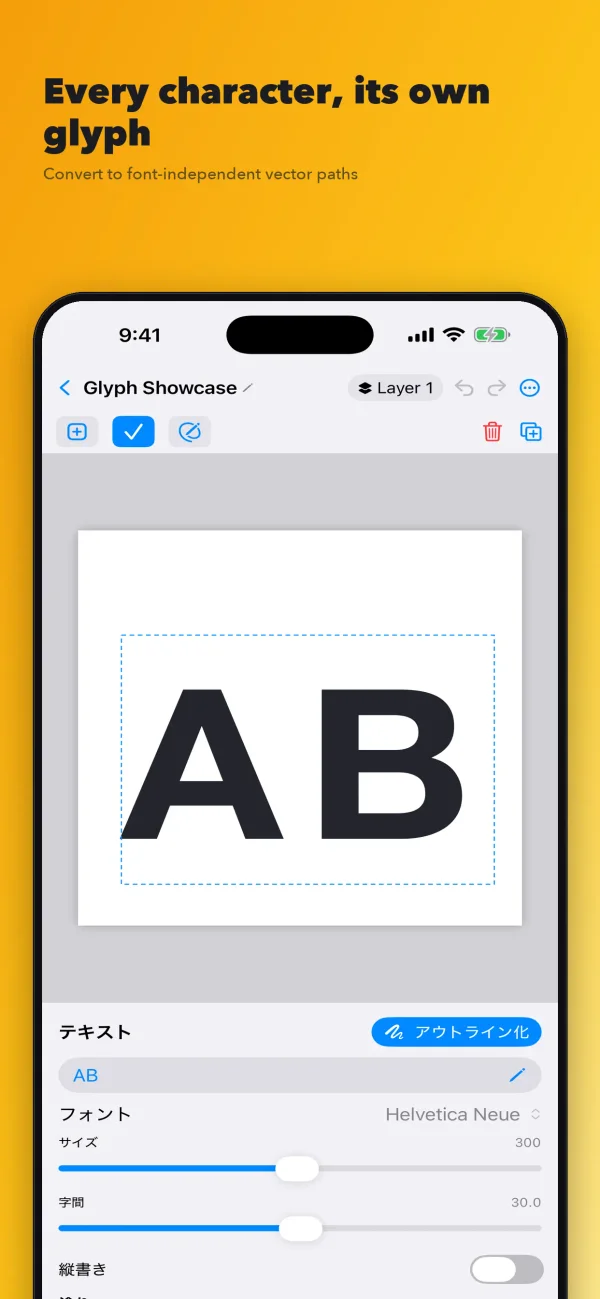
Glyphiz is a glyph editor for iPhone and iPad that treats the text you type as individual glyphs and lets you edit and deform the font outlines as vector paths. Beyond ordinary text entry, converting letters to outlines turns the letterforms themselves into free-form vector objects. It's built for design work where the shape of the type is the point — logos, headlines, posters, and title art for social media.
■ Text and Glyph, kept separate
Every character in a string is managed as its own object. Adjust font, size, tracking and vertical writing, then convert to outlines to get vector "Glyphs." From that point on the artwork no longer depends on the original font — it is rebuilt from the stored paths.
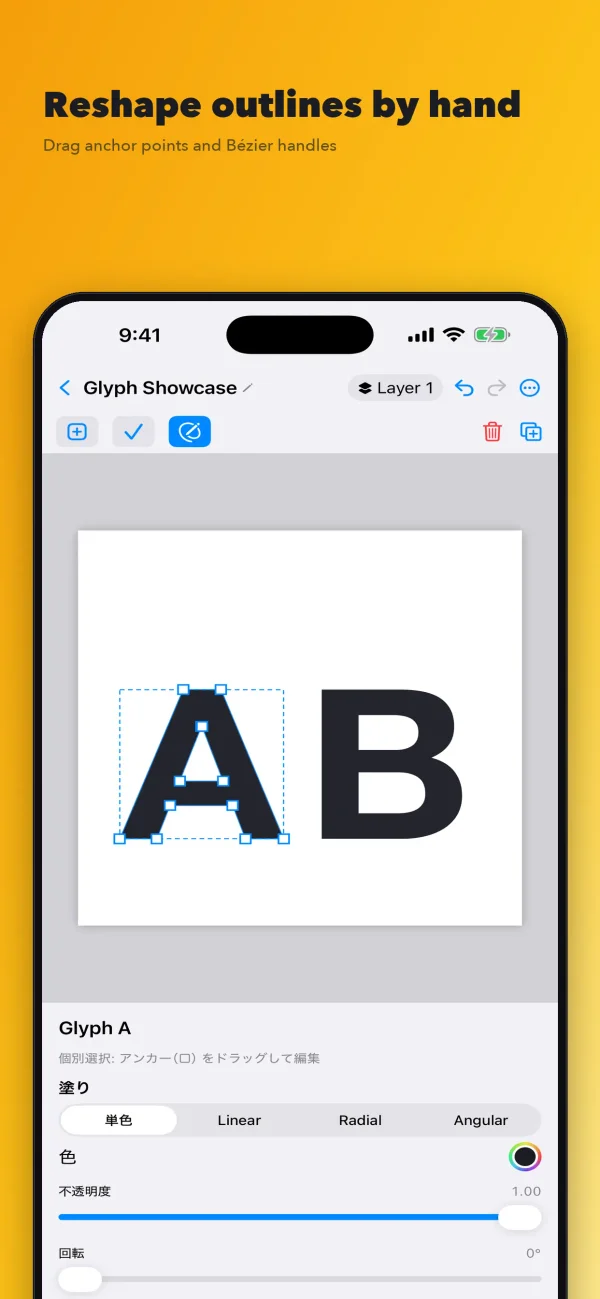
■ Edit Bézier paths directly
Drag anchor points and control handles to reshape a letter's outline. Add and remove anchors, and marquee-select a run of anchors to move them together.
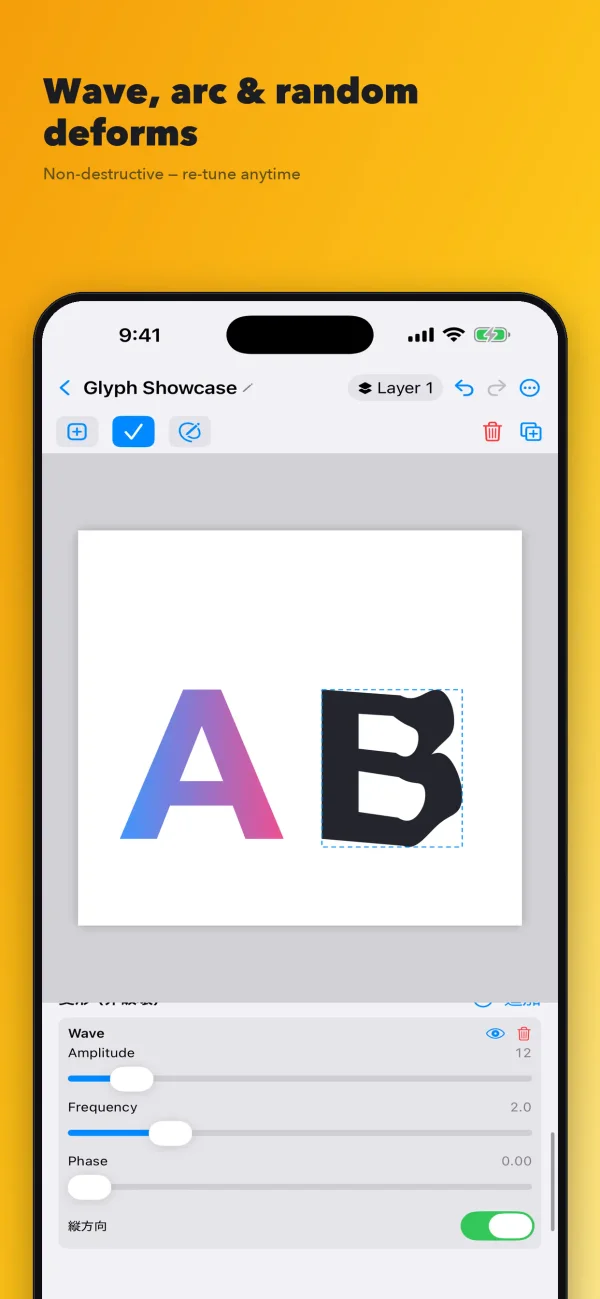
■ Non-destructive deforms
Wave, Arc and Random deforms are stored as parameters you can re-tune at any time. Random keeps its seed, so reopening a project reproduces exactly the same result. Move, scale, rotate and angle are non-destructive too.
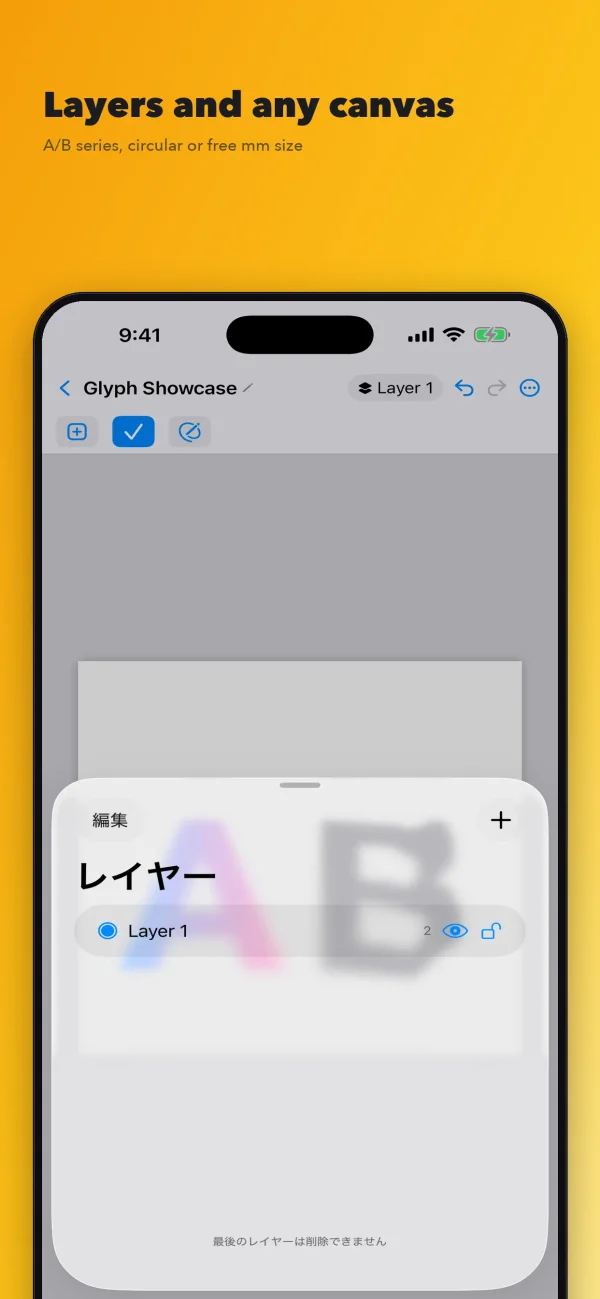
■ Layers, canvas, background
Add, delete, duplicate, reorder, show/hide and lock layers. Canvas presets cover A0–A7, B0–B7, circular, and a free size in millimetres. Backgrounds can be transparent, solid, gradient or image; transparent shows a checkerboard in the editor and exports as genuinely transparent PNG.
■ Color
Solid fills plus Linear, Radial and Angular gradients, with editable colors, positions and angle.
■ Placing images
Import a photo from your library and place it on the canvas. Move, scale and rotate it (Glyphiz does not edit the image itself — no color correction, cropping, and so on).
■ Export
- PNG (1x / 2x / 3x, transparency supported)
- JPG (1x / 2x / 3x)
- Vector PDF (glyphs are exported as paths, not rasterized — ideal for high-resolution print)
Projects are saved on device in the app's own ".glyphiz" format (JSON-based) and stay fully re-editable.
■ Gestures
One-finger drag to select and move, two-finger drag to pan the canvas, pinch to zoom, two-finger rotate to rotate, tap to select, long-press for a context menu. Undo / Redo included.
■ Privacy
No sign-in, no account. All project data is stored on your device and is never sent to an external server. The core editing features work offline.
Note: this app displays ads.
Có gì mới
Phiên bản 1.0.6 · 26/11/2026
・Text with Curve now follows a circle naturally, up to 360°
・Improved perspective so text shrinks toward the back for a more realistic depth effect
・Reorganized the text editing menu into tabs and chips, making it easier to use on iPhone
・Fixed text shifting when converting to outlines with Stagger (scale) or when combined with Slant and Perspective
・Other minor fixes
Quyền riêng tư của ứng dụng
Những gì kenta isomi khai báo trên App Store về cách ứng dụng này xử lý dữ liệu.
-
Dữ liệu được sử dụng để theo dõi bạn
Có thể được sử dụng để theo dõi bạn trên các ứng dụng và trang web do công ty khác sở hữu.
- Chẩn đoán
-
Dữ liệu không liên kết với bạn
Có thể được thu thập nhưng không liên kết với danh tính của bạn.
- Chẩn đoán
Phương thức đảm bảo quyền riêng tư có thể khác nhau, chẳng hạn như tuỳ theo các tính năng bạn sử dụng hoặc độ tuổi của bạn.
Thông tin
- Người bán
- kenta isomi
- Danh mục
- Đồ Họa & Thiết Kế
- Phiên bản
- 1.0.6
- Cập nhật
- 26/11/2026
- Phát hành
- 07/09/2026
- Kích thước
- 7,4 MB
- Yêu cầu
- iOS 17.0 trở lên
- Độ tuổi
- 4+
- Giá
- Miễn phí
- Ngôn ngữ
- Tiếng Anh, Tiếng Pháp, Tiếng Đức, Tiếng Ý, Tiếng Nhật, Tiếng Hàn, Tiếng Trung Giản thể, Tiếng Tây Ban Nha, Tiếng Trung Phồn thể
- Bản quyền
- © kenta.isomi
Có thể bạn cũng thích
-
 Letter LabsĐồ Họa & Thiết Kế
-
 Affont Pocket: Font MakerĐồ Họa & Thiết Kế
-
 HandLetter: Font & Card MakerĐồ Họa & Thiết Kế
-
 DearscriptĐồ Họa & Thiết Kế
-
 Layer PocketTrình sửa lớp PSD ngoại tuyến
-
 Megalith: Tạo Poster ChữTrích dẫn và lời bài hát
-
Affont for iPad: Font MakerĐồ Họa & Thiết Kế
-
 Font Studio: Font EngineerĐồ Họa & Thiết Kế
-
 GlyphSnap AI: Photo to FontĐồ Họa & Thiết Kế
-
 JaMo - Font Design ToolĐồ Họa & Thiết Kế