Image Converter & Tools
Compress, Resize & Batch
iPhone, iPad için tasarlandı
Ücretsiz
- Yaş sınırı9+
- KategoriYardımcılar
- GeliştiriciHarihar Creation
- Dillerİngilizce
- Boyut48,9 MB
Resmi App Store sayfasına bağlanır
Download.org, Image Converter & Tools için hiçbir dosya barındırmaz. Düğme, uygulamanın App Store üzerindeki sayfasını açar; uygulamayı orada Harihar Creation yayınlar. Sayfanın son kontrolü: 20.11.2026.
Ekran görüntüleri
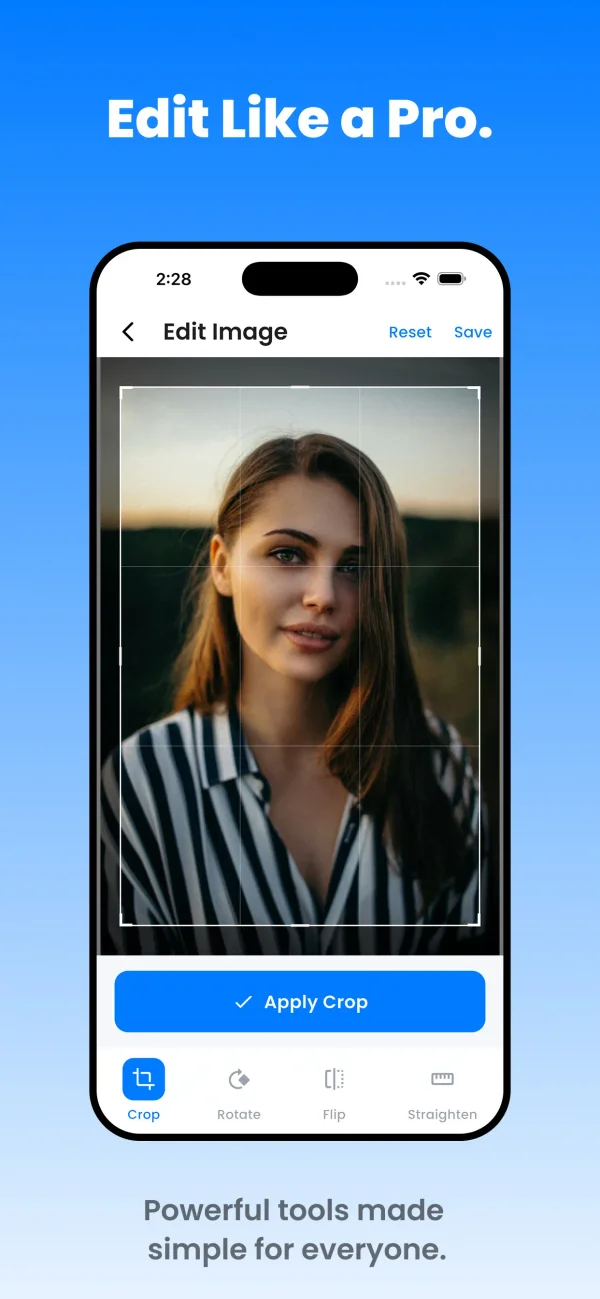
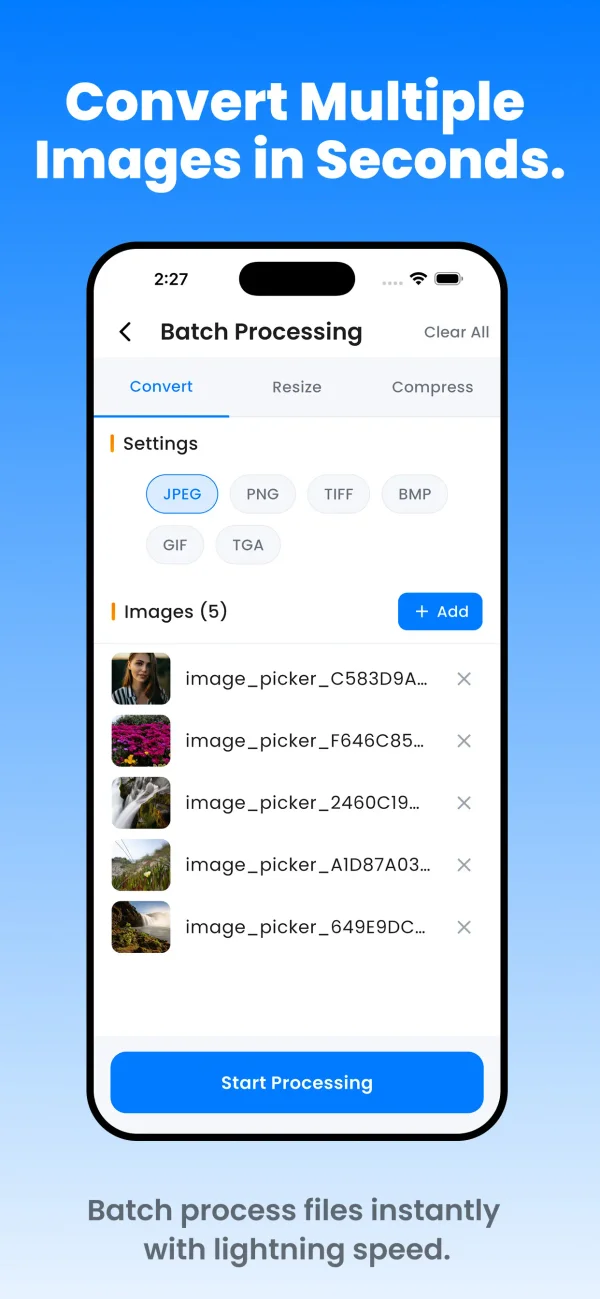
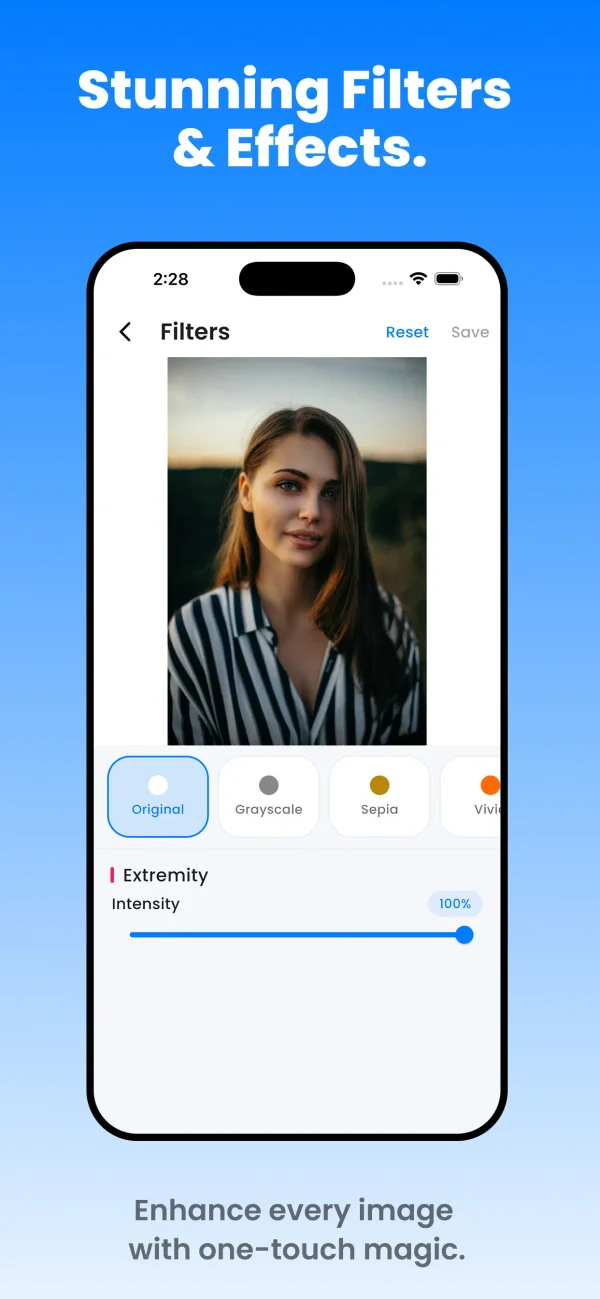

Hakkında
Geliştirici bu metni dilinizde sunmamış.
Convert, compress, resize and edit your images — all in one app.
Image Converter & Editor gives you the essential image tools you need to prepare photos for sharing, uploading, storing, publishing and everyday use.
Convert image formats, reduce file size, resize photos, edit images, remove metadata, add watermarks and process multiple images at once — without sending your photos to a server.
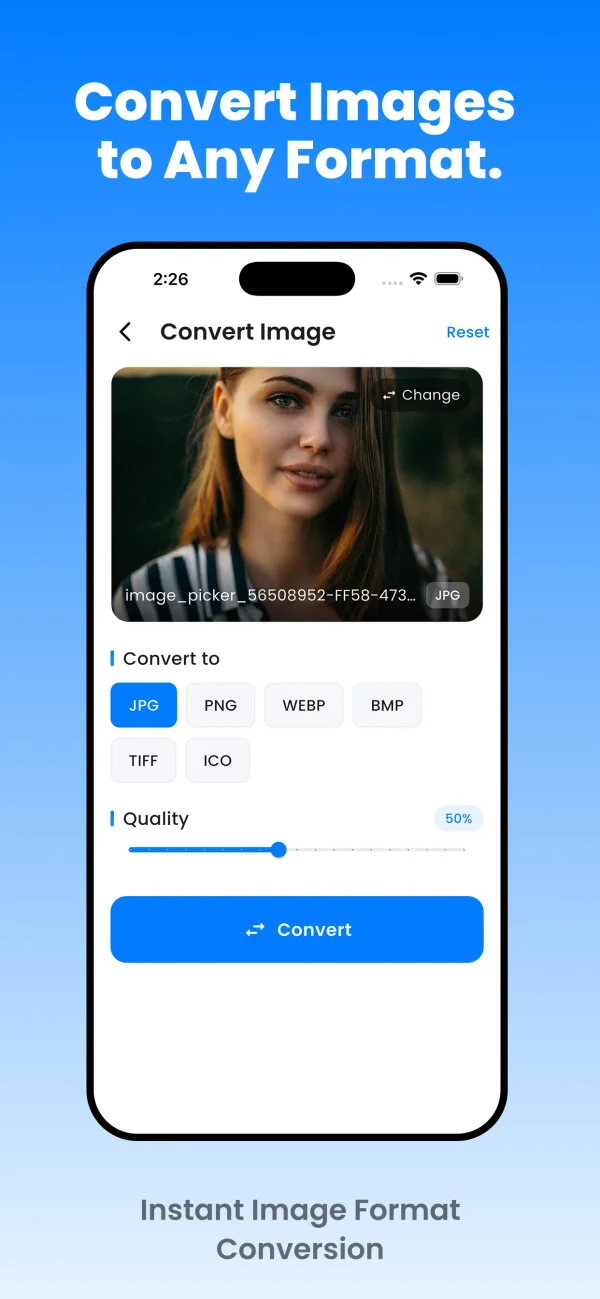
IMAGE FORMAT CONVERTER
Convert your images between popular formats quickly and easily.
• JPG and JPEG
• PNG
• HEIC
• WebP
• BMP
• TIFF
• Convert images for sharing, uploading or compatibility
• Process multiple images in batch
Need to convert HEIC to JPG? PNG to JPG? WebP to PNG? Choose your output format and convert in a few taps.
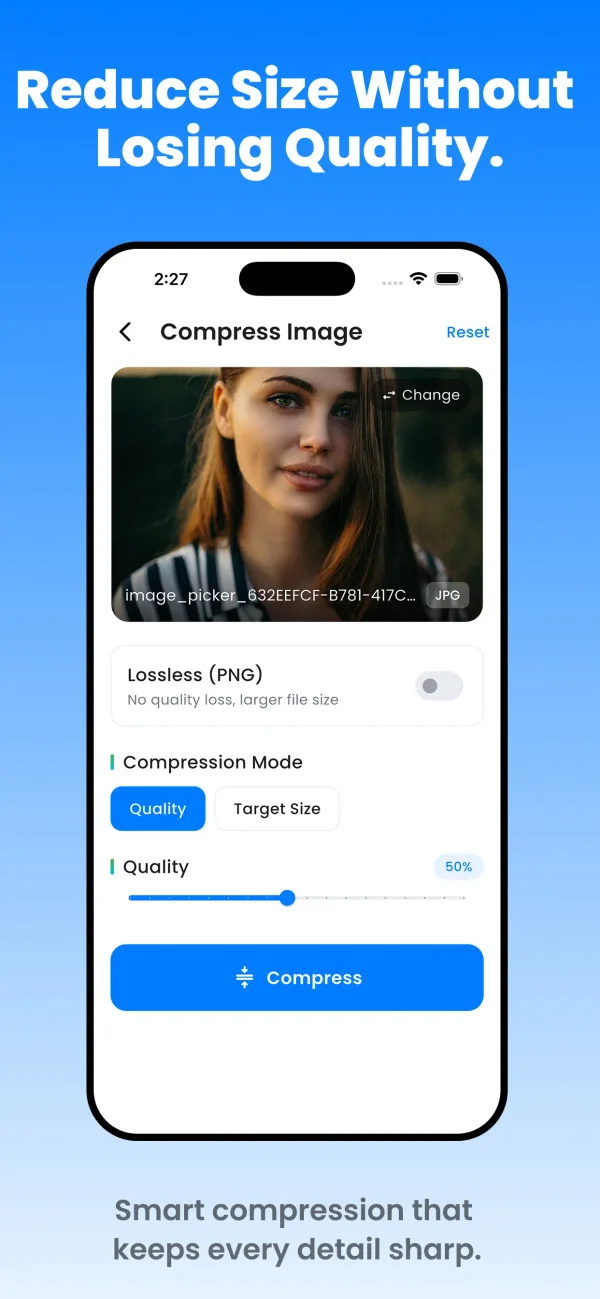
COMPRESS IMAGES
Reduce image file size while keeping the quality you need.
• Compress large photos
• Adjust compression quality
• Reduce file size before sharing
• Prepare images for uploads and forms
• Preview your results before saving
Make large MB images easier to send, upload and store.
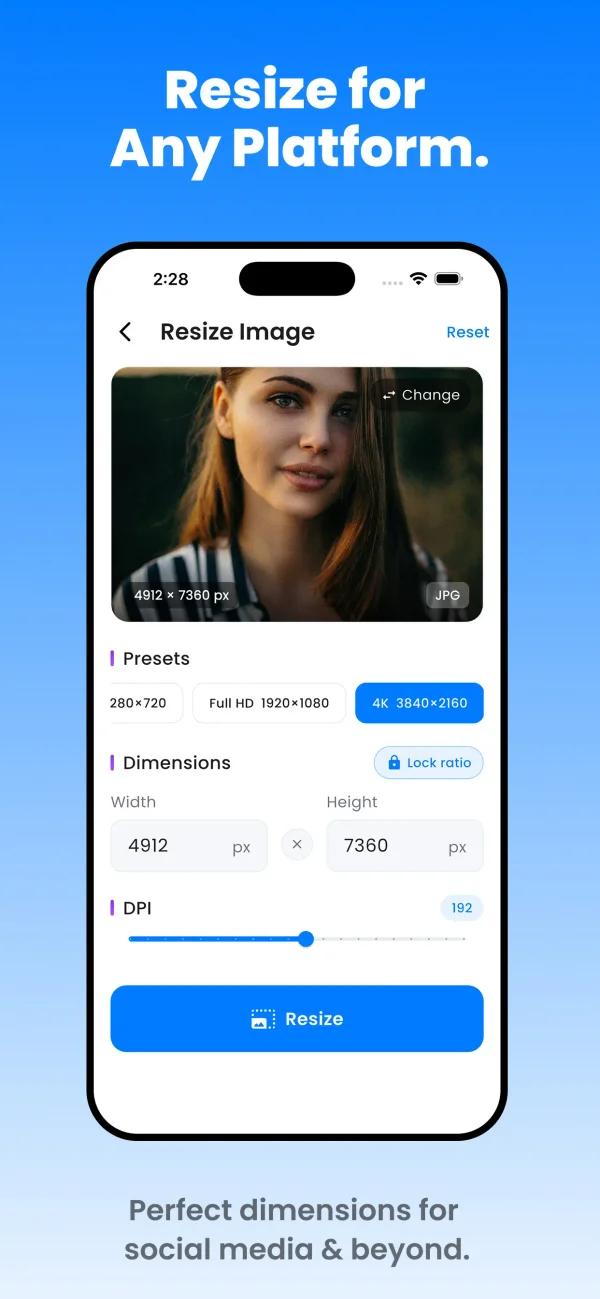
RESIZE PHOTOS
Change image dimensions quickly and precisely.
• Set custom width and height
• Resize by percentage
• Adjust image resolution
• Maintain aspect ratio
• Prepare images for different platforms and requirements
Resize photos for websites, documents, marketplaces, social media and more.
BATCH IMAGE PROCESSING
Work with multiple images at the same time.
• Batch convert images
• Batch compress photos
• Batch resize images
• Process large groups of photos faster
Perfect when you need to prepare an entire collection instead of editing images one by one.
EDIT & ENHANCE PHOTOS
Make quick adjustments without opening a complicated photo editor.
• Crop images
• Rotate photos
• Adjust brightness and contrast
• Apply filters and effects
• Draw and annotate
• Add custom watermarks
Make simple image edits in seconds.
EXIF & METADATA TOOLS
See and manage information stored inside your images.
• View image metadata
• View EXIF information
• Edit supported metadata
• Remove sensitive metadata before sharing
• Help protect location and camera information
Keep control over the information attached to your photos.
QR CODE GENERATOR
Create QR codes quickly and export them as images.
Generate useful QR codes for links, text and other supported content, then save or share them directly.
BASE64 IMAGE TOOLS
Convert supported images to Base64 and decode Base64 image data when you need it.
Useful for developers, websites, testing and technical workflows.
FAST & PRIVATE
Your images stay on your device.
Image Converter & Editor processes your images directly on-device, so you don't need to upload your personal photos to a remote server.
That means:
• No image uploads
• No server processing
• Works without an internet connection for supported tools
• Faster processing
• Better privacy for your personal images
BUILT FOR EVERYDAY IMAGE TASKS
Whether you're converting an iPhone HEIC photo to JPG, reducing a large image for an upload, resizing product photos, preparing images for a website or processing hundreds of photos at once, Image Converter & Editor gives you the tools in one place.
Convert. Compress. Resize. Edit.
Your complete image toolkit, right on your device.
Yenilikler
Sürüm 1.0.1 · 18.08.2026
- Bug Fix!!!
Uygulama gizliliği
Bu uygulamanın verileri nasıl işlediği hakkında Harihar Creation tarafından App Store üzerinde yapılan beyan.
-
Sizi izlemek için kullanılan veriler
Başka şirketlere ait uygulamalarda ve web sitelerinde sizi izlemek için kullanılabilir.
- Kullanım verileri
- Tanılama
- Diğer veriler
-
Sizinle ilişkilendirilmeyen veriler
Toplanabilir ancak kimliğinizle ilişkilendirilmez.
- Kullanım verileri
- Tanılama
- Diğer veriler
Gizlilik uygulamaları, örneğin kullandığınız özelliklere veya yaşınıza göre değişiklik gösterebilir.
Bilgiler
- Satıcı
- Harihar Creation
- Kategori
- Yardımcılar
- Sürüm
- 1.0.1
- Güncellendi
- 18.08.2026
- Yayın tarihi
- 21.07.2026
- Boyut
- 48,9 MB
- Gereksinim
- iOS 16.6 veya sonrası
- Yaş sınırı
- 9+
- Fiyat
- Ücretsiz
- Diller
- İngilizce
- Telif hakkı
- © @HariharImageTools
Bunları da beğenebilirsiniz
-
 Collex: Color Extraction ToolYardımcılar
-
 ZIP & RAR Extractor Unzip FileYardımcılar
-
 Keyboard NowYardımcılar
-
 VibeSwitch KeyboardYardımcılar
-
 Image Converter - FormatFlowYardımcılar
-
 Image Compressor & ResizerYardımcılar
-
 Clipboard App: Copy SmarterYardımcılar
-
 Personas KeyboardYardımcılar
-
 Cool Gifs 4UYardımcılar
-
 Quick Image EditorYardımcılar