MyNote -Simple note app-
Suitable for memo pad,list pad
iPhone, iPad için tasarlandı
Ücretsiz
- Yaş sınırı4+
- KategoriÜretkenlik
- Geliştiricifumio ueda
- Dillerİngilizce+ 1 dil daha
- Boyut3,8 MB
Resmi App Store sayfasına bağlanır
Download.org, MyNote -Simple note app- için hiçbir dosya barındırmaz. Düğme, uygulamanın App Store üzerindeki sayfasını açar; uygulamayı orada fumio ueda yayınlar. Sayfanın son kontrolü: 20.11.2026.
Ekran görüntüleri
Hakkında
Geliştirici bu metni dilinizde sunmamış.
Summary
"My Note -a simple note app-" is an application for iPhone/iPad with iOS13.3 or later that is suitable for writing down ideas, schedules, and checklists, just like a notebook. In particular, it has uniquely useful features such as
(a) the ability to instantly change the text size by simply pinching the screen,
(b) the ability to automatically expand the column height according to the text length or font size change, and
(c) the ability to create a table of contents.
Description of Functions and Features
(1) Notepad function
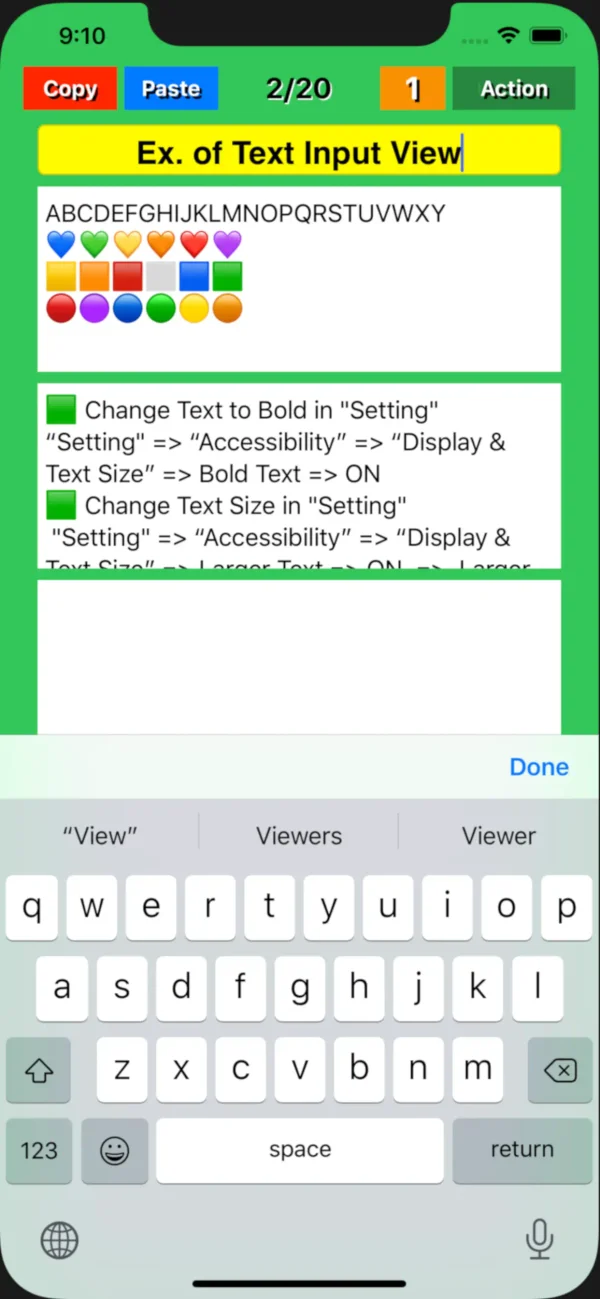
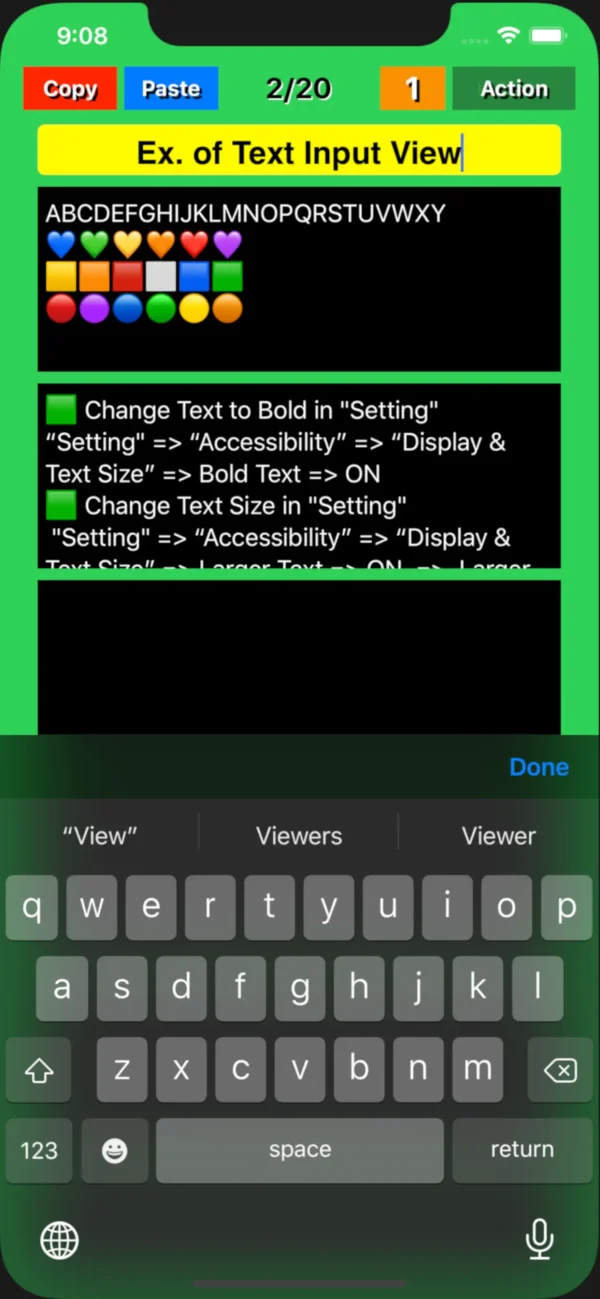
(a) Page composition; Each page consists of a title and ten columns of text.
(b) Start Page; The page is displayed from the last finished page and can be edited.
(c) Column Expansion; The height of each column is automatically expanded or restored according to the length of the text in that column.
(d) Scrolling; Each page can be scrolled vertically by swiping vertically.
(e) Page Turnover; Swipe left and right or tap the left and right frames to turn pages. The number of pages to be turned is either "1" or "5" as set by the turning-pages-buttons (second button from the right). Pages are turned from the end of the page to the beginning, or from the beginning to the end.
(f) Text editing; When you tap the screen, the cursor appears there and at the same time the keyboard appears at the bottom of the screen. You can use the keyboard to enter text at the cursor position. The cursor will automatically move to the position behind the character you have entered. Edits are finalized by pressing the "Done" button on the keyboard and saved on the terminal for the next readout.
(2) "Copy" function
By tapping the "Copy" button on each page, the title and text are copied to the device's memory. The text is also copied to the clipboard.
(3) "Paste" function
Tapping the "Paste" button on a page overwrites the title and text stored in the memory to the title and text fields of the page, respectively. Tap "Overwrite" on the confirmation screen that appears before overwriting to execute the overwrite.
If a blank page is copied and pasted onto a page of your choice, all text can be erased at once.
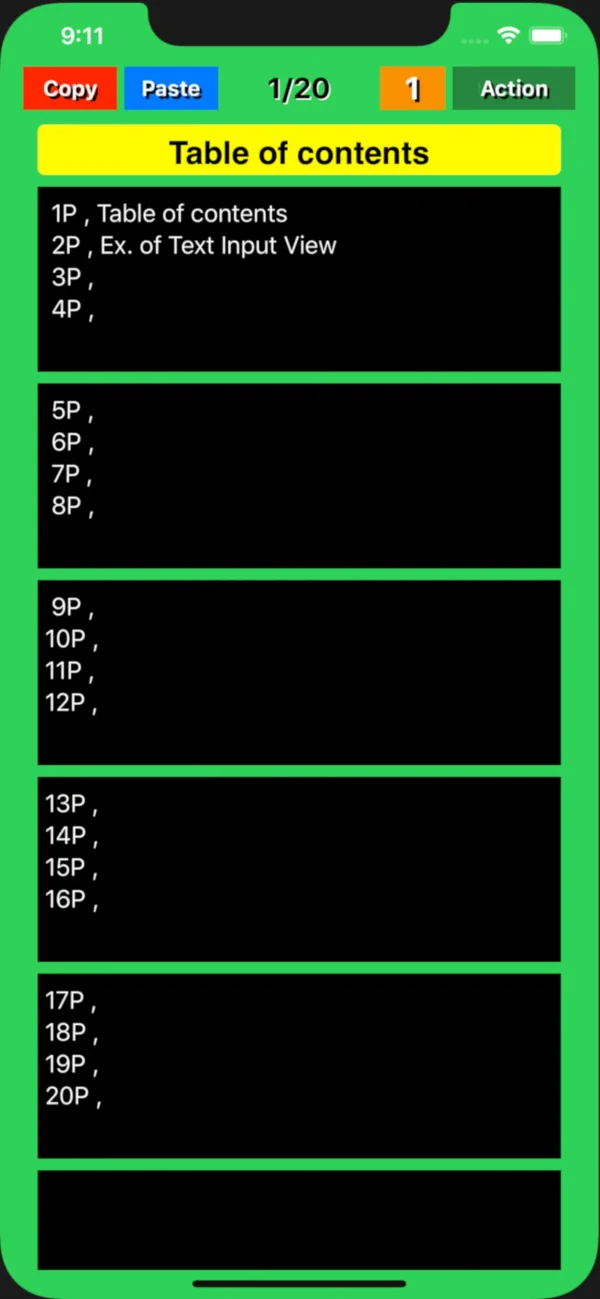
(4) Table of contents creation function
When you press and hold the "Paste" button on any page, a prompt will appear asking if you want to create a table of contents. If you choose "Yes," a table of contents will be created.
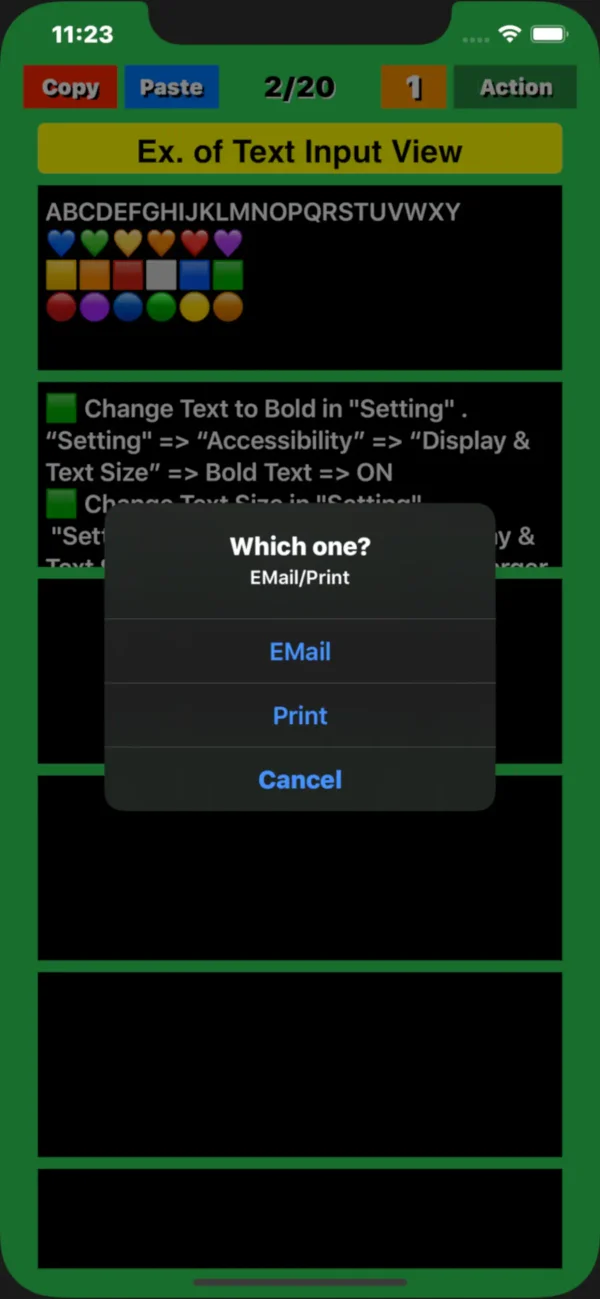
(5) "E-mail" sending function
Tapping the "Share" button, and then follow the instructions on the Email screen.
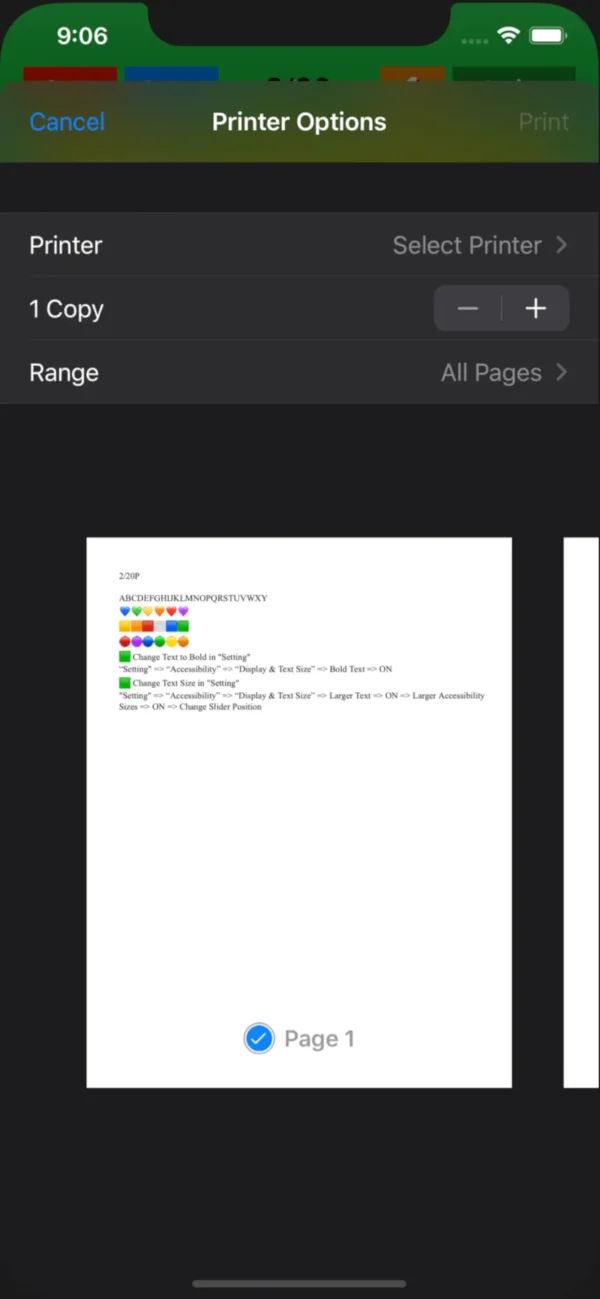
(6) "Printing" function
Tapping the "Share" button, and then follow the print instructions after the print function is installed.
(7) Instant font size change function
The text size can be instantly changed by simply pinching the screen.
Tips on how to use it well
If, for example, the diary pages are about to fill up, start another archive page and transcribe the entire page into one of the columns on the archive page. Then the original page can be used for another purpose. In other words, 10 pages of content can fit on one archive page.
Yenilikler
Sürüm 5.1 · 19.11.2026
The recommended changes for iOS 27.0 were applied, and it was confirmed that the app continues to function as it did before.
Uygulama gizliliği
Bu uygulamanın verileri nasıl işlediği hakkında fumio ueda tarafından App Store üzerinde yapılan beyan.
-
Sizi izlemek için kullanılan veriler
Başka şirketlere ait uygulamalarda ve web sitelerinde sizi izlemek için kullanılabilir.
- Konum
- Tanımlayıcılar
- Kullanım verileri
-
Sizinle ilişkilendirilen veriler
Toplanabilir ve kimliğinizle ilişkilendirilebilir.
- Tanımlayıcılar
-
Sizinle ilişkilendirilmeyen veriler
Toplanabilir ancak kimliğinizle ilişkilendirilmez.
- Konum
- Kullanım verileri
Gizlilik uygulamaları, örneğin kullandığınız özelliklere veya yaşınıza göre değişiklik gösterebilir.
Bilgiler
- Satıcı
- fumio ueda
- Kategori
- Üretkenlik
- Sürüm
- 5.1
- Güncellendi
- 19.11.2026
- Yayın tarihi
- 10.06.2017
- Boyut
- 3,8 MB
- Gereksinim
- iOS 17.0 veya sonrası
- Yaş sınırı
- 4+
- Fiyat
- Ücretsiz
- Diller
- İngilizce, Japonca
- Telif hakkı
- © 2017 fumio ueda