
MyNote -Simple note app-
Suitable for memo pad,list pad
Được thiết kế cho iPhone, iPad
Miễn phí
- Độ tuổi4+
- Danh mụcHiệu Suất
- Nhà phát triểnfumio ueda
- Ngôn ngữTiếng Anh+ 1 ngôn ngữ khác
- Kích thước3,8 MB
Liên kết đến trang App Store chính thức
Download.org không lưu trữ tệp nào của MyNote -Simple note app-. Nút này mở trang ứng dụng trên App Store, nơi fumio ueda phát hành ứng dụng. Trang được kiểm tra lần cuối: 20/11/2026.
Ảnh chụp màn hình
Giới thiệu
Nhà phát triển chưa cung cấp nội dung này bằng ngôn ngữ của bạn.
Summary
"My Note -a simple note app-" is an application for iPhone/iPad with iOS13.3 or later that is suitable for writing down ideas, schedules, and checklists, just like a notebook. In particular, it has uniquely useful features such as
(a) the ability to instantly change the text size by simply pinching the screen,
(b) the ability to automatically expand the column height according to the text length or font size change, and
(c) the ability to create a table of contents.
Description of Functions and Features
(1) Notepad function
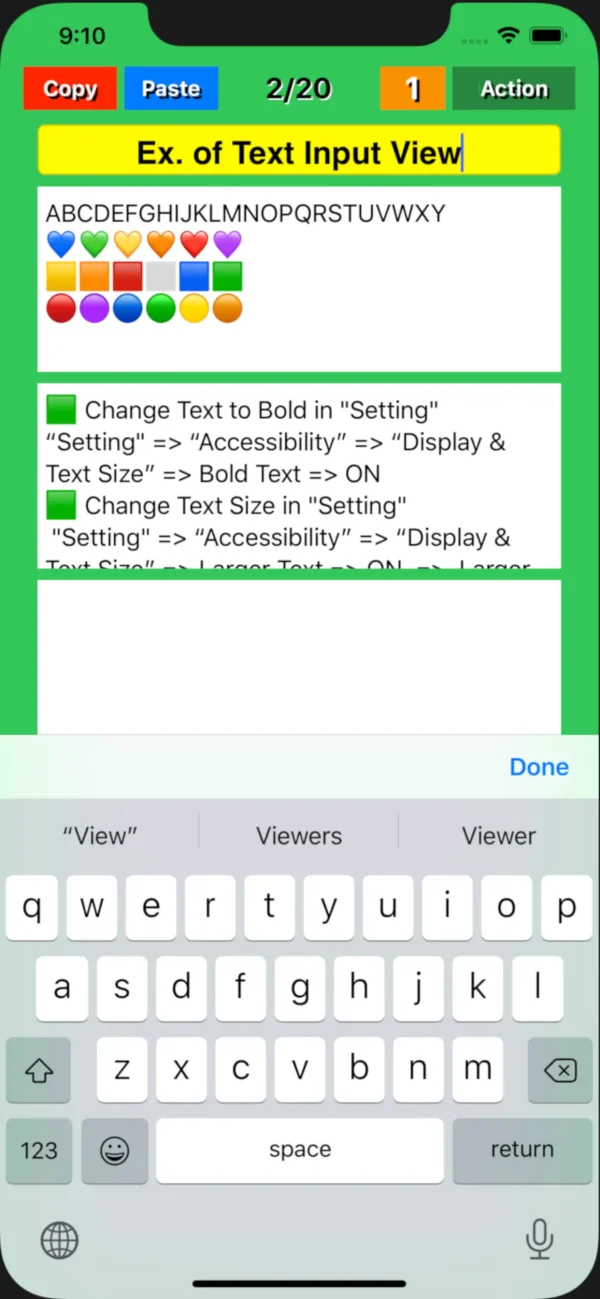
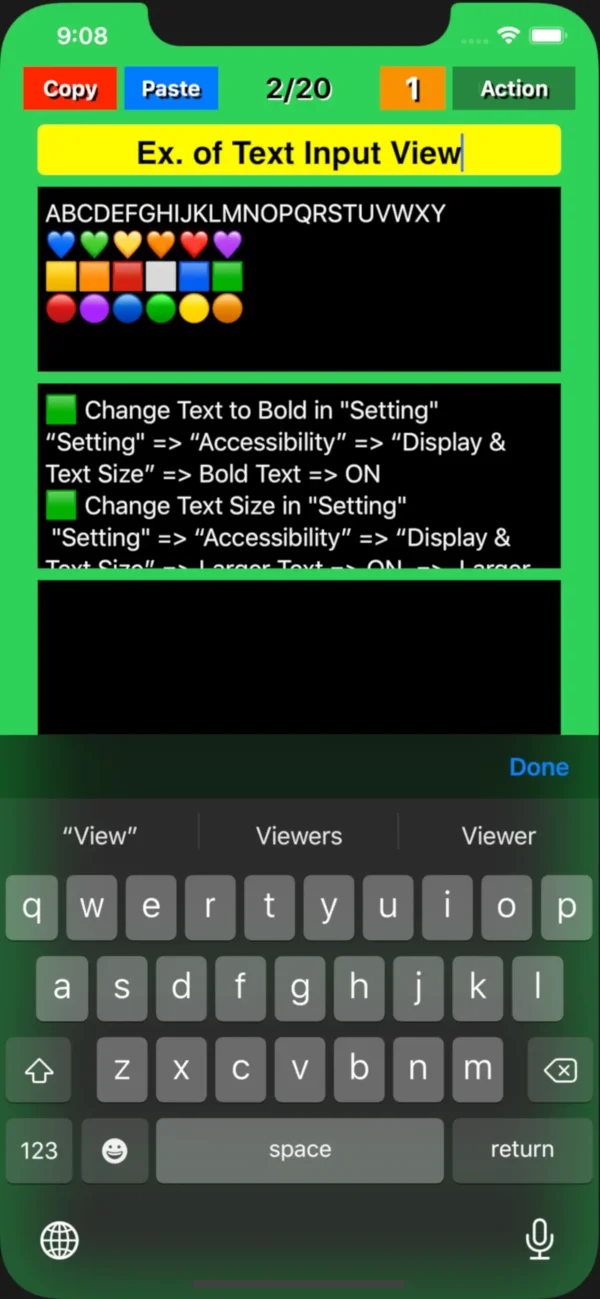
(a) Page composition; Each page consists of a title and ten columns of text.
(b) Start Page; The page is displayed from the last finished page and can be edited.
(c) Column Expansion; The height of each column is automatically expanded or restored according to the length of the text in that column.
(d) Scrolling; Each page can be scrolled vertically by swiping vertically.
(e) Page Turnover; Swipe left and right or tap the left and right frames to turn pages. The number of pages to be turned is either "1" or "5" as set by the turning-pages-buttons (second button from the right). Pages are turned from the end of the page to the beginning, or from the beginning to the end.
(f) Text editing; When you tap the screen, the cursor appears there and at the same time the keyboard appears at the bottom of the screen. You can use the keyboard to enter text at the cursor position. The cursor will automatically move to the position behind the character you have entered. Edits are finalized by pressing the "Done" button on the keyboard and saved on the terminal for the next readout.
(2) "Copy" function
By tapping the "Copy" button on each page, the title and text are copied to the device's memory. The text is also copied to the clipboard.
(3) "Paste" function
Tapping the "Paste" button on a page overwrites the title and text stored in the memory to the title and text fields of the page, respectively. Tap "Overwrite" on the confirmation screen that appears before overwriting to execute the overwrite.
If a blank page is copied and pasted onto a page of your choice, all text can be erased at once.
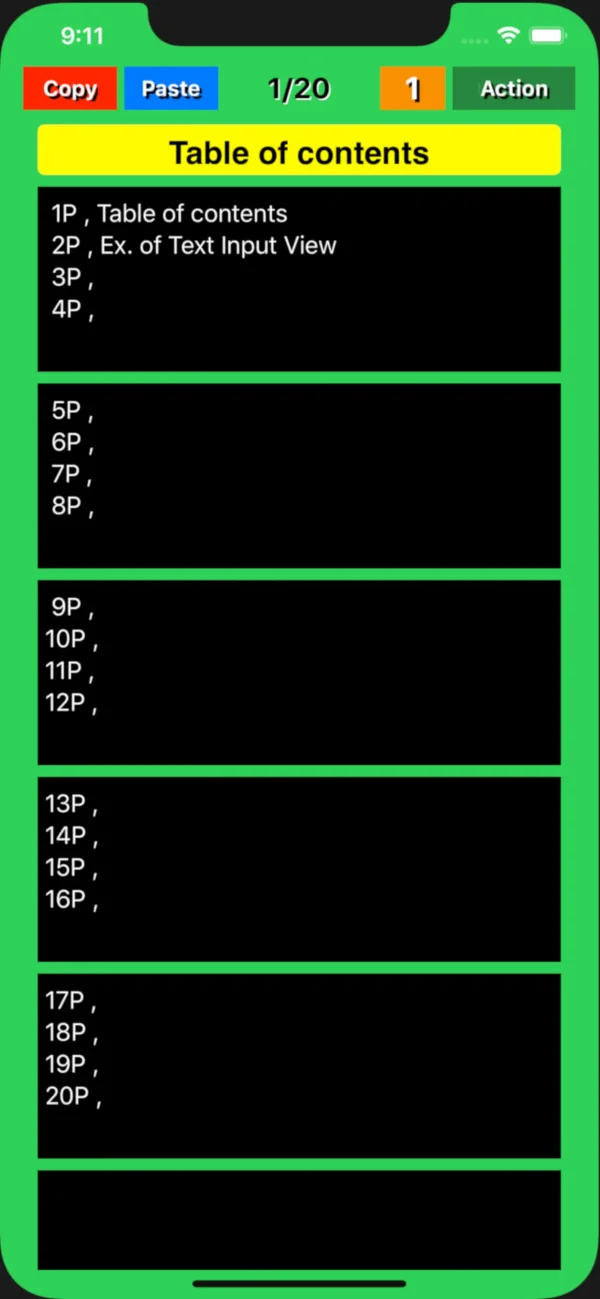
(4) Table of contents creation function
When you press and hold the "Paste" button on any page, a prompt will appear asking if you want to create a table of contents. If you choose "Yes," a table of contents will be created.
(5) "E-mail" sending function
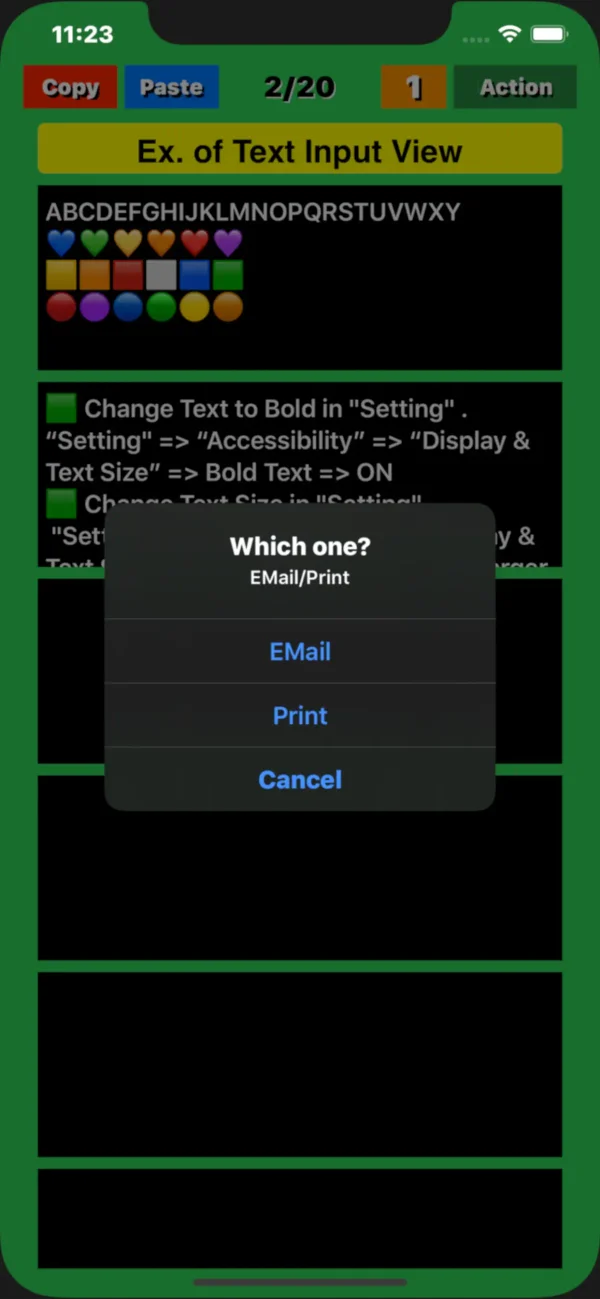
Tapping the "Share" button, and then follow the instructions on the Email screen.
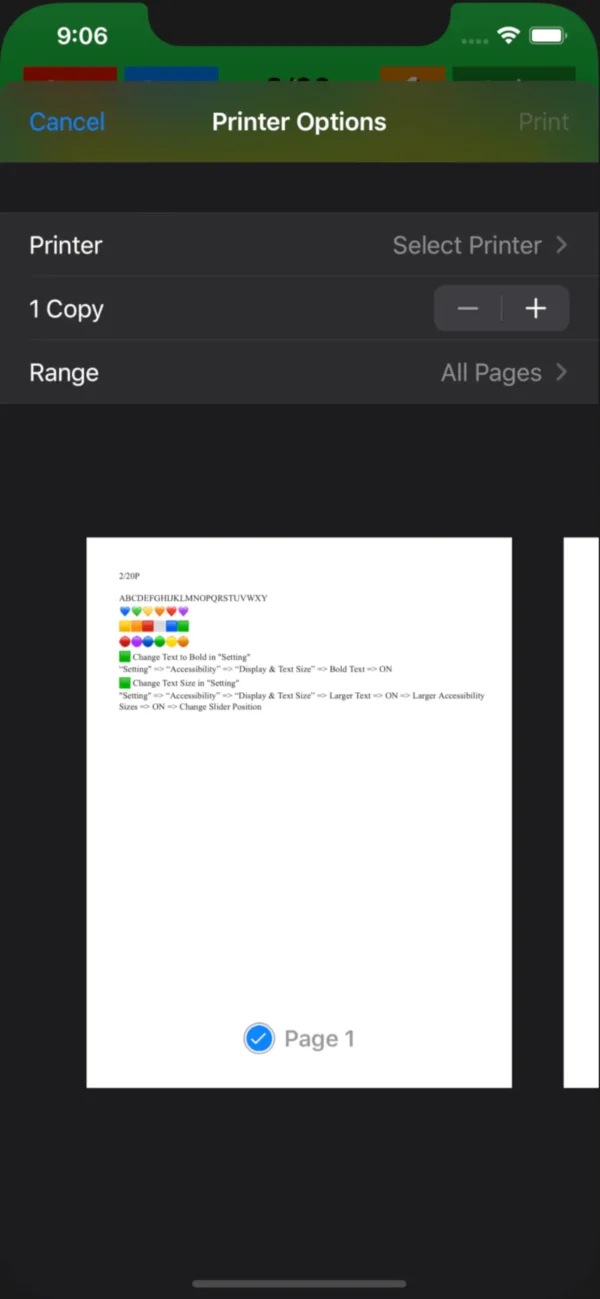
(6) "Printing" function
Tapping the "Share" button, and then follow the print instructions after the print function is installed.
(7) Instant font size change function
The text size can be instantly changed by simply pinching the screen.
Tips on how to use it well
If, for example, the diary pages are about to fill up, start another archive page and transcribe the entire page into one of the columns on the archive page. Then the original page can be used for another purpose. In other words, 10 pages of content can fit on one archive page.
Có gì mới
Phiên bản 5.1 · 19/11/2026
The recommended changes for iOS 27.0 were applied, and it was confirmed that the app continues to function as it did before.
Quyền riêng tư của ứng dụng
Những gì fumio ueda khai báo trên App Store về cách ứng dụng này xử lý dữ liệu.
-
Dữ liệu được sử dụng để theo dõi bạn
Có thể được sử dụng để theo dõi bạn trên các ứng dụng và trang web do công ty khác sở hữu.
- Vị trí
- Mã định danh
- Dữ liệu sử dụng
-
Dữ liệu liên kết với bạn
Có thể được thu thập và liên kết với danh tính của bạn.
- Mã định danh
-
Dữ liệu không liên kết với bạn
Có thể được thu thập nhưng không liên kết với danh tính của bạn.
- Vị trí
- Dữ liệu sử dụng
Phương thức đảm bảo quyền riêng tư có thể khác nhau, chẳng hạn như tuỳ theo các tính năng bạn sử dụng hoặc độ tuổi của bạn.
Thông tin
- Người bán
- fumio ueda
- Danh mục
- Hiệu Suất
- Phiên bản
- 5.1
- Cập nhật
- 19/11/2026
- Phát hành
- 10/06/2017
- Kích thước
- 3,8 MB
- Yêu cầu
- iOS 17.0 trở lên
- Độ tuổi
- 4+
- Giá
- Miễn phí
- Ngôn ngữ
- Tiếng Anh, Tiếng Nhật
- Bản quyền
- © 2017 fumio ueda
Có thể bạn cũng thích
-
 EZ Notepad plus - Symple noteHiệu Suất
-
 Notepad Notes: Ghi Chú, Sổ TayViệc Cần Làm, Checklist & Memo
-
 TabPadHiệu Suất
-
 Cheetah NoteHiệu Suất
-
 Notepad Widget, Sticky NotesHiệu Suất
-
 Easy Note 2Hiệu Suất
-
 Comet NotesHiệu Suất
-
 Note Pad+Hiệu Suất
-
 Ghi chú Simplio nhanhGhi chú ý tưởng
-
 đơn giản đếm Ghi chúmật khẩu