- Yaş sınırı4+
- KategoriGrafik ve Tasarım
- GeliştiriciHung-Yu Lin
- Dillerİngilizce+ 5 dil daha
- Boyut2,4 MB
Resmi App Store sayfasına bağlanır
Download.org, PixelCreater için hiçbir dosya barındırmaz. Düğme, uygulamanın App Store üzerindeki sayfasını açar; uygulamayı orada Hung-Yu Lin yayınlar. Sayfanın son kontrolü: 17.11.2026.
Ekran görüntüleri
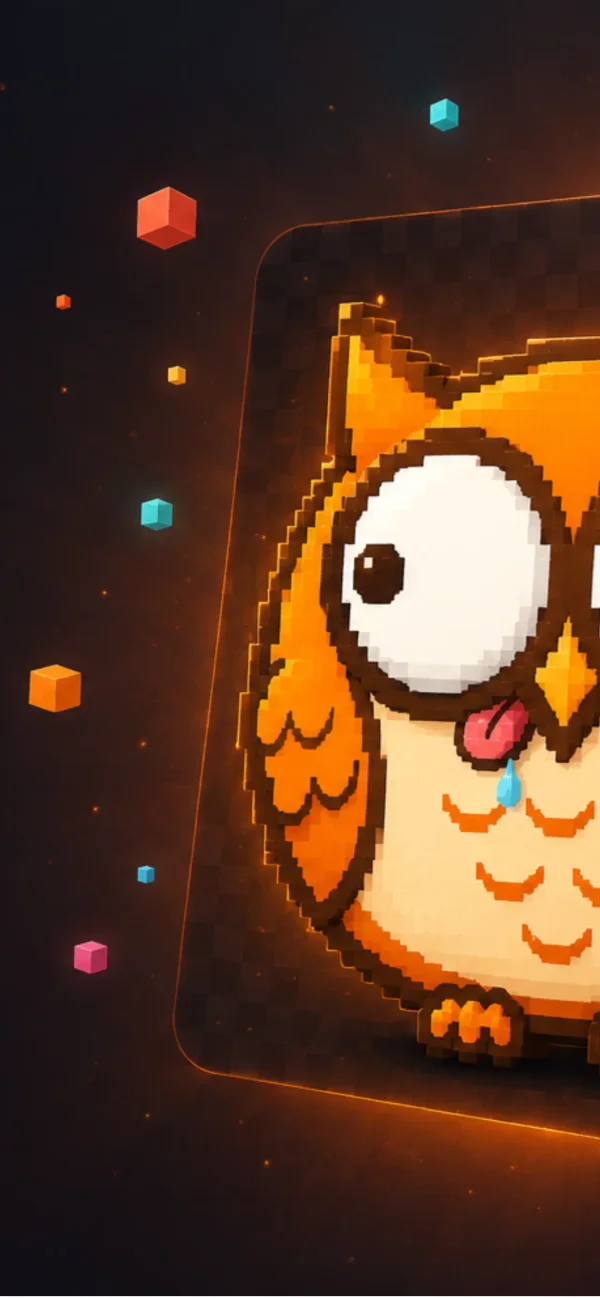
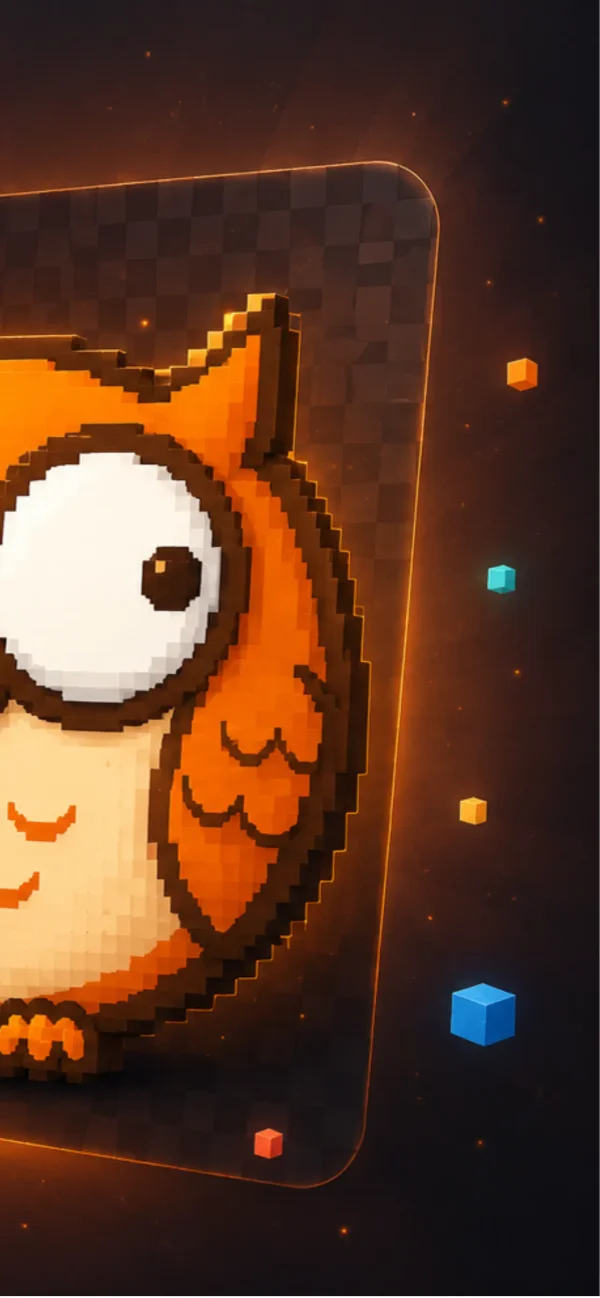
Hakkında
Geliştirici bu metni dilinizde sunmamış.
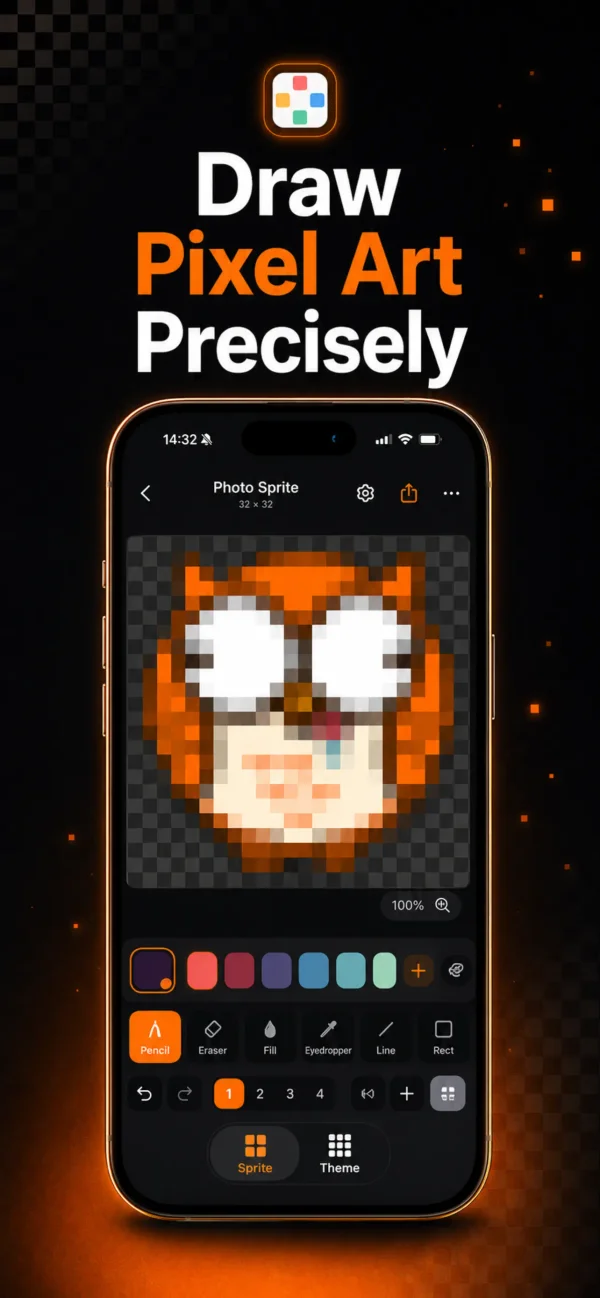
PixelCreater is a clean, modern pixel-art studio for iPhone and iPad. Sketch crisp sprites, pixelate your photos, and export transparent PNGs that are ready for games, stickers, emoji and icons.
FEATURES
• Precise drawing — pencil, eraser, fill, eyedropper, line and rectangle
• Photo to pixel art — import a photo, pinch to choose the area, pick a resolution, done
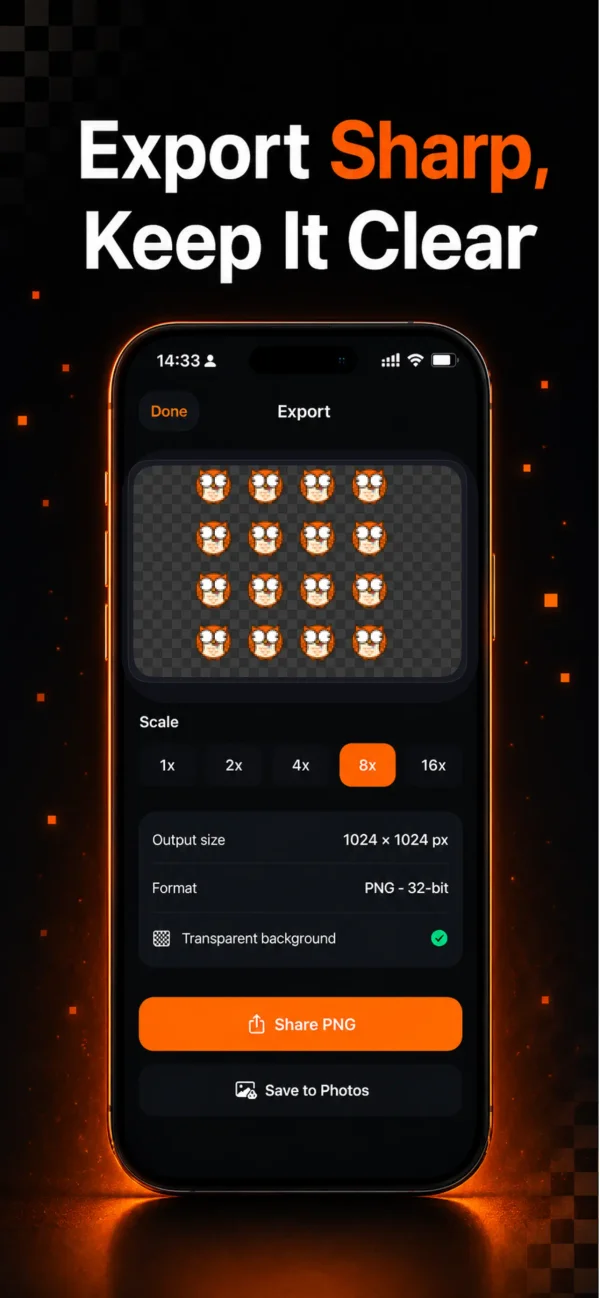
• True transparency — untouched pixels stay clear; export crisp 32-bit PNG
• Pro tools — layers with opacity, mirror symmetry, adjustable brush, unlimited undo/redo
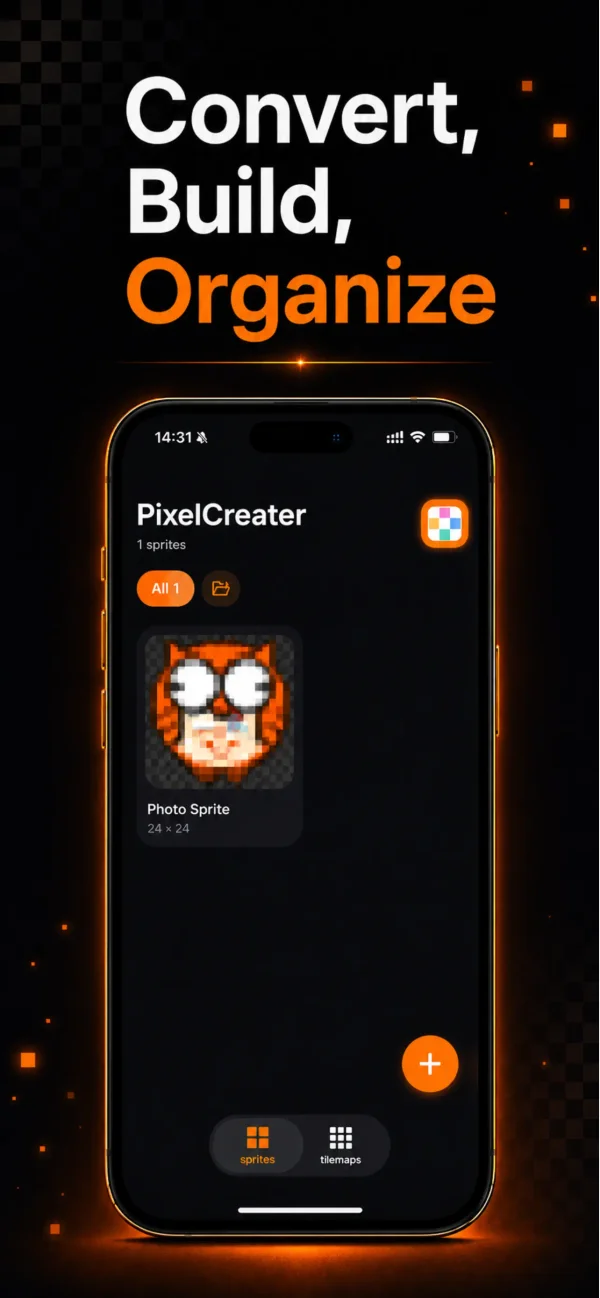
• Tilemaps — arrange sprites into tilesets and level maps, export as a single PNG
• Export up to 16× — sharp nearest-neighbor scaling; share or save to Photos
• Stay organized — folders, duplicate, rename and manage every project
• Made for touch — smooth pinch-zoom, pan and a delightful dark interface
• iPhone & iPad — no account, no sign-up, just create
Whether you're making game sprites, app icons, pixel emoji or just doodling, PixelCreater makes pixel art fast, precise and fun.
Download PixelCreater and start creating today.
Yenilikler
Sürüm 1.1.0 · 28.08.2026
Version 1.1.0 — draw with an AI, and make it move.
GENERATE WITH AI
Describe what you want and tap Copy Prompt. Paste it into any AI chat you already use, bring the reply back, and it becomes a sprite you can edit pixel by pixel. No account, no API key, nothing to subscribe to.
Set the canvas size, view angle, colour limit and how ornate it should be — then add details of your own, like a cape, a helmet or gem accents.
Already have a sprite? Ask an AI to change it, and the edit comes straight back into the editor.
ANIMATIONS
A new tab for frame-by-frame animation. Scrub the filmstrip, duplicate a frame and nudge a few pixels, hold a frame longer where the timing needs it, then set the frame rate and looping.
Export as a transparent sprite sheet for your game engine, or as an APNG that keeps every soft edge — the detail a GIF throws away.
ALSO IN THIS UPDATE
• Every animation frame opens in the full editor, layers and all
• Folders now organise animations as well as sprites
• Ask for 32×32 and you get 32×32 — a reply that comes back the wrong size is refitted, and the change is shown
• Pasted replies survive messy formatting: code fences, stray commentary, curly quotes and dropped characters are repaired for you
Uygulama gizliliği
Bu uygulamanın verileri nasıl işlediği hakkında Hung-Yu Lin tarafından App Store üzerinde yapılan beyan.
-
Veri toplanmıyor
Geliştirici bu uygulamadan hiçbir veri toplamıyor.
Gizlilik uygulamaları, örneğin kullandığınız özelliklere veya yaşınıza göre değişiklik gösterebilir.
Bilgiler
- Satıcı
- Hung-Yu Lin
- Kategori
- Grafik ve Tasarım
- Sürüm
- 1.1.0
- Güncellendi
- 28.08.2026
- Yayın tarihi
- 04.08.2026
- Boyut
- 2,4 MB
- Gereksinim
- iOS 17.0 veya sonrası
- Yaş sınırı
- 4+
- Fiyat
- Ücretsiz
- Diller
- İngilizce, Japonca, Korece, Basitleştirilmiş Çince, İspanyolca, Geleneksel Çince
- Telif hakkı
- © 2026 Hung-Yu Lin
Bunları da beğenebilirsiniz
-
 Dot by Dot: Pixel Art & GIFGrafik ve Tasarım
-
 RetroPix - かんたんドット絵メーカーGrafik ve Tasarım
-
 RGB Retro: Pixel Art FilterGrafik ve Tasarım
-
 dotStudioGrafik ve Tasarım
-
 Pixel Art Maker - AnywhereGrafik ve Tasarım
-
 PIXIO Pixel StudioGrafik ve Tasarım
-
 Pixel Forge: Pixel Art MakerGrafik ve Tasarım
-
 Simple Pixel Art MakerGrafik ve Tasarım
-
 Chroma8: Pixel Art StudioGrafik ve Tasarım
-
 Pixel WorksGrafik ve Tasarım