Pixel Forge: Pixel Art Maker
Draw sprites, share your art
iPhone, iPad için tasarlandı
Ücretsiz
- Yaş sınırı4+
- KategoriGrafik ve Tasarım
- GeliştiriciIllia Hroshev
- Dillerİngilizce
- Boyut26,8 MB
Resmi App Store sayfasına bağlanır
Download.org, Pixel Forge: Pixel Art Maker için hiçbir dosya barındırmaz. Düğme, uygulamanın App Store üzerindeki sayfasını açar; uygulamayı orada Illia Hroshev yayınlar. Sayfanın son kontrolü: 18.11.2026.
Ekran görüntüleri

Hakkında
Geliştirici bu metni dilinizde sunmamış.
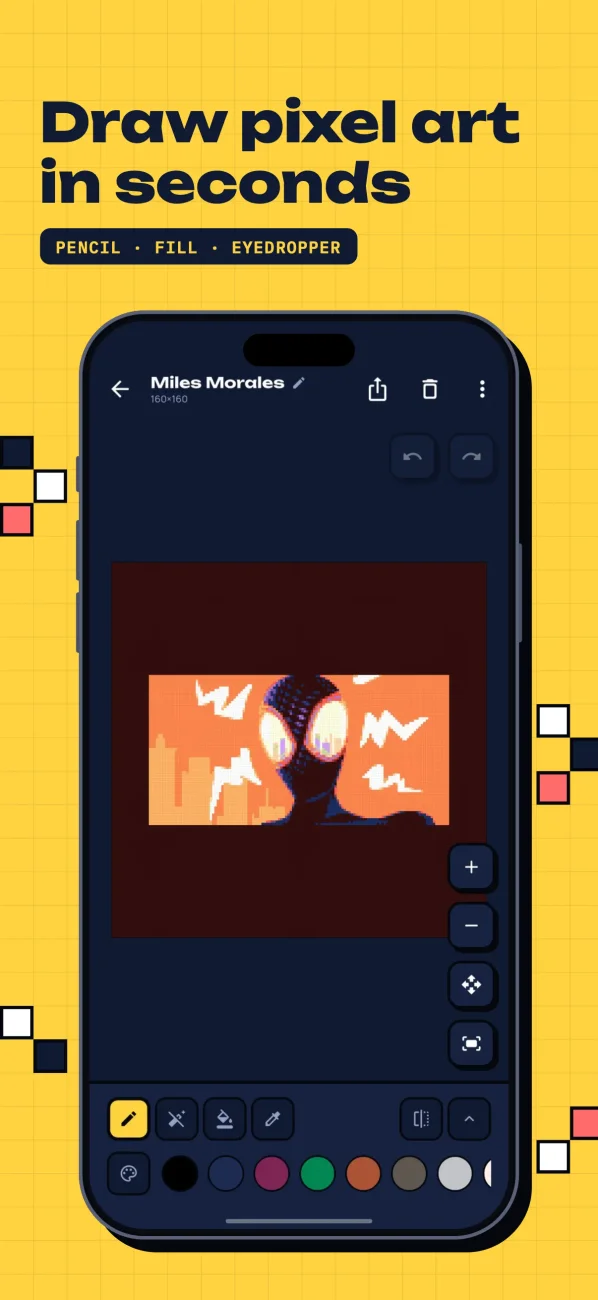
Pixel Forge is a fast, playful pixel art editor built for your iPhone. Pick a canvas, grab a color, and start drawing sprites, icons, avatars and retro game art in seconds.
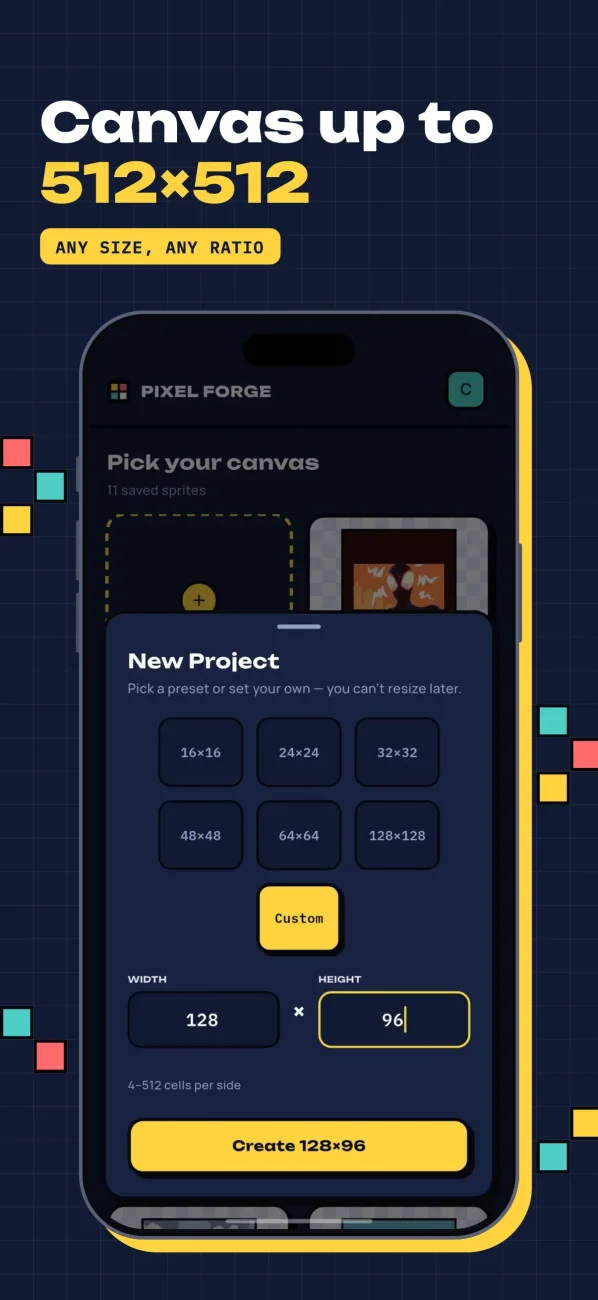
START WITH THE RIGHT CANVAS
Choose a square grid from 16x16 up to 128x128 pixels. Small canvases for chunky retro sprites, big ones for detailed scenes.
DRAW YOUR WAY
• Pencil to paint pixel by pixel or drag to draw lines
• Eraser to clear pixels back to transparent
• Eyedropper to pick any color already on your canvas and keep drawing with it
• Undo and redo for every stroke, so you can experiment without fear
COLORS THAT FIT YOUR STYLE
• A ready-to-use palette right at your thumb
• A custom color picker with a color square, hue slider and HEX input for exactly the shade you want
WORK COMFORTABLY
• Zoom in for precise pixel work and zoom out to see the whole picture
• Pan mode to move around large canvases without accidentally drawing
• Fit to screen to jump back to a full view instantly
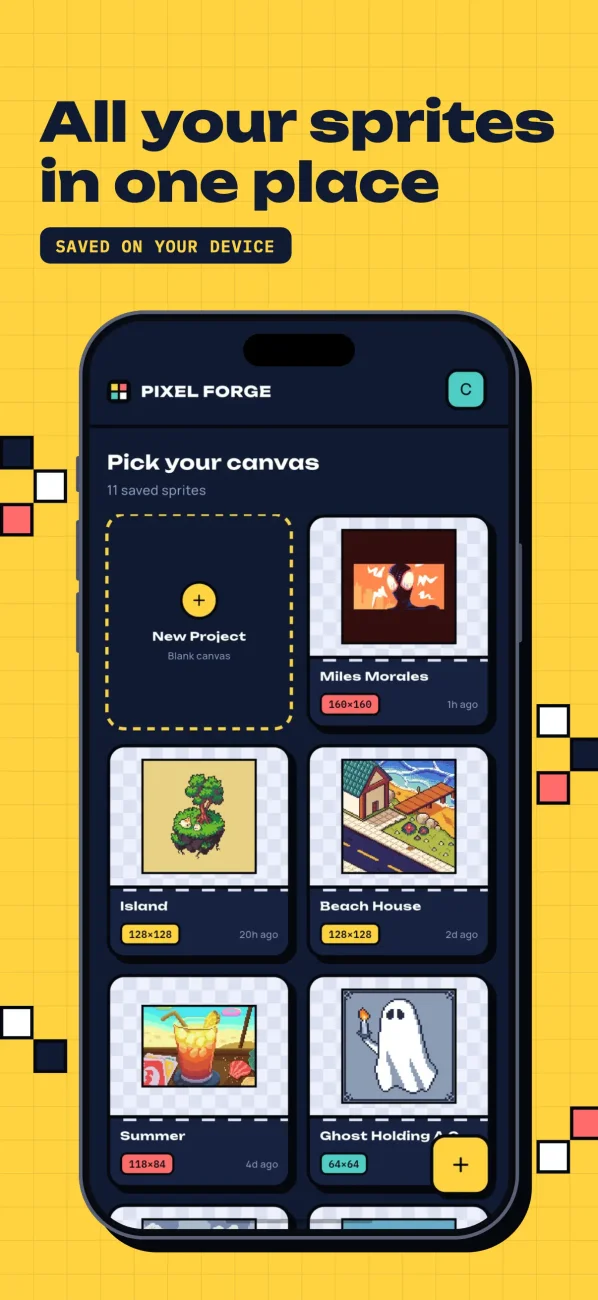
YOUR GALLERY OF SPRITES
• All your projects live in one colorful grid
• Rename projects, reopen them any time, and delete the ones you no longer need
• Your work is stored on your device, no account required
SHARE YOUR ART
• Card: a stylish, ready-to-post picture of your artwork with the Pixel Forge look
• Image: a clean PNG of just your pixels, with real transparency for the empty areas, ready to use as an asset in games and other projects
• Share to any app, or save straight to your Photos library
Whether you are making your first sprite or your hundredth, Pixel Forge keeps the tools simple and the fun high.
Download Pixel Forge and start forging pixels today.
Yenilikler
Sürüm 1.1.1 · 17.11.2026
Big drawing update!
• Fill bucket, line, rectangle and ellipse tools
• Mirror symmetry drawing
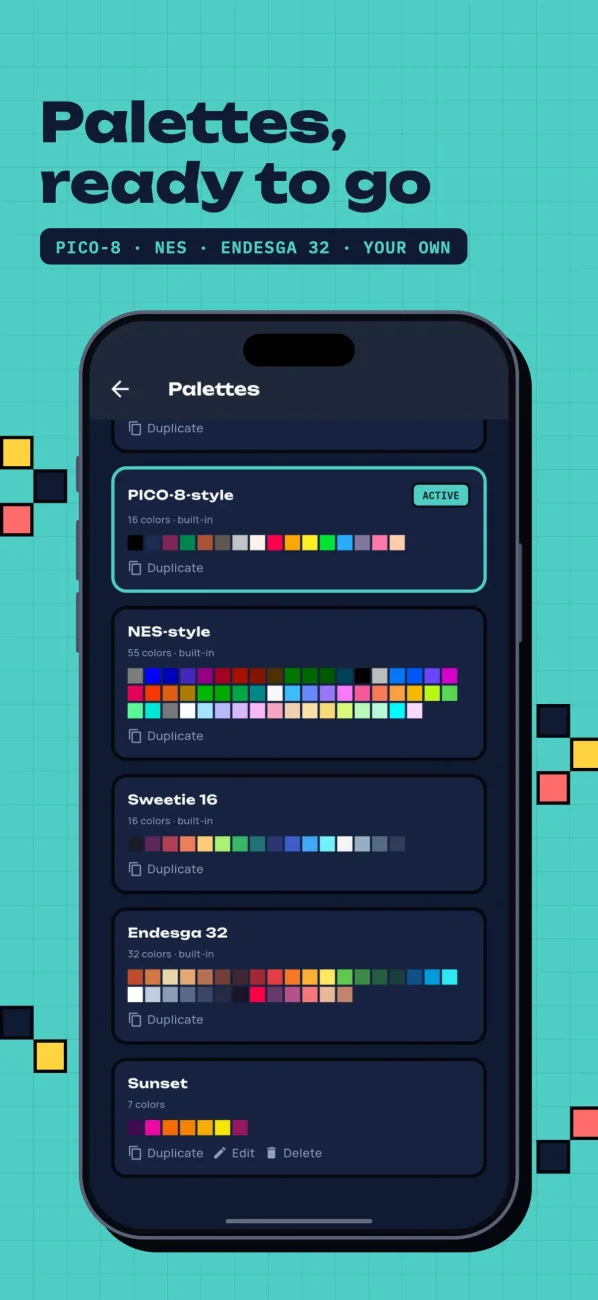
• Ready-made palettes (PICO-8, NES, Endesga 32…) and your own custom palettes
• Brush sizes 1×1–3×3 and dither patterns
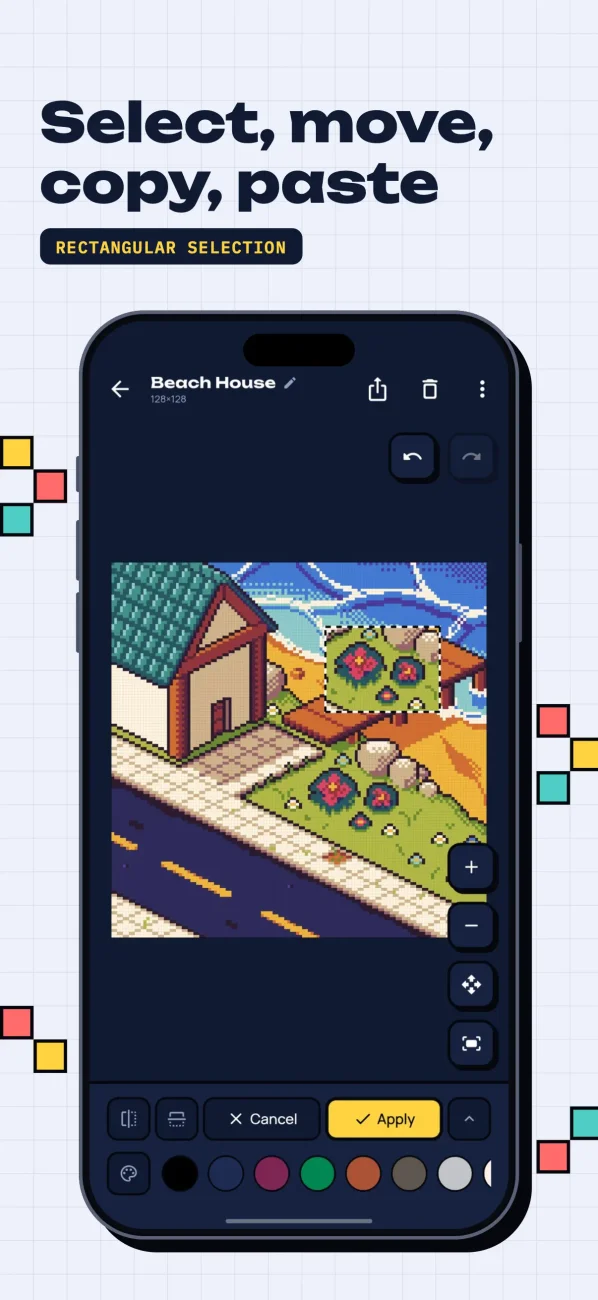
• Select, move, copy, cut, paste and flip any area
• Rotate and flip the whole canvas, replace a color everywhere
• Canvas sizes up to 512×512 with any aspect ratio
Uygulama gizliliği
Bu uygulamanın verileri nasıl işlediği hakkında Illia Hroshev tarafından App Store üzerinde yapılan beyan.
-
Sizi izlemek için kullanılan veriler
Başka şirketlere ait uygulamalarda ve web sitelerinde sizi izlemek için kullanılabilir.
- Konum
- Tanımlayıcılar
- Kullanım verileri
- Tanılama
-
Sizinle ilişkilendirilmeyen veriler
Toplanabilir ancak kimliğinizle ilişkilendirilmez.
- Konum
- Tanımlayıcılar
- Kullanım verileri
- Tanılama
Gizlilik uygulamaları, örneğin kullandığınız özelliklere veya yaşınıza göre değişiklik gösterebilir.
Bilgiler
- Satıcı
- Illia Hroshev
- Kategori
- Grafik ve Tasarım
- Sürüm
- 1.1.1
- Güncellendi
- 17.11.2026
- Yayın tarihi
- 29.09.2026
- Boyut
- 26,8 MB
- Gereksinim
- iOS 17.6 veya sonrası
- Yaş sınırı
- 4+
- Fiyat
- Ücretsiz
- Diller
- İngilizce
- Telif hakkı
- © 2026 Illia Hroshev
Bunları da beğenebilirsiniz
-
 dotStudioGrafik ve Tasarım
-
 Pixel Painter PlusGrafik ve Tasarım
-
 Pixel Art Maker - AnywhereGrafik ve Tasarım
-
 PixelCreaterGrafik ve Tasarım
-
 Simple Pixel Art MakerGrafik ve Tasarım
-
 Draw Pixel: Pixel Art CanvasGrafik ve Tasarım
-
 NPS Image EditorGrafik ve Tasarım
-
 PIXIO Pixel StudioGrafik ve Tasarım
-
 PixSprite: Pixel Art StudioGrafik ve Tasarım
-
 Chroma8: Pixel Art StudioGrafik ve Tasarım