- Độ tuổi4+
- Danh mụcĐồ Họa & Thiết Kế
- Nhà phát triểnHung-Yu Lin
- Ngôn ngữTiếng Anh+ 5 ngôn ngữ khác
- Kích thước2,4 MB
Liên kết đến trang App Store chính thức
Download.org không lưu trữ tệp nào của PixelCreater. Nút này mở trang ứng dụng trên App Store, nơi Hung-Yu Lin phát hành ứng dụng. Trang được kiểm tra lần cuối: 17/11/2026.
Ảnh chụp màn hình
Giới thiệu
Nhà phát triển chưa cung cấp nội dung này bằng ngôn ngữ của bạn.
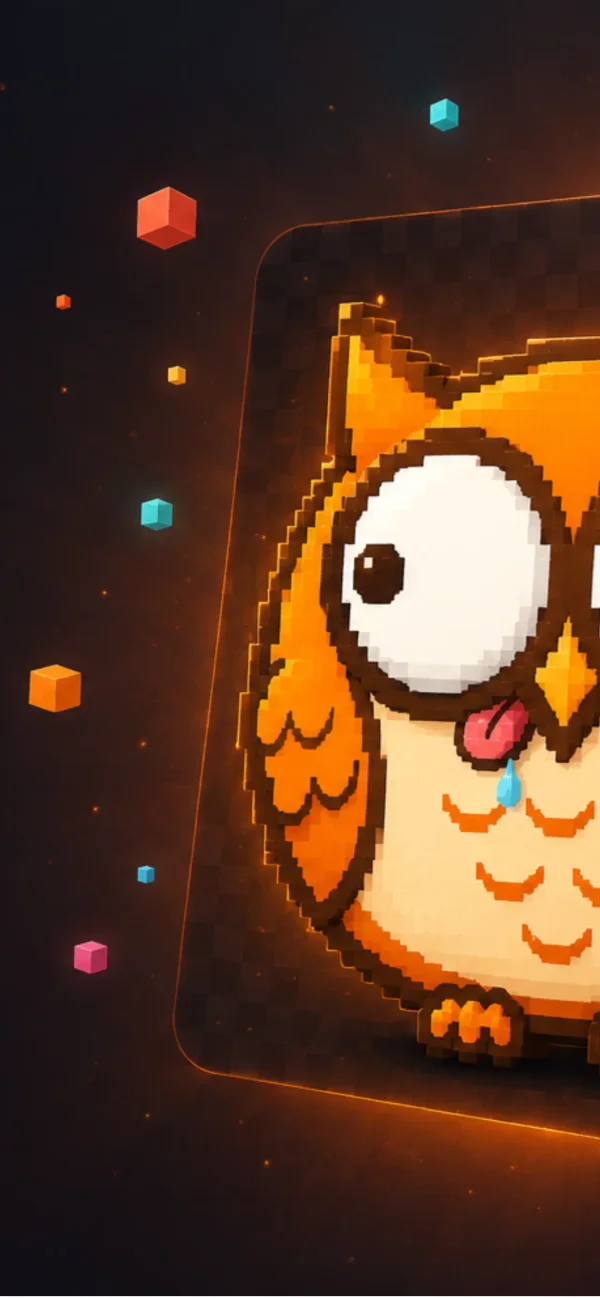
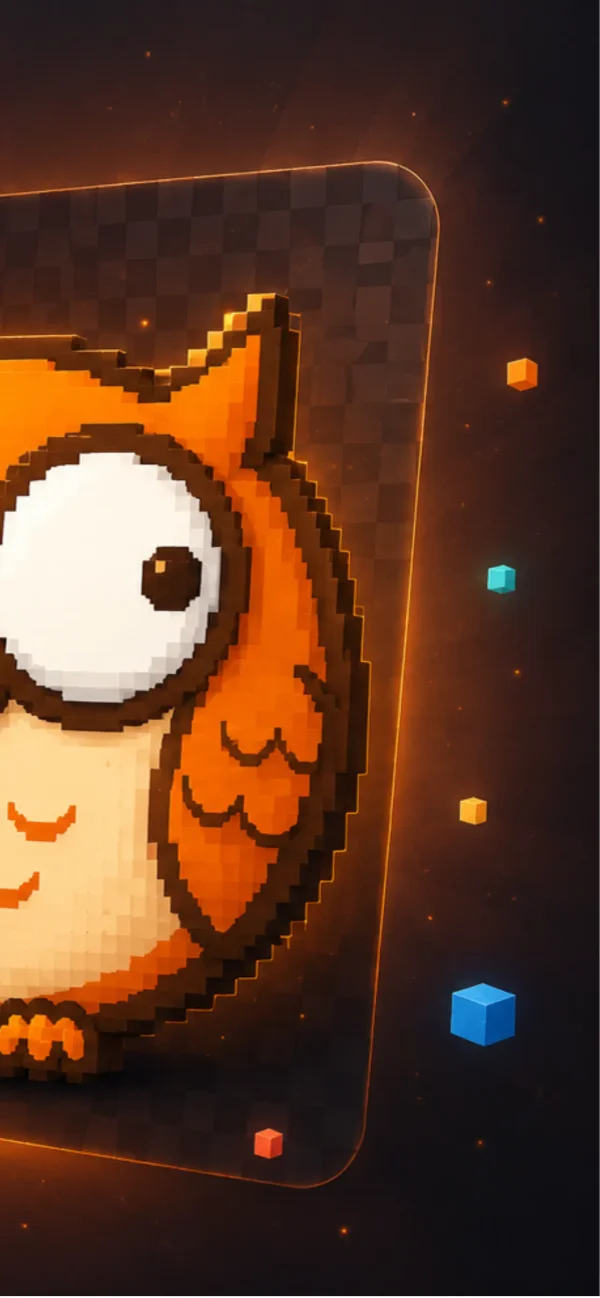
PixelCreater is a clean, modern pixel-art studio for iPhone and iPad. Sketch crisp sprites, pixelate your photos, and export transparent PNGs that are ready for games, stickers, emoji and icons.
FEATURES
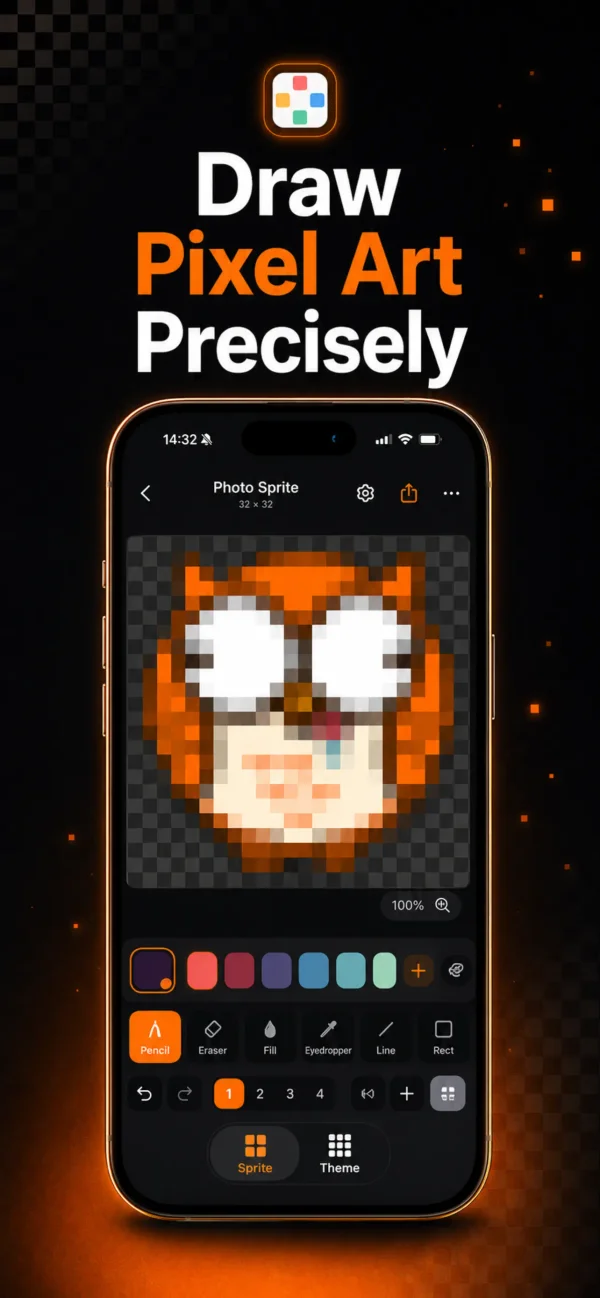
• Precise drawing — pencil, eraser, fill, eyedropper, line and rectangle
• Photo to pixel art — import a photo, pinch to choose the area, pick a resolution, done
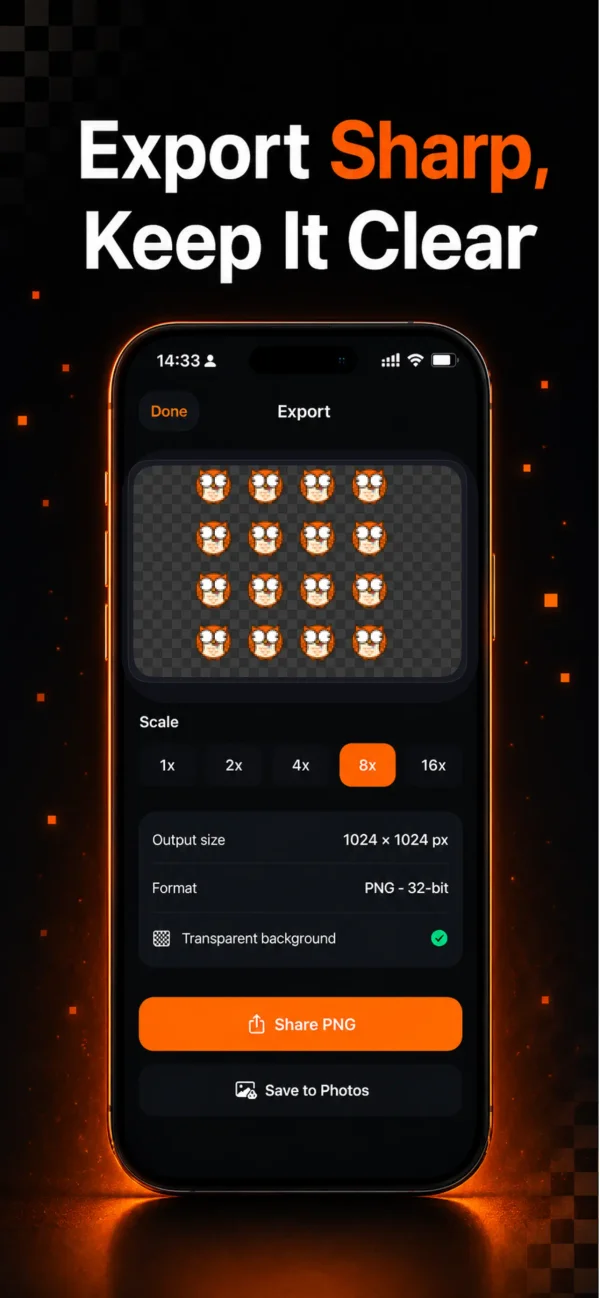
• True transparency — untouched pixels stay clear; export crisp 32-bit PNG
• Pro tools — layers with opacity, mirror symmetry, adjustable brush, unlimited undo/redo
• Tilemaps — arrange sprites into tilesets and level maps, export as a single PNG
• Export up to 16× — sharp nearest-neighbor scaling; share or save to Photos
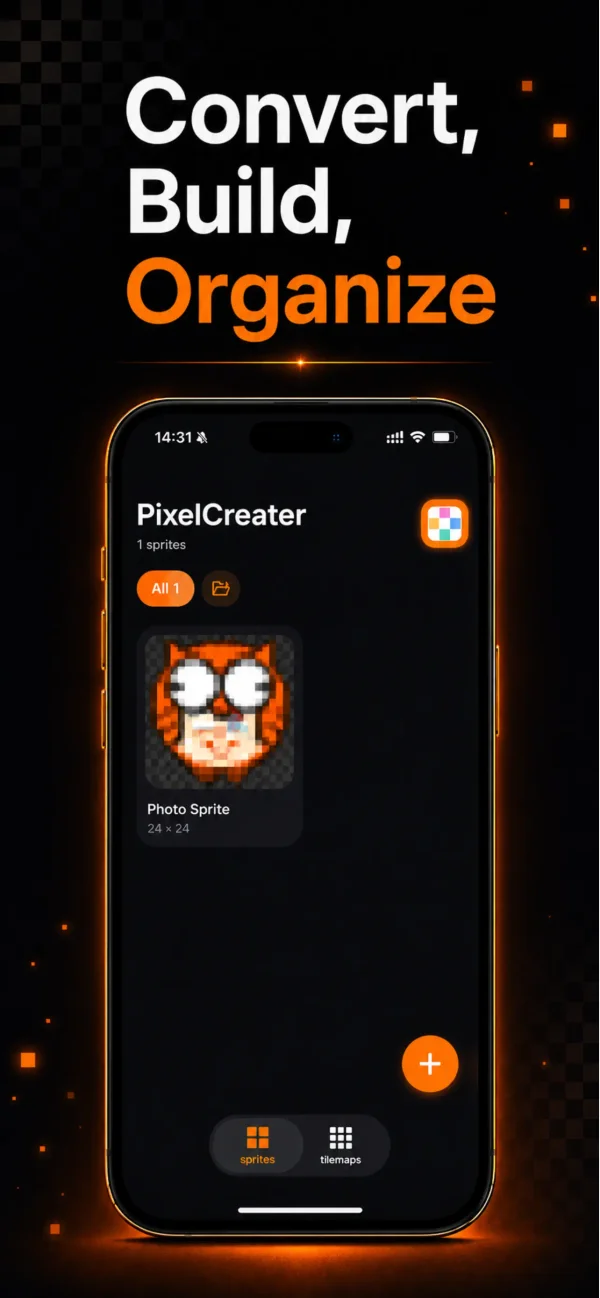
• Stay organized — folders, duplicate, rename and manage every project
• Made for touch — smooth pinch-zoom, pan and a delightful dark interface
• iPhone & iPad — no account, no sign-up, just create
Whether you're making game sprites, app icons, pixel emoji or just doodling, PixelCreater makes pixel art fast, precise and fun.
Download PixelCreater and start creating today.
Có gì mới
Phiên bản 1.1.0 · 28/08/2026
Version 1.1.0 — draw with an AI, and make it move.
GENERATE WITH AI
Describe what you want and tap Copy Prompt. Paste it into any AI chat you already use, bring the reply back, and it becomes a sprite you can edit pixel by pixel. No account, no API key, nothing to subscribe to.
Set the canvas size, view angle, colour limit and how ornate it should be — then add details of your own, like a cape, a helmet or gem accents.
Already have a sprite? Ask an AI to change it, and the edit comes straight back into the editor.
ANIMATIONS
A new tab for frame-by-frame animation. Scrub the filmstrip, duplicate a frame and nudge a few pixels, hold a frame longer where the timing needs it, then set the frame rate and looping.
Export as a transparent sprite sheet for your game engine, or as an APNG that keeps every soft edge — the detail a GIF throws away.
ALSO IN THIS UPDATE
• Every animation frame opens in the full editor, layers and all
• Folders now organise animations as well as sprites
• Ask for 32×32 and you get 32×32 — a reply that comes back the wrong size is refitted, and the change is shown
• Pasted replies survive messy formatting: code fences, stray commentary, curly quotes and dropped characters are repaired for you
Quyền riêng tư của ứng dụng
Những gì Hung-Yu Lin khai báo trên App Store về cách ứng dụng này xử lý dữ liệu.
-
Dữ liệu không được thu thập
Nhà phát triển không thu thập bất kỳ dữ liệu nào từ ứng dụng này.
Phương thức đảm bảo quyền riêng tư có thể khác nhau, chẳng hạn như tuỳ theo các tính năng bạn sử dụng hoặc độ tuổi của bạn.
Thông tin
- Người bán
- Hung-Yu Lin
- Danh mục
- Đồ Họa & Thiết Kế
- Phiên bản
- 1.1.0
- Cập nhật
- 28/08/2026
- Phát hành
- 04/08/2026
- Kích thước
- 2,4 MB
- Yêu cầu
- iOS 17.0 trở lên
- Độ tuổi
- 4+
- Giá
- Miễn phí
- Ngôn ngữ
- Tiếng Anh, Tiếng Nhật, Tiếng Hàn, Tiếng Trung Giản thể, Tiếng Tây Ban Nha, Tiếng Trung Phồn thể
- Bản quyền
- © 2026 Hung-Yu Lin
Có thể bạn cũng thích
-
 Dot by Dot: Pixel Art & GIFĐồ Họa & Thiết Kế
-
 RetroPix - かんたんドット絵メーカーĐồ Họa & Thiết Kế
-
 RGB Retro: Pixel Art FilterĐồ Họa & Thiết Kế
-
 dotStudioĐồ Họa & Thiết Kế
-
 Pixel Art Maker - AnywhereĐồ Họa & Thiết Kế
-
 PIXIO Pixel StudioĐồ Họa & Thiết Kế
-
 Pixel Forge: Pixel Art MakerĐồ Họa & Thiết Kế
-
 Simple Pixel Art MakerĐồ Họa & Thiết Kế
-
 Chroma8: Pixel Art StudioĐồ Họa & Thiết Kế
-
 Pixel WorksĐồ Họa & Thiết Kế