Shutter Button - A Light Meter
Shutter Button - Light meter
iPhone için tasarlandı
Ücretsiz · Uygulama içi satın alma
- Yaş sınırı4+
- KategoriFotoğraf ve Video
- GeliştiriciSEUNGHYUK CHOI
- Dillerİngilizce
- Boyut4,3 MB
Resmi App Store sayfasına bağlanır
Download.org, Shutter Button - A Light Meter için hiçbir dosya barındırmaz. Düğme, uygulamanın App Store üzerindeki sayfasını açar; uygulamayı orada SEUNGHYUK CHOI yayınlar. Sayfanın son kontrolü: 12.11.2026.
Ekran görüntüleri
Hakkında
Geliştirici bu metni dilinizde sunmamış.
Film Oddments
Bluetooth Camera Remote with Exposure Meter and Rangefinder
This app serves as a Bluetooth-enabled camera remote, incorporating both an exposure meter and a rangefinder.
Compatible with film cameras and all cameras equipped with a mechanical shutter release, the app allows remote shutter control via Bluetooth.
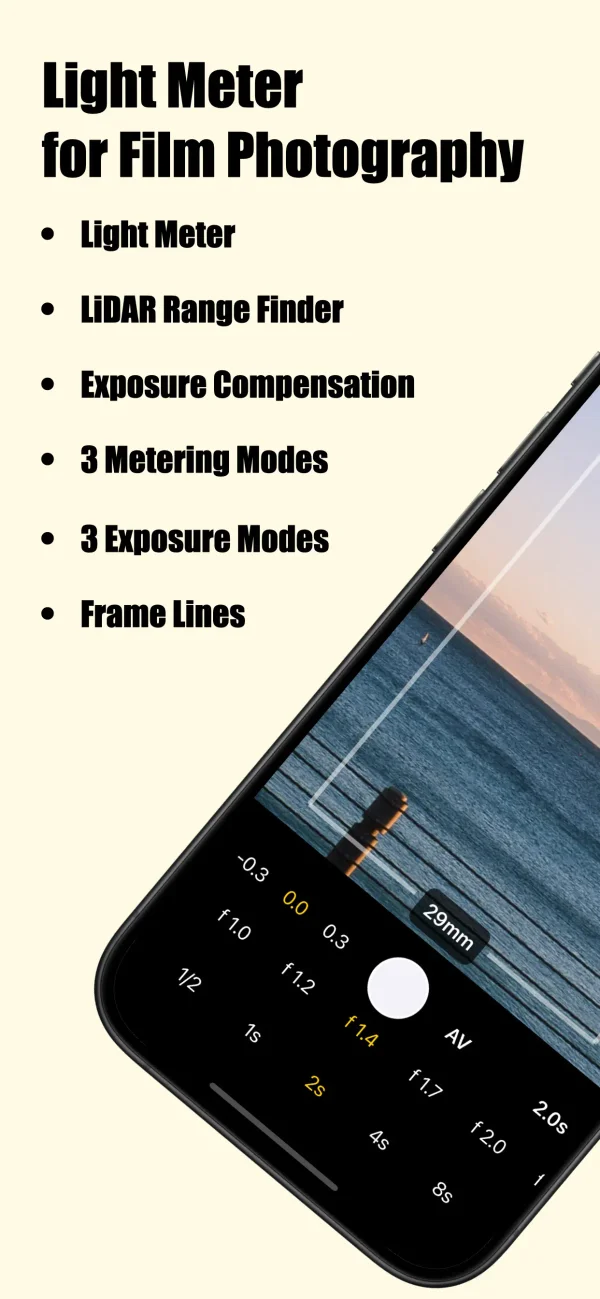
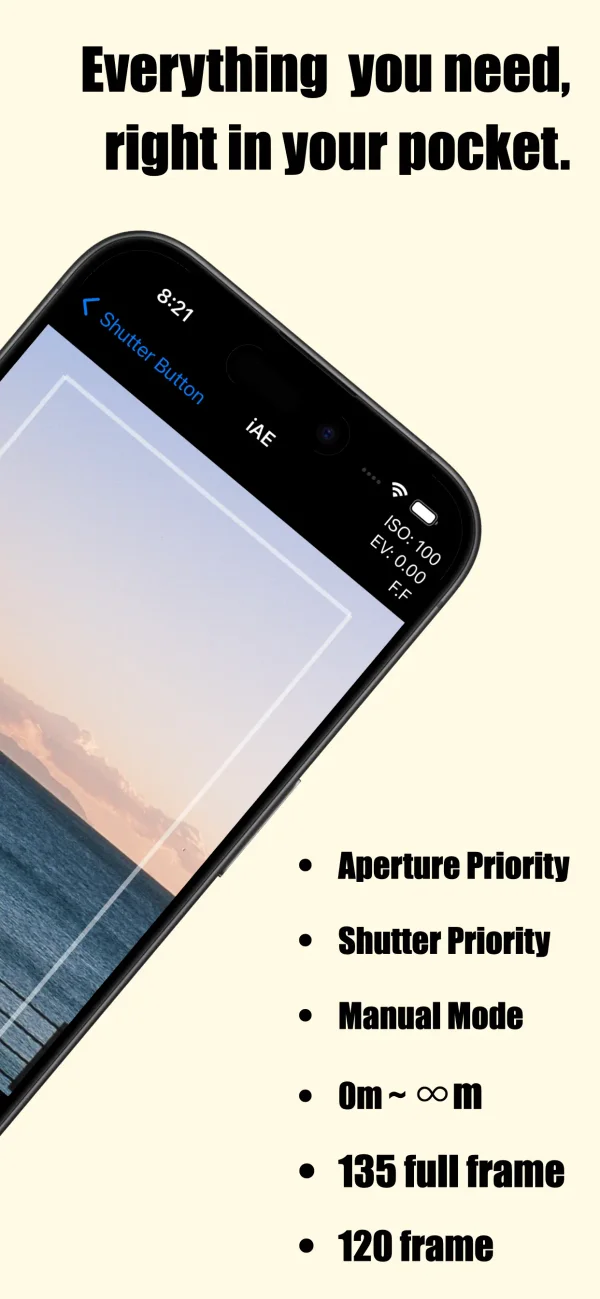
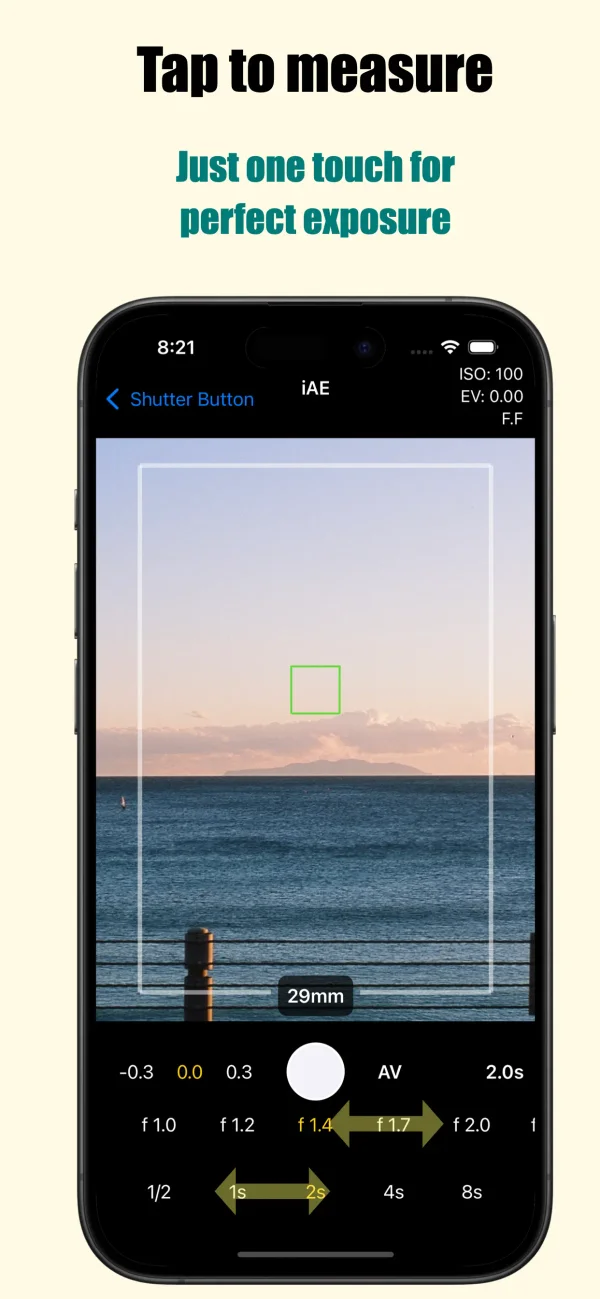
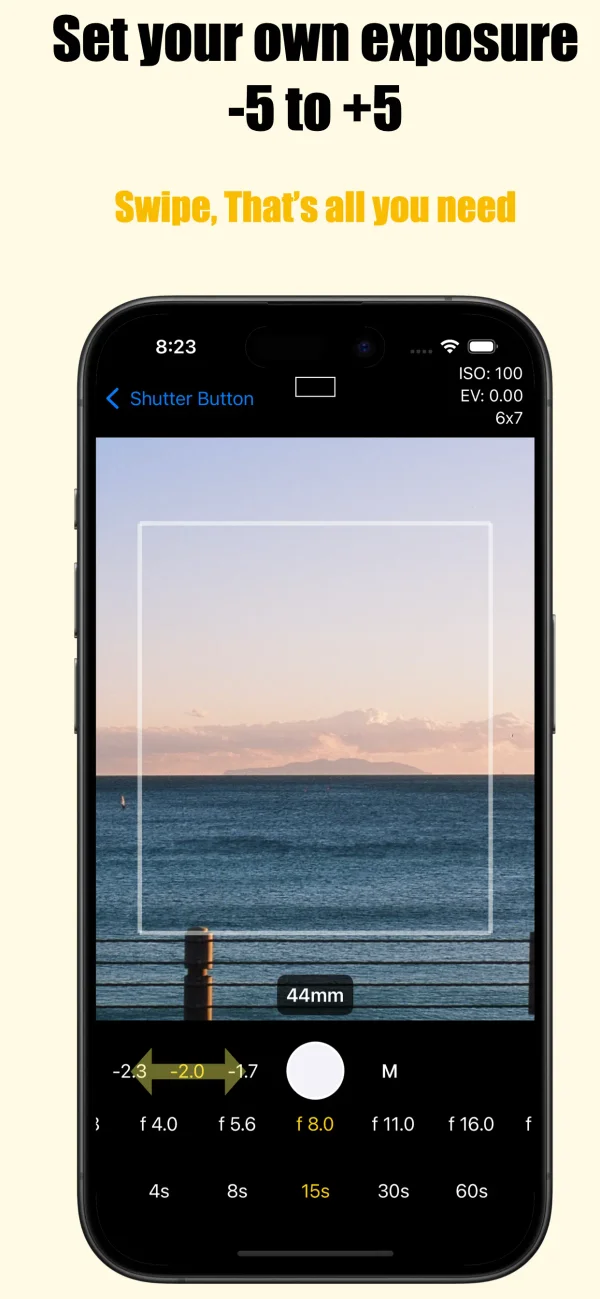
Exposure Meter (AV, TV, M Modes)
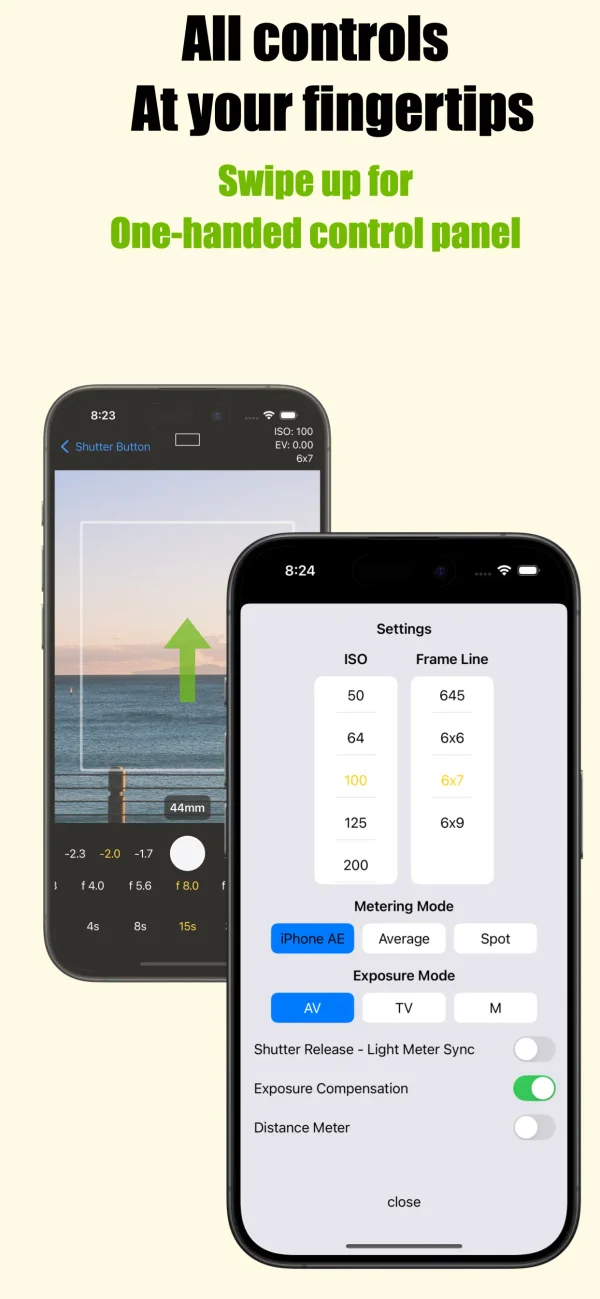
Supports exposure compensation in 1/3-stop increments and displays exposure values from -5 to +5 EV.
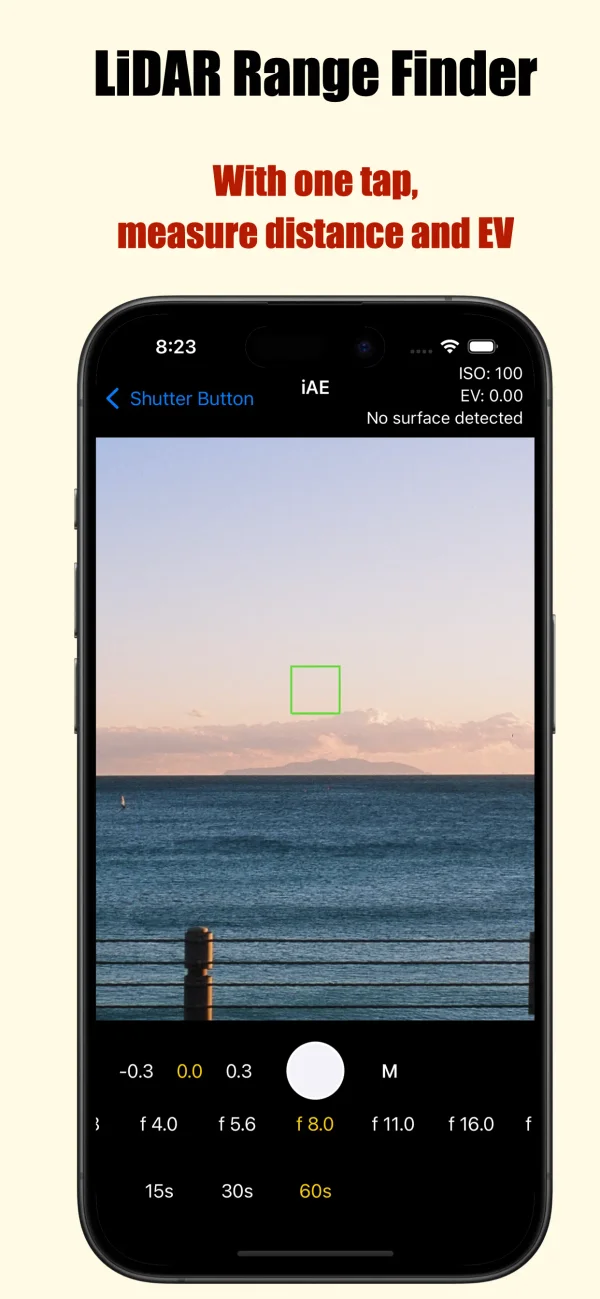
LiDAR Rangefinder
Accurately measures distances using your iPhone’s built-in LiDAR sensor.
*Requires a device equipped with a LiDAR sensor.
Key Features:
- Exposure Meter: AV, TV, and M modes, exposure compensation, integrated remote shutter control
- Rangefinder: Distance measurement using LiDAR sensor
Selectable exposure modes and metering methods include:
- iPhone AE Metering
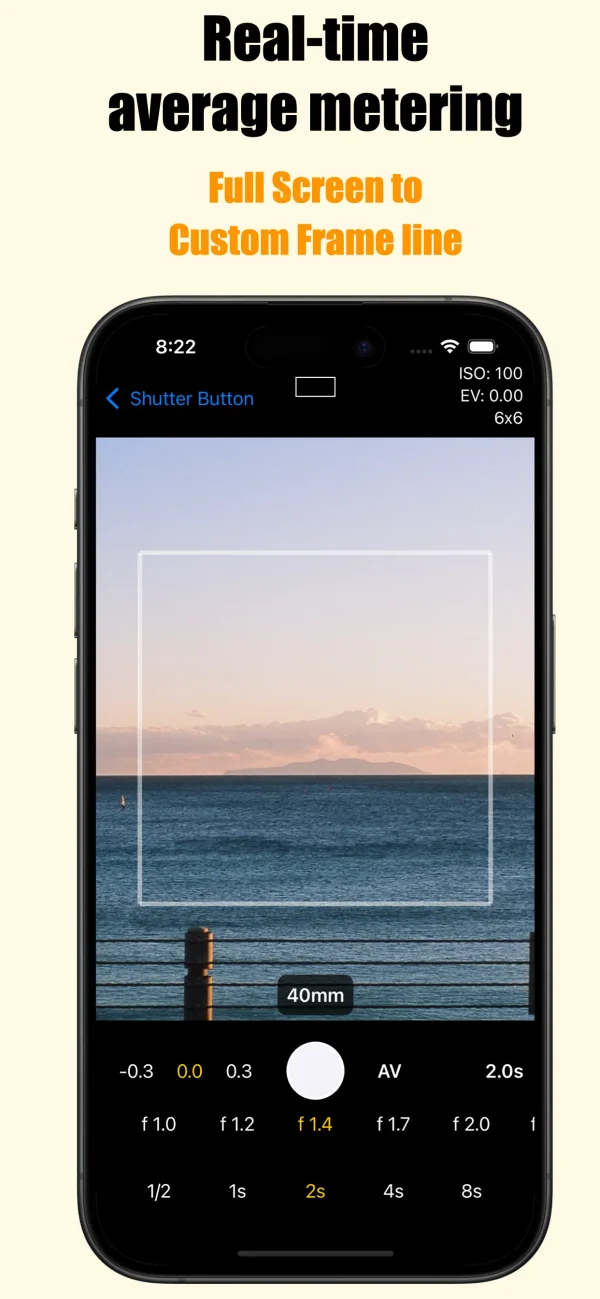
- Average Metering
- Framing Area Average Metering
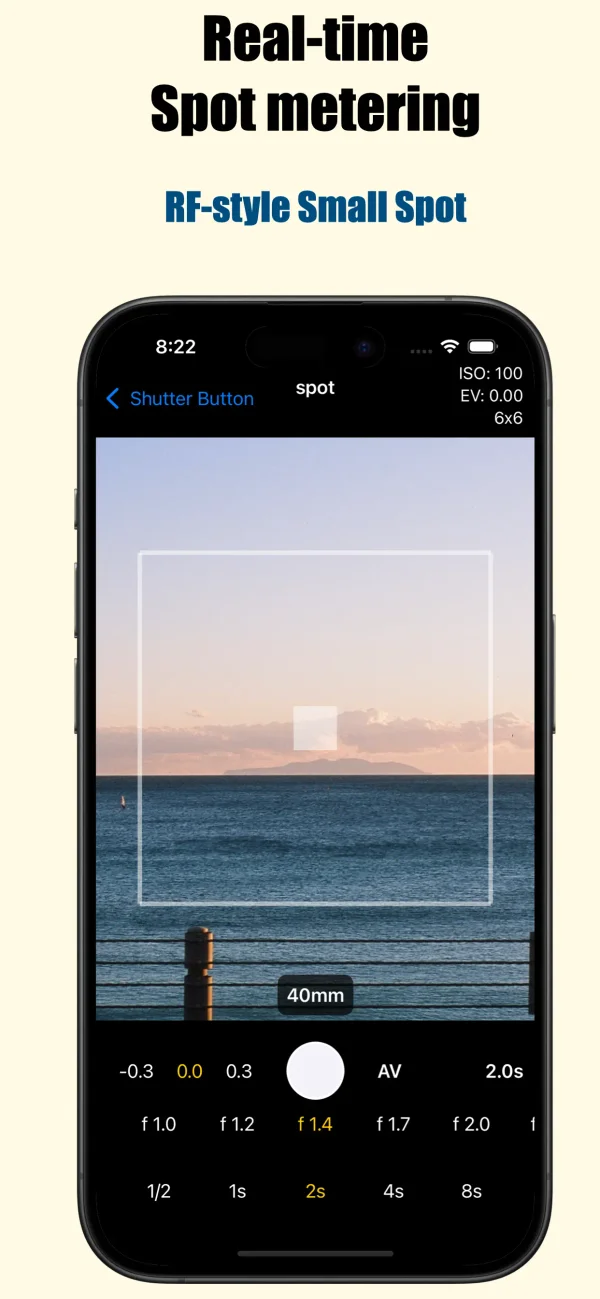
- Spot Metering
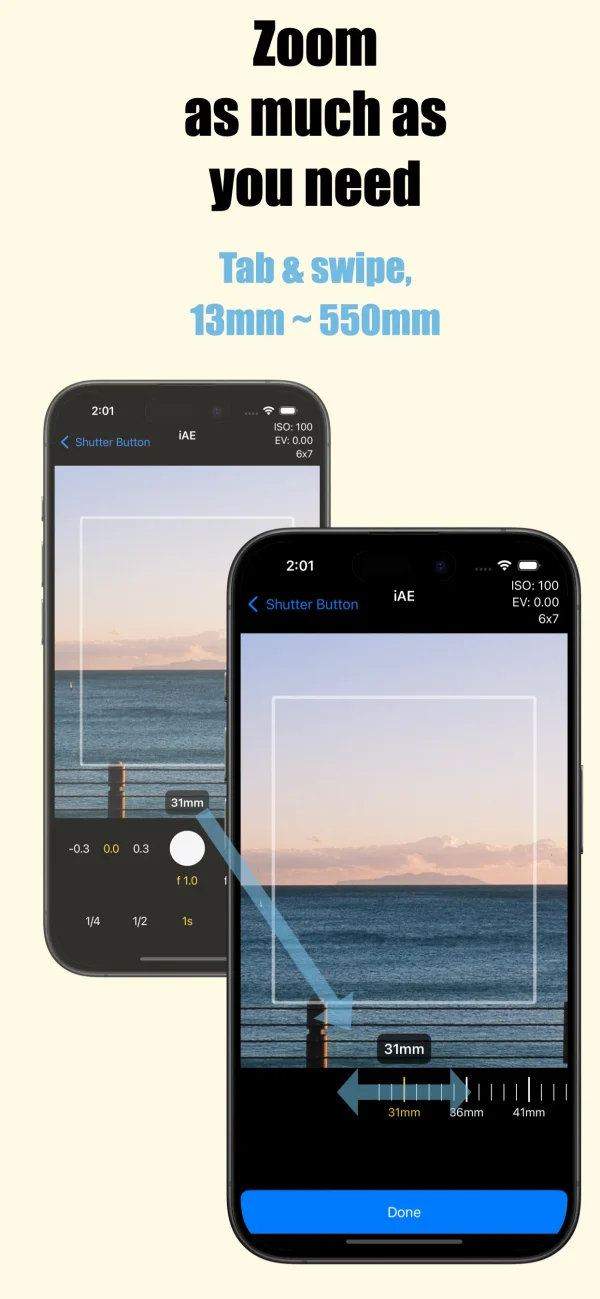
Zoom Function:
- Supports focal lengths from 13mm to 550mm
Framelines:
- Includes framelines for 135 full-frame and selected medium-format sizes
Improved dials and touch feedback:
- Added haptic feedback (vibration)
Frame your shot and preview composition accurately.
Additional Features:
Shutter Trigger: Capture photos instantly with a single button press
Bulb Mode: Hold the shutter open for long-exposure photography
Timer Mode: Hands-free shooting with adjustable timer settings
Timed Bulb Mode: Automatic control of long exposures with preset timers
Shutter Depth Adjustment: Precisely control the shutter release depth
Log Feature Added
- A new “Instax Style Log” toggle is available under Exposure Meter → Settings.
- Press and hold the shutter button on the Exposure Meter screen for at least 1 second to save the current metadata to the native Photos app.
- You can enter custom text under Exposure Meter → Settings → Value Settings, which will be recorded with each log.
*Swipe up on the Exposure Meter screen to open Exposure Meter → Settings.
Demo Video: https://youtu.be/dvUyKOs7xEY
LiDAE Demo Video: https://www.youtube.com/shorts/azueoZaa90M
Yenilikler
Sürüm 5.8 · 17.09.2026
Bug fixes
Uygulama gizliliği
Bu uygulamanın verileri nasıl işlediği hakkında SEUNGHYUK CHOI tarafından App Store üzerinde yapılan beyan.
-
Veri toplanmıyor
Geliştirici bu uygulamadan hiçbir veri toplamıyor.
Gizlilik uygulamaları, örneğin kullandığınız özelliklere veya yaşınıza göre değişiklik gösterebilir.
Bilgiler
- Satıcı
- SEUNGHYUK CHOI
- Kategori
- Fotoğraf ve Video
- Sürüm
- 5.8
- Güncellendi
- 17.09.2026
- Yayın tarihi
- 25.02.2025
- Boyut
- 4,3 MB
- Gereksinim
- iOS 17.6 veya sonrası
- Yaş sınırı
- 4+
- Fiyat
- Ücretsiz
- Uygulama içi satın alma
- Evet
- Diller
- İngilizce
- Telif hakkı
- © 2025 S.C
Bunları da beğenebilirsiniz
-
 출사지도Fotoğraf ve Video
-
 [Film Exposure Meter]Fotoğraf ve Video
-
 illumeterFotoğraf ve Video
-
 Film WalkFotoğraf ve Video
-
 Photography TimerFotoğraf ve Video
-
 Paddie: Anları ÇerçeveleAnlarını yeniden çerçevele
-
 UnspooledFotoğraf ve Video
-
 Photo Batch Resize & ConverterFotoğraf ve Video
-
 FilmDevMateFotoğraf ve Video
-
 Z-StopFotoğraf ve Video