Shutter Button - A Light Meter
Shutter Button - Light meter
Được thiết kế cho iPhone
Miễn phí · Mua hàng trong ứng dụng
- Độ tuổi4+
- Danh mụcẢnh & Video
- Nhà phát triểnSEUNGHYUK CHOI
- Ngôn ngữTiếng Anh
- Kích thước4,3 MB
Liên kết đến trang App Store chính thức
Download.org không lưu trữ tệp nào của Shutter Button - A Light Meter. Nút này mở trang ứng dụng trên App Store, nơi SEUNGHYUK CHOI phát hành ứng dụng. Trang được kiểm tra lần cuối: 12/11/2026.
Ảnh chụp màn hình
Giới thiệu
Nhà phát triển chưa cung cấp nội dung này bằng ngôn ngữ của bạn.
Film Oddments
Bluetooth Camera Remote with Exposure Meter and Rangefinder
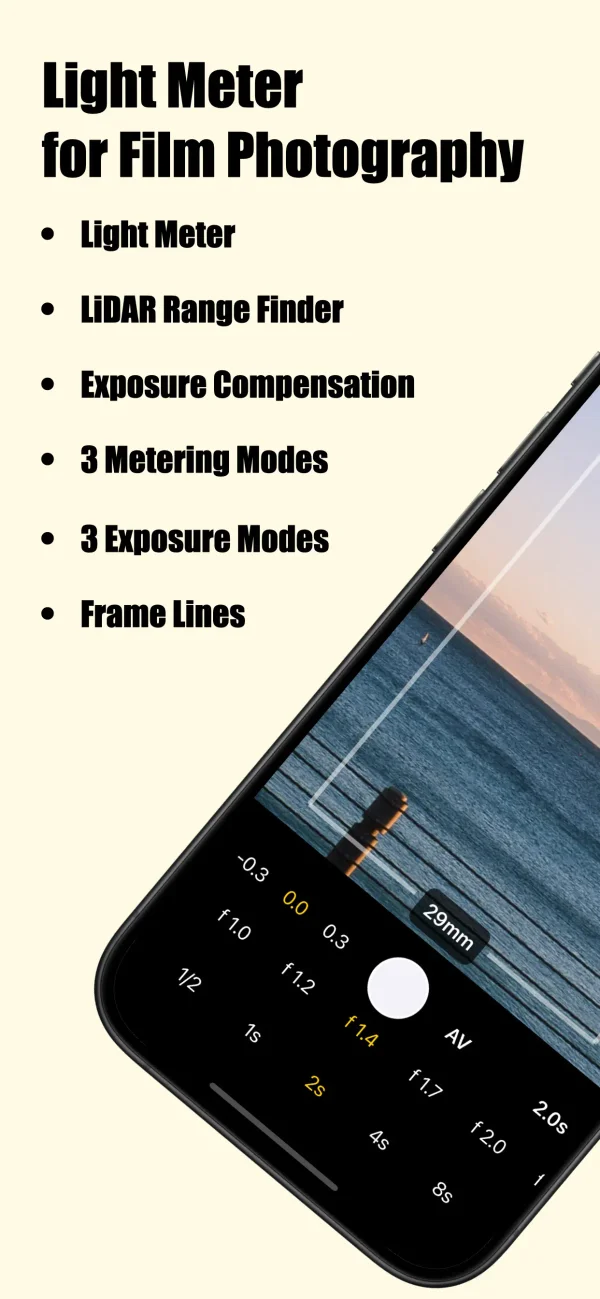
This app serves as a Bluetooth-enabled camera remote, incorporating both an exposure meter and a rangefinder.
Compatible with film cameras and all cameras equipped with a mechanical shutter release, the app allows remote shutter control via Bluetooth.
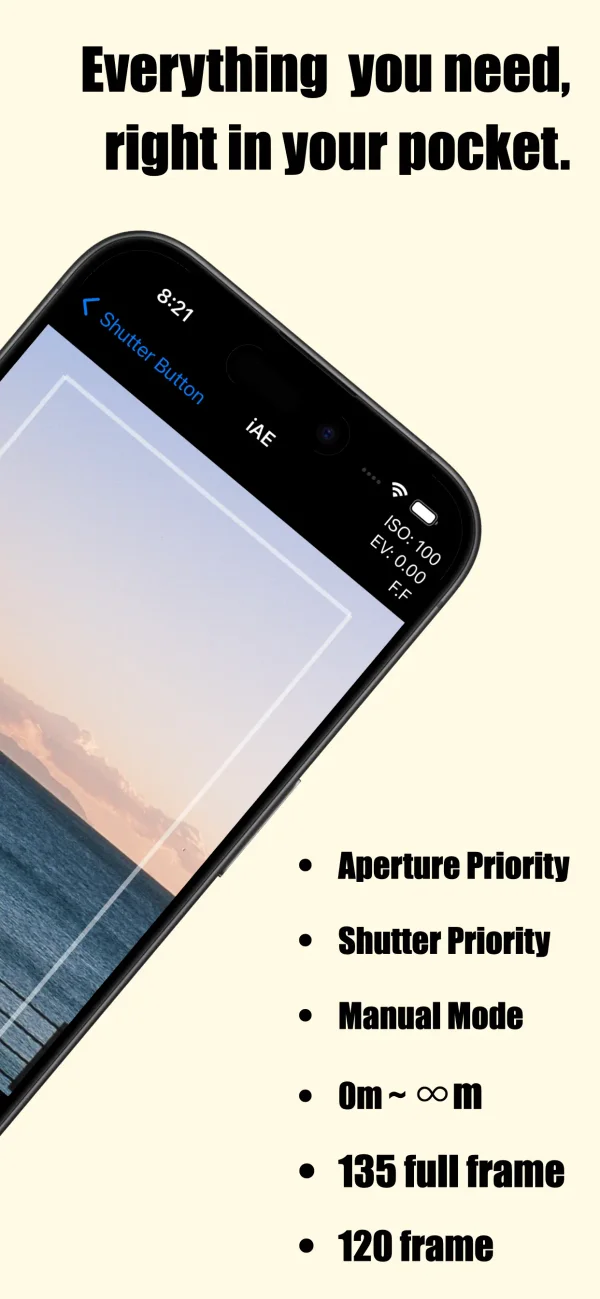
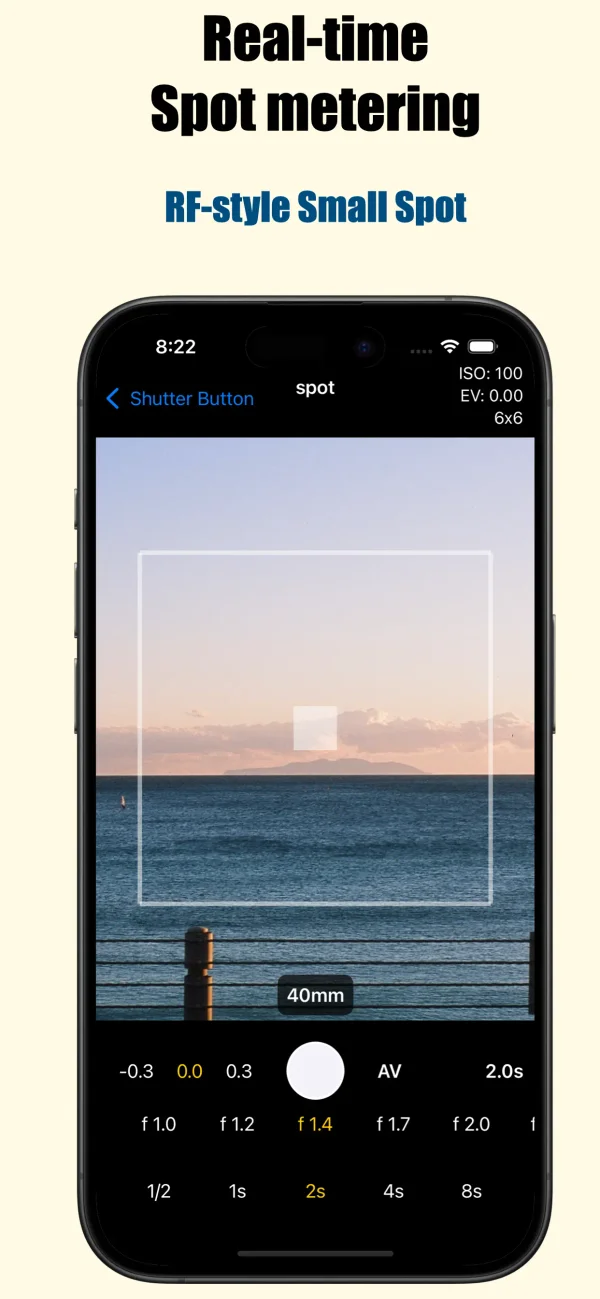
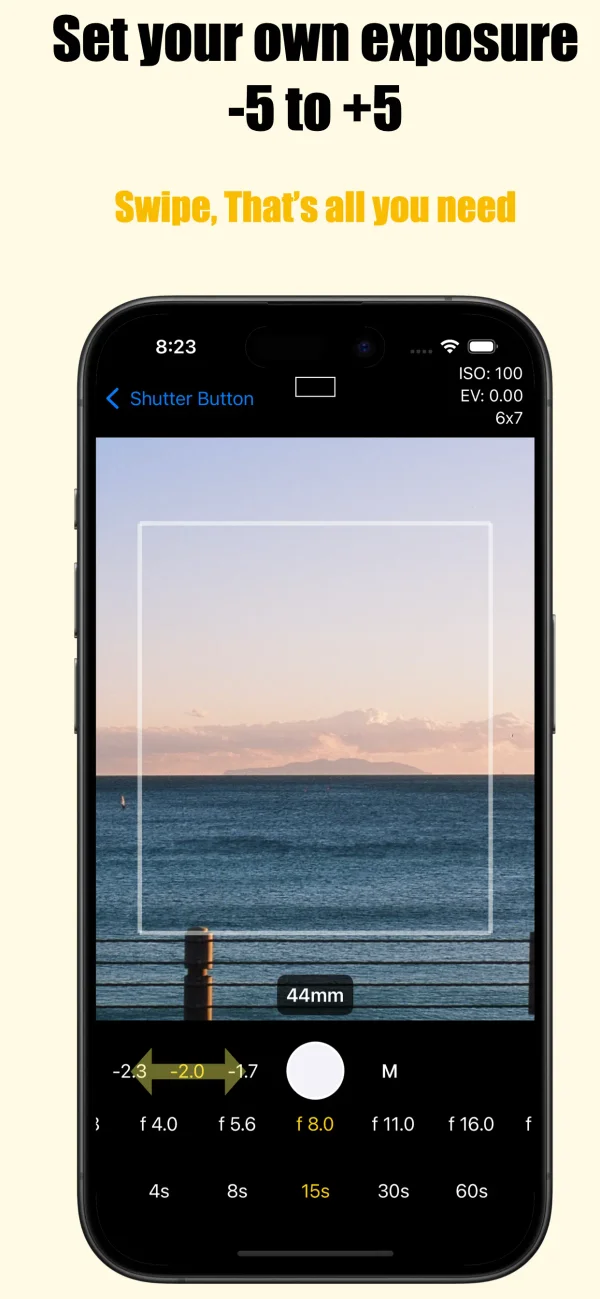
Exposure Meter (AV, TV, M Modes)
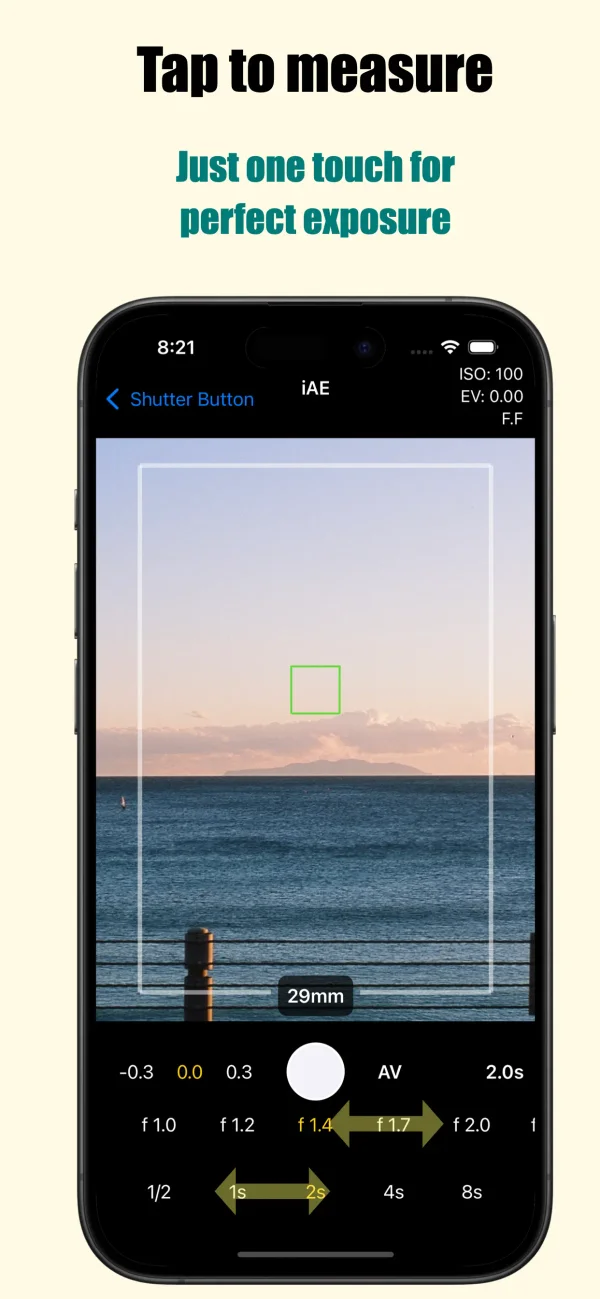
Supports exposure compensation in 1/3-stop increments and displays exposure values from -5 to +5 EV.
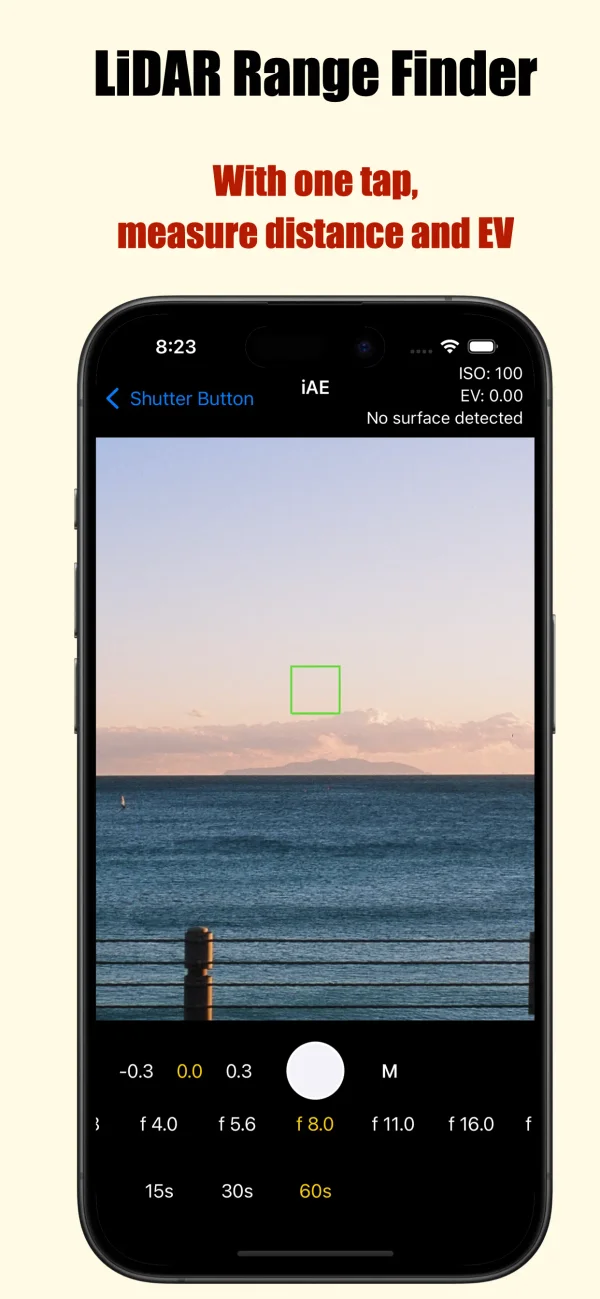
LiDAR Rangefinder
Accurately measures distances using your iPhone’s built-in LiDAR sensor.
*Requires a device equipped with a LiDAR sensor.
Key Features:
- Exposure Meter: AV, TV, and M modes, exposure compensation, integrated remote shutter control
- Rangefinder: Distance measurement using LiDAR sensor
Selectable exposure modes and metering methods include:
- iPhone AE Metering
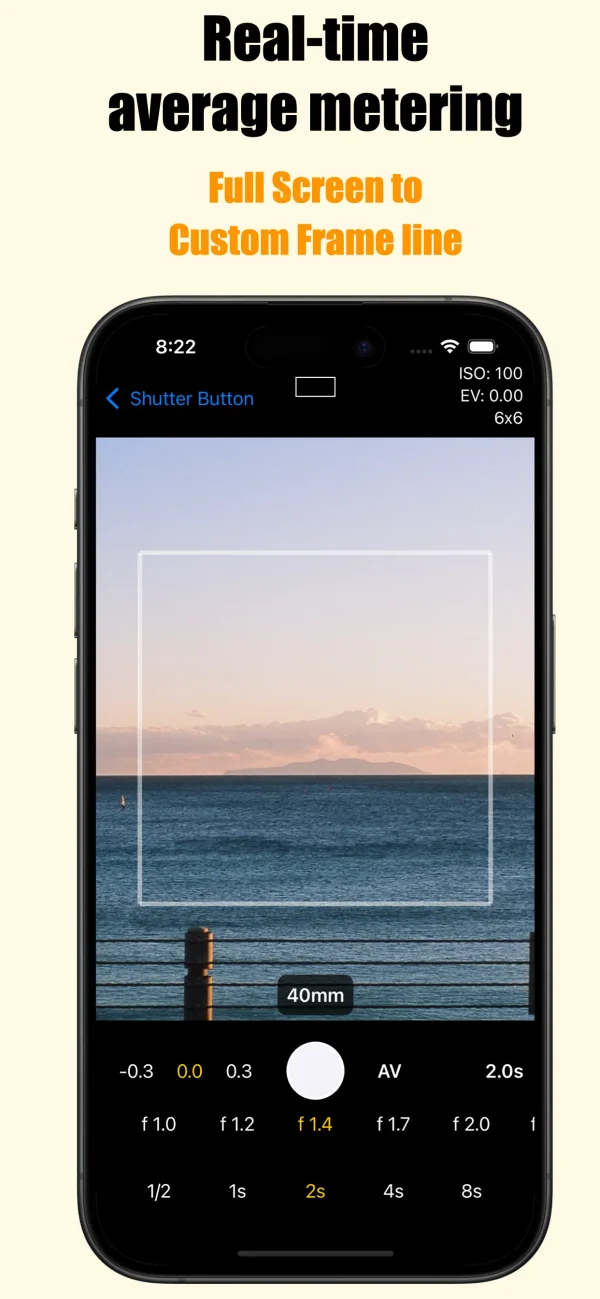
- Average Metering
- Framing Area Average Metering
- Spot Metering
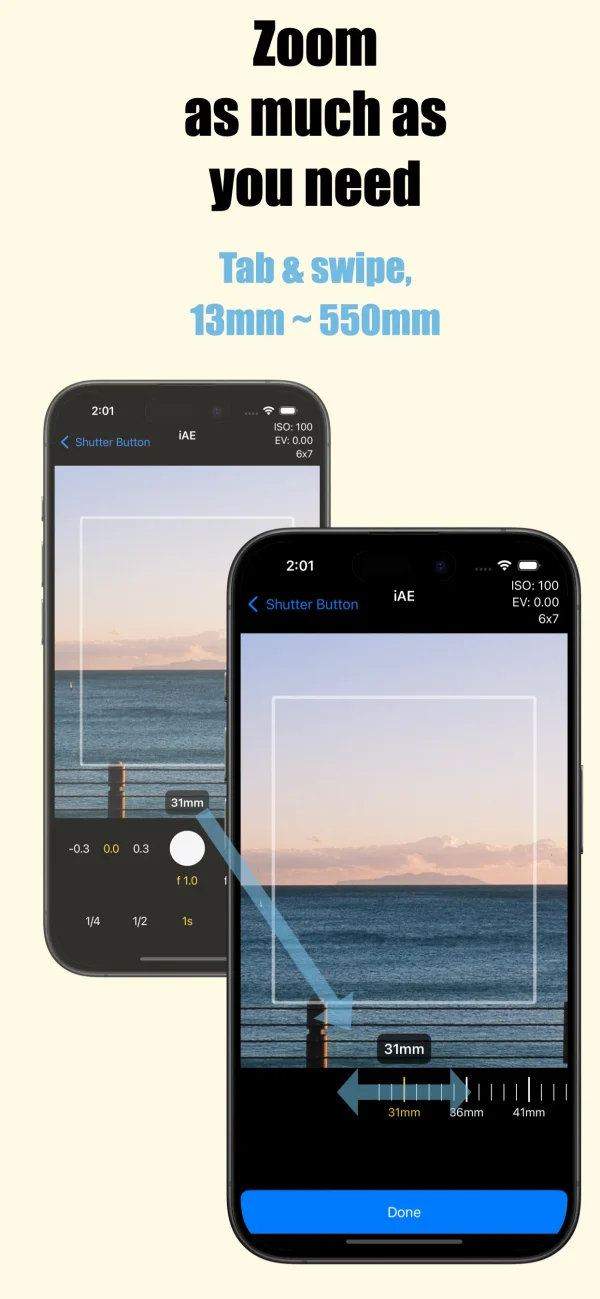
Zoom Function:
- Supports focal lengths from 13mm to 550mm
Framelines:
- Includes framelines for 135 full-frame and selected medium-format sizes
Improved dials and touch feedback:
- Added haptic feedback (vibration)
Frame your shot and preview composition accurately.
Additional Features:
Shutter Trigger: Capture photos instantly with a single button press
Bulb Mode: Hold the shutter open for long-exposure photography
Timer Mode: Hands-free shooting with adjustable timer settings
Timed Bulb Mode: Automatic control of long exposures with preset timers
Shutter Depth Adjustment: Precisely control the shutter release depth
Log Feature Added
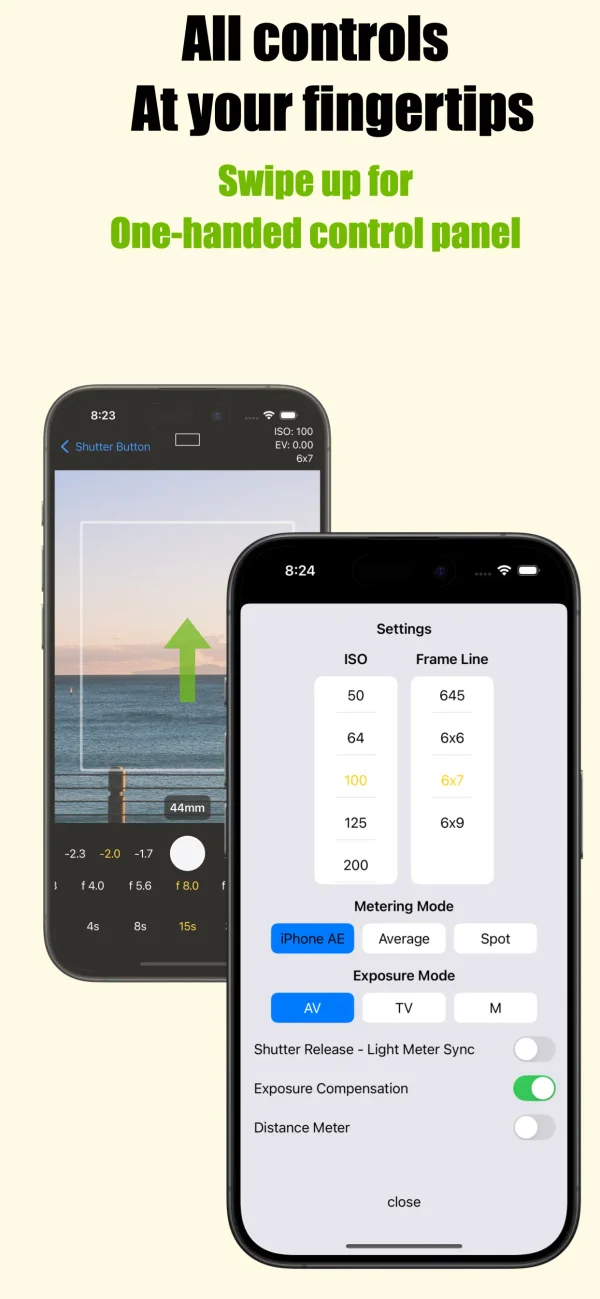
- A new “Instax Style Log” toggle is available under Exposure Meter → Settings.
- Press and hold the shutter button on the Exposure Meter screen for at least 1 second to save the current metadata to the native Photos app.
- You can enter custom text under Exposure Meter → Settings → Value Settings, which will be recorded with each log.
*Swipe up on the Exposure Meter screen to open Exposure Meter → Settings.
Demo Video: https://youtu.be/dvUyKOs7xEY
LiDAE Demo Video: https://www.youtube.com/shorts/azueoZaa90M
Có gì mới
Phiên bản 5.8 · 17/09/2026
Bug fixes
Quyền riêng tư của ứng dụng
Những gì SEUNGHYUK CHOI khai báo trên App Store về cách ứng dụng này xử lý dữ liệu.
-
Dữ liệu không được thu thập
Nhà phát triển không thu thập bất kỳ dữ liệu nào từ ứng dụng này.
Phương thức đảm bảo quyền riêng tư có thể khác nhau, chẳng hạn như tuỳ theo các tính năng bạn sử dụng hoặc độ tuổi của bạn.
Thông tin
- Người bán
- SEUNGHYUK CHOI
- Danh mục
- Ảnh & Video
- Phiên bản
- 5.8
- Cập nhật
- 17/09/2026
- Phát hành
- 25/02/2025
- Kích thước
- 4,3 MB
- Yêu cầu
- iOS 17.6 trở lên
- Độ tuổi
- 4+
- Giá
- Miễn phí
- Mua hàng trong ứng dụng
- Có
- Ngôn ngữ
- Tiếng Anh
- Bản quyền
- © 2025 S.C