SmarterNoise Pro
Video recording sound analyzer
iPhone, iPod touch için tasarlandı
Ücretsiz · Uygulama içi satın alma
- Yaş sınırı12+
- KategoriYardımcılar
- GeliştiriciJohan Rogard
- Dillerİngilizce+ 15 dil daha
- Boyut24,4 MB
Resmi App Store sayfasına bağlanır
Download.org, SmarterNoise Pro için hiçbir dosya barındırmaz. Düğme, uygulamanın App Store üzerindeki sayfasını açar; uygulamayı orada Johan Rogard yayınlar. Sayfanın son kontrolü: 12.11.2026.
Ekran görüntüleri



Hakkında
Geliştirici bu metni dilinizde sunmamış.
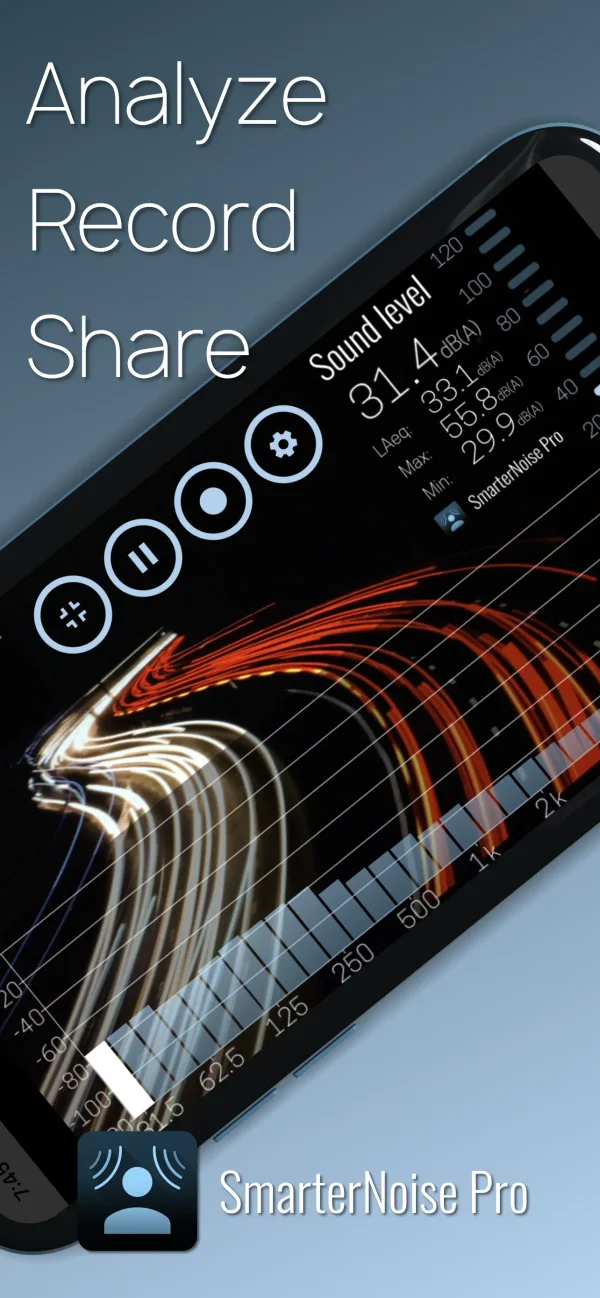
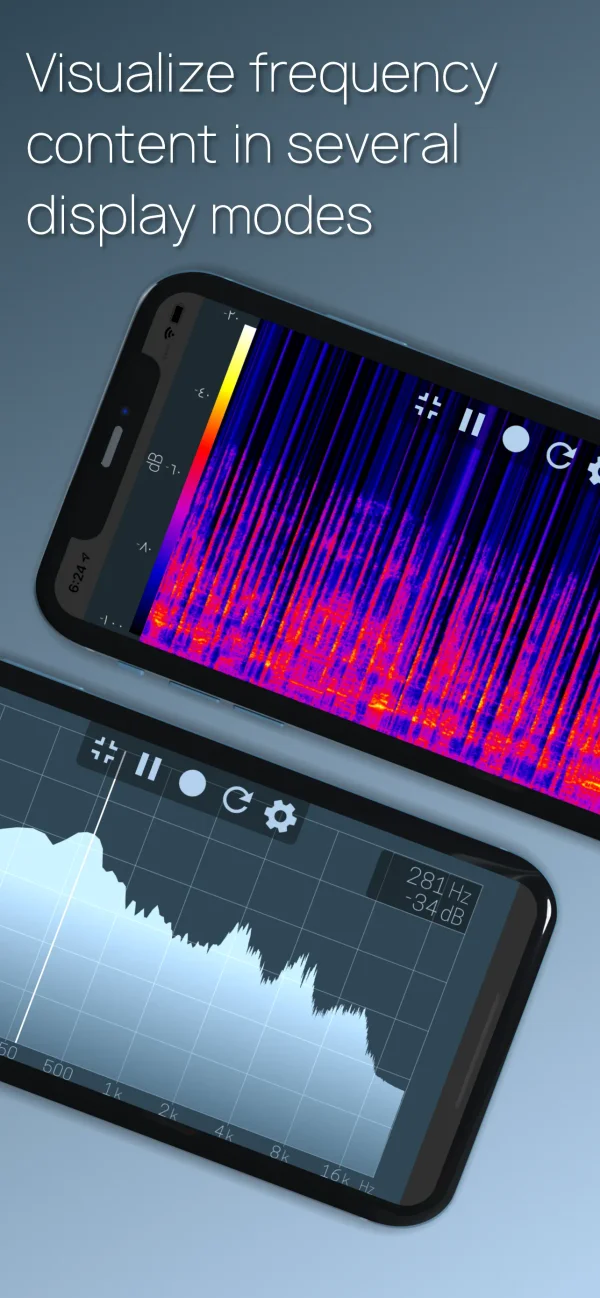
SmarterNoise Pro is the most advanced edition of the SmarterNoise recording sound level meters. SmarterNoise Pro edition is developed especially with more advanced measurements in mind, and includes many requested features such as a frequency spectrum display, export of measurement data, A-, C- or no weighting for sound level measurement, and full screen audio mode. SmarterNoise Pro edition does not contain any advertising, and performs accurately and fast.
Features:
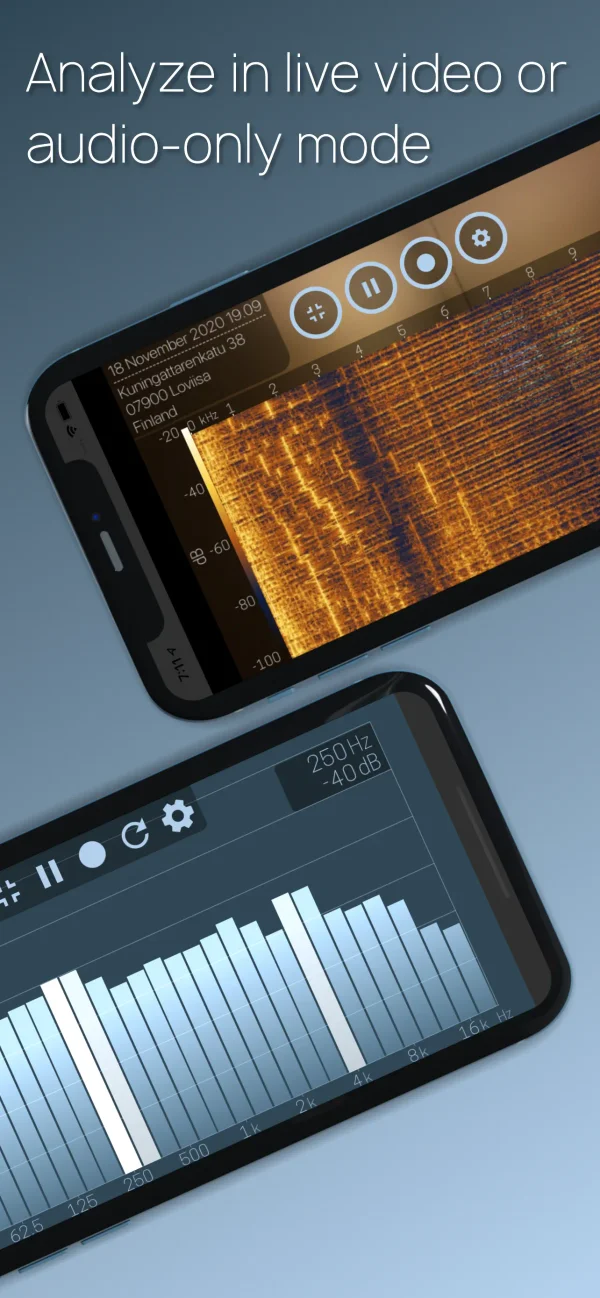
• Sound level measurement in video mode
• Sound level measurement in audio mode
• Sound meter snapshot camera
• Record video and audio files (paid function)
• Recording timer
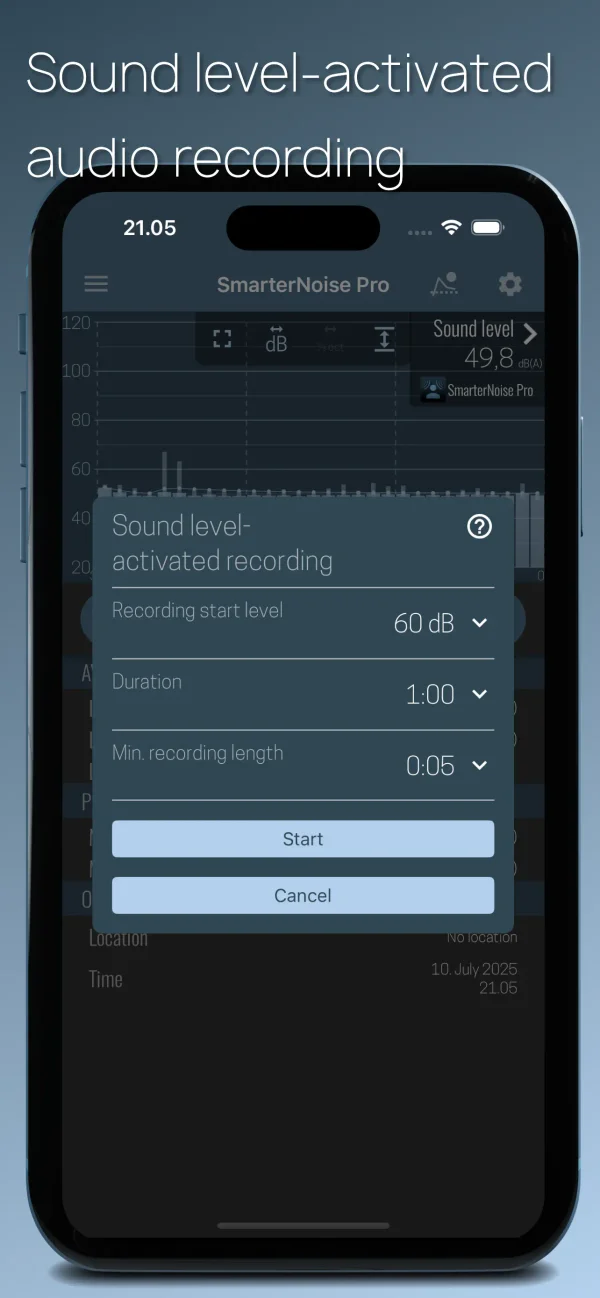
• Sound level activated audio recording
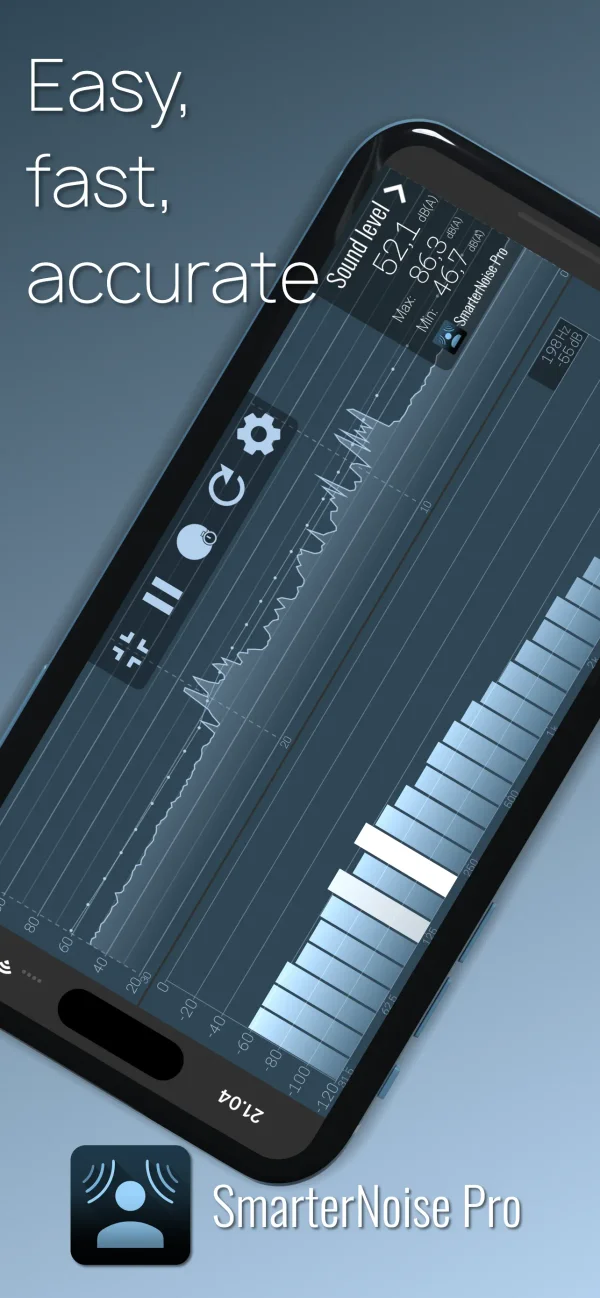
• Frequency spectrum display (paid function)
• Peak frequency detection
• A-, C- or no frequency weighting
• Export of measurement data in CSV format
• Full HD (paid function), HD and VGA video resolution
• Three video quality settings
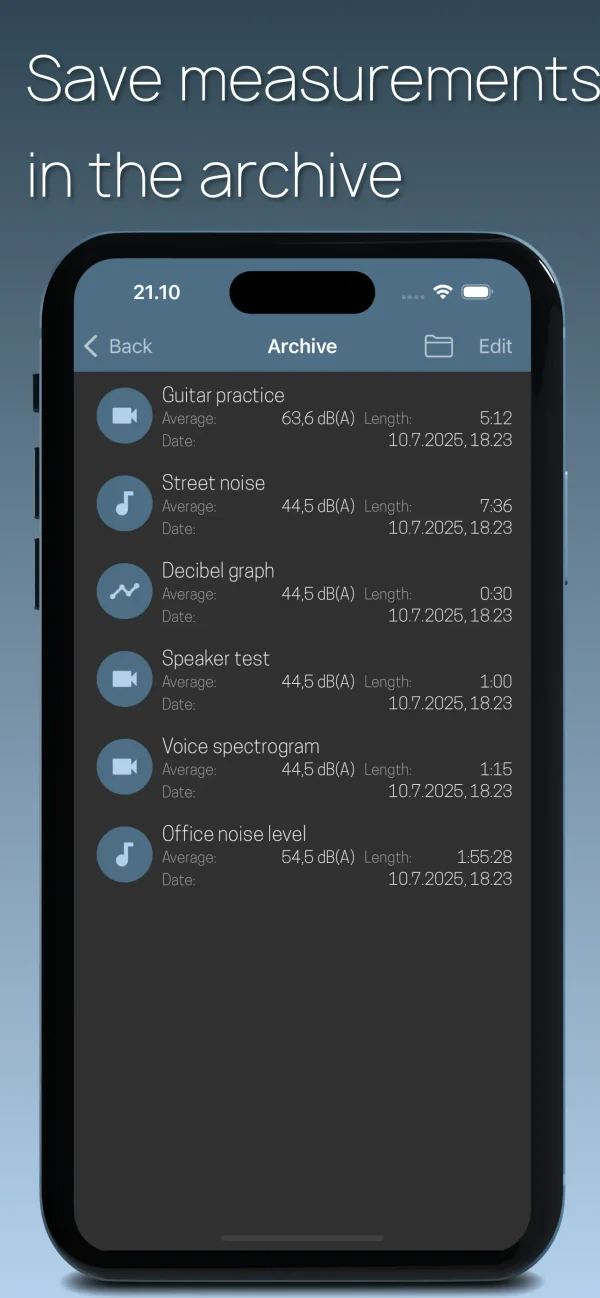
• Archive for saved files
• Sharing of saved files
• Calibration
• Save location of measurement (optional)
• Time and date
• Continuous Leq, LAeq, LCeq value
• 10 second sound level average (Leq, LAeq, LCeq)
• 60 second sound level average (Leq, LAeq, LCeq)
• Maximum and minimum decibel level
About decibels and sound level measurement
The unit for measuring sound is called a decibel. Because the decibel scale is logarithmic, a sound with an intensity that is twice that of a reference sound corresponds to an increase of about 3 decibels. The reference point of 0 decibel is set at the intensity of the least perceptible sound, the threshold of hearing. On such a scale a 10-decibel sound is 10 times the intensity of the reference sound. Highlighting this is important as already a few decibels higher or lower makes a noticeable difference in how noise is perceived.
The preferred method to describe sound levels that vary over time, resulting in a single decibel value measuring the total sound energy over the period, is called Leq. It is however common practice to measure sound levels using A-weighting, which attenuates lower and higher frequencies that the average person cannot hear. In this case the value is called LAeq.
A- and C-weighting
The A-weighting is a standard, commonly used filter that attempts to alter the measured sound pressure levels to more closely match the perception of the human ear. A-weighting makes the sound level meter less sensitive to very high (over 8000 Hz) and low frequencies (below 1000 Hz).
C-weighting also attenuates low and high frequencies, but the attenuation of low frequencies is much less severe compared to A-weighting.
Calibrate:
Calibrate the application using the calibration tool found in the settings menu. Phones and their components vary in quality and setup so you need to calibrate the app in order for the results to be relatively comparable. One suggestion is that you close the window and door to your bedroom or bathroom, turn off appliances, and once its very quiet calibrate the app so the reading is about 30 decibel.
Yenilikler
Sürüm 1.028 · 13.07.2026
Improved handling of errors in video recording.
Uygulama gizliliği
Bu uygulamanın verileri nasıl işlediği hakkında Johan Rogard tarafından App Store üzerinde yapılan beyan.
-
Veri toplanmıyor
Geliştirici bu uygulamadan hiçbir veri toplamıyor.
Gizlilik uygulamaları, örneğin kullandığınız özelliklere veya yaşınıza göre değişiklik gösterebilir.
Bilgiler
- Satıcı
- Johan Rogard
- Kategori
- Yardımcılar
- Sürüm
- 1.028
- Güncellendi
- 13.07.2026
- Yayın tarihi
- 27.07.2019
- Boyut
- 24,4 MB
- Gereksinim
- iOS 12.0 veya sonrası
- Yaş sınırı
- 12+
- Fiyat
- Ücretsiz
- Uygulama içi satın alma
- Evet
- Diller
- İngilizce, Arapça, Hollandaca, Fince, Fransızca, Almanca, Hindi, Endonezce, İtalyanca, Japonca, Korece, Lehçe + 4 dil daha
- Telif hakkı
- © 2019 Agibili
Bunları da beğenebilirsiniz
-
 SpectroliteYardımcılar
-
 SignalScope XYardımcılar
-
 Decibel ÖlçerSes spektrum analizörü
-
 Sound Spectrum AnalysisYardımcılar
-
 SoundMeter XYardımcılar
-
 Tone Gen ProYardımcılar
-
 Spektrum Analizör+ Ses FFTTepe Hz, uğultu ve oda modları
-
 Audio AnalystYardımcılar
-
 Song Meter TouchYardımcılar
-
 EyeSound VocalYardımcılar