uFocus
Distraction-free text editor
iPhone, iPad, Mac, iPod touch için tasarlandı
Ücretsiz
- Yaş sınırı4+
- KategoriÜretkenlik
- GeliştiriciNicolas Kick
- Dillerİngilizce
- Boyut6,5 MB
Resmi App Store sayfasına bağlanır
Download.org, uFocus için hiçbir dosya barındırmaz. Düğme, uygulamanın App Store üzerindeki sayfasını açar; uygulamayı orada Nicolas Kick yayınlar. Sayfanın son kontrolü: 13.11.2026.
Ekran görüntüleri


Hakkında
Geliştirici bu metni dilinizde sunmamış.
uFocus is a distraction-free writing environment that supports plain text files and allows you to keep them organized inside libraries. It allows everyone to express their creativity in the most simple way.
• Unobtrusive interface: the navigation bar disappears while writing.
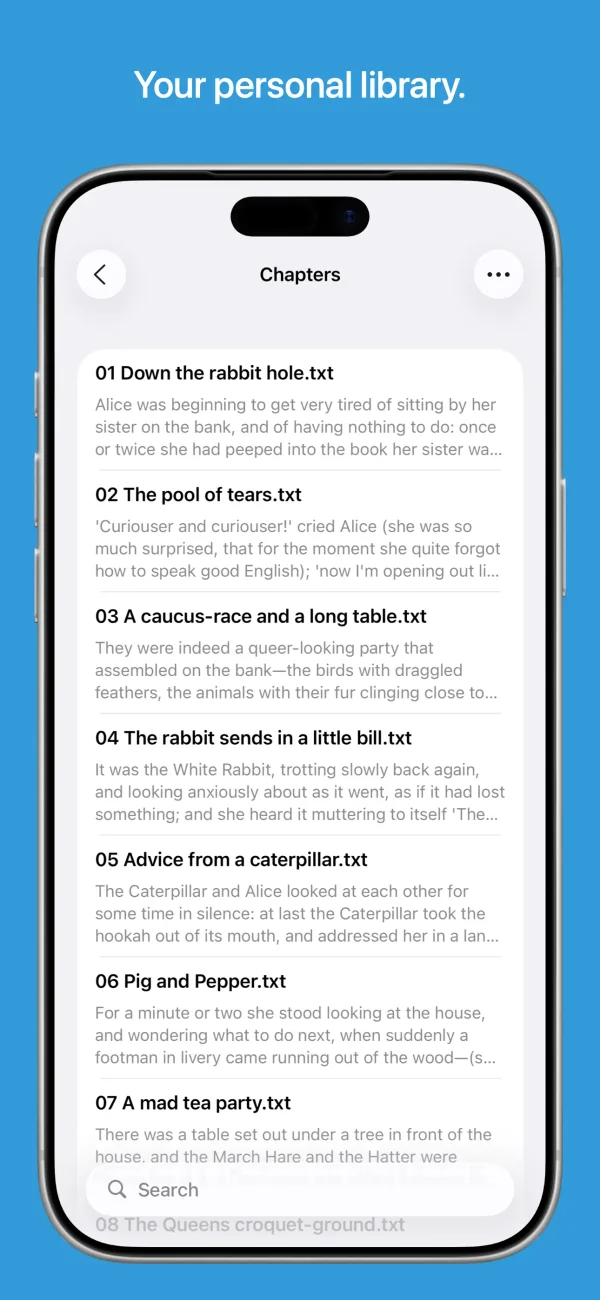
• Swipe to show the sidebar. Here you can link your favorite libraries and quickly access your documents.
• Show text statistics including character and word count and reading time.
• MultiMarkdown: easily add headings, quotes, ordered and unordered lists, links, images, italics, bold, footnotes, citations, glossaries and acronyms. You can then export your documents to HTML or PDF. With CriticMarkup and Live Edit Mode you can easily mark removals, additions and substitutions, add highlghts and comments, and accept or reject them.
• Fountain: create screenplays with the Markdown-inspired markup syntax and print or export them as PDF with industry-standard formatting.
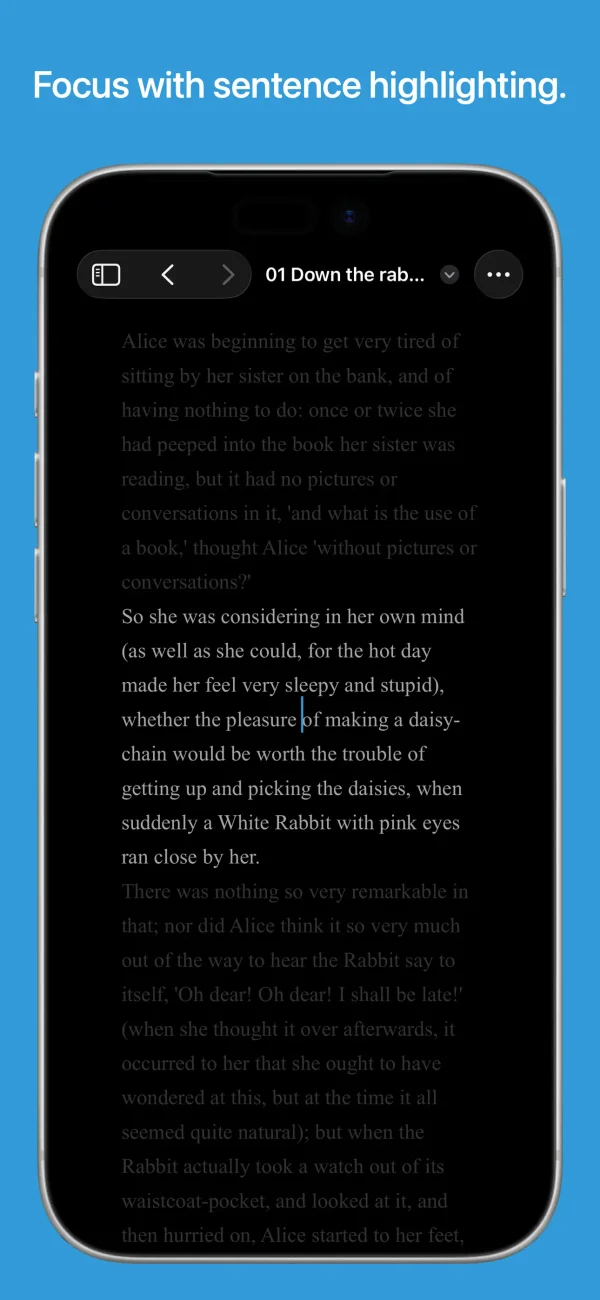
• Highlighting: you can stay even more focused by fading out all the text but the current sentence or paragraph.
• Typewriter scrolling: automatically scrolls the text when you get on a new line.
• Sound mode: experience the ultimate feeling of a typewriter.
• No deletions mode: disable deletions and replacements if your greatest temptation is always to edit your text instead of writing.
• Fullscreen: focus on your words and hide everything else.
• Choose between three different editor widths, four font sizes and a light, dark, sepia or amber theme, or create your own theme.
• Print single files or entire directory hierarchies.
If you have any requests, suggestions or bug reports, you're welcome to visit the website through the Support link.
Yenilikler
Sürüm 2.1.3 · 21.08.2026
• Fixed an issue that caused the “delete” sound to be played when compositing characters (such as accented letters or Chinese characters) and typewriter sounds were enabled.
• Fixed an issue that caused the theme to not be switched automatically when the system appearance changed between light and dark and the app was in the background.
• Implemented a workaround for an iOS issue that causes the navigation bar of the sidebar to be hidden when opening a document in portrait mode and rotating the device to landscape mode.
• Fixed an issue that caused forced character names with only one letter to not be recognized in a Fountain document.
Uygulama gizliliği
Bu uygulamanın verileri nasıl işlediği hakkında Nicolas Kick tarafından App Store üzerinde yapılan beyan.
-
Veri toplanmıyor
Geliştirici bu uygulamadan hiçbir veri toplamıyor.
Gizlilik uygulamaları, örneğin kullandığınız özelliklere veya yaşınıza göre değişiklik gösterebilir.
Bilgiler
- Satıcı
- Nicolas Kick
- Kategori
- Üretkenlik
- Sürüm
- 2.1.3
- Güncellendi
- 21.08.2026
- Yayın tarihi
- 16.12.2012
- Boyut
- 6,5 MB
- Gereksinim
- iOS 15.0 veya sonrası
- Yaş sınırı
- 4+
- Fiyat
- Ücretsiz
- Diller
- İngilizce
- Telif hakkı
- © Desairem
Bunları da beğenebilirsiniz
-
 Quick Draft: Notes & MarkdownÜretkenlik
-
 Text Editor AppÜretkenlik
-
 ZavalaÜretkenlik
-
 Notelane - Markdown EditorÜretkenlik
-
 Inkdrop - Markdown NotesÜretkenlik
-
 EZText - Text EditorÜretkenlik
-
 Marked — Markdown EditorÜretkenlik
-
 Editor - Markdown NotesÜretkenlik
-
 Collected NotesÜretkenlik
-
 Auer NotesÜretkenlik