1Writer - Markdown Text Editor
Note taking, writing app
Được thiết kế cho iPhone, iPad, iPod touch
149.000đ · Mua hàng trong ứng dụng
- Độ tuổi17+
- Danh mụcHiệu Suất
- Nhà phát triểnNgoc Luu
- Ngôn ngữTiếng Anh+ 4 ngôn ngữ khác
- Kích thước18,7 MB
Liên kết đến trang App Store chính thức
Download.org không lưu trữ tệp nào của 1Writer - Markdown Text Editor. Nút này mở trang ứng dụng trên App Store, nơi Ngoc Luu phát hành ứng dụng. Trang được kiểm tra lần cuối: 27/11/2026.
Ảnh chụp màn hình

Giới thiệu
Nhà phát triển chưa cung cấp nội dung này bằng ngôn ngữ của bạn.
1Writer combines all the basic text editing features you would expect with all the advanced features you will ever need. Use 1Writer to write, research, revise, and share your ideas with maximum efficiency.
- - - - - - - - - -
"The only Dropbox- and Markdown-enabled text editor for iPhone that’s clicked with me has been 1Writer. It’s simple, looks great, and gets the job done." - TheSweetSetup.com
"Really great app, really recommend it." - Federico Viticci, MacStories.net
"The app interface is beautiful and distraction-free, with loads of other awesome features lurking beneath its simple exterior. It's now my go-to iPhone text editor." - Chris Gonzales, ToolsandToys.net
"For users that want a great visual experience paired with great support for custom actions and third party apps, 1Writer is an excellent choice." - iMore.com
"1Writer is the most powerful text editor available for iPhone." - Phillip Gruneich
- - - - - - - - - -
CREATE
- Write :: generate and edit plain text or Markdown files.
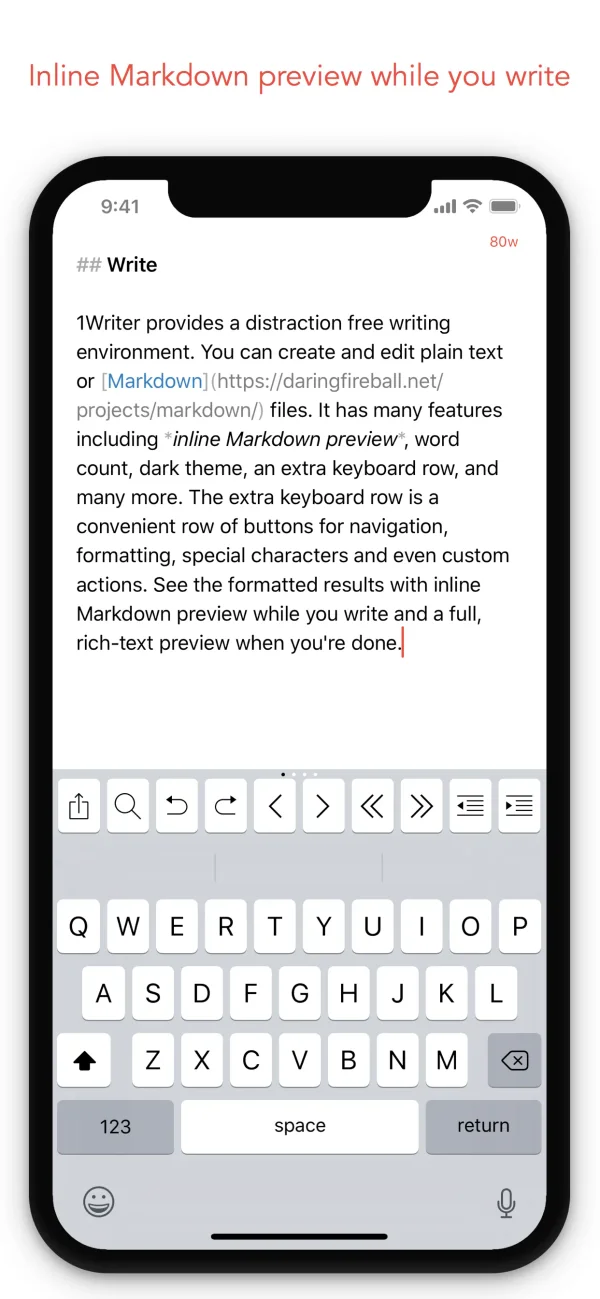
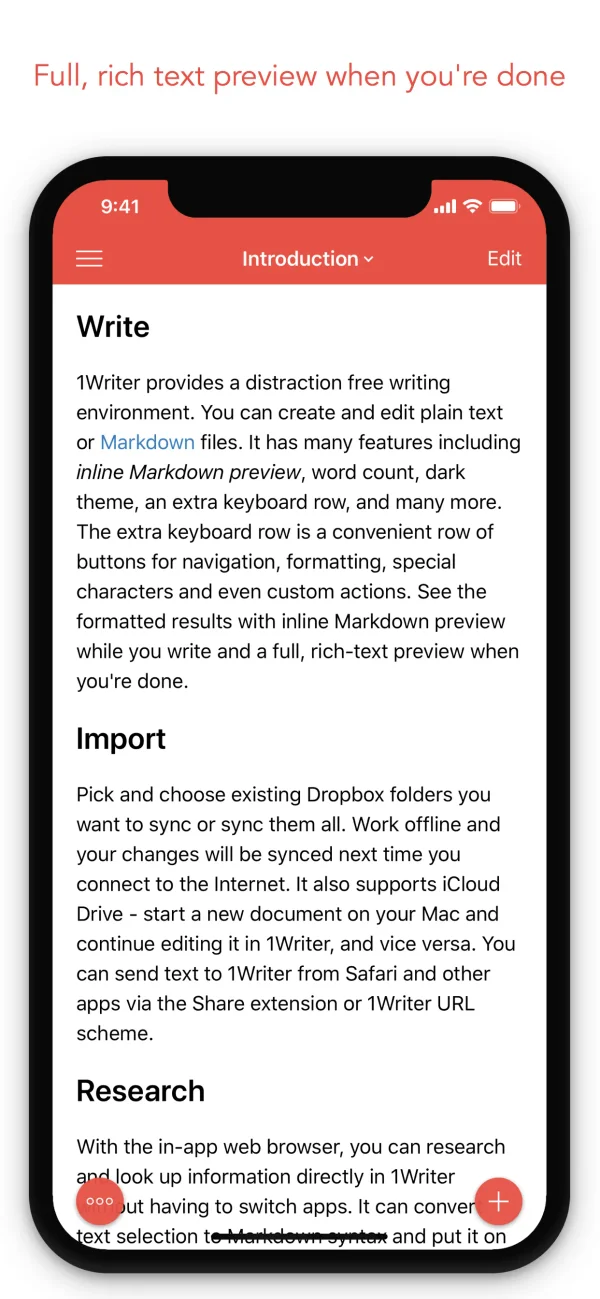
- Preview :: see the formatted results with Markdown syntax highlighting while you write and a full, rich-text preview when you're done.
- Extended keyboard :: a convenient row of buttons for navigation, formatting, special characters (customizable--pick the characters you use the most).
- Insert photo :: pick a photo or take a new one, and 1Writer will upload it to Dropbox and generate the Markdown-syntax to add it to your document--all in a single action!
- Snippets :: TextExpander Touch support.
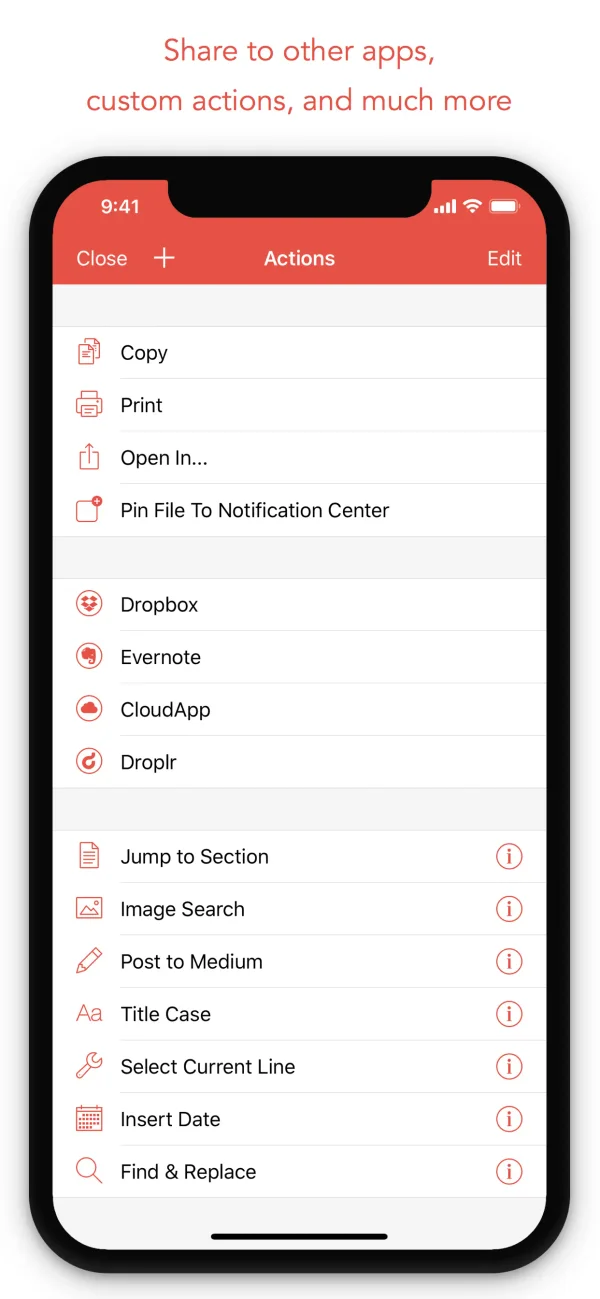
- Custom URL actions :: insert a document template, encode a selection and replace the original text, look up synonyms and much more.
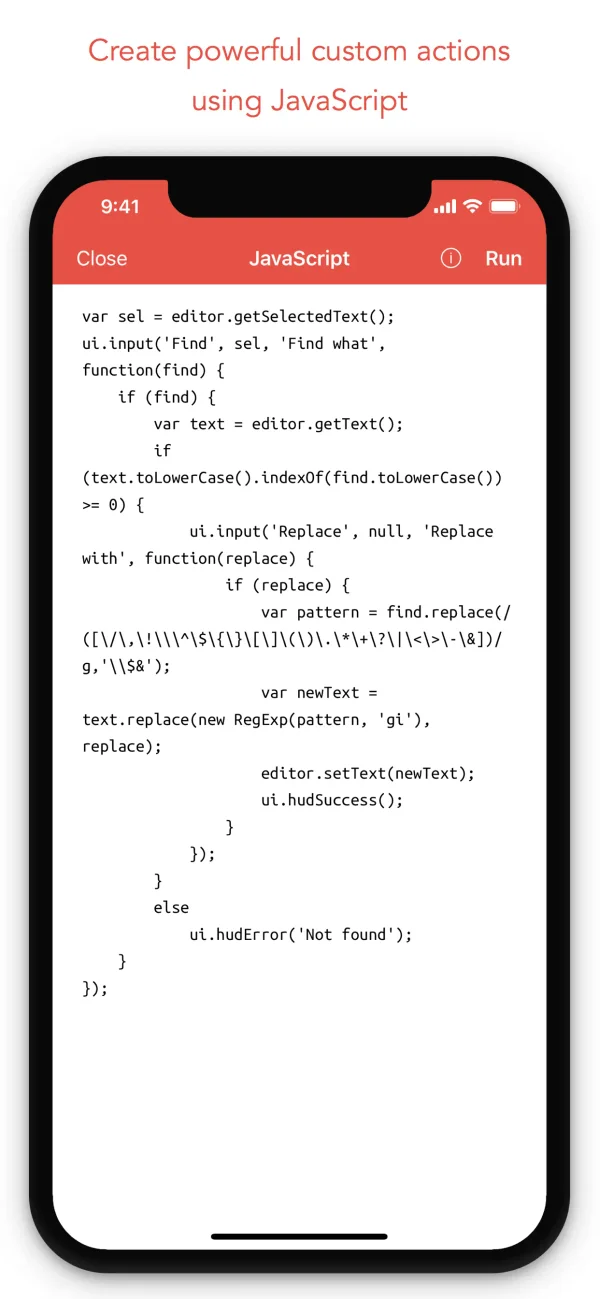
- JavaScript :: create even more powerful custom actions using JavaScript—text manipulation, perform a find & replace, interact with the clipboard—the possibilities are endless.
IMPORT
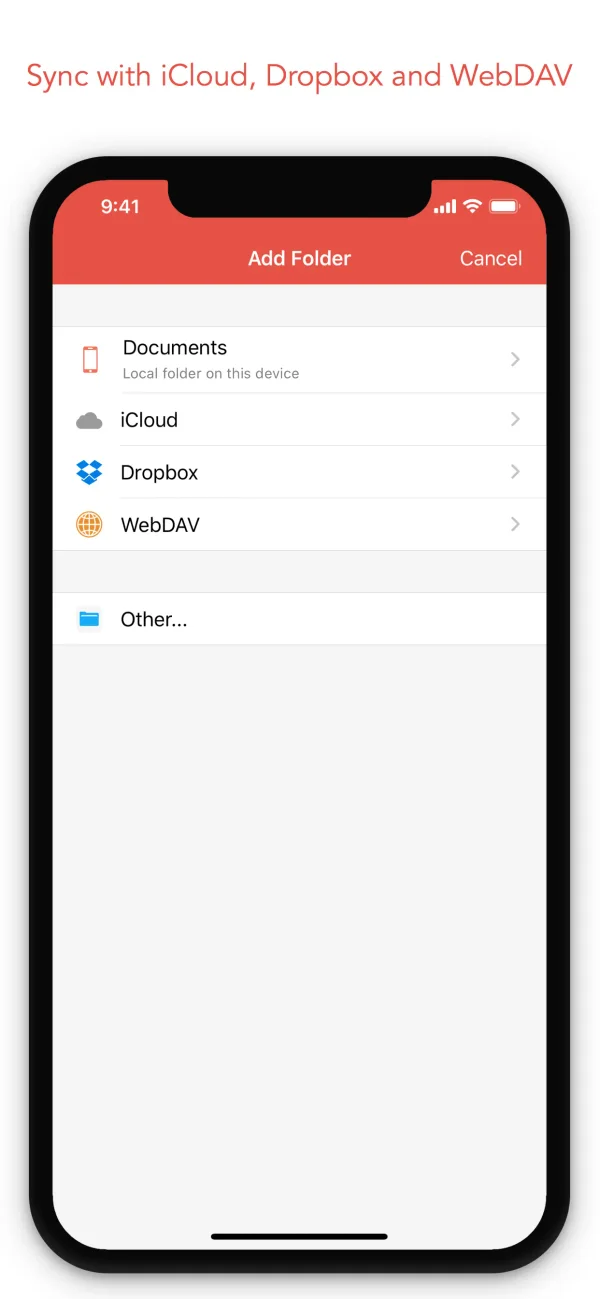
- Sync with iCloud, Dropbox and WebDAV.
- Share extension :: send text to 1Writer from other apps. In Safari, the extension uses the current URL, page title and selected text to create a new document.
- Create, append, prepend, or replace text directly from other apps using the 1Writer URL scheme.
EXPORT
- CloudApp and Dropbox :: generate a link to share your document in plain text or PDF.
- Evernote :: pick your notebook, add tags and turn a text selection or the entire document into a new, rich-text note.
- Copy HTML :: put the formatted text for your document directly on the clipboard.
- Custom actions :: open a web search, tweet a selection, save a series of items in a list and much more.
PERSONALIZE
- Support Dark Mode on iOS 13.
- 2 dark themes for more comfortable reading and writing at night.
- Choose from 20 different fonts.
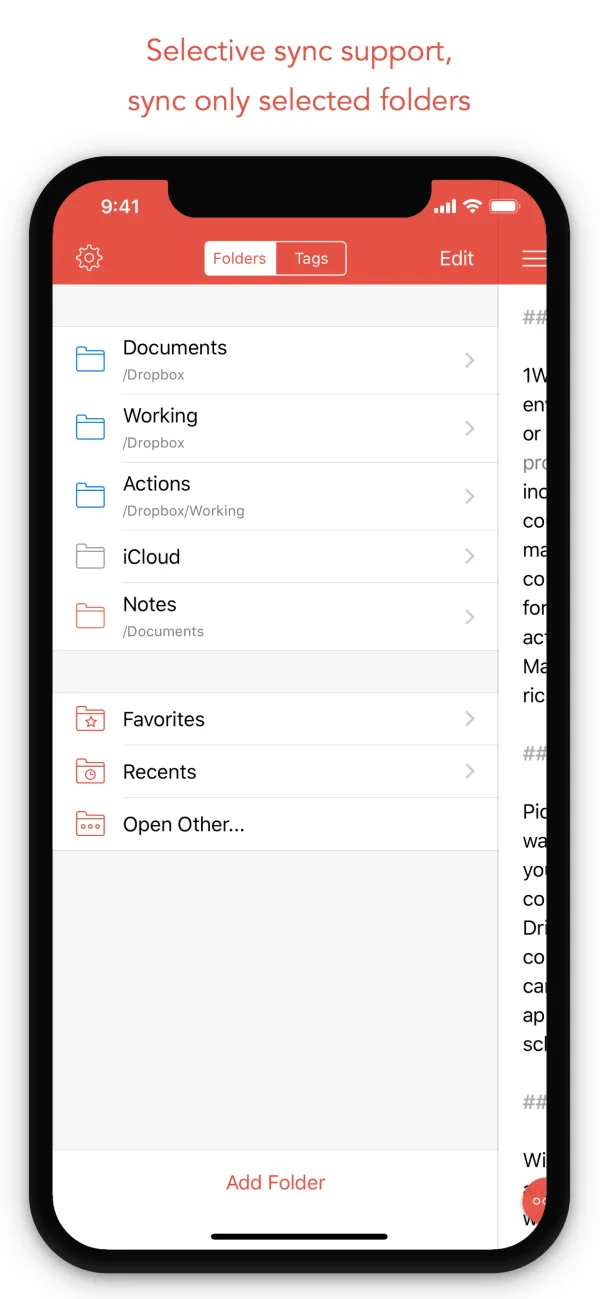
- Bookmark and sync the Dropbox/WebDAV folders you want to have quick access to the sub-folders and documents you need.
- Use a passcode or Touch ID/Face ID to protect the app from unauthorized users.
RESEARCH
- In-app web browser :: research, look up information without having to leave the app.
- Bookmarks :: create and access your favorite websites.
- Save the current text selection to the clipboard in Markdown syntax.
- 1Password support :: login to all your accounts using the 1Password extension.
EVEN MORE GREAT FEATURES
- Drag and drop.
- Open in Place.
- Multiple windows on iOS 13.
- MultiMarkdown.
- Search documents from Spotlight.
- Find & replace within document.
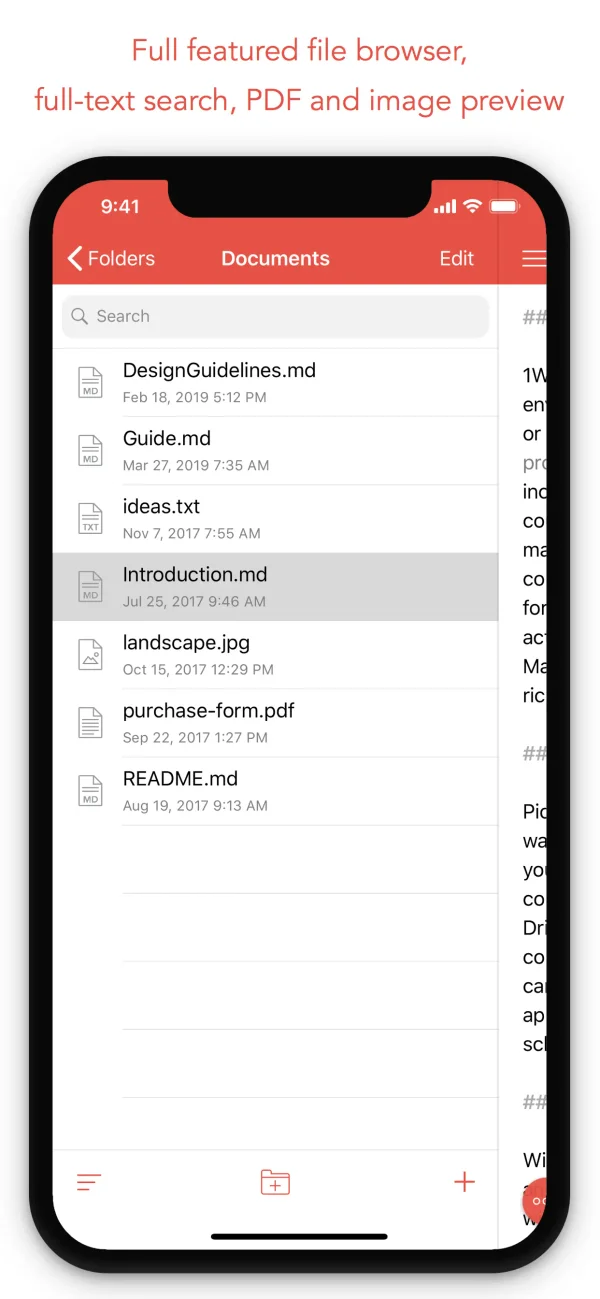
- Photo and PDF preview.
- Today widget :: access your recent documents from the Notification Center or create a new document in one tap.
- Checklist support :: create a list of things to do or topics to research, and easily check them off.
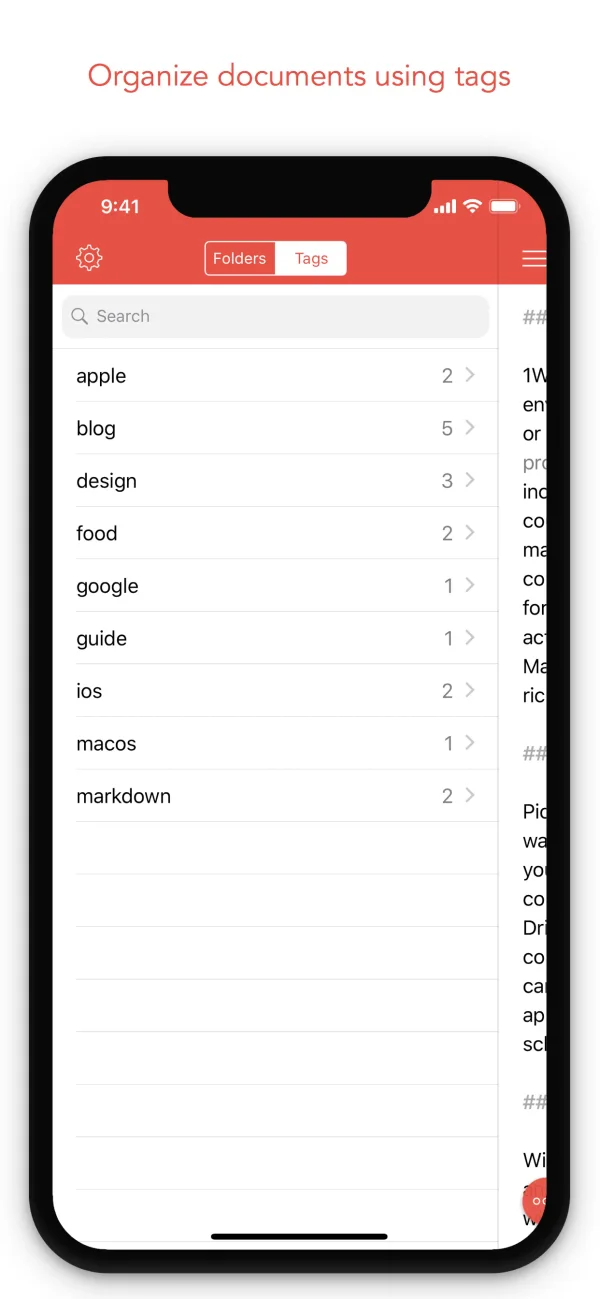
- Full-text search and hashtag support :: search within a folder to find the document you need, and view related documents that have the same tag.
Có gì mới
Phiên bản 3.3.8 · 24/09/2025
Bug fixes.
Quyền riêng tư của ứng dụng
Những gì Ngoc Luu khai báo trên App Store về cách ứng dụng này xử lý dữ liệu.
-
Dữ liệu không được thu thập
Nhà phát triển không thu thập bất kỳ dữ liệu nào từ ứng dụng này.
Phương thức đảm bảo quyền riêng tư có thể khác nhau, chẳng hạn như tuỳ theo các tính năng bạn sử dụng hoặc độ tuổi của bạn.
Thông tin
- Người bán
- Ngoc Luu
- Danh mục
- Hiệu Suất
- Phiên bản
- 3.3.8
- Cập nhật
- 24/09/2025
- Phát hành
- 14/08/2013
- Kích thước
- 18,7 MB
- Yêu cầu
- iOS 13.0 trở lên
- Độ tuổi
- 17+
- Giá
- 149.000đ
- Mua hàng trong ứng dụng
- Có
- Ngôn ngữ
- Tiếng Anh, Tiếng Đức, Tiếng Nhật, Tiếng Trung Giản thể, Tiếng Trung Phồn thể
- Bản quyền
- © 2025 Ngoc Luu