
MWeb - Markdown Writing, Notes
Let's Simple,Focused,Efficient
Được thiết kế cho iPhone, iPad, Mac, iPod touch
Miễn phí · Mua hàng trong ứng dụng
- Độ tuổi4+
- Danh mụcHiệu Suất
- Nhà phát triển禄海 区
- Ngôn ngữTiếng Anh+ 2 ngôn ngữ khác
- Kích thước67,7 MB
Liên kết đến trang App Store chính thức
Download.org không lưu trữ tệp nào của MWeb - Markdown Writing, Notes. Nút này mở trang ứng dụng trên App Store, nơi 禄海 区 phát hành ứng dụng. Trang được kiểm tra lần cuối: 24/11/2026.
Ảnh chụp màn hình
Giới thiệu
Nhà phát triển chưa cung cấp nội dung này bằng ngôn ngữ của bạn.
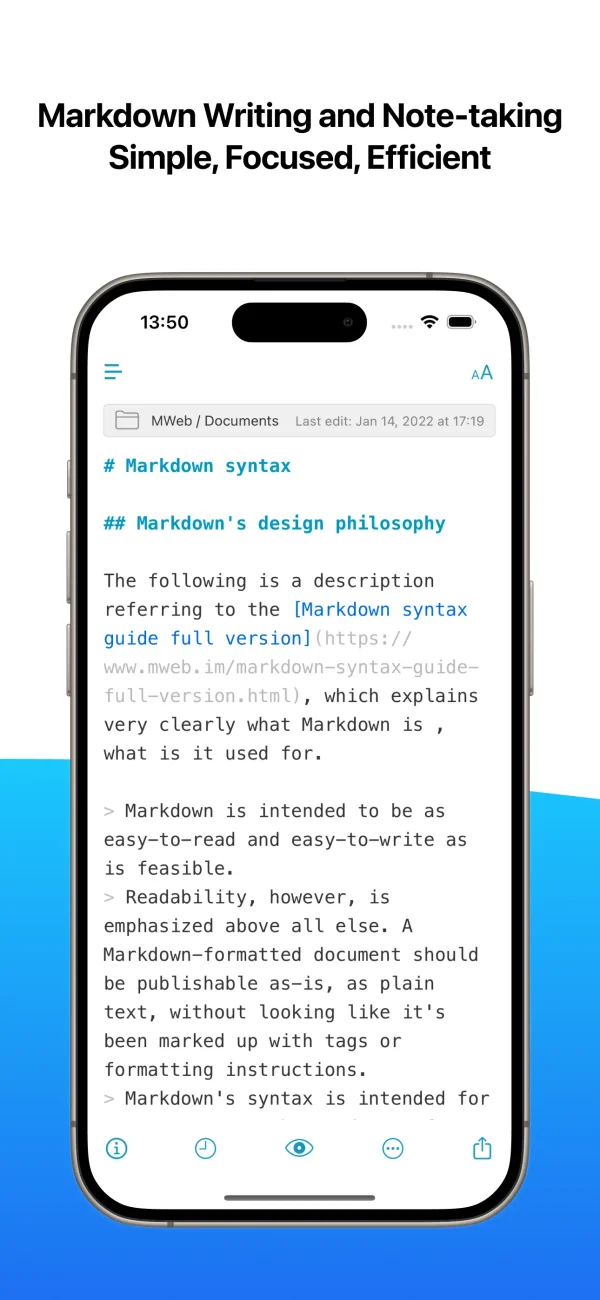
MWeb was born in 2015. It is a writing, note-taking and publishing app focusing on Markdown. If you like Markdown or text writing, We highly recommend you try MWeb.
MWeb is composed of a complete and stable editor, a Folders mode for managing documents, a Library mode specifically for notes, and a document publishing and sharing function set, with a total of four modules. The feature of MWeb's software is that it chooses platform-native technology for each platform. It is built using AppKit on macOS and UIKit on iOS/iPadOS. The following is a brief introduction to these four modules. If you are interested, you can continue reading.
## Editor features
Here are some of the key features of an editor:
* Base on CommonMark syntax and GitHub Flavored Markdown (GFM) extended syntax, supporting TOC, tables, code blocks, math formulas, task lists, footnotes, etc.
* Display the text of the Markdown document completely without any deletion.
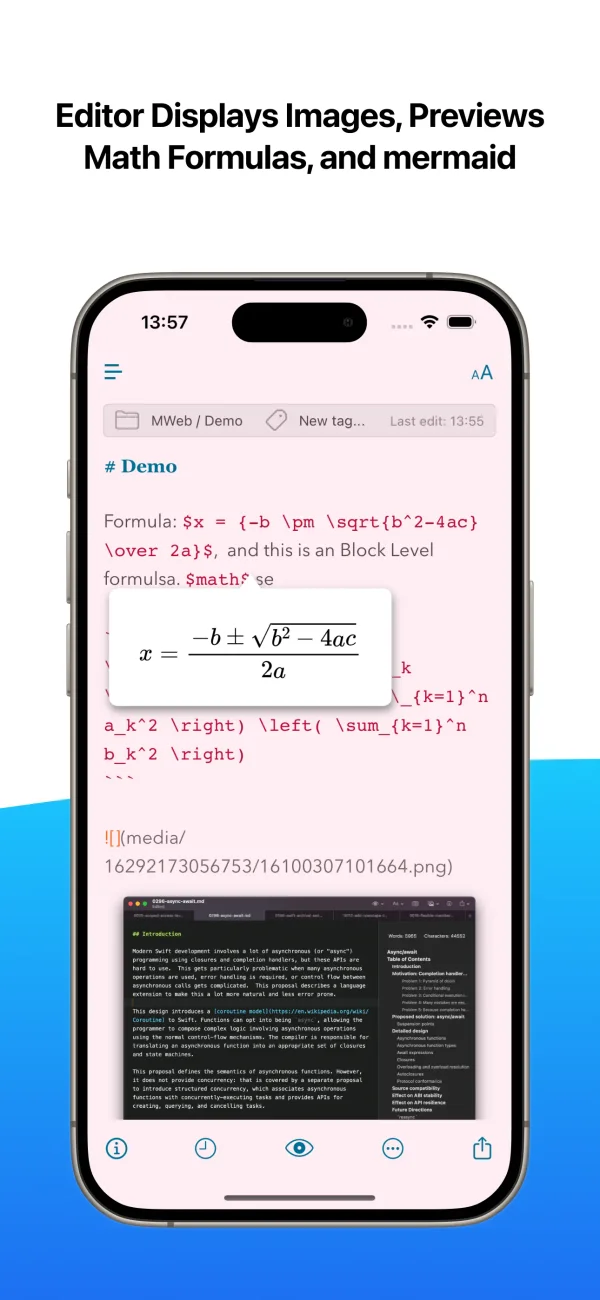
* Images can be displayed directly in the Editor, supporting jpg, png, gif, webP, HEIC and etc.
* Math formulas, mermaid and Echarts drawings can be previewed in the editor.
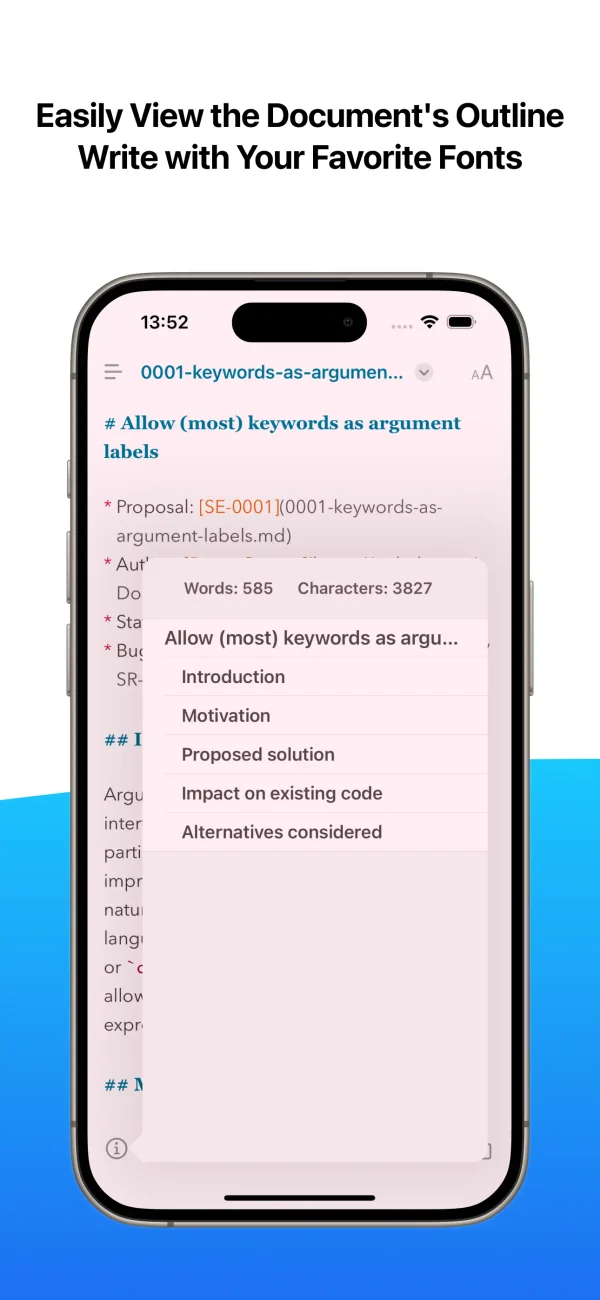
* You can set your favorite font or multiple fonts for writing.
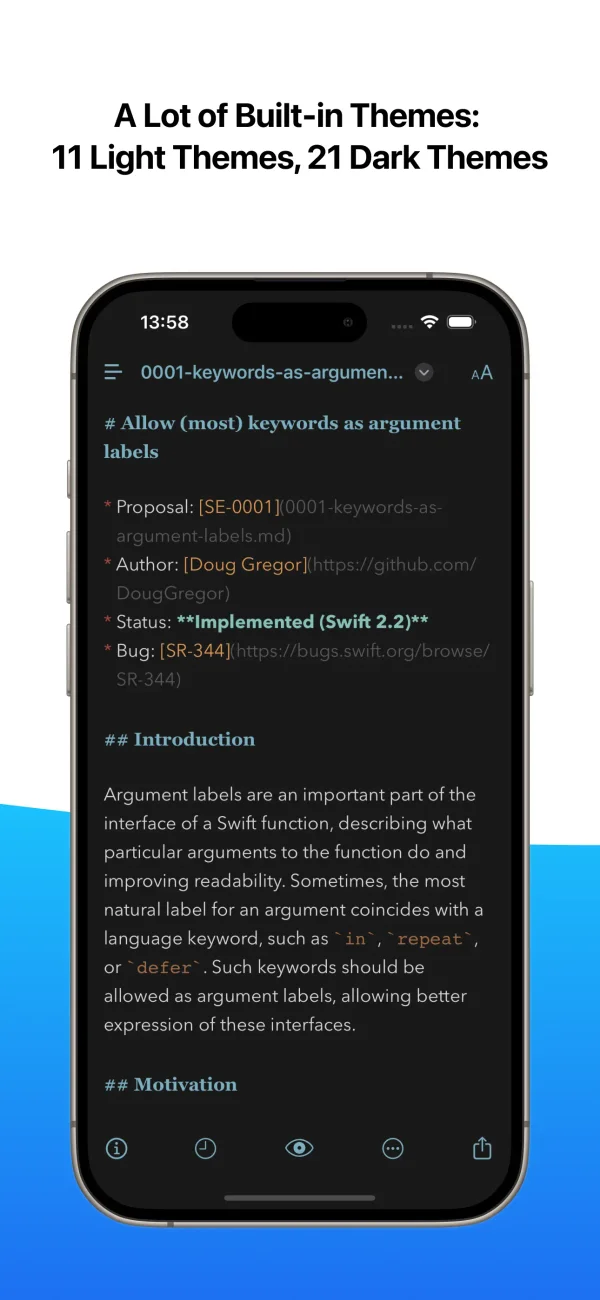
* You can choose from 11 light themes and 21 dark themes, and also support custom themes.
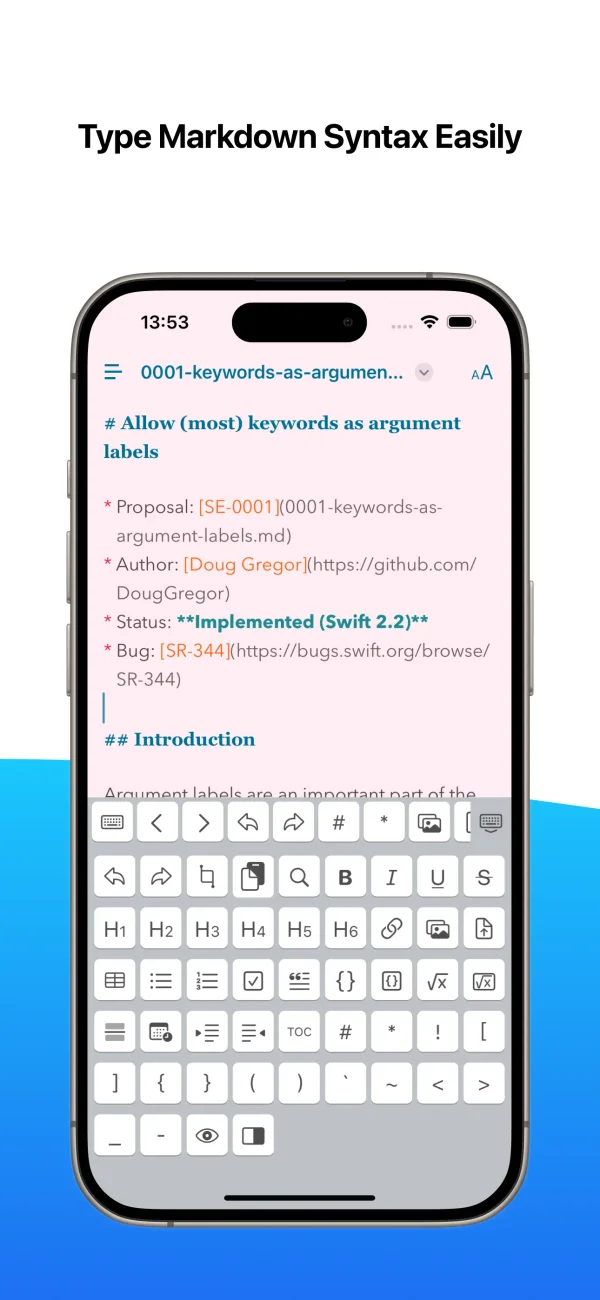
* There is a menu to facilitate the input of Markdown syntax, and a special Markdown syntax keyboard is also provided in iOS.
* Convenient tools for generating and formatting Markdown table syntax.
* You can view the outline and word count of Markdown documents.
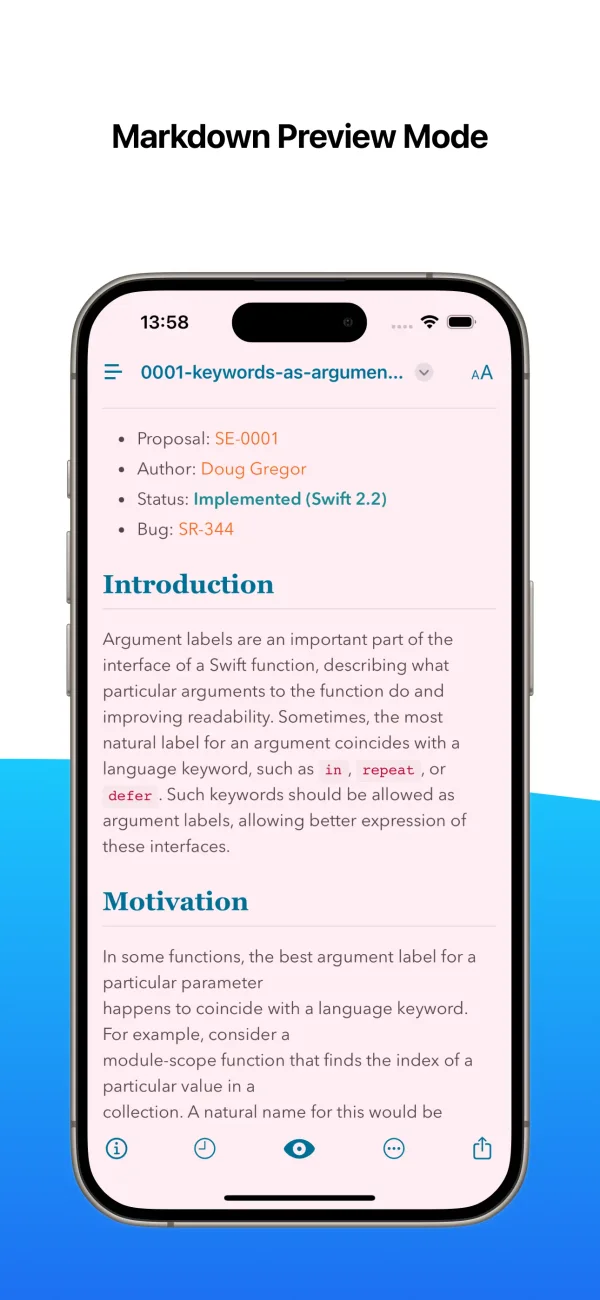
* Markdown documents can be previewed and support Editor & Preview mode.
## Folders mode
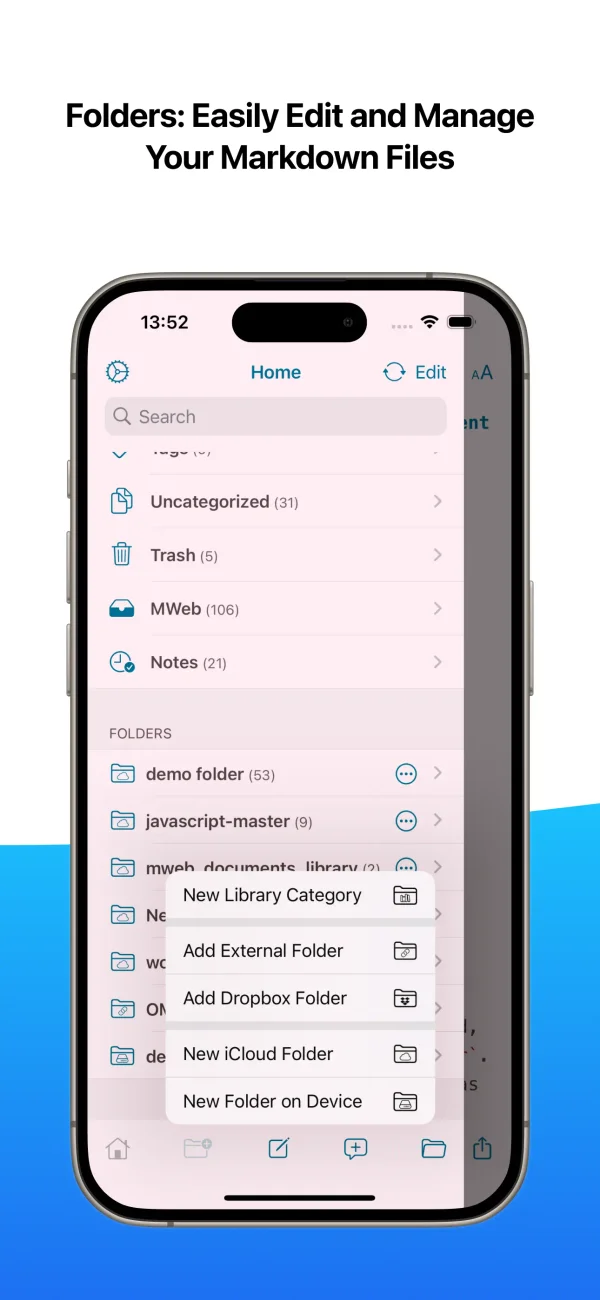
The first requirement of Markdown is to create and edit Markdown documents, and MWeb's Folders mode does this. It supports the following features:
* Create Markdown, Textbundle documents, or simply open them for editing.
* Introduce a folder with Markdown documents into the Folders mode of MWeb. MWeb will provide practical functions such as management of Markdown documents, full-text search, copy and paste to insert images, and unified storage of referenced images.
* iPadOS/iOS version supports Dropbox folders.
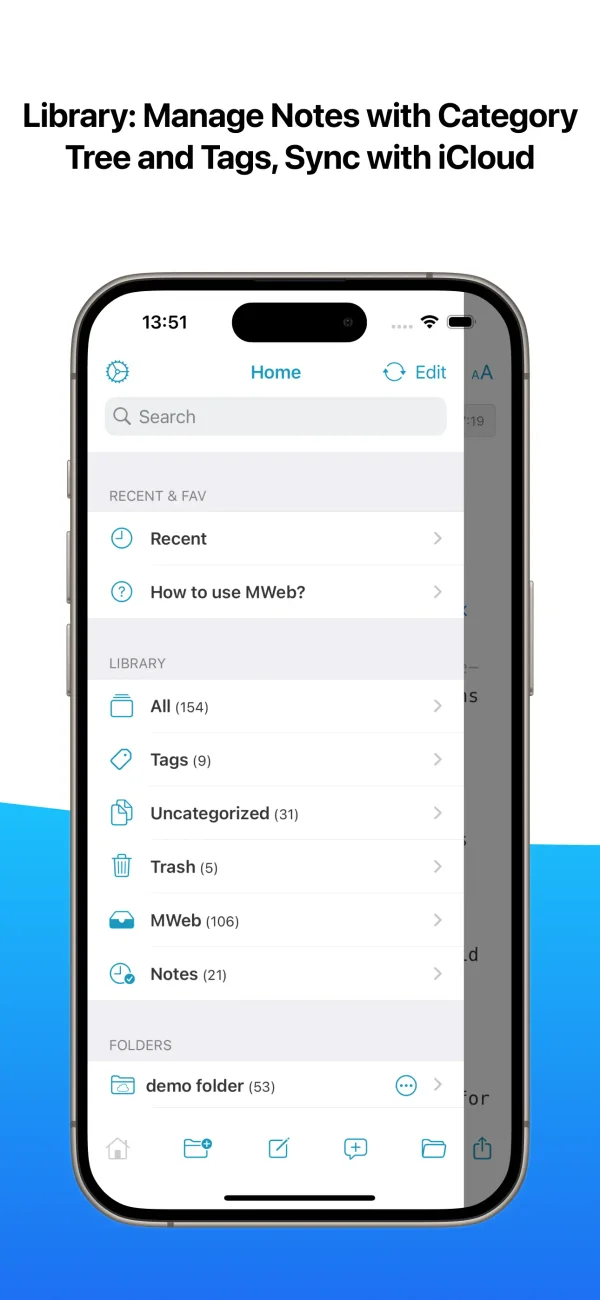
## Library mode
Markdown is so easy to use, so taking notes is also in great demand. Of course, you can use Folders mode and introduce a folder to take notes, which is also very nice and easy to share. So why do we still create a separate Library mode? Mainly, the Library mode has the following features:
* There is no need to consider the file name, title and storage location, Just create note and writing.
* Use category trees and tags to manage notes. A single note can be classified into multiple categories, making it easier to set categories for notes.
* Organizing notes is more convenient. When moving categories and notes, renaming categories will not affect each other. You don't need to worry about incorrect associations between notes, incorrect reference location of images and attachments in notes, etc.
* Complete cross-device synchronization using iCloud CloudKit technology.
* The Library follows the "local first" principle and is stored in a folder, very easy for backup. Even if you use iCloud sync, your Library can be completely backed up locally.
* Export the entire category of notes to PDF or Epub e-book.
* The macOS version of MWeb Pro also supports generating static blogs from categories. The generated blog fully supports math formulas, mermaid, echarts etc. Allows you to create your own blog in a very simple way.
## More features...
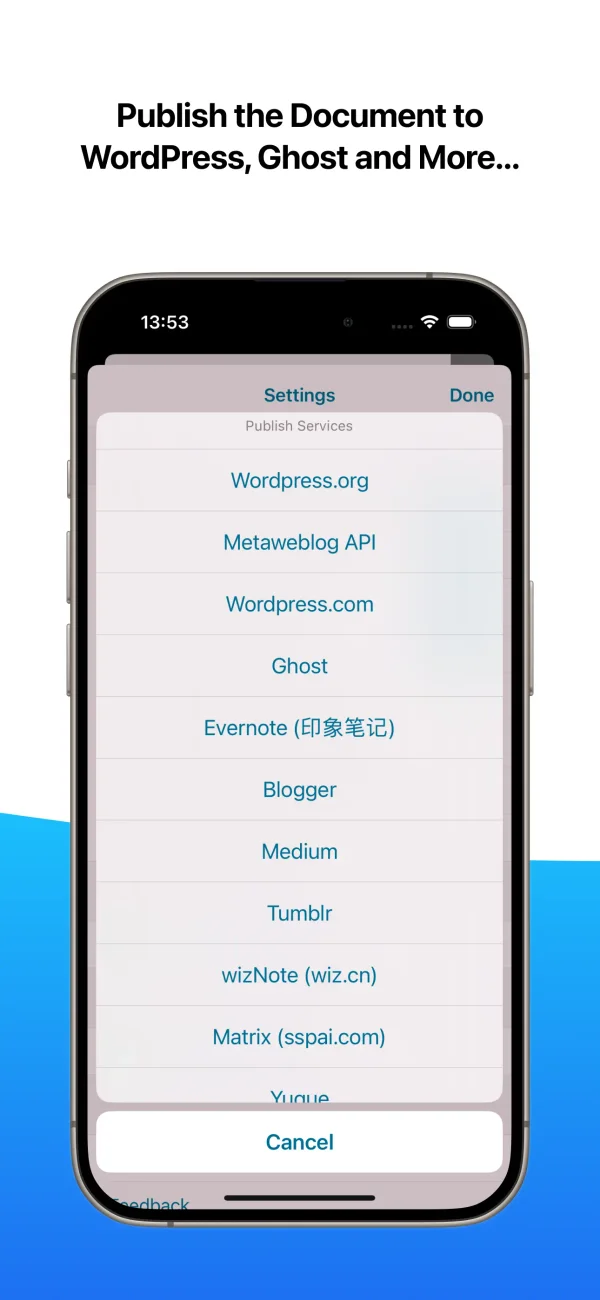
* Publish documents or notes to Wordpress, Metaweblog API, Evernote, Blogger, Tumblr, Yuque, sspai Matrix, Ghost and Medium.
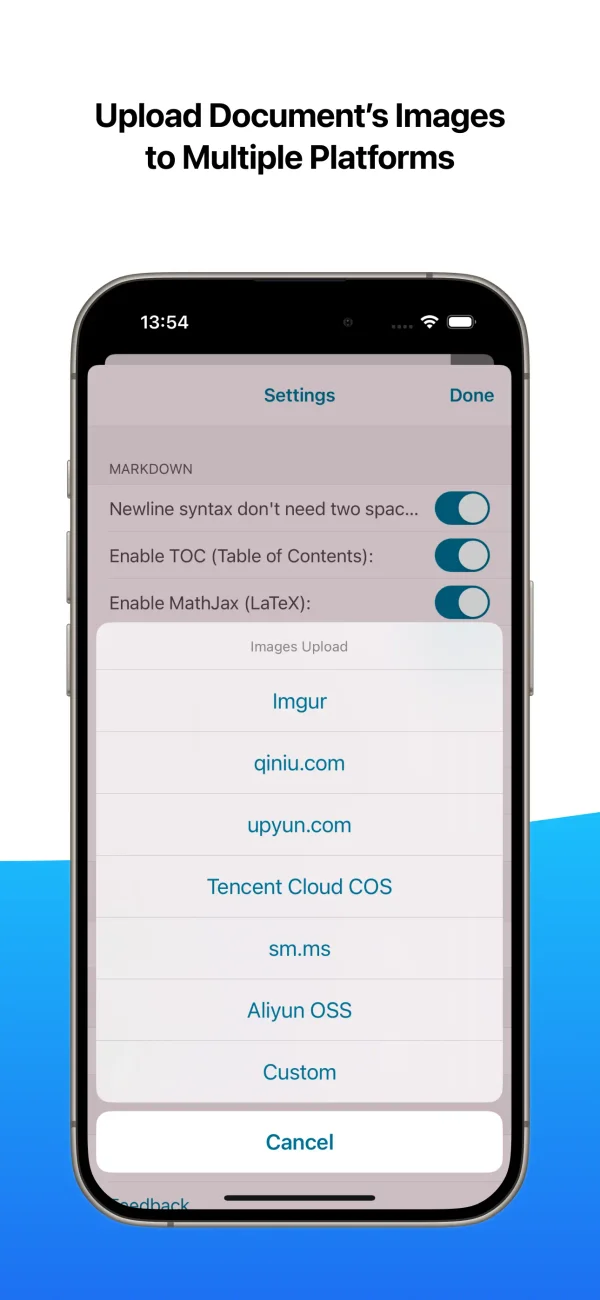
* Upload images in documents or notes to imgur, Qiniu, SM.MS, Tencent COS, Youpai, Alibaba OSS, custom API, etc.
* Export documents or notes to PDF (with Table of Contents in macOS version).
* Export documents or notes to Epub or image.
Privacy Policy: https://www.mweb.im/policy.html
Terms of Use: https://www.mweb.im/terms.html
Hope you enjoy MWeb!
Có gì mới
Phiên bản 4.8.5 · 12/11/2026
Bug fixes and improvements.
Quyền riêng tư của ứng dụng
Những gì 禄海 区 khai báo trên App Store về cách ứng dụng này xử lý dữ liệu.
-
Dữ liệu không được thu thập
Nhà phát triển không thu thập bất kỳ dữ liệu nào từ ứng dụng này.
Phương thức đảm bảo quyền riêng tư có thể khác nhau, chẳng hạn như tuỳ theo các tính năng bạn sử dụng hoặc độ tuổi của bạn.
Thông tin
- Người bán
- 禄海 区
- Danh mục
- Hiệu Suất
- Phiên bản
- 4.8.5
- Cập nhật
- 12/11/2026
- Phát hành
- 04/01/2017
- Kích thước
- 67,7 MB
- Yêu cầu
- iOS 15.0 trở lên
- Độ tuổi
- 4+
- Giá
- Miễn phí
- Mua hàng trong ứng dụng
- Có
- Ngôn ngữ
- Tiếng Anh, Tiếng Trung Giản thể, Tiếng Trung Phồn thể
- Bản quyền
- © 2026 CoderForArt Inc
Có thể bạn cũng thích
-
 Metion: Markdown NotesHiệu Suất
-
 Markdown゜Hiệu Suất
-
 Inkdrop - Markdown NotesHiệu Suất
-
 Markdown Editor and ReaderHiệu Suất
-
 1Writer - Markdown Text EditorHiệu Suất
-
 SiYuanHiệu Suất
-
 Metaslip: Note & ZettelkastenHiệu Suất
-
 Quick Draft: Notes & MarkdownHiệu Suất
-
 iNote - ideas Note & NotebookNghệ Thuật Thu Thập Ý Tưởng
-
 Noto: Notes, Lists & JournalHiệu Suất