
- Độ tuổi4+
- Danh mụcTiện Ích
- Nhà phát triểnSAND STUDIO CORPORATION LIMITED
- Ngôn ngữTiếng Anh+ 9 ngôn ngữ khác
- Kích thước62,9 MB
Liên kết đến trang App Store chính thức
Download.org không lưu trữ tệp nào của AirDroid Remote Support. Nút này mở trang ứng dụng trên App Store, nơi SAND STUDIO CORPORATION LIMITED phát hành ứng dụng. Trang được kiểm tra lần cuối: 17/11/2026.
Ảnh chụp màn hình


Giới thiệu
Nhà phát triển chưa cung cấp nội dung này bằng ngôn ngữ của bạn.
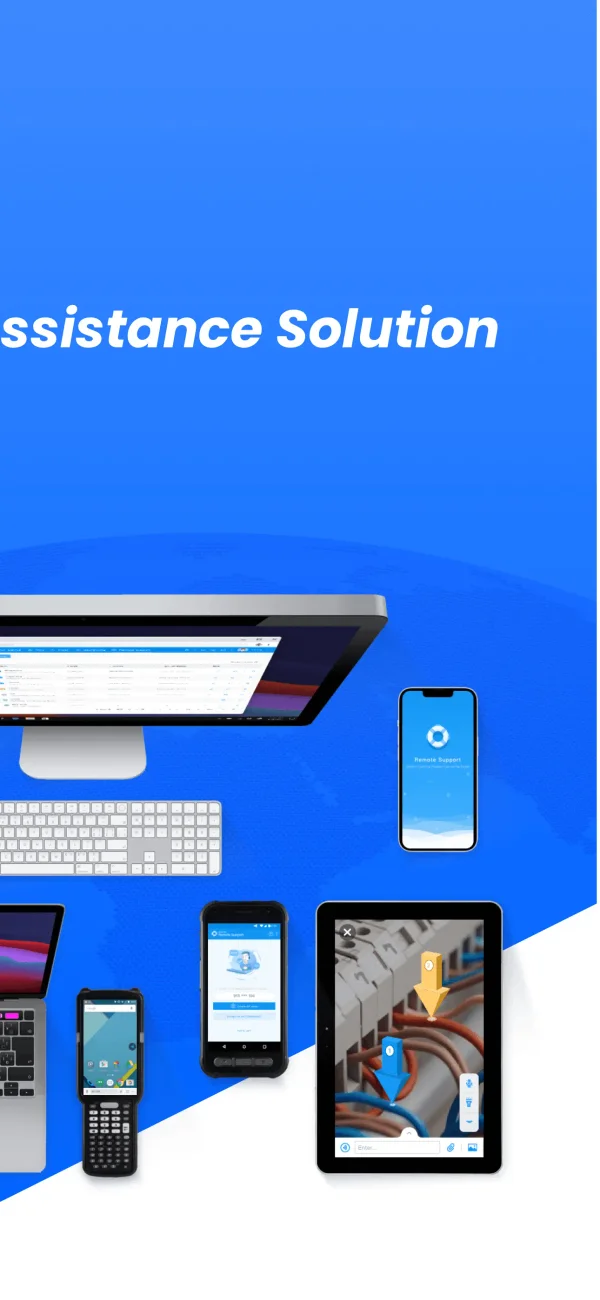
AirDroid Remote Support is an efficient solution for remote support and lightweight management.
You can provide remote assistance in an intuitive way with real-time screen sharing, voice call, text message, tutorial gesture, AR camera, etc. In addition, an intelligent remote monitoring and management solution is provided.
Key Features:
Remote Control: Directly control the remote device during the help session.
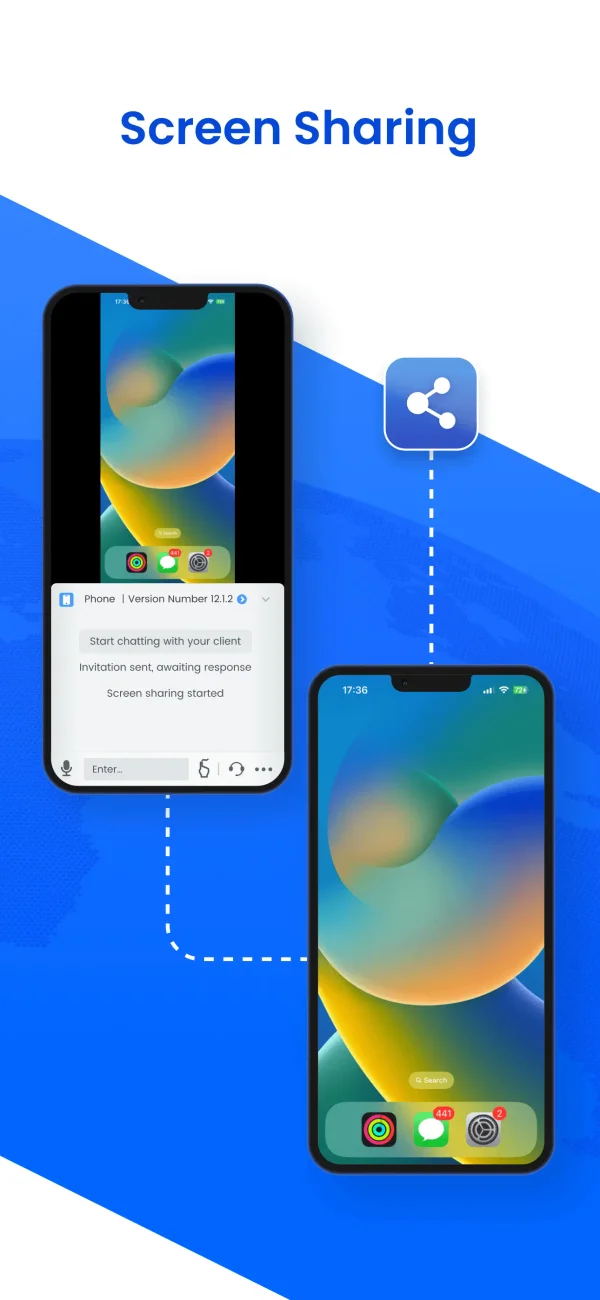
Real-time Screen Sharing: Share screen with your partner to see the issue together. Pause anytime to protect privacy and data security.
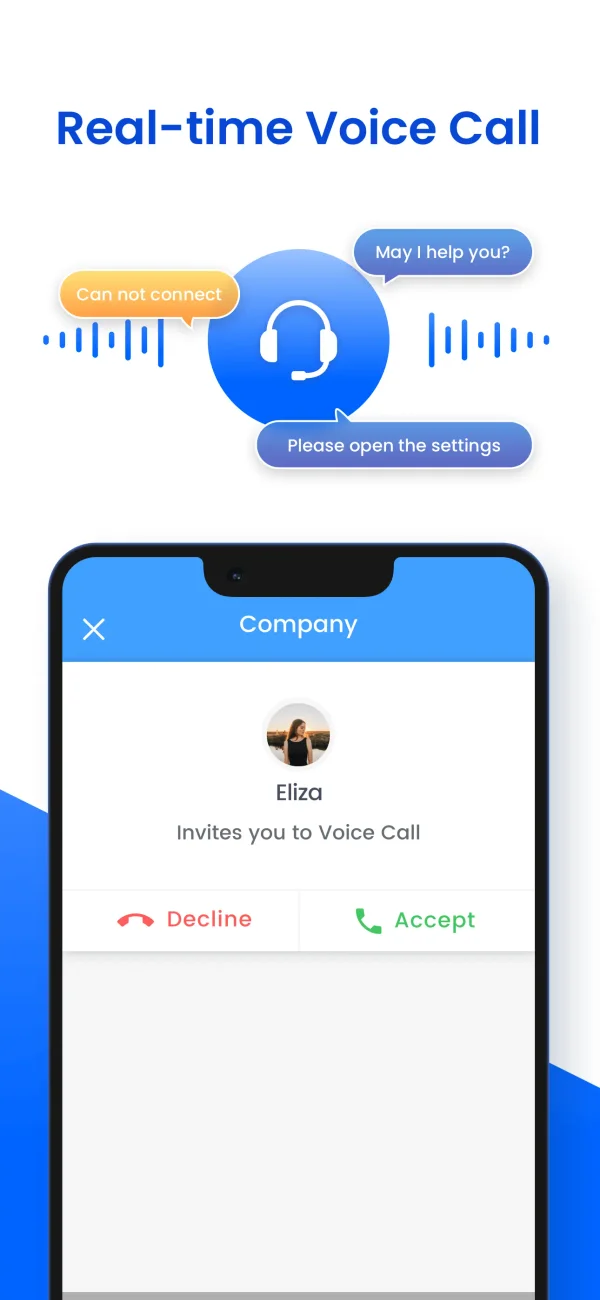
Live Chat: Discuss complex problem with voice call, can also sent voice and text messages.
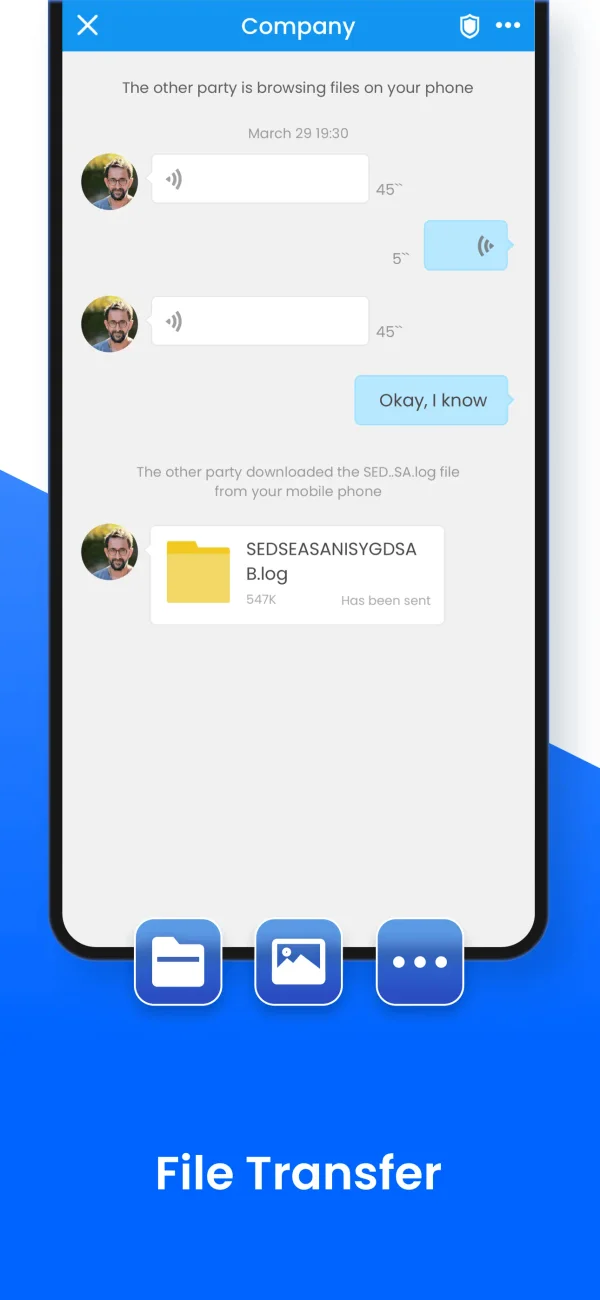
File Transfer: Able to send any required files through the chat window to give fast support.
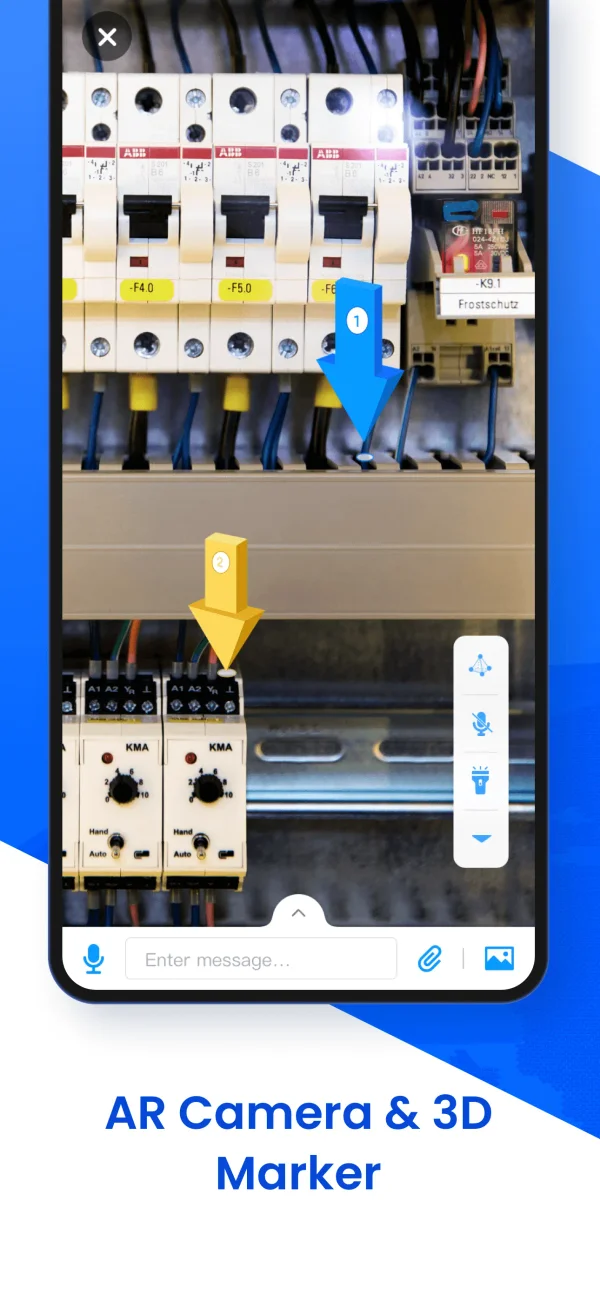
AR Camera & 3D Markers: Allows you to see through the remote device camera and place 3D markers onto real-world objects.
Permission & Device Management: Assign roles and permissions for support team members, monitor the status of devices on a list, and manage device groups.
Security & Privacy: Secure remote access with 256-bit AES and dynamic 9-digit codes. Disable or enforce functions to enhance security.
Quick Guide:
Business User:
1. Visit the official website (https://www.airdroid.com/remote-support-software/) and apply for a free trial.
2. Install AirDroid Business on the the supporter's Windows, macOS or mobile device where you wish to provide remote support.
3. Install AirDroid Remote Support on the supportee's iOS or Windows devices.
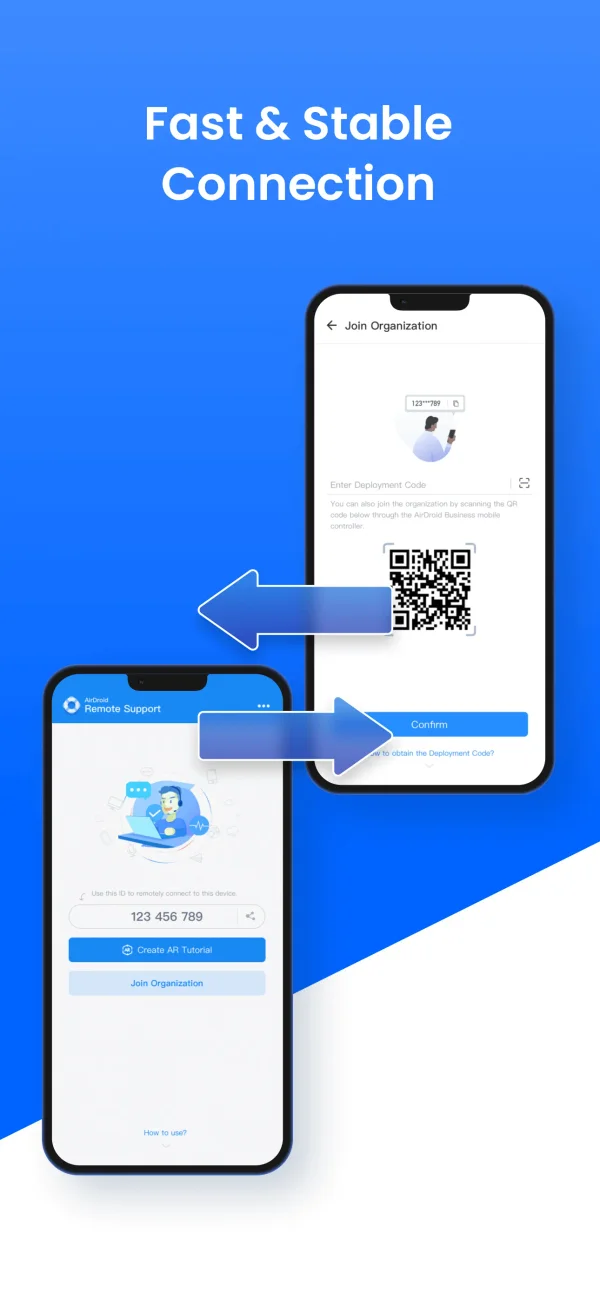
4. Initiate a support session with a 9-digit code or from the Device List.
Personal user:
1. Install AirMirror on the supporter's mobile device.
2. Install AirDroid Remote Support on the supportee's mobile device.
3. Get the 9-digit code showing in AirDroid Remote Support app.
4. Enter the 9-digital code in AirMirror and start your help session.
Có gì mới
Phiên bản 1.2.1 · 15/05/2024
1. Expands remote access for Windows devices;
2. Other bug fixes and improvements.
Quyền riêng tư của ứng dụng
Những gì SAND STUDIO CORPORATION LIMITED khai báo trên App Store về cách ứng dụng này xử lý dữ liệu.
-
Dữ liệu không liên kết với bạn
Có thể được thu thập nhưng không liên kết với danh tính của bạn.
- Mã định danh
- Dữ liệu sử dụng
- Chẩn đoán
Phương thức đảm bảo quyền riêng tư có thể khác nhau, chẳng hạn như tuỳ theo các tính năng bạn sử dụng hoặc độ tuổi của bạn.
Thông tin
- Người bán
- SAND STUDIO CORPORATION LIMITED
- Danh mục
- Tiện Ích
- Phiên bản
- 1.2.1
- Cập nhật
- 15/05/2024
- Phát hành
- 17/03/2020
- Kích thước
- 62,9 MB
- Yêu cầu
- iOS 12.0 trở lên
- Độ tuổi
- 4+
- Giá
- Miễn phí
- Ngôn ngữ
- Tiếng Anh, Tiếng Pháp, Tiếng Đức, Tiếng Ý, Tiếng Nhật, Tiếng Bồ Đào Nha, Tiếng Nga, Tiếng Trung Giản thể, Tiếng Tây Ban Nha, Tiếng Trung Phồn thể
- Bản quyền
- © 2024 Sand Studio.