- Độ tuổi4+
- Danh mụcĐồ Họa & Thiết Kế
- Nhà phát triểnHeng Jia Liang
- Ngôn ngữTiếng Anh+ 10 ngôn ngữ khác
- Kích thước21,4 MB
Liên kết đến trang App Store chính thức
Download.org không lưu trữ tệp nào của DGArt:RT. Nút này mở trang ứng dụng trên App Store, nơi Heng Jia Liang phát hành ứng dụng. Trang được kiểm tra lần cuối: 12/11/2026.
Ảnh chụp màn hình

Giới thiệu
Nhà phát triển chưa cung cấp nội dung này bằng ngôn ngữ của bạn.
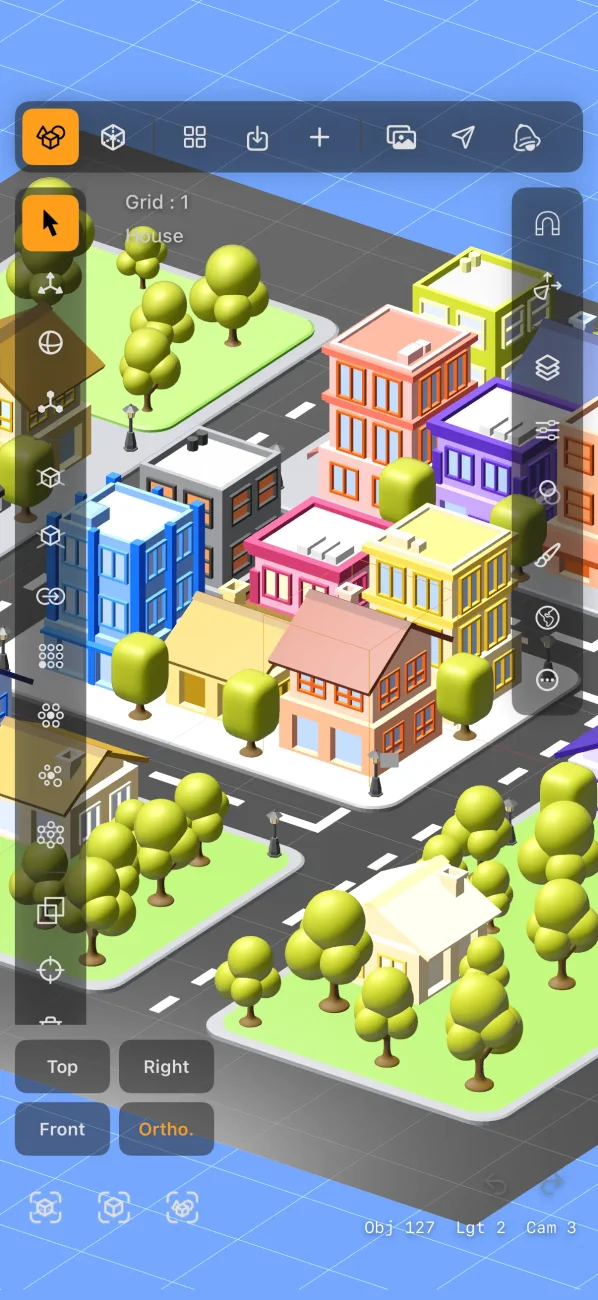
DGArt:RT is a complete 3D modeling studio that runs entirely on your iPhone and iPad. Start from a single cube, shape it with real modeling tools, paint it by hand, light the scene, and finish with a ray-traced render — all on the device.
TWO MODES, ONE APP
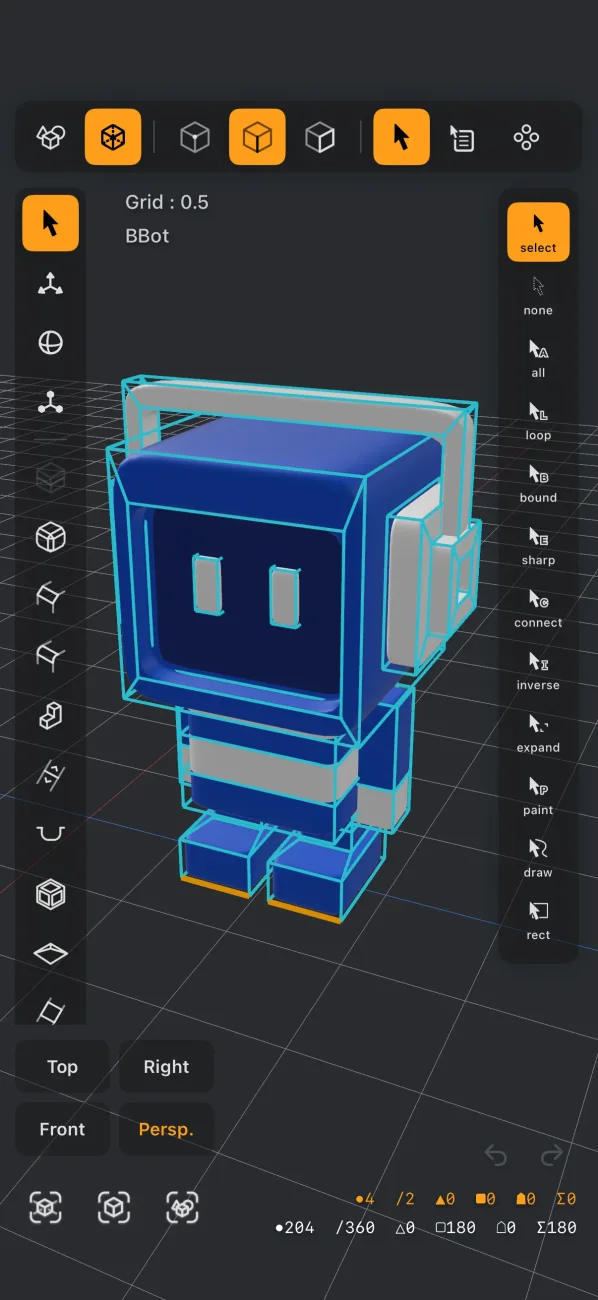
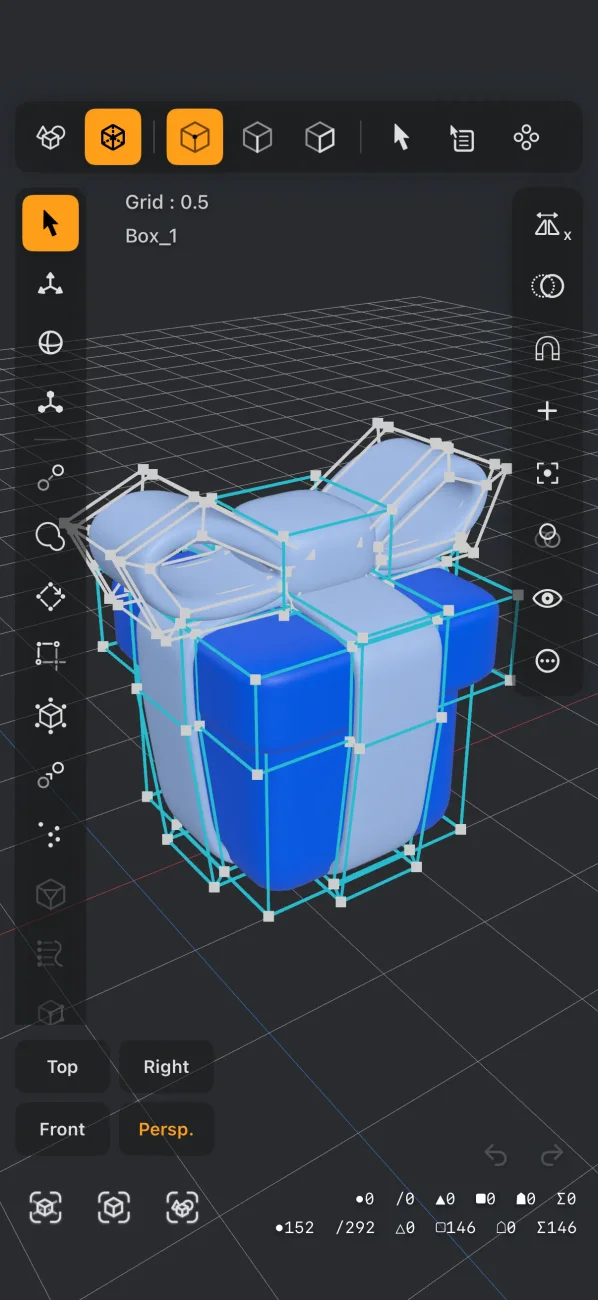
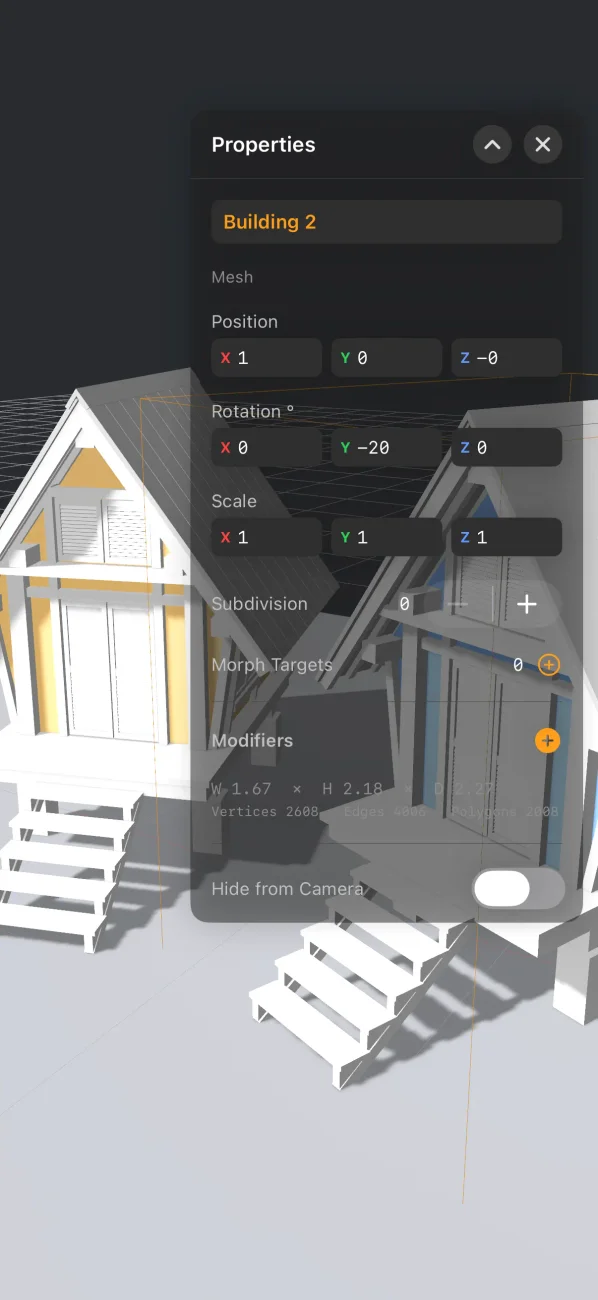
Scene mode is where you build and animate your world: add objects, lights and cameras, group them, clone them, bring them to life with animation and frame the shot. Modeler mode opens any object for point, edge and polygon editing, with more than fifty tools behind it.
MODELING
• 17 primitives, from cube, sphere and torus to spring, capsule, tube and all five Platonic solids
• Extrude, Inset, Smooth Shift, Thicken, Lathe and Mesh Blend
• Bevel, Chamfer and Fillet with adjustable width and segments
• Loop Cut, Edge Slide, Knife, Split Poly, Cap and edge bridging
• Catmull-Clark subdivision with edge creasing
• Boolean union, subtract and intersect
• Draw Poly, Tap Made Poly and Bezier Surface
• Pipe Along Edges, Create Drain, Create Cage, and Sweep or Clone Along Path
• Lattice Warp, Warp Cylinder, Warp Sphere, Mesh Project and Smooth
• Twist, Bend, Taper, Stretch, Skew and Vortex deformers, previewed live
• Point Drag with axis lock and a soft magnet
• Mirror, Bevel, Thicken, Lattice and Shrinkwrap modifiers, applied when you are ready
• Array, Radial, Random and Point cloning
• Grid snapping, numeric entry, gizmos, and reference objects to model against
PAINTING AND MATERIALS
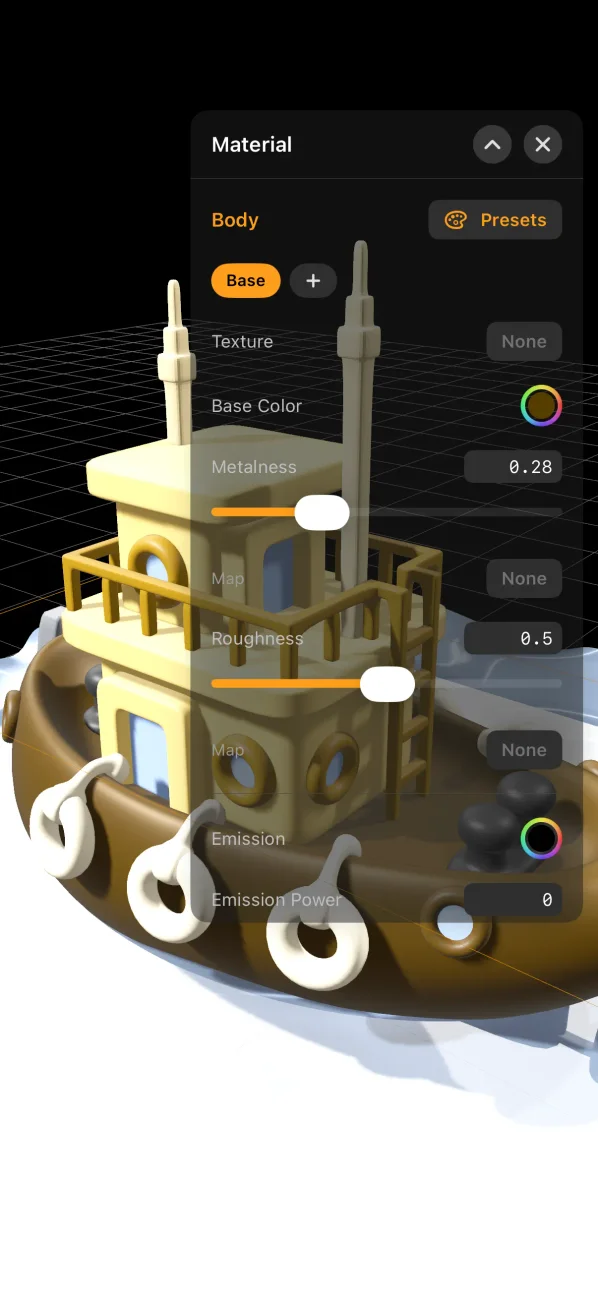
Paint onto the model in 3D or flat in the UV editor, with your choice of brush, on separate colour, metallic, roughness and emission maps. PBR materials with a preset library, glass with a real index of refraction, image textures with five projection modes, and a shadow catcher for setting a render over a photo.
LIGHTING AND ENVIRONMENT
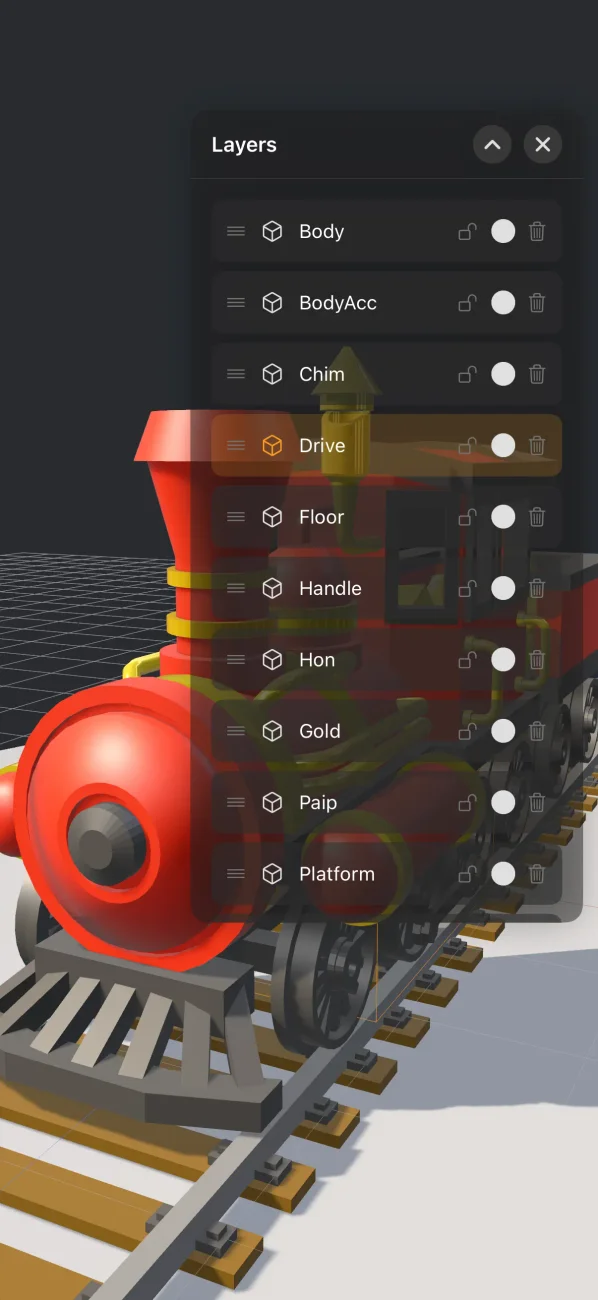
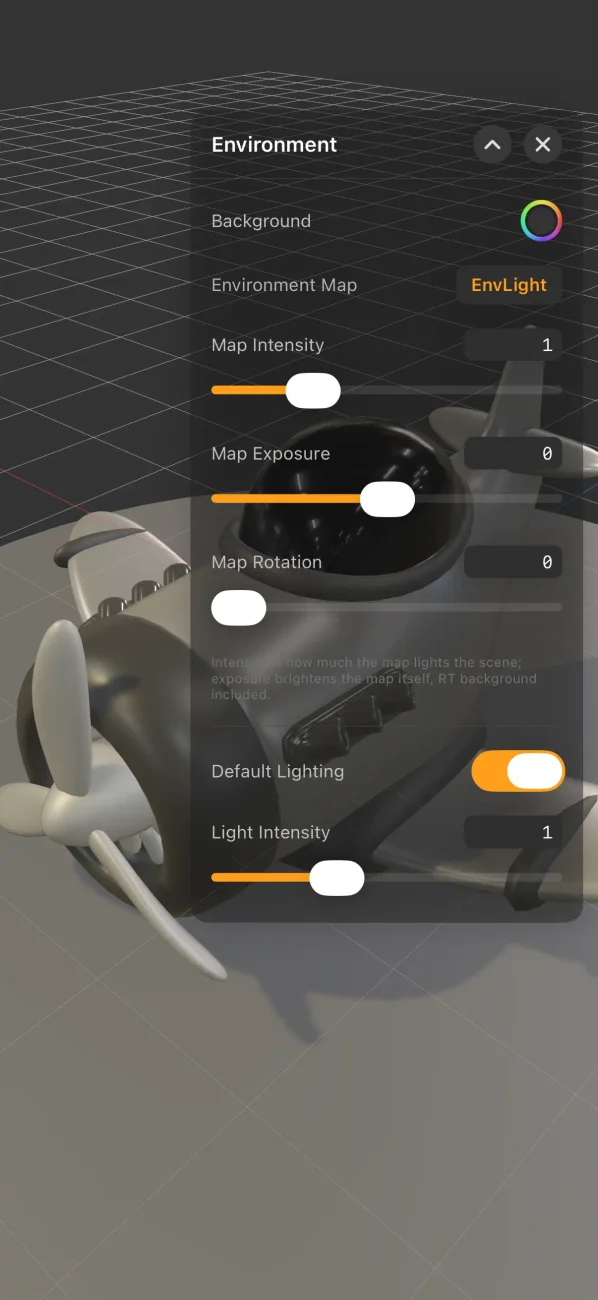
Directional, point, spot and area lights, or an HDR environment for image-based lighting. A layers panel keeps the scene in order: drag to rearrange, group, lock and hide.
RT:RENDER
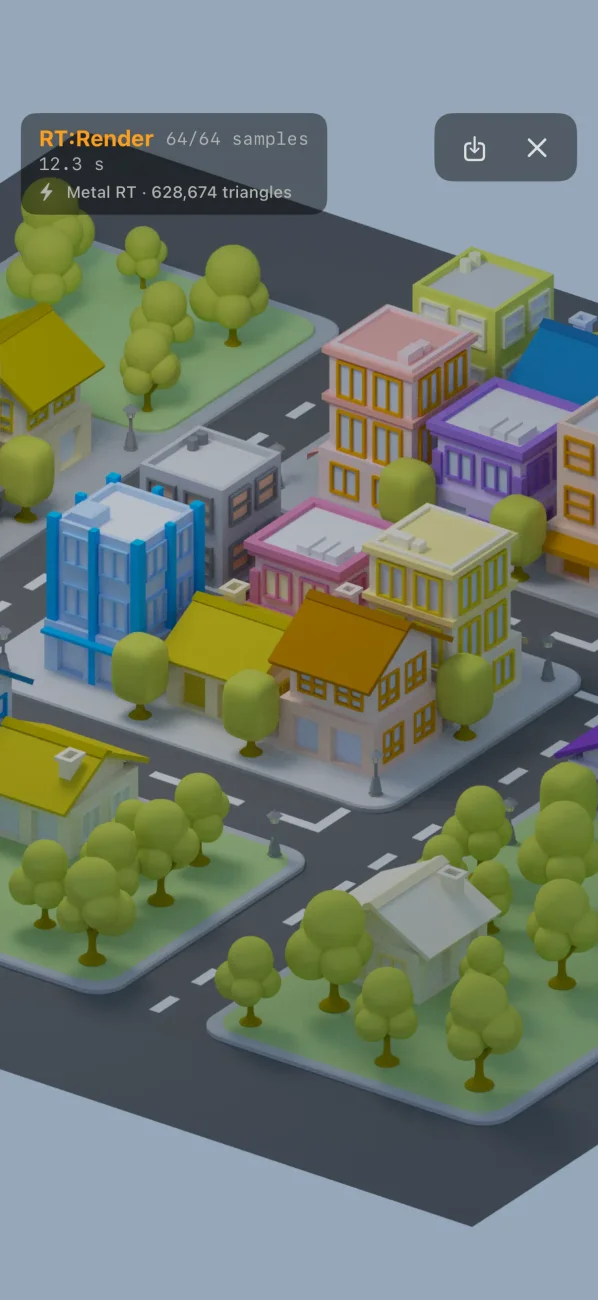
A progressive GPU path tracer written in Metal, using hardware ray tracing on devices that have it. Soft shadows, glass and refraction, glowing surfaces, depth of field and true global illumination. Save a still to Photos, with a transparent background when you need one and a full-range .hdr file alongside, or render an animation out as video. Clay AO, Normals and Depth modes give quick passes.
ANIMATION
Keyframe position, rotation, scale and visibility with easing. Curve the motion path with Bézier handles and let an object turn to face along it. Animate camera zoom and focus, lights, materials and morph targets. A turntable spins the view for a quick look around.
AR PREVIEW
Place your scene on a real table or floor through the camera, at real size or scaled to fit, with its animation playing.
YOUR PROJECTS
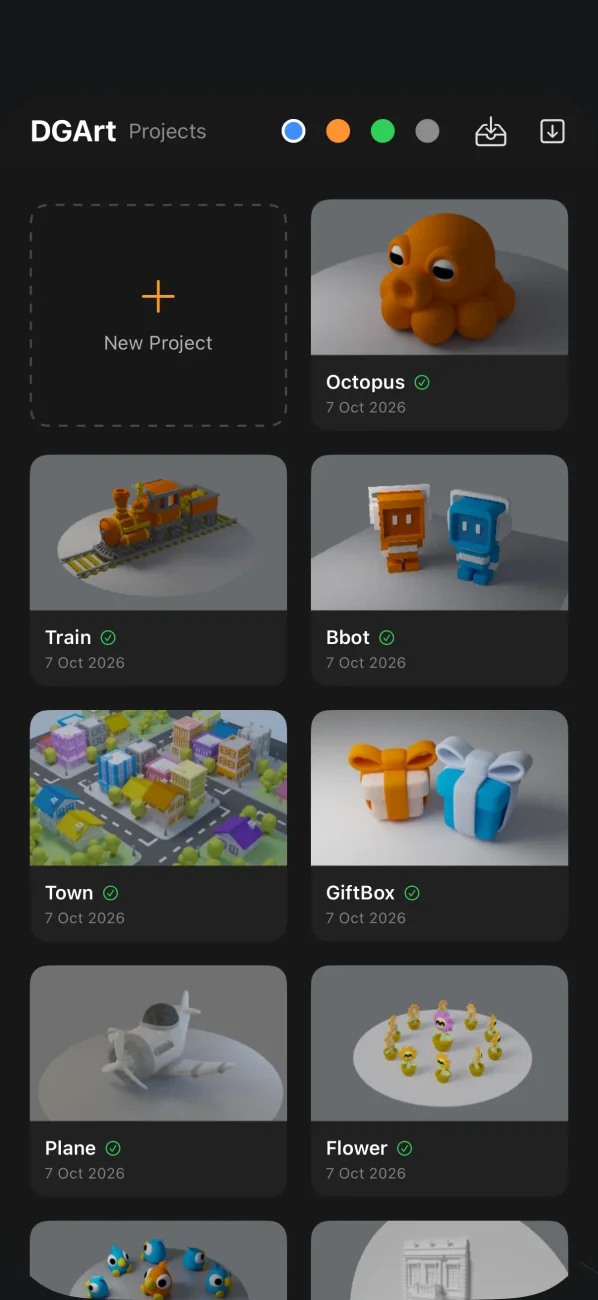
A project library with thumbnails and filters for works in progress, finished pieces and templates. Keep favourite objects on a Custom Objects shelf, append one project into another, and send a project, textures and all, to another iPhone or iPad as a single file.
IMPORT AND EXPORT
Open OBJ, STL, GLB, USDZ and SVG files. Export OBJ, STL, GLB and USDZ for AR Quick Look, game engines, other 3D apps or a 3D printer. Projects save as USD (.usda), a readable, open format your work is never locked inside.
BUILT FOR TOUCH
Every tool is laid out for fingers rather than a mouse. Pinch to zoom, two fingers to pan, a tap for Top, Front, Right or Perspective, a Quick Menu of your own favourite tools, and panels that fold away. It works the same on an iPhone on the train as on an iPad at the kitchen table.
WHO IT IS FOR
Game artists blocking out props, 3D printing enthusiasts, students learning polygon modeling, AR creators who need a USDZ, product designers sketching an idea, and anyone who would rather model on the sofa than at a desk.
Thanks for your support, and do visit nitrio.com for more apps for your iOS devices.
Quyền riêng tư của ứng dụng
Những gì Heng Jia Liang khai báo trên App Store về cách ứng dụng này xử lý dữ liệu.
-
Dữ liệu không được thu thập
Nhà phát triển không thu thập bất kỳ dữ liệu nào từ ứng dụng này.
Phương thức đảm bảo quyền riêng tư có thể khác nhau, chẳng hạn như tuỳ theo các tính năng bạn sử dụng hoặc độ tuổi của bạn.
Thông tin
- Người bán
- Heng Jia Liang
- Danh mục
- Đồ Họa & Thiết Kế
- Phiên bản
- 1.0
- Cập nhật
- 23/10/2026
- Phát hành
- 22/10/2026
- Kích thước
- 21,4 MB
- Yêu cầu
- iOS 18.0 trở lên
- Độ tuổi
- 4+
- Giá
- 999.000đ
- Ngôn ngữ
- Tiếng Anh, Tiếng Pháp, Tiếng Đức, Tiếng Ý, Tiếng Nhật, Tiếng Hàn, Tiếng Bồ Đào Nha, Tiếng Nga, Tiếng Trung Giản thể, Tiếng Tây Ban Nha, Tiếng Trung Phồn thể
- Bản quyền
- © Heng Jia Liang
Có thể bạn cũng thích
-
 LowPoly 3D ModelingĐồ Họa & Thiết Kế
-
 3D Modeling - 3D PrinterĐồ Họa & Thiết Kế
-
 Denrim: ForgeĐồ Họa & Thiết Kế
-
 ArtiMesh: 3D ModelingĐồ Họa & Thiết Kế
-
 Plastic - 3D ModelingĐồ Họa & Thiết Kế
-
 WaxĐồ Họa & Thiết Kế
-
 FliXplain Whiteboard AnimationĐồ Họa & Thiết Kế
-
 Uniform - 3D EditorĐồ Họa & Thiết Kế
-
 CozyBlanket ProĐồ Họa & Thiết Kế
-
 3D Model Print Simple EditĐồ Họa & Thiết Kế