
Doc Scanner: Scan PDF
OCR Document, Receipts & Sign
Được thiết kế cho iPhone, iPad, iPod touch
Miễn phí · Mua hàng trong ứng dụng
- Độ tuổi4+
- Danh mụcHiệu Suất
- Nhà phát triểnSHELL INFRASTRUCTURE PRIVATE LIMITED
- Ngôn ngữTiếng Anh
- Kích thước23,2 MB
Liên kết đến trang App Store chính thức
Download.org không lưu trữ tệp nào của Doc Scanner: Scan PDF. Nút này mở trang ứng dụng trên App Store, nơi SHELL INFRASTRUCTURE PRIVATE LIMITED phát hành ứng dụng. Trang được kiểm tra lần cuối: 22/11/2026.
Ảnh chụp màn hình
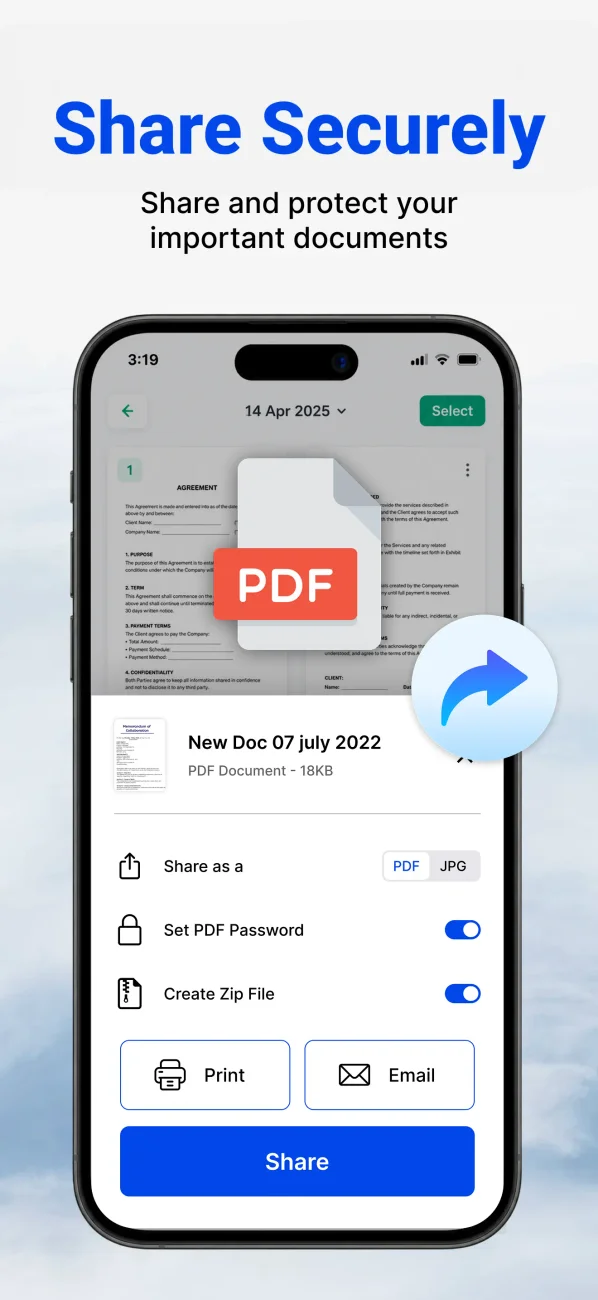
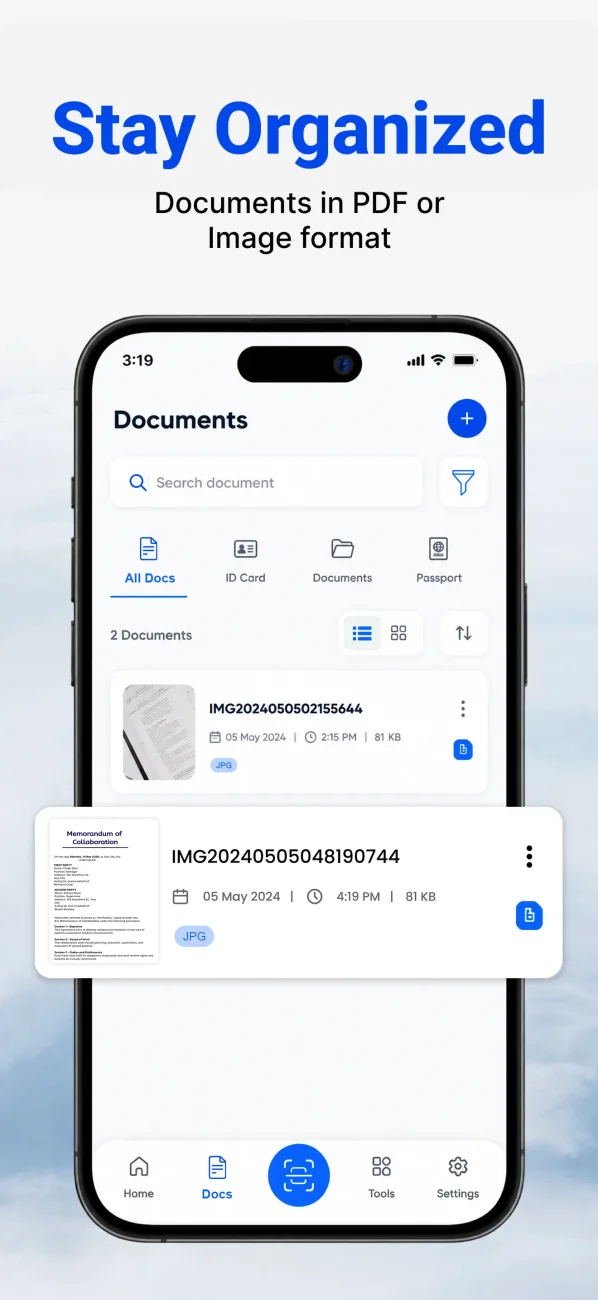
Giới thiệu
Nhà phát triển chưa cung cấp nội dung này bằng ngôn ngữ của bạn.
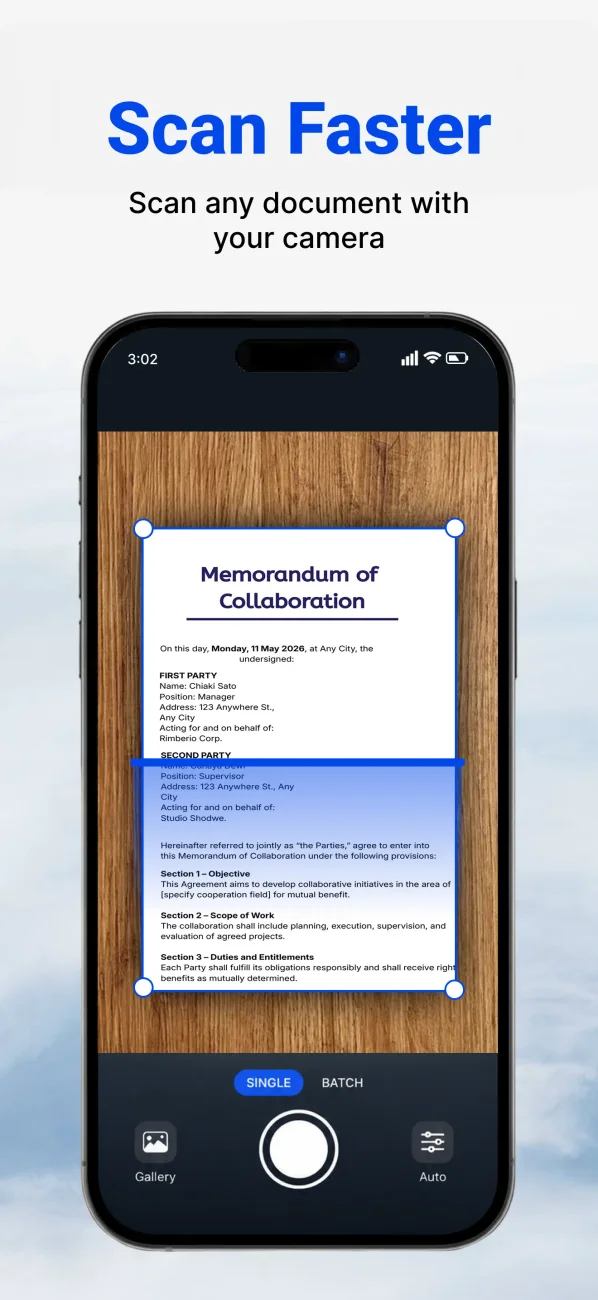
Scan documents, photos, and cards quickly and easily, then translate them into other languages.
Scan documents into a clear, sharp image or PDF to email, fax, print, or save to files.
Doc Scanner is a free scanner app that helps users scan, edit, and store data on smartphones, iPads, and computers. Extract texts with OCR and convert PDF to Word, Word to PDF, PDF to JPEG, etc.
Features:
* A powerful and quick mobile scanner
Use your phone's camera to scan receipts, notes, invoices, whiteboard discussions, business cards, certificates, QR codes, etc.
* Improve scan quality
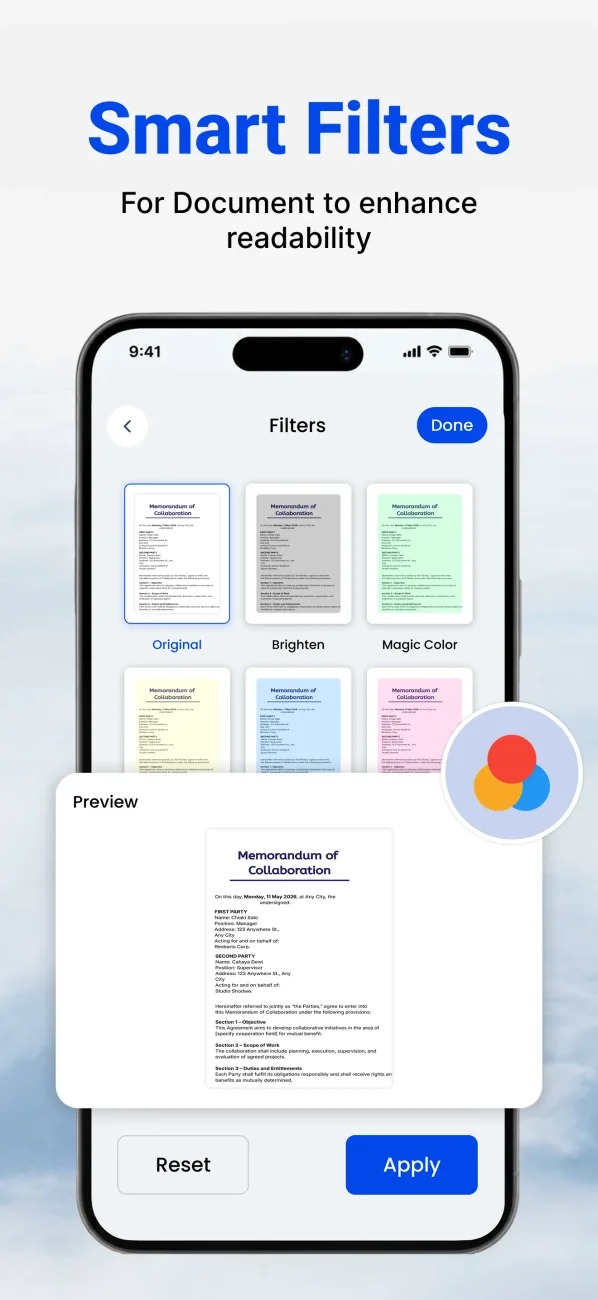
Smart cropping, editing, and auto-enhancing make the texts and graphics in DocuSign look clear and sharp.
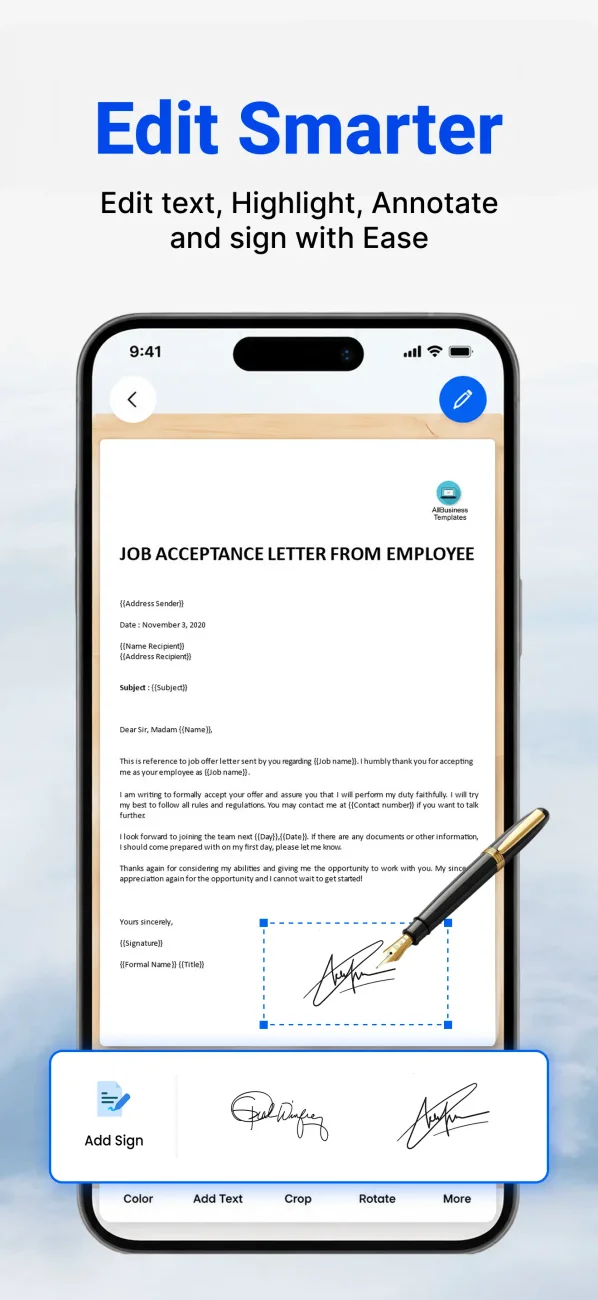
* E-signature
Contracts can be signed and DocuSign files shared to your PDF drive. It is widely used among the CSB, e-file, real estate agents, and in government form filling.
* PDF Converter:
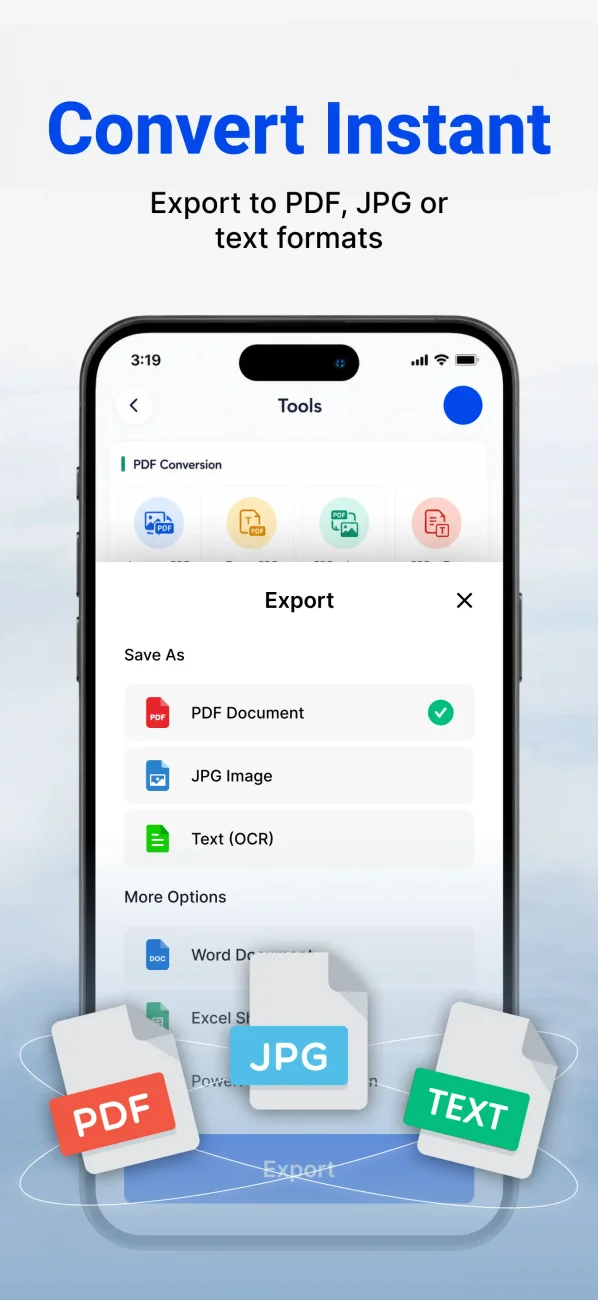
Image to PDF Converter, Just select some images or take a picture with your camera and convert it into a PDF file, or convert a document file (doc, docx, ppt, pptx) to a PDF. You can open any PDF with the Camera Scanner. You can also highlight key sections, add comments, fill out the form, and sign it with a cam scaner.
* Advanced Editing
It is possible to add annotations or a customised watermark to documents. You can make barcodes with a barcode generator.
* OCR Text Recognition
The OCR Text Recognition feature lets you recognise text from images, edit texts, or share texts to a printer, mail, or other reference apps.
* Share PDF/JPEG Files
Easily share documents in PDF or JPEG format with others via social media, email attachment, or by sending the doc link. There are pdf compressors, pdf mergers, pdf combiners, converters of jpg to pdf and jpeg to pdf, qr code generators, and qr code readers.
* AirPrint documents
Instantly print out documents in CamScanner to a nearby printer via AirPrint.
CamScanner users scan and manage
* A simple scanner with scannable office lens files
* The most effective PDF scanner for ilovepdf, iscanner, and Adobe Scan
* Scan a bill, an invoice, a contract, a tax return, or a business card with the can scaner.
* A whiteboard, a memo, a script, a letter.
* A blackboard, a note, a PowerPoint presentation, a book, an article, and so on.
* A certificate, a document of identification, a painting.
* Word to PDF converter, pdf editor, QR code scanner, Doc to PDF converter, and Word to PDF converter are all included.
Convert office documents to PDF files. Turn your PDF files into editable and scannable office formats such as Word, Excel, and PowerPoint.
== DocScanner Pro Feature ==
There are two subscription plans.
$1.99 per month
$11.99 per year with a 3-day trial
Payment will be charged to your iTunes Account upon purchase confirmation.
The subscription automatically renews unless auto-renew is turned off at least 24 hours before the end of the current period.
The account will be charged for renewal within 24 hours prior to the end of the current period, and we will identify the cost of the renewal.
Subscriptions may be managed by the user, and auto-renewal may be turned off by going to the user’s Account Settings after purchase.
Any unused portion of a free trial period, if offered, will be forfeited when the user purchases a subscription to that publication, where applicable.
No cancellation of the current subscription is allowed during the active subscription period.
Terms of Service: http://shellinfra.com/tos.html
Privacy Policy: http://shellinfra.com/privacy-policy.html
If you have any questions, please email shellinfra01@gmail.com.
Thanks for using this app !!!
Có gì mới
Phiên bản 2.9 · 22/06/2026
- Minor bug fixes
- Performance improvements.
Thanks for using our app !!
Quyền riêng tư của ứng dụng
Những gì SHELL INFRASTRUCTURE PRIVATE LIMITED khai báo trên App Store về cách ứng dụng này xử lý dữ liệu.
-
Dữ liệu được sử dụng để theo dõi bạn
Có thể được sử dụng để theo dõi bạn trên các ứng dụng và trang web do công ty khác sở hữu.
- Mã định danh
- Dữ liệu sử dụng
- Chẩn đoán
-
Dữ liệu liên kết với bạn
Có thể được thu thập và liên kết với danh tính của bạn.
- Mã định danh
- Dữ liệu sử dụng
- Chẩn đoán
Phương thức đảm bảo quyền riêng tư có thể khác nhau, chẳng hạn như tuỳ theo các tính năng bạn sử dụng hoặc độ tuổi của bạn.
Thông tin
- Người bán
- SHELL INFRASTRUCTURE PRIVATE LIMITED
- Danh mục
- Hiệu Suất
- Phiên bản
- 2.9
- Cập nhật
- 22/06/2026
- Phát hành
- 24/01/2020
- Kích thước
- 23,2 MB
- Yêu cầu
- iOS 15.0 trở lên
- Độ tuổi
- 4+
- Giá
- Miễn phí
- Mua hàng trong ứng dụng
- Có
- Ngôn ngữ
- Tiếng Anh
- Bản quyền
- © SHELL INFRASTRUCTURE PRIVATE LIMITED
Có thể bạn cũng thích
-
 Doc Scanner .Hiệu Suất
-
 Document Scanner by LufickHiệu Suất
-
 PDF Scanner : Converter,EditorHiệu Suất
-
 OKEN - Doc Scanner, PDF ScanHiệu Suất
-
 Camera Scanner: Quét Tài LiệuQuét, Ký & Chuyển PDF Nhanh
-
 Document Scanner - Scan PhotoHiệu Suất
-
 Quét tài liệu & DịchQuét ra PDF, Word, Excel, OCR
-
 Photo Scanner - PDF and docHiệu Suất
-
 vFlat Scan - Scanner phần mềmQuét sách thành PDF gọn lẹ
-
 Scanner - convert photo to pdfHiệu Suất