
Doc Scanner: Scan PDF
OCR Document, Receipts & Sign
iPhone, iPad, iPod touch向けに設計
無料 · アプリ内課金
- 対象年齢4+
- カテゴリ仕事効率化
- 開発元SHELL INFRASTRUCTURE PRIVATE LIMITED
- 言語英語
- サイズ23.2 MB
App Storeの公式ページにリンクしています
Download.orgはDoc Scanner: Scan PDFのファイルを一切ホストしていません。ボタンを押すと、SHELL INFRASTRUCTURE PRIVATE LIMITEDが公開しているApp Storeのアプリページが開きます。ページの最終確認:2026/11/22。
スクリーンショット
概要
開発元はこのテキストをお使いの言語で提供していません。
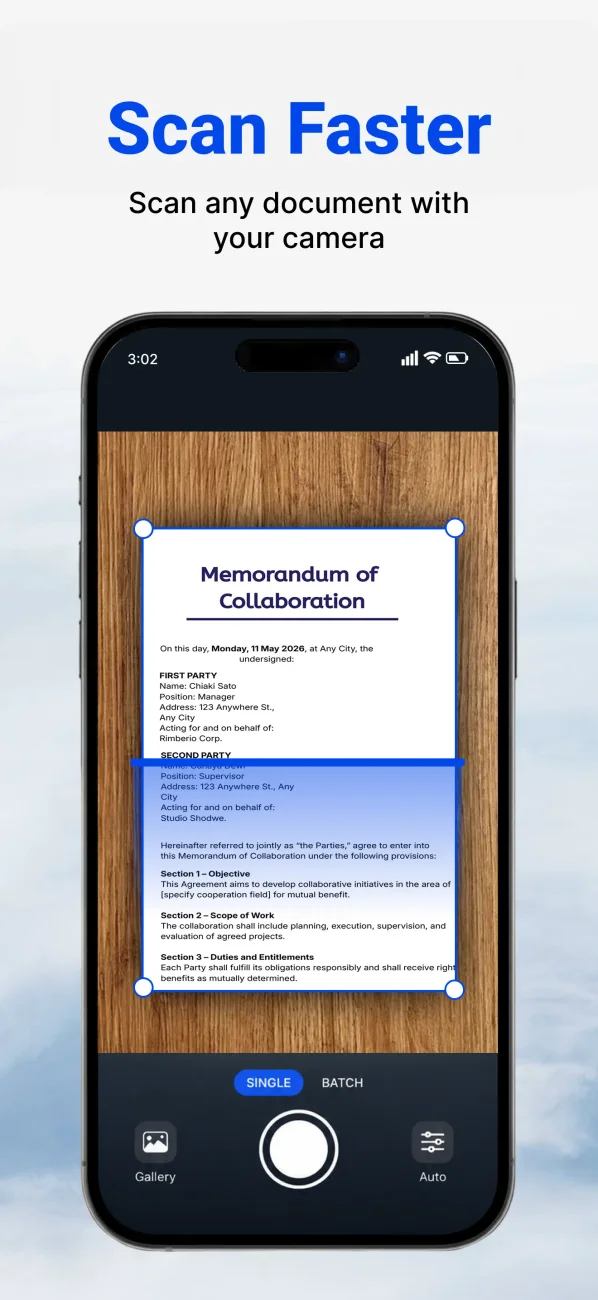
Scan documents, photos, and cards quickly and easily, then translate them into other languages.
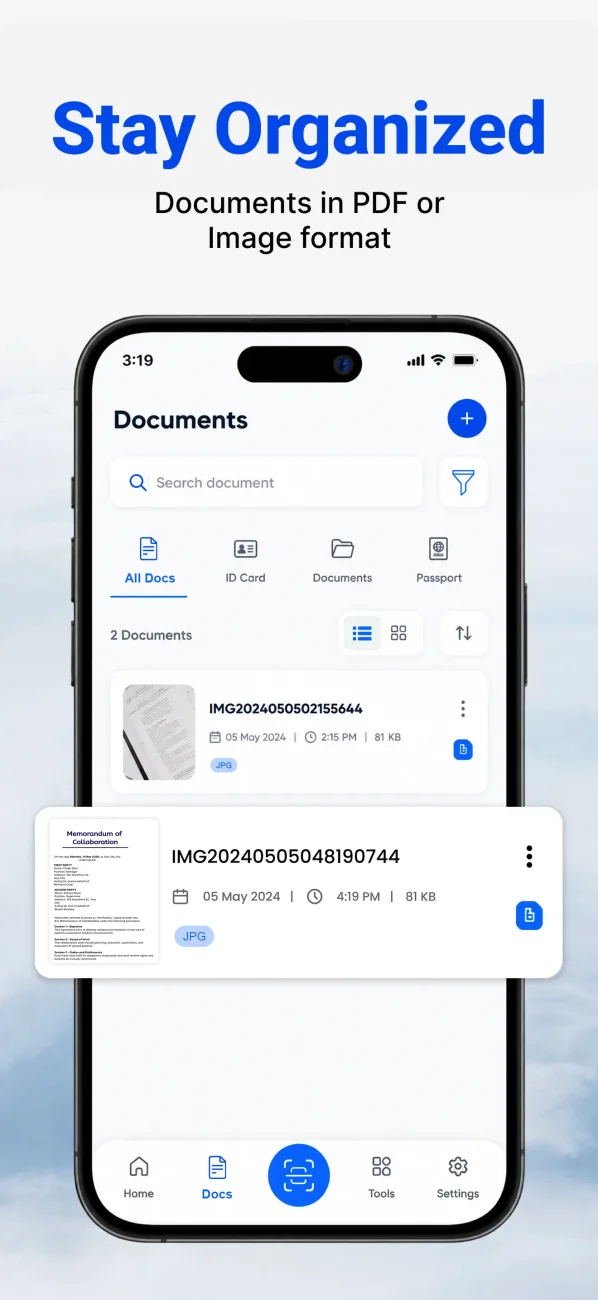
Scan documents into a clear, sharp image or PDF to email, fax, print, or save to files.
Doc Scanner is a free scanner app that helps users scan, edit, and store data on smartphones, iPads, and computers. Extract texts with OCR and convert PDF to Word, Word to PDF, PDF to JPEG, etc.
Features:
* A powerful and quick mobile scanner
Use your phone's camera to scan receipts, notes, invoices, whiteboard discussions, business cards, certificates, QR codes, etc.
* Improve scan quality
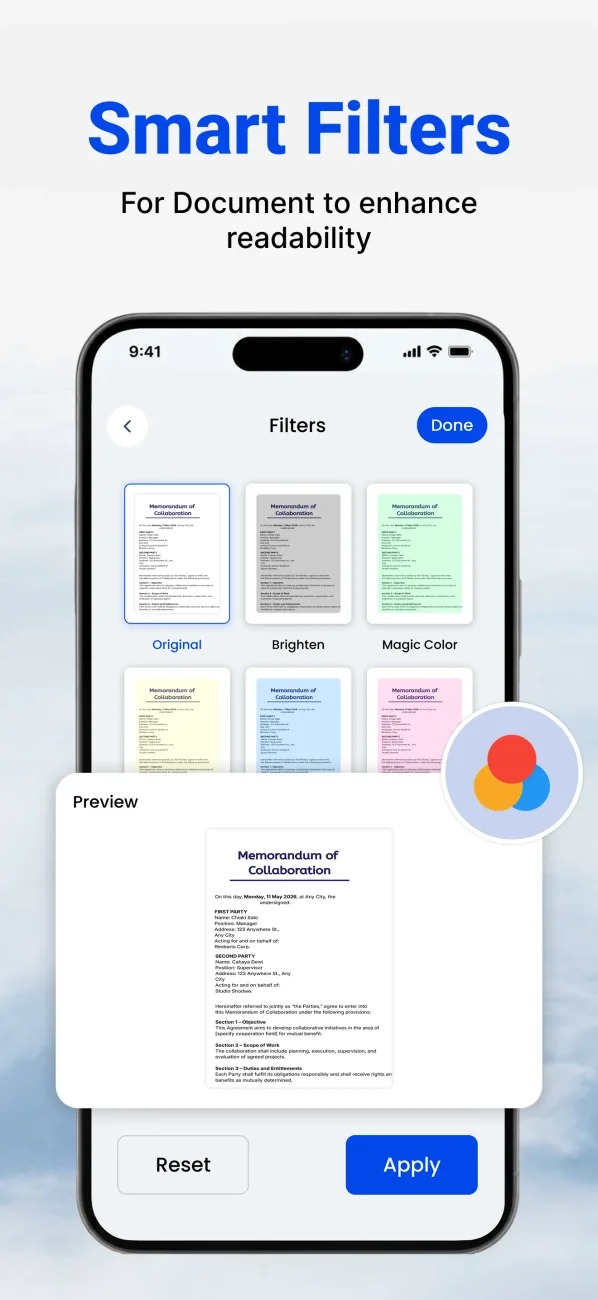
Smart cropping, editing, and auto-enhancing make the texts and graphics in DocuSign look clear and sharp.
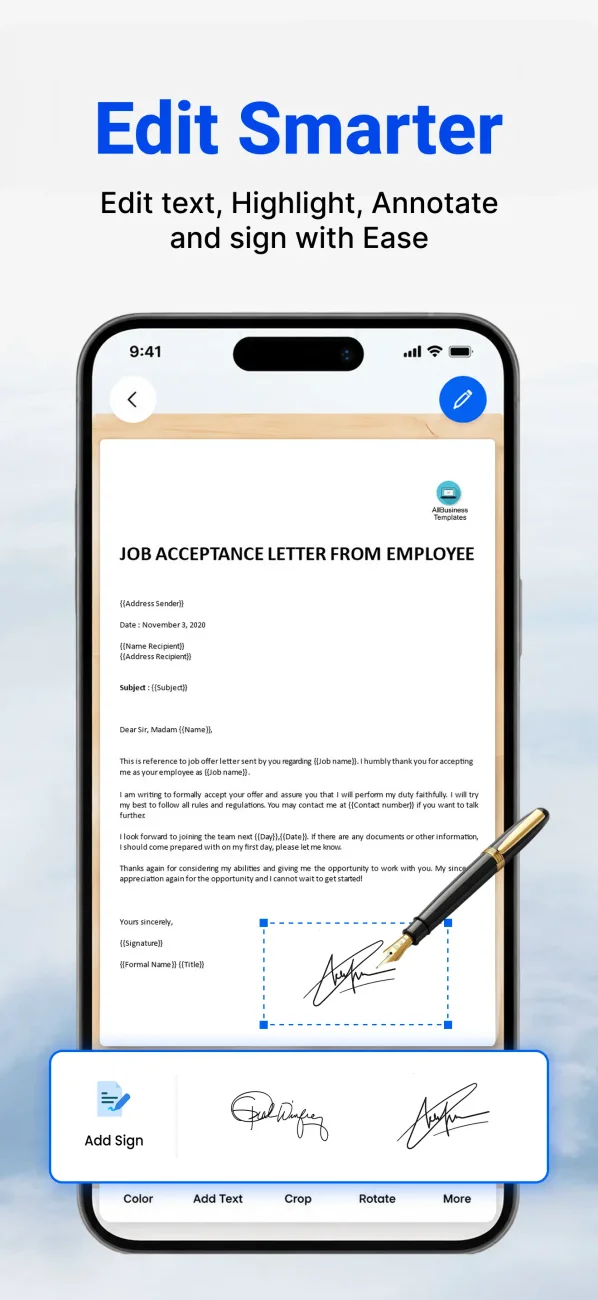
* E-signature
Contracts can be signed and DocuSign files shared to your PDF drive. It is widely used among the CSB, e-file, real estate agents, and in government form filling.
* PDF Converter:
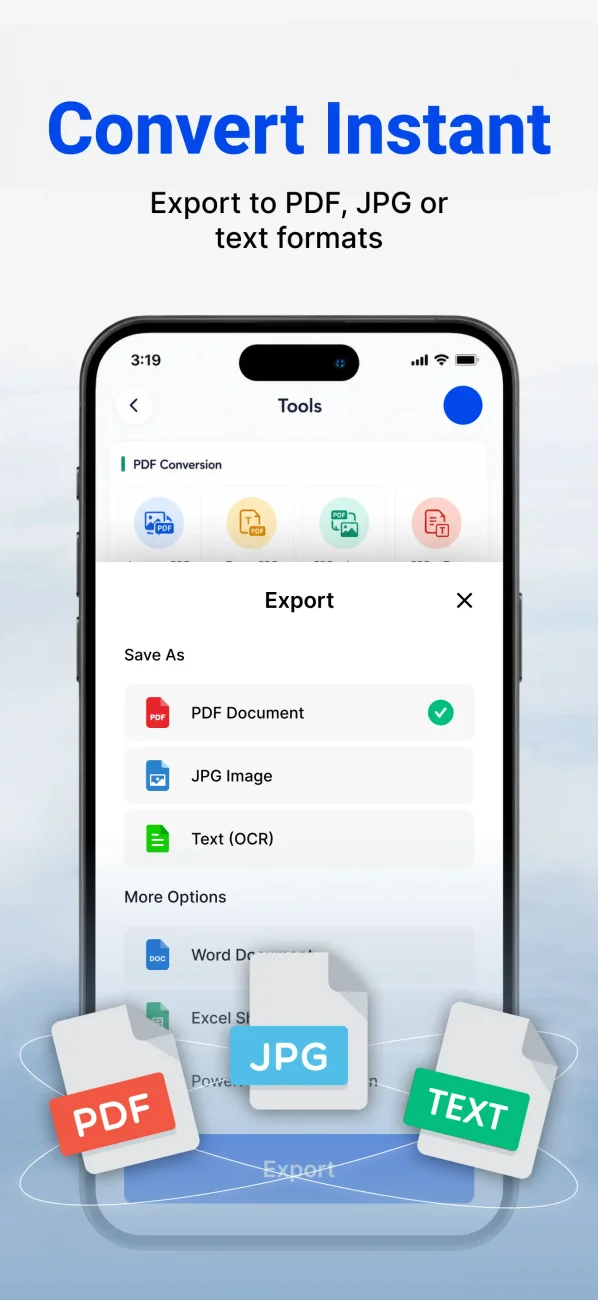
Image to PDF Converter, Just select some images or take a picture with your camera and convert it into a PDF file, or convert a document file (doc, docx, ppt, pptx) to a PDF. You can open any PDF with the Camera Scanner. You can also highlight key sections, add comments, fill out the form, and sign it with a cam scaner.
* Advanced Editing
It is possible to add annotations or a customised watermark to documents. You can make barcodes with a barcode generator.
* OCR Text Recognition
The OCR Text Recognition feature lets you recognise text from images, edit texts, or share texts to a printer, mail, or other reference apps.
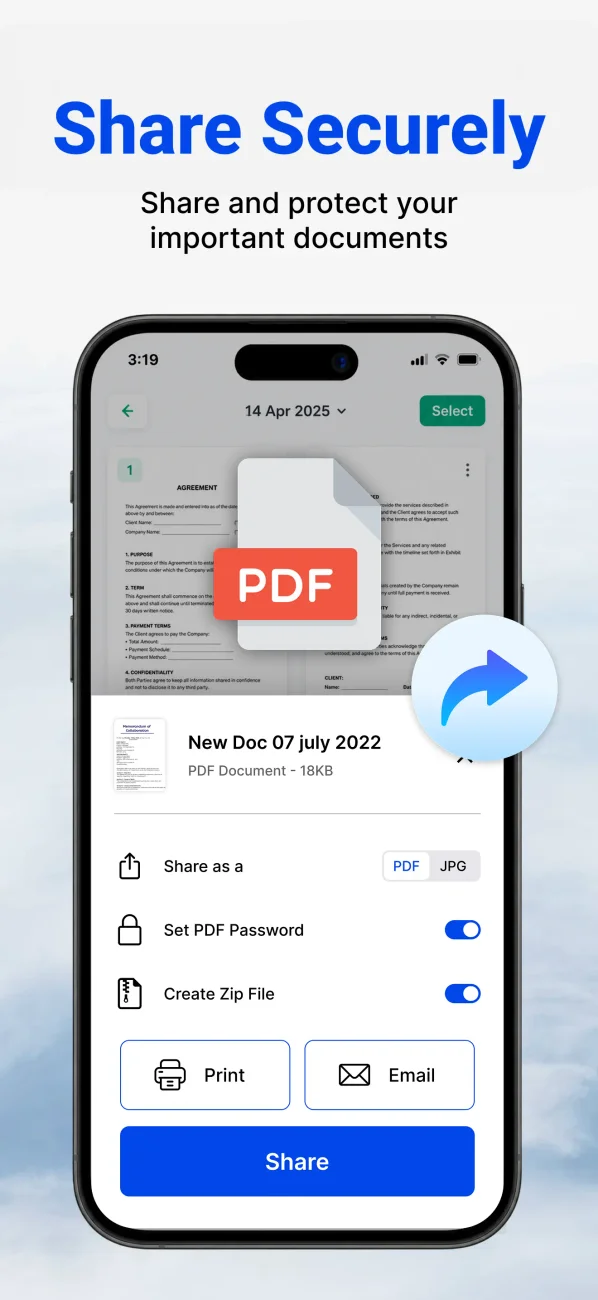
* Share PDF/JPEG Files
Easily share documents in PDF or JPEG format with others via social media, email attachment, or by sending the doc link. There are pdf compressors, pdf mergers, pdf combiners, converters of jpg to pdf and jpeg to pdf, qr code generators, and qr code readers.
* AirPrint documents
Instantly print out documents in CamScanner to a nearby printer via AirPrint.
CamScanner users scan and manage
* A simple scanner with scannable office lens files
* The most effective PDF scanner for ilovepdf, iscanner, and Adobe Scan
* Scan a bill, an invoice, a contract, a tax return, or a business card with the can scaner.
* A whiteboard, a memo, a script, a letter.
* A blackboard, a note, a PowerPoint presentation, a book, an article, and so on.
* A certificate, a document of identification, a painting.
* Word to PDF converter, pdf editor, QR code scanner, Doc to PDF converter, and Word to PDF converter are all included.
Convert office documents to PDF files. Turn your PDF files into editable and scannable office formats such as Word, Excel, and PowerPoint.
== DocScanner Pro Feature ==
There are two subscription plans.
$1.99 per month
$11.99 per year with a 3-day trial
Payment will be charged to your iTunes Account upon purchase confirmation.
The subscription automatically renews unless auto-renew is turned off at least 24 hours before the end of the current period.
The account will be charged for renewal within 24 hours prior to the end of the current period, and we will identify the cost of the renewal.
Subscriptions may be managed by the user, and auto-renewal may be turned off by going to the user’s Account Settings after purchase.
Any unused portion of a free trial period, if offered, will be forfeited when the user purchases a subscription to that publication, where applicable.
No cancellation of the current subscription is allowed during the active subscription period.
Terms of Service: http://shellinfra.com/tos.html
Privacy Policy: http://shellinfra.com/privacy-policy.html
If you have any questions, please email shellinfra01@gmail.com.
Thanks for using this app !!!
新機能
バージョン 2.9 · 2026/6/22
- Minor bug fixes
- Performance improvements.
Thanks for using our app !!
アプリのプライバシー
このアプリのデータの取り扱いについて、SHELL INFRASTRUCTURE PRIVATE LIMITEDがApp Storeで申告している内容です。
-
ユーザーのトラッキングに使用されるデータ
他社のアプリやウェブサイトを横断してユーザーをトラッキングする目的で使用される場合があります。
- ID
- 使用状況データ
- 診断
-
ユーザーに関連付けられたデータ
収集され、ユーザーの識別情報に関連付けられる場合があります。
- ID
- 使用状況データ
- 診断
プライバシーの取り扱いは、ご利用の機能やお客様の年齢などに応じて異なる場合があります。
情報
- 販売元
- SHELL INFRASTRUCTURE PRIVATE LIMITED
- カテゴリ
- 仕事効率化
- バージョン
- 2.9
- 更新日
- 2026/6/22
- リリース
- 2020/1/24
- サイズ
- 23.2 MB
- 必要条件
- iOS 15.0以降
- 対象年齢
- 4+
- 価格
- 無料
- アプリ内課金
- あり
- 言語
- 英語
- 著作権
- © SHELL INFRASTRUCTURE PRIVATE LIMITED
こちらもおすすめ
-
 Doc Scanner .仕事効率化
-
 Document Scanner by Lufick仕事効率化
-
 PDFScanner- スキャン, pdf変換, pdf編集OCR 付モバイルスキャンで文書と写真を PDF に変換
-
 OKEN - Doc Scanner, PDF Scan仕事効率化
-
 Camera Scanner・PDFスキャナー , OCR写真をPDFに変換・文字認識・スキャンアプリ,Sign
-
 Document Scanner - Scan Photo仕事効率化
-
 書類スキャナー&翻訳PDF・Word・Excelにスキャン、OCR
-
 Photo Scanner - PDF and doc仕事効率化
-
 vFlat Scan - PDF ScannerAIとOCRで本・書類・写真をデジタル化
-
 スキャナーアプリ:紙スキャン とPDF変換PDF Reader - Scan & Copy App