- Độ tuổi4+
- Danh mụcNhạc
- Nhà phát triểnMasahiro Sato
- Ngôn ngữTiếng Anh
- Kích thước20,3 MB
Liên kết đến trang App Store chính thức
Download.org không lưu trữ tệp nào của EffectDeck. Nút này mở trang ứng dụng trên App Store, nơi Masahiro Sato phát hành ứng dụng. Trang được kiểm tra lần cuối: 22/11/2026.
Ảnh chụp màn hình
Giới thiệu
Nhà phát triển chưa cung cấp nội dung này bằng ngôn ngữ của bạn.
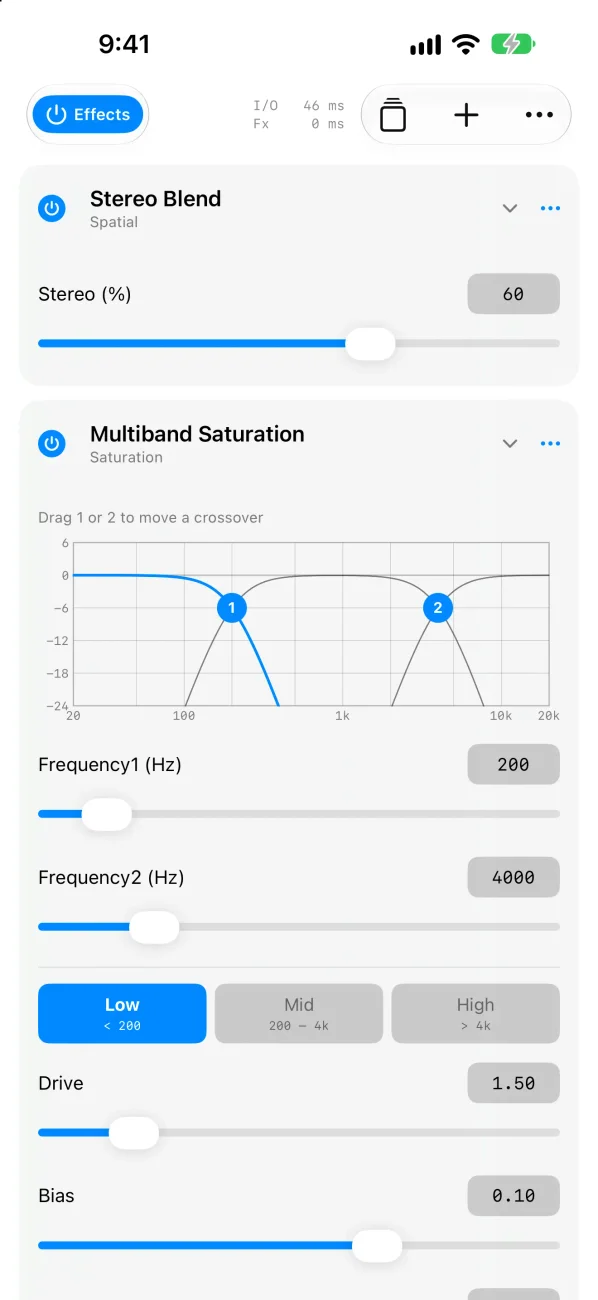
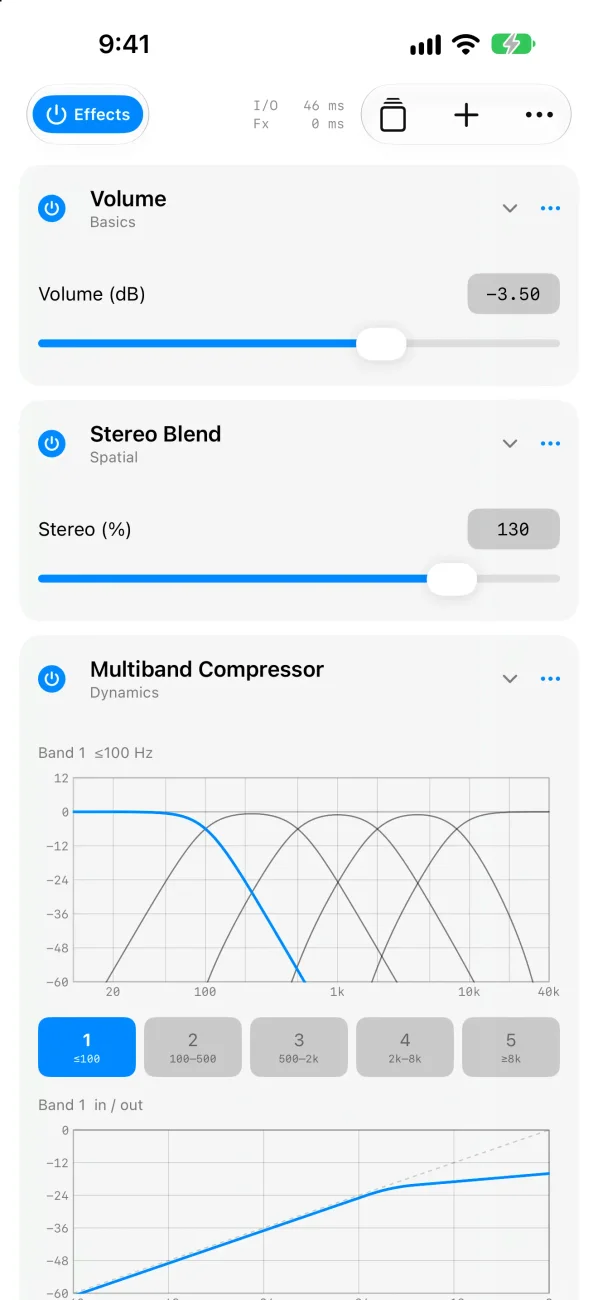
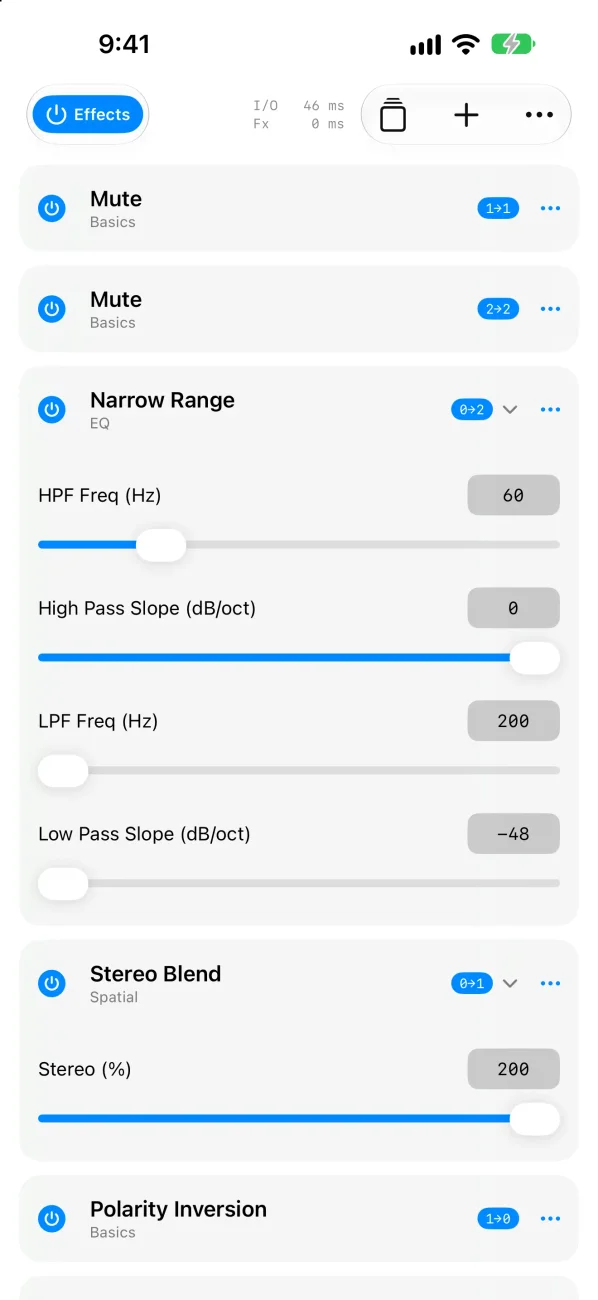
EffectDeck puts an effect chain on the audio other apps are already playing, and the effects you can put in it are not limited to the ones it ships with.
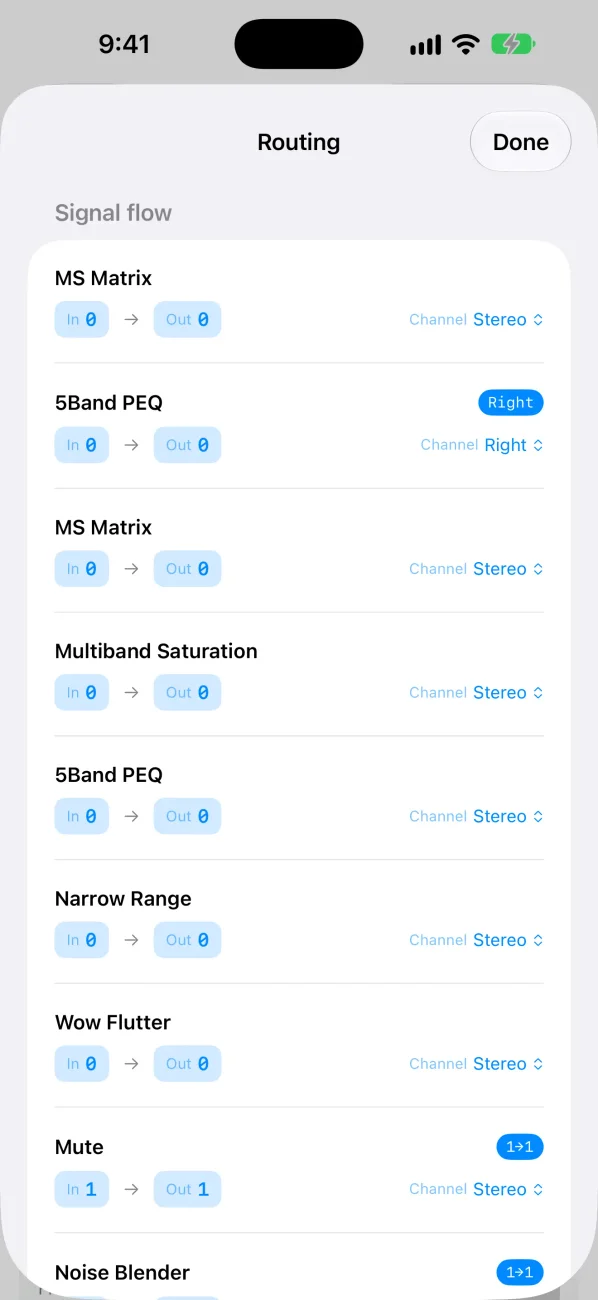
Pick EffectDeck as the output in Control Center, then open the app and build a chain. No virtual cable, no routing to set up, nothing to configure first.
Start from over 100 of EffeTune's effects, running unmodified: the same DSP code EffeTune runs on the desktop and on the web. Add the AUv3 plug-ins already on your device and your own impulse responses. When the effect you want does not exist, write it as a JSFX script, and it goes into the chain like any other effect.
WHAT YOU GET
- Over 100 built-in effects: EQ, dynamics, saturation, modulation, reverb, delay, spatial, lo-fi and restoration
- JSFX effects: import a script from Files, a link or the clipboard. Each gets its own sliders and, if it draws, its own display
- AUv3 effect plug-ins installed on your iPhone or iPad
- Convolution reverb with your own impulse responses, and AutoEQ profiles for the 15-band EQ
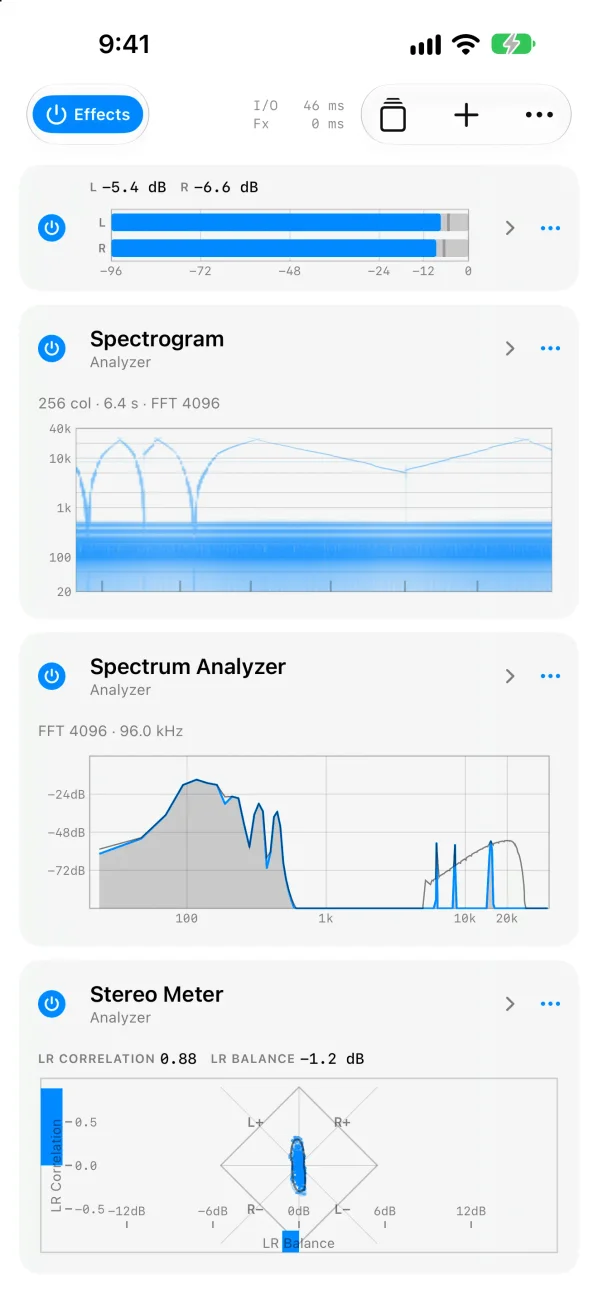
- Analyzers you can drop into the chain: spectrum, spectrogram, oscilloscope, level and stereo meters
- Presets from EffeTune, plus your own presets in folders
- Share a chain or a JSFX script as a link, and open the links others send you
- A two-column layout on iPad
- Oversampling at 48, 96 or 192 kHz, with latency and CPU shown while it runs
HOW IT WORKS
iOS 27 lets an app present itself as an audio output device. EffectDeck appears in Control Center next to your speaker and headphones. Choose it, and the audio from the player you are using is handed over, processed, and played back on the same device. Apps that never report themselves as playing, most games among them, keep going straight to the speaker.
The audio never leaves the device, and nothing is collected. If you are signed in to iCloud, your presets and chain follow you to your other devices.
The effects are EffeTune by Yoshiyuki Kobayashi (MIT). This app is a separate project and is not affiliated with EffeTune. The name was changed at the upstream author's request.
Có gì mới
Phiên bản 2026.11.03 · 03/11/2026
New since 2026.10.16
Undo
- Undo and Redo for the effect chain: parameter changes, adding, removing and moving effects. Shake your iPhone, swipe left or right with three fingers, or press ⌘Z / ⇧⌘Z on a keyboard.
Follow Volume
- An effect can follow the output volume. Choose Follow Volume in the card's ⋯ menu, then add keyframes with the + on the strip under the card name.
- JSFX can read the output volume through effectdeck_output_volume.
Also new
- EffeTune 2.16.0 (DSP 0.16.0): Note Spectrogram Chords & Key, Rhythm Analyzer drums, 10 Mastering presets.
- EffeTune 2.15.0: SFZ Note Player Detection.
- Add Effect search groups results into Effects / Plugins / Presets and also finds common names (de-esser, goniometer, brir).
- An effect you add now goes outside Sections, unless you drop it onto a Section card.
- Chroma Spiral and Stereo Meter use the space better when collapsed. Note Spectrogram has an opaque keyboard, sharper notes and a legend readable in light mode.
- Floating Meters and graphs use less CPU.
- Accessibility: VoiceOver labels, larger text, standard buttons.
Fixes
- iPad (two columns): the top-right buttons could stop responding after closing a sheet by tapping outside it.
Previous update (2026.10.16):
- Remote Control for EffeTune 2.14 on a computer, Floating Meters (Picture in Picture), SFZ Note Player, and smoother dragging.
Quyền riêng tư của ứng dụng
Những gì Masahiro Sato khai báo trên App Store về cách ứng dụng này xử lý dữ liệu.
-
Dữ liệu không được thu thập
Nhà phát triển không thu thập bất kỳ dữ liệu nào từ ứng dụng này.
Phương thức đảm bảo quyền riêng tư có thể khác nhau, chẳng hạn như tuỳ theo các tính năng bạn sử dụng hoặc độ tuổi của bạn.
Thông tin
- Người bán
- Masahiro Sato
- Danh mục
- Nhạc
- Phiên bản
- 2026.11.03
- Cập nhật
- 03/11/2026
- Phát hành
- 17/09/2026
- Kích thước
- 20,3 MB
- Yêu cầu
- iOS 27.0 trở lên
- Độ tuổi
- 4+
- Giá
- Miễn phí
- Ngôn ngữ
- Tiếng Anh
- Bản quyền
- © 2026 nemut.ai