- Độ tuổi4+
- Danh mụcNhạc
- Nhà phát triểnAlexander Douglass
- Ngôn ngữTiếng Anh
- Kích thước26,6 MB
Liên kết đến trang App Store chính thức
Download.org không lưu trữ tệp nào của FretWizard. Nút này mở trang ứng dụng trên App Store, nơi Alexander Douglass phát hành ứng dụng. Trang được kiểm tra lần cuối: 13/11/2026.
Ảnh chụp màn hình
Giới thiệu
Nhà phát triển chưa cung cấp nội dung này bằng ngôn ngữ của bạn.
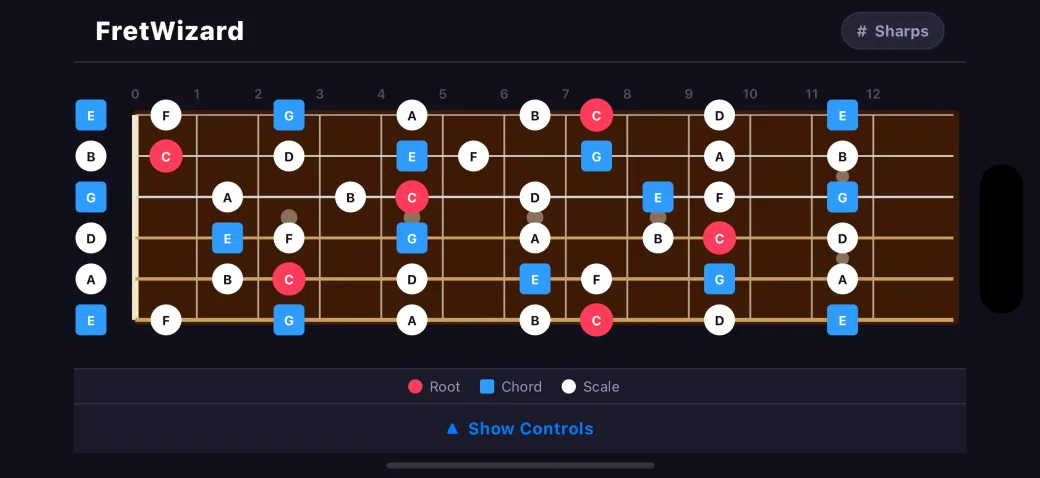
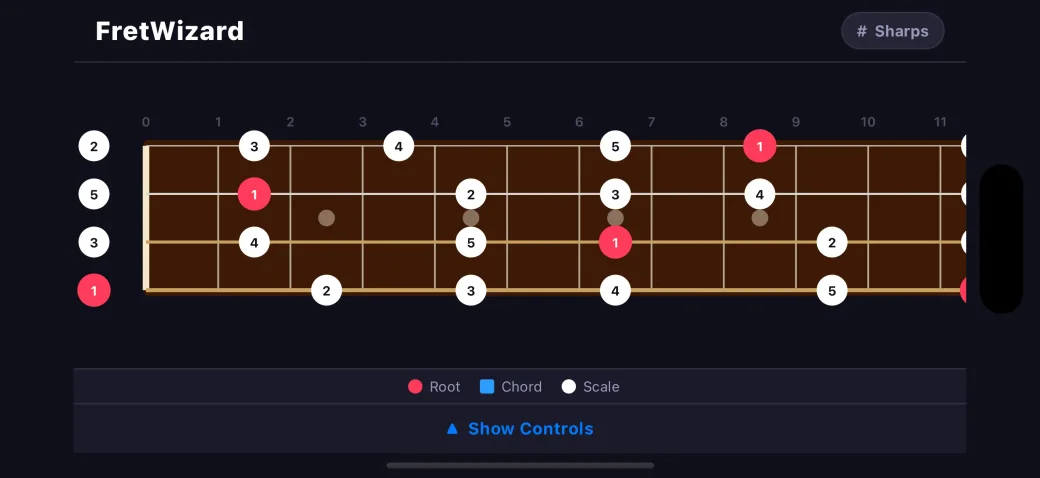
FretWizard is the ultimate fretboard visualization tool for guitarists, bassists, and players of all stringed instruments. Whether you're a beginner learning your first scales or an experienced player deepening your music theory knowledge, FretWizard makes it easy to see exactly where every note lives on the neck.
INSTRUMENTS
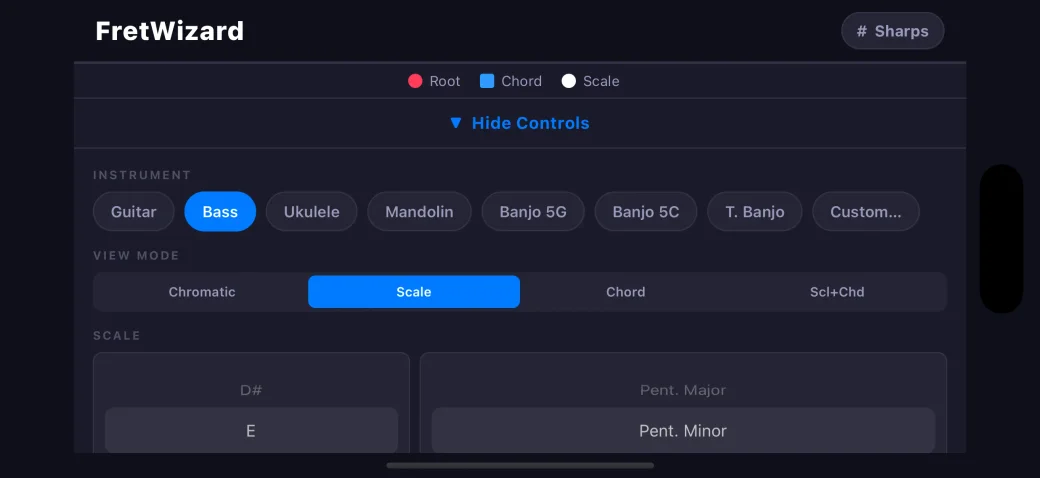
Visualize scales and chords across 7 pre-defined instruments, or create your own custom instrument or tuning:
• Guitar
• Bass Guitar
• Ukulele
• Mandolin
• 5-String Banjo (Open G)
• 5-String Banjo (Double C)
• Tenor Banjo
• Custom — build any instrument with your own tuning (up to 12 strings)
SCALES
• Major & Minor
• Pentatonic Major & Minor
• Blues
• Dorian, Phrygian, Lydian, Mixolydian
• Harmonic Minor
• Chromatic
CHORDS
• Major, Minor
• Dom 7, Maj 7, Min 7
• Augmented, Diminished
• Aug 7, Dim 7
• 6th, 9th, 11th, 13th
• Sus2, Sus4
POWERFUL VIEW MODES
Switch between four views to explore music theory your way:
• Chromatic — see all 12 notes across the entire neck
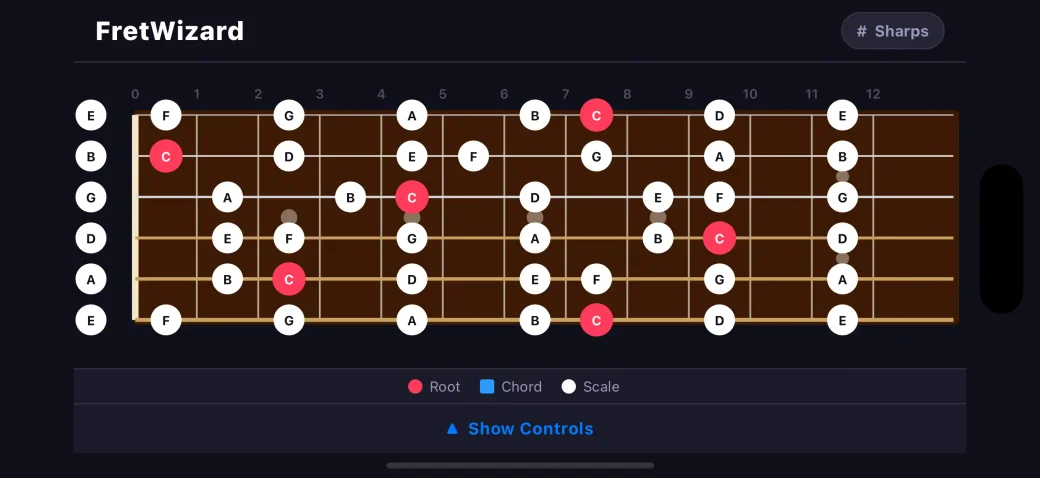
• Scale — highlight every note in your chosen scale
• Chord — see all chord tones up and down the fretboard
• Scale + Chord — overlay both at once to understand how chords live inside scales
FLEXIBLE NOTE LABELS
Choose how notes are labeled on the fretboard:
• Note Name (C, D, F#...)
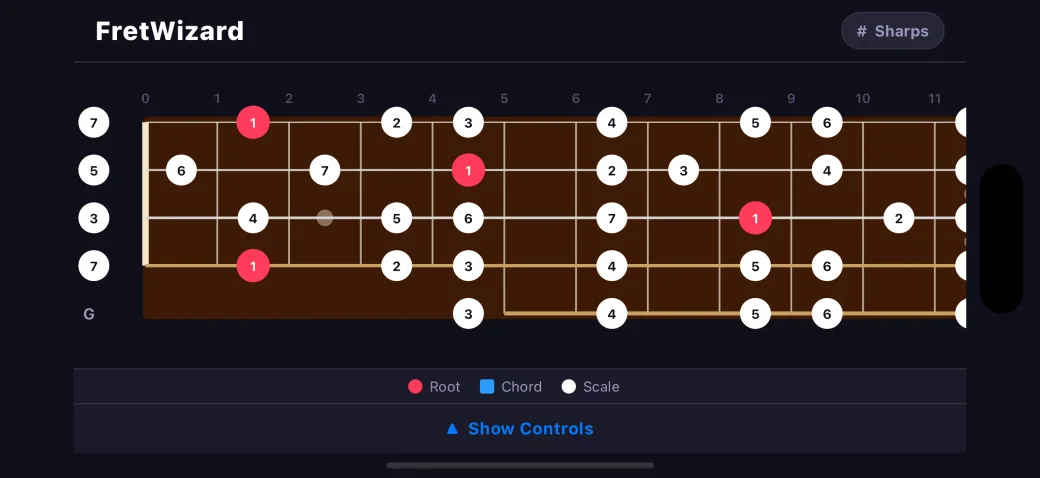
• Scale Degree (1, 2, 3, 4...)
• Interval (R, M3, P5...)
MORE FEATURES
• Sharp/flat toggle for your preferred notation
• Pinch-to-zoom for detailed fret inspection
• Landscape mode for a wider fretboard view
• Full tablet support
• Clean dark interface designed for readability on stage or in the studio
Có gì mới
Phiên bản 1.01 · 16/07/2026
Fixed a bug that did not update to "degrees" when in "chord" mode. Added the ability to name custom instruments and save them. Made the custom instrument field "sticky". Added a half diminished chord option. Changed the order that chords are listed in. Fixed a layout issue in landscape mode that sometimes cut off the top of an instrument fretboard.
Quyền riêng tư của ứng dụng
Những gì Alexander Douglass khai báo trên App Store về cách ứng dụng này xử lý dữ liệu.
-
Dữ liệu không được thu thập
Nhà phát triển không thu thập bất kỳ dữ liệu nào từ ứng dụng này.
Phương thức đảm bảo quyền riêng tư có thể khác nhau, chẳng hạn như tuỳ theo các tính năng bạn sử dụng hoặc độ tuổi của bạn.
Thông tin
- Người bán
- Alexander Douglass
- Danh mục
- Nhạc
- Phiên bản
- 1.01
- Cập nhật
- 16/07/2026
- Phát hành
- 26/03/2026
- Kích thước
- 26,6 MB
- Yêu cầu
- iOS 15.1 trở lên
- Độ tuổi
- 4+
- Giá
- Miễn phí
- Ngôn ngữ
- Tiếng Anh
- Bản quyền
- © 2026 Alex Douglass