- Độ tuổi4+
- Danh mụcTiện Ích
- Nhà phát triểnFab Lab Connect
- Ngôn ngữTiếng Anh
- Kích thước5,6 MB
Liên kết đến trang App Store chính thức
Download.org không lưu trữ tệp nào của ICIDO. Nút này mở trang ứng dụng trên App Store, nơi Fab Lab Connect phát hành ứng dụng. Trang được kiểm tra lần cuối: 16/11/2026.
Ảnh chụp màn hình

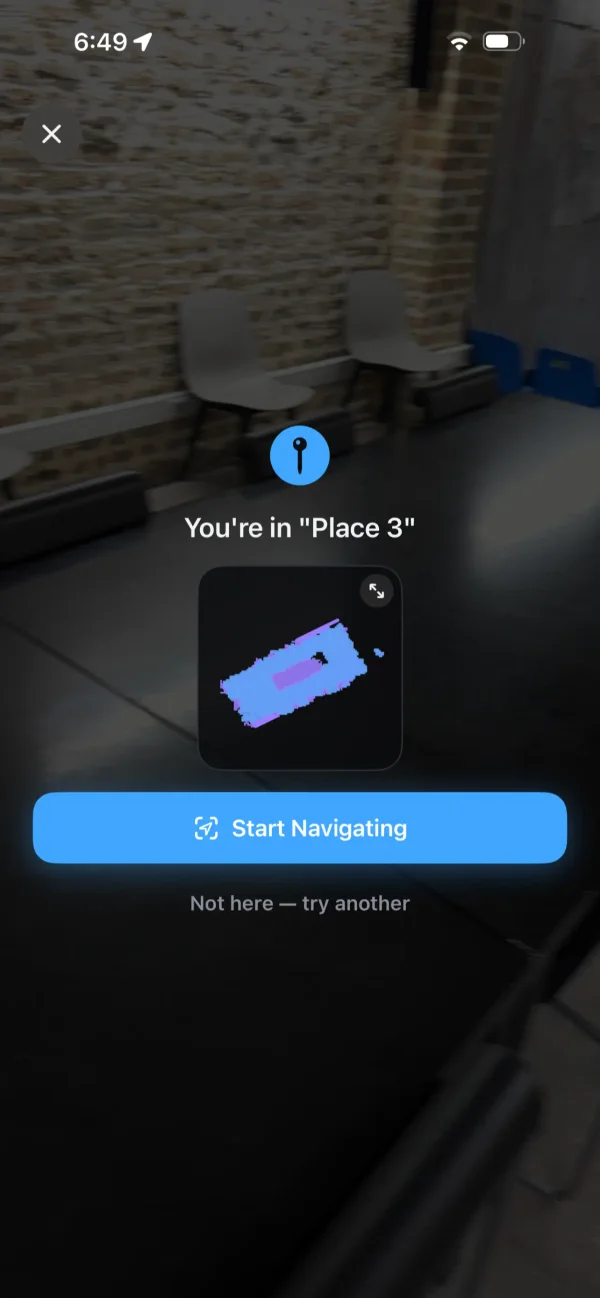
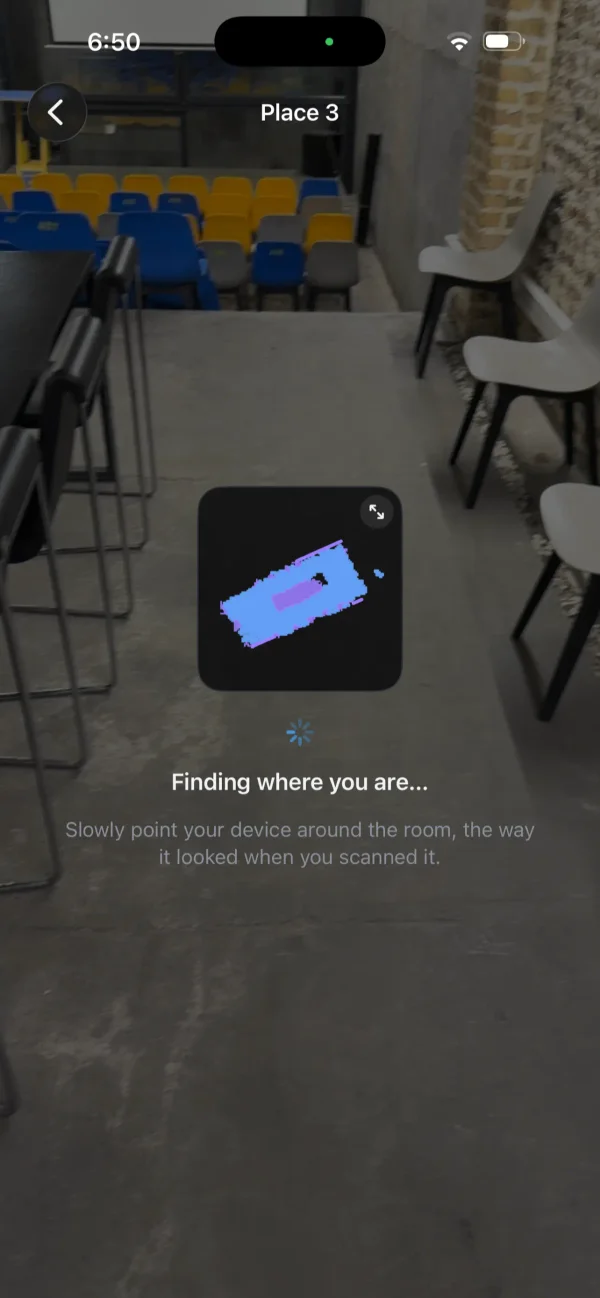
Giới thiệu
Nhà phát triển chưa cung cấp nội dung này bằng ngôn ngữ của bạn.
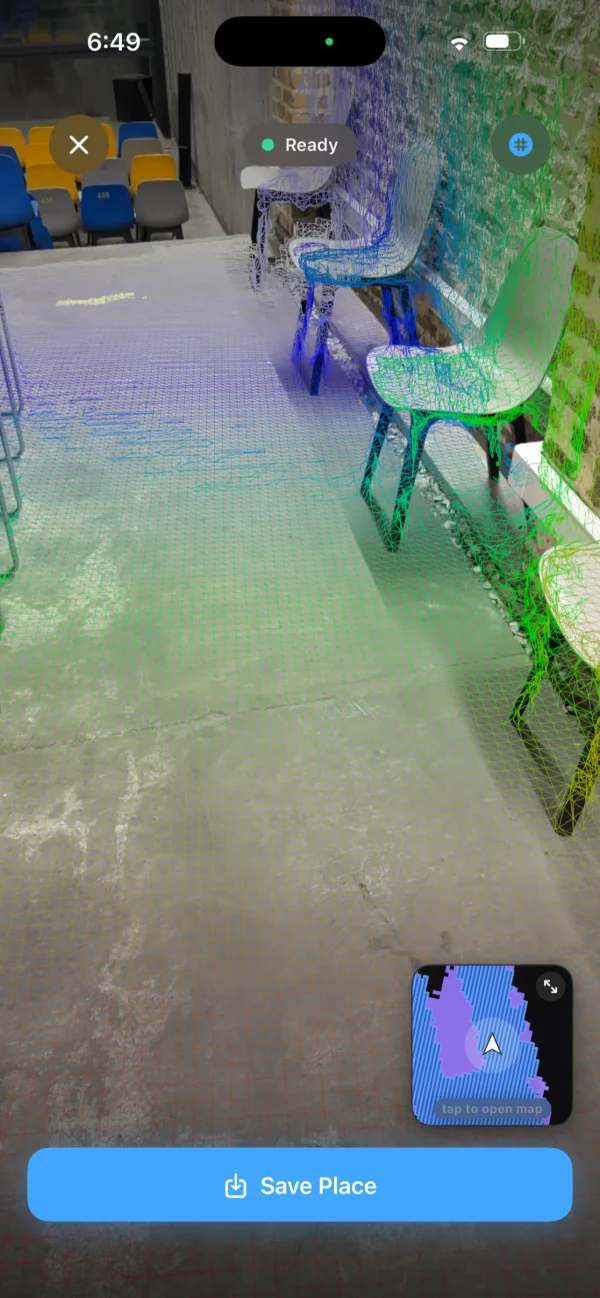
ICIDO turns your iPhone's LiDAR scanner into an indoor map you can navigate — no beacons, no Wi-Fi setup, no internet. Scan a room once and ICIDO remembers its exact shape. Walk back in later and it recognizes where you are and guides you to any spot, even where GPS has no signal.
HOW IT WORKS
• Scan — sweep your iPhone across a room to capture its walls, floor, and furniture in 3D.
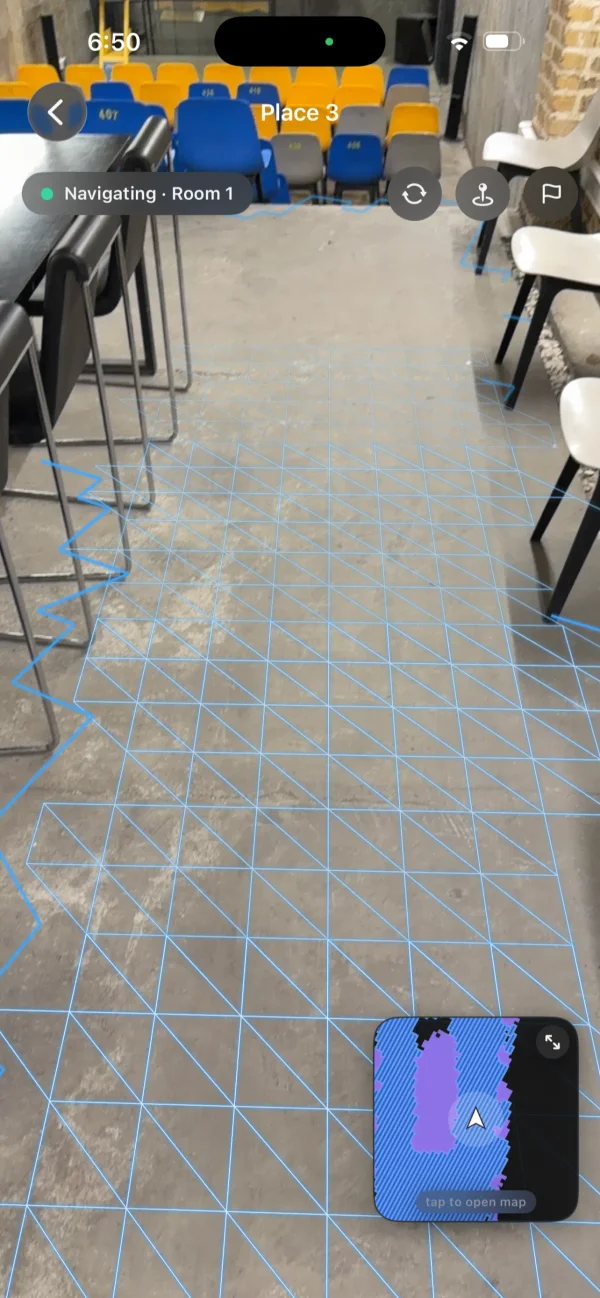
• Find yourself — tap Find Me and ICIDO works out which place you're in and exactly where you're standing.
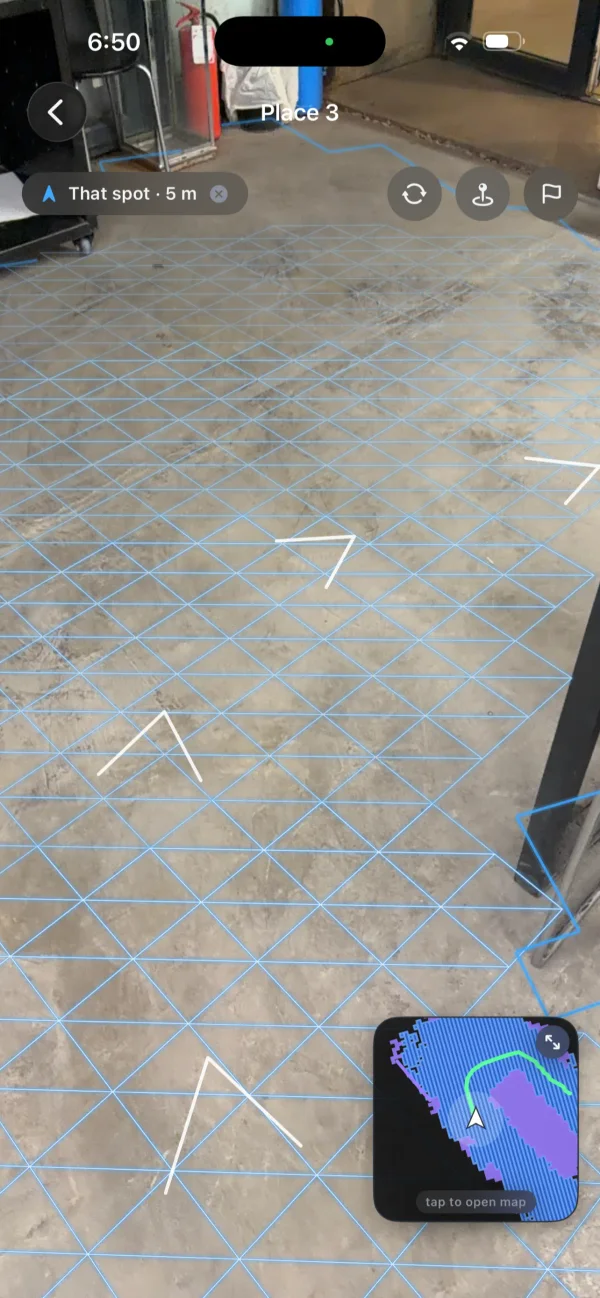
• Navigate — pick a saved spot or tap the map, and a route is drawn on the real floor, steering around furniture and through doorways.
FEATURES
• Tag any spot — drop a waypoint ("printer", "exit", "room 204") and route straight to it.
• Rooms, detected automatically — larger maps split into named rooms at the doorways.
• Grow your maps — add newly scanned areas to a place, or combine two overlapping maps into one.
• Buildings — stack scanned floors into a building and ICIDO follows you between them.
• History — revisit where you've been with trails and heat maps.
• Share — send a place as a .spacemap file; the other person can open and navigate it.
PRIVATE BY DESIGN
Everything stays on your device. No account, no sign-in, no analytics, no networking. Your scans never leave your iPhone.
REQUIRES LiDAR
ICIDO needs the LiDAR sensor, available on iPhone 12 Pro and later Pro models (Pro and Pro Max). It will not scan on non-Pro iPhones.
Có gì mới
Phiên bản 1.3 · 10/09/2026
Back up your places, and put a code on the wall.
• Backup, off until you turn it on: sign in with Apple and your scanned places are copied to your ICIDO account, so a lost or replaced iPhone doesn't lose scans that took you an hour to walk. Restore them onto a new iPhone from the Places tab.
• Publish a place as a code: ICIDO gives you a QR code and a printable sheet with the place's name on it. Anyone who scans it gets the map and can be guided around it — they need no account, and nothing about them comes back to you.
• Maps are about a third of the size they were, so backing up and downloading is faster.
• Updating a large map no longer closes the app, and ICIDO warns you if memory runs low during a scan.
• Camera vision ("what do you see?") uses Apple Intelligence on iPhones that support it. The separate 370 MB download is gone.
• Settings → Account: sign out, or delete your account and everything held for it, from inside the app.
Scanning, navigating, tagging and opening a place someone shared still need no account and work with no signal. Anything you say, anything the camera remembered, and your history never leave your iPhone.
Quyền riêng tư của ứng dụng
Những gì Fab Lab Connect khai báo trên App Store về cách ứng dụng này xử lý dữ liệu.
-
Dữ liệu liên kết với bạn
Có thể được thu thập và liên kết với danh tính của bạn.
- Vị trí
- Thông tin liên hệ
- Nội dung của người dùng
- Mã định danh
- Surroundings
Phương thức đảm bảo quyền riêng tư có thể khác nhau, chẳng hạn như tuỳ theo các tính năng bạn sử dụng hoặc độ tuổi của bạn.
Thông tin
- Người bán
- School Fab Lab Inc.
- Danh mục
- Tiện Ích
- Phiên bản
- 1.3
- Cập nhật
- 10/09/2026
- Phát hành
- 06/08/2026
- Kích thước
- 5,6 MB
- Yêu cầu
- iOS 16.0 trở lên
- Độ tuổi
- 4+
- Giá
- Miễn phí
- Ngôn ngữ
- Tiếng Anh
- Bản quyền
- © 2026 School Fab Lab Inc.