Image Compressor Offline
Fit photos under a size limit
Được thiết kế cho iPhone, iPad
Miễn phí · Mua hàng trong ứng dụng
- Độ tuổi4+
- Danh mụcẢnh & Video
- Nhà phát triểnHayri Odabas
- Ngôn ngữTiếng Anh+ 11 ngôn ngữ khác
- Kích thước1,6 MB
Liên kết đến trang App Store chính thức
Download.org không lưu trữ tệp nào của Image Compressor Offline. Nút này mở trang ứng dụng trên App Store, nơi Hayri Odabas phát hành ứng dụng. Trang được kiểm tra lần cuối: 18/11/2026.
Ảnh chụp màn hình

Giới thiệu
Nhà phát triển chưa cung cấp nội dung này bằng ngôn ngữ của bạn.
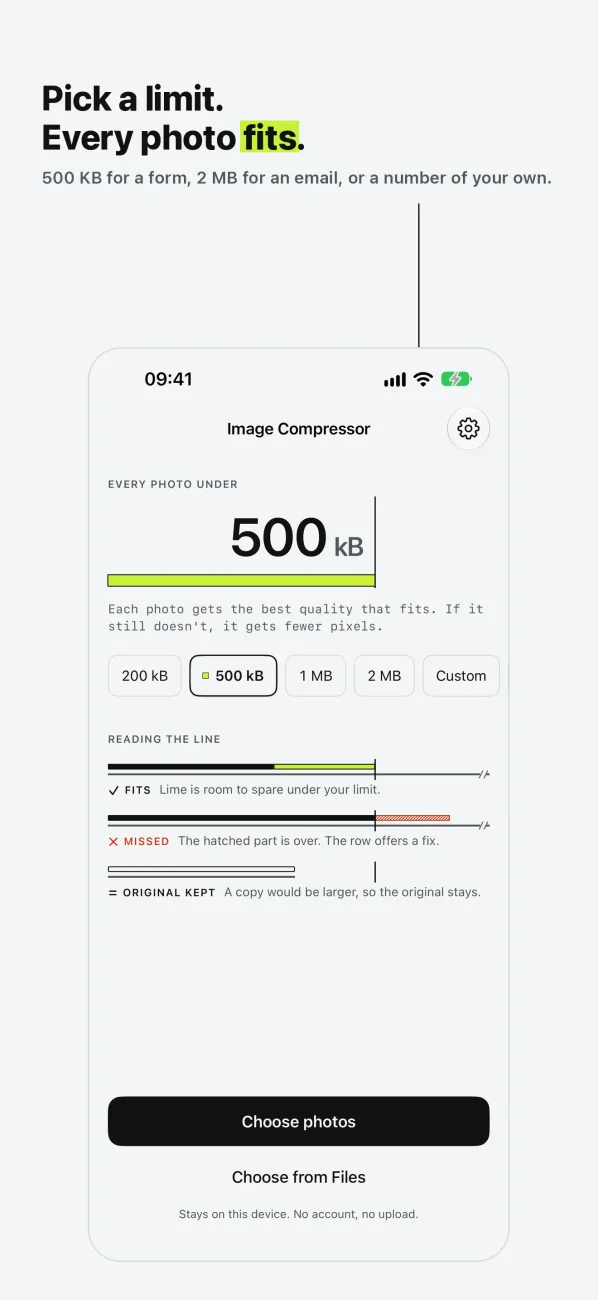
Image Compressor makes photos small enough for the place they are going. Pick a limit, such as 500 KB for an application form or 2 MB for an email, choose your photos, and each one is fitted under it right away. The app tries the highest quality first and uses fewer pixels only when quality alone is not enough.
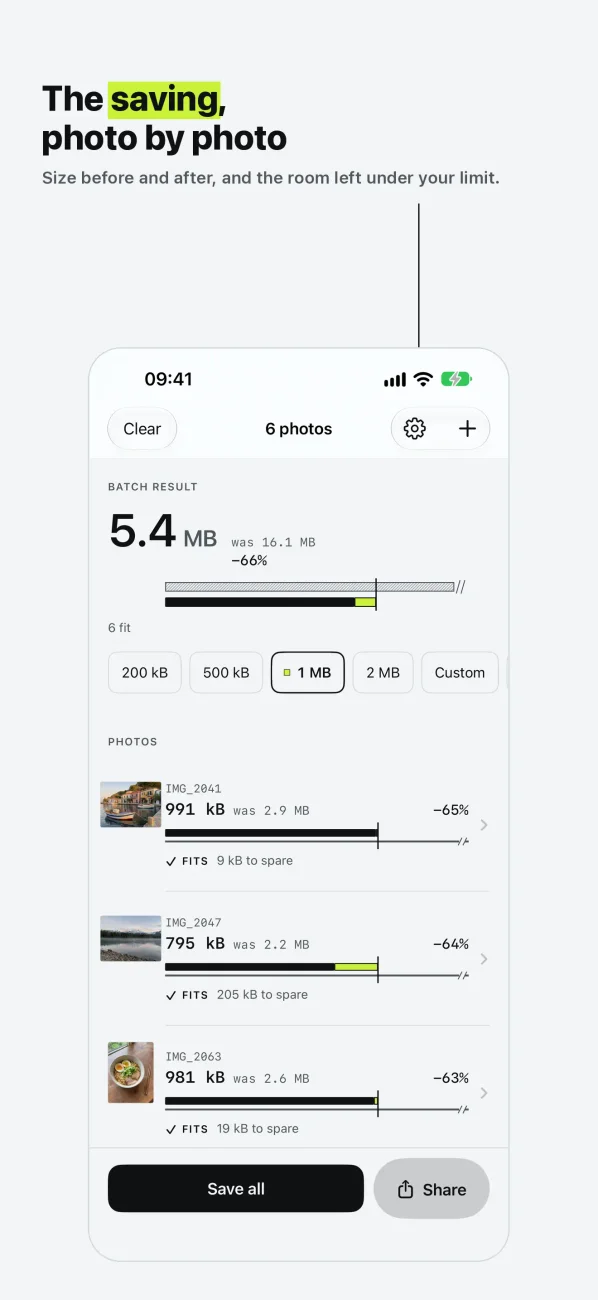
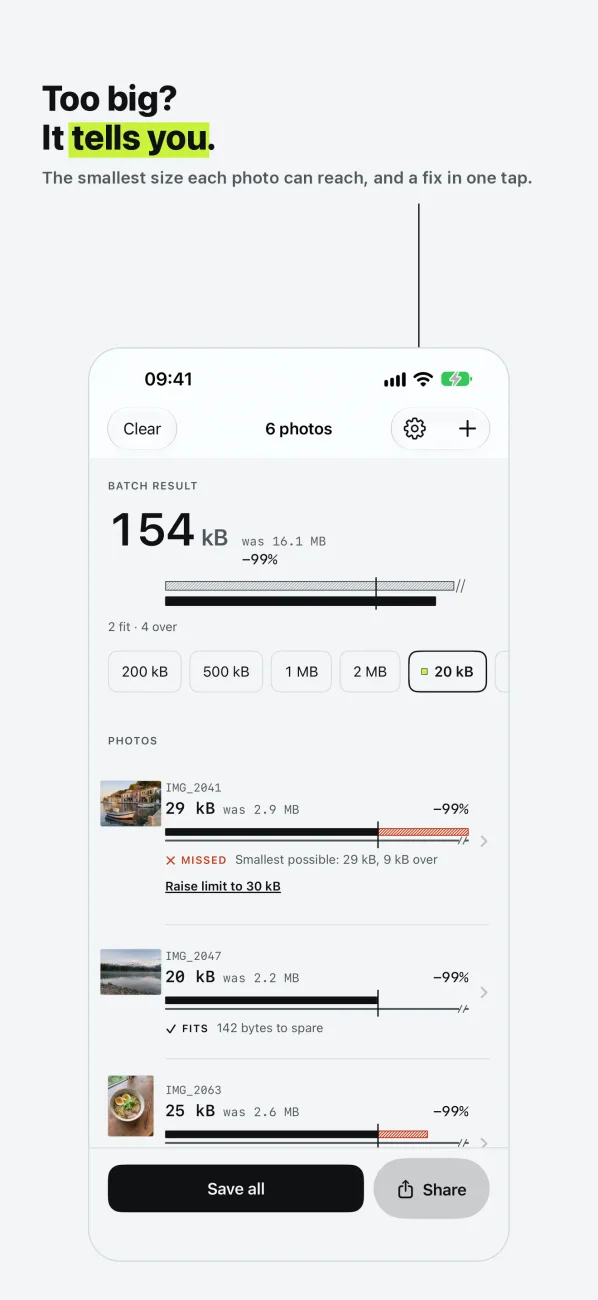
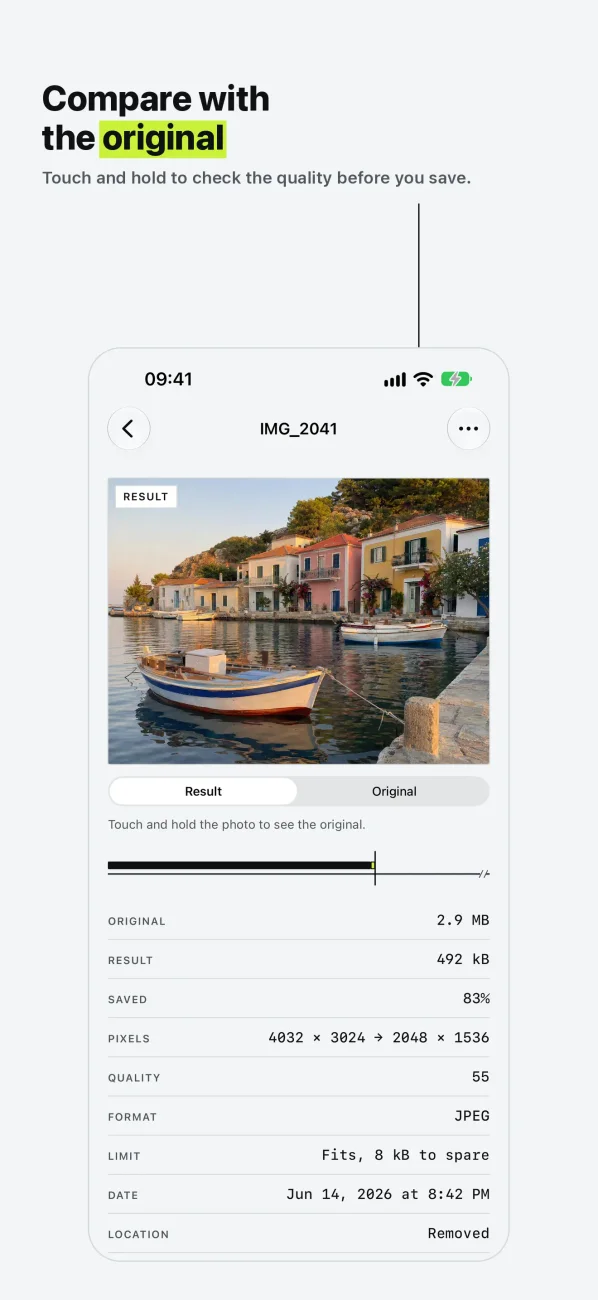
Every photo is measured against your limit on one vertical line. You see what it weighed before, what it weighs now and how much room is left. A photo that cannot fit tells you its smallest possible size and offers a one-tap fix. A photo that would only get bigger is left exactly as it was, so you never get back a larger file than you gave.
Copies keep the day they were taken, so they land in the right place in Photos. The location is removed unless you ask to keep it. You can also set the longest side in pixels and the format: JPEG, PNG or HEIC.
Save the whole batch to Photos in one tap, or send it through AirDrop, Mail or Files. Photos from Files keep their names.
Every photo is compressed on your iPhone or iPad itself; none of them is uploaded, no login screen exists, no ads appear, and compressing works with Wi-Fi switched off.
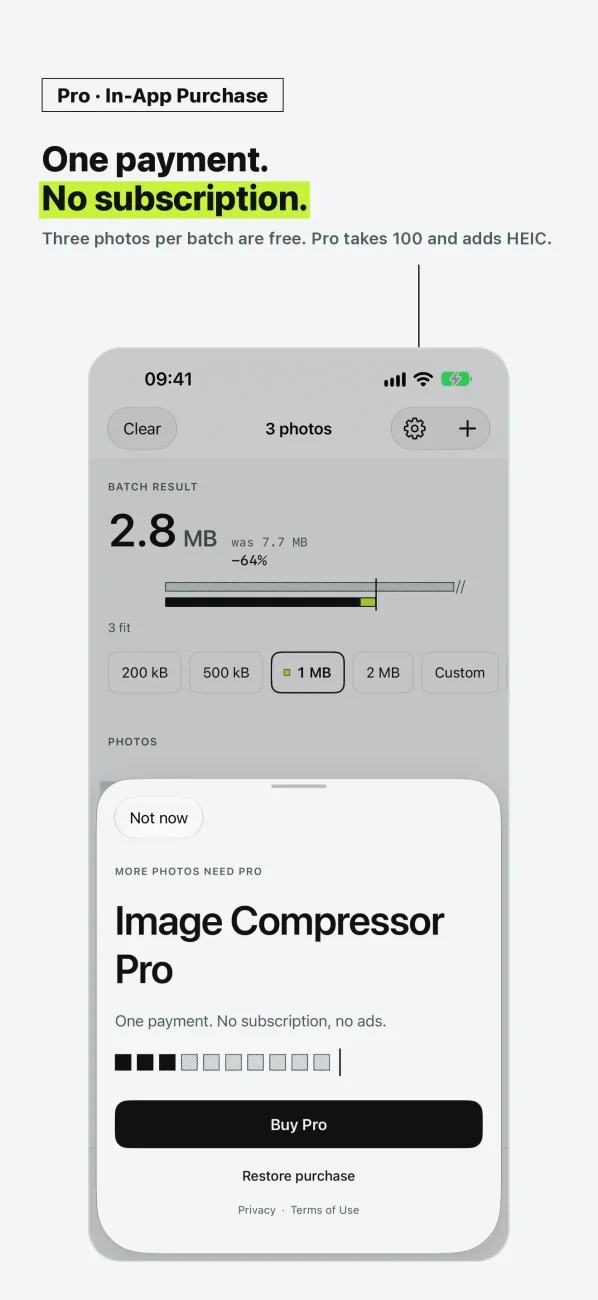
Three photos per batch are free, as often as you like. Image Compressor Pro takes a one-time payment with no renewal: batches of up to 100 photos and HEIC output, the format your iPhone camera uses, which usually keeps the same look in a noticeably smaller file.
Có gì mới
Phiên bản 1.2 · 12/11/2026
Image Compressor has been rebuilt around one idea: a size limit.
Pick 200 KB, 500 KB, 1 MB, 2 MB or your own number, and every photo is compressed to the best quality that fits, right as it arrives. A line on each photo shows the size before and after and the room left under your limit. If a photo cannot fit, it says how small it can get and offers a fix. If a copy would be larger, the original is kept.
Copies now keep their capture date, so they land on the right day in Photos. Save or share the whole batch in one tap, add photos from Files, choose the longest side, and stop or continue a long batch.
The app also has a new look and icon, a short opening and optional sounds.
Quyền riêng tư của ứng dụng
Những gì Hayri Odabas khai báo trên App Store về cách ứng dụng này xử lý dữ liệu.
-
Dữ liệu không được thu thập
Nhà phát triển không thu thập bất kỳ dữ liệu nào từ ứng dụng này.
Phương thức đảm bảo quyền riêng tư có thể khác nhau, chẳng hạn như tuỳ theo các tính năng bạn sử dụng hoặc độ tuổi của bạn.
Thông tin
- Người bán
- Hayri Odabas
- Danh mục
- Ảnh & Video
- Phiên bản
- 1.2
- Cập nhật
- 12/11/2026
- Phát hành
- 24/09/2026
- Kích thước
- 1,6 MB
- Yêu cầu
- iOS 17.0 trở lên
- Độ tuổi
- 4+
- Giá
- Miễn phí
- Mua hàng trong ứng dụng
- Có
- Ngôn ngữ
- Tiếng Anh, Tiếng Hà Lan, Tiếng Pháp, Tiếng Đức, Tiếng Ý, Tiếng Nhật, Tiếng Hàn, Tiếng Bồ Đào Nha, Tiếng Nga, Tiếng Trung Giản thể, Tiếng Tây Ban Nha, Tiếng Thổ Nhĩ Kỳ
- Bản quyền
- © 2026 ImageCompressor
Có thể bạn cũng thích
-
 Tiny Click: Photo CompressorẢnh & Video
-
 Nén rồi xóa: Thu nhỏ ảnhGiảm dung lượng ảnh để tải lên
-
 Tiny Photo CompressorẢnh & Video
-
 Mvbit : Status VideosẢnh & Video
-
 PixLab AI Video Clip GeneratorChỉnh sửa & Tạo Video với AI
-
 Chuyển Đổi Hình Ảnh JPEG HEICVideo Âm Thanh PDF HEIC WEBP
-
 Thu nhỏ, nén ảnhTiết kiệm dung lượng
-
 Sniper Scope CameraẢnh & Video
-
 Compress Photos: Resize ImagesẢnh & Video
-
 Image Compressor: KB/MB LimitẢnh & Video