Image Compressor Offline
Fit photos under a size limit
Designed for iPhone, iPad
Free · In-app purchases
- Age rating4+
- CategoryPhoto & Video
- DeveloperHayri Odabas
- LanguagesEnglish+ 11 more
- Size1.6 MB
Links to the official App Store page
Download.org hosts no file of Image Compressor Offline. The button opens its official App Store page, published by Hayri Odabas. Listing last checked on Nov 18, 2026.
Screenshots

About
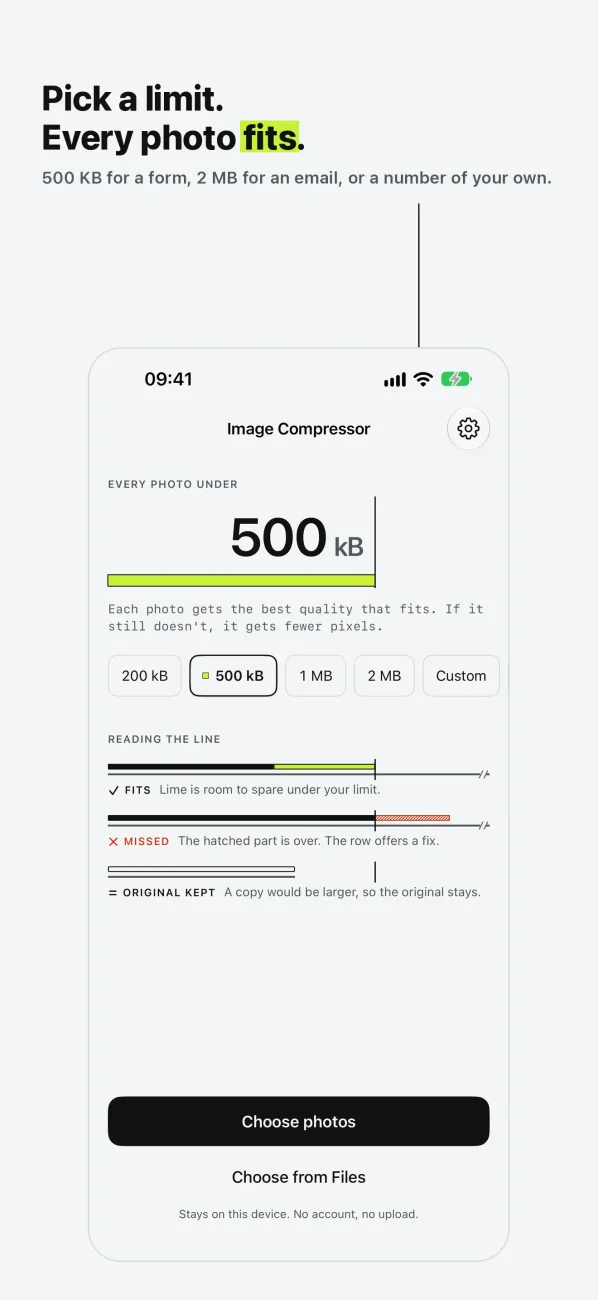
Image Compressor makes photos small enough for the place they are going. Pick a limit, such as 500 KB for an application form or 2 MB for an email, choose your photos, and each one is fitted under it right away. The app tries the highest quality first and uses fewer pixels only when quality alone is not enough.
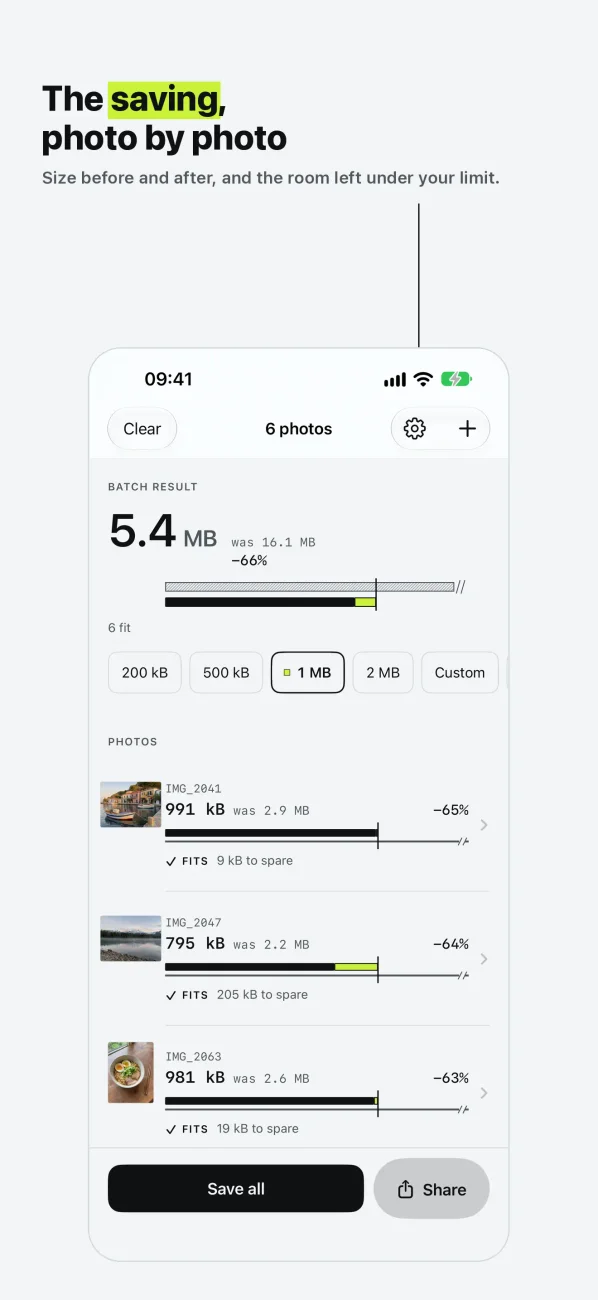
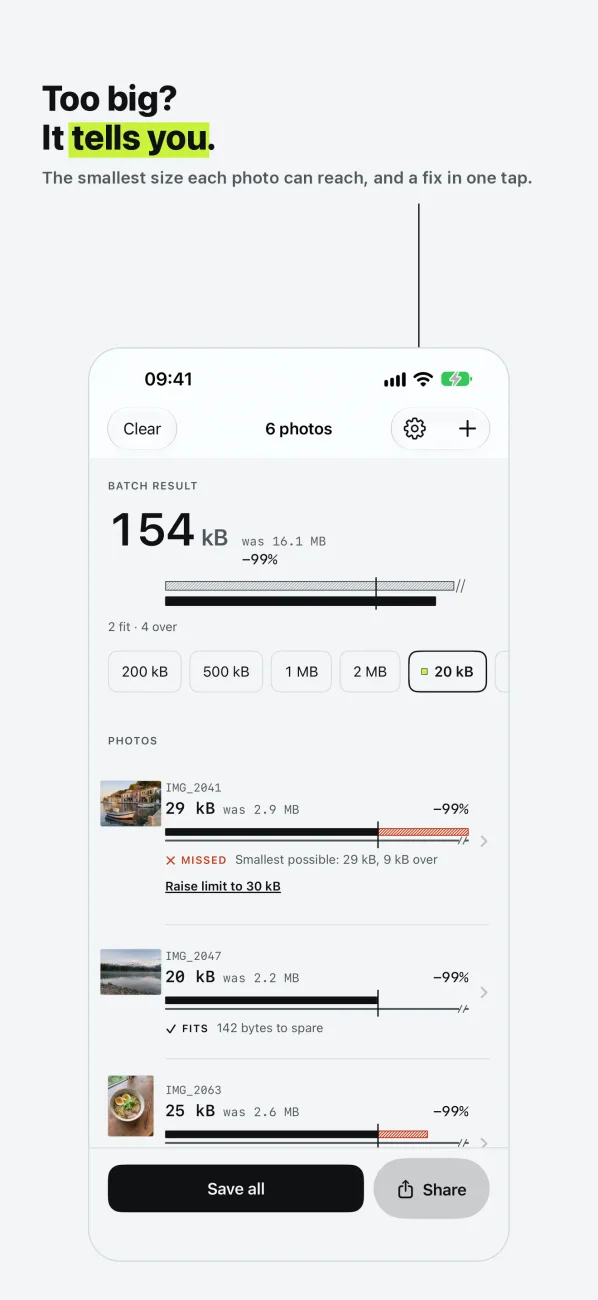
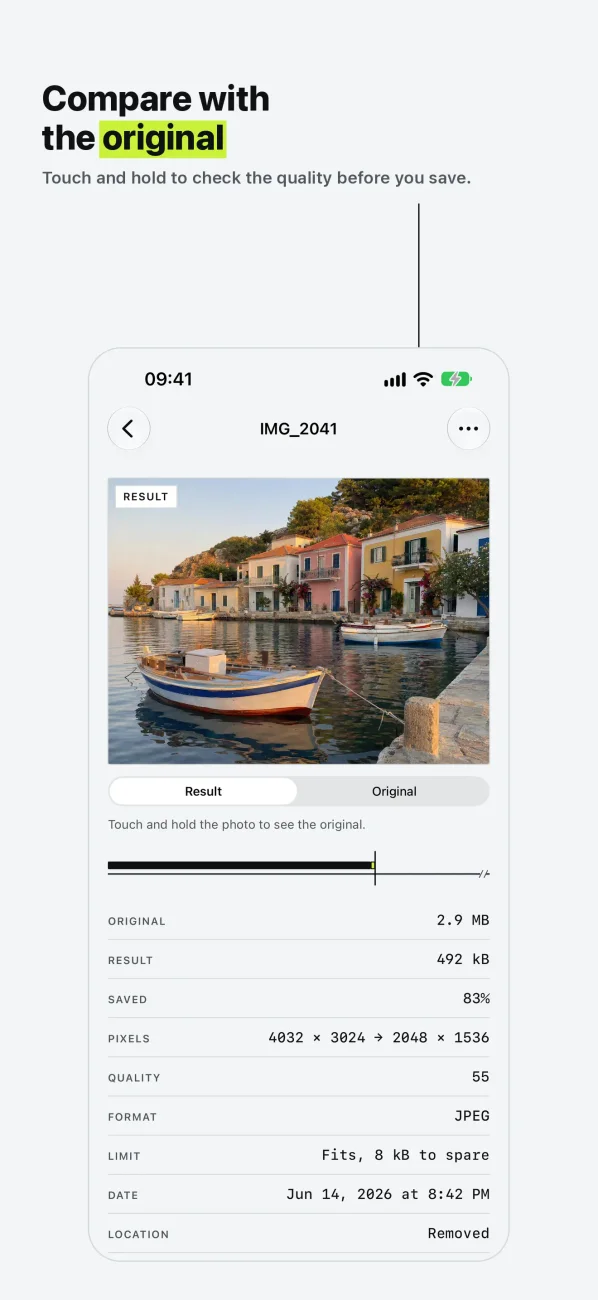
Every photo is measured against your limit on one vertical line. You see what it weighed before, what it weighs now and how much room is left. A photo that cannot fit tells you its smallest possible size and offers a one-tap fix. A photo that would only get bigger is left exactly as it was, so you never get back a larger file than you gave.
Copies keep the day they were taken, so they land in the right place in Photos. The location is removed unless you ask to keep it. You can also set the longest side in pixels and the format: JPEG, PNG or HEIC.
Save the whole batch to Photos in one tap, or send it through AirDrop, Mail or Files. Photos from Files keep their names.
Every photo is compressed on your iPhone or iPad itself; none of them is uploaded, no login screen exists, no ads appear, and compressing works with Wi-Fi switched off.
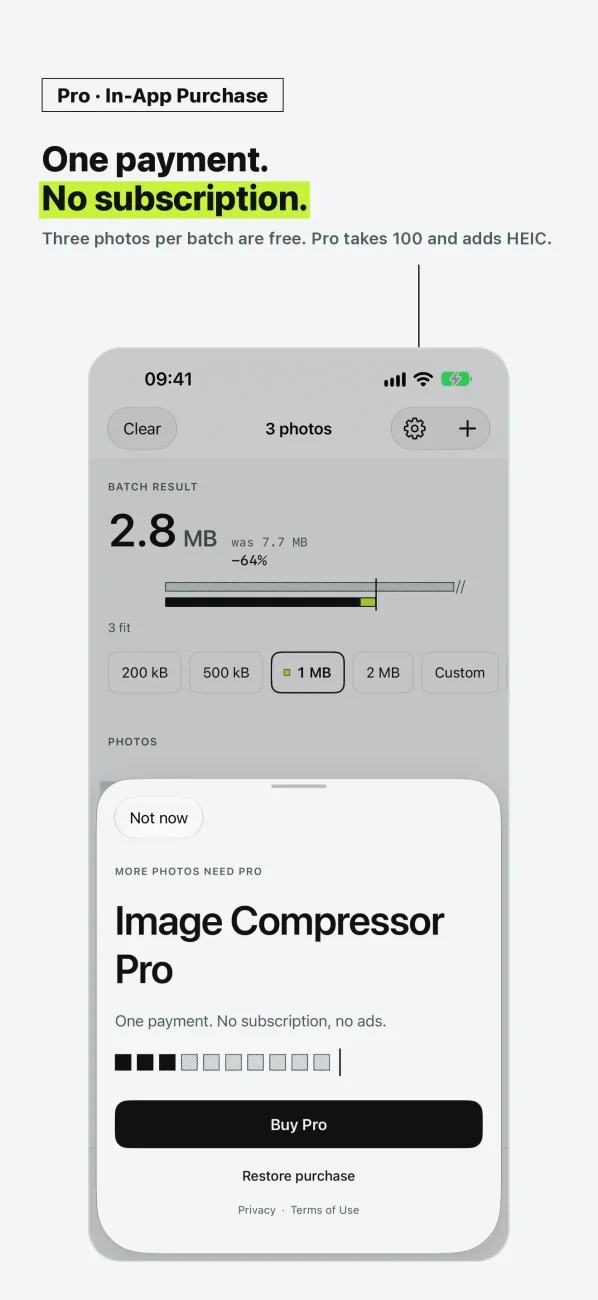
Three photos per batch are free, as often as you like. Image Compressor Pro takes a one-time payment with no renewal: batches of up to 100 photos and HEIC output, the format your iPhone camera uses, which usually keeps the same look in a noticeably smaller file.
What’s new
Version 1.2 · Nov 12, 2026
Image Compressor has been rebuilt around one idea: a size limit.
Pick 200 KB, 500 KB, 1 MB, 2 MB or your own number, and every photo is compressed to the best quality that fits, right as it arrives. A line on each photo shows the size before and after and the room left under your limit. If a photo cannot fit, it says how small it can get and offers a fix. If a copy would be larger, the original is kept.
Copies now keep their capture date, so they land on the right day in Photos. Save or share the whole batch in one tap, add photos from Files, choose the longest side, and stop or continue a long batch.
The app also has a new look and icon, a short opening and optional sounds.
App privacy
What Hayri Odabas declares on the App Store about how this app handles data.
-
Data not collected
The developer does not collect any data from this app.
Privacy practices may vary, for example with the features you use or your age.
Information
- Seller
- Hayri Odabas
- Category
- Photo & Video
- Version
- 1.2
- Updated
- Nov 12, 2026
- Released
- Sep 24, 2026
- Size
- 1.6 MB
- Requires
- iOS 17.0 or later
- Age rating
- 4+
- Price
- Free
- In-app purchases
- Yes
- Languages
- English, Dutch, French, German, Italian, Japanese, Korean, Portuguese, Russian, Simplified Chinese, Spanish, Turkish
- Copyright
- © 2026 ImageCompressor
You might also like
-
 Tiny Click: Photo CompressorShrink pics, keep date & place
-
 Shrinkaway: Image CompressorShrink photos to fit uploads
-
 Tiny Photo CompressorOffline photo resizing
-
 Mvbit : Status VideosParticle.ly - Video Editor
-
 PixLab AI Video Clip GeneratorEdit & Generate Videos with AI
-
 Photo Converter JPEG HEIC PNGImage to PNG JPG WEBP GIF PDF
-
 Photo & Image Resize CompressShrink Pics & Save Storage
-
 Sniper Scope CameraFPS Crosshair Zoom Telescope
-
 Compress Photos: Resize ImagesImage Compressor & Save Space
-
 Image Compressor: KB/MB LimitPhoto Size Reducer for Uploads