Memo – Lock Screen Notes
Notes in Notification Center
Được thiết kế cho iPhone, iPad
Miễn phí · Mua hàng trong ứng dụng
- Độ tuổi4+
- Danh mụcHiệu Suất
- Nhà phát triểnToshihiko Arai
- Ngôn ngữTiếng Anh+ 9 ngôn ngữ khác
- Kích thước20,9 MB
Liên kết đến trang App Store chính thức
Download.org không lưu trữ tệp nào của Memo – Lock Screen Notes. Nút này mở trang ứng dụng trên App Store, nơi Toshihiko Arai phát hành ứng dụng. Trang được kiểm tra lần cuối: 14/11/2026.
Ảnh chụp màn hình
Giới thiệu
Nhà phát triển chưa cung cấp nội dung này bằng ngôn ngữ của bạn.
See the note you need today the moment you check your phone.
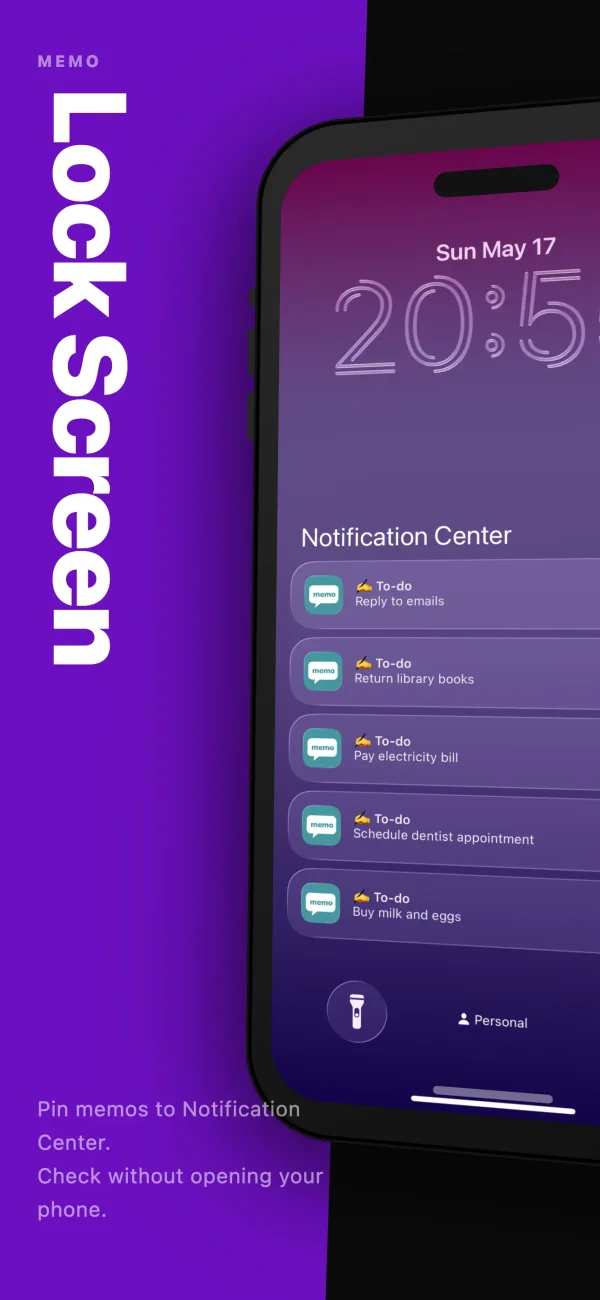
Memo is for short notes you look at repeatedly: shopping lists, things to bring, tasks for today, quick checklists, URLs, and small reminders you do not want buried inside a full note app. Select the notes that matter now and keep them available from the lock screen and Notification Center, so you can check them without opening the app and searching through a long list.
Use it when a reminder is too heavy and a long note is too easy to forget. A grocery list while you are walking through a store. Things to pack before you leave. A short set of steps you need to follow. A URL you want to keep with the rest of your notes. A few tasks that should stay visible today.
What you can do with Memo:
- Add selected notes to Notification Center
- Check frequently viewed notes from the lock screen
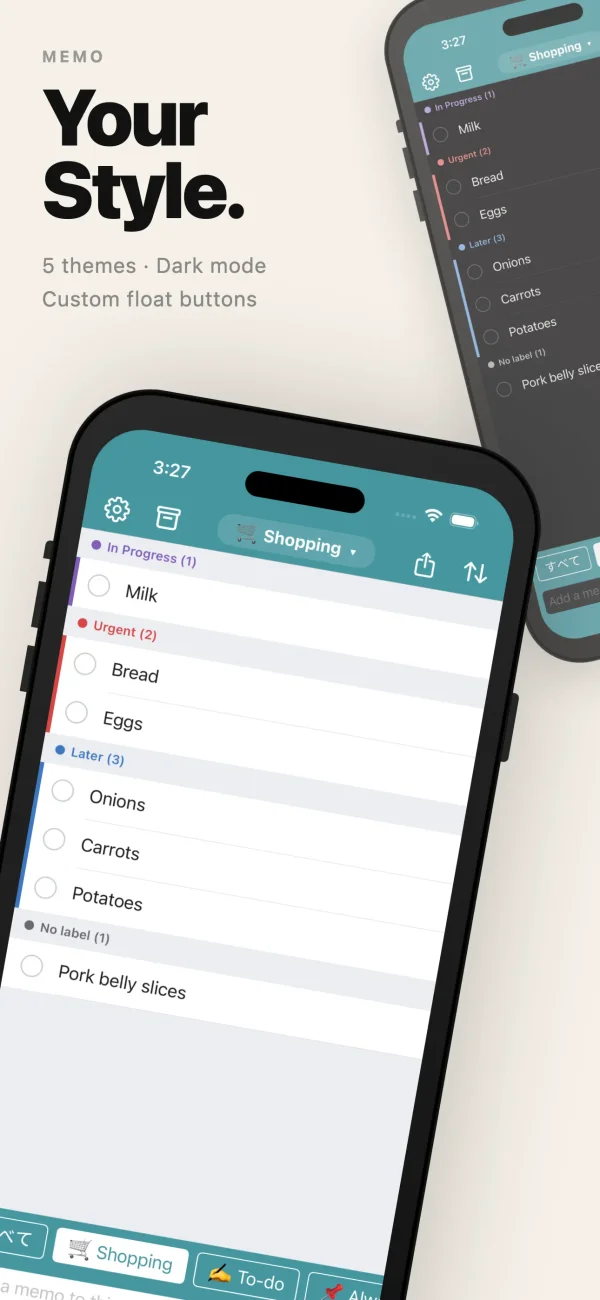
- Organize notes with tags such as shopping, work, home, or travel
- Mark notes as done with strikethrough — completed notes stay visible but dimmed
- Share notes as Markdown with tag headings and checkbox support
- Customize up to four floating action buttons for quick access to your most-used actions
- Save URLs from Safari and other apps with the Share Extension
- Import line-by-line lists from a text file
- Move finished notes to the archive
- Delete notes you no longer need
- Create an iCloud backup and restore it when needed
Memo is intentionally simple. It is not trying to replace a full notebook, calendar, or project manager. It works best for the small pieces of information you want to see quickly and repeatedly. If you need to write a long document, use a note app. If you need an alarm at a specific time, use a reminder. If you want a short note to stay close at hand, use Memo.
Strikethrough lets you mark notes as done without deleting them. A completed shopping item or finished step stays in the list but appears dimmed, so you always know what is left. When you are done, move the checked items to the archive in one step.
When you want to share a set of notes, export them as Markdown. Tags become headings, and notes marked with strikethrough are written as [x] checkboxes. Useful for sending a list to someone else or pasting it into another app.
Tags help keep the list manageable as your notes grow. You can separate shopping, errands, work, home, travel, and personal notes, then choose only the items that should appear in Notification Center. Finished items can be archived so your active list stays focused, while older notes remain available when you need them.
The Share Extension makes it easy to send a URL or text from another app into Memo. When you find a page, product, recipe, or reference you want to check later, save it with a tag and keep moving. Text import is useful for preparing a list on another device or in another app, then bringing it into Memo as individual notes.
For small notes that need to stay visible, not buried, keep them on your lock screen and in Notification Center with Memo.
Có gì mới
Phiên bản 26.10.25 · 25/10/2026
■ New
• Memos now save as soon as you close the keyboard. While typing, tap the dimmed area to close it
• Delete all the text in a memo and close it (or tap Done) to delete the memo. Tap Undo to bring it back
• When asked about a label for a new memo, choose "Don't add" 3 times in a row in a tag to get the option "Don't ask for this tag" (Pro)
• Backups now keep several versions, and you can export to and import from a file (Pro)
• Type "memo" in Spotlight to find the app
■ Improvements
• Deleting, archiving, or moving memos to another tag now fades them out smoothly
• When a new memo is added off-screen, the list scrolls to it and highlights it
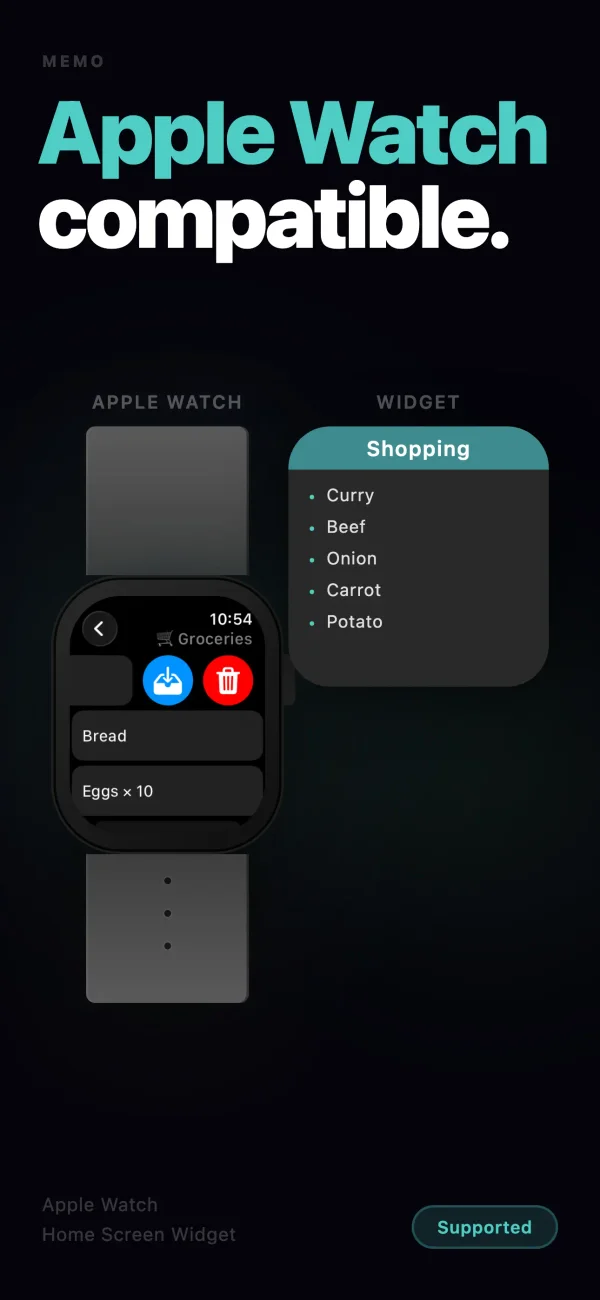
• The Apple Watch icon now matches the iPhone design
■ Fixes
• Fixed iCloud auto sync (beta) not syncing between devices
Quyền riêng tư của ứng dụng
Những gì Toshihiko Arai khai báo trên App Store về cách ứng dụng này xử lý dữ liệu.
-
Dữ liệu được sử dụng để theo dõi bạn
Có thể được sử dụng để theo dõi bạn trên các ứng dụng và trang web do công ty khác sở hữu.
- Dữ liệu sử dụng
-
Dữ liệu liên kết với bạn
Có thể được thu thập và liên kết với danh tính của bạn.
- Mã định danh
-
Dữ liệu không liên kết với bạn
Có thể được thu thập nhưng không liên kết với danh tính của bạn.
- Mã định danh
- Dữ liệu sử dụng
- Chẩn đoán
Phương thức đảm bảo quyền riêng tư có thể khác nhau, chẳng hạn như tuỳ theo các tính năng bạn sử dụng hoặc độ tuổi của bạn.
Thông tin
- Người bán
- Toshihiko Arai
- Danh mục
- Hiệu Suất
- Phiên bản
- 26.10.25
- Cập nhật
- 25/10/2026
- Phát hành
- 13/09/2018
- Kích thước
- 20,9 MB
- Yêu cầu
- iOS 17.0 trở lên
- Độ tuổi
- 4+
- Giá
- Miễn phí
- Mua hàng trong ứng dụng
- Có
- Ngôn ngữ
- Tiếng Anh, Tiếng Pháp, Tiếng Đức, Tiếng Nhật, Tiếng Ba Lan, Tiếng Bồ Đào Nha, Tiếng Nga, Tiếng Trung Giản thể, Tiếng Tây Ban Nha, Tiếng Trung Phồn thể
- Bản quyền
- © 2026 Toshihiko Arai
Có thể bạn cũng thích
-
 Memory Helper - SRS ReviewHiệu Suất
-
 LogseqHiệu Suất
-
 AnjiCardHiệu Suất
-
 Standard NotesHiệu Suất
-
 Focus To-Do:Pomodoro&Nhiệm VụĐồng Hồ Pomodoro và Nhiệm Vụ
-
 Đồng hồ Tập trung - PomodoroĐếm ngược, Bấm giờ & Âm thanh
-
 FocusPomo · Pomodoro TimerHiệu Suất
-
 Craft: Notes, Documents, AIHiệu Suất
-
 Notion: Ghi chép, Nhiệm vụ, AILên kế hoạch và quản lý dự án
-
 AppBlock: Block Apps, WebsitesHiệu Suất