RevPDF: PDF Editor & Reader
OCR, Sign, Redact & Convert
Được thiết kế cho iPhone, iPad
Miễn phí · Mua hàng trong ứng dụng
- Độ tuổi4+
- Danh mụcHiệu Suất
- Nhà phát triểnPawandeep Singh
- Ngôn ngữTiếng Anh
- Kích thước57,5 MB
Liên kết đến trang App Store chính thức
Download.org không lưu trữ tệp nào của RevPDF: PDF Editor & Reader. Nút này mở trang ứng dụng trên App Store, nơi Pawandeep Singh phát hành ứng dụng. Trang được kiểm tra lần cuối: 15/11/2026.
Ảnh chụp màn hình
Giới thiệu
Nhà phát triển chưa cung cấp nội dung này bằng ngôn ngữ của bạn.
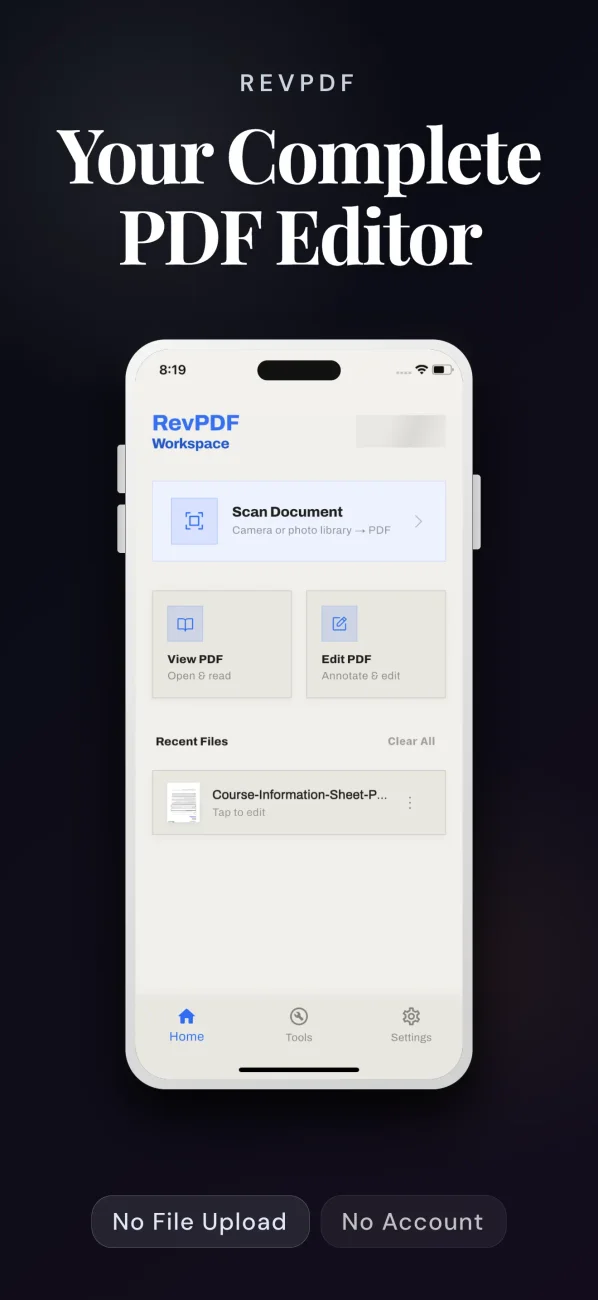
RevPDF is a powerful offline PDF editor that lets you edit existing PDF text, sign documents, run OCR, redact sensitive information, convert files, and manage pages without uploading your PDFs for processing.
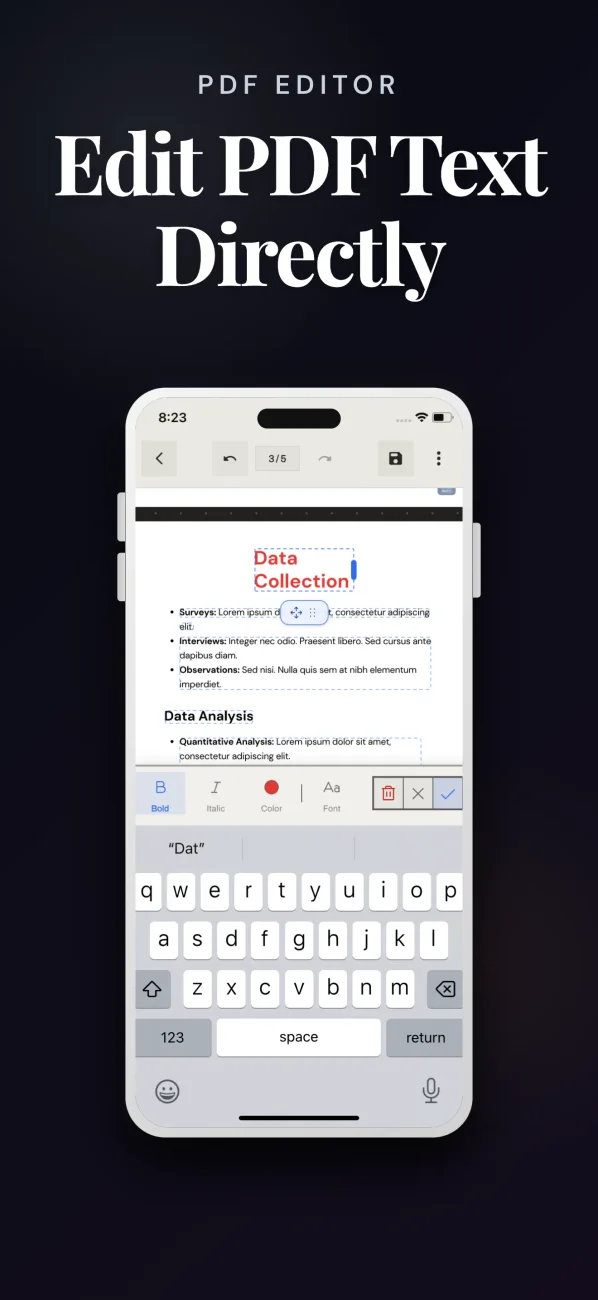
EDIT PDF TEXT DIRECTLY
Edit existing text inside the PDF with a true WYSIWYG editing experience. RevPDF supports paragraph reflow, text spilling onto following pages, font handling, find and replace, and precise content editing without rebuilding the document from scratch.
OCR & SEARCH SCANNED PDFS
Recognize text in scanned documents, select and search OCR text, and create searchable PDFs using an invisible text layer.
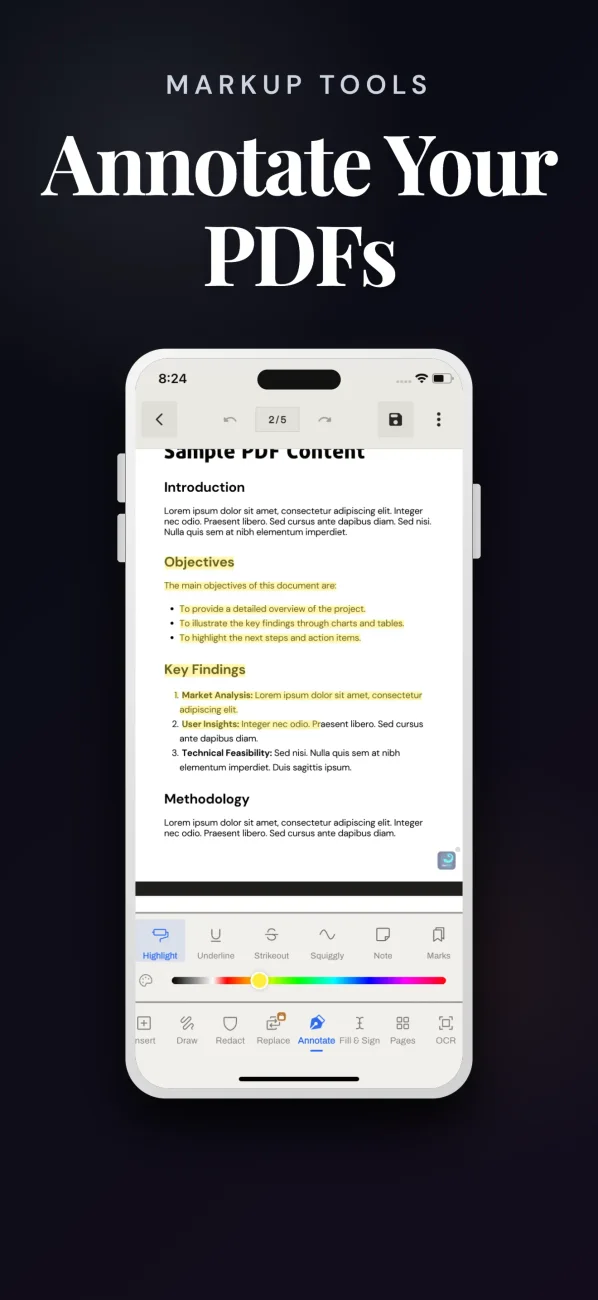
SIGN, DRAW & ANNOTATE
Draw your signature directly onto a PDF. Add freehand pen marks, highlights, comments, bookmarks, strikethroughs, and other annotations for review and markup.
REDACT SENSITIVE INFORMATION
Redact text and content with customizable redaction tools, or use Auto Redaction to find and remove matching sensitive information faster.
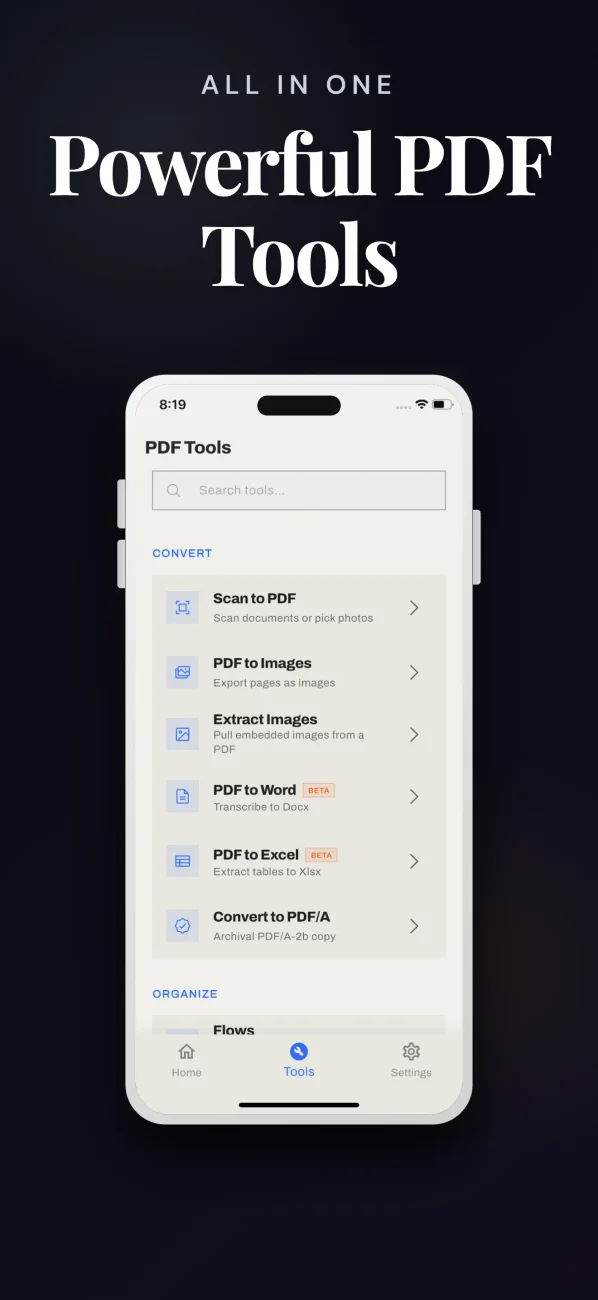
CONVERT & PROCESS PDFS
• PDF to Word
• PDF to Excel
• PDF/A conversion
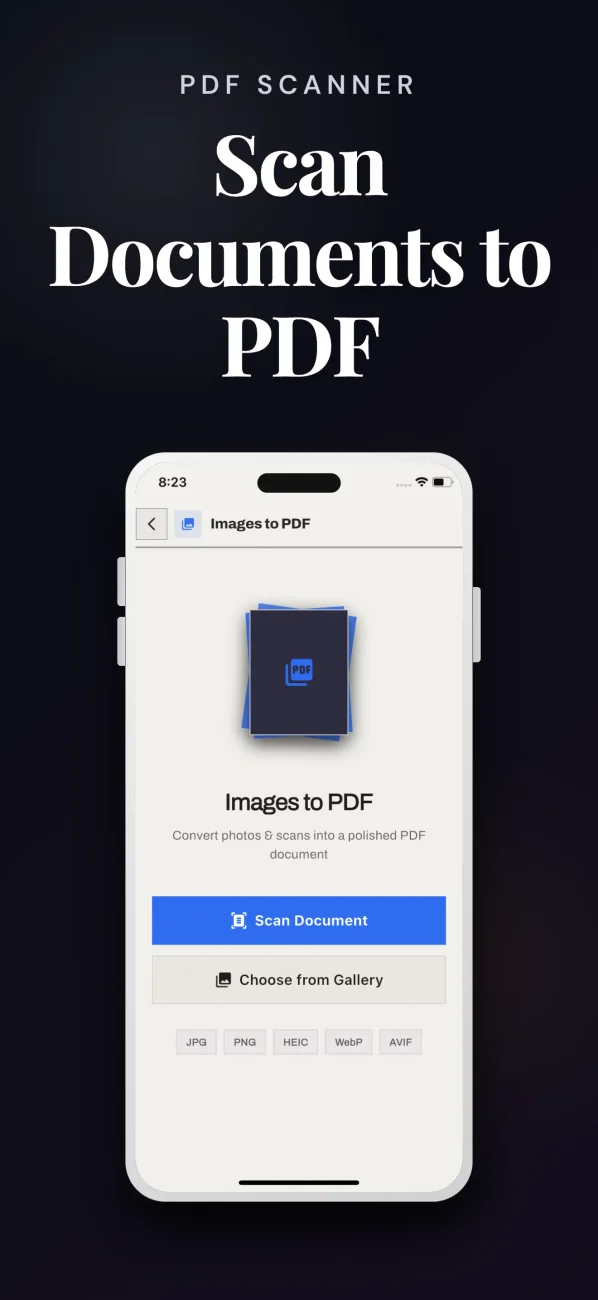
• Scan documents to PDF
• Extract images from PDFs
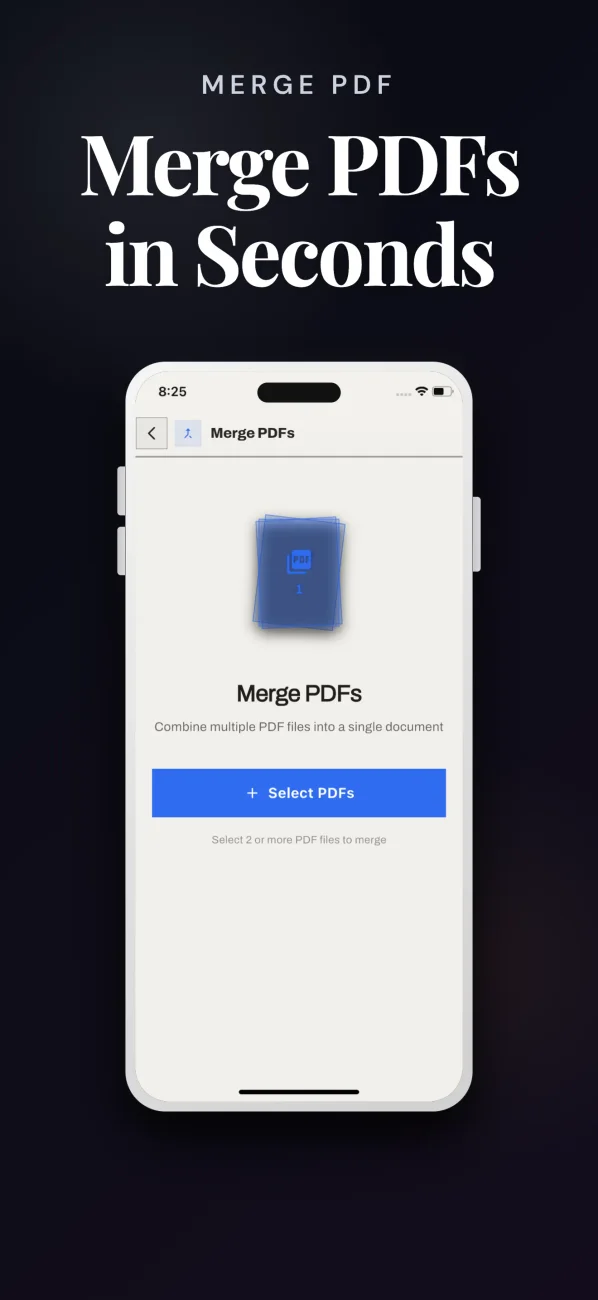
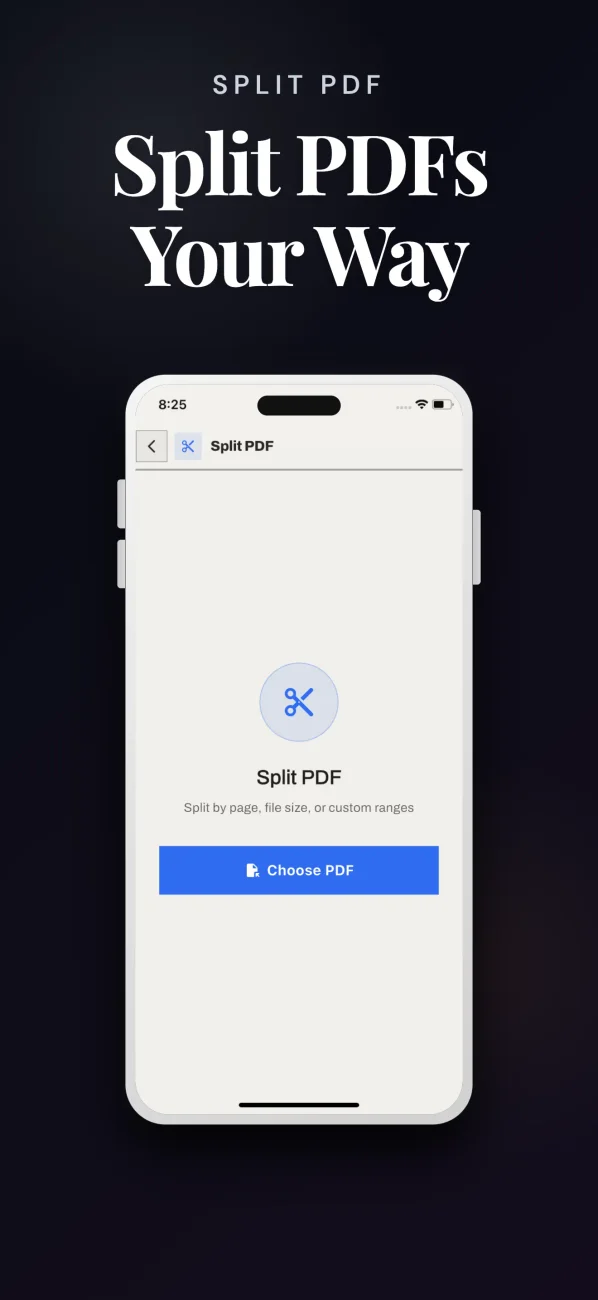
• Merge, split, and compress PDFs
• Split a PDF page vertically or horizontally at the position you choose
• Organize, reorder, and manage pages
POWER TOOLS
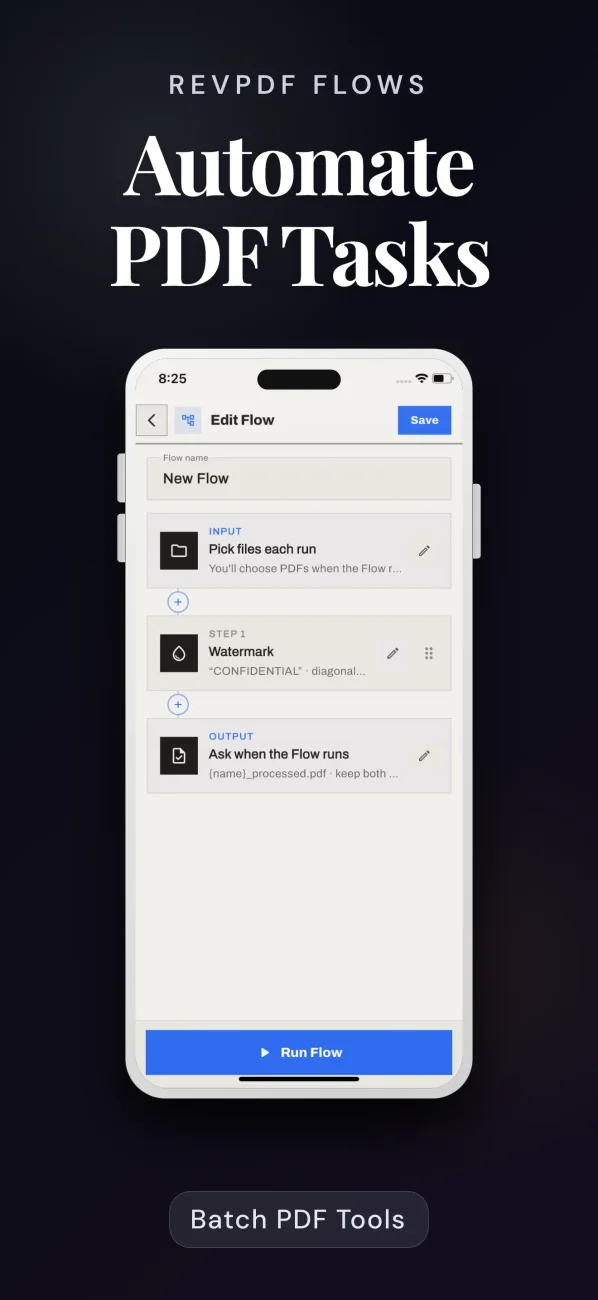
Compare PDF documents, edit PDF metadata, add headers and footers, add watermarks, flatten PDFs, remove passwords from documents you can access, and use Flows to batch-process multiple files with repeatable operations.
PRIVATE BY DESIGN
Your PDF files are processed on your device and are not uploaded for editing or processing. RevPDF can work offline for document operations. The app may occasionally access the internet for supporting resources such as downloading a required font, but your PDF documents stay on your device.
COMPACT, SERIOUS PDF SOFTWARE
RevPDF brings advanced editing, OCR, redaction, conversion, annotation, signing, and batch tools into a compact app designed for everyday documents and professional workflows.
Open a PDF and get the work done with RevPDF.
Có gì mới
Phiên bản 5.0.0 · 19/08/2026
**What’s New in RevPDF 5.0**
• New WYSIWYG editor for smoother, faster PDF editing
• Flows for batch PDF automation
• PDF Compare
• PDF to Excel and improved PDF to Word
• Smarter redaction tools
• New Organize PDF, Header & Footer, and PDF/A tools
• Improved Split and form filling
• New themes and expanded language support
Quyền riêng tư của ứng dụng
Những gì Pawandeep Singh khai báo trên App Store về cách ứng dụng này xử lý dữ liệu.
-
Dữ liệu không được thu thập
Nhà phát triển không thu thập bất kỳ dữ liệu nào từ ứng dụng này.
Phương thức đảm bảo quyền riêng tư có thể khác nhau, chẳng hạn như tuỳ theo các tính năng bạn sử dụng hoặc độ tuổi của bạn.
Thông tin
- Người bán
- Pawandeep Singh
- Danh mục
- Hiệu Suất
- Phiên bản
- 5.0.0
- Cập nhật
- 19/08/2026
- Phát hành
- 03/02/2026
- Kích thước
- 57,5 MB
- Yêu cầu
- iOS 16.0 trở lên
- Độ tuổi
- 4+
- Giá
- Miễn phí
- Mua hàng trong ứng dụng
- Có
- Ngôn ngữ
- Tiếng Anh
- Bản quyền
- © 2026 Pawandeep Singh
Có thể bạn cũng thích
-
 STELCOHiệu Suất
-
 Dhivehi CalendarHiệu Suất
-
 PoliceMVHiệu Suất
-
 KeyolhuHiệu Suất
-
 CleverType - AI KeyboardHiệu Suất
-
 PDF Editor & Converter - PDNobHiệu Suất
-
 SparkPDF: Quét, Ký & ĐiềnQuét tài liệu, ký & điền PDF
-
 Convert & Edit PDF DocumentScan Reader & Doc Editor
-
 MihraabHiệu Suất
-
 Documents & PDF Scanner - FyleHiệu Suất