Nodebook: PDF Notes & Mind Map
EPUB reader, study flashcards
Được thiết kế cho iPhone, iPad, iPod touch
Miễn phí · Mua hàng trong ứng dụng
- Độ tuổi17+
- Danh mụcHiệu Suất
- Nhà phát triểnKamil Zabiegala
- Ngôn ngữTiếng Anh
- Kích thước145,4 MB
Liên kết đến trang App Store chính thức
Download.org không lưu trữ tệp nào của Nodebook: PDF Notes & Mind Map. Nút này mở trang ứng dụng trên App Store, nơi Kamil Zabiegala phát hành ứng dụng. Trang được kiểm tra lần cuối: 23/11/2026.
Ảnh chụp màn hình

Giới thiệu
Nhà phát triển chưa cung cấp nội dung này bằng ngôn ngữ của bạn.
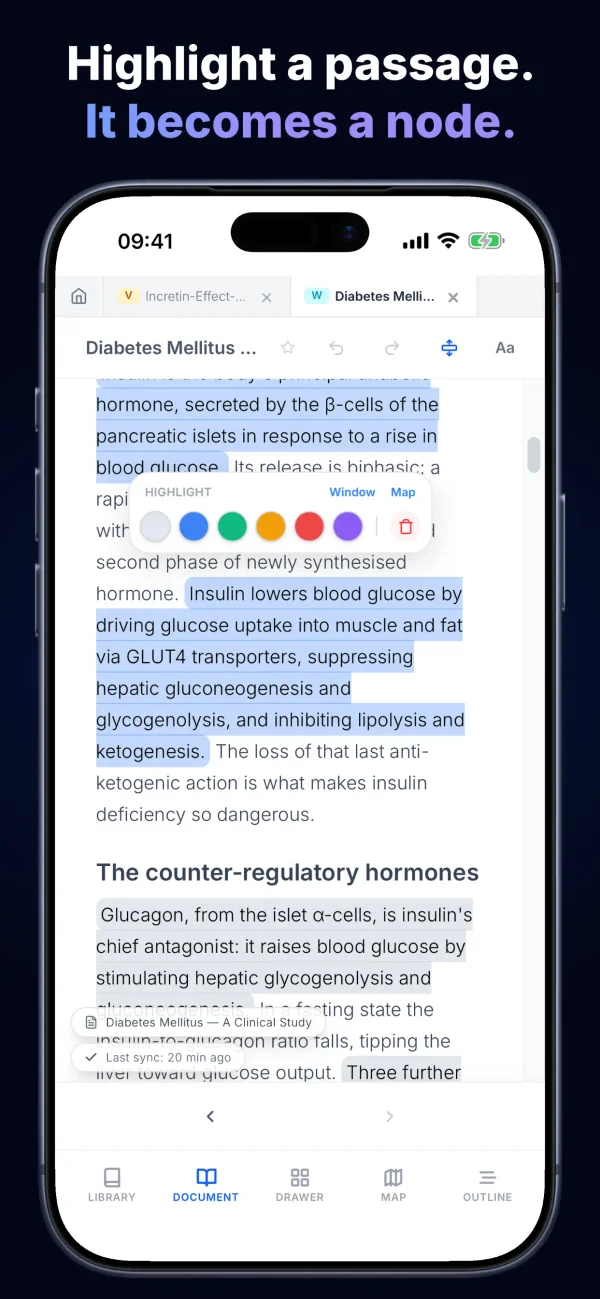
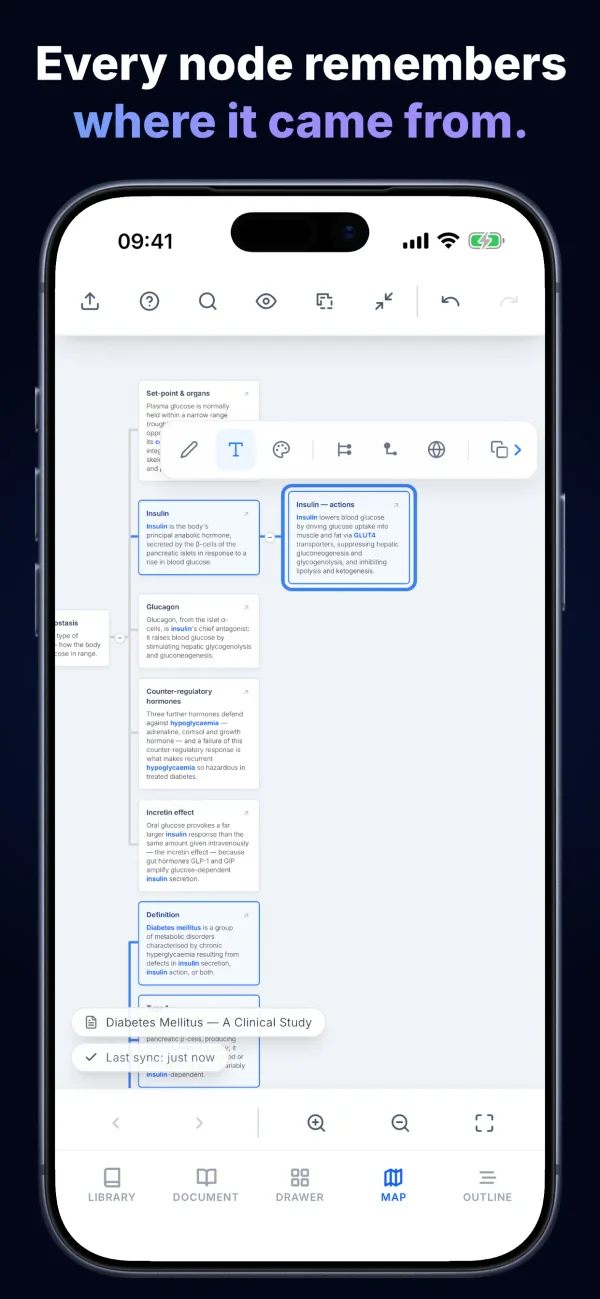
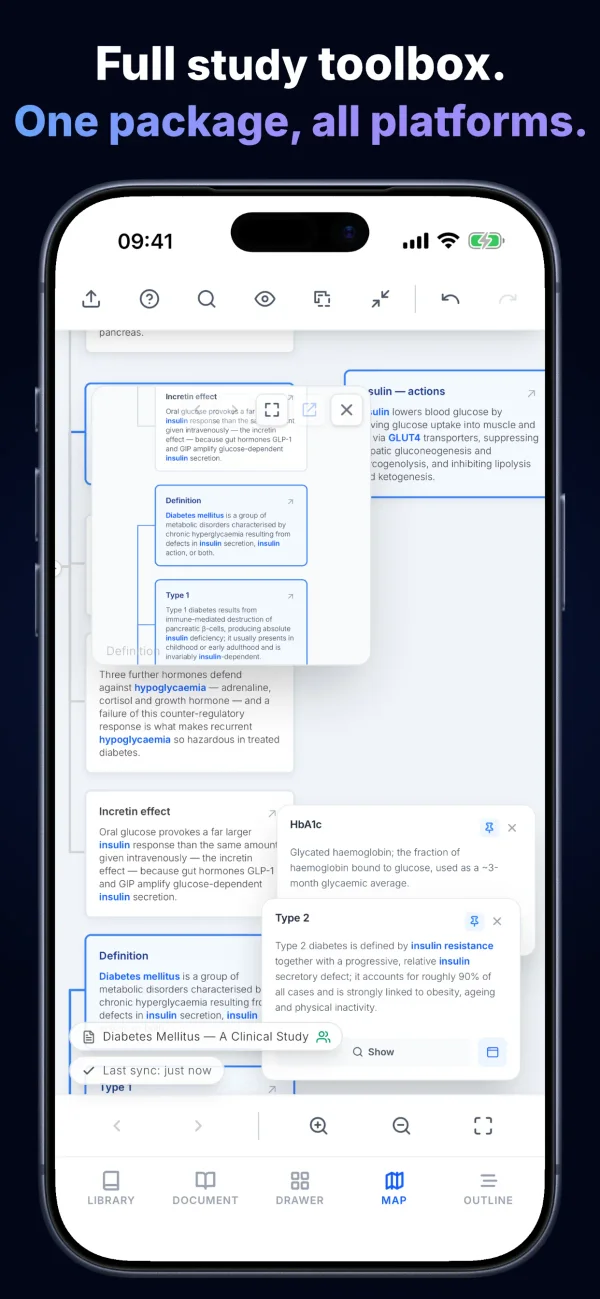
Nodebook combines a document reader with an infinite mind map. Highlight a passage in a PDF, EPUB, video, audio file or web page, and it appears on your canvas as a node, linked to the exact place it came from.
There is nothing to set up. You read, you select a passage, you choose a colour — and the map builds itself.
For students, researchers, writers and teachers working with more sources than anyone can keep in their head.
READ EVERY FORMAT · Free
• Open PDFs, EPUBs, text files and imported web pages, as well as video and audio.
• Read continuously or page by page, with chapters and bookmarks.
• Every document reopens exactly where you left it.
• Documents live on your device.
ANNOTATE THE PAGE · Free
• Built-in OCR reads scanned books word by word in 12 languages, so a scan highlights like any PDF.
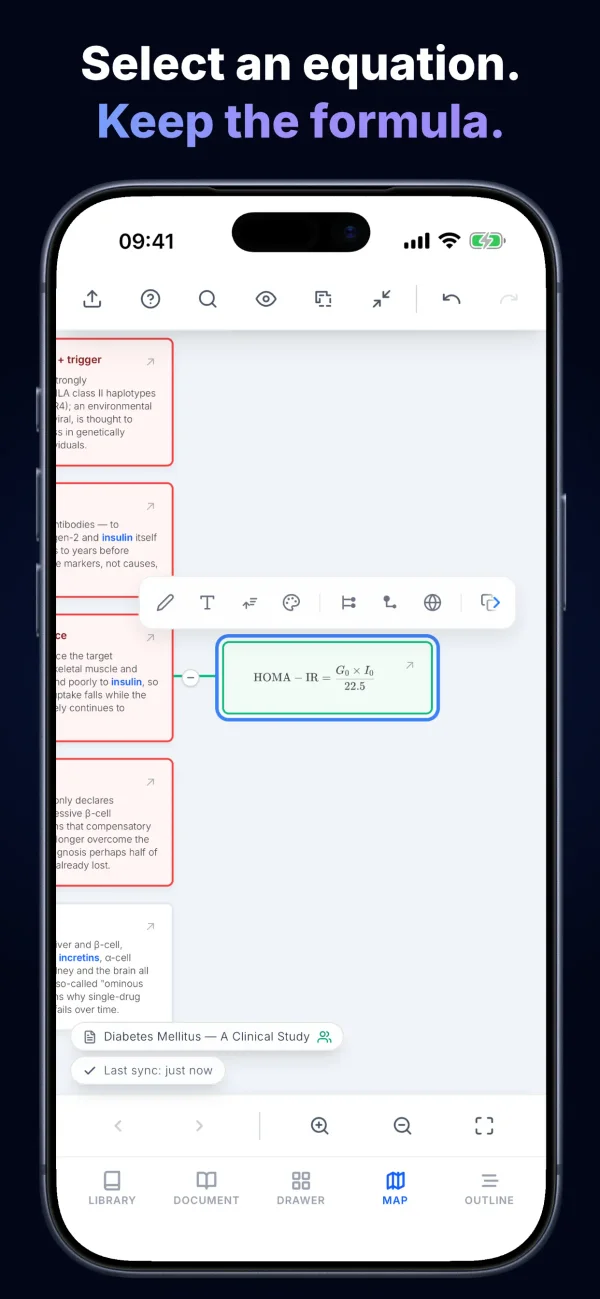
• Select an equation, handwritten or printed, and Nodebook renders it as LaTeX.
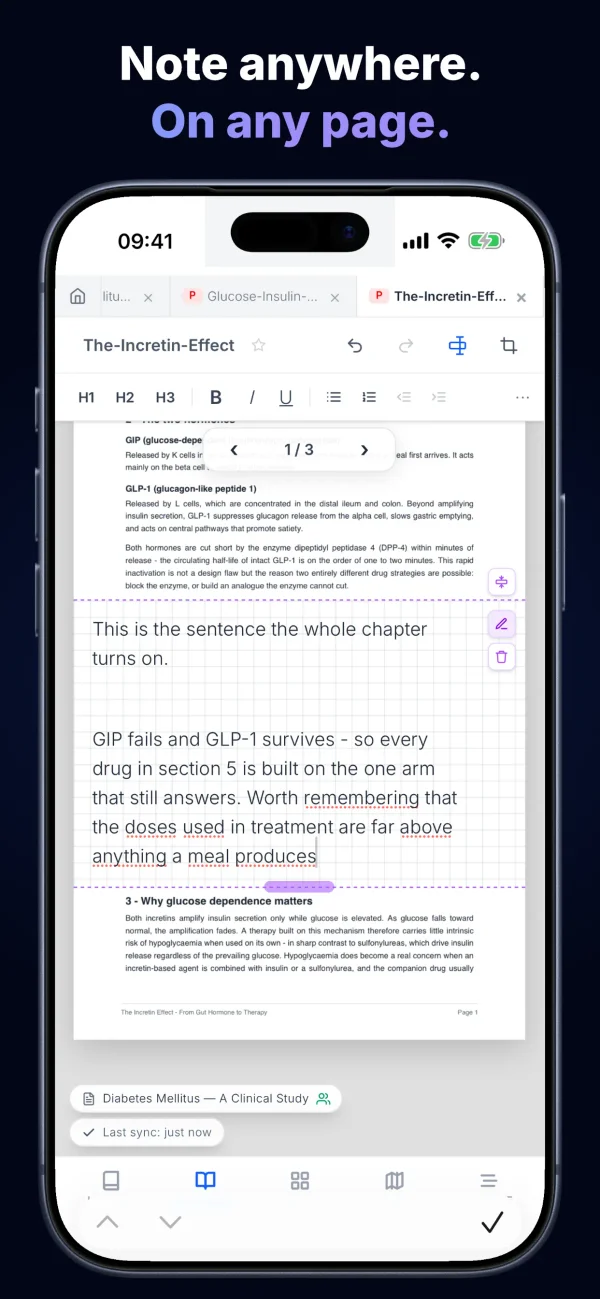
• Write, underline and draw on the page with a stylus, finger or mouse.
• Crop any part of a page — diagram, table, photo — and send it to the map.
• Insert a notepad mid-page: the PDF opens up for a comment that stays attached to that paragraph.
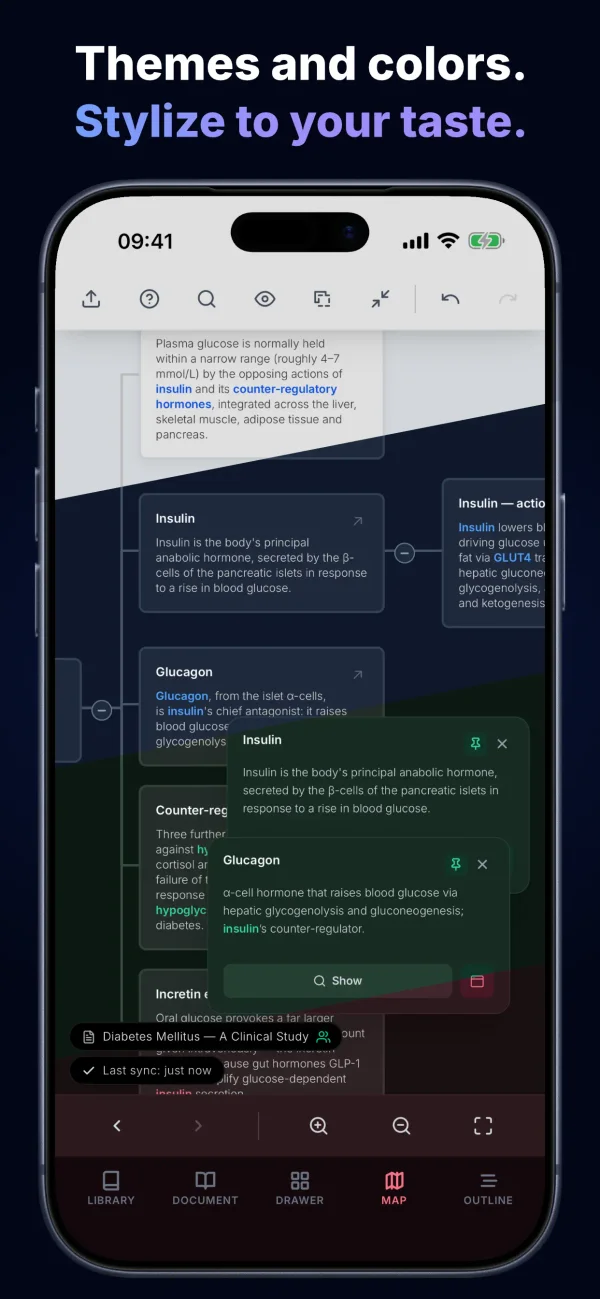
• Six highlight colours let you follow six separate threads.
BUILD THE MAP · Nodebook Plus
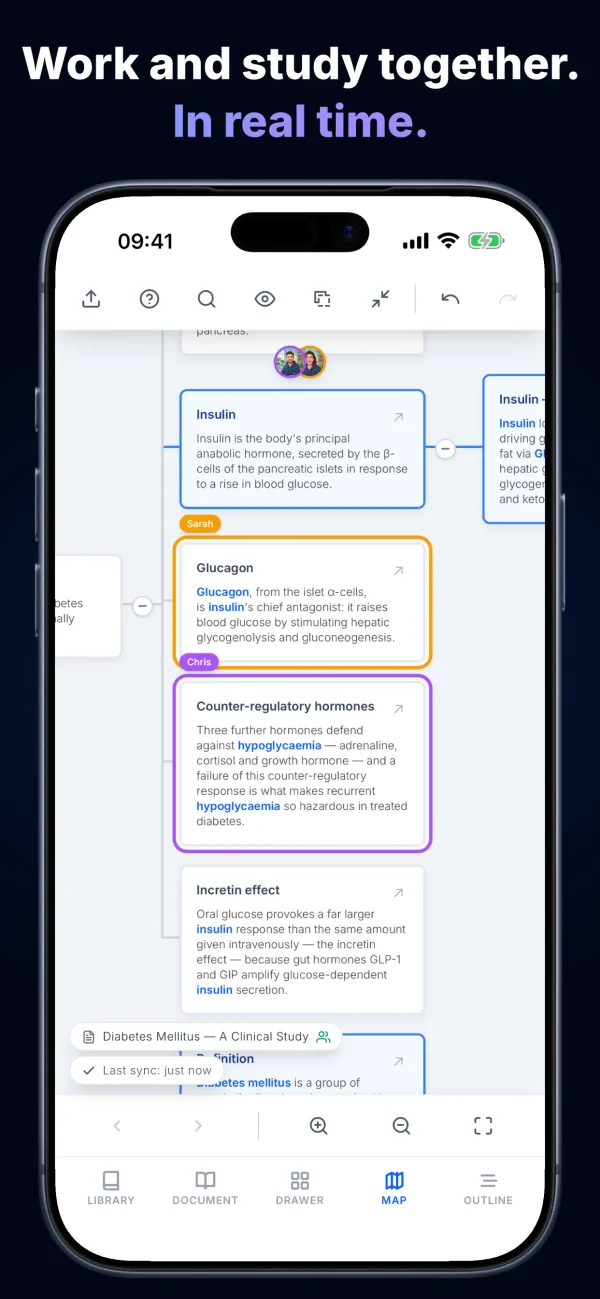
• An infinite canvas with no templates and no limit on nodes or depth.
• Drag a single node or a whole branch to reorganise your thinking.
• Drop one node onto another to merge them, and separate them later.
• Set snippets aside in the drawer, and keep a mini-map in view as you read.
• Export the map as a PDF or a FreeMind file, and the outline as a Word document.
• Back everything up into one .nodebook file and pick what to restore.
OUTLINE AND SEARCH · Nodebook Plus
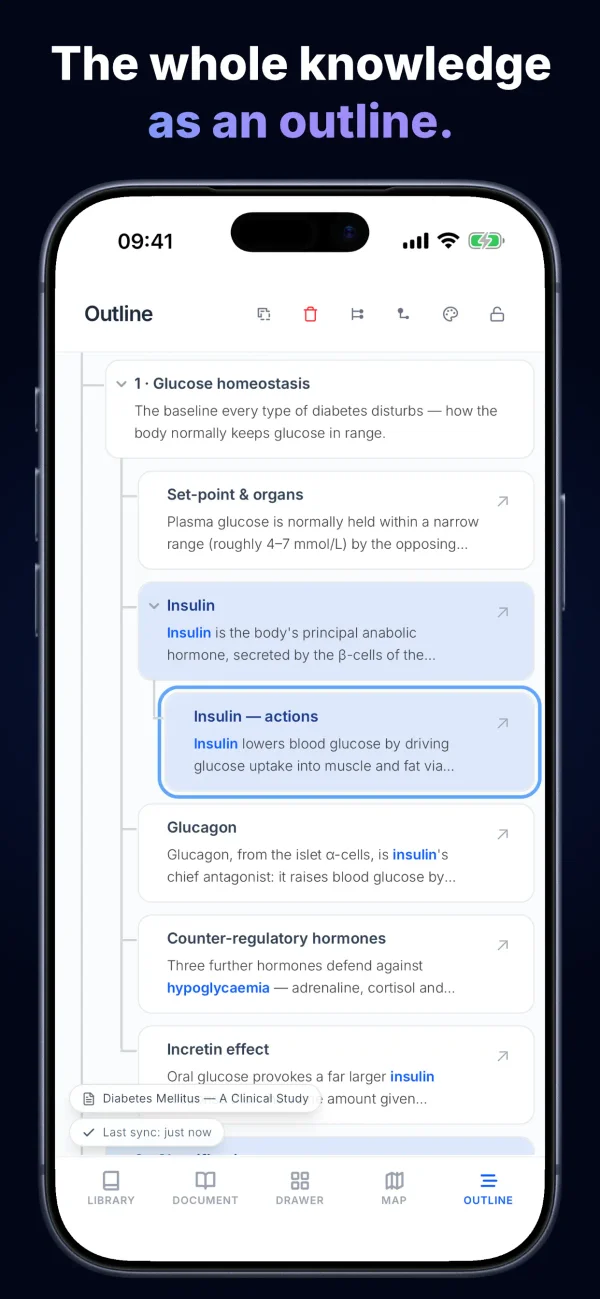
• View the same map as a classic indented outline, and edit titles and text in it.
• Search the full text of every snippet, filter by tag or colour, and retag or recolour in bulk.
CONNECT YOUR NOTES · Nodebook Plus
• Create wiki-links between notes: start typing a title and Nodebook suggests matches.
• Click one and a preview shows you the target without losing your place.
REVISE WITH FLASHCARDS · Nodebook Plus
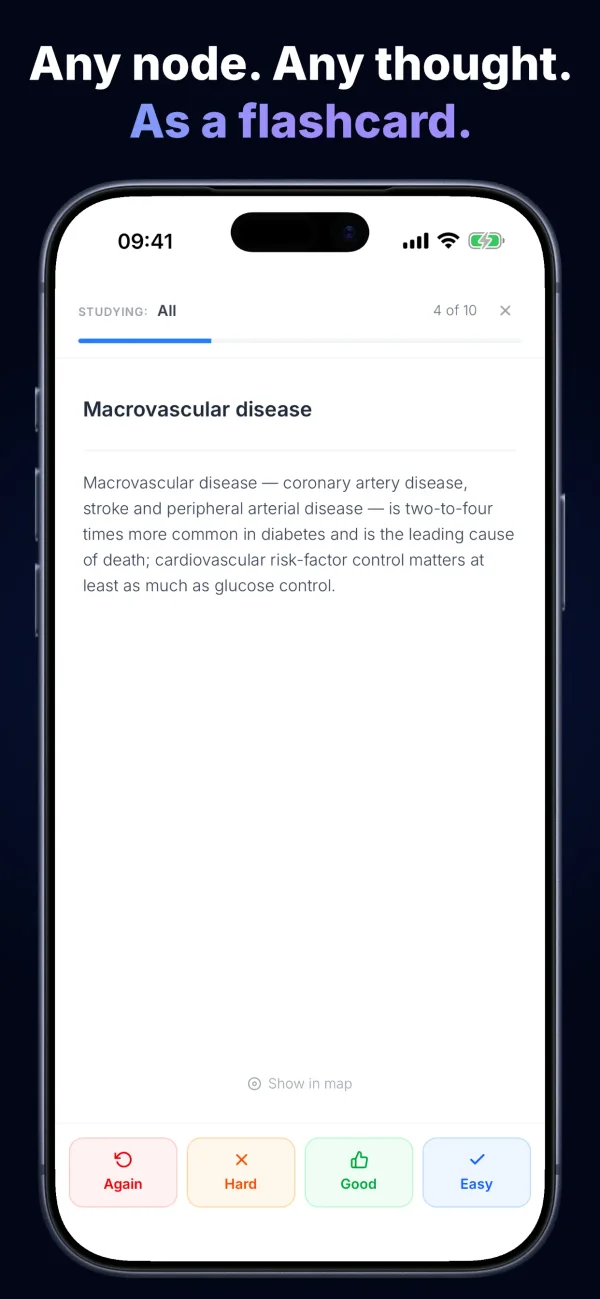
• Turn any snippet into a flashcard and review it with spaced repetition.
• Group cards by area, tag or source, or build your own sets.
WRITE YOUR OWN DOCUMENTS · Nodebook Plus
• A rich-text editor with headings, lists and quotations.
• Draw vector diagrams inside the text, erase single strokes and undo freely.
WORK TOGETHER · Nodebook Max
• Share a project as a viewer or an editor, and watch the other person's highlights appear live as you work.
• Send a file to another account with all your highlights and drawings intact.
• Every project keeps a version history with dates and authors, and restores to any point.
PLANS
• Nodebook is free to install, with the reader and its annotation tools included.
• Buy Nodebook Plus once — $39.99 — for full offline functionality, including mind maps creating and editing, flashcards and more.
• Subscribe to Nodebook Max for the cloud: sync across your devices, collaboration and version history. $8.99 a month, or $89.99 a year.
Max renews automatically. Payment is charged to your Apple Account when you confirm the purchase, and again within 24 hours before each period ends, unless you turn off auto-renew at least 24 hours earlier. Manage or cancel it in your Apple Account settings. Prices are shown in your local currency.
Terms of Use: https://nodebook.me/terms
Privacy Policy: https://nodebook.me/privacy
Có gì mới
Phiên bản 1.0.9 · 17/11/2026
- Touchpad navigation and gestures improvements.
- Improved floating mini-map handling for different screens.
- With the reader half-open, the map now centers on the visible area.
- Purchasing workflow bug fixes.
Quyền riêng tư của ứng dụng
Những gì Kamil Zabiegala khai báo trên App Store về cách ứng dụng này xử lý dữ liệu.
-
Dữ liệu liên kết với bạn
Có thể được thu thập và liên kết với danh tính của bạn.
- Mục mua
- Thông tin liên hệ
- Nội dung của người dùng
- Mã định danh
Phương thức đảm bảo quyền riêng tư có thể khác nhau, chẳng hạn như tuỳ theo các tính năng bạn sử dụng hoặc độ tuổi của bạn.
Thông tin
- Người bán
- Kamil Zabiegala
- Danh mục
- Hiệu Suất
- Phiên bản
- 1.0.9
- Cập nhật
- 17/11/2026
- Phát hành
- 29/09/2026
- Kích thước
- 145,4 MB
- Yêu cầu
- iOS 15.0 trở lên
- Độ tuổi
- 17+
- Giá
- Miễn phí
- Mua hàng trong ứng dụng
- Có
- Ngôn ngữ
- Tiếng Anh
- Bản quyền
- © 2026 Nodebook
Có thể bạn cũng thích
-
 Noteday: Notes, PDF & NotebookHiệu Suất
-
 28H Japan Student Work HoursHiệu Suất
-
 Nib - Private NotesHiệu Suất
-
 Xen Note - PDF Markup & NotesHiệu Suất
-
 Scribbl: Notes & PDF MarkupHiệu Suất
-
 Pensieve NoteHiệu Suất
-
 TaktyoTư duy cấu trúc. Lồng vô hạn.
-
 VARAK PDF Editor & ScannerHiệu Suất
-
 HighlighterAI.comHiệu Suất