Noteday: Notes, PDF & Notebook
Write, plan & study with AI
Được thiết kế cho iPhone, iPad
Miễn phí · Mua hàng trong ứng dụng
- Độ tuổi4+
- Danh mụcHiệu Suất
- Nhà phát triểnGambit Global LTD
- Ngôn ngữTiếng Anh+ 1 ngôn ngữ khác
- Kích thước35,7 MB
Liên kết đến trang App Store chính thức
Download.org không lưu trữ tệp nào của Noteday: Notes, PDF & Notebook. Nút này mở trang ứng dụng trên App Store, nơi Gambit Global LTD phát hành ứng dụng. Trang được kiểm tra lần cuối: 16/11/2026.
Ảnh chụp màn hình

Giới thiệu
Nhà phát triển chưa cung cấp nội dung này bằng ngôn ngữ của bạn.
Noteday is the notebook that feels like paper and thinks like a study partner.
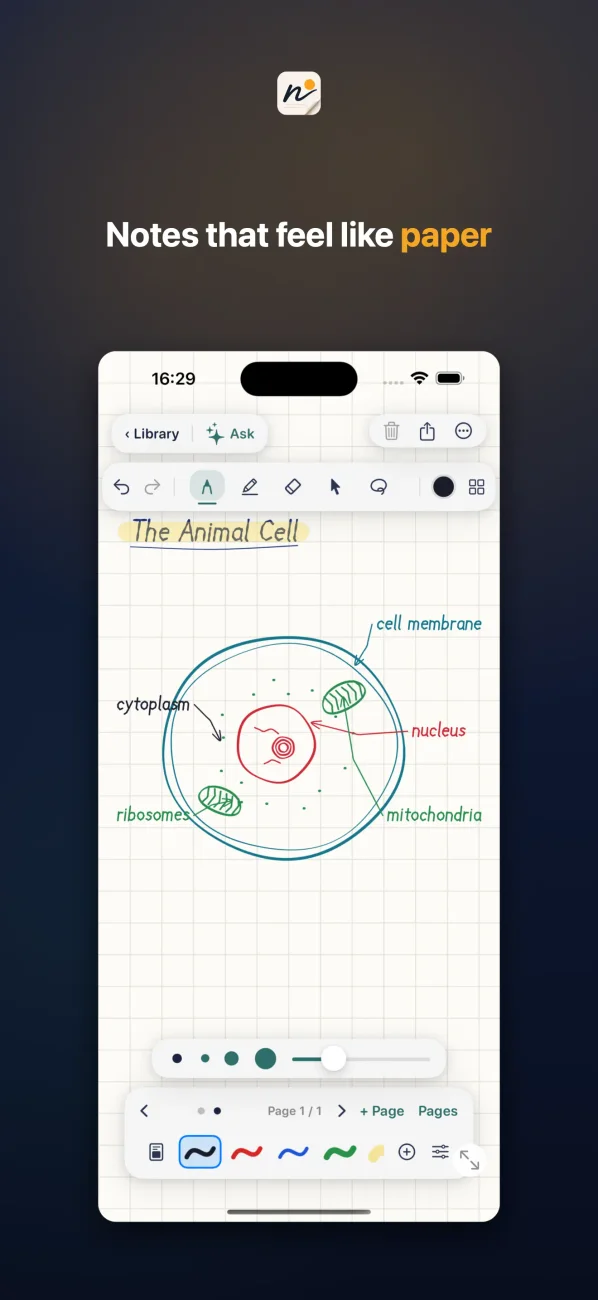
Write with buttery, low-latency Apple Pencil ink at up to 120Hz — pressure, tilt, and shapes that snap into place. Then let Noteday AI turn what you wrote into summaries, flashcards, quizzes, and even images, right on the page.
WRITE THAT FEELS LIKE PAPER
• Ultra-responsive 120Hz ink with real pressure
• Straight-line snap and instant shape recognition
• Partial eraser, lasso select, and a laser pointer for presenting
• Zoom-write box and a ruler for precise work
PAGES BUILT FOR REAL LIFE
• Add text, images, stickers, sticky notes, and tables to any page
• Organize with folders and search your typed content
• Reorder, duplicate, and manage pages with ease
• Record audio right alongside your notes
• Set local reminders so nothing slips
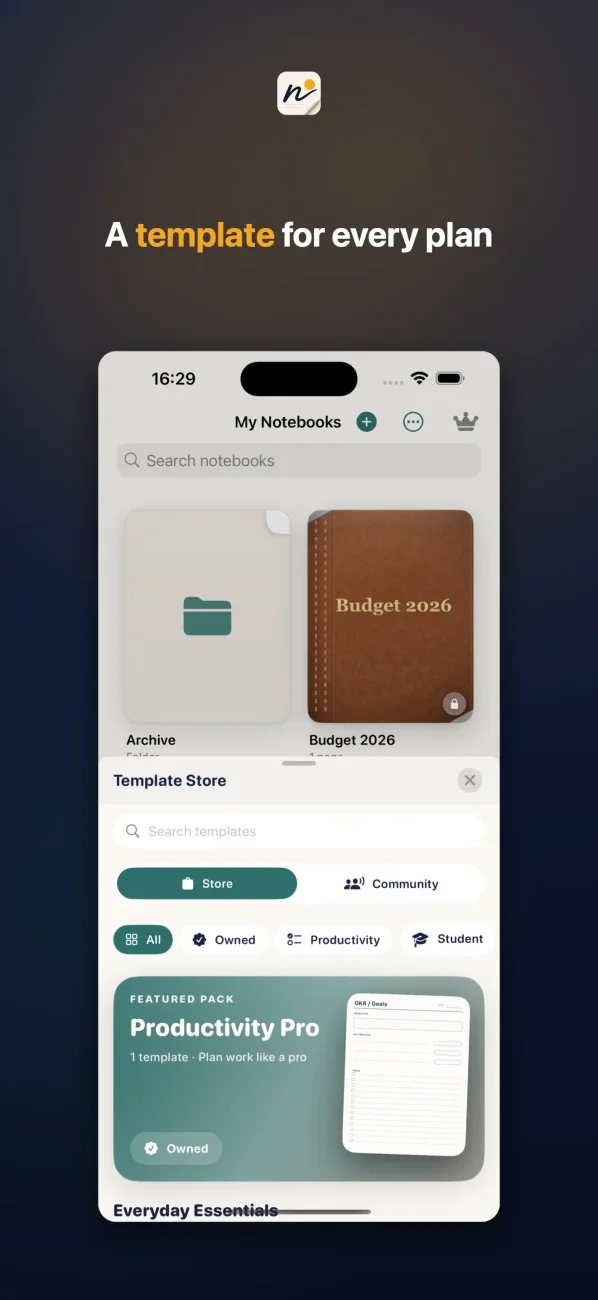
TEMPLATES MADE TO BE USED
• Free hero planners, to-do lists, Cornell notes, and more built in
• A growing marketplace of à-la-carte packs — productivity, student, finance, fitness, medical, music, travel and more
• Buy once, own forever — apply any template as a page in any notebook
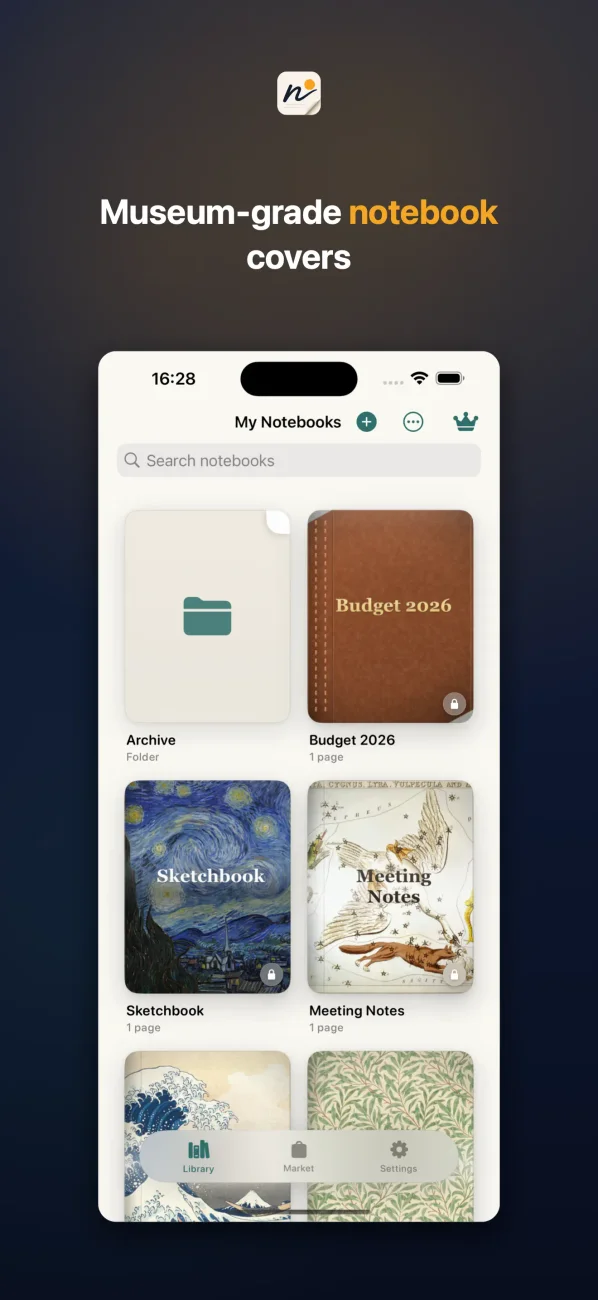
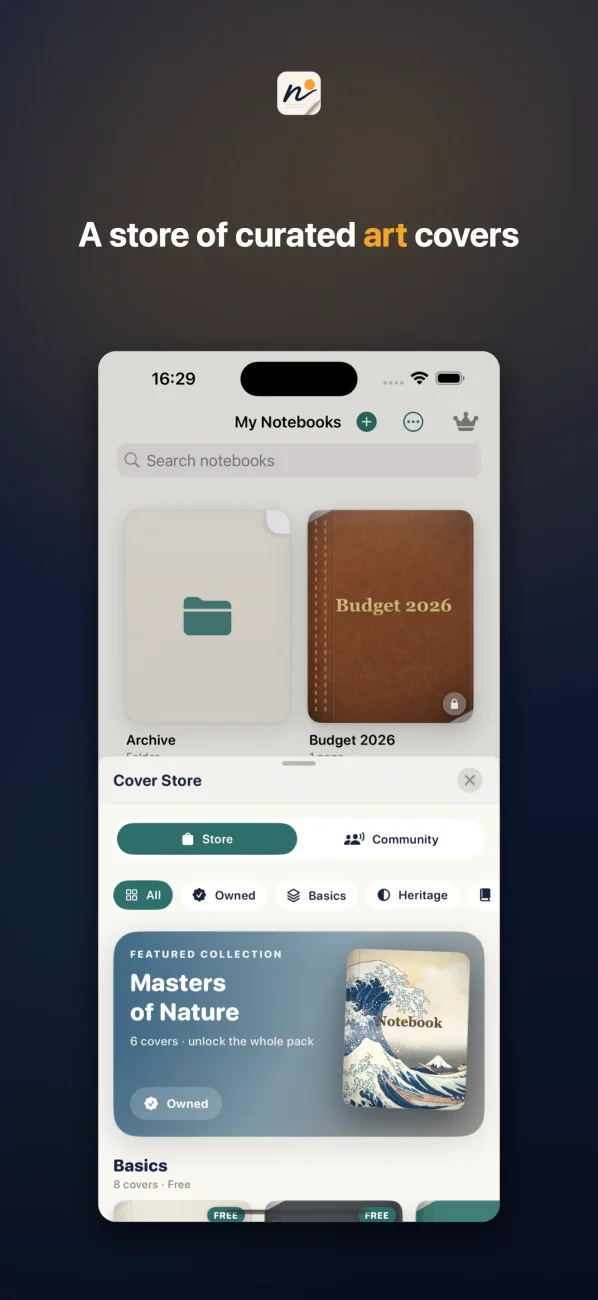
COVERS WORTH COLLECTING
• Museum-art covers from Hokusai, Van Gogh, Klimt, Monet, William Morris, and İznik masters
• Full Gold, Full Silver, and Rose Gold metal covers with a live, moving gleam
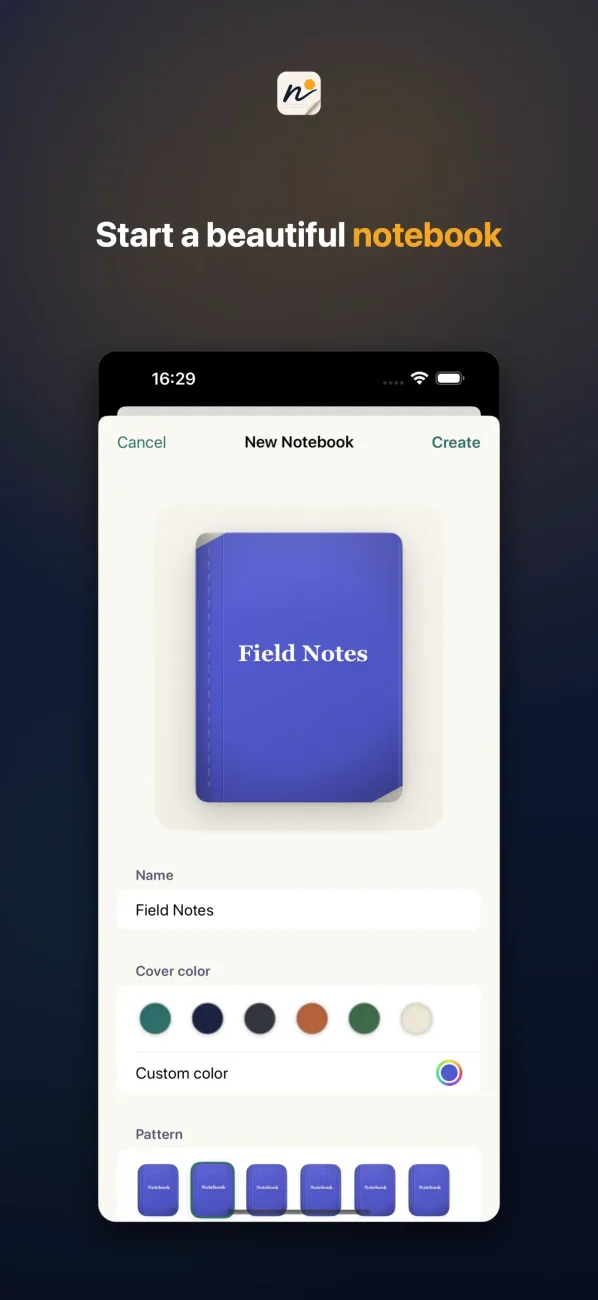
• Personalize with your name, monogram, and font
• Import your own PDF or PNG as a cover
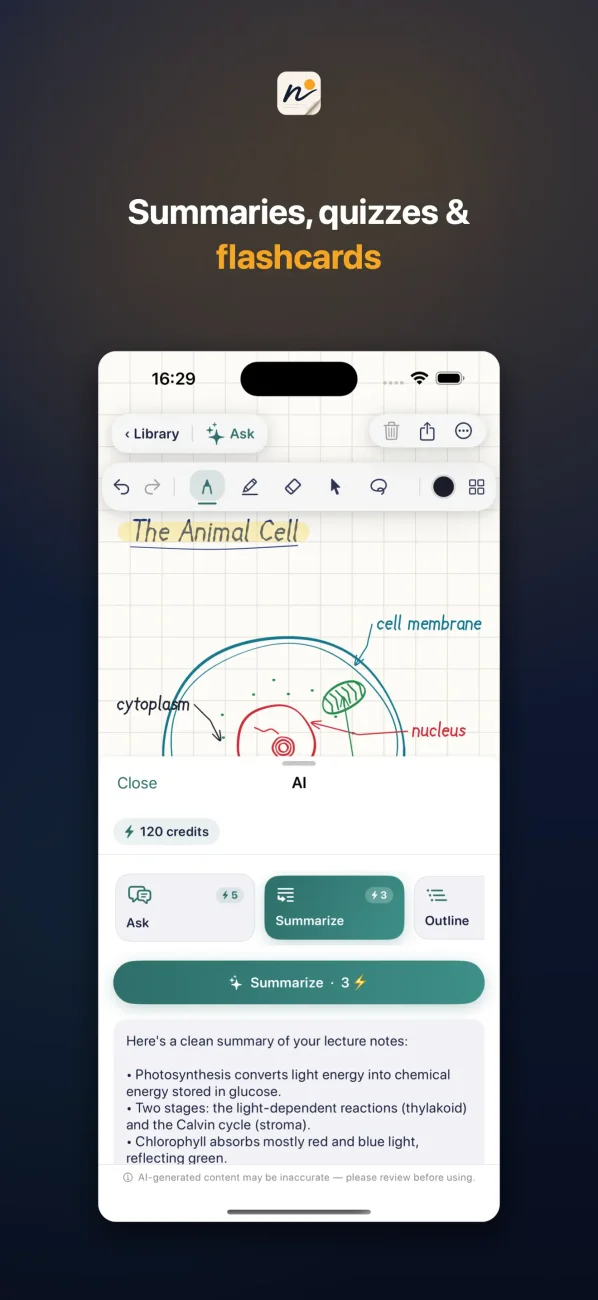
NOTEDAY AI THAT STUDIES WITH YOU
• Ask your notes and get answers with page references
• Summarize, outline, make flashcards, build quizzes, and rewrite
• Turn a description into an image placed straight onto your page
• Start with 25 welcome credits, top up with credit packs anytime
EXPORT & SHARE
• Export any notebook as PDF or image to share anywhere
NOTEDAY PRO
Go unlimited with Noteday Pro:
• Unlimited notebooks (free plan includes 2)
• No ads
• Premium stickers
• 1,000 AI credits every month
Noteday Pro is $2.99/month or $19.99/year with a 7-day free trial.
• Payment is charged to your Apple Account at confirmation of purchase.
• Subscriptions renew automatically unless canceled at least 24 hours before the end of the current period.
• Your account is charged for renewal within 24 hours before the end of the current period.
• Manage or cancel anytime in your Apple Account settings.
• Any unused portion of a free trial is forfeited when you buy a subscription.
• Templates, covers, and credit packs are one-time purchases you own forever.
Privacy Policy: https://getnoteday.com/privacy
Terms of Use (EULA): https://www.apple.com/legal/internet-services/itunes/dev/stdeula/
Questions? getnoteday.com/support
Có gì mới
Phiên bản 1.7 · 15/11/2026
This update makes Noteday easier to get around, makes Week much handier on a phone, adds widgets and a share sheet option, and makes Noteday Pro more dependable.
NOTEDAY PRO
• Pro is now also confirmed with the App Store right on your device, so it stays unlocked when you're offline or our subscription service can't be reached.
• Clearer messages when a purchase is waiting for approval or doesn't go through.
• Restore Purchases also checks your App Store purchases on this device, so an active subscription is found even when our subscription service doesn't answer.
• The free trial line is shown only when you're eligible for it.
• Removed a discount offer card that wasn't actually available.
GETTING AROUND
• Swipe from the left edge of the screen to go back — in a notebook, in folders, in Week, and in notes you opened from a shortcut or widget.
• On iPhone, Noteday reopens on Notes if that's where you left it.
WEEK
• The keyboard no longer covers the task you're typing.
• Type a day into quick add — "call mum friday" — and the task lands on that day. A small chip shows where it's going.
• Swipe a task right to complete it. Swipe left for Tomorrow and Delete, or swipe all the way left to push it to the next day. Postponing and deleting can be undone.
• Tap a task to edit it in place. Long-press to move it: the list shows the next seven days with their dates, then Next week and Pick a date.
• Each day shows how many tasks are left, or a check when they're all done.
• If your week can't be saved, you'll see a notice with a Retry button instead of losing changes silently.
• Week now updates when the day changes while it's open.
NEW: WIDGETS AND SHARING
• Home Screen widgets: Quick capture, Today and Recent notes. Lock Screen widgets for today's tasks and a new note. A "New note" button for Control Center and the Action button.
• "Save to Noteday" in the share sheet turns text, links and photos into a note.
• Voice memo recording shows on the Lock Screen and in the Dynamic Island.
• "New task" from a shortcut, Siri or the widget's + now opens Week, ready to type.
LOCKED NOTES
• Locked notes lock again as soon as you leave the app.
• Long-press previews and widgets never show a locked note's content.
• AI is turned off on a locked note.
ICLOUD SYNC (PRO)
• If a notebook changed on two devices, you keep both versions instead of one overwriting the other.
• A sync that is interrupted never leaves a notebook half restored.
FIXES
• Images and attachments come back with Undo.
• Duplicating a note keeps its images, folder and tags.
• A note that can't be read is kept as it is and never replaced with an empty one.
• Pressing Return in a note's title now moves you to the note body instead of adding a second line to the title.
Questions or ideas? info@gambitgg.com
Quyền riêng tư của ứng dụng
Những gì Gambit Global LTD khai báo trên App Store về cách ứng dụng này xử lý dữ liệu.
-
Dữ liệu được sử dụng để theo dõi bạn
Có thể được sử dụng để theo dõi bạn trên các ứng dụng và trang web do công ty khác sở hữu.
- Mã định danh
- Dữ liệu sử dụng
-
Dữ liệu liên kết với bạn
Có thể được thu thập và liên kết với danh tính của bạn.
- Thông tin liên hệ
- Mã định danh
- Dữ liệu sử dụng
Phương thức đảm bảo quyền riêng tư có thể khác nhau, chẳng hạn như tuỳ theo các tính năng bạn sử dụng hoặc độ tuổi của bạn.
Thông tin
- Người bán
- Gambit Global LTD
- Danh mục
- Hiệu Suất
- Phiên bản
- 1.7
- Cập nhật
- 15/11/2026
- Phát hành
- 14/09/2026
- Kích thước
- 35,7 MB
- Yêu cầu
- iOS 17.0 trở lên
- Độ tuổi
- 4+
- Giá
- Miễn phí
- Mua hàng trong ứng dụng
- Có
- Ngôn ngữ
- Tiếng Anh, Tiếng Thổ Nhĩ Kỳ
- Bản quyền
- © 2026 Gambit Global LTD
Có thể bạn cũng thích
-
 Sorcerer's NoteHiệu Suất
-
 Nodebook: PDF Notes & Mind MapHiệu Suất
-
 Daily Brief AppHiệu Suất
-
 Oaklet Notes: EncryptedHiệu Suất
-
 Caption AI: Hashtag ExpertHiệu Suất
-
 Splacer: ADHD Planner & To-DosHiệu Suất
-
 Pronotes: Notes & PDFHiệu Suất
-
 Amazing Notes: Lecture & PDFHiệu Suất
-
 Write.r - Markdown FlowCapture signal for next step
-
 Routinify: Routines & ChoresHiệu Suất