Noteday: Notes, PDF & Notebook
Write, plan & study with AI
iPhone, iPad向けに設計
無料 · アプリ内課金
- 対象年齢4+
- カテゴリ仕事効率化
- 開発元Gambit Global LTD
- 言語英語ほか1言語
- サイズ35.7 MB
App Storeの公式ページにリンクしています
Download.orgはNoteday: Notes, PDF & Notebookのファイルを一切ホストしていません。ボタンを押すと、Gambit Global LTDが公開しているApp Storeのアプリページが開きます。ページの最終確認:2026/11/16。
スクリーンショット

概要
開発元はこのテキストをお使いの言語で提供していません。
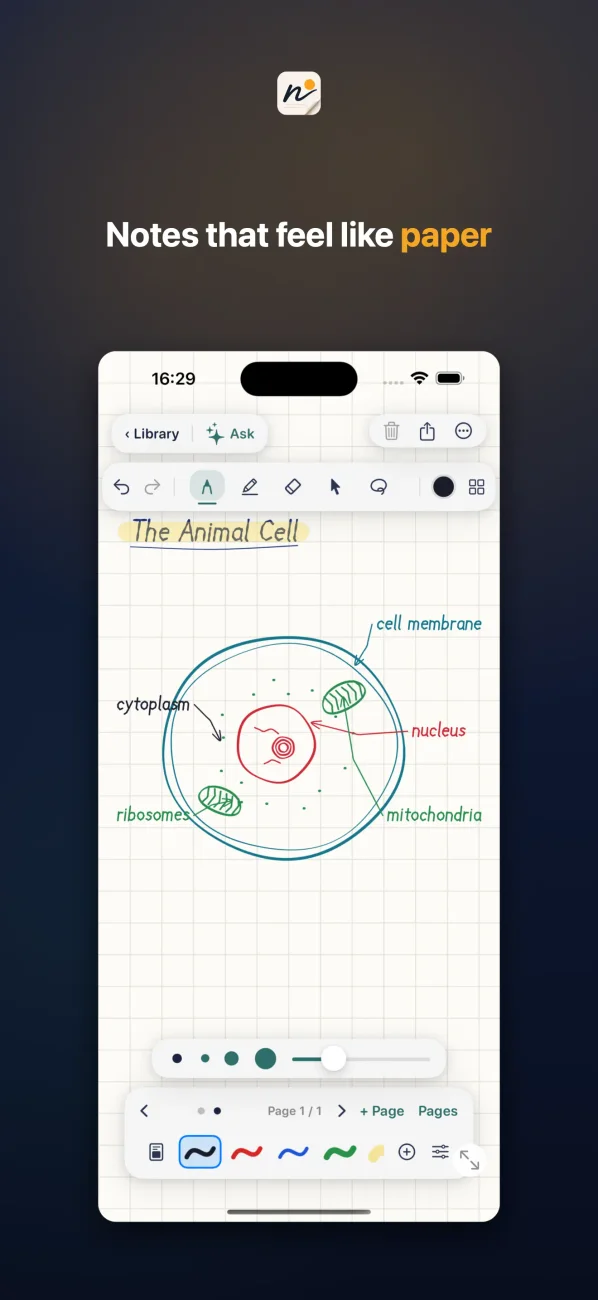
Noteday is the notebook that feels like paper and thinks like a study partner.
Write with buttery, low-latency Apple Pencil ink at up to 120Hz — pressure, tilt, and shapes that snap into place. Then let Noteday AI turn what you wrote into summaries, flashcards, quizzes, and even images, right on the page.
WRITE THAT FEELS LIKE PAPER
• Ultra-responsive 120Hz ink with real pressure
• Straight-line snap and instant shape recognition
• Partial eraser, lasso select, and a laser pointer for presenting
• Zoom-write box and a ruler for precise work
PAGES BUILT FOR REAL LIFE
• Add text, images, stickers, sticky notes, and tables to any page
• Organize with folders and search your typed content
• Reorder, duplicate, and manage pages with ease
• Record audio right alongside your notes
• Set local reminders so nothing slips
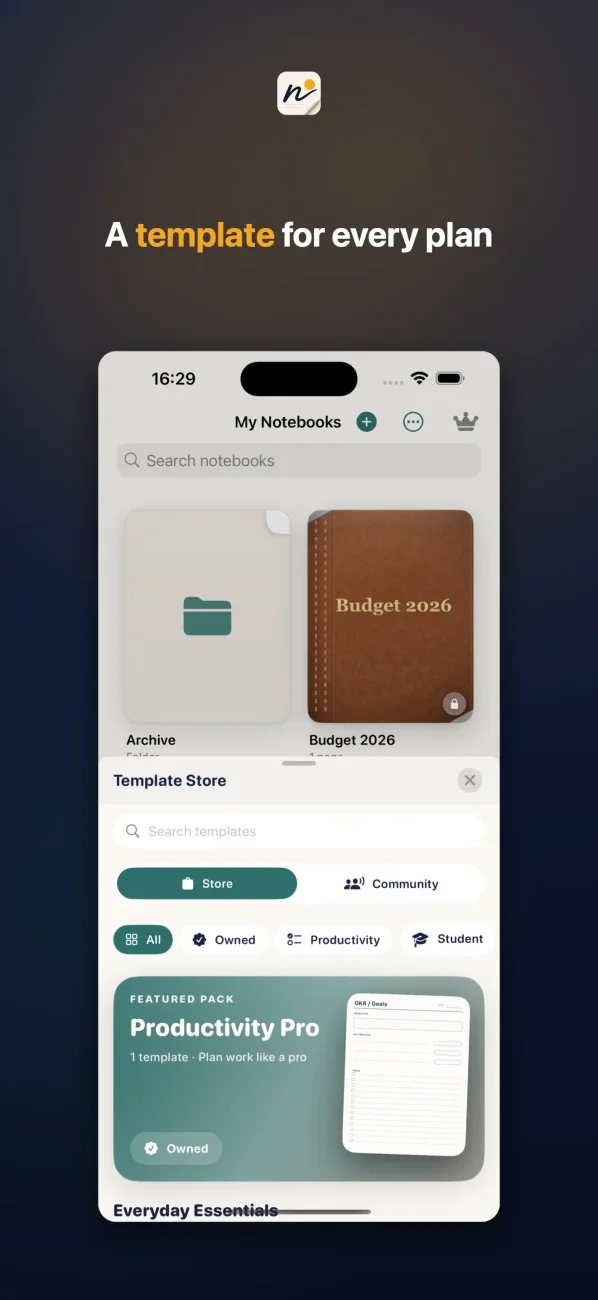
TEMPLATES MADE TO BE USED
• Free hero planners, to-do lists, Cornell notes, and more built in
• A growing marketplace of à-la-carte packs — productivity, student, finance, fitness, medical, music, travel and more
• Buy once, own forever — apply any template as a page in any notebook
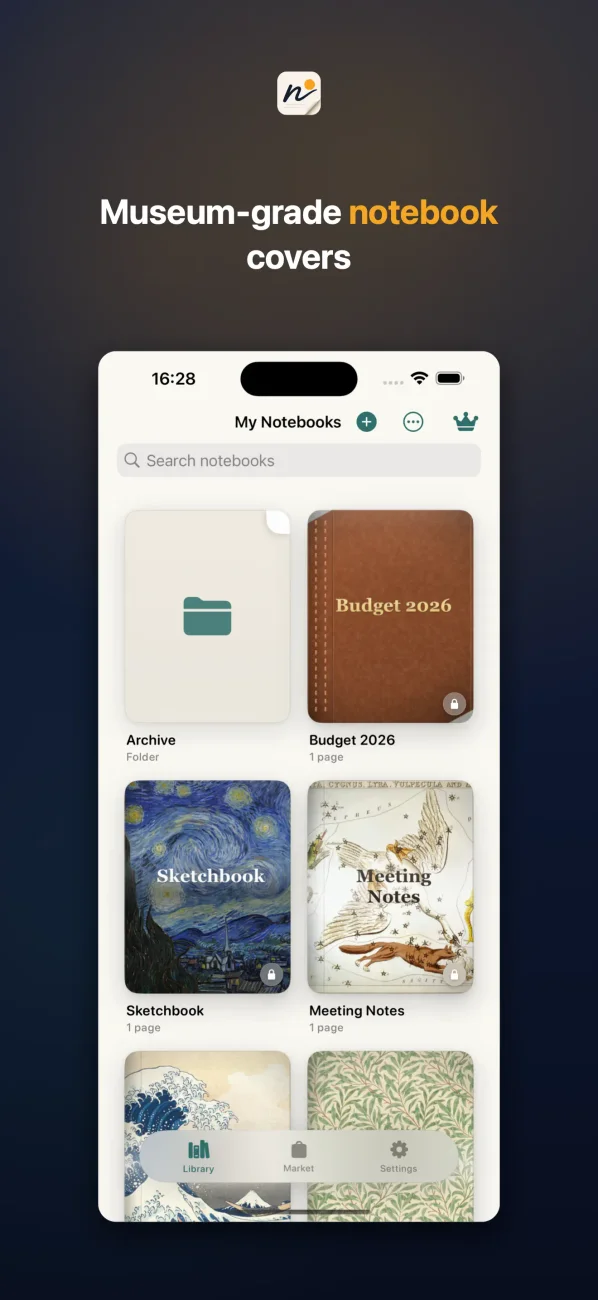
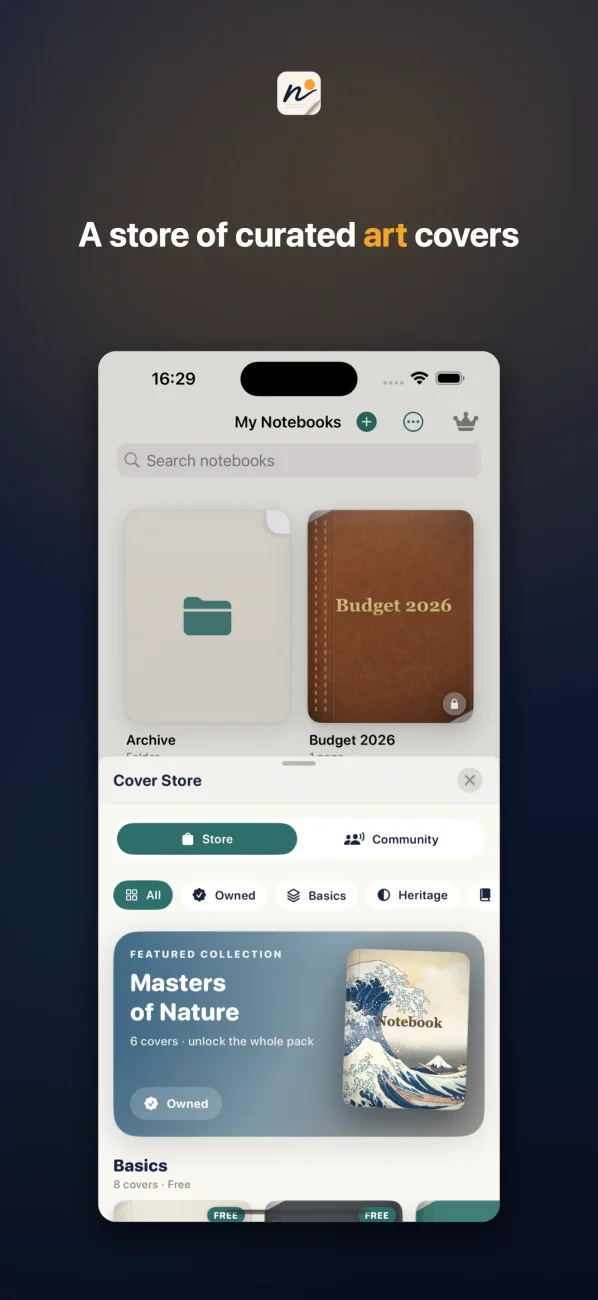
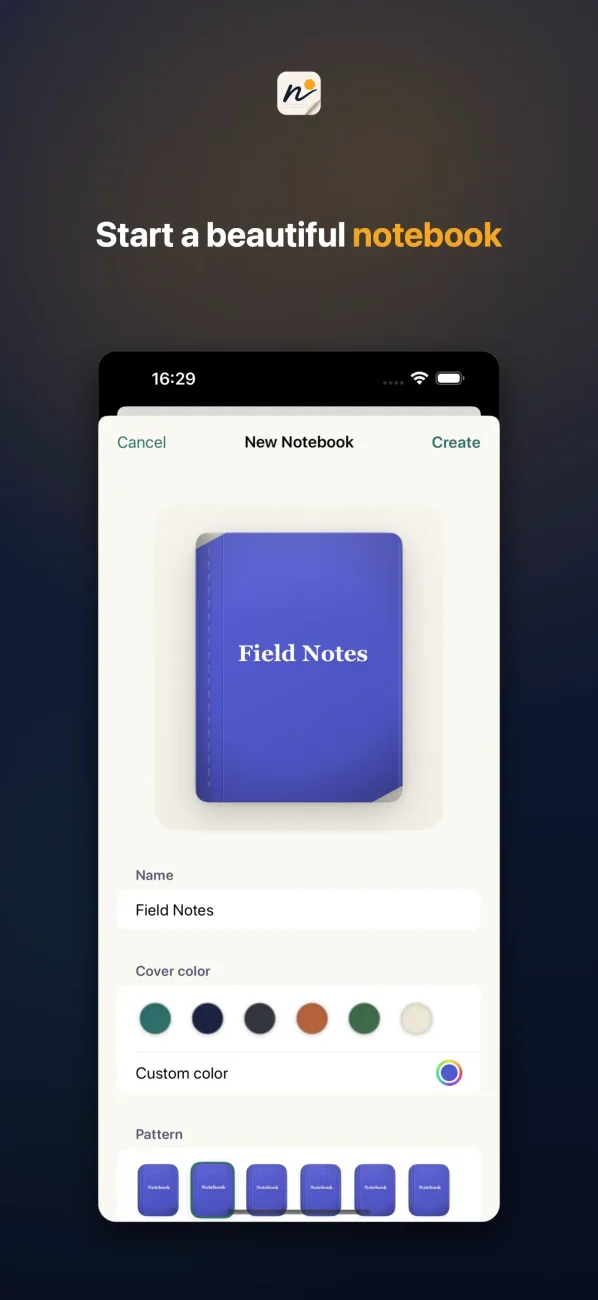
COVERS WORTH COLLECTING
• Museum-art covers from Hokusai, Van Gogh, Klimt, Monet, William Morris, and İznik masters
• Full Gold, Full Silver, and Rose Gold metal covers with a live, moving gleam
• Personalize with your name, monogram, and font
• Import your own PDF or PNG as a cover
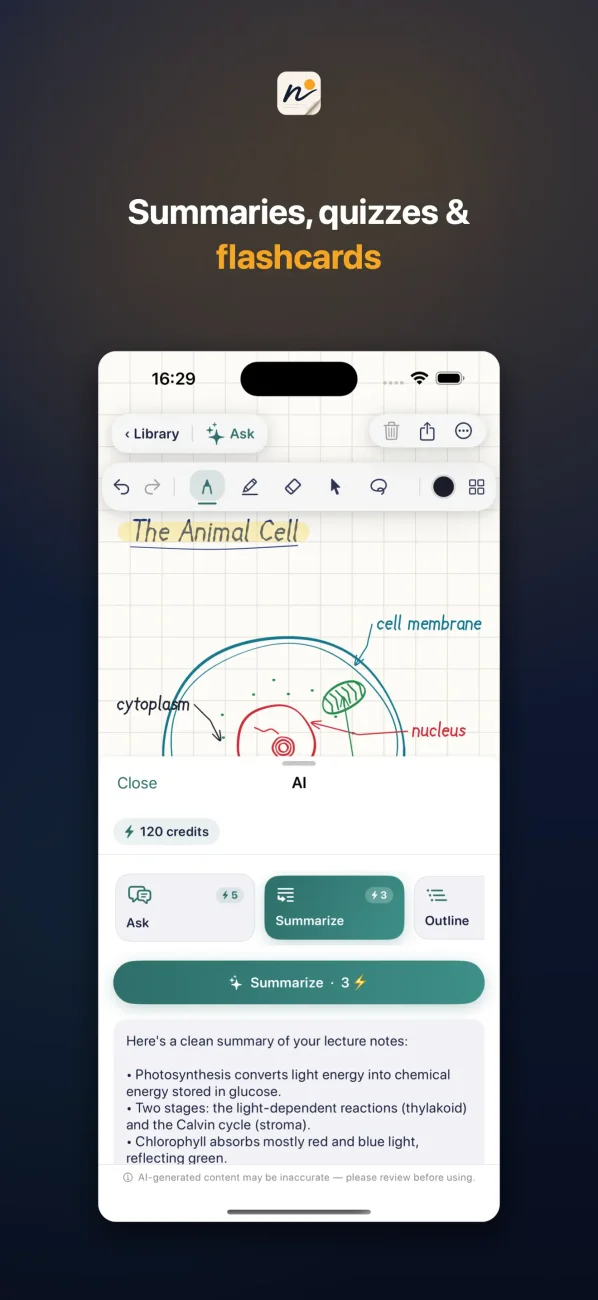
NOTEDAY AI THAT STUDIES WITH YOU
• Ask your notes and get answers with page references
• Summarize, outline, make flashcards, build quizzes, and rewrite
• Turn a description into an image placed straight onto your page
• Start with 25 welcome credits, top up with credit packs anytime
EXPORT & SHARE
• Export any notebook as PDF or image to share anywhere
NOTEDAY PRO
Go unlimited with Noteday Pro:
• Unlimited notebooks (free plan includes 2)
• No ads
• Premium stickers
• 1,000 AI credits every month
Noteday Pro is $2.99/month or $19.99/year with a 7-day free trial.
• Payment is charged to your Apple Account at confirmation of purchase.
• Subscriptions renew automatically unless canceled at least 24 hours before the end of the current period.
• Your account is charged for renewal within 24 hours before the end of the current period.
• Manage or cancel anytime in your Apple Account settings.
• Any unused portion of a free trial is forfeited when you buy a subscription.
• Templates, covers, and credit packs are one-time purchases you own forever.
Privacy Policy: https://getnoteday.com/privacy
Terms of Use (EULA): https://www.apple.com/legal/internet-services/itunes/dev/stdeula/
Questions? getnoteday.com/support
新機能
バージョン 1.7 · 2026/11/15
This update makes Noteday easier to get around, makes Week much handier on a phone, adds widgets and a share sheet option, and makes Noteday Pro more dependable.
NOTEDAY PRO
• Pro is now also confirmed with the App Store right on your device, so it stays unlocked when you're offline or our subscription service can't be reached.
• Clearer messages when a purchase is waiting for approval or doesn't go through.
• Restore Purchases also checks your App Store purchases on this device, so an active subscription is found even when our subscription service doesn't answer.
• The free trial line is shown only when you're eligible for it.
• Removed a discount offer card that wasn't actually available.
GETTING AROUND
• Swipe from the left edge of the screen to go back — in a notebook, in folders, in Week, and in notes you opened from a shortcut or widget.
• On iPhone, Noteday reopens on Notes if that's where you left it.
WEEK
• The keyboard no longer covers the task you're typing.
• Type a day into quick add — "call mum friday" — and the task lands on that day. A small chip shows where it's going.
• Swipe a task right to complete it. Swipe left for Tomorrow and Delete, or swipe all the way left to push it to the next day. Postponing and deleting can be undone.
• Tap a task to edit it in place. Long-press to move it: the list shows the next seven days with their dates, then Next week and Pick a date.
• Each day shows how many tasks are left, or a check when they're all done.
• If your week can't be saved, you'll see a notice with a Retry button instead of losing changes silently.
• Week now updates when the day changes while it's open.
NEW: WIDGETS AND SHARING
• Home Screen widgets: Quick capture, Today and Recent notes. Lock Screen widgets for today's tasks and a new note. A "New note" button for Control Center and the Action button.
• "Save to Noteday" in the share sheet turns text, links and photos into a note.
• Voice memo recording shows on the Lock Screen and in the Dynamic Island.
• "New task" from a shortcut, Siri or the widget's + now opens Week, ready to type.
LOCKED NOTES
• Locked notes lock again as soon as you leave the app.
• Long-press previews and widgets never show a locked note's content.
• AI is turned off on a locked note.
ICLOUD SYNC (PRO)
• If a notebook changed on two devices, you keep both versions instead of one overwriting the other.
• A sync that is interrupted never leaves a notebook half restored.
FIXES
• Images and attachments come back with Undo.
• Duplicating a note keeps its images, folder and tags.
• A note that can't be read is kept as it is and never replaced with an empty one.
• Pressing Return in a note's title now moves you to the note body instead of adding a second line to the title.
Questions or ideas? info@gambitgg.com
アプリのプライバシー
このアプリのデータの取り扱いについて、Gambit Global LTDがApp Storeで申告している内容です。
-
ユーザーのトラッキングに使用されるデータ
他社のアプリやウェブサイトを横断してユーザーをトラッキングする目的で使用される場合があります。
- ID
- 使用状況データ
-
ユーザーに関連付けられたデータ
収集され、ユーザーの識別情報に関連付けられる場合があります。
- 連絡先情報
- ID
- 使用状況データ
プライバシーの取り扱いは、ご利用の機能やお客様の年齢などに応じて異なる場合があります。
情報
- 販売元
- Gambit Global LTD
- カテゴリ
- 仕事効率化
- バージョン
- 1.7
- 更新日
- 2026/11/15
- リリース
- 2026/9/14
- サイズ
- 35.7 MB
- 必要条件
- iOS 17.0以降
- 対象年齢
- 4+
- 価格
- 無料
- アプリ内課金
- あり
- 言語
- 英語, トルコ語
- 著作権
- © 2026 Gambit Global LTD