
Overtime Tracker - Work Log
Hours, calendar & evidence
Được thiết kế cho iPhone
Miễn phí
- Độ tuổi4+
- Danh mụcTiện Ích
- Nhà phát triển飞 江
- Ngôn ngữTiếng Anh+ 1 ngôn ngữ khác
- Kích thước1,1 MB
Liên kết đến trang App Store chính thức
Download.org không lưu trữ tệp nào của Overtime Tracker - Work Log. Nút này mở trang ứng dụng trên App Store, nơi 飞 江 phát hành ứng dụng. Trang được kiểm tra lần cuối: 13/11/2026.
Ảnh chụp màn hình


Giới thiệu
Nhà phát triển chưa cung cấp nội dung này bằng ngôn ngữ của bạn.
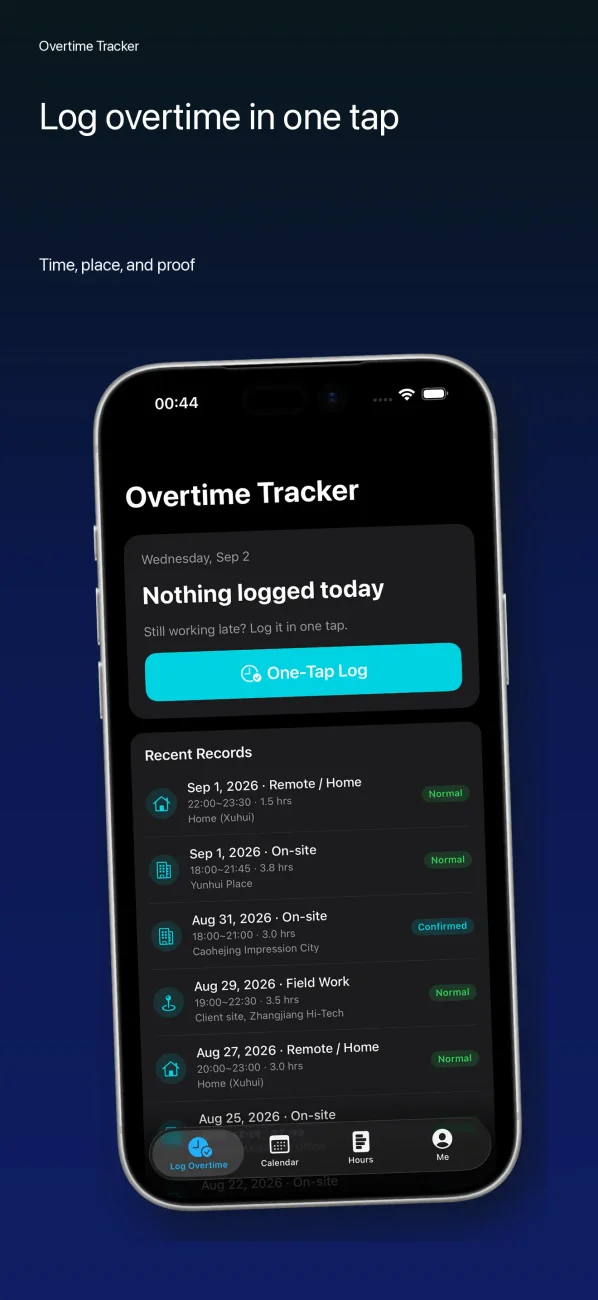
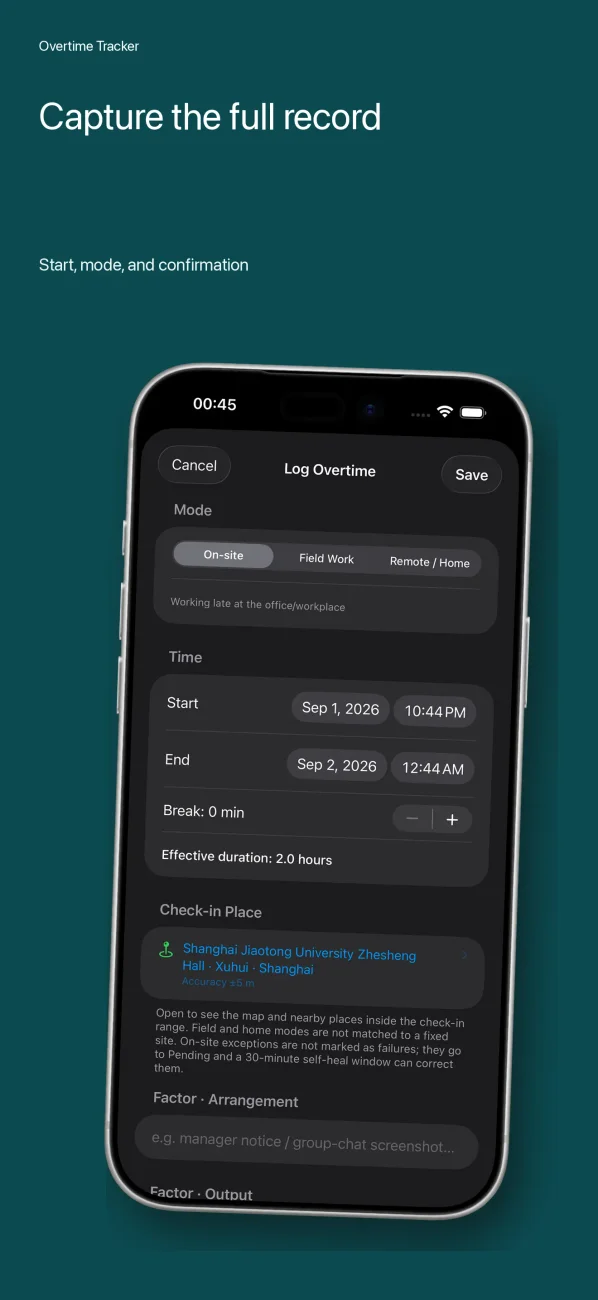
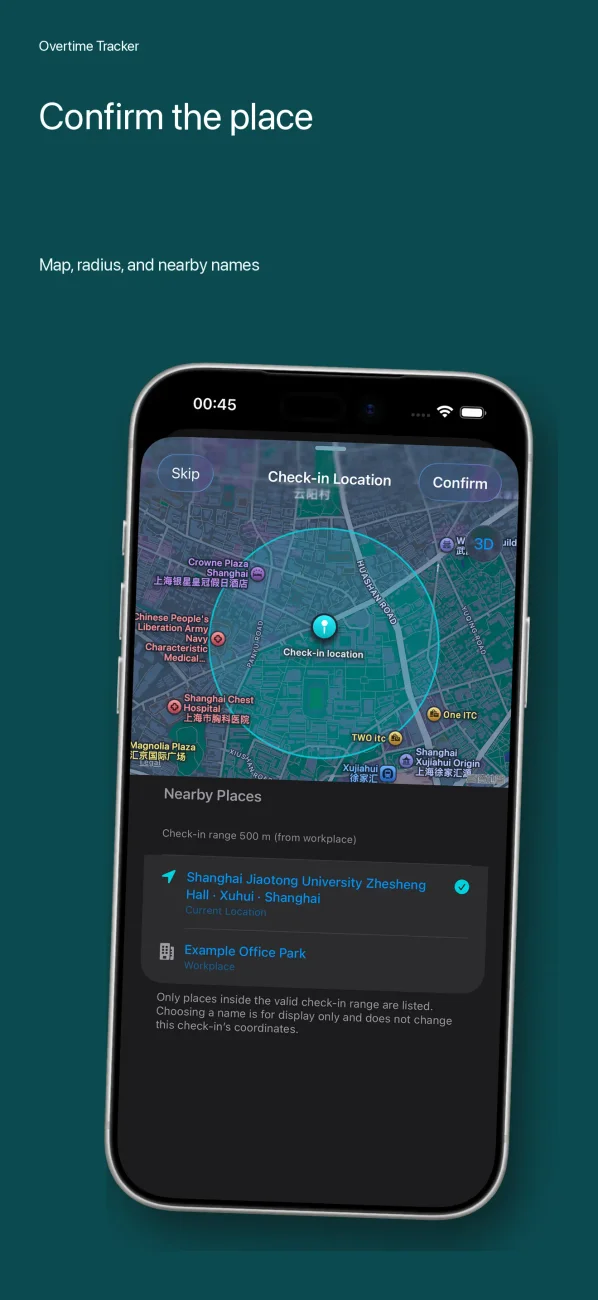
Overtime Tracker is a standalone personal work-hours log for anyone who wants to record overtime facts. It is available to the general public and does not require affiliation with a company or organization. Record start and end time, choose on-site, field, or remote mode, confirm a one-time location on a map with nearby places in range, then add your confirmation and up to four photos from the camera or library.
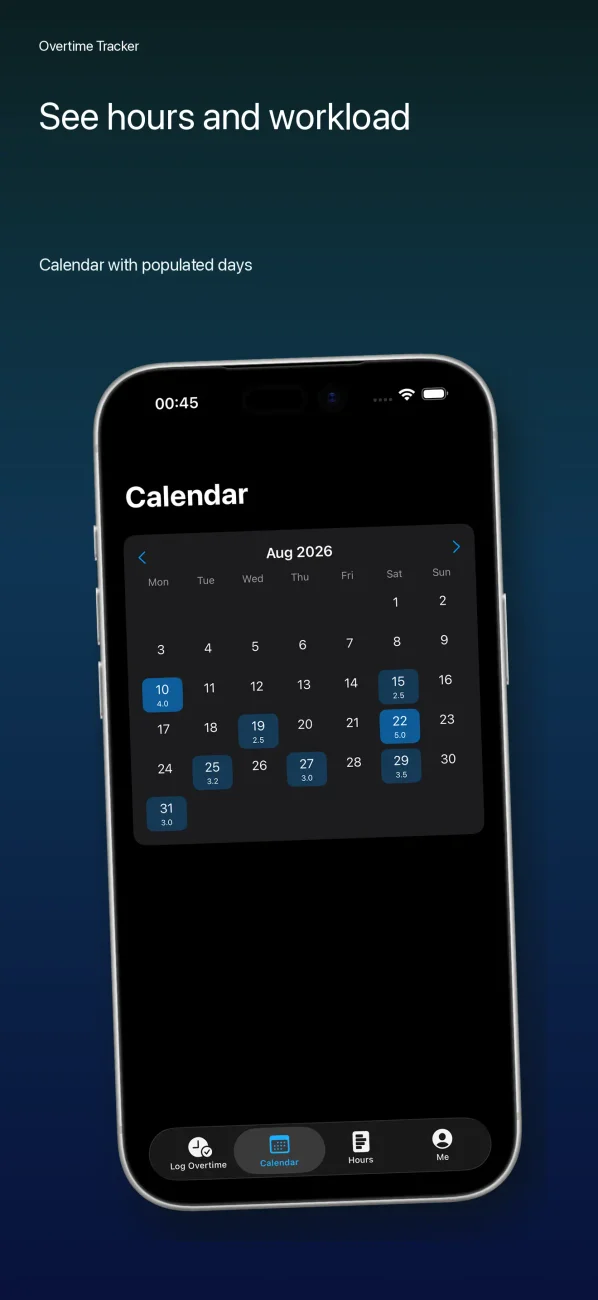
Each record becomes part of an on-device SHA-256 chain, and edits leave an audit trail. Review durations and workload by day, week, or month. The app records facts and elapsed time only. It does not estimate wages, overtime pay, taxes, or legal outcomes.
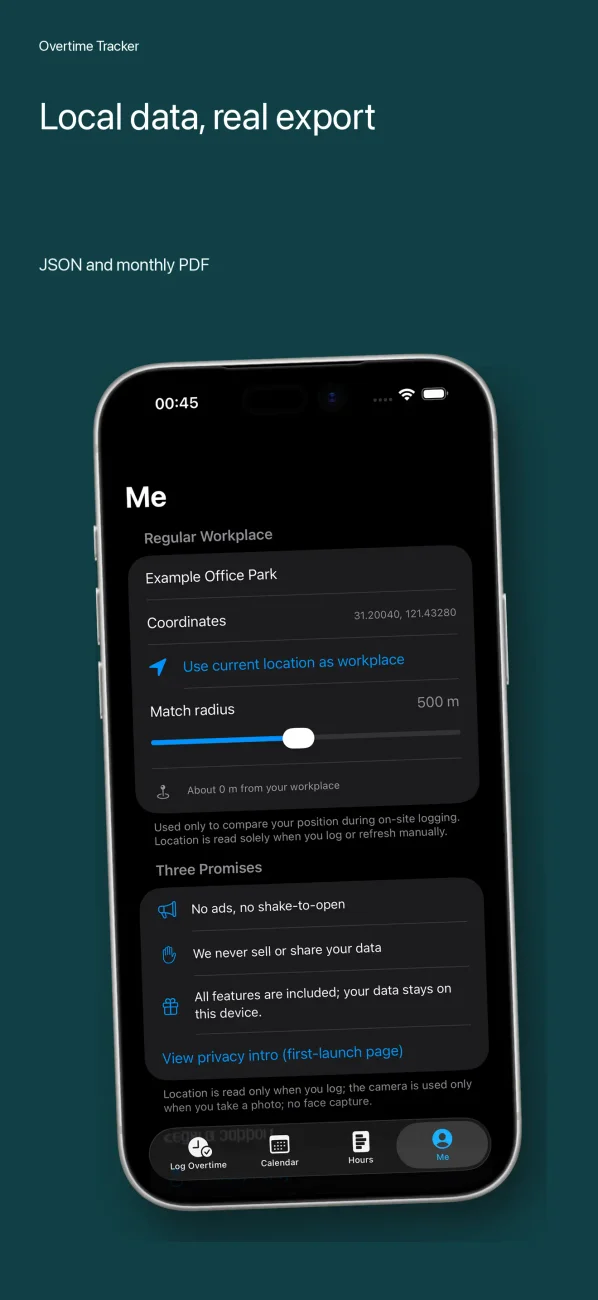
Your data stays local by default. The app has no ads and performs no remote analytics; data is not uploaded to a server. Export everything as JSON, create a monthly PDF summary, import and deduplicate records when you change devices, or delete local data at any time.
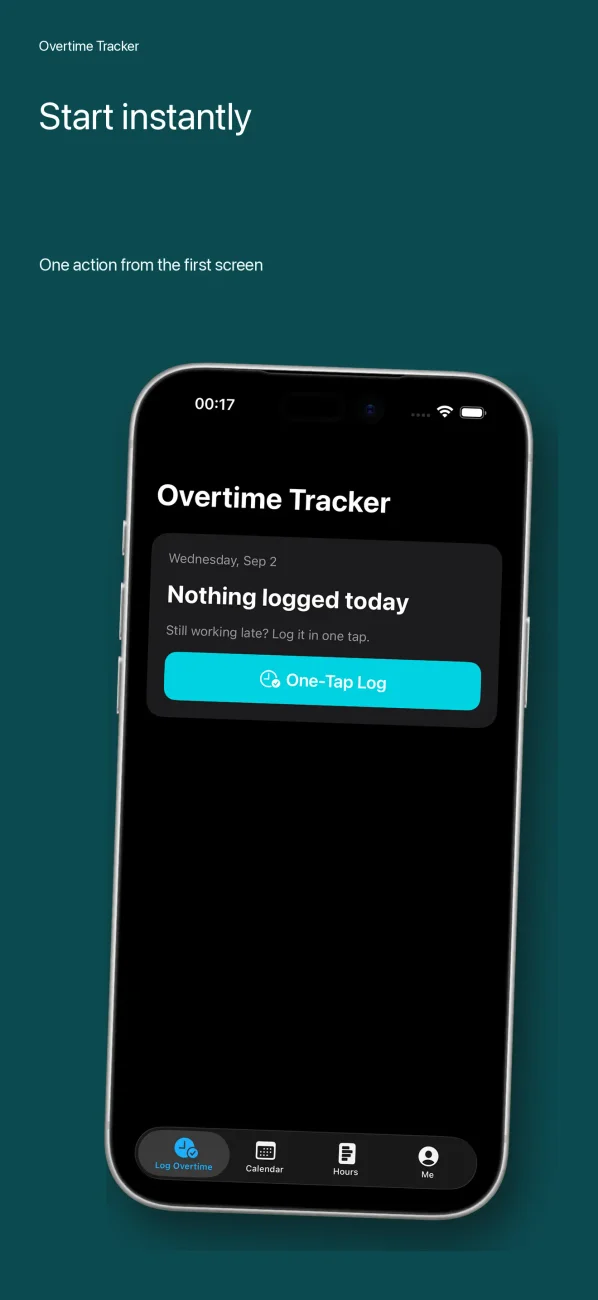
Location is read once only when you record or explicitly refresh, never in the background. Uncertainty is shown honestly, and an unusual reading enters a confirmable state instead of marking failure. If you need to add a missed interval, use the same overtime form and choose the times yourself. Useful before your first entry, the home screen gives you one immediate way to start recording.
Privacy Policy, Terms, and Support links are available in Settings and through the App Store listing.
Quyền riêng tư của ứng dụng
Những gì 飞 江 khai báo trên App Store về cách ứng dụng này xử lý dữ liệu.
-
Dữ liệu không được thu thập
Nhà phát triển không thu thập bất kỳ dữ liệu nào từ ứng dụng này.
Phương thức đảm bảo quyền riêng tư có thể khác nhau, chẳng hạn như tuỳ theo các tính năng bạn sử dụng hoặc độ tuổi của bạn.
Thông tin
- Người bán
- 飞 江
- Danh mục
- Tiện Ích
- Phiên bản
- 1.0
- Cập nhật
- 21/09/2026
- Phát hành
- 21/09/2026
- Kích thước
- 1,1 MB
- Yêu cầu
- iOS 26.5 trở lên
- Độ tuổi
- 4+
- Giá
- Miễn phí
- Ngôn ngữ
- Tiếng Anh, Tiếng Trung Giản thể
- Bản quyền
- © 2026 fei jiang