
PDF Reader & Editor | Xodo
Smart Scan & Edit Documents
Được thiết kế cho iPhone, iPad
Miễn phí · Mua hàng trong ứng dụng
- Độ tuổi4+
- Danh mụcKinh Doanh
- Nhà phát triểnXodo Technologies Inc.
- Ngôn ngữTiếng Anh+ 12 ngôn ngữ khác
- Kích thước104,5 MB
Liên kết đến trang App Store chính thức
Download.org không lưu trữ tệp nào của PDF Reader & Editor | Xodo. Nút này mở trang ứng dụng trên App Store, nơi Xodo Technologies Inc. phát hành ứng dụng. Trang được kiểm tra lần cuối: 17/11/2026.
Ảnh chụp màn hình


Giới thiệu
Nhà phát triển chưa cung cấp nội dung này bằng ngôn ngữ của bạn.
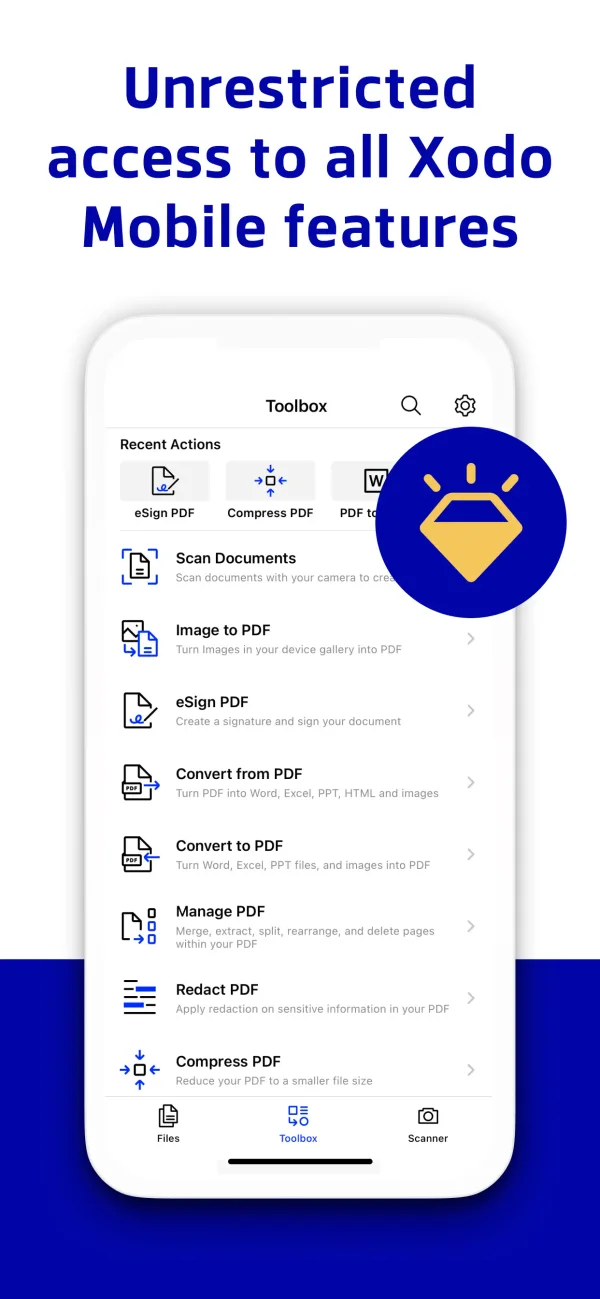
Transform your PDFs. Get your work done quickly with Xodo's all-in-one PDF editor and reader with 30+ features - all available on your iPhone or iPad. Safely store and sync your files on your iCloud, OneDrive, Google Drive and Dropbox so you can easily view, edit, convert, e-sign and compress your files anytime, anywhere on your device.
Edit PDFs:
Intuitive, easy-to-use PDF editor for any user in mind.
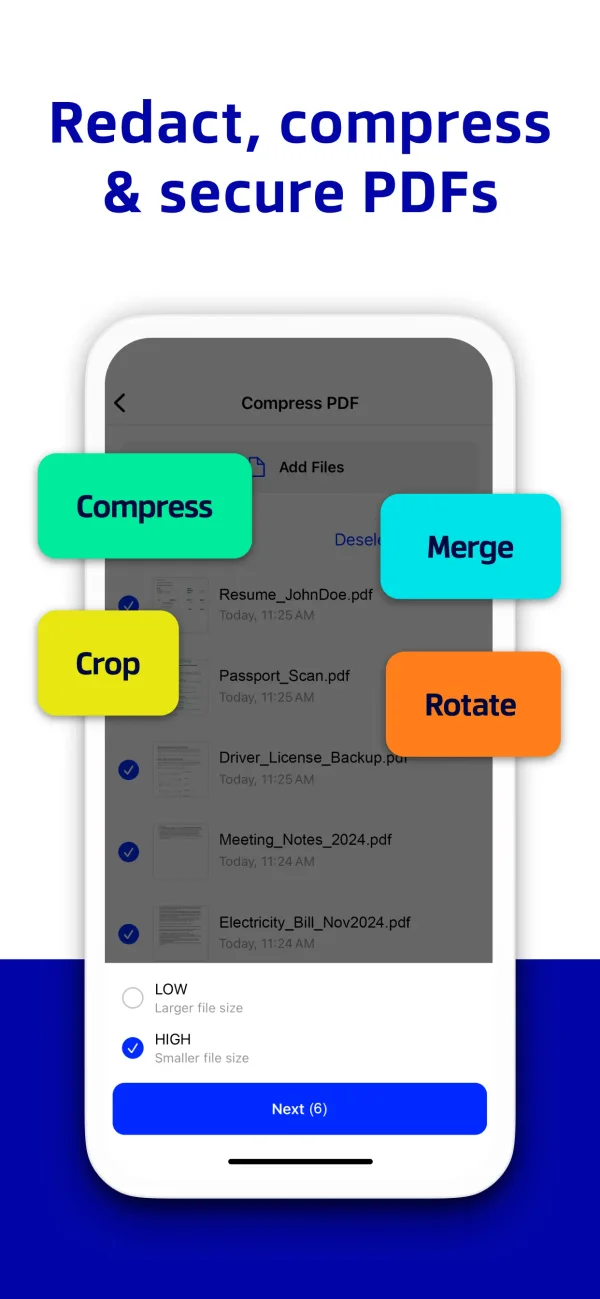
• Compress PDF: Quickly reduce PDF file size for ease of sharing
• Flatten PDF: All annotations in PDF like fillable forms will be locked and merged into a single layer for protection
• Rotate & crop PDF: Add, remove, rearrange, rotate, crop PDF pages with ease
• Split & extract PDF: Instantly split PDF or extract pages to a new PDF file
• Create new PDF: Create PDFs from scratch or use one of our ready-made templates and edit file
Scan PDFs:
Seamlessly scan images and save as PDFs.
• PDF scanner: Scan image with your camera or open an existing image or file and save as a new PDF
• Edit scanned PDF: Edit, annotate, send your documents to iCloud, share via AirDrop, or any available app on your device
Fill & Sign PDF Forms:
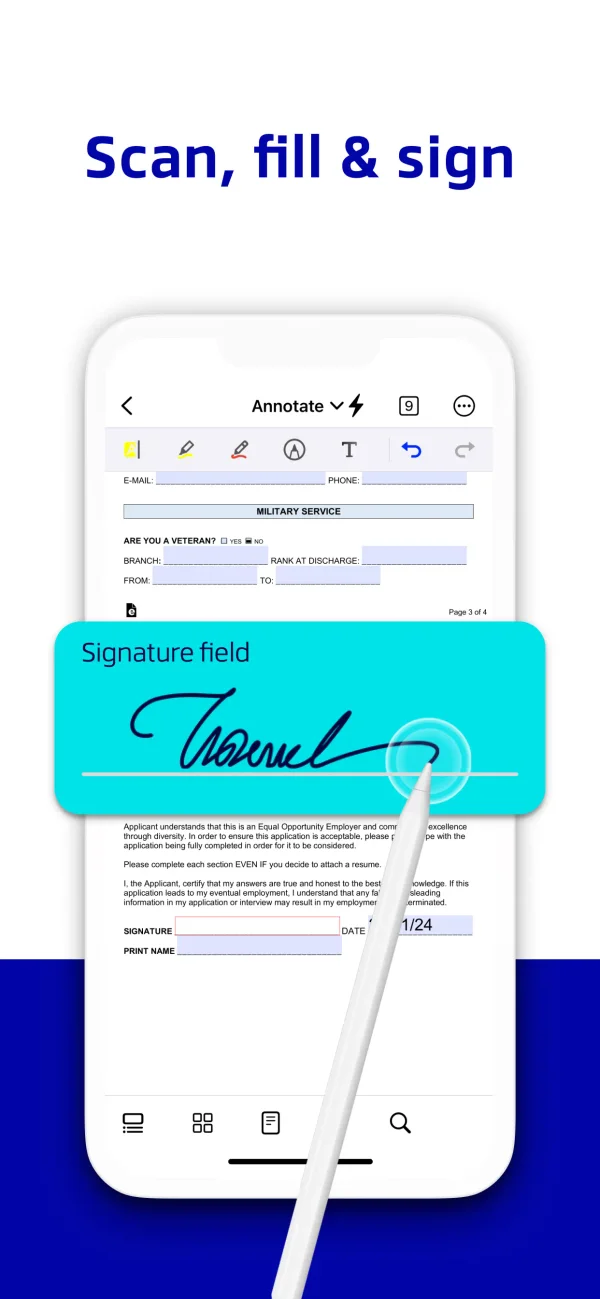
Fill out, sign, and share your PDF forms.
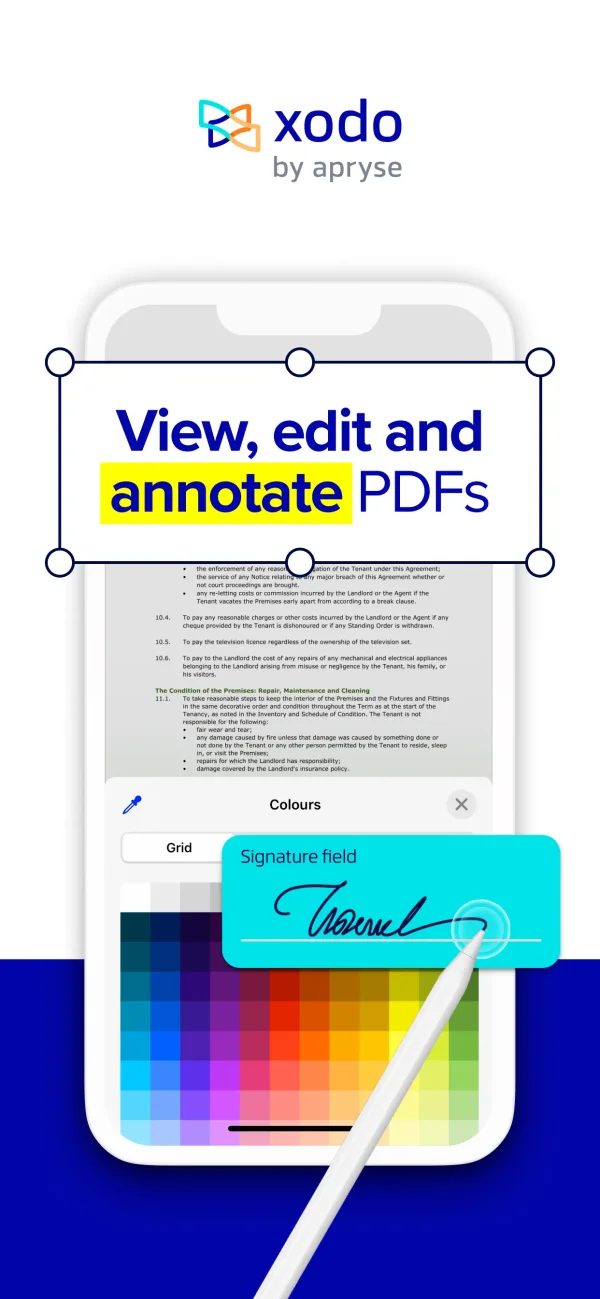
• Create your e-signature: E-sign your documents by hand or type in your signature, and save to reuse for later
• Stylus-friendly: Supports Apple Pencil
Convert PDFs:
Convert files to PDF in seconds.
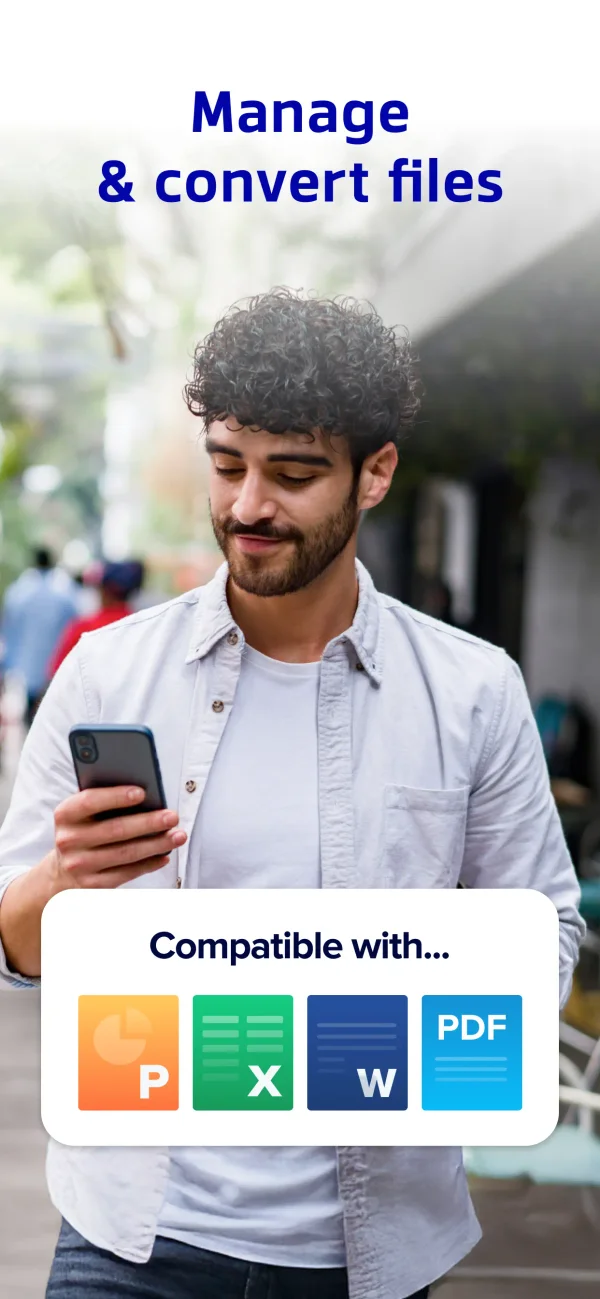
• PDF converter: Convert any MS Office (Word, Excel, PowerPoint) to PDF, iWork (Pages, Numbers, Keynote) to PDF
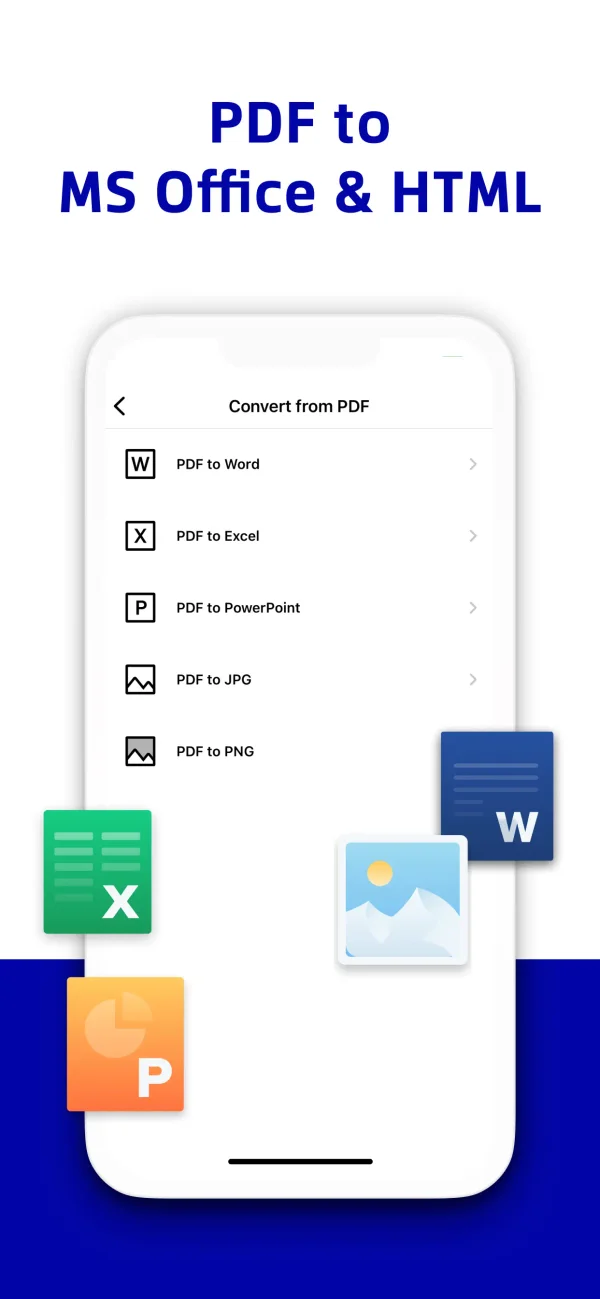
• Additional file formats: Convert JPG to PDF, PNG to PDF, PDF to JPG, PDF to PNG
View & print PDFs:
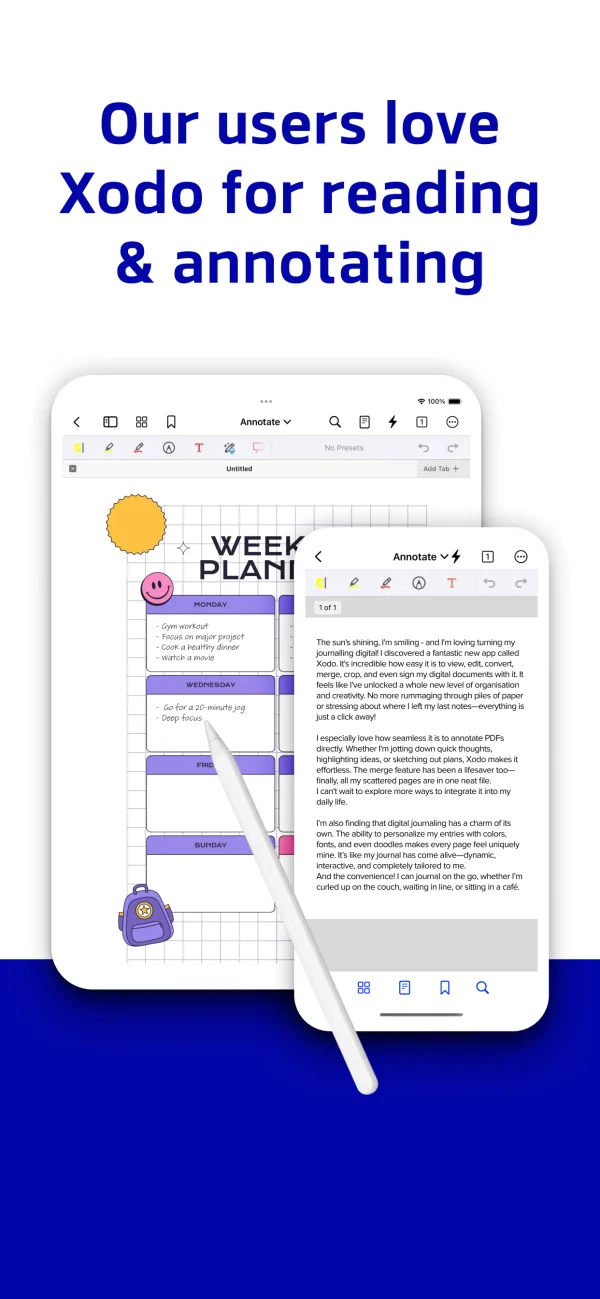
Quick and convenient PDF reader for e-books, reports, digital planner.
• Viewing mode: View in light, dark, and sepia color modes for comfort reading
• Bookmark feature: Tag your favorite PDF pages
• Multiple tabs: Use tabs to work across multiple PDF documents
• Print PDFs directly from your device
• Fully searchable text: Search text within PDF to save time
Annotate & Draw PDFs:
Utilize Xodo's annotation tools configured to you.
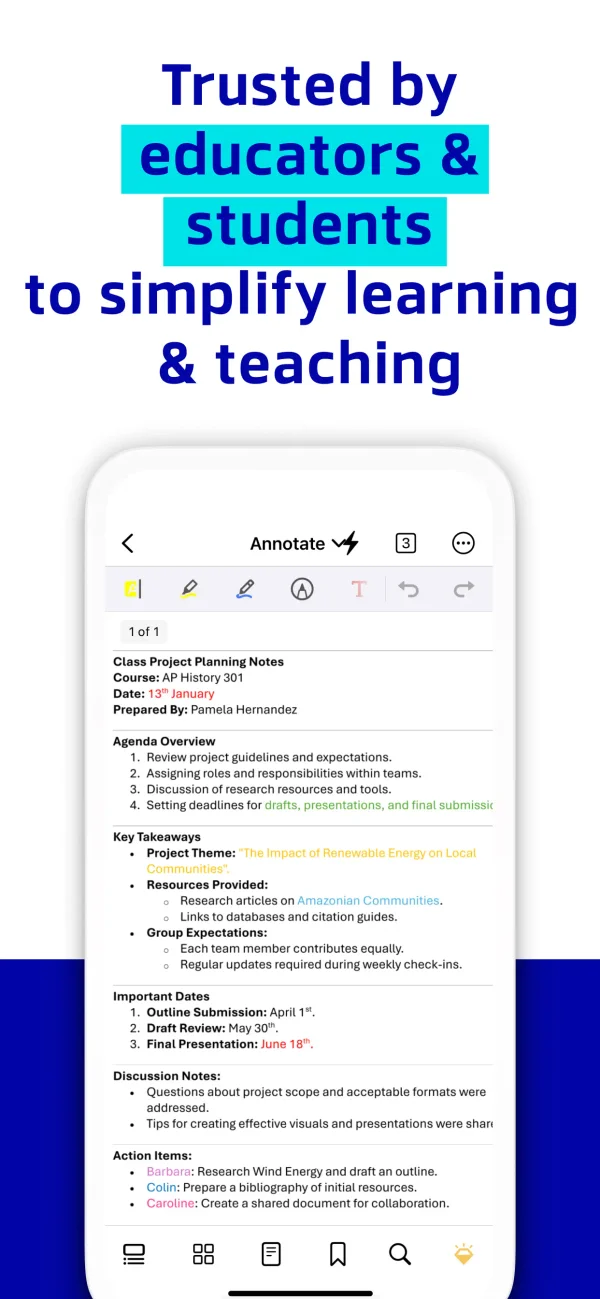
• Fully-featured mark-up tools: Add images, links, stamp or highlight text directly on PDF documents
• Arrange pages: Thumbnail browser for deleting pages, extracting, and inserting pages
• Scrolling mode: See all annotations at a glance with the touch of your finger
Store & Manage Files Securely:
Integrate with popular cloud apps and safely store your important files so you can pick up where you left off.
• Built-in file manager: Rename, copy, move, or delete docs and folders locally
• Cloud integration: Sync your files directly on iCloud, OneDrive, Google Drive and Dropbox to view in multiple devices
• Protected features: Protect your PDF files with password encryption and unlock your protected PDF with PDF password remover tool
Upgrade to Xodo Mobile Subscription:
Get unlimited access to all 30+ tools with custom toolbar for quick access.
• Free trial available in supported regions
• Convert PDF to MS Office (Word, Excel, PowerPoint)
• Remove sensitive content with PDF Redaction tool
• High compression file size
• Easily merge multiple documents to a single PDF
• Create fillable PDF forms to fill out and sign while you're on the go
• Support Smart pen to streamline and enhance note taking experience
• Annotate in Reader mode - When viewing a PDF in reader mode, you can highlight, underline and strikeout text.
• View and manage files with nesting layers - PDFs that include multi-level layers can be viewed individually
• Scanned images can save as PDFs with searchable text (OCR) option
• Flexible monthly and annual subscription options
• Cancel anytime
For Support and Feedback:
support@xodo.com
Visit Homepage:
xodo.com
Xodo is powered by Apryse | https://apryse.com
Có gì mới
Phiên bản 10.0.0 · 29/10/2026
- A Brand-New Document Viewer Menu: Enjoy a cleaner, more intuitive menu with quicker access to the tools you use most
- Bug Fixes and Improvements
Quyền riêng tư của ứng dụng
Những gì Xodo Technologies Inc. khai báo trên App Store về cách ứng dụng này xử lý dữ liệu.
-
Dữ liệu được sử dụng để theo dõi bạn
Có thể được sử dụng để theo dõi bạn trên các ứng dụng và trang web do công ty khác sở hữu.
- Dữ liệu sử dụng
-
Dữ liệu không liên kết với bạn
Có thể được thu thập nhưng không liên kết với danh tính của bạn.
- Mã định danh
- Dữ liệu sử dụng
- Chẩn đoán
Phương thức đảm bảo quyền riêng tư có thể khác nhau, chẳng hạn như tuỳ theo các tính năng bạn sử dụng hoặc độ tuổi của bạn.
Thông tin
- Người bán
- Xodo Technologies Inc.
- Danh mục
- Kinh Doanh
- Phiên bản
- 10.0.0
- Cập nhật
- 29/10/2026
- Phát hành
- 30/01/2014
- Kích thước
- 104,5 MB
- Yêu cầu
- iOS 16.0 trở lên
- Độ tuổi
- 4+
- Giá
- Miễn phí
- Mua hàng trong ứng dụng
- Có
- Ngôn ngữ
- Tiếng Anh, Tiếng Hà Lan, Tiếng Pháp, Tiếng Đức, Hindi, Tiếng Indonesia, Tiếng Ý, Tiếng Nhật, Tiếng Hàn, Tiếng Bồ Đào Nha, Tiếng Trung Giản thể, Tiếng Tây Ban Nha + 1 ngôn ngữ khác
- Bản quyền
- © 2023 Apryse Software Inc.
Có thể bạn cũng thích
-
 Foxit PDF EditorHiệu Suất
-
 PDF Viewer by NutrientHiệu Suất
-
 PDF Gear - PDF Editor & ReaderKinh Doanh
-
 PDF Hero - Đọc PDFTạo và chỉnh sửa tài liệu PDF
-
 PDF Expert: Editor & ReaderHiệu Suất
-
 PDFelement: PDF Editor & ScanHiệu Suất
-
 PDF Pro - Reader Editor FormsHiệu Suất
-
 PDF Reader – PDFelementHiệu Suất
-
 UPDF - AI-Powered PDF EditorHiệu Suất
-
 Smallpdf: Quét & chỉnh sửa PDFNén, chuyển đổi, OCR, ký tên