Quick Docs Keyboard
Quick Access To Your Documents
Được thiết kế cho iPhone, Mac
Miễn phí · Mua hàng trong ứng dụng
- Độ tuổi4+
- Danh mụcHiệu Suất
- Nhà phát triểnRaghav Jhawar
- Ngôn ngữTiếng Anh
- Kích thước5,5 MB
Liên kết đến trang App Store chính thức
Download.org không lưu trữ tệp nào của Quick Docs Keyboard. Nút này mở trang ứng dụng trên App Store, nơi Raghav Jhawar phát hành ứng dụng. Trang được kiểm tra lần cuối: 18/11/2026.
Ảnh chụp màn hình

Giới thiệu
Nhà phát triển chưa cung cấp nội dung này bằng ngôn ngữ của bạn.
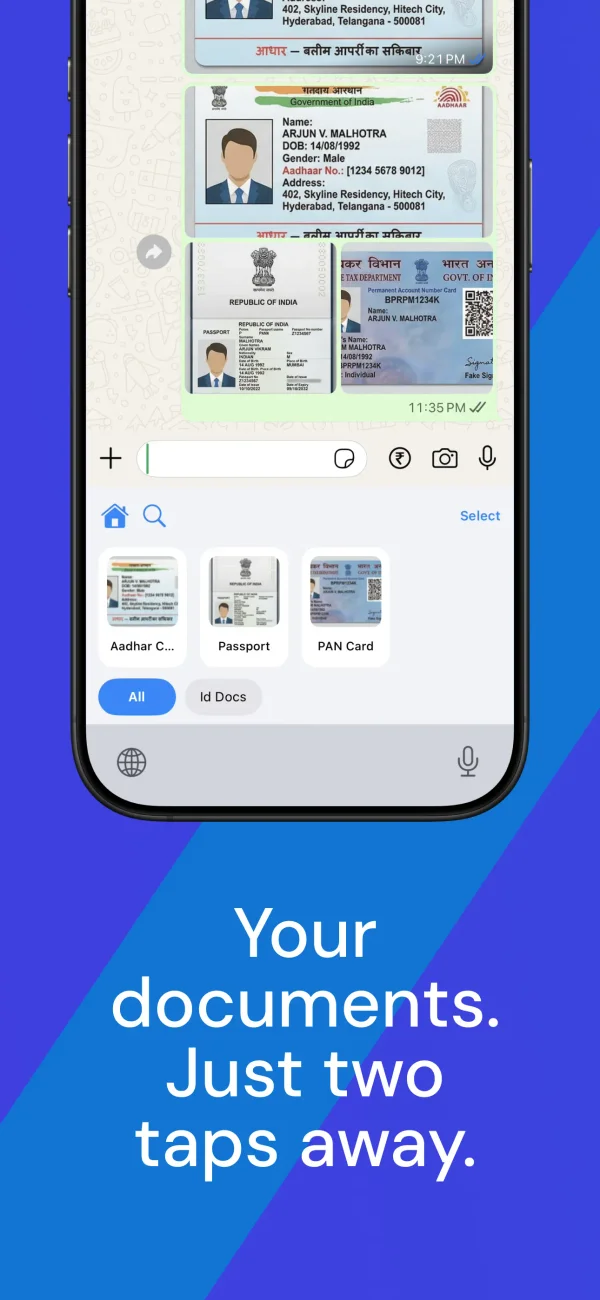
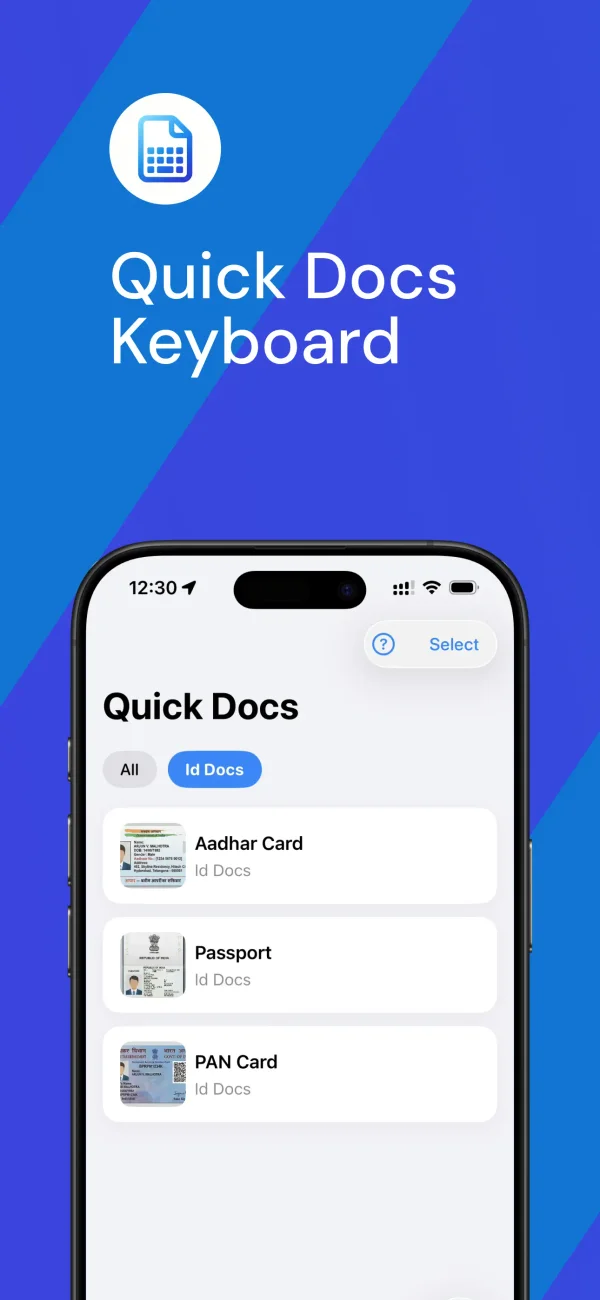
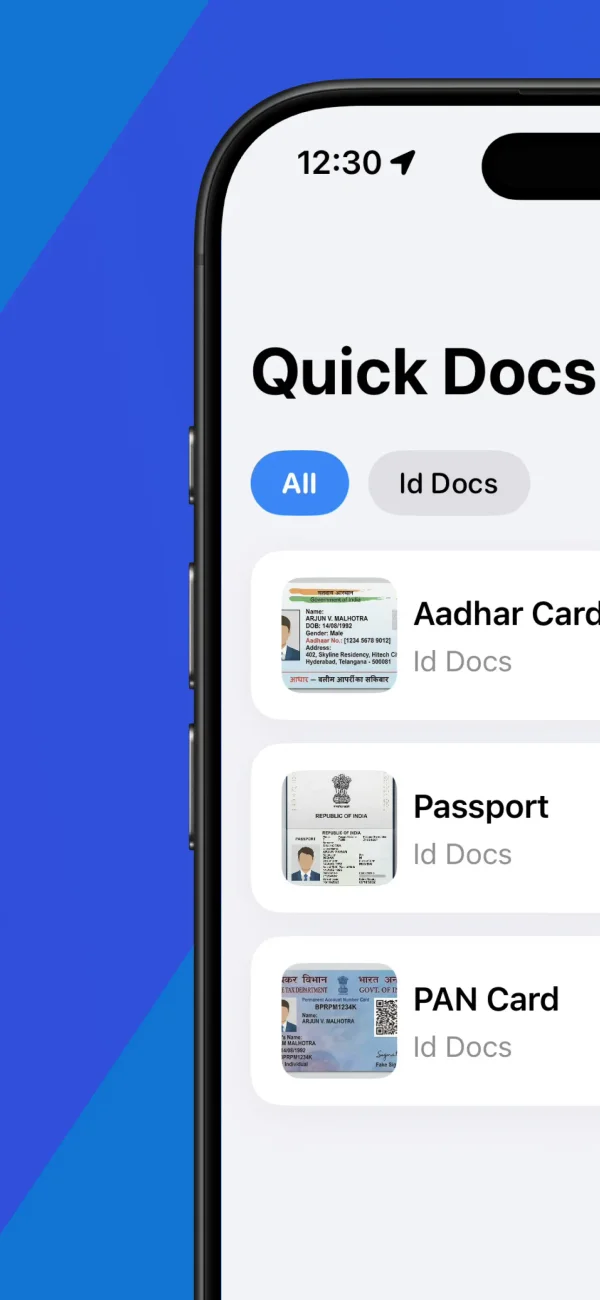
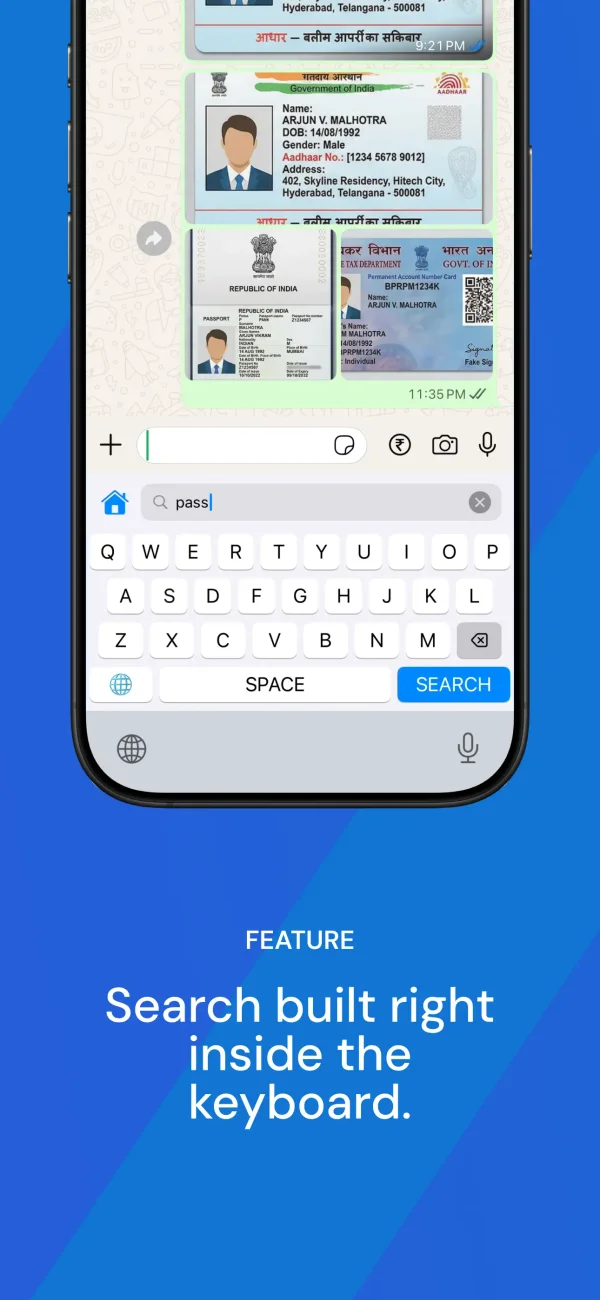
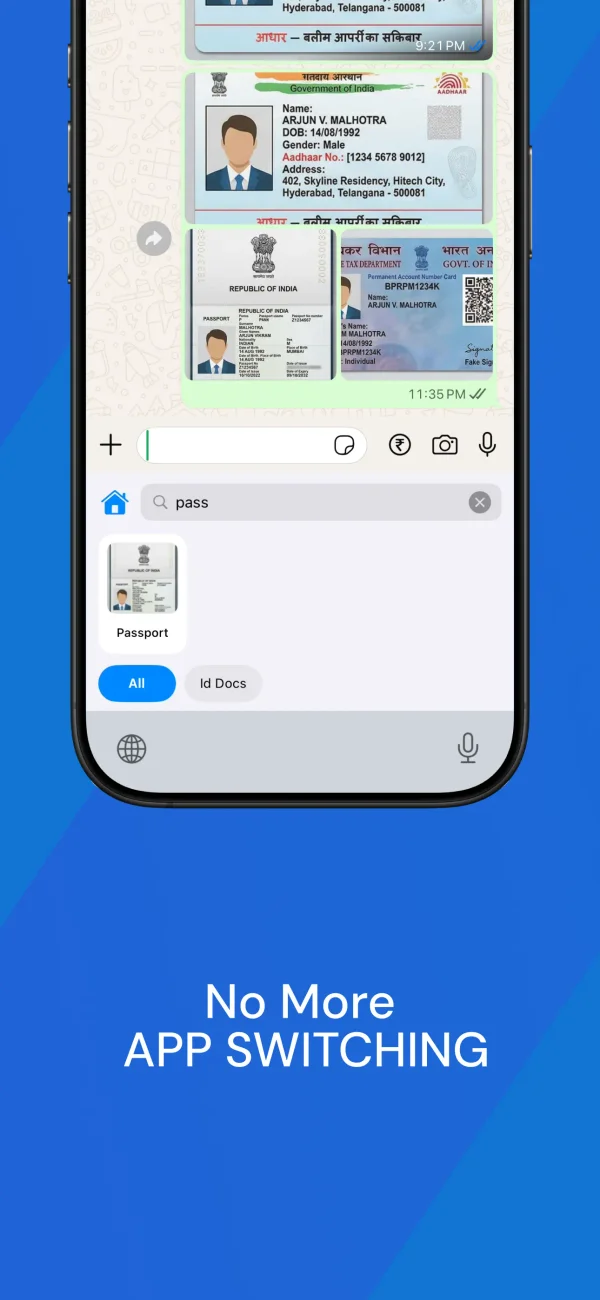
Access your most important documents in two taps—directly from your keyboard. Quick Docs Keyboard transforms your frequently sent files into a fluid, horizontal library available inside any app.
Whether you’re emailing a resume, texting a portfolio, or uploading an ID, do it instantly without ever leaving your chat.
Why Quick Docs?
Universal Access: Works in WhatsApp, Slack, Gmail, iMessage, and more.
Two-Tap Delivery: No more switching apps or hunting through cloud folders.
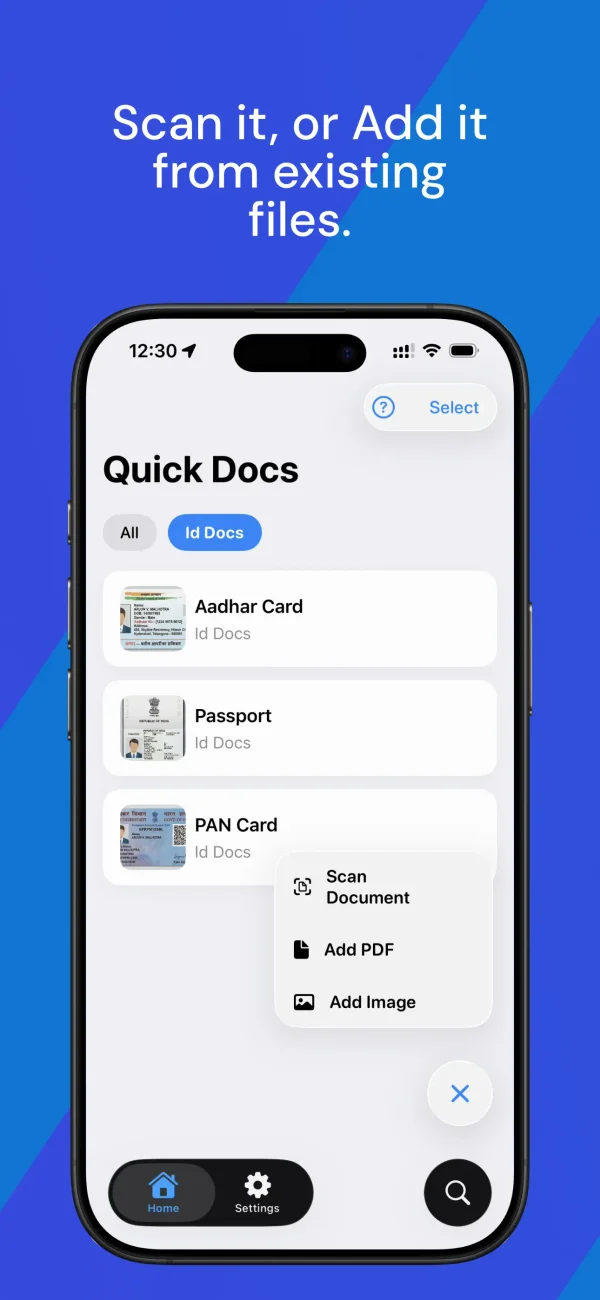
Instant PDF Conversion: Have a PDF? Don't worry. We automatically convert your PDF pages into high-quality images, so you can share them even in apps that don't support file attachments or do not allow Pasting of PDF Files.
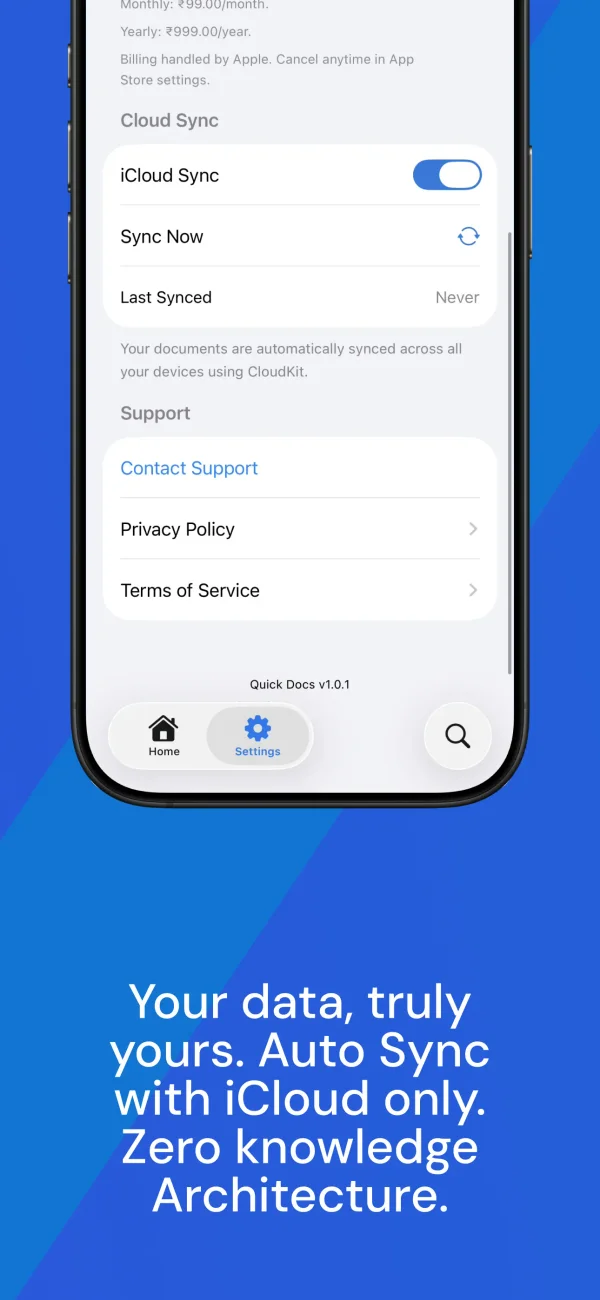
Privacy First: Built with a Zero-Knowledge Architecture. Your sensitive documents never leave your device’s secure enclave.
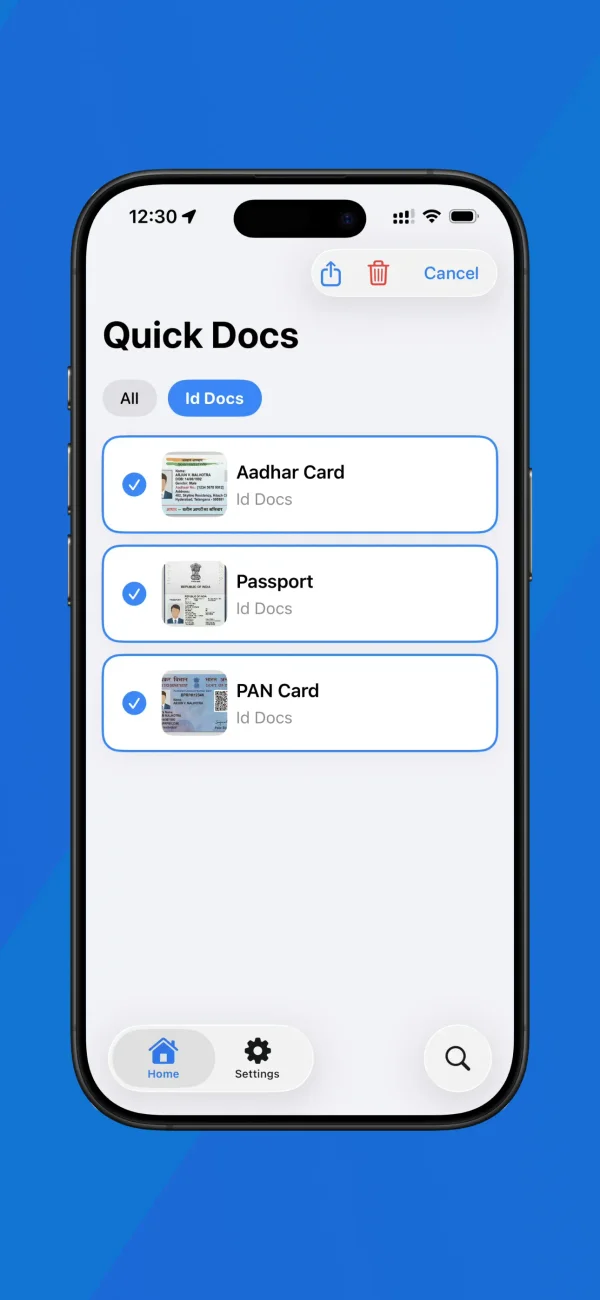
Seamless Organization: A sleek, horizontal scroll UI designed for speed.
Perfect For:
Job Seekers: Send your Resume and Cover Letter in seconds.
Creatives: Share your Portfolio or Rate Card instantly.
Travelers: Keep your Passport copy or ID at your fingertips.
Professionals: Quick access to CV, Invoices and more.
Get started for FREE:
Store up to 5 documents and create 5 shortcuts at no cost.
Go Pro:
Unlock unlimited storage and shortcuts with a Pro subscription. Subscriptions are available on a monthly or yearly basis and will be charged to your iTunes account at confirmation of purchase.
Có gì mới
Phiên bản 1.0.8 · 15/11/2026
Not just "bug fixes and performance improvements"—here is what actually earned this update:
• Quick Docs Keyboard: Easily track down the file you just closed or pin your favorites, because we both know you won't remember what you named them. If your search comes up empty, hit Browse All and accept your organizational defeat.
• Smarter Imports: Pick your import quality, automatically skip exact duplicates (we stopped you from saving that receipt a fourth time), or use Save & Copy to get it onto your clipboard before you forget why you scanned it.
• Preview Edits: Crop out your thumb and rotate sideways pages right from the document preview—no extra taps required.
• iCloud Sync Retry: For when the cloud decides to take an unscheduled coffee break, you can now manually kick it back into gear from Settings.
• Mac PDF Sharing: Whether you need to send a single page or a massive stack of paperwork, you can now share it all as a neat PDF—keeping the chaos strictly on your side of the screen.
Quyền riêng tư của ứng dụng
Những gì Raghav Jhawar khai báo trên App Store về cách ứng dụng này xử lý dữ liệu.
-
Dữ liệu không được thu thập
Nhà phát triển không thu thập bất kỳ dữ liệu nào từ ứng dụng này.
Phương thức đảm bảo quyền riêng tư có thể khác nhau, chẳng hạn như tuỳ theo các tính năng bạn sử dụng hoặc độ tuổi của bạn.
Thông tin
- Người bán
- Raghav Jhawar
- Danh mục
- Hiệu Suất
- Phiên bản
- 1.0.8
- Cập nhật
- 15/11/2026
- Phát hành
- 21/04/2026
- Kích thước
- 5,5 MB
- Yêu cầu
- iOS 17 trở lên
- Độ tuổi
- 4+
- Giá
- Miễn phí
- Mua hàng trong ứng dụng
- Có
- Ngôn ngữ
- Tiếng Anh
- Bản quyền
- © 2026 Raghav Jhawar
Có thể bạn cũng thích
-
 ScanCortex: Scanner, PDF & OCRHiệu Suất
-
 Cubic: Second Brain & ReaderHiệu Suất
-
 WristKey : Watch Keyboard 2026Hiệu Suất
-
 Compress PDF: Smaller FilesHiệu Suất
-
 Gujarati Calender 2026Hiệu Suất
-
 Rsmart AEPHiệu Suất
-
 Focus Timer: WhatsLeftHiệu Suất
-
 Maintain--ItHiệu Suất
-
 InfiniteX2P Pro — Desktop ModeHiệu Suất
-
 Resosmart PlusHiệu Suất