- 対象年齢4+
- カテゴリ仕事効率化
- 開発元Raghav Jhawar
- 言語英語
- サイズ5.5 MB
App Storeの公式ページにリンクしています
Download.orgはQuick Docs Keyboardのファイルを一切ホストしていません。ボタンを押すと、Raghav Jhawarが公開しているApp Storeのアプリページが開きます。ページの最終確認:2026/11/18。
スクリーンショット

概要
開発元はこのテキストをお使いの言語で提供していません。
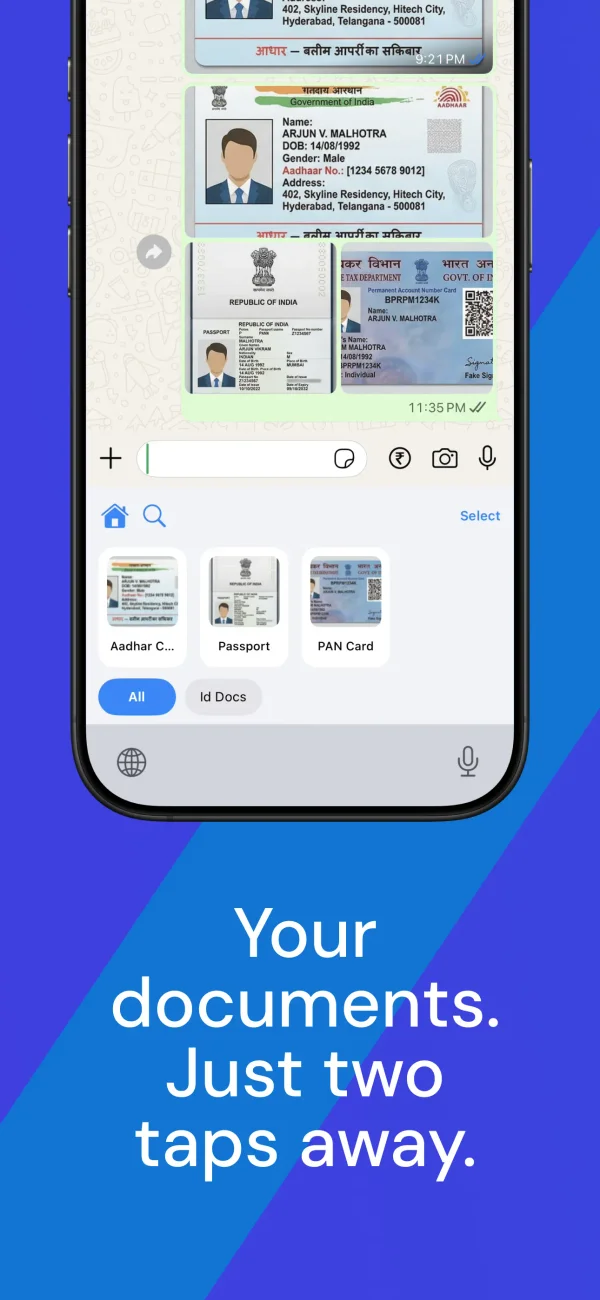
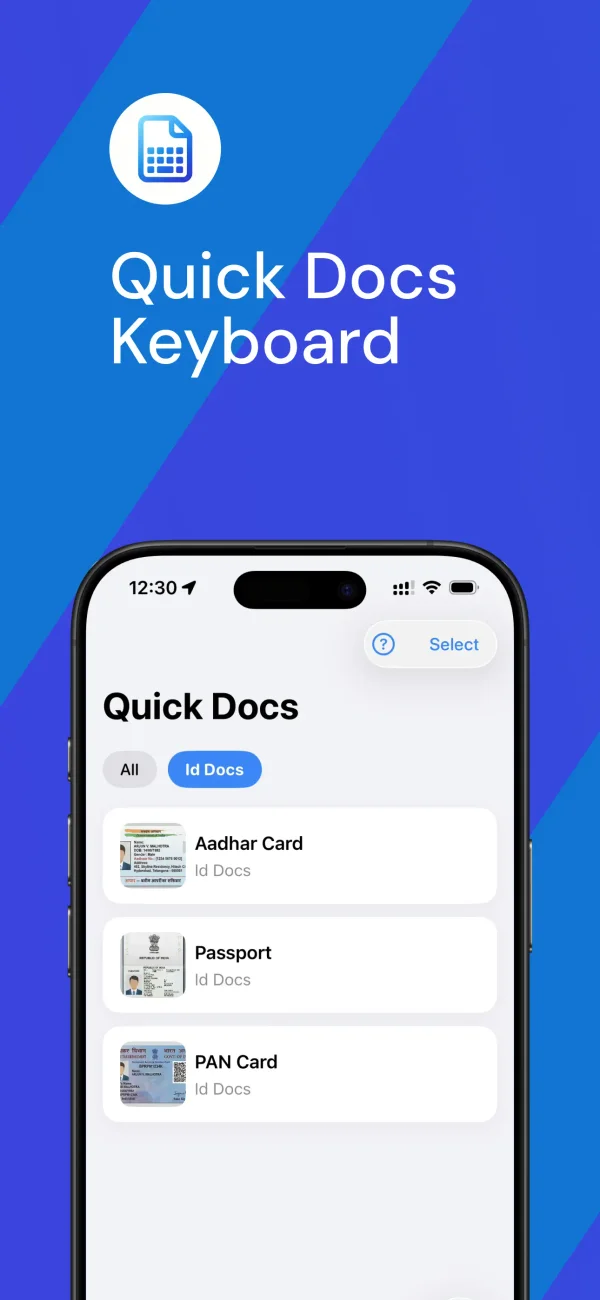
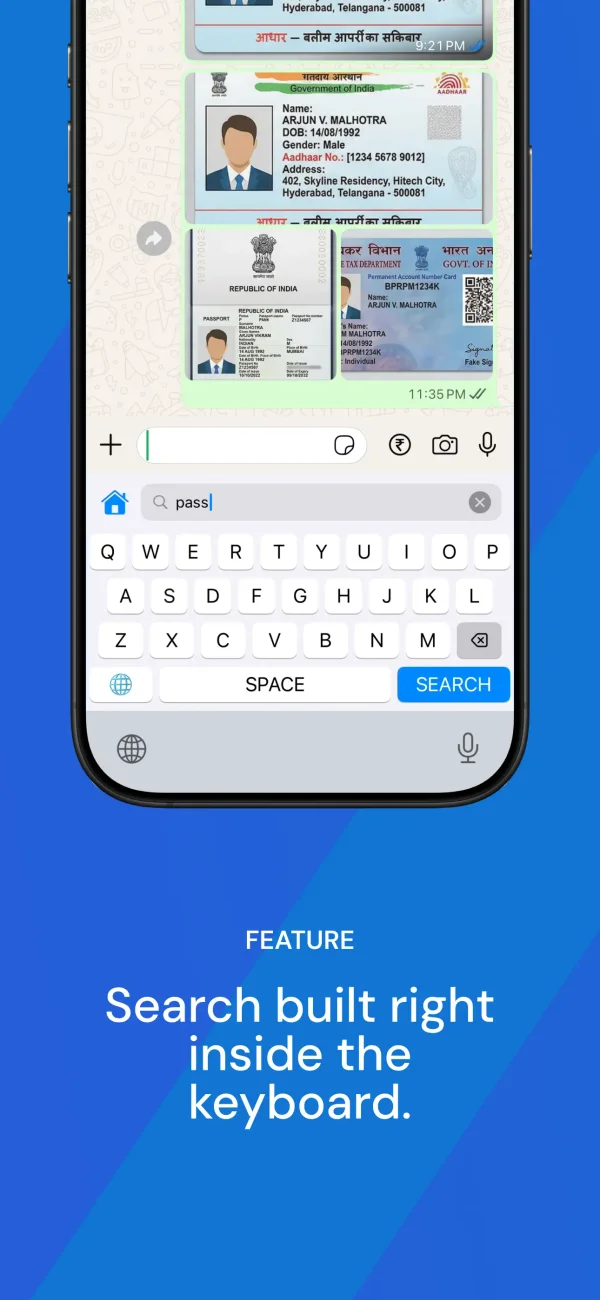
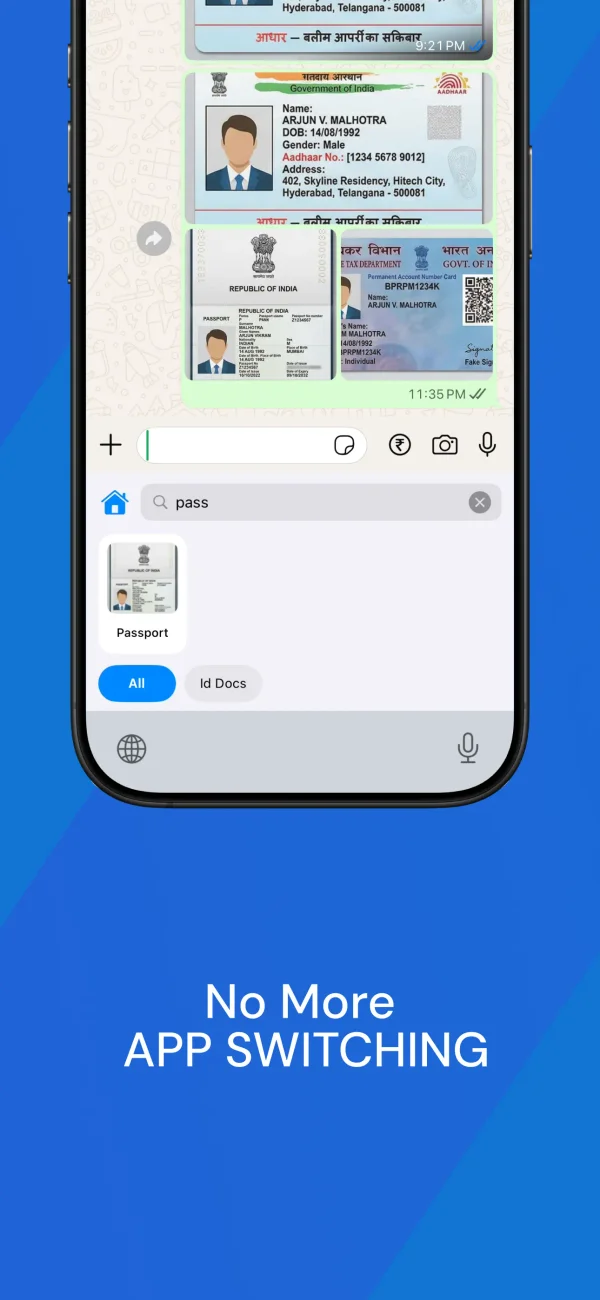
Access your most important documents in two taps—directly from your keyboard. Quick Docs Keyboard transforms your frequently sent files into a fluid, horizontal library available inside any app.
Whether you’re emailing a resume, texting a portfolio, or uploading an ID, do it instantly without ever leaving your chat.
Why Quick Docs?
Universal Access: Works in WhatsApp, Slack, Gmail, iMessage, and more.
Two-Tap Delivery: No more switching apps or hunting through cloud folders.
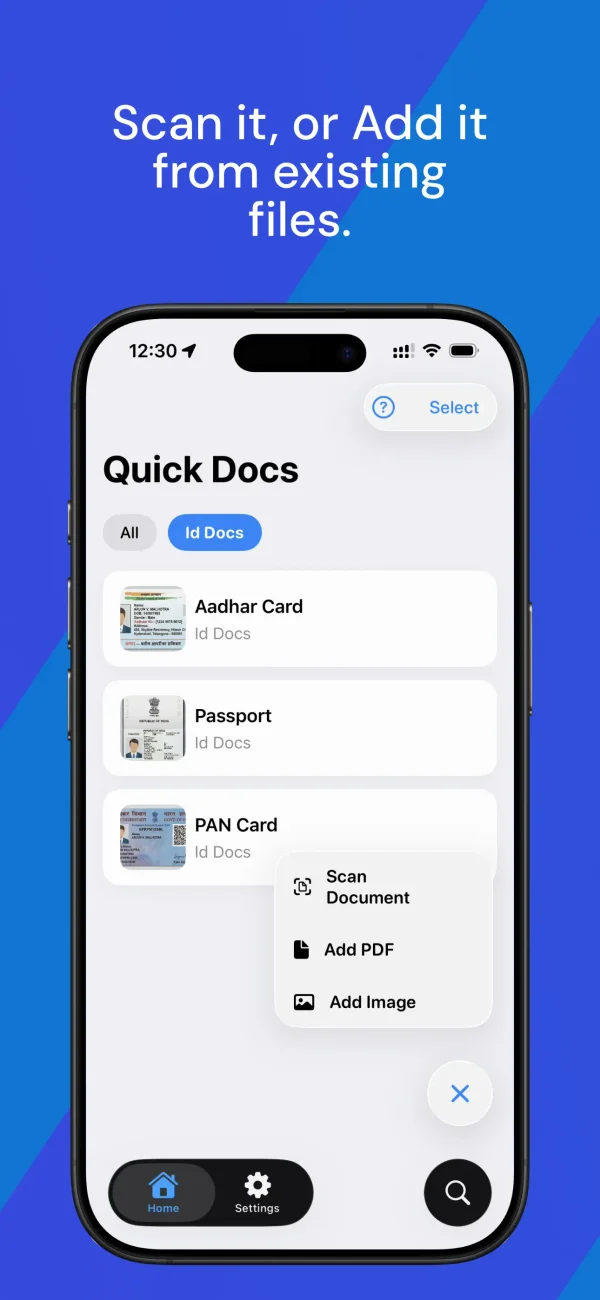
Instant PDF Conversion: Have a PDF? Don't worry. We automatically convert your PDF pages into high-quality images, so you can share them even in apps that don't support file attachments or do not allow Pasting of PDF Files.
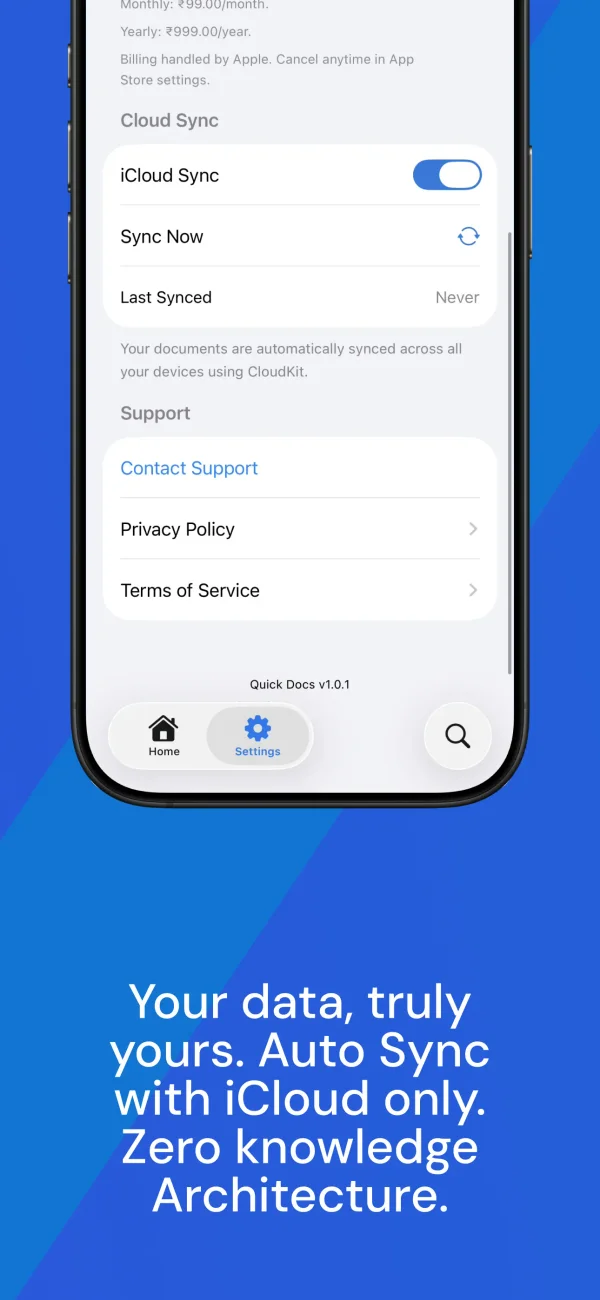
Privacy First: Built with a Zero-Knowledge Architecture. Your sensitive documents never leave your device’s secure enclave.
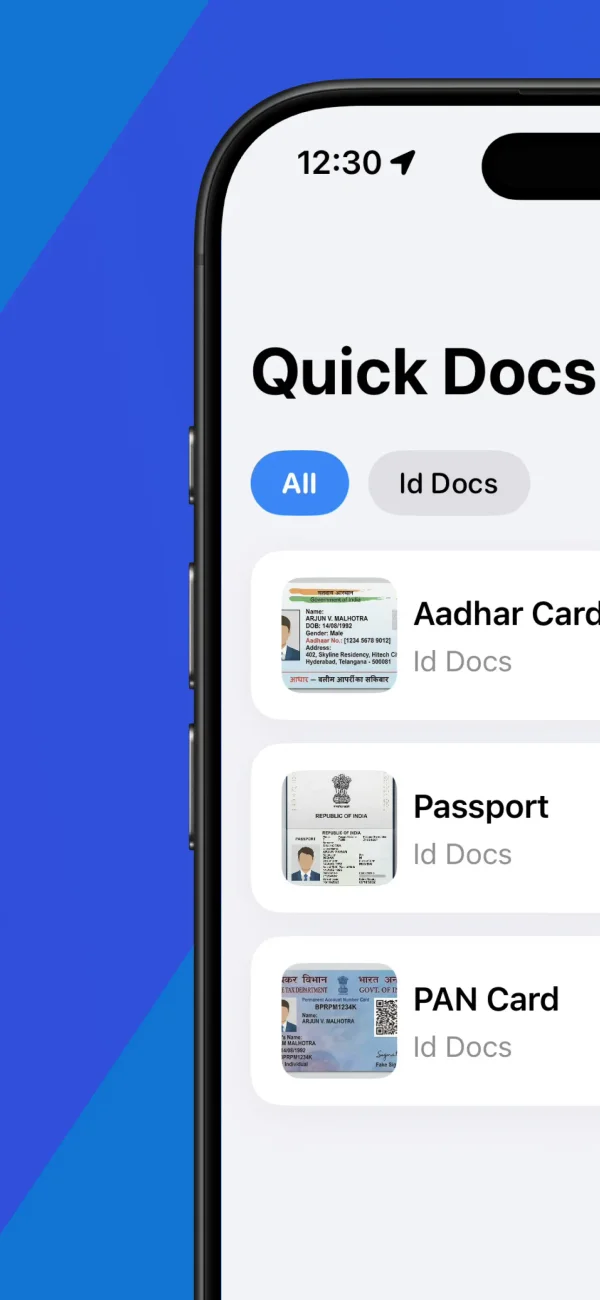
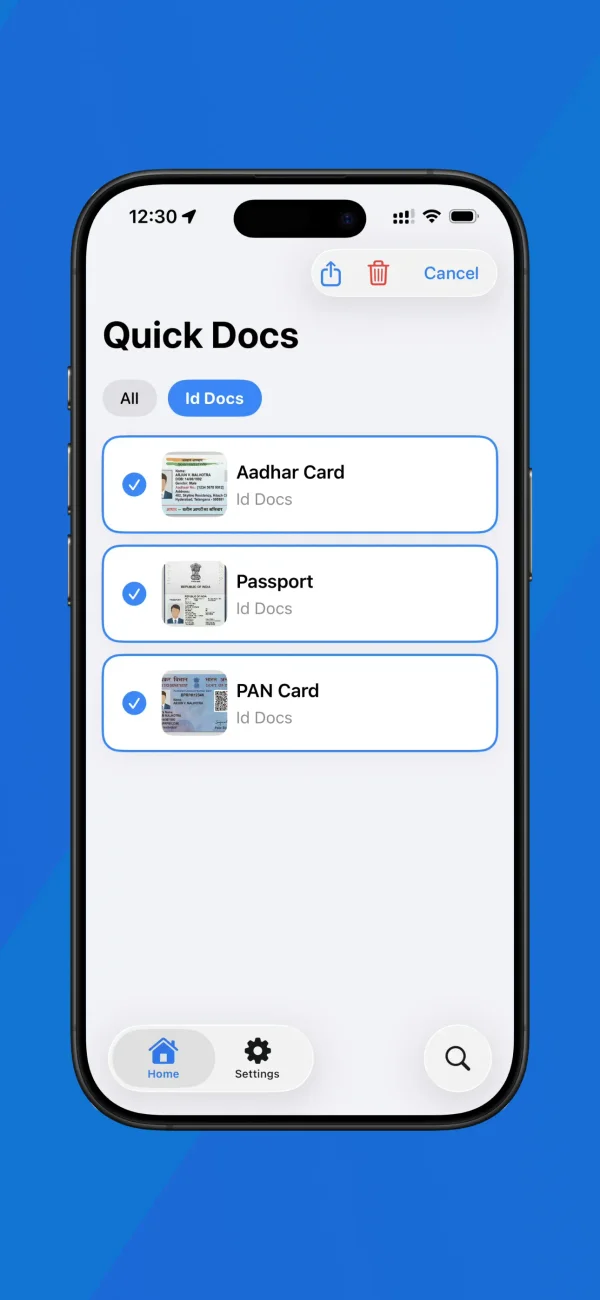
Seamless Organization: A sleek, horizontal scroll UI designed for speed.
Perfect For:
Job Seekers: Send your Resume and Cover Letter in seconds.
Creatives: Share your Portfolio or Rate Card instantly.
Travelers: Keep your Passport copy or ID at your fingertips.
Professionals: Quick access to CV, Invoices and more.
Get started for FREE:
Store up to 5 documents and create 5 shortcuts at no cost.
Go Pro:
Unlock unlimited storage and shortcuts with a Pro subscription. Subscriptions are available on a monthly or yearly basis and will be charged to your iTunes account at confirmation of purchase.
新機能
バージョン 1.0.8 · 2026/11/15
Not just "bug fixes and performance improvements"—here is what actually earned this update:
• Quick Docs Keyboard: Easily track down the file you just closed or pin your favorites, because we both know you won't remember what you named them. If your search comes up empty, hit Browse All and accept your organizational defeat.
• Smarter Imports: Pick your import quality, automatically skip exact duplicates (we stopped you from saving that receipt a fourth time), or use Save & Copy to get it onto your clipboard before you forget why you scanned it.
• Preview Edits: Crop out your thumb and rotate sideways pages right from the document preview—no extra taps required.
• iCloud Sync Retry: For when the cloud decides to take an unscheduled coffee break, you can now manually kick it back into gear from Settings.
• Mac PDF Sharing: Whether you need to send a single page or a massive stack of paperwork, you can now share it all as a neat PDF—keeping the chaos strictly on your side of the screen.
アプリのプライバシー
このアプリのデータの取り扱いについて、Raghav JhawarがApp Storeで申告している内容です。
-
データの収集なし
開発元はこのアプリからデータを収集しません。
プライバシーの取り扱いは、ご利用の機能やお客様の年齢などに応じて異なる場合があります。
情報
- 販売元
- Raghav Jhawar
- カテゴリ
- 仕事効率化
- バージョン
- 1.0.8
- 更新日
- 2026/11/15
- リリース
- 2026/4/21
- サイズ
- 5.5 MB
- 必要条件
- iOS 17以降
- 対象年齢
- 4+
- 価格
- 無料
- アプリ内課金
- あり
- 言語
- 英語
- 著作権
- © 2026 Raghav Jhawar