Right PDF Reader
Annotate, Share, Manage
Được thiết kế cho iPhone, iPad, iPod touch
Miễn phí
- Độ tuổi4+
- Danh mụcHiệu Suất
- Nhà phát triểnZEON Corp
- Ngôn ngữTiếng Anh+ 6 ngôn ngữ khác
- Kích thước78,7 MB
Liên kết đến trang App Store chính thức
Download.org không lưu trữ tệp nào của Right PDF Reader. Nút này mở trang ứng dụng trên App Store, nơi ZEON Corp phát hành ứng dụng. Trang được kiểm tra lần cuối: 14/11/2026.
Ảnh chụp màn hình
Giới thiệu
Nhà phát triển chưa cung cấp nội dung này bằng ngôn ngữ của bạn.
Right PDF Reader goes beyond a free PDF reader app. Created by a team of professionals in the PDF software business since 1993, Right PDF Reader has a simple UI that is easy to navigate and more features than average free readers.
PDF Viewing
- Fast document open speed
- Browse lets you view PDFs in the device or iCloud
- Supported thumbnail view
- View PDF portfolio, comment, attachment and protected document
- Single page view or continuous view available
- Fit page width or whole page are also available under single page view
- Use Day/Night mode to adjust brightness
- After tapping page number, you can enter a number and jump to that page directly.
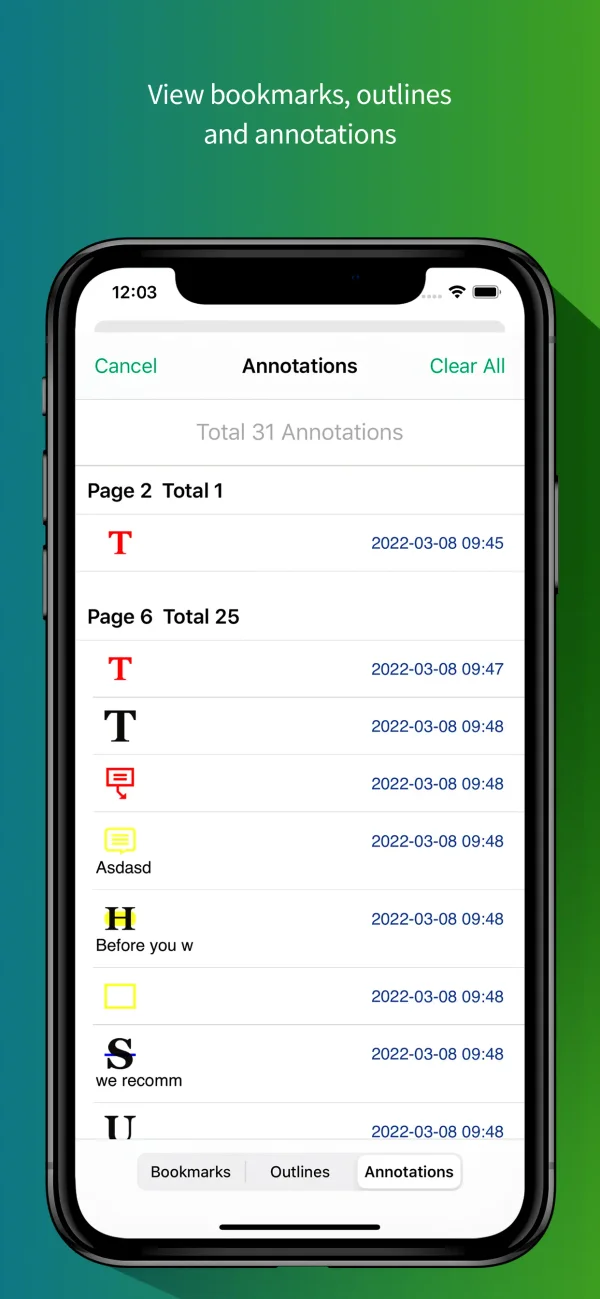
- Quickly add and edit Bookmarks and Marks
- Search document
Note and Comments
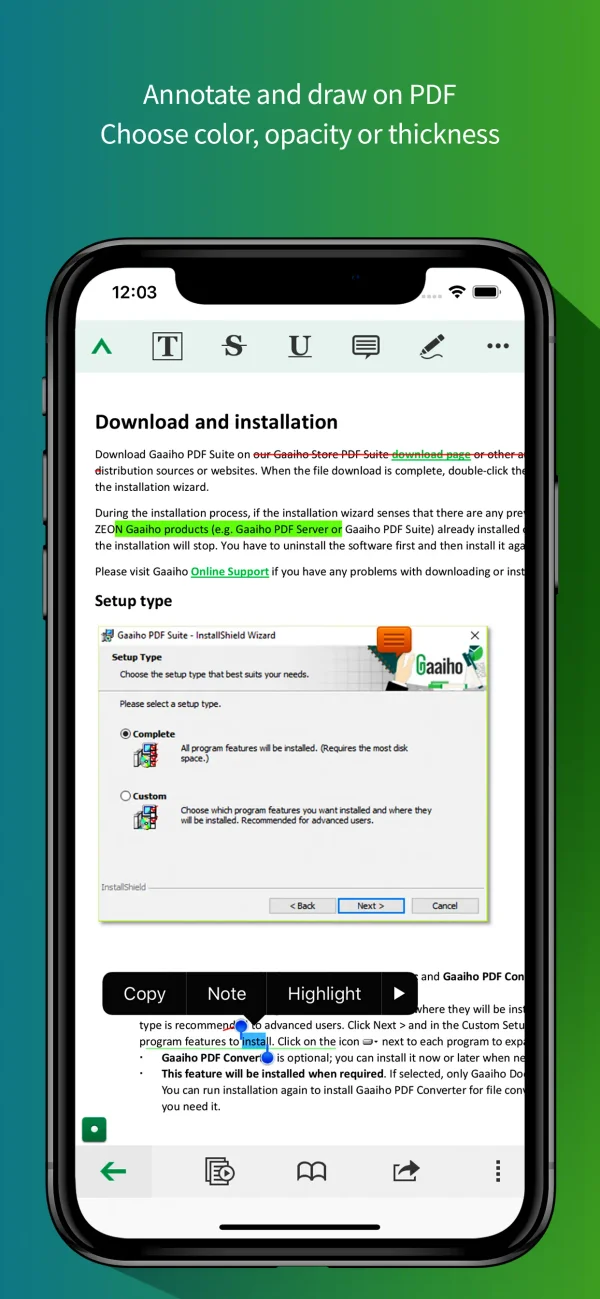
- Use highlight, cross-out and underline to annotate PDF with customizable color and opacity
- Note lets you to add text comment anywhere in PDF
- Use Draw Tools to mark up PDF with color, thickness and opacity of your choice. Move and undo are also supported
- Batch remove comments
Document Management
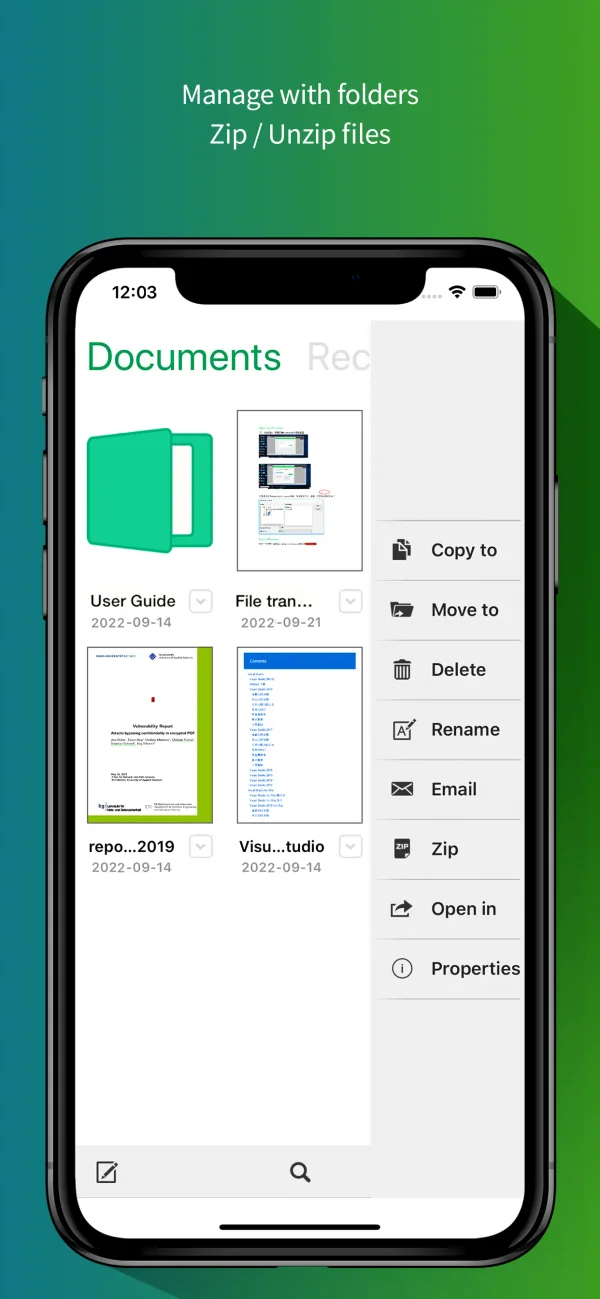
- Create folder to organize PDFs better
- Move or copy multiple documents to a folder
- Compress multiple documents or folders, or extract any package quickly
- Rename document
- Attach one or multiple PDFs to an e-mail
- Select and delete multiple documents
Online Sharing
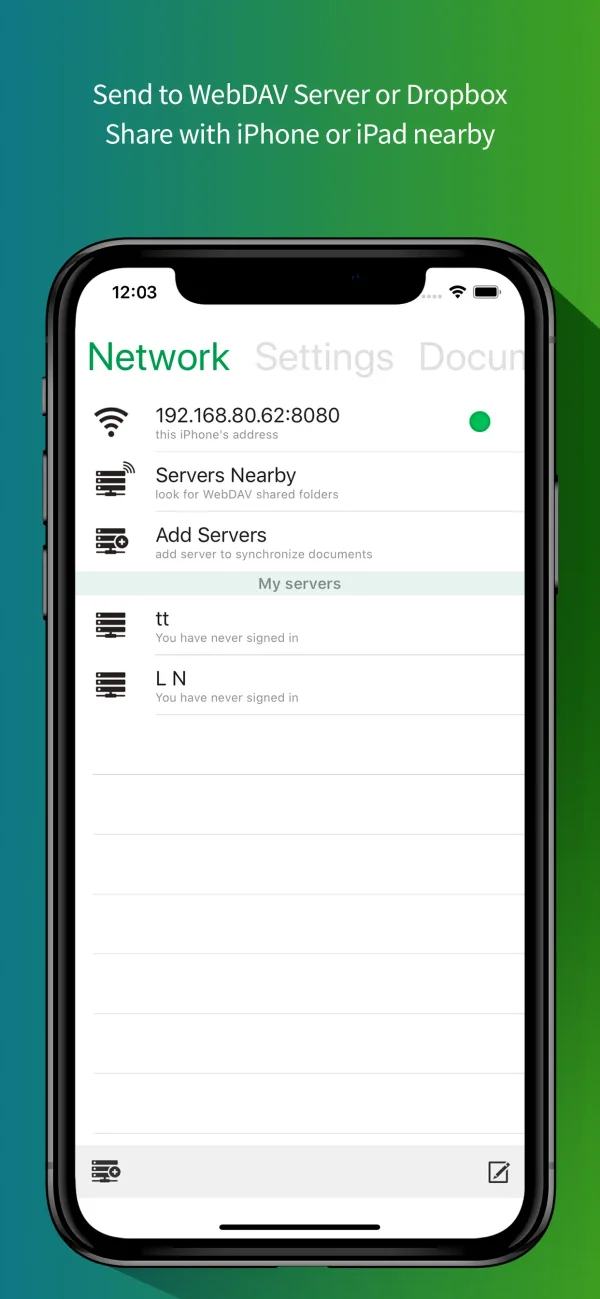
- Get documents in and out of Dropbox
- Add WebDAV servers to upload/download documents easily
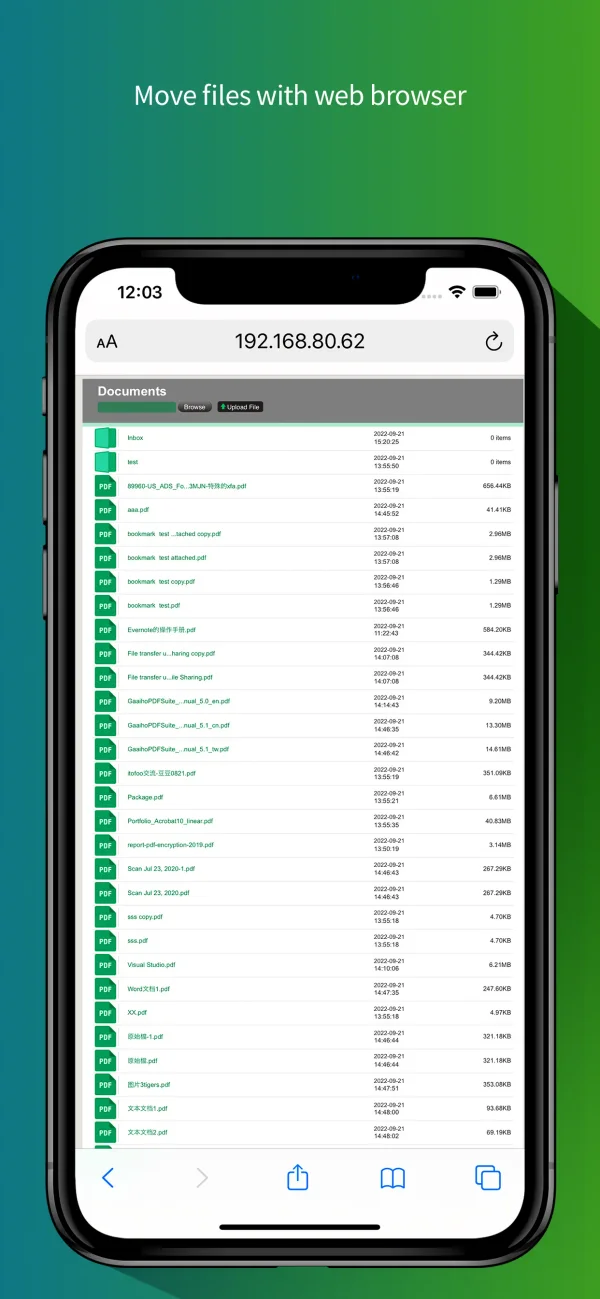
- Access documents in Gaaiho PDF online or upload documents directly to the app (permissions required), breaking the barrier between computer and your iPhone/iPad
Handwritten signature
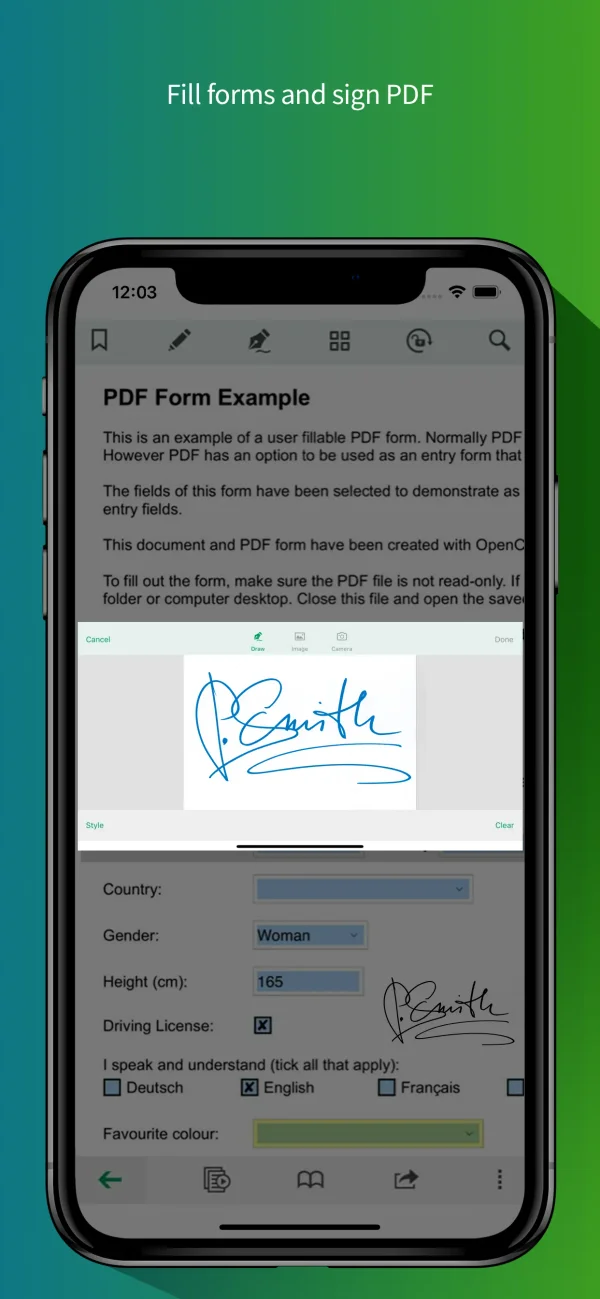
- You can create a handwritten signature by drawing, using an image, or taking a photo
- Sign anywhere in document
Other Features
- Fill a form
- Use “open in” to share PDF files with other applications
- Auto-memorize the point you quitted reading last time
- Protect PDF with an open password
- Print document
Có gì mới
Phiên bản 4.2.0 · 10/10/2025
1. Updated Dropbox SDK to improve integration security.
2. Adapted to the windowing system of iPadOS 26.
3. Various bug fixes.
Quyền riêng tư của ứng dụng
Những gì ZEON Corp khai báo trên App Store về cách ứng dụng này xử lý dữ liệu.
-
Dữ liệu không được thu thập
Nhà phát triển không thu thập bất kỳ dữ liệu nào từ ứng dụng này.
Phương thức đảm bảo quyền riêng tư có thể khác nhau, chẳng hạn như tuỳ theo các tính năng bạn sử dụng hoặc độ tuổi của bạn.
Thông tin
- Người bán
- Zeon Corporation
- Danh mục
- Hiệu Suất
- Phiên bản
- 4.2.0
- Cập nhật
- 10/10/2025
- Phát hành
- 13/09/2013
- Kích thước
- 78,7 MB
- Yêu cầu
- iOS 14.0 trở lên
- Độ tuổi
- 4+
- Giá
- Miễn phí
- Ngôn ngữ
- Tiếng Anh, Tiếng Pháp, Tiếng Đức, Tiếng Nhật, Tiếng Hàn, Tiếng Trung Giản thể, Tiếng Trung Phồn thể
- Bản quyền
- © ZEON Corporation