Right PDF Reader
Annotate, Share, Manage
Dirancang untuk iPhone, iPad, iPod touch
Gratis
- Batasan usia4+
- KategoriProduktivitas
- PengembangZEON Corp
- BahasaInggris+ 6 lainnya
- Ukuran78,7 MB
Tertaut ke halaman resmi App Store
Download.org tidak menyimpan file Right PDF Reader apa pun. Tombol ini membuka halaman aplikasi di App Store, tempat ZEON Corp menerbitkannya. Halaman terakhir diperiksa pada 14/11/2026.
Tangkapan layar
Tentang
Pengembang belum menyediakan teks ini dalam bahasa Anda.
Right PDF Reader goes beyond a free PDF reader app. Created by a team of professionals in the PDF software business since 1993, Right PDF Reader has a simple UI that is easy to navigate and more features than average free readers.
PDF Viewing
- Fast document open speed
- Browse lets you view PDFs in the device or iCloud
- Supported thumbnail view
- View PDF portfolio, comment, attachment and protected document
- Single page view or continuous view available
- Fit page width or whole page are also available under single page view
- Use Day/Night mode to adjust brightness
- After tapping page number, you can enter a number and jump to that page directly.
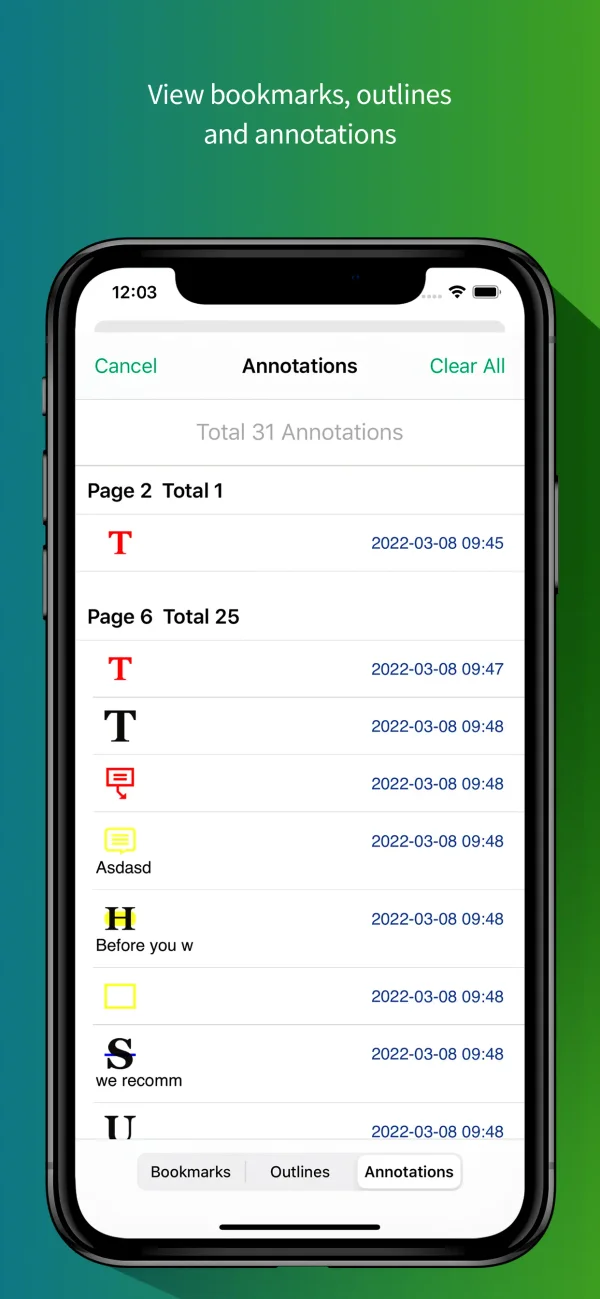
- Quickly add and edit Bookmarks and Marks
- Search document
Note and Comments
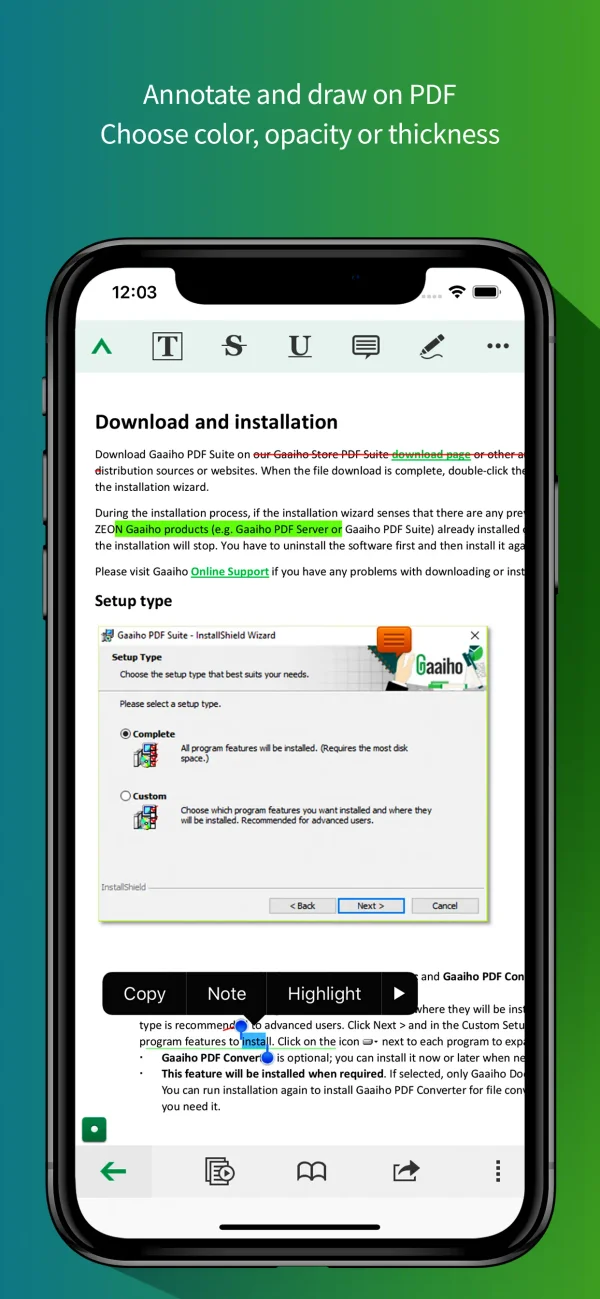
- Use highlight, cross-out and underline to annotate PDF with customizable color and opacity
- Note lets you to add text comment anywhere in PDF
- Use Draw Tools to mark up PDF with color, thickness and opacity of your choice. Move and undo are also supported
- Batch remove comments
Document Management
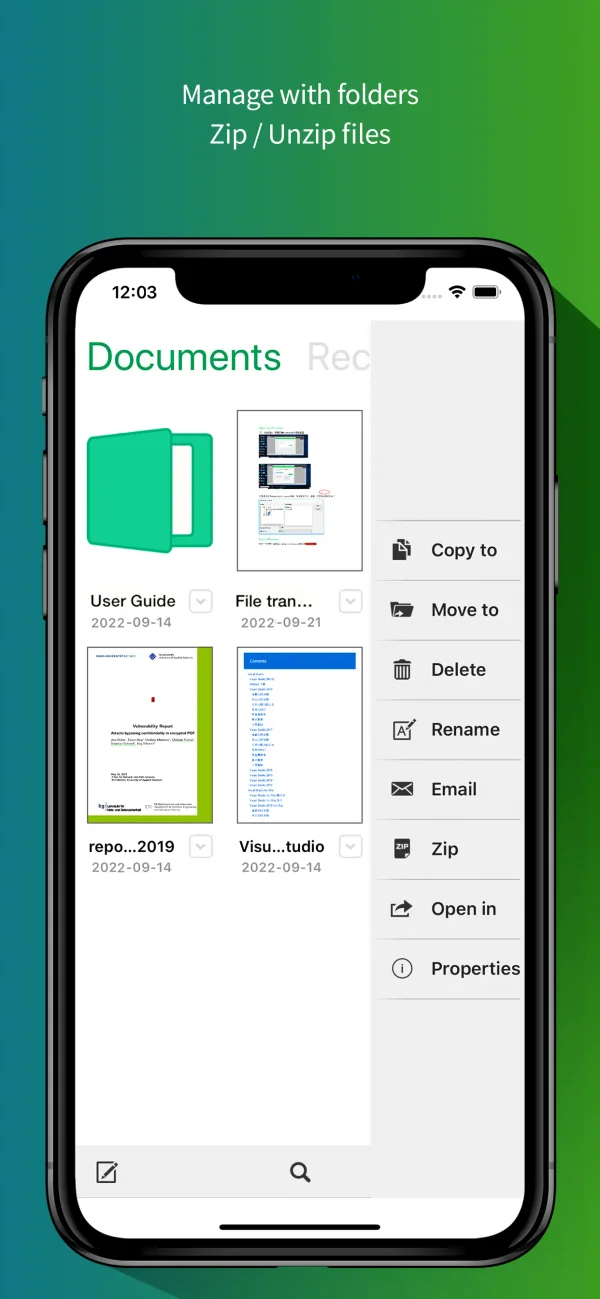
- Create folder to organize PDFs better
- Move or copy multiple documents to a folder
- Compress multiple documents or folders, or extract any package quickly
- Rename document
- Attach one or multiple PDFs to an e-mail
- Select and delete multiple documents
Online Sharing
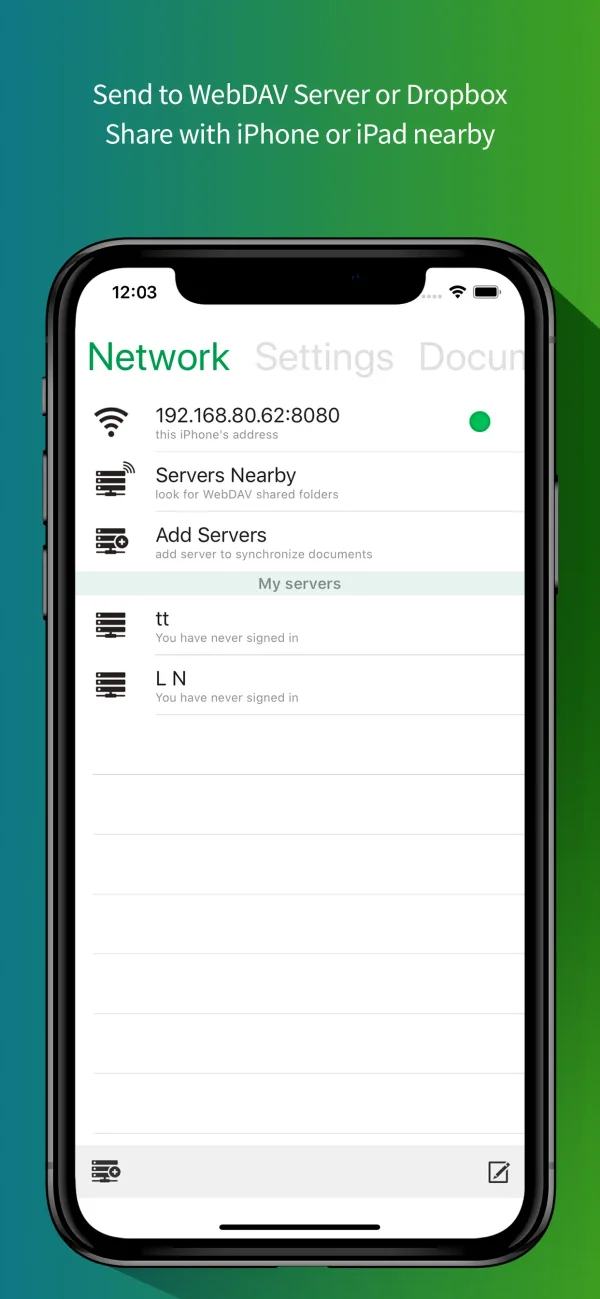
- Get documents in and out of Dropbox
- Add WebDAV servers to upload/download documents easily
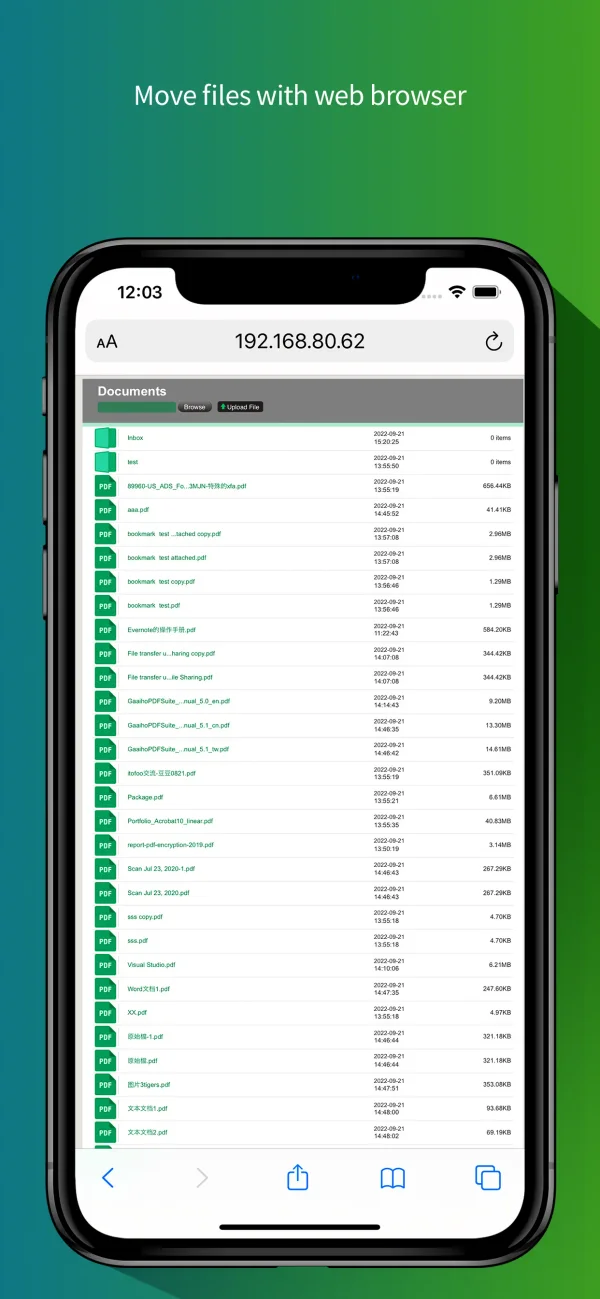
- Access documents in Gaaiho PDF online or upload documents directly to the app (permissions required), breaking the barrier between computer and your iPhone/iPad
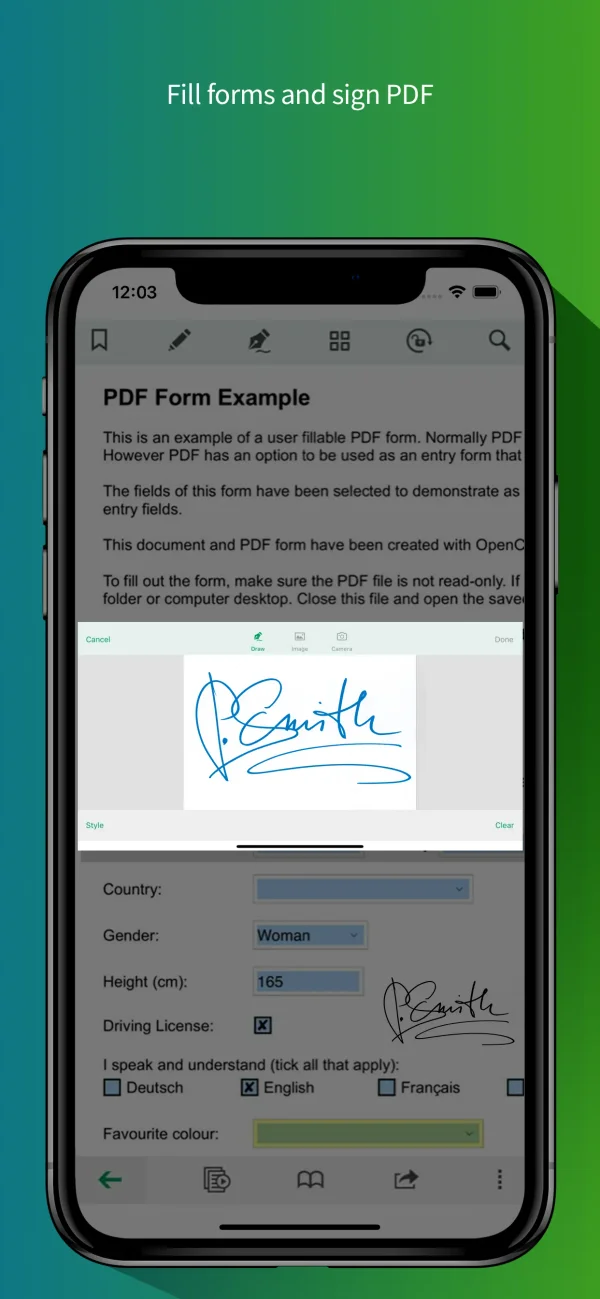
Handwritten signature
- You can create a handwritten signature by drawing, using an image, or taking a photo
- Sign anywhere in document
Other Features
- Fill a form
- Use “open in” to share PDF files with other applications
- Auto-memorize the point you quitted reading last time
- Protect PDF with an open password
- Print document
Yang baru
Versi 4.2.0 · 10/10/2025
1. Updated Dropbox SDK to improve integration security.
2. Adapted to the windowing system of iPadOS 26.
3. Various bug fixes.
Privasi aplikasi
Yang dinyatakan ZEON Corp di App Store tentang cara aplikasi ini menangani data.
-
Data tidak dikumpulkan
Pengembang tidak mengumpulkan data apa pun dari aplikasi ini.
Praktik privasi dapat bervariasi, misalnya berdasarkan fitur yang Anda gunakan atau usia Anda.
Informasi
- Penjual
- Zeon Corporation
- Kategori
- Produktivitas
- Versi
- 4.2.0
- Diperbarui
- 10/10/2025
- Dirilis
- 13/9/2013
- Ukuran
- 78,7 MB
- Memerlukan
- iOS 14.0 atau yang lebih baru
- Batasan usia
- 4+
- Harga
- Gratis
- Bahasa
- Inggris, Prancis, Jerman, Jepang, Korea, Tionghoa Sederhana, Tionghoa Tradisional
- Hak cipta
- © ZEON Corporation
Mungkin Anda juga suka
-
 MXTNoteProduktivitas
-
 Reader's BenchProduktivitas
-
 PDF CabinetProduktivitas
-
 PDF Vault - Document AppProduktivitas
-
 Elegant PDF-Secure EditingProduktivitas
-
 myReach - AI AssistantProduktivitas
-
 PDF Max - Edit, Sign PDFsProduktivitas
-
 Noteflow: Simple NotesProduktivitas
-
 PDF Reader – PDFelementProduktivitas
-
 PDF Pembaca bukuBaca, beri anotasi eBuku