- Độ tuổi4+
- Danh mụcHiệu Suất
- Nhà phát triểnLars Oertel
- Ngôn ngữTiếng Anh+ 4 ngôn ngữ khác
- Kích thước7,7 MB
Liên kết đến trang App Store chính thức
Download.org không lưu trữ tệp nào của RoomTrace. Nút này mở trang ứng dụng trên App Store, nơi Lars Oertel phát hành ứng dụng. Trang được kiểm tra lần cuối: 24/11/2026.
Ảnh chụp màn hình

Giới thiệu
Nhà phát triển chưa cung cấp nội dung này bằng ngôn ngữ của bạn.
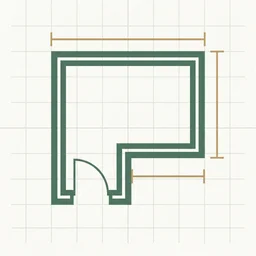
RoomTrace helps you scan rooms and keep floor plans on your device. Use it to plan a move, try furniture layouts, document a renovation, or keep a record of a room for later.
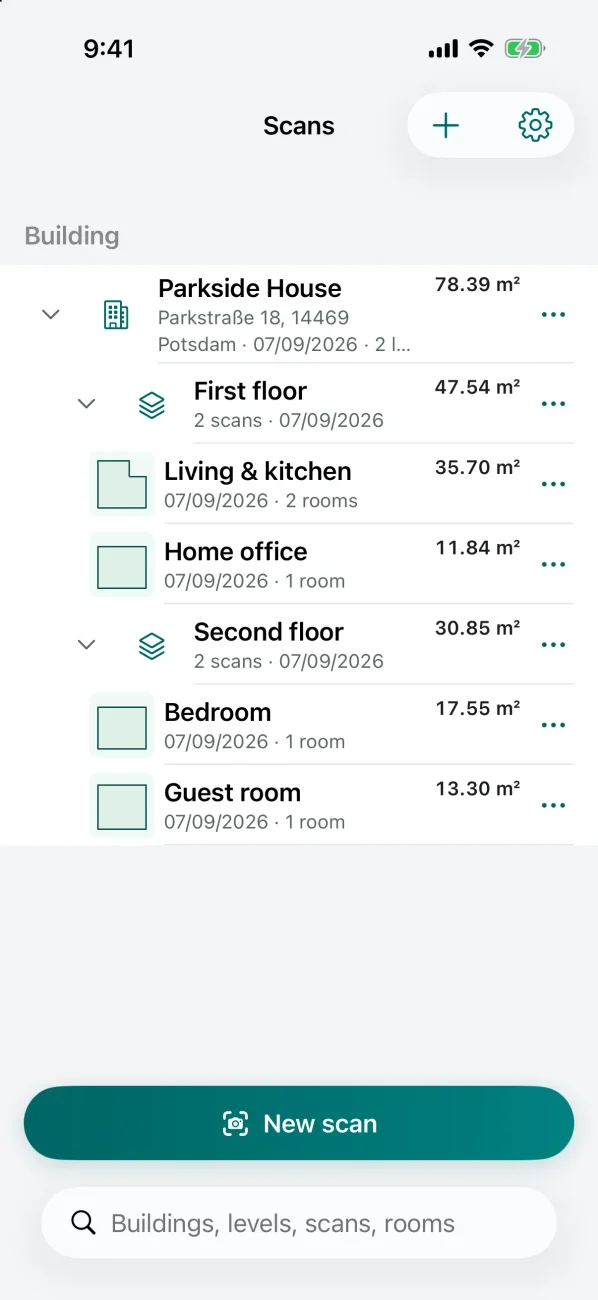
With Apple RoomPlan on a LiDAR-capable iPhone or iPad, you can scan several rooms in succession and save them together. Search for a building, level, scan, or room from the overview.
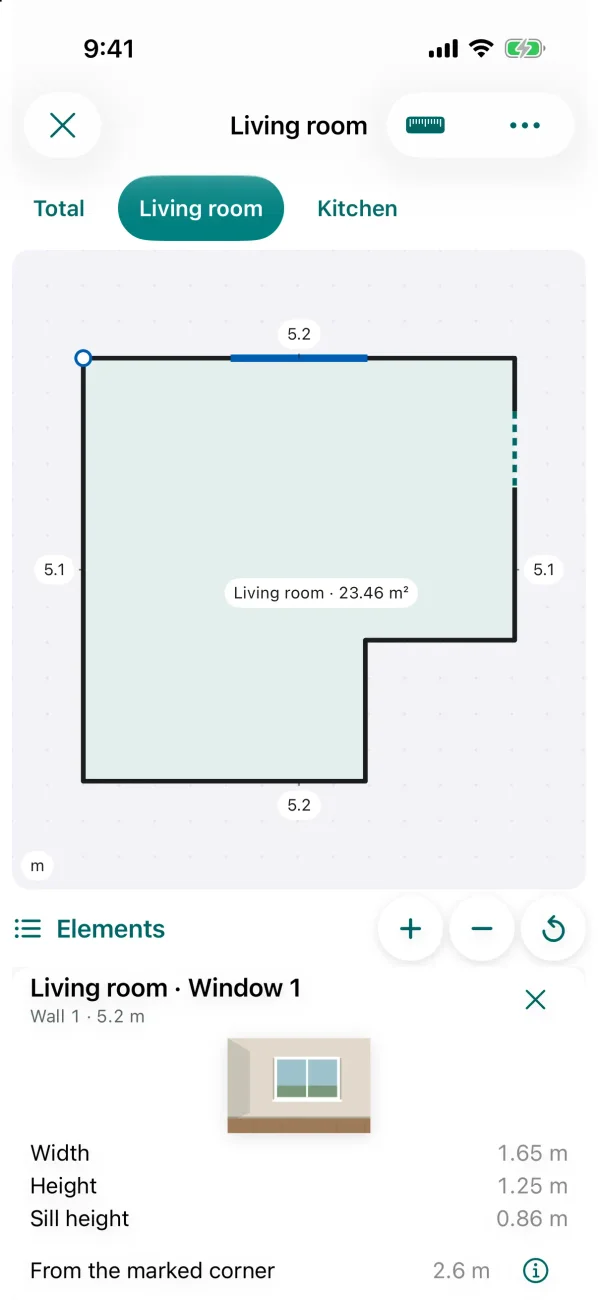
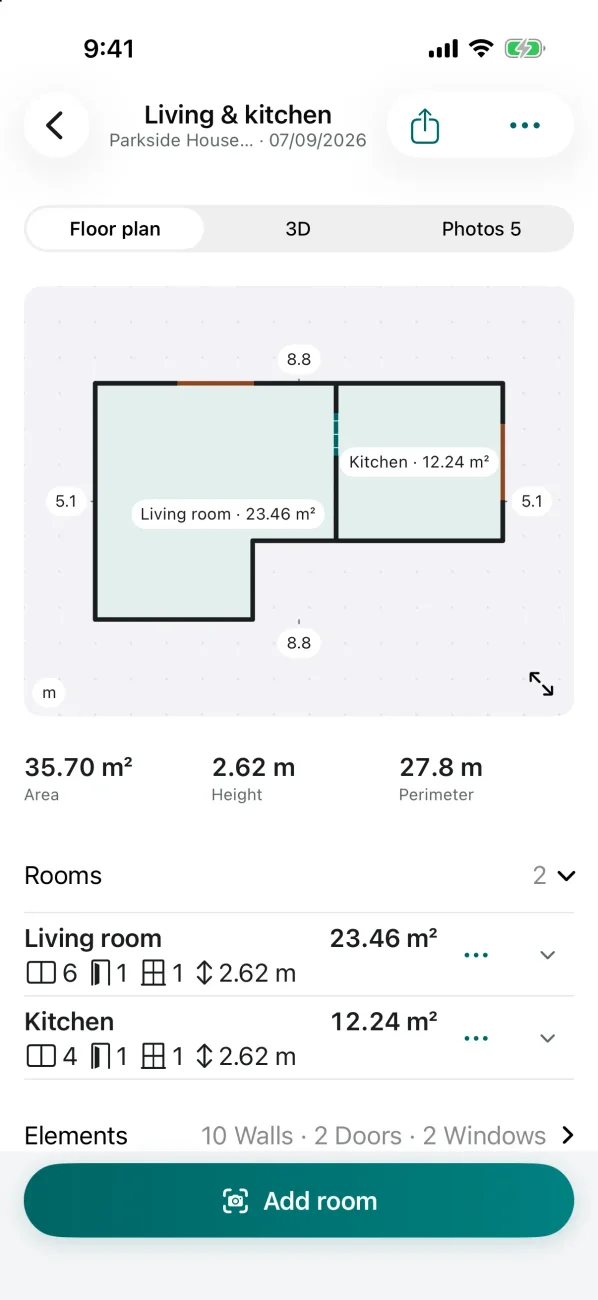
- Tap a wall to see its length and height. Tap a door or window to see its width, height, and the distance from the marked corner to the center of the opening, when the wall is identified.
- Rename or split rooms. Place separately scanned rooms on the 2D floor plan.
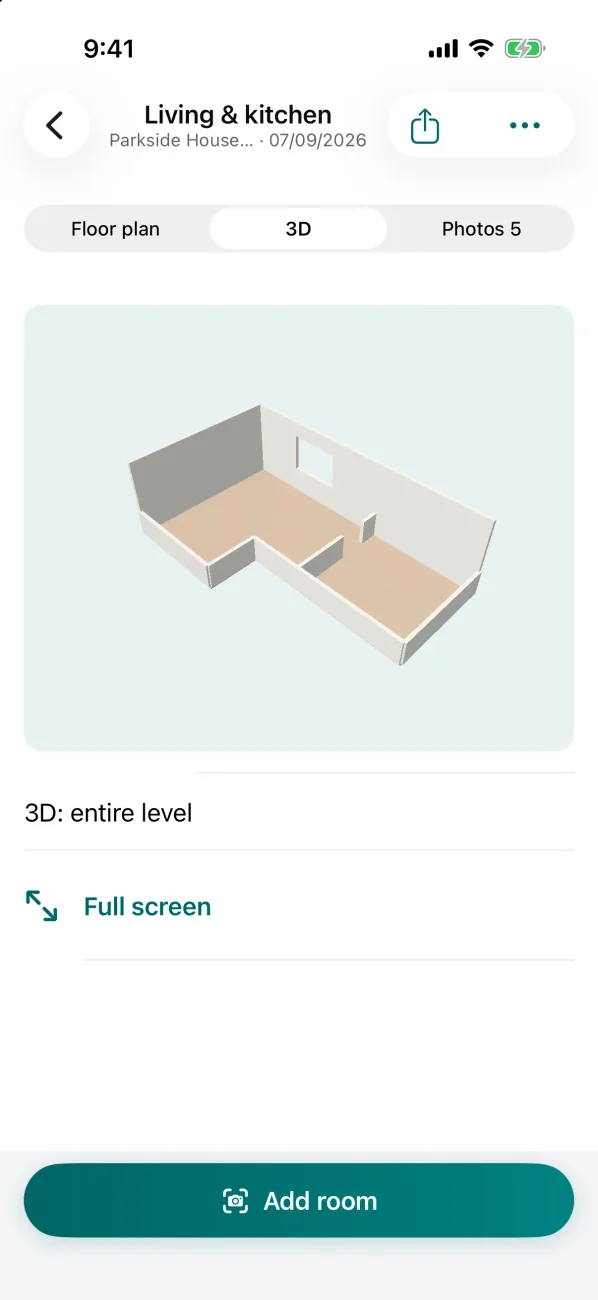
- Rotate 3D models in the app when one is available. When you scan more than one room, you can view the whole level if a combined model is available.
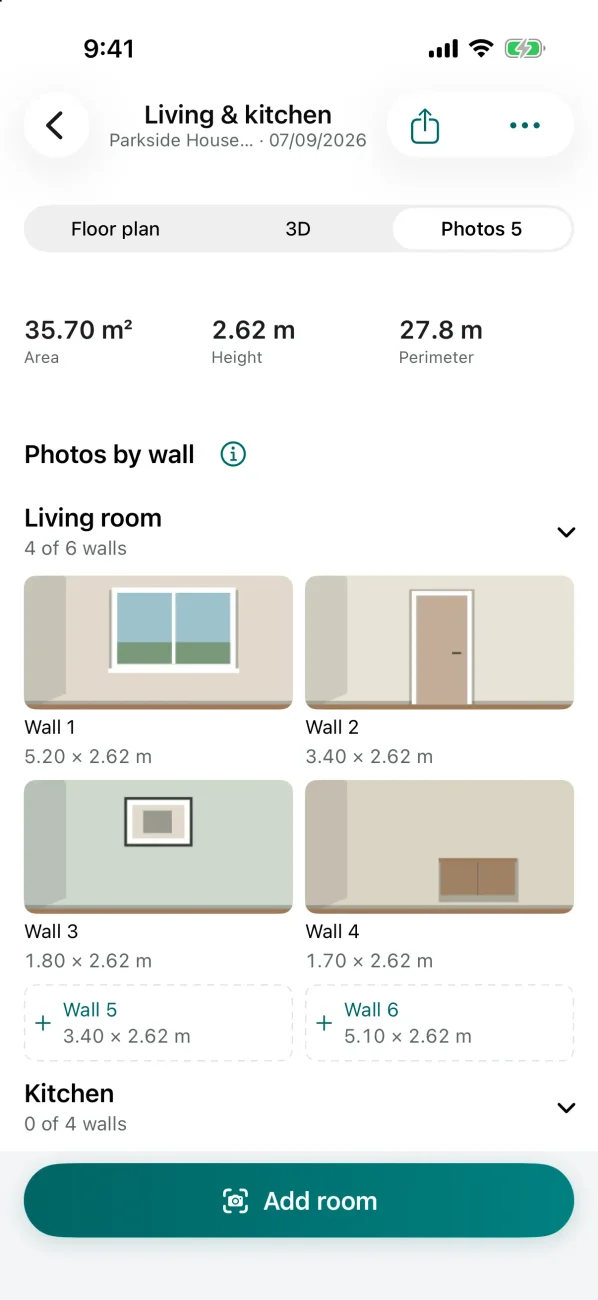
- View photos by wall and use the camera to add or replace them.
- Export PDF, DXF, JSON, or USDZ when they’re available, and share them from your iPhone or iPad. The measurements included in PDF, DXF, and JSON match those shown in the app. USDZ is the 3D model, when one exists.
- Get help from the info icons, use dark mode, and find the spirit level under “Sensors and accuracy”.
RoomTrace processes scans, photos, and sensor readings on your device, without an account, a RoomTrace cloud, ads, tracking, or in-app cookies. Location access is optional and is used for sensor readings and to estimate elevation and north at the start of a scan. You choose when to export or share files.
Scanning requires a LiDAR-capable iPhone or iPad. Results depend on the room, lighting, and capture conditions. Use RoomTrace for planning and documentation.
Có gì mới
Phiên bản 2.0 · 21/11/2026
- Find buildings, levels, scans, and rooms in one searchable overview.
- Tap walls, doors, and windows in the floor plan to see their measurements.
- Rename and split rooms, or place separately scanned rooms on the plan.
- Follow one instruction at a time while scanning.
- Rotate 3D models in the app when one is available, and view a whole level when a combined model is available.
- Browse photos by wall and add or replace them.
- Share PDFs, and export DXF, JSON, and USDZ when they’re available.
- Use the spirit level and dark mode, and tap the info icons for help.
Quyền riêng tư của ứng dụng
Những gì Lars Oertel khai báo trên App Store về cách ứng dụng này xử lý dữ liệu.
-
Dữ liệu không được thu thập
Nhà phát triển không thu thập bất kỳ dữ liệu nào từ ứng dụng này.
Phương thức đảm bảo quyền riêng tư có thể khác nhau, chẳng hạn như tuỳ theo các tính năng bạn sử dụng hoặc độ tuổi của bạn.
Thông tin
- Người bán
- Lars Oertel
- Danh mục
- Hiệu Suất
- Phiên bản
- 2.0
- Cập nhật
- 21/11/2026
- Phát hành
- 06/05/2026
- Kích thước
- 7,7 MB
- Yêu cầu
- iOS 18.0 trở lên
- Độ tuổi
- 4+
- Giá
- Miễn phí
- Ngôn ngữ
- Tiếng Anh, Tiếng Pháp, Tiếng Đức, Tiếng Ý, Tiếng Tây Ban Nha
- Bản quyền
- © 2026 Lars Oertel