- Độ tuổi4+
- Danh mụcHiệu Suất
- Nhà phát triểnSpectrumlabs B.V.
- Ngôn ngữTiếng Hà Lan+ 1 ngôn ngữ khác
- Kích thước166,0 MB
Liên kết đến trang App Store chính thức
Download.org không lưu trữ tệp nào của Sonoora. Nút này mở trang ứng dụng trên App Store, nơi Spectrumlabs B.V. phát hành ứng dụng. Trang được kiểm tra lần cuối: 18/11/2026.
Ảnh chụp màn hình


Giới thiệu
Nhà phát triển chưa cung cấp nội dung này bằng ngôn ngữ của bạn.
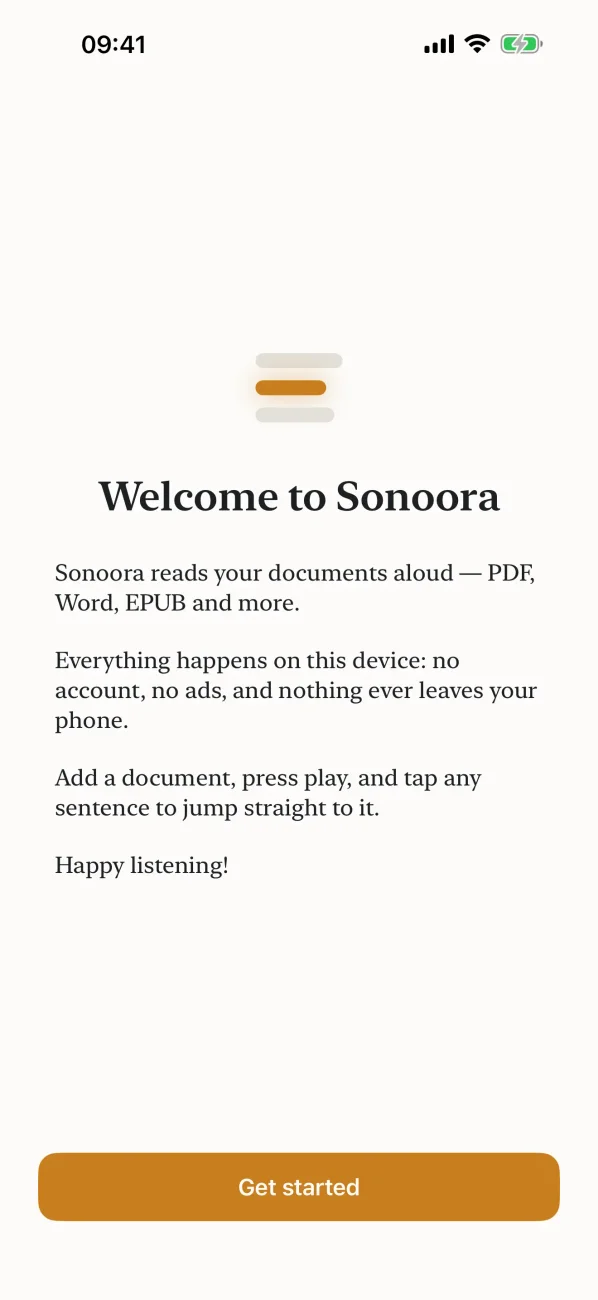
Sonoora turns documents into private audio. No subscription, ads, account or tracking. Works in airplane mode.
ADD ALMOST ANY DOCUMENT
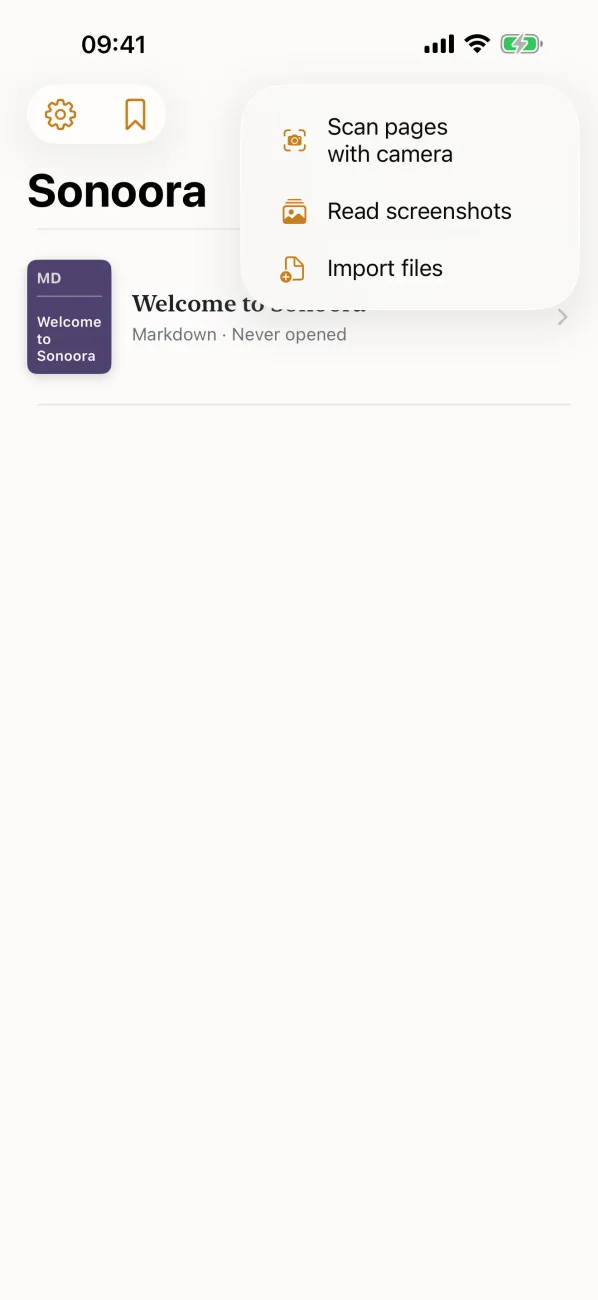
• PDF, Word (.docx), EPUB, TXT, Markdown, RTF and HTML
• Paste text, or send a readable Safari article from its share sheet
• Select up to 50 screenshots; on-device OCR builds an ordered listening list
• Scan pages; dark or blurry captures get a specific retake hint
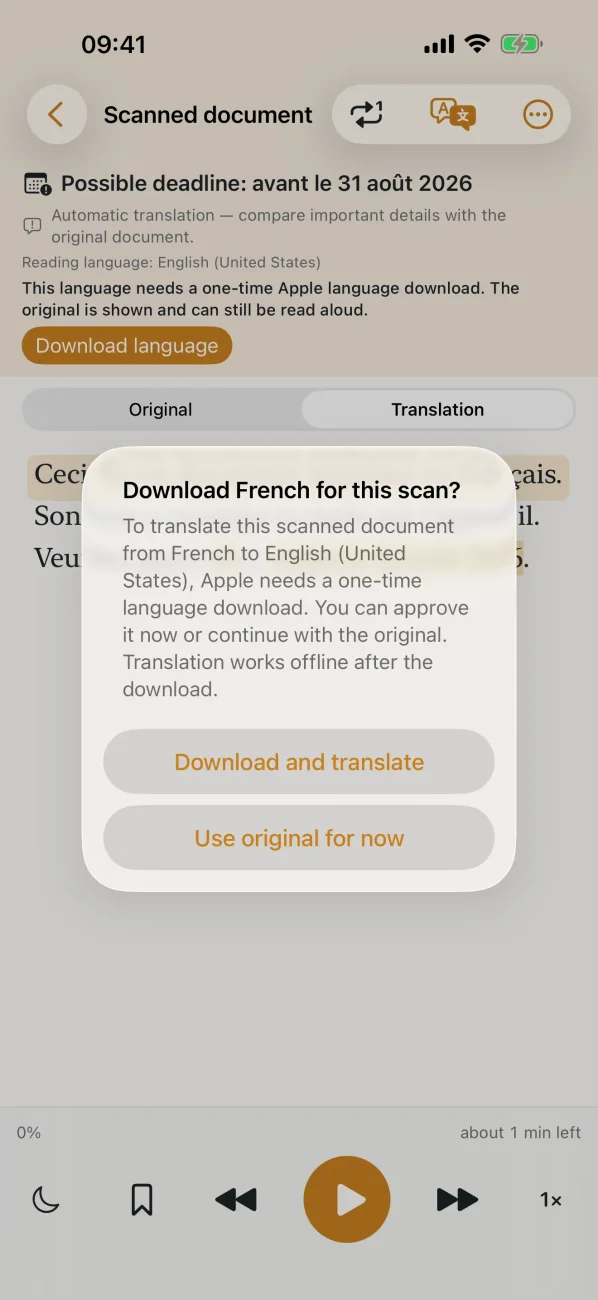
• Photograph printed documents, compare original and translation, and hear either after Apple's one-time download
• Amounts, dates and references stay locked; possible deadlines surface
• Image-only PDFs run automatic on-device OCR; mixed PDFs ask before filling unreadable pages
LISTEN YOUR WAY
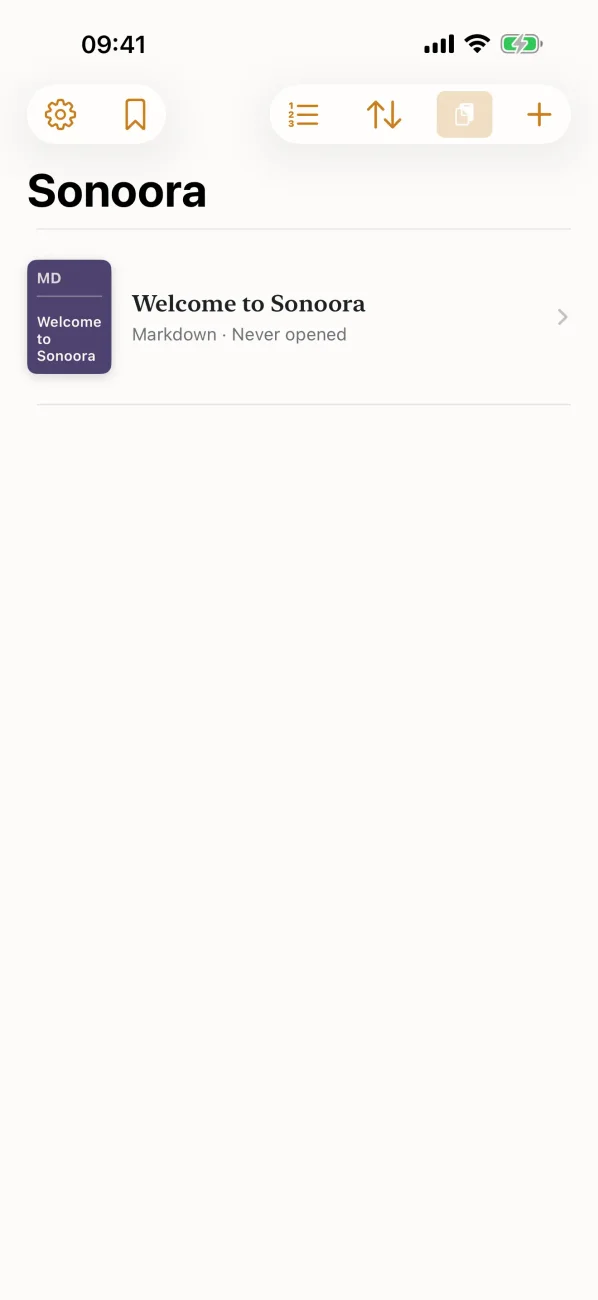
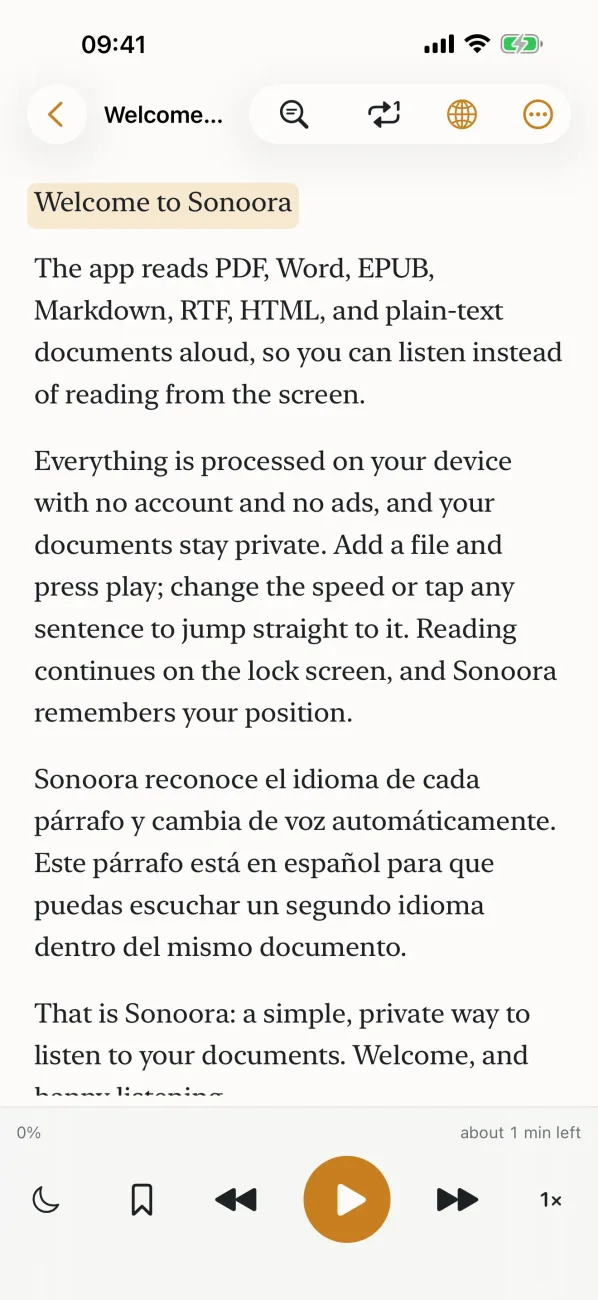
• The spoken sentence is highlighted; tap any sentence to jump there
• Skip by sentence, or hold to skip by paragraph
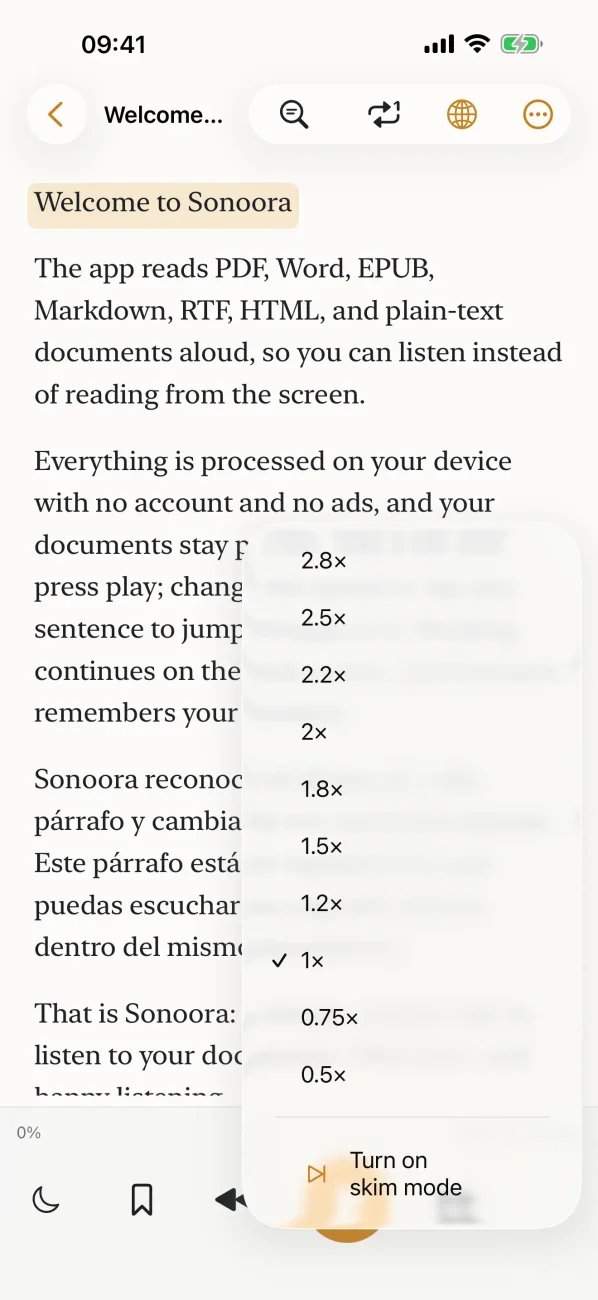
• Natural speed from 0.5× to 3×
• Set pauses for commas, sentences and paragraphs
• Skim mode keeps paragraph leads at your pace and reads details at 2× or faster
• Distinct dialogue voices separate quoted speech from narration
• Headings sound different; PDF outlines and EPUB spines provide real chapter navigation
• Sleep mode, protected child mode, and optional on-device rain or café ambience
• Export a compact M4B audiobook with cover and real PDF or EPUB chapter markers
CONTINUE EVERYWHERE
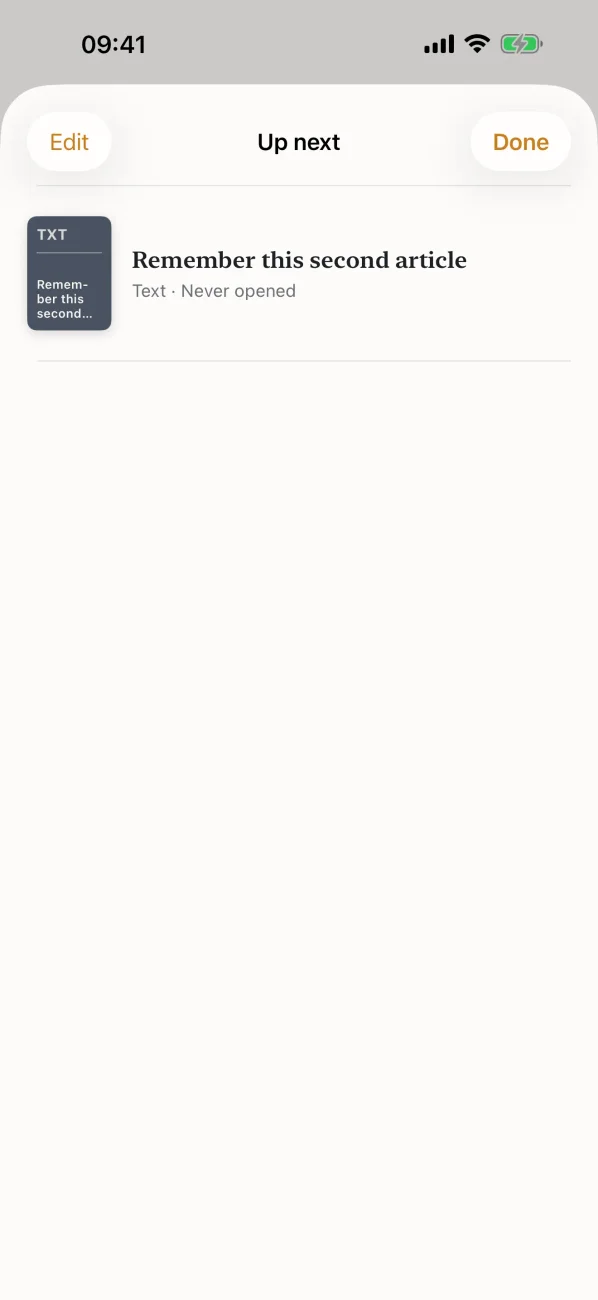
• Build a queue that automatically starts the next document
• Return after a day and hear the previous two sentences first for context
• Follow progress in a Live Activity on the Lock Screen and Dynamic Island
• Continue Listening widgets for Home and Lock Screens, without private text
• Apple Watch remote with play, pause, and one sentence back
• Choose recent documents in CarPlay and continue through Apple's interface
• Continue the same sentence on a nearby iPhone or iPad with Handoff
• Siri, Shortcuts, Spotlight, automations and the Action Button
• Private iCloud sync starts on for imports, positions and settings; captured letters ask separately
REMEMBER, STUDY AND WRITE
• Bookmark by button, right swipe or optional AirPods gesture
• Export bookmarks as editable Markdown
• Attach notes to a passage and export them as a paginated PDF
• Hold a word to use Apple's installed system dictionaries
• Translate a word, sentence, paragraph or entire document on device after Apple's one-time language download
• Sonoora reads translated paragraphs and complete documents; switch back to the original anytime
• Repeat one sentence in an A/B loop at 0.75×
• Correct names and terms in your pronunciation dictionary
• Proofread by listening: find sentences over 30 words and repeated words within a paragraph
DOCUMENT INTELLIGENCE
• Language is detected per paragraph, so mixed-language documents just work
• Links, code, formulas, citations and footnotes lose their noise
• Tables and reference lists skip details until tapped; figure captions remain audible
• Long academic PDFs retain column and chapter order
31 BUILT-IN OFFLINE READING LANGUAGES
Arabic, Bulgarian, Croatian, Czech, Danish, Dutch, English, Estonian, Finnish, French, German, Greek, Hindi, Hungarian, Indonesian, Italian, Japanese, Korean, Latvian, Lithuanian, Polish, Portuguese, Romanian, Russian, Slovak, Slovenian, Spanish, Swedish, Turkish, Ukrainian and Vietnamese.
Brazilian and European Portuguese are detected separately, with matching regional pronunciation and text.
PRIVATE BY ARCHITECTURE
• Speech, extraction, language detection, translation and OCR run on device
• Document text is never sent to Sonoora
• Camera images are discarded by default; kept scans stay protected, local and outside backups
• Unverified protected details keep their original paragraph
• iCloud sync uses your private Apple CloudKit database, starts on and can be switched off
• After a scan, Sonoora names the missing language and asks before Apple's download; Settings has a language manager
• The searchable Feature Guide explains every workflow
Quyền riêng tư của ứng dụng
Những gì Spectrumlabs B.V. khai báo trên App Store về cách ứng dụng này xử lý dữ liệu.
-
Dữ liệu không được thu thập
Nhà phát triển không thu thập bất kỳ dữ liệu nào từ ứng dụng này.
Phương thức đảm bảo quyền riêng tư có thể khác nhau, chẳng hạn như tuỳ theo các tính năng bạn sử dụng hoặc độ tuổi của bạn.
Thông tin
- Người bán
- Spectrumlabs B.V.
- Danh mục
- Hiệu Suất
- Phiên bản
- 1.0
- Cập nhật
- 12/08/2026
- Phát hành
- 12/08/2026
- Kích thước
- 166,0 MB
- Yêu cầu
- iOS 18.0 trở lên
- Độ tuổi
- 4+
- Giá
- Miễn phí
- Ngôn ngữ
- Tiếng Hà Lan, Tiếng Anh
- Bản quyền
- © 2026 SpectrumLabs B.V.
Có thể bạn cũng thích
-
 DocXPal: Read Aloud PDF & DocsHiệu Suất
-
 Reader Ink: PDF Editor & SignHiệu Suất
-
 PaperSpeakHiệu Suất
-
 Lirawi: Text to Speech ReaderHiệu Suất
-
 PDF Reader & Tools: PDFKitHiệu Suất
-
 PDF Viewer: Reader & MarkupHiệu Suất
-
 Spokt: Read AloudHiệu Suất
-
 FolikPDFHiệu Suất
-
 Sandbook: Text to SpeechHiệu Suất
-
 Scribly: Easy Note TakingHiệu Suất